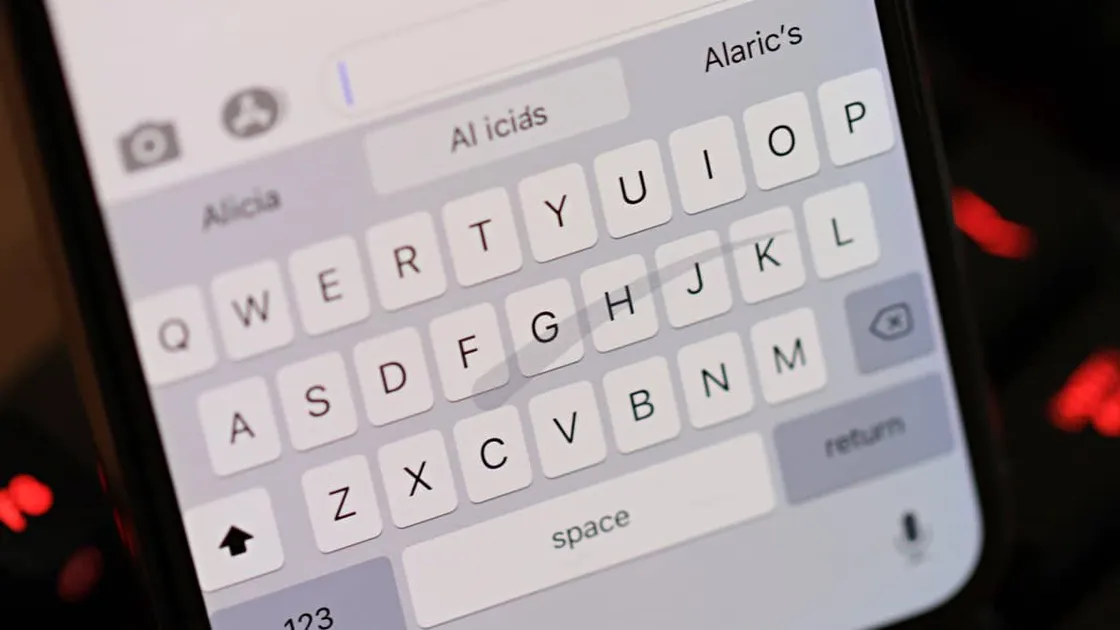
iPhone How to Disable "Slide to Type" Keyboard on iPhone The iPhone has finally received the long awaited swipe to type keyboard feature with the release of iOS 13. This feature lets you swipe your
iPhone How to Disable Auto-playing Videos and Live Photos on iPhone Photos App The all new Photos app in iOS 13 is delightful in many ways. One of its highlighting features is the ability to auto-play videos and
iPhone 🤳 How to Temporarily Disable Face ID on iPhone Face ID is very secure. You can literally rely on it for securing your iPhone from the prying people around you. However, if you feel
iCloud 🚐 How to Transfer Contacts from iPhone to iPhone without iCloud The only built-in option to export contacts on an iPhone is iCloud, but if iCloud is acting up and not syncing the contacts from your
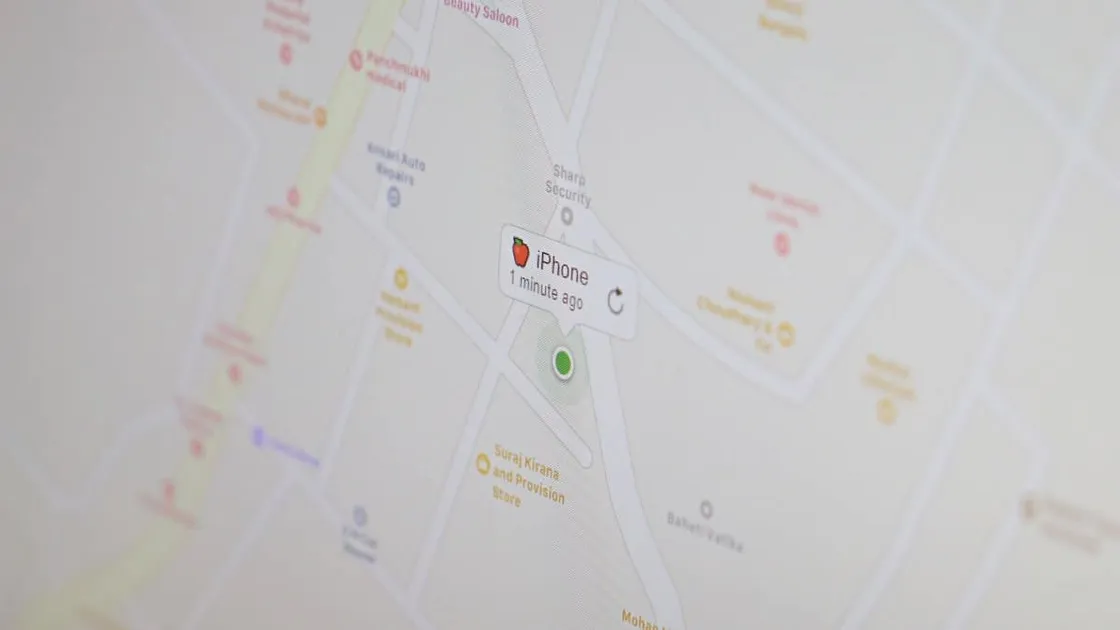
iPhone 📍 How accurate is Find My iPhone Find My iPhone is a great service from Apple to help users find their lost/stolen iPhones. It works through GPS, WiFi, and the cellular
iPhone 🧹 How to Clear App Cache on iPhone Unlike Android, there’s no direct way to clear cache for an app on iPhone. Instead, you can simply restart the iPhone to clear cache
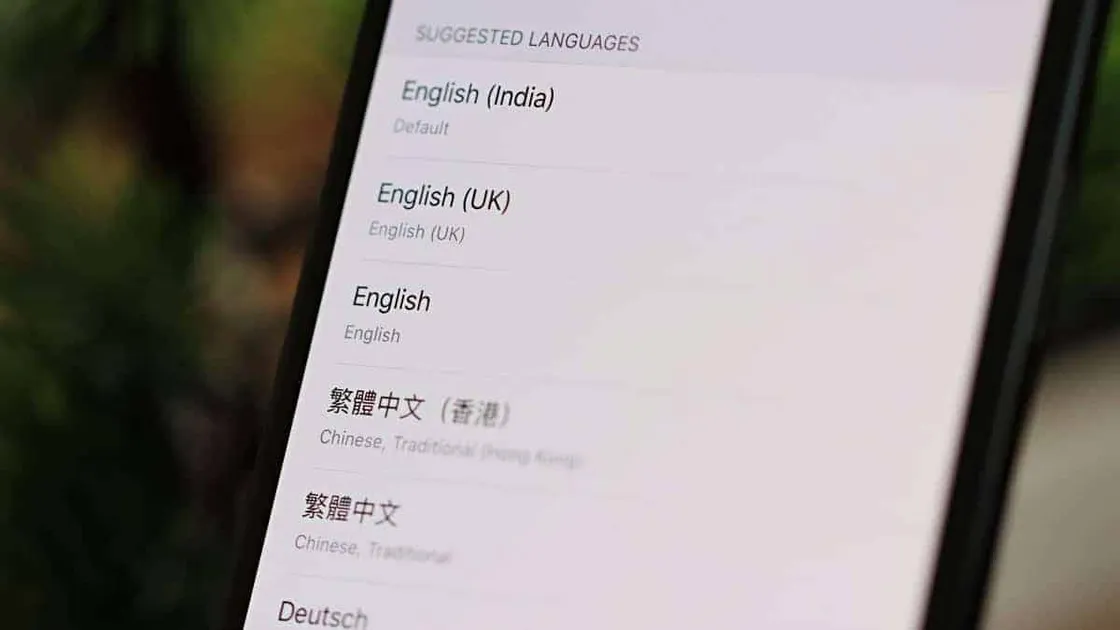
iPhone How to Change Language for an App on iPhone Time needed: 2 minutes. By default, all apps on your iPhone uses the same language that you set when you setup your iPhone. But if
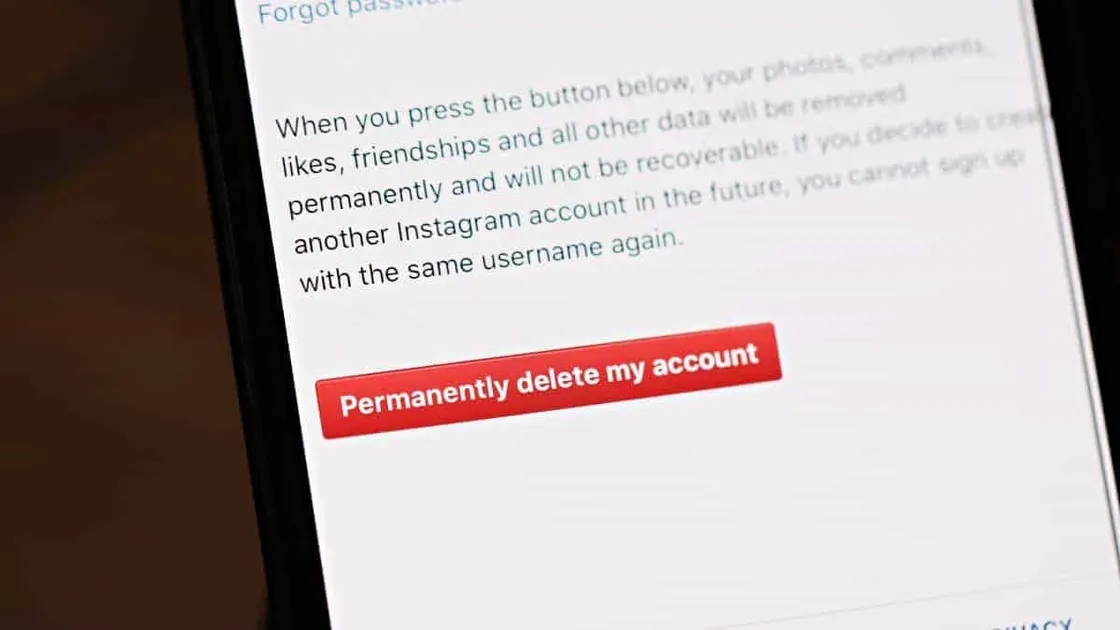
Instagram How to Delete Instagram Account on iPhone Time needed: 2 minutes. The Instagram iPhone app doesn’t have a direct option to permanently delete an Instagram account, but you can use Safari
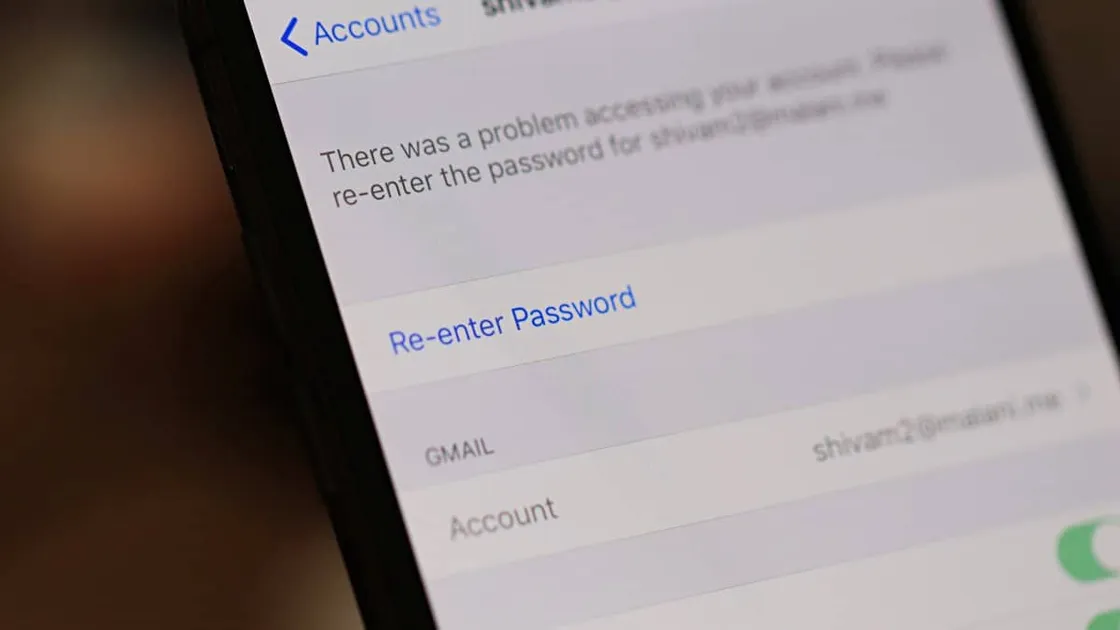
iPhone 📧 How to Change Email Password on iPhone Time needed: 2 minutes. Changed the password of your email account but don’t know how to update it on your iPhone as well? Well,
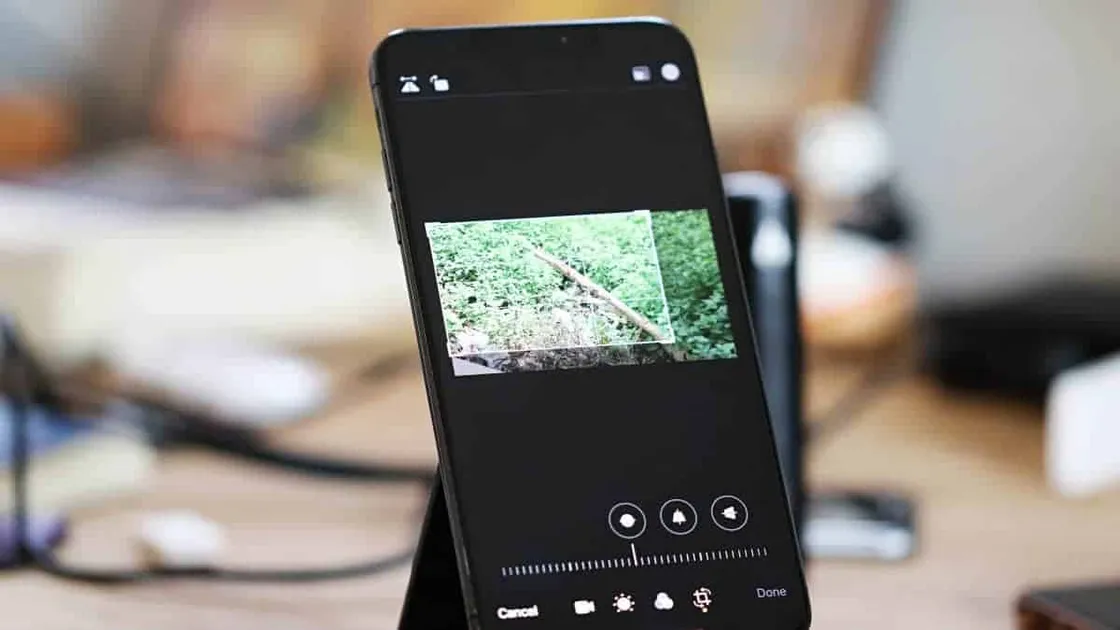
iPhone 📹 How to Crop a Video on iPhone for Free Cropping a picture is easier, you may have done it a zillion times for your Instagram profile. However, cropping a video can be tricky. But
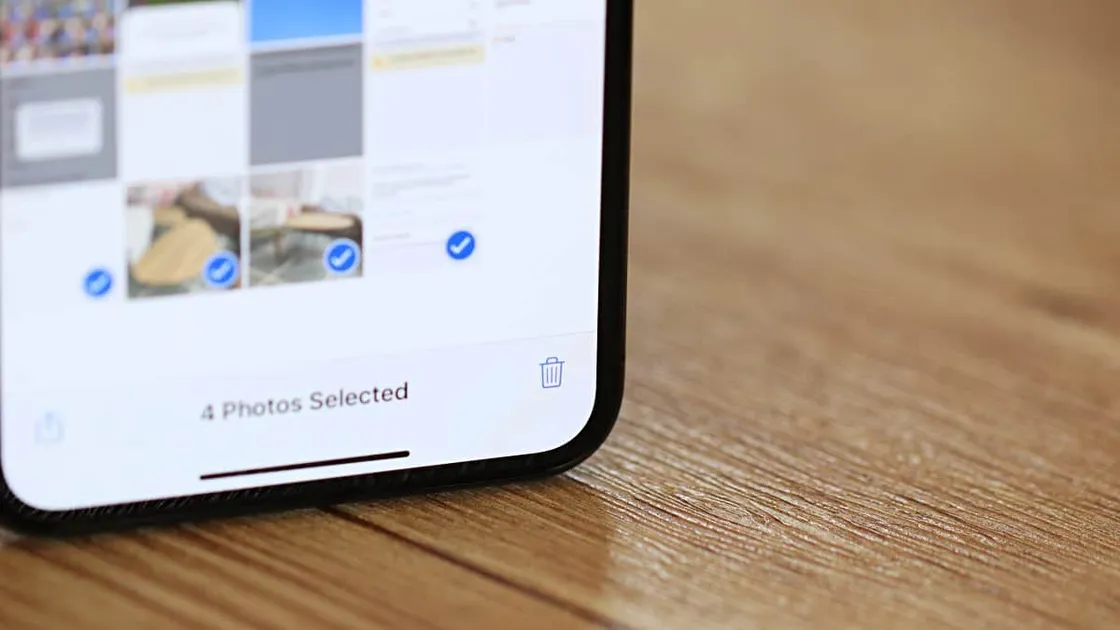
iPhone How to Mass Delete Photos on iPhone There are multiple ways you can mass delete photos on iPhone. The easiest would be using the iPhone Photos app. But if you can connect
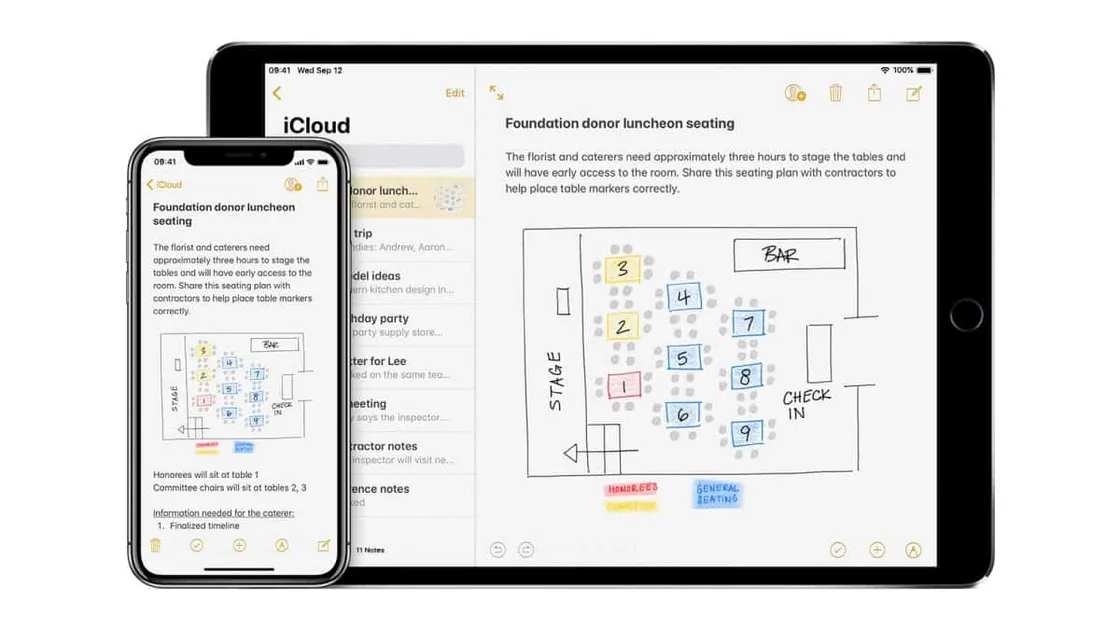
iPhone 🔃 How to Sync Notes from iPhone to Mac Time needed: 2 minutes. Thanks to the deep integration Apple offers for all of its services and products, you can sync Notes from your iPhone