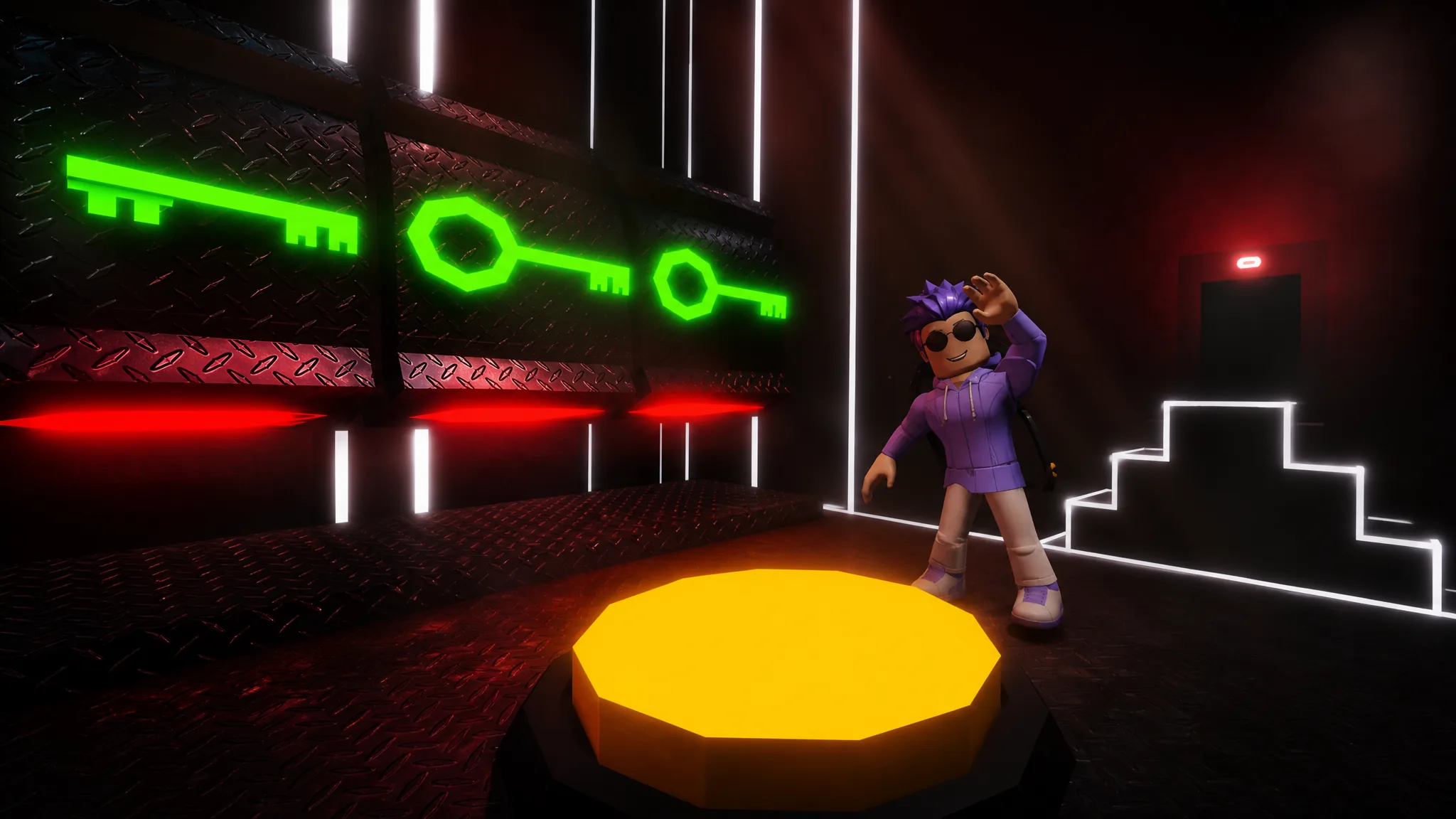
That Room Again drops you into a minimalist neon room and asks one thing each level: find the way out. Most rooms hide a button, a lever, or a fake wall, but several break the fourth wall entirely by pushing you into the settings menu, the chat box, or the level selector. Below is a complete solution for every one of the 50 levels, followed by the exact inputs for the color-code puzzles and the menu-based rooms that stump the most people.
Quick answer: Clear a level by opening its exit door and walking through it. If a room has no obvious button, check the walls for fake panels, open the game menus (settings, shop, level select), or use the chat box. The room name at the top of the screen is always the hint.
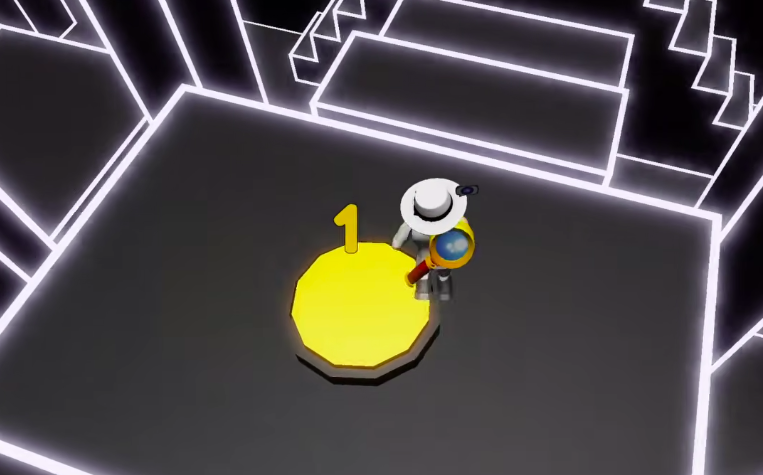
All 50 level solutions (Levels 1-50)
Each level introduces a single new idea. Work through them in order, since some rooms reuse a trick from an earlier one. The table lists the room name exactly as it appears on screen and the fastest way to open the exit.
| Level | Name | Solution |
|---|---|---|
| 1 | Find the Button | Climb the stairs, press the red button, exit. |
| 2 | Be Faster | Press the yellow button, then run to the exit before the timer runs out. |
| 3 | Persistence | Press the yellow button repeatedly to count down from 3 to 0. |
| 4 | Where Is It? | Jump across the platforms to reach the hidden red button. |
| 5 | Lever | Pull the side lever, climb the stairs, press the red button. |
| 6 | More Levers | Find and pull all five levers around the room. |
| 7 | Button? | Knock on the exit door repeatedly until it opens. |
| 8 | Do Less, Think More | The door is already open. Walk straight out. |
| 9 | Passcode | Pull the 3rd, 4th, and 5th levers based on the wall clues. |
| 10 | Slow and Steady Wins the Race | Climb the stairs slowly so you don’t fall, then press the button. |
| 11 | Too Many Buttons | Press the red button on the far-right platform. |
| 12 | Red Light, Green Light | Move only while the neon outline is green; stop on red. |
| 13 | Door Is a Lie | Walk through the wall next to the door instead of the door itself. |
| 14 | Settings | Open the game settings menu and toggle “Door Opened.” |
| 15 | Please Don’t Break Anything | Touch the hanging sign so it falls and breaks, unlocking the door. |
| 16 | Moon Gravity | Use the low gravity to jump up and press the button on the ceiling. |
| 17 | Wrong Exit | Press the button, then use the real exit hidden behind the stairs. |
| 18 | Different Angle | Navigate with the upside-down camera to press the button and exit. |
| 19 | Its Rewind Time | Climb the stairs, get rewound, then push through to the button. |
| 20 | YGGBRG | Press Yellow, Green, Green, Blue, Red, Green. |
| 21 | Invisibility | Cross the invisible platforms to reach the door. |
| 22 | Catch Me If You Can | Chase the moving button up and down the stairs until it stops, then press it. |
| 23 | Think Fast | Press the button and drop down to the exit before it closes. |
| 24 | Spikes | Avoid the red spikes on the floor and stairs, press the button. |
| 25 | One Spike Is a Button | Step on the flat-topped red spike, which acts as the button. |
| 26 | Good Luck | Take the middle door of the three. |
| 27 | Think Outside the Box | Leave to the lobby through the menu, then re-enter Level 27 to find it open. |
| 28 | It’s Sliding Time | Slide across the slippery platforms to the button. |
| 29 | Inverted | Move with the inverted controls to reach the button. |
| 30 | Test Your Skills | Complete the spike obstacle course to the exit. |
| 31 | I’m Inside Your Walls | Walk through the fake wall to find and press the button. |
| 32 | Maze | Feel your way through the invisible maze to the button. |
| 33 | Catch Me If You Can 2 | The moving button is hidden behind a wall; find it and press it. |
| 34 | You Are Stronger Than You Think | Walk straight through the solid-looking barrier. |
| 35 | Just Give Up and Continue | Open the level selector menu and skip to Level 36. |
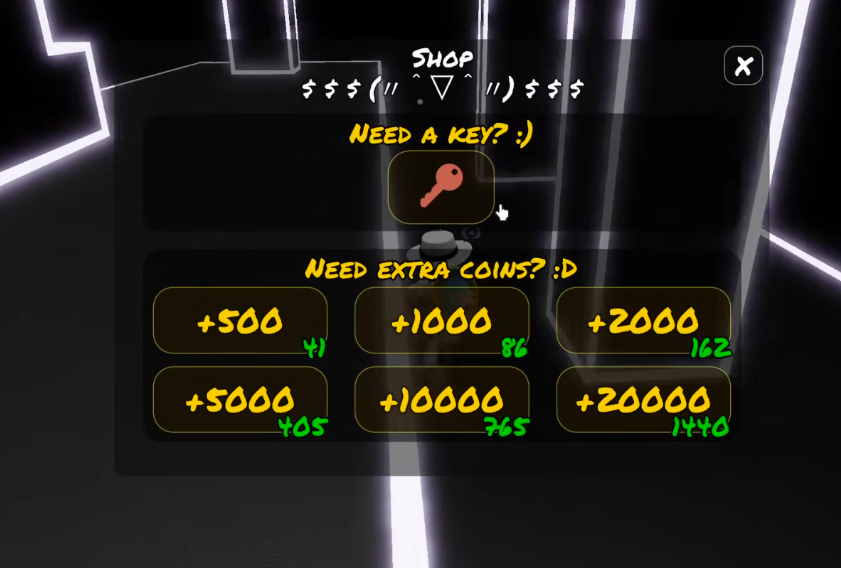
| 36 | Buy Yourself an Exit | Open the shop menu and buy the key for 0 coins. |
| 37 | Spirits of the Solution | Follow the glowing spirit trail to the correct path. |
| 38 | Lazers | Avoid the moving red laser beams to reach the button. |
| 39 | Request for Help | Type “SOS” in the chat to spawn a blue button, then press it. |
| 40 | Think Outside the Box 2 | Press Blue, Yellow, Blue, Red, Green, Yellow. |
| 41 | RGB | Press Red 5 times, Green 4 times, Blue 4 times. |
| 42 | Meaning of Life | Press the left button 4 times and the right button 2 times (42). |
| 43 | Staircase to the Paradise | Climb the invisible staircase to the button. |
| 44 | Don’t Look at Me | Reach the button while keeping the camera turned away from the giant eye. |
| 45 | Think About Future | Press the button, wait for your clone to press it, then exit. |
| 46 | Cesar | Shift the color clue by -2: Blue, Green, Red, Green, Yellow, Blue. |
| 47 | Double Move | Press the two yellow buttons on opposite sides within the time limit. |
| 48 | Good Luck 2 | Insert the correct key into the middle keyhole. |
| 49 | You Know Where the Real Exit Is | Press the button, then exit through the hidden wall door. |
| 50 | Controller | Use the on-screen D-pad to guide the block to the exit. |
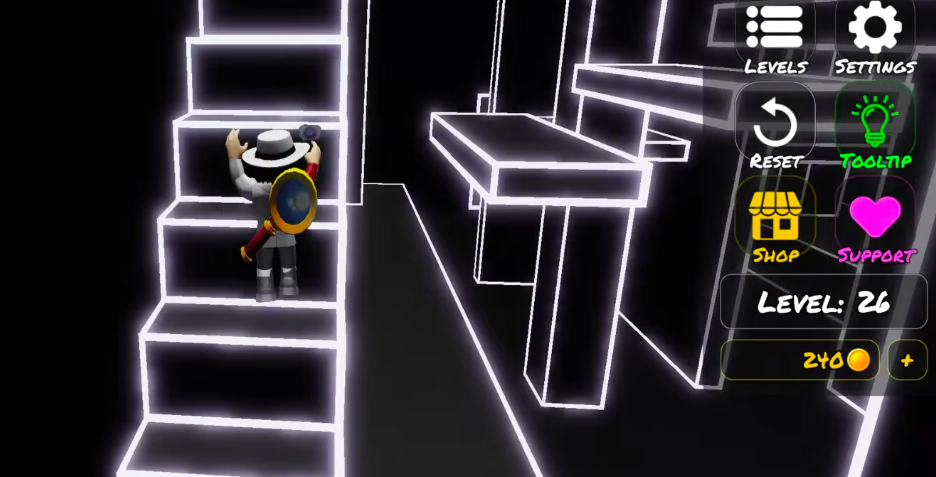
Color button sequences (Levels 20, 40, 41, 42, 46)
Five rooms ask you to press colored buttons in a precise order. Getting one wrong usually resets the sequence, so match these inputs exactly. Level 46 is a Caesar cipher: shift each color on the wall clue back by two positions to get the answer below.
| Level | Room | Input order |
|---|---|---|
| 20 | YGGBRG | Yellow, Green, Green, Blue, Red, Green |
| 40 | Think Outside the Box 2 | Blue, Yellow, Blue, Red, Green, Yellow |
| 41 | RGB | Red x5, Green x4, Blue x4 |
| 42 | Meaning of Life | Left button x4, right button x2 (spells 42) |
| 46 | Cesar | Blue, Green, Red, Green, Yellow, Blue |
Rooms that use menus, chat, and controls
A handful of levels have no in-world button at all. Instead, the solution lives in the game’s own interface. These are the rooms most players get stuck on because they keep searching the floor and walls.
- Level 14 (Settings): Open the settings menu and flip the “Door Opened” option on.
- Level 27 (Think Outside the Box): Use the menu to return to the lobby, then re-enter Level 27. The door is already open the second time.
- Level 35 (Just Give Up and Continue): Open the level selector and jump straight to Level 36.
- Level 36 (Buy Yourself an Exit): Open the shop and purchase the key. It costs 0 coins.
- Level 39 (Request for Help): Type
SOSinto the chat box. A blue button appears; press it to open the door. - Level 50 (Controller): An on-screen D-pad appears. Use it to steer the block into the exit and finish the game.
Hidden walls and fake exits
Several rooms hide the real path behind a surface that looks solid. When a level seems to have no way forward, walk into the walls near the door before assuming you missed a button.
- Level 13 (Door Is a Lie): The door is a decoy. Walk through the wall beside it.
- Level 17 (Wrong Exit): Press the button, then use the genuine exit tucked behind the stairs.
- Level 31 (I’m Inside Your Walls): The button sits behind a fake wall panel.
- Level 34 (You Are Stronger Than You Think): Push straight through the barrier that looks solid.
- Level 49 (You Know Where the Real Exit Is): Press the button, then leave through the hidden wall door.
How to confirm a level is complete
A level counts as solved the moment you pass through the open exit door and the next room loads with a new name at the top of the screen. If the door stays shut after your action, the trigger did not register. The usual reasons are simple. A color sequence was entered in the wrong order, so it reset. A timed room like Be Faster, Think Fast, or Double Move ran out before you reached the exit, so you need to restart it. Or the “button” was never a button at all, which is the point of rooms like Settings, Request for Help, and Buy Yourself an Exit.
Clear Level 50 with the D-pad and the game is finished. From there you can revisit any room through the level selector to redo a puzzle or beat your time.