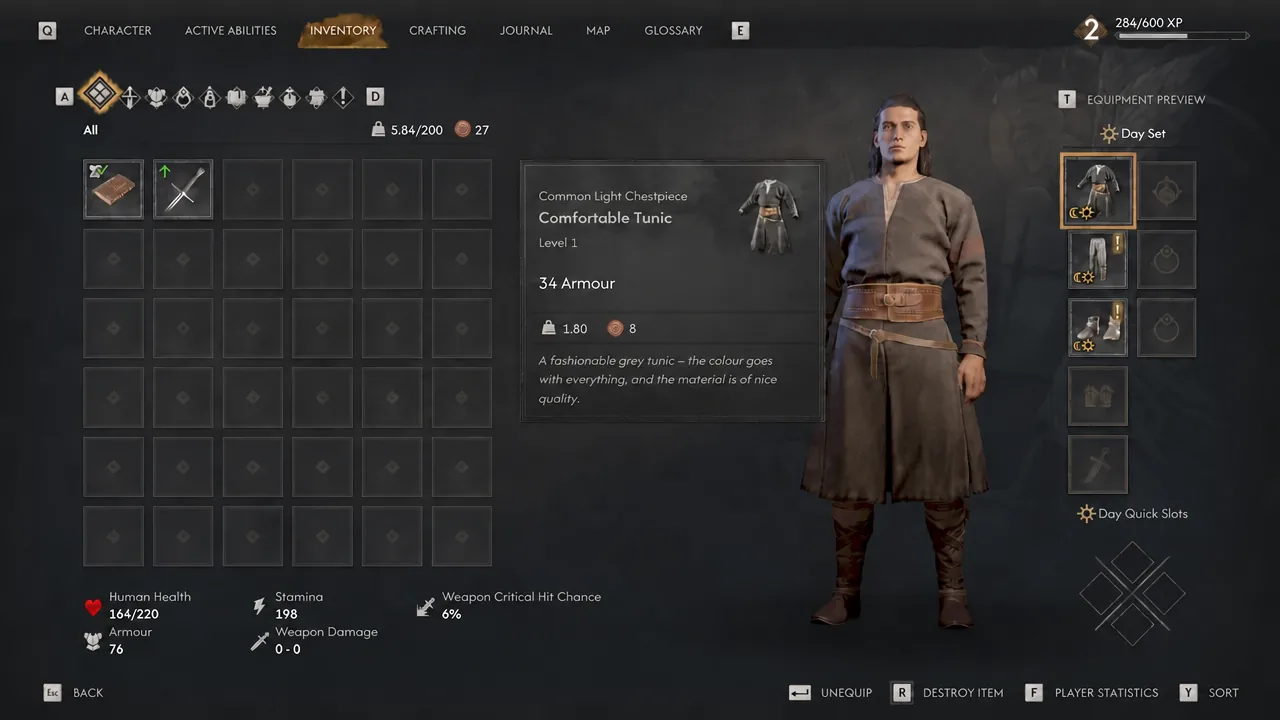
The Blood of Dawnwalker hands you a Training Sword and a Comfortable Tunic early on, then never tells you which button actually puts them on Coen. The inventory screen shows stats, an Equipment Preview, and separate gear sets, but no visible prompt for the one action you need most. On PC, the answer is a single key, and it does more than one job.
Quick answer: Open the inventory with I, move the cursor over the item you want, and press Enter. The same key equips gear, removes gear that is already equipped, and opens books and documents for reading.
Equipping and unequipping gear on PC
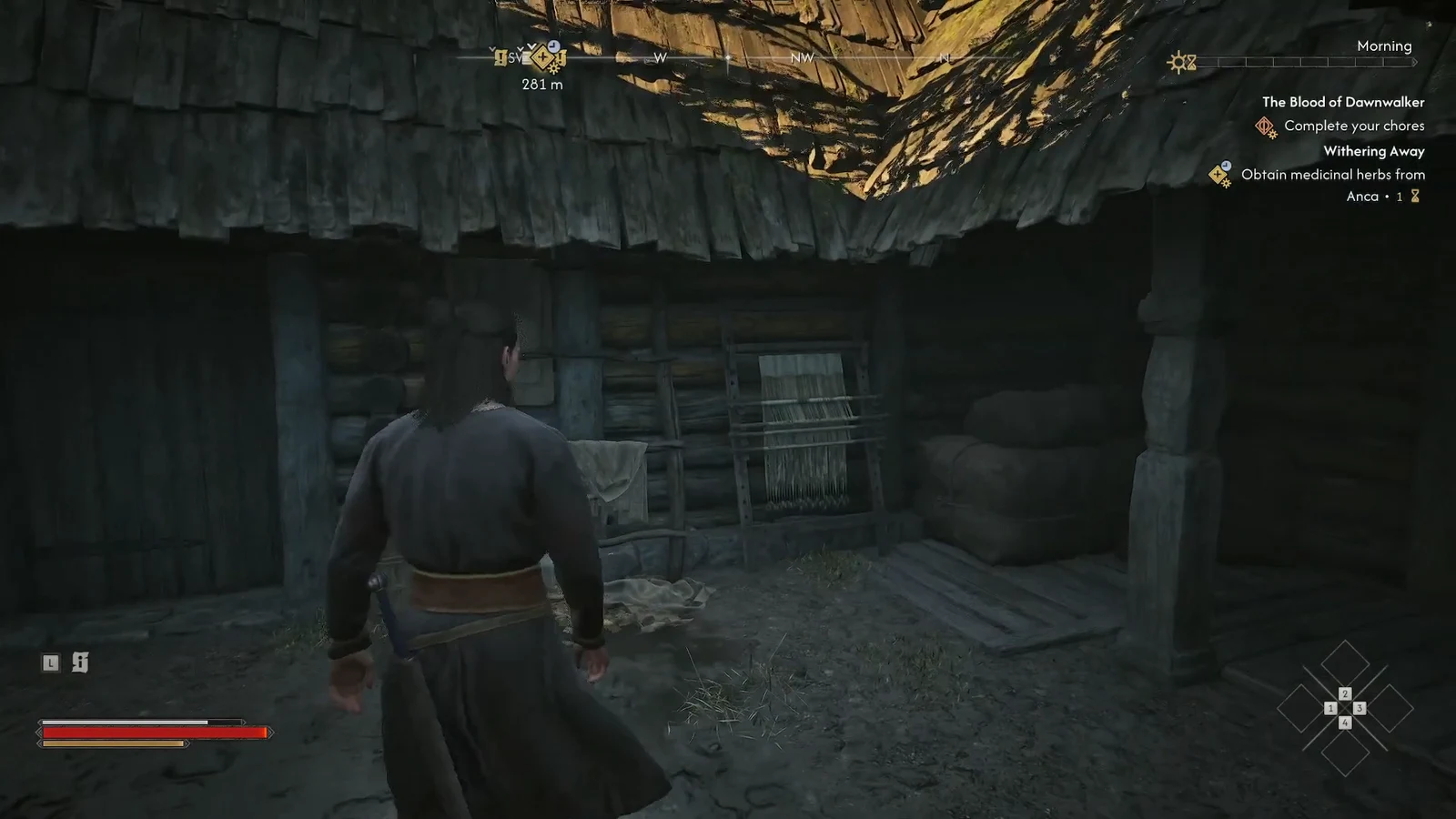
Most of the loot you pick up during early quests like Withering Away lands straight in your bags without being worn. Herbs, writings, and weapons all pile into the same list, so you have to visit the inventory and confirm each piece yourself.
I to open the inventory. The menu sits alongside Character, Active Abilities, Crafting, Journal, Map, and Glossary, so you can also tab across from any of those screens.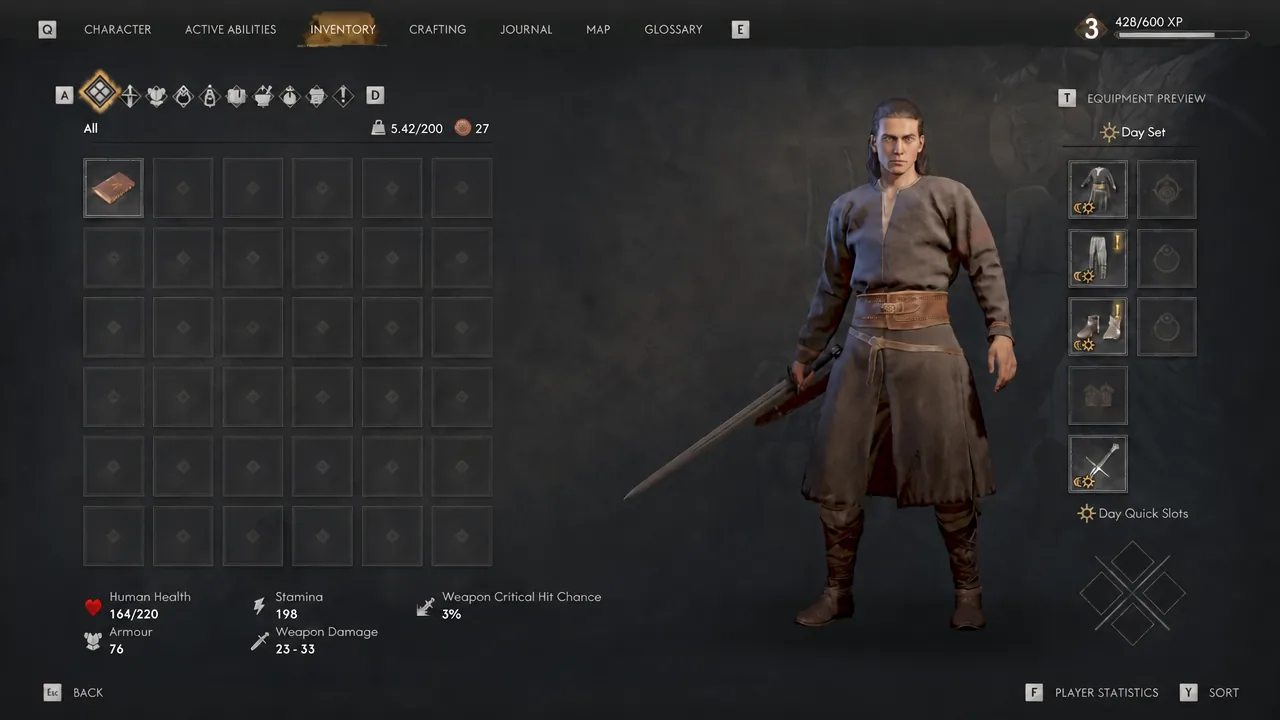
Enter. The item moves into its slot immediately, and the Equipment Preview updates to show Coen wearing it. There is no separate confirmation pop-up.Enter again. It returns to your bags and the slot empties out.How to confirm the item is actually equipped
Because nothing flashes on screen, use the numbers as your receipt. The Player Statistics block tracks Human Health, Stamina, Weapon Critical Hit Chance, Armour, and Weapon Damage. Equip a chestpiece and the Armour value climbs; swap in a stronger sword and Weapon Damage moves with it. If those figures do not budge, the item never went on.
The Equipment Preview is the second check. Coen’s model on that panel reflects whatever is currently worn, so a piece that fails to appear there is still sitting loose in your bags.
Day Set, Night Set, and Day Quick Slots
Coen carries two full loadouts rather than one. The inventory splits into a Day Set and a Night Set, plus Day Quick Slots for consumables, and each set is filled the same way with Enter. Equipping a helmet in the Day Set does not put it on your vampire at night.
That split matters because gear buffs are tied to the time of day. Pieces that boost Witchcraft abilities only pay off during daylight, and pieces that boost Vampirism only work after dark. Health regeneration and Activation Charge bonuses are the ones worth chasing in both sets.
| Loadout | Active when | Buffs that pay off |
|---|---|---|
| Day Set | Daytime, human form | Witchcraft ability bonuses, sword stats |
| Night Set | Nighttime, vampire form | Vampirism ability bonuses, claw combat |
| Day Quick Slots | Daytime | Consumables and crafted heals |
Note: once you find Legendary tier gear that fits how you fight, take it to a Blacksmith for upgrades instead of constantly replacing it with fresh drops.
Swapping weapons during combat
Weapons are the one exception to the rule that gear is a menu-only affair. You can change your equipped weapon mid-fight from the Inventory menu, while armor and accessories stay locked until the fight ends.
Switching between armed and unarmed is faster still. On PS5 that is the Square button, and on Xbox it is X. By day that toggles between fists and your sword, and by night between claws and your sword. Early on your vampire claws often out-damage the swords you have found, so the claw loadout is worth leaving equipped until better blades show up.
Reading books and documents uses the same key
Written items behave like gear in the menu. Hover a Common Writing such as Excerpts from Fabulae, taken from Anca’s collection, and press Enter to open it. The text fills the screen with a scrollbar for longer passages, and Esc backs you out.
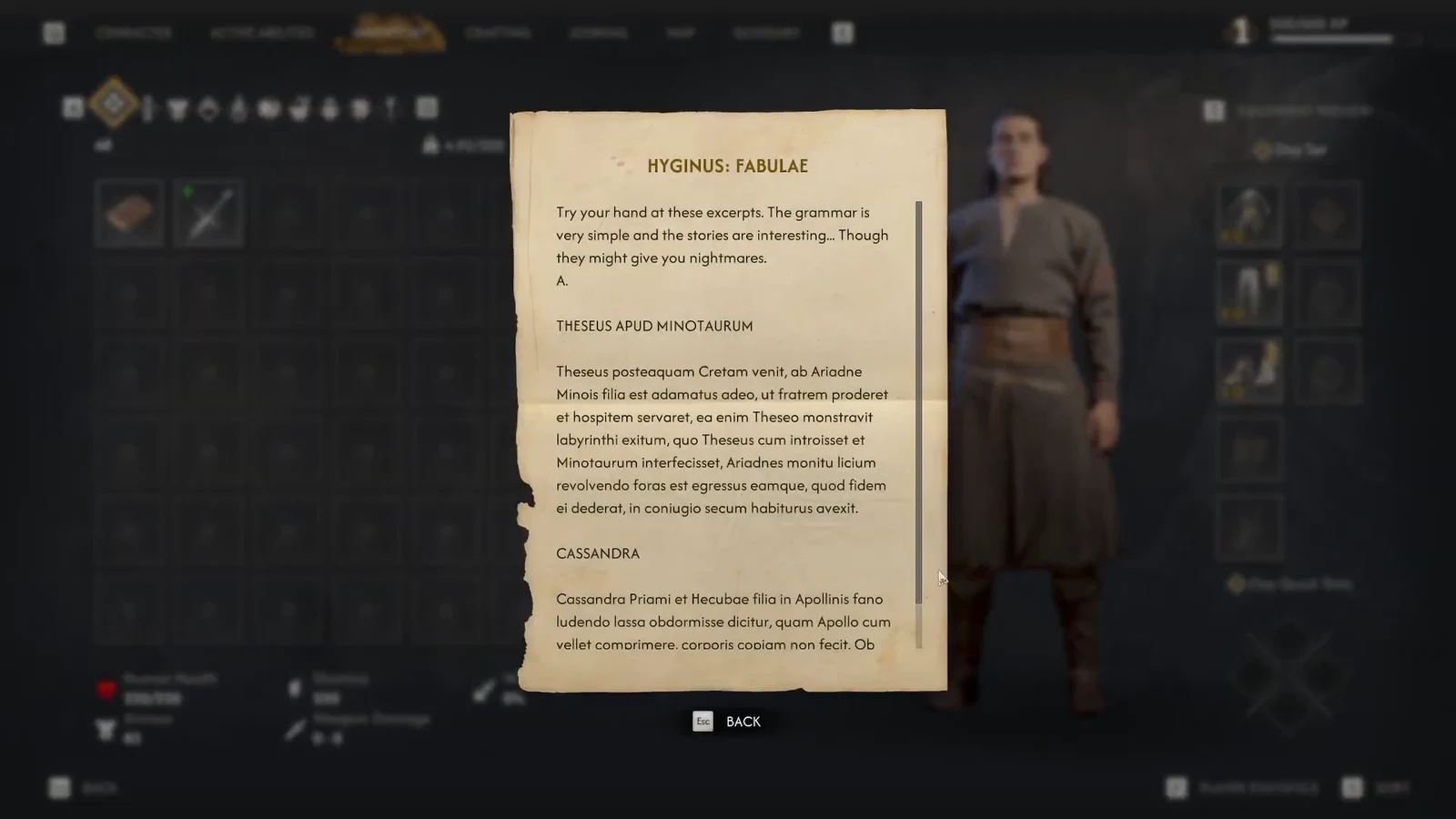
Once you close a document, its entry is tagged Already Read in the inventory. That label is a useful way to keep track of which writings you have worked through as your bags fill up.
The short version: is that Enter is the confirm key for everything in the inventory, and the only real trap is forgetting that Coen keeps two sets of gear. Kit out the Night Set as carefully as the Day Set, and check the Armour and Weapon Damage numbers after every swap.