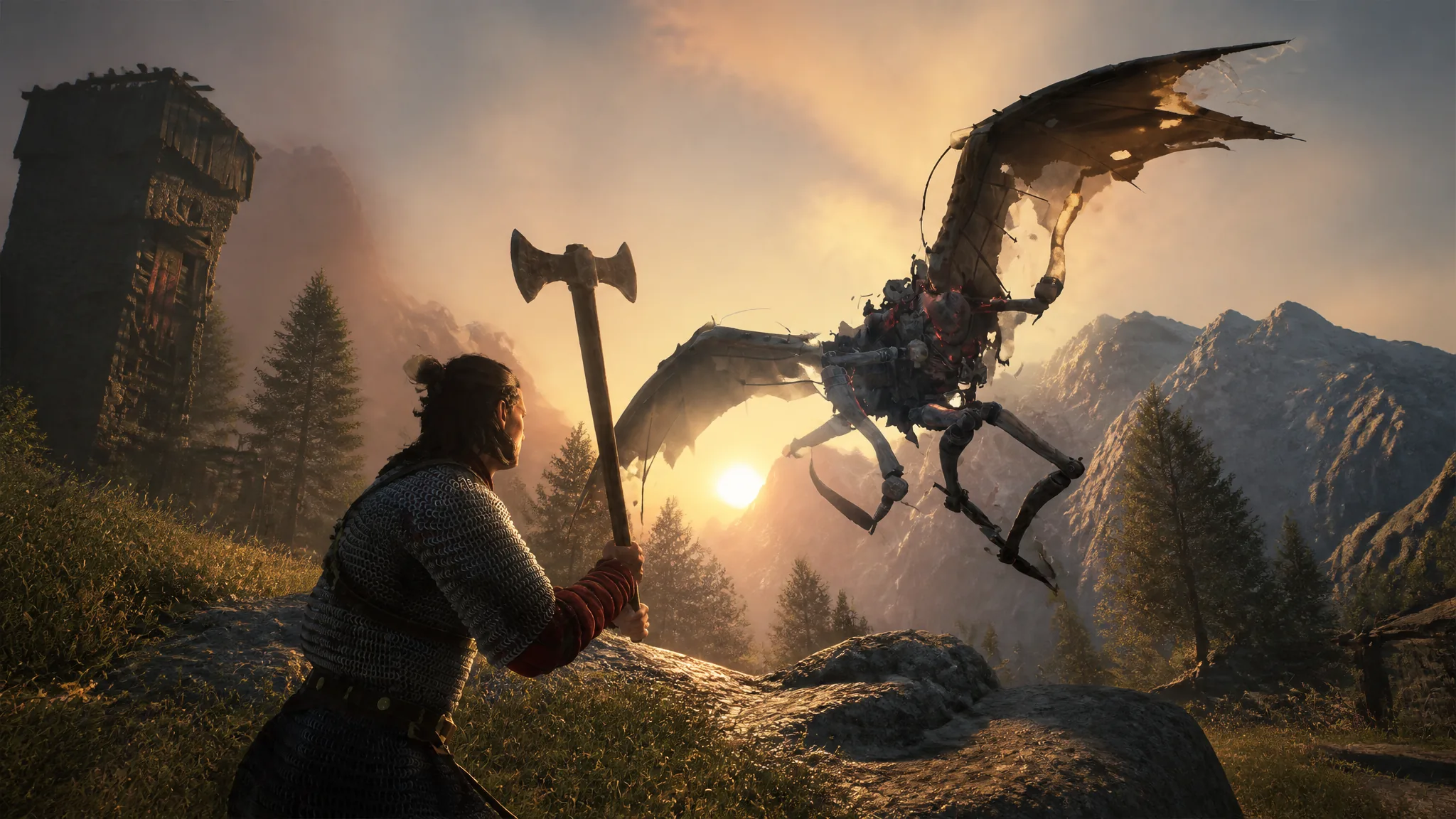
The Blood of Dawnwalker shipped as a single-character, story-driven campaign, but a community mod now lets a second person share the screen. Dawnwalker Together, built by NexusMods creator MrSecondPlayer, enables local split-screen co-op on PC so a friend can roam Vale Sangora and fight alongside you. It is an early experiment rather than a finished multiplayer mode, and it works only on the Windows version of the game.
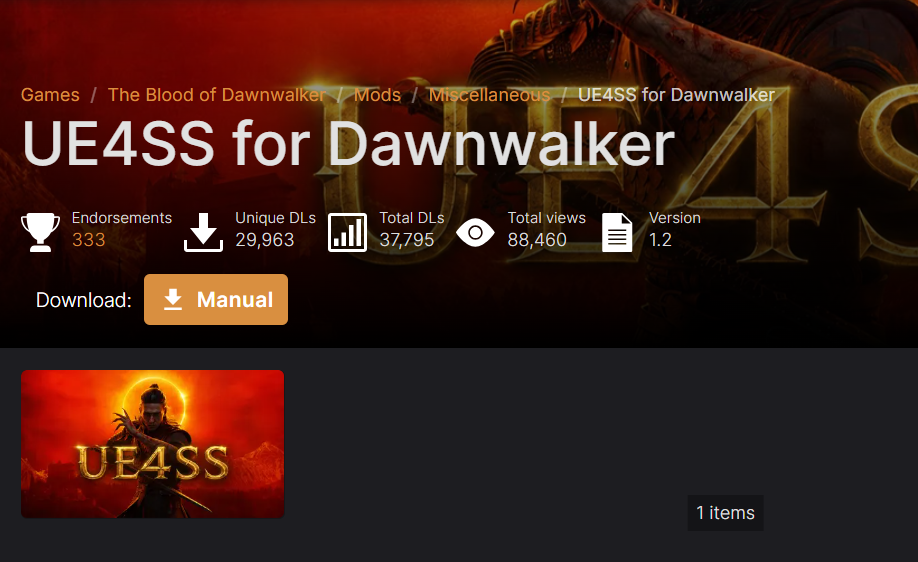
Quick answer: Install UE4SS for The Blood of Dawnwalker, extract Dawnwalker Together into Dawnwalker\Binaries\Win64\ue4ss\Mods, plug in a controller before launch, load a normal save, and press Ctrl + Y to add Player 2 and split the screen.
What Dawnwalker Together adds
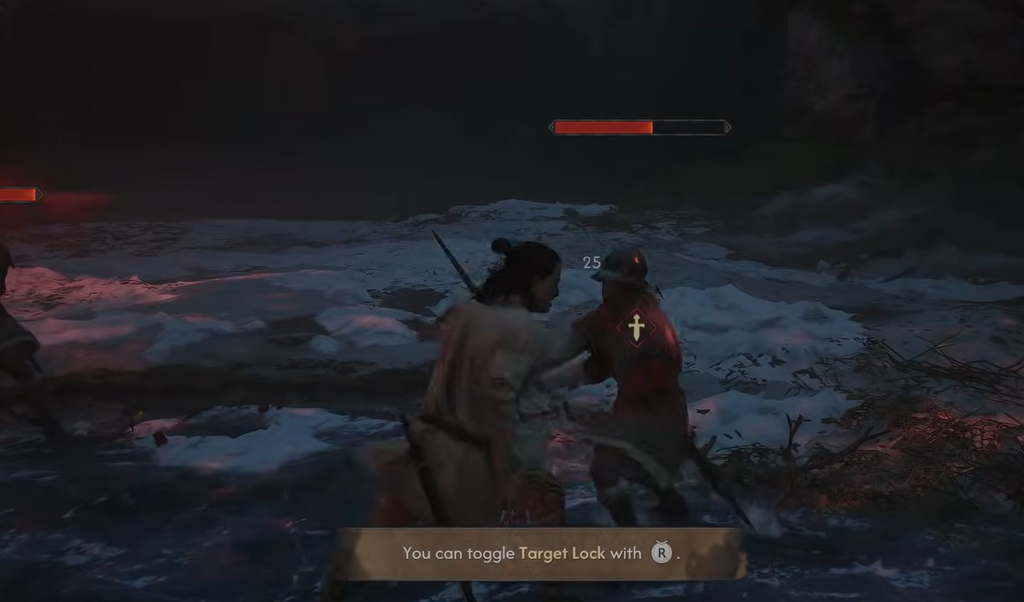
The mod divides the display into two horizontal halves and gives each player an independent camera. Player 1 keeps the standard keyboard and mouse. Player 2 joins on the first connected gamepad and can move, look around, and jump on their own. It is currently at version 0.1.0 and labeled an alpha build.
| Feature | Details |
|---|---|
| Display | Two local players in horizontal split-screen |
| Player 1 input | Keyboard and mouse |
| Player 2 input | First connected XInput gamepad |
| Player 2 movement | Independent movement, camera, and jumping |
| Player 2 appearance | Inherits Player 1’s current clothing |
| Player 2 weapon | Receives a visible longsword |
| Combat | Experimental RB melee combo with animation and damage |
| Enemy behavior | Early enemy-alert and aggression handoff after Player 2 attacks |
What you need before installing
- The Blood of Dawnwalker on Windows (PC only).
- A working installation of UE4SS, the Unreal Engine scripting framework the mod runs on.
- A keyboard and mouse for Player 1.
- One XInput-compatible controller for Player 2.
Note: Because the game was designed for one player, quests, saves, and many combat systems still assume only Player 1 exists. Back up your save files before testing.
Install the mod
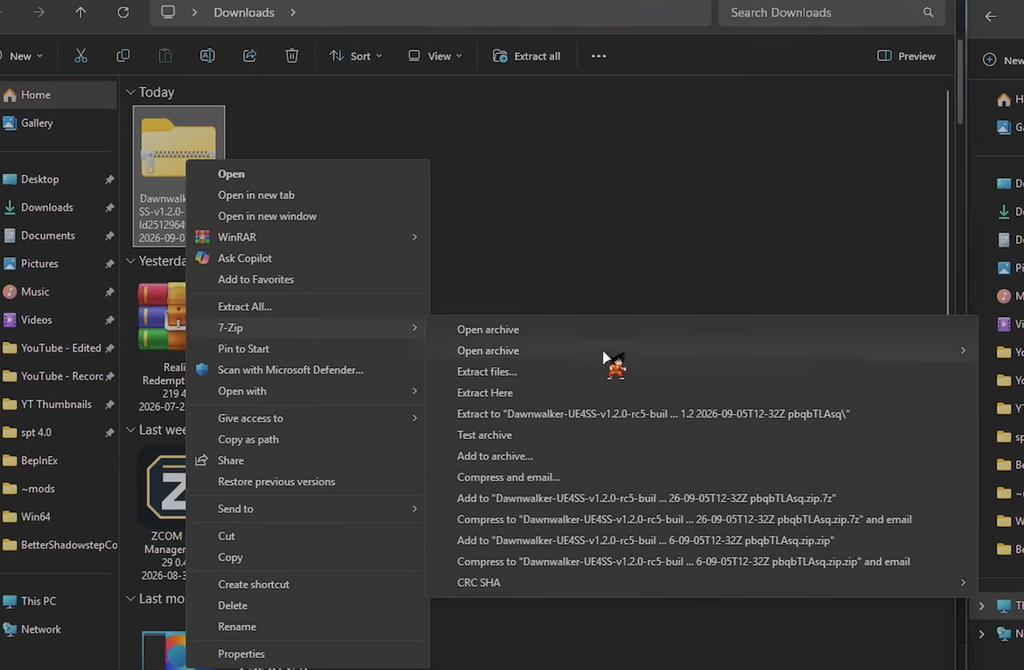
Dawnwalker\Binaries\Win64\ue4ss\Mods\DawnwalkerTogether\Scripts\main.lua
Controls and hotkeys
Once you are in normal gameplay, use these inputs to add, control, and recover the second player.
| Input | Action |
|---|---|
| Ctrl + Y | Create Player 2 and enable split-screen |
| Controller RB | Player 2 experimental sword attack |
| Ctrl + U | Safely remove Player 2 |
| Ctrl + F7 | Move Player 2 beside Player 1 if they spawn incorrectly |
| Ctrl + F8 | Recover or reconfigure Player 2 controller input |
| Ctrl + F9 | Retry Player 2 appearance and equipment setup |
After loading or restarting from a save, the mod may drop Player 2 on purpose to protect Player 1’s control. Press Ctrl + Y again once normal gameplay resumes to bring the second player back.
How to confirm it worked
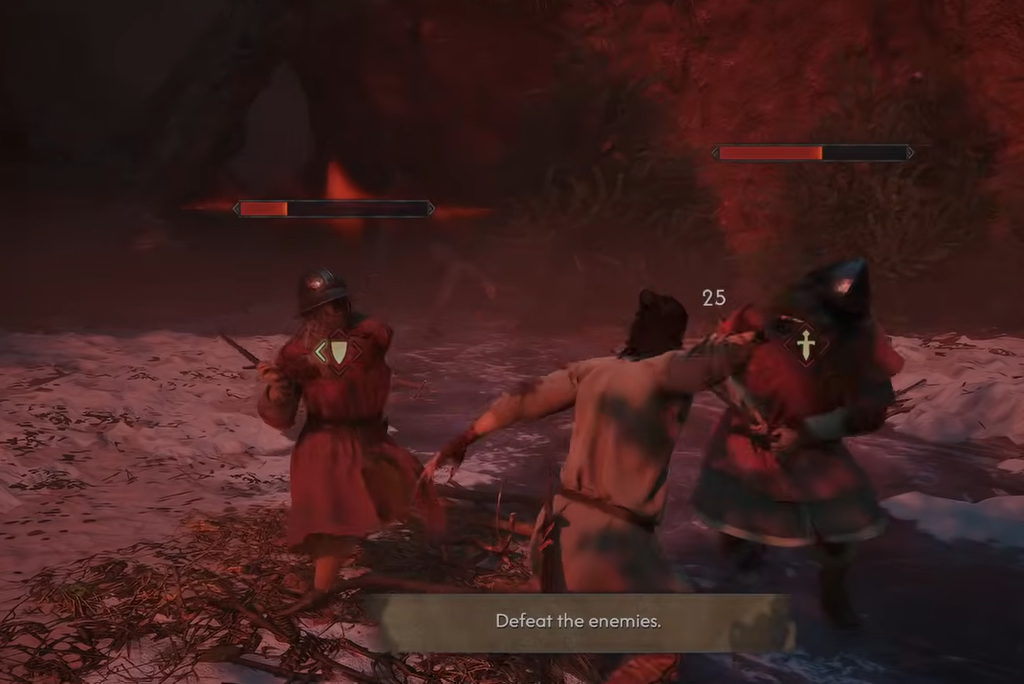
You know the mod is active when the display splits into two horizontal halves and the second player spawns beside Player 1 with matching clothing and a visible longsword. Player 2 should then move and aim its own camera using the gamepad. If Player 2 appears in the wrong spot, press Ctrl + F7 to reposition them; if the controller does nothing, press Ctrl + F8; if the model or gear fails to load, press Ctrl + F9.
Current limitations to expect
This is a proof of concept, not a full co-op mode, so several parts of the game still belong to Player 1 alone. Keep these constraints in mind before you start a session.
- Local split-screen only. There is no network or online multiplayer.
- Quests, dialogue choices, cutscenes, and story progression are tied to Player 1.
- Player 2 does not yet have a fully independent inventory or ability system.
- Player 2 combat is an experimental fallback, not a full copy of Player 1’s moveset.
- Enemy reactions to Player 2 can be inconsistent.
- Menus, cutscenes, fast travel, death, and save loading can remove or desync Player 2.
- Some areas and scripted sequences may not support split-screen correctly.
Tip: Press Ctrl + U to drop Player 2 before major scripted sequences if the game starts behaving unexpectedly, then re-add them afterward.
For a game that was never built with a second player in mind, Dawnwalker Together is a surprisingly capable early build, and the creator has said more work on stability, combat, and progression is planned for future versions. Treat it as an experiment for now, keep backups of your saves, and expect rough edges while it continues to develop.