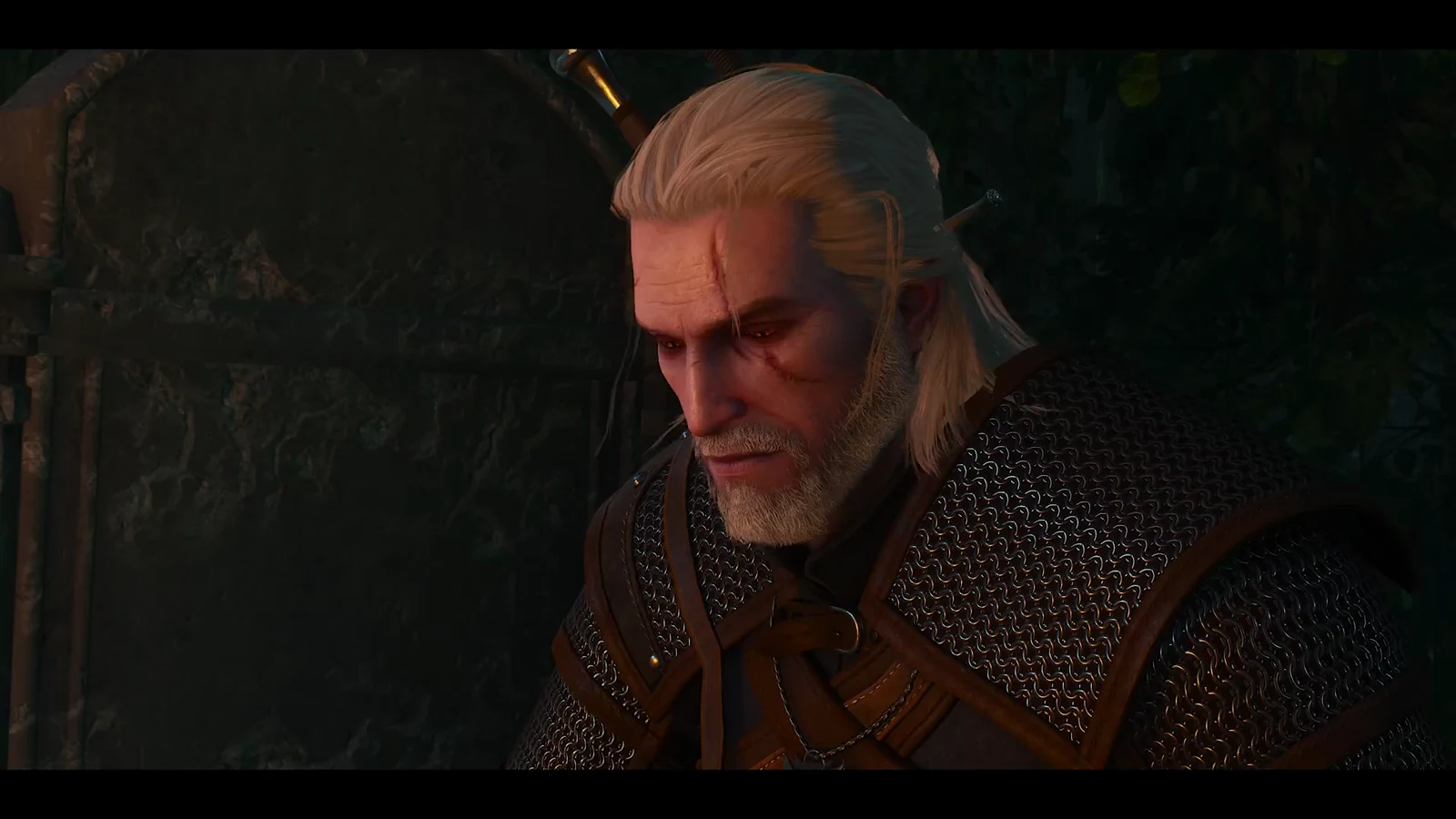
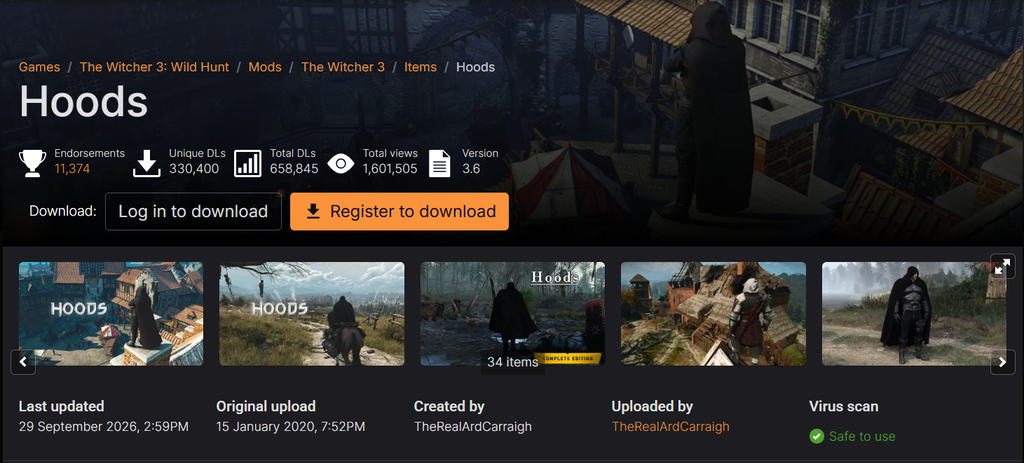
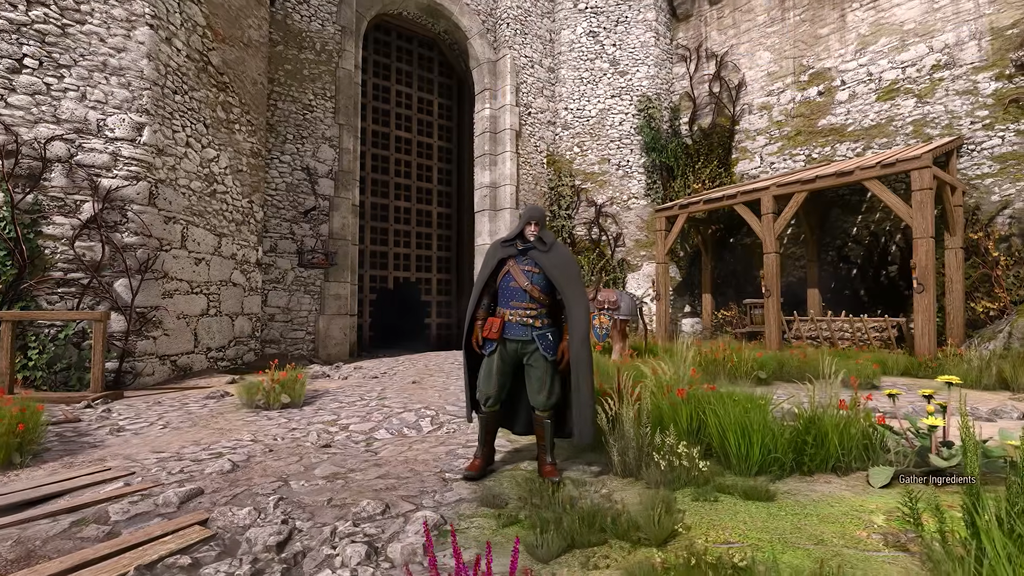
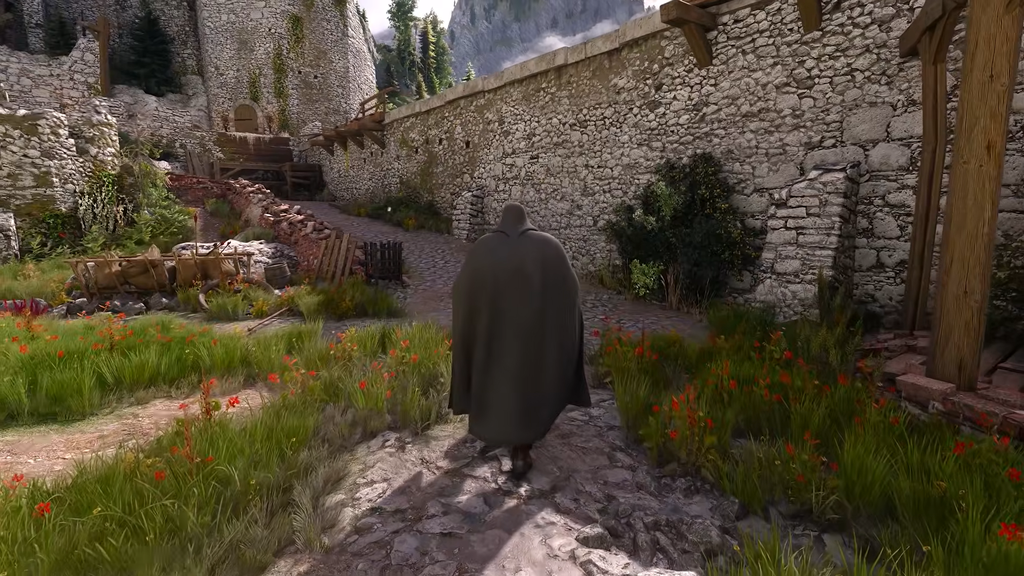
The Hoods mod by ArdCarraigh is live for The Witcher 3: Wild Hunt Remastered on PlayStation 5 and Xbox Series X|S, joining the existing PC release. It adds hoods, capes, cloaks, hats, scarves, and masks to Geralt’s wardrobe, with dyeing support and the ability to switch the hood up or down from the menu. Marcin Momot confirmed the console rollout and said more mods are being brought to compatible platforms over the following days.
Quick answer: Choose Mods on the main screen, sign in to your CD PROJEKT RED account, link it with mod.io, subscribe to Hoods, and restart the game. Afterward, purchase the headwear from Bram in White Orchard and equip it through your inventory.
Install the Hoods mod on PS5 and Xbox
Console installation runs entirely through the game’s built-in mod browser, which is powered by mod.io. There is no file transfer and no PC involvement.
Where to buy hoods and cloaks
With the mod active, four merchants stock the new headwear. You can start kitting out Geralt right at the beginning of the game through Bram in White Orchard, with the remaining vendors spread across Velen and Novigrad.
| Merchant | Location | Sells |
|---|---|---|
| Bram | Woesong Bridge, White Orchard | Hoods, capes, cloaks, scarves |
| Quartermaster | Crow’s Perch, Velen | Cloaks, hoods, hats, scarf |
| Elihal’s Workshop | Farcorners, Novigrad | Capes, hats, hoods, cloaks |
| Loan Shark | The Bits, Novigrad | Masks, hats, hoods |
How to equip, toggle, and dye the headwear
Once you have bought a piece, open your inventory and equip the hood or cloak from the Weapons tab. It replaces your currently equipped Mask slot, so wearing one does not override any of your armor pieces.
Use the inventory menu to change the hood between its raised and lowered positions. To change a color, activate a dye in the inventory, then use it on the item you want to recolor.
The mod is active when merchants’ stock includes the headwear and Geralt appears in the world wearing the equipped item. Saves created with mods enabled are labeled as modded; a cog icon representing mod.io appears beside the save name.
Known issues and the trophy trade-off
On consoles, any active mod, even a cosmetic one such as Hoods, disables PS5 trophies and Xbox achievements. If you are aiming for Platinum or 100 percent completion, finish on an unmodded save before turning the mod on.
Weapons may occasionally show through the cape, a carryover issue from how cloaks interact with Geralt’s gear. Lowering the hood with the toggle can also crash the game.
Because toggling the hood down can crash the game, keep a recent save before experimenting with hood-up and hood-down switching.
Even with those caveats, the headwear holds up well in cutscenes and photo mode, letting PlayStation and Xbox players finally recreate the cloaked look from the Killing Monsters trailer more than a decade on.