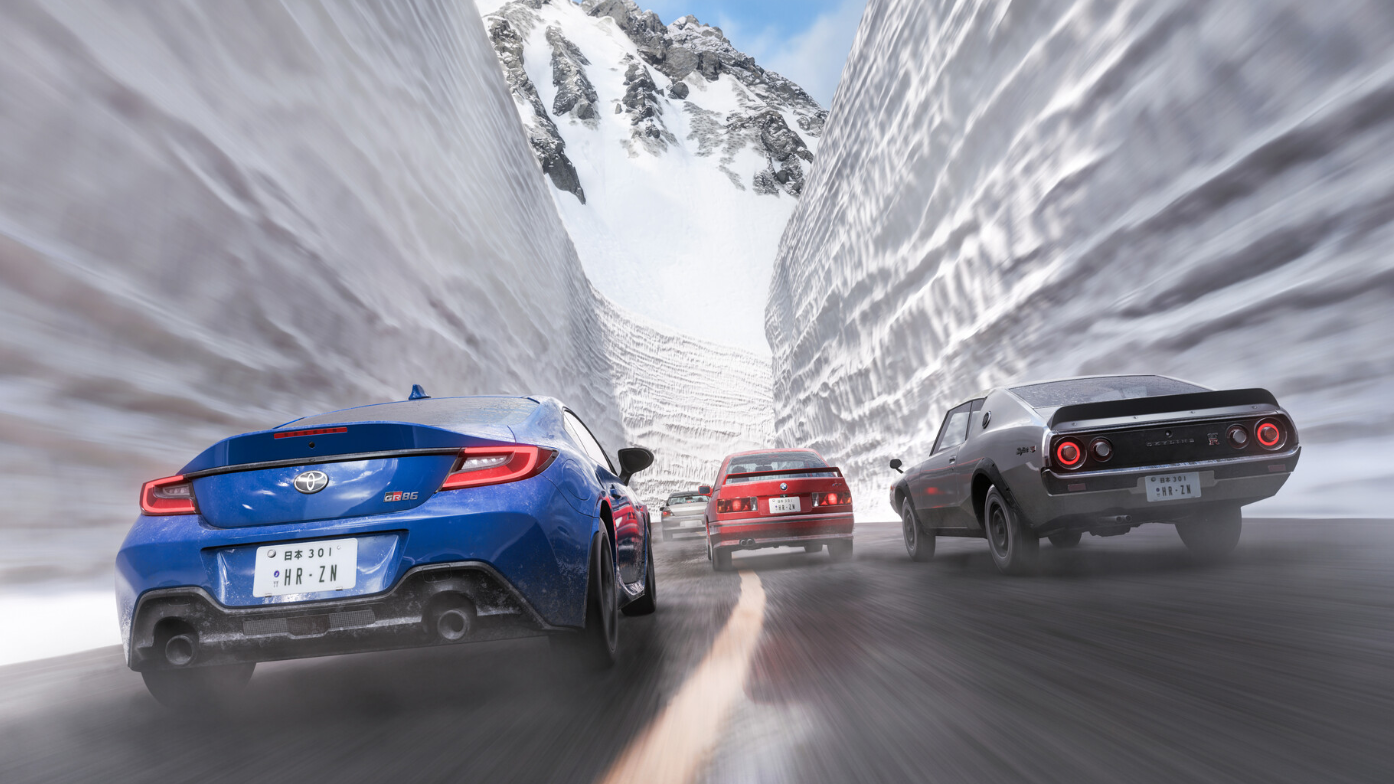
Forza Horizon 6 does not include a setting to disable open-world NPC traffic. The campaign difficulty menu lets you change damage, tire wear, drivatar difficulty, and similar options, but there is no toggle that removes civilian cars from the map.
What the settings menu actually controls
Pausing the game and opening Settings under the Campaign tab gives you access to Difficulty options. The adjustable items there cover assists, drivatar behavior, and damage. Damage & Tire Wear has three values: None, Cosmetic, and Simulation. None of these settings affect whether civilian AI vehicles spawn on the roads.
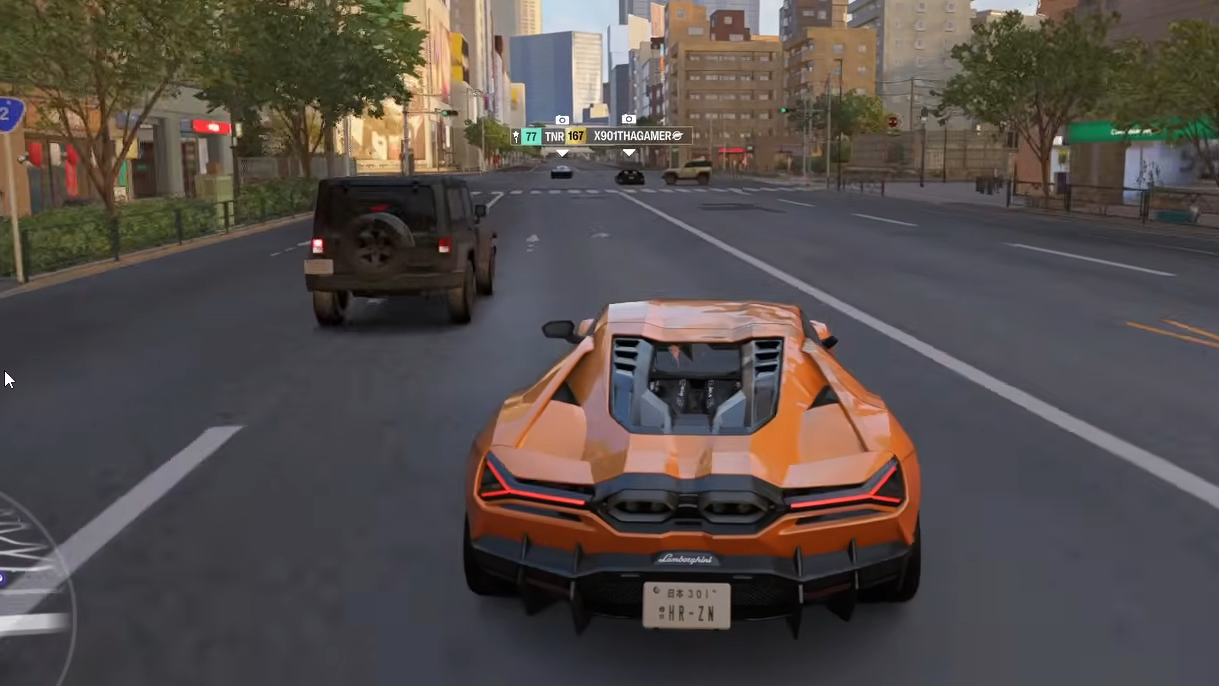
There is also no slider for traffic density. Open-world NPC traffic spawns on a fixed system tied to the road type and your location, and it cannot be disabled from the menu.
Workarounds that reduce NPC interference
While you cannot remove traffic, a few practical approaches cut down how often it gets in your way during drift runs, touge sessions, and speed trap attempts.
| Approach | Effect on NPC traffic | Best use case |
|---|---|---|
| Run sanctioned events (Road, Drift, or Street races) | Civilian traffic is removed from the route while the event is active | Clean drift zone and circuit runs |
| Restart a Drift Zone or Speed Trap | Re-rolls nearby traffic spawns | When NPCs are blocking a narrow road |
| Switch to solo session (offline / friends-only) | Removes other players, but civilian AI still spawns | Reduces collisions overall, especially in convoys |
| Use Rivals mode | Locked route conditions without open-world NPC interference | Time attack and consistent lap testing |
| Drive at off-peak in-game times | Some routes feel less congested at night | Touge and mountain runs |
How to restart a Drift Zone or Speed Trap cleanly
Why hit NPCs feel worse than in past games
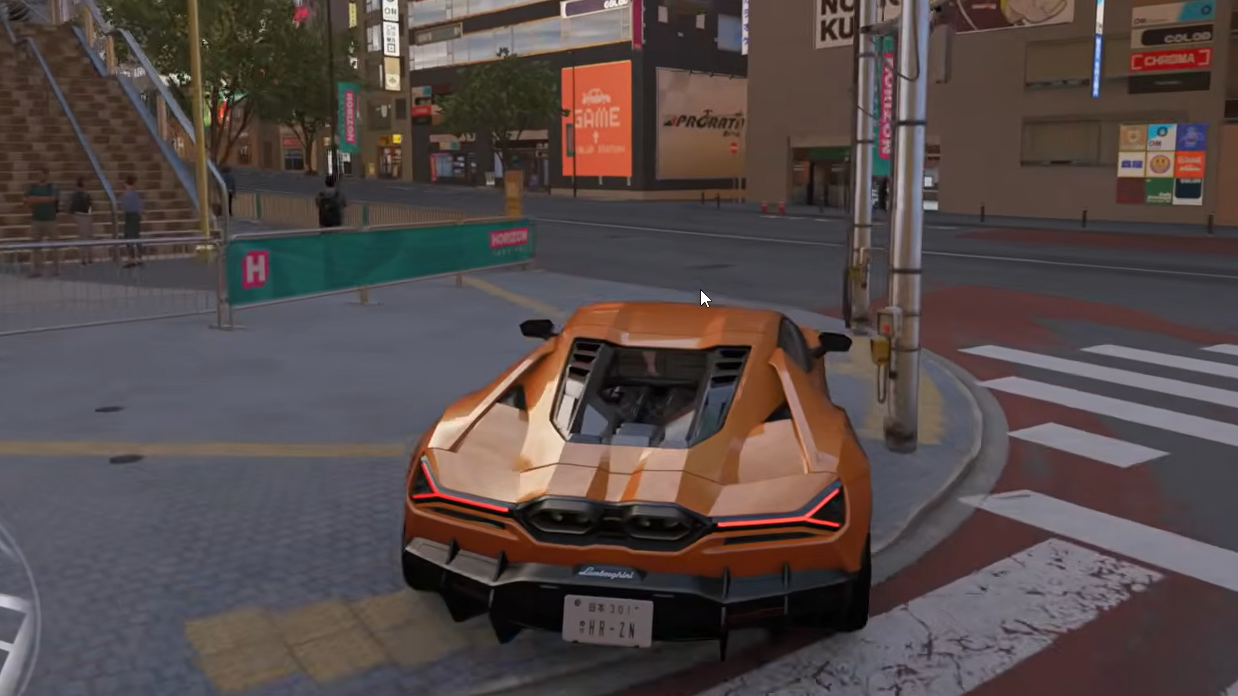
Players have flagged a specific behavior where civilian vehicles, after a collision, freeze in place on the road for an extended period rather than driving away. On tight touge roads or narrow speed trap stretches that only fit two cars wide, a single stopped NPC can block the entire run. Restarting the event or moving to a different route is currently the only reliable fix.
If you only need a clean photo or quick reset
For cosmetic damage from traffic collisions, press up on the d-pad to enter photo mode, then press LB on Xbox or L1 on PlayStation to reset visible damage to the car. This does not remove NPCs, but it clears the dents and scuffs they leave behind. The reset persists after you exit photo mode.
What to ask Playground Games for
A traffic toggle is a frequently requested feature, particularly from the drift and touge community. Until Playground Games adds one, the workarounds above are the only way to get cleaner open-world runs. If a future title update introduces a traffic density or disable option, it will appear in the Campaign difficulty menu alongside the existing damage and assist settings.