
Instructional, step-by-step articles.
Content Type: How-To
-

007 First Light Wave of the Future: All 24 Challenges and How to Complete Them
Every objective in Chapter 9’s Antarctica facility, with the exact conditions and gadget tricks that clear them.
-

How to Evolve Ralts into Gardevoir or Gallade
The exact levels, gender rule, and Dawn Stone condition that turn Ralts into Kirlia, Gardevoir, or Gallade.
-

Using Holoken Powers in LumenTale: Geo, Aura, and Animon mode
How the Holoken channels Animon elemental types to solve field puzzles, plus how to unlock and trigger each power.
-
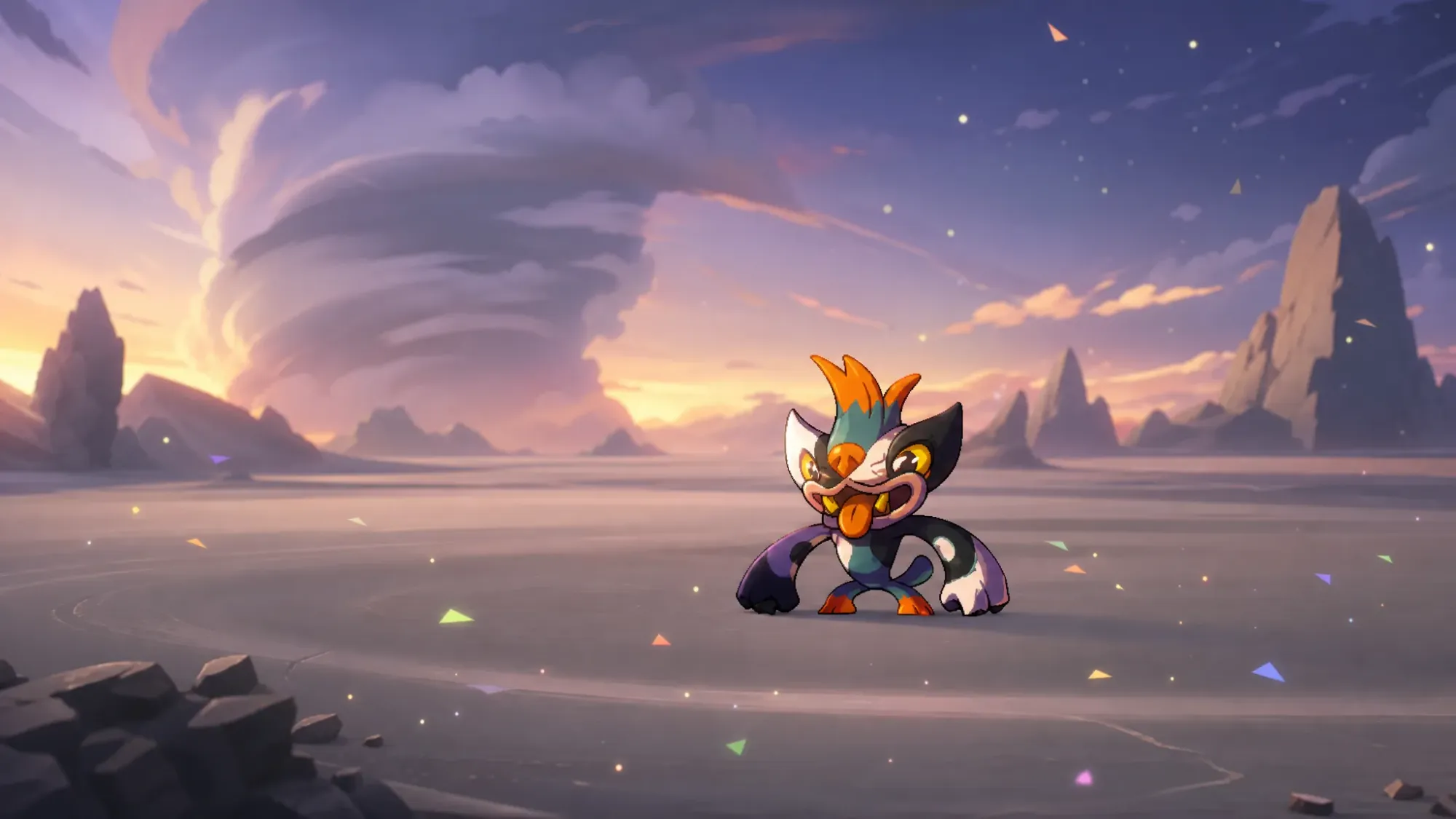
How to Find and Evolve Chagma in LumenTale: Memories of Trey
Catch locations plus the two battle conditions that split Chagma into Gongbog or Natmiss.
-
Apex Legends Error 0x00000017: Fix the “Error reading pak file” crash on PC
Repair the corrupted pak file, refresh game data, and clear the startup crash on Windows 11/10.
-

How to Unlock the 2010 Lexus LFA Forza Edition in Forza Horizon 6
Reach Touge & Street Racing Tier 5 in the Journal to claim this S2-class RWD reward.
-

How to Unlock Otoya and Karasu in Azure Latch (June 2026)
Both Mythic styles drop from Style Spins, and here are the exact costs, currency sources, and full movesets.
-

Registry Editor: How to Fix “Cannot import, Error accessing the registry”
The fastest paths through permission, ownership, and Safe Mode fixes when a .reg file refuses to merge.
-

How to find the largest files on Windows 11 when your drive is full
Use File Explorer size filters, Storage settings, and PowerShell to pinpoint the files eating your disk.
-

How to Claim the Opera GX Skins and Boosters in Forsaken
Download Opera GX, link your Roblox username, and collect a free seven-day reward pass inside Forsaken.