
Instructional, step-by-step articles.
Content Type: How-To
-
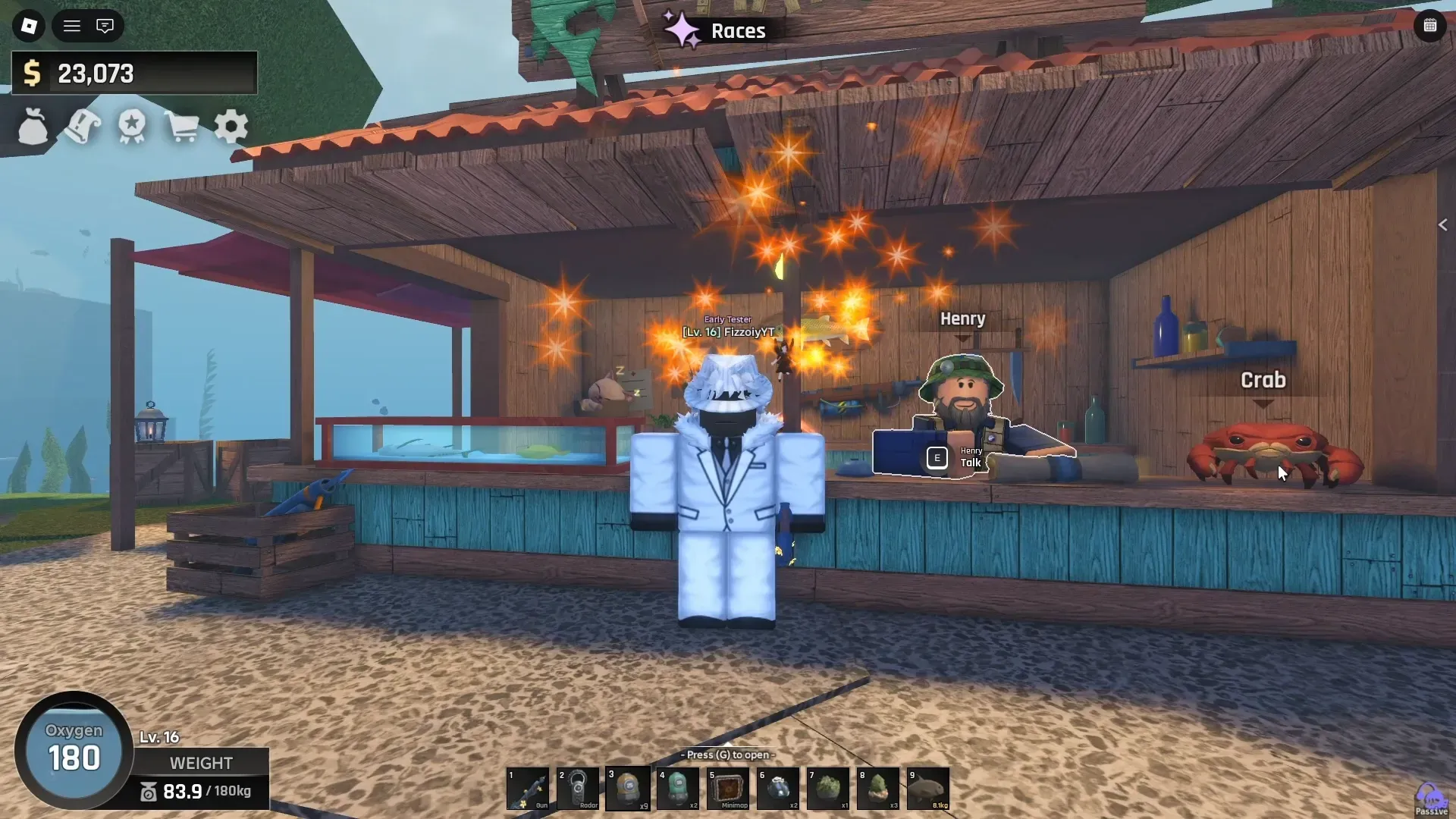
How to Find the Crab Scroll and Talk to the Crab in Roblox Abyss
Exact location, depth, gear requirements, and interaction steps to unlock the Crab and its questline.
-
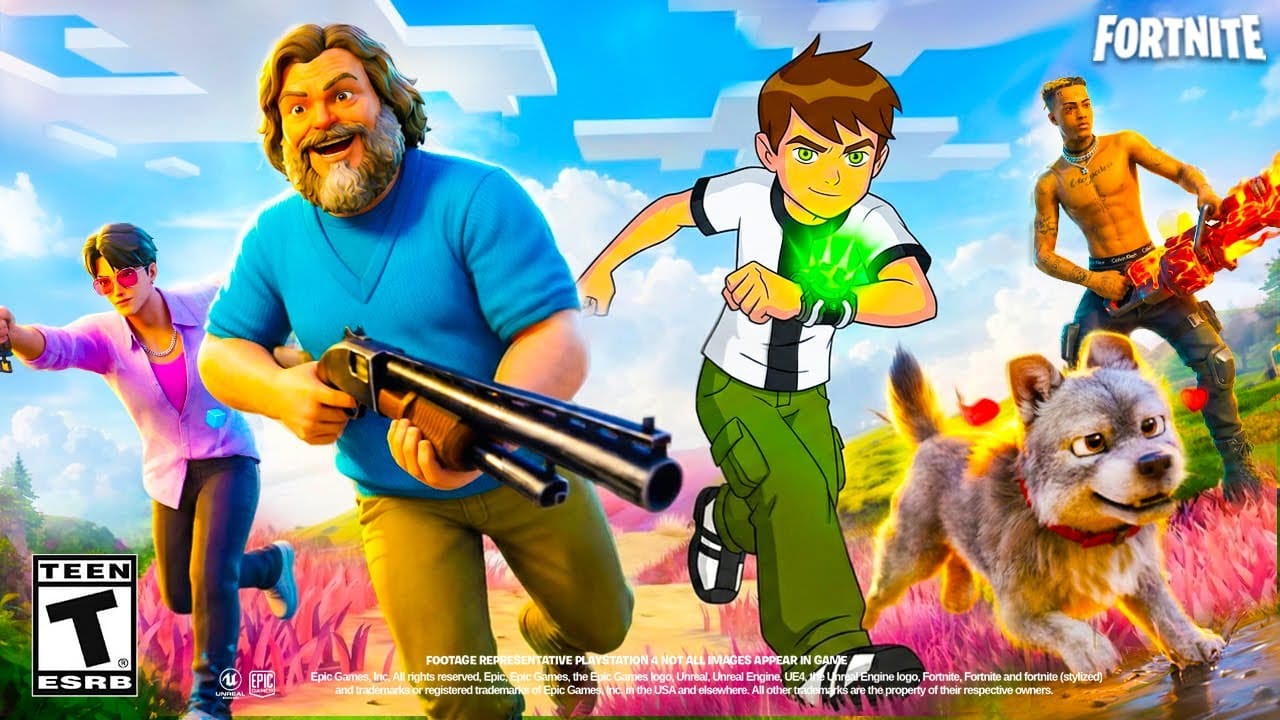
How to Get Bot Lobbies in Fortnite Chapter 7 (Solo Mode)
Adjust matchmaking region, cross-platform play, and privacy settings to face AI opponents.
-
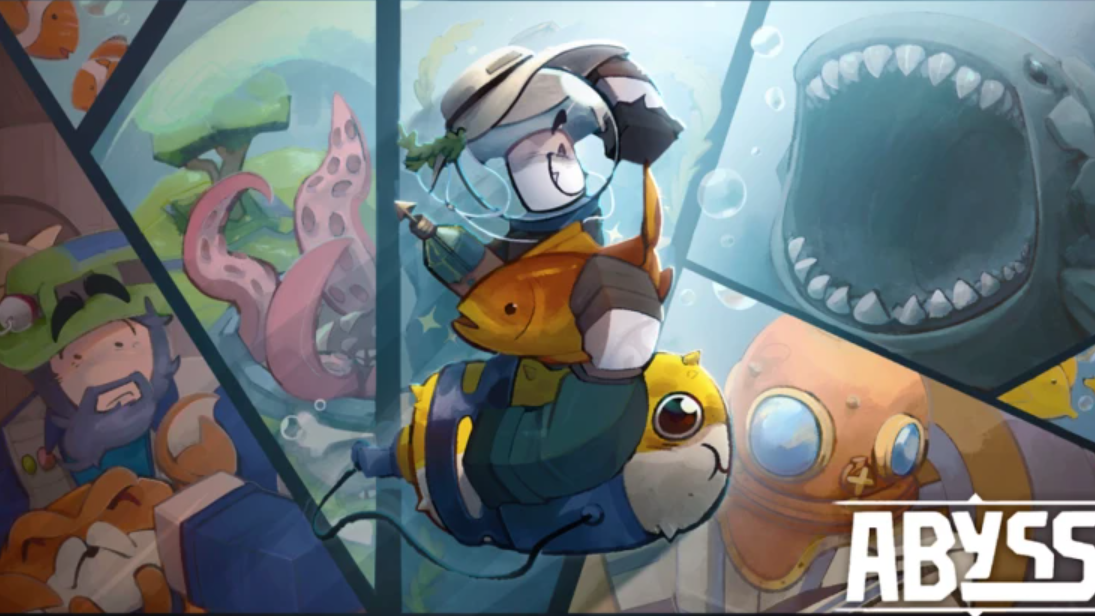
How to Get and Crack Geodes in Abyss (Roblox)
Catch treasure chests while fishing, then open them with Virelia to unlock Artifacts.
-
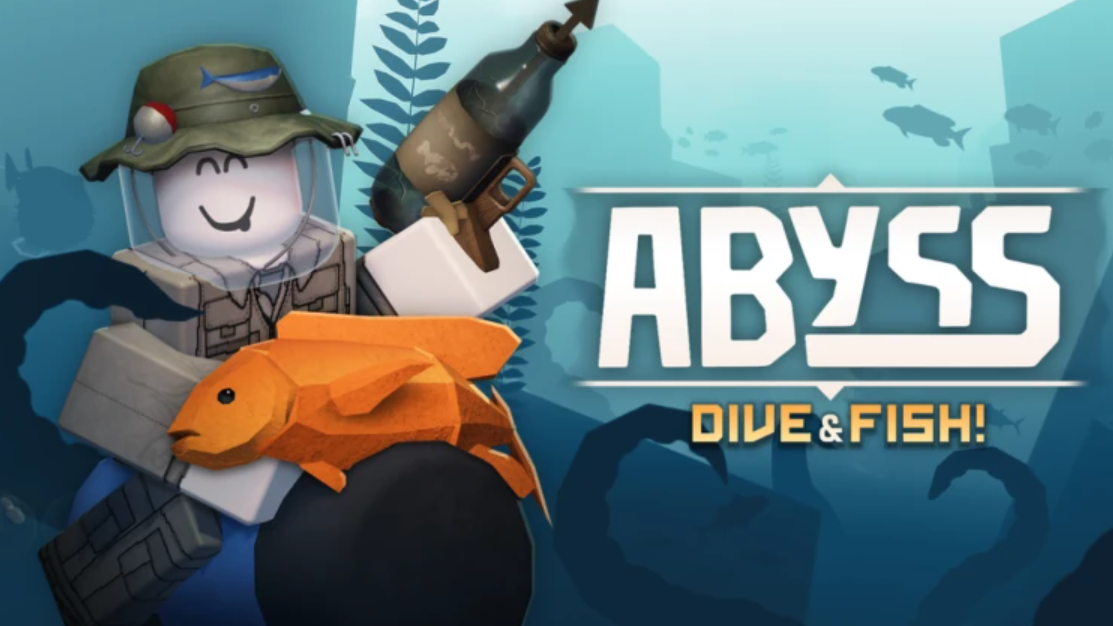
Abyss Race Reroll Guide – How to Change Races and Unlock Slots
Reroll your race using Star Shards, unlock extra slots, and understand the pity system in Abyss.
-
How to Get and Crack Geodes in Abyss (Virelia NPC Guide)
Geodes unlock Artifacts that boost fishing speed, damage, oxygen, and cash gains in Abyss.
-
How to Get and Use the Radar in Abyss (Roblox)
Find the Radar at Richard’s stall in the Forgotten Deep and scan nearby fish for mutations and stats.
-
How to Find and Use the Minimap in Abyss (Roblox)
Purchase the minimap from Crazy Jeff’s Shop in Ancient Sands to navigate underwater biomes and track teleport locations.
-
How to Unlock the Teleporter in Abyss (Roblox)
Collect four items scattered around the starting hub to activate fast travel between zones.
-
How to Catch the Lovestorm Turtle in Fisch (Roblox)
The Lovestorm Turtle spawns during limited-time Lovestorm Hunt events near Roslit Bay every three hours.
-
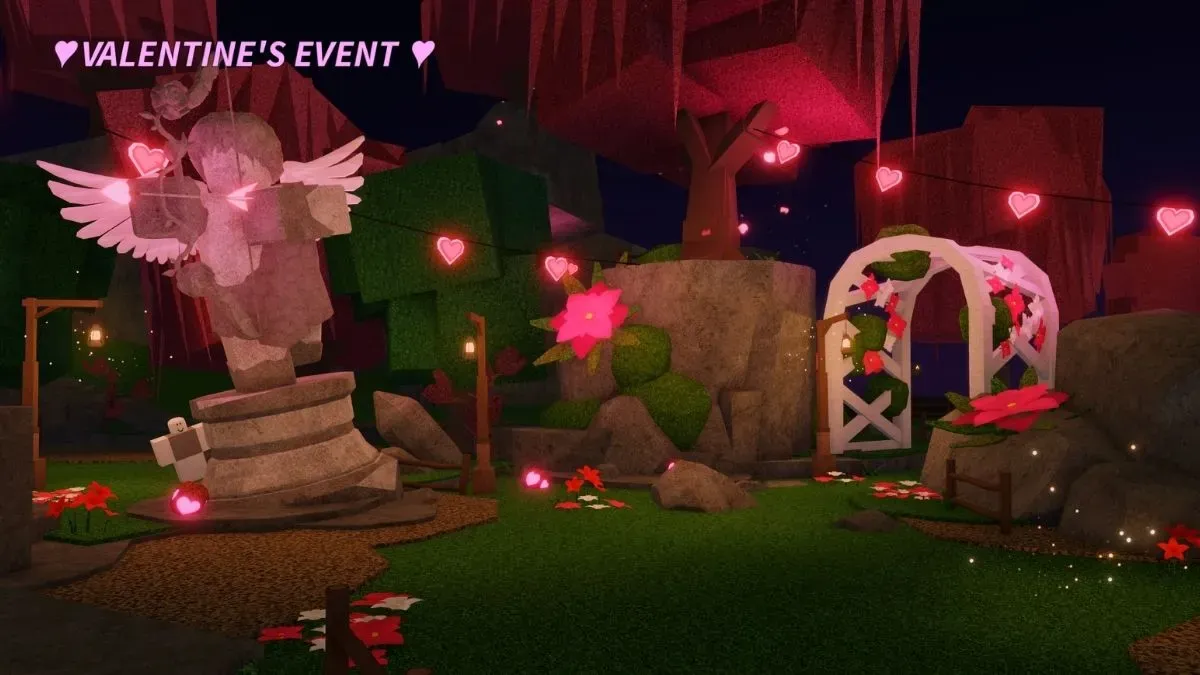
How to Catch Dove in Fisch (Valentine’s Event)
Exact spawn conditions, bait requirements, and the duo bench method for this rare Winter fish.