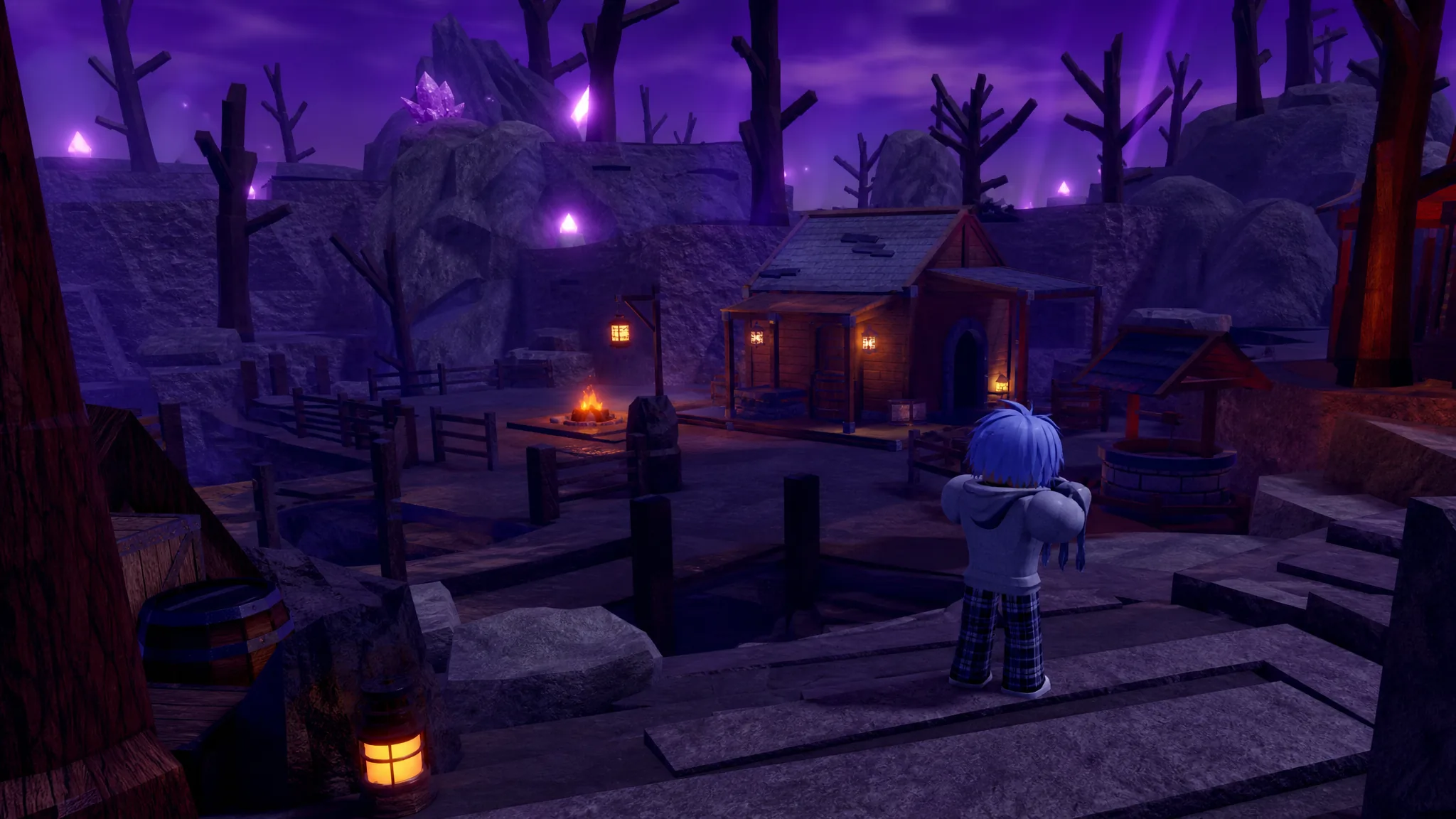
Titles in Unscathed are cosmetic name tags that sit next to your username in-game and on the official Discord server. There are 10 of them, and they change nothing about combat, luck, drop rates, or any other system. Most are handed out directly by the development team, so only a handful are ever within reach of a regular player.
Quick answer: The only titles a normal player can earn are Day 1 (auto-granted if you join within the first 24 hours of release) and Content Creator (apply through the official Discord with your channel and audience numbers). Every other title is staff-only or tied to closed playtest windows that have already passed.
Titles you can actually earn in Unscathed
You cannot buy titles with Robux, and grinding through gameplay does nothing to unlock them. Two titles are the exception because they respond to player action rather than a manual award from staff.
Day 1 is the most accessible. It attaches automatically to any account that joins Unscathed inside the first 24 hours after launch. There is no form to fill out and no confirmation step. Miss that window and the title is gone for good.
Content Creator is the one title you request. Join the official Unscathed Discord and message the development team with your platform details, such as subscriber count, average viewership, or similar audience metrics. It is awarded to approved creators who covered the game before launch, so it is not open to everyone who applies.
The OG and Super OG titles were once earnable, but both windows have closed. OG went to closed-playtest participants who joined before the public reveal, and Super OG went to the earliest wave of playtesters who stayed active through the closed beta. Neither can be obtained now.
All Unscathed titles, rarity, and how to get them
Here is the full list, including the staff and developer titles that regular players cannot hold.
| Title | Rarity | How to get |
|---|---|---|
| Owner | Secret | Not obtainable. Reserved for developers Bacha and Noodle |
| Co-Owner | Secret | Not obtainable. Reserved for the Co-Owner role at Happy Goof Games |
| Admin | Exclusive | Not obtainable. Staff-only, for team members with server admin permissions |
| Content Creator | Legendary | Apply on the official Discord with your channel and audience metrics |
| Super OG | Legendary | Given to the earliest playtesters who stayed active through the closed beta (window closed) |
| OG | Epic | Given to closed-playtest players who joined before the public reveal (window closed) |
| Developer | Rare | Not obtainable. Developer team only |
| Lead Developer | Rare | Not obtainable. Developer team only |
| Moderator | Rare | Not obtainable. Staff-only |
| Day 1 | Uncommon | Auto-granted for joining within the first 24 hours of release |
How titles appear and how to check yours
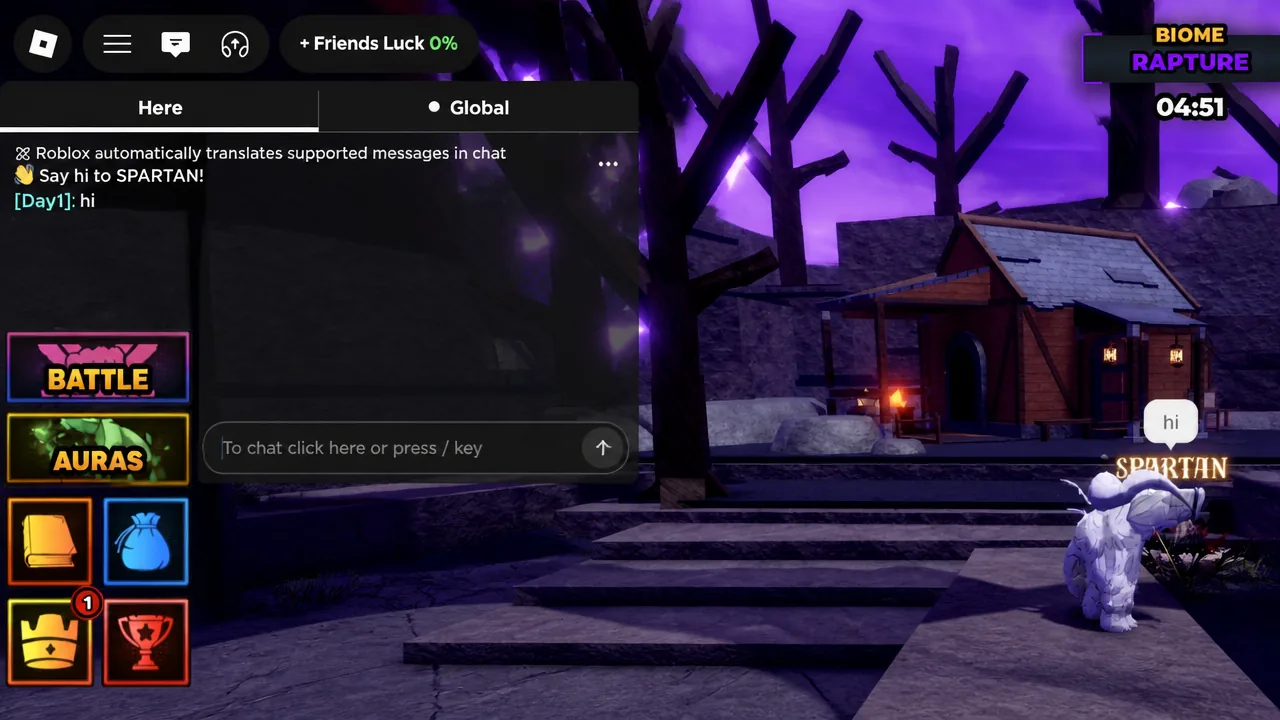
Titles equip on their own. Once a title is tied to your account, it attaches immediately and shows next to your username with no action needed from you. There is no equip button to press.
To confirm which title you currently hold, send any message in the in-game chat. Your active title displays alongside your username the moment the message posts, so if it is there, it is working.
Can you change your title in Unscathed?
No. There is no way to switch your active title in-game right now. Whatever title your account holds displays automatically, and no title-swapping system exists. The development team has said this feature could arrive in a future update, but it has not been added yet.
Because every title is purely cosmetic, none of this affects how you perform. Staff and developer titles simply mark who runs the game, while Day 1, OG, and Super OG serve as permanent proof of how early someone joined. For most players, Day 1 and Content Creator are the two worth chasing.