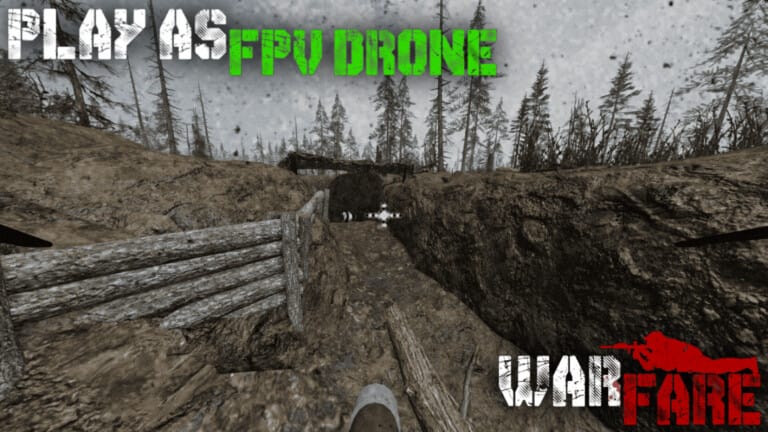
Warfare drops you into fast-paced, squad-based firefights on Roblox, where a well-stocked loadout often decides who controls the map. Codes are the quickest way to pad out your Cash balance and pick up bonus XP without grinding through match after match.
Working Warfare codes
These codes are currently redeemable in Warfare. Type each one exactly as shown, since the redemption box is case-sensitive.
START— 1.5k Cash NEWSUMMER2026ZLQ6— 250 Cash NEWAUGUST2026UU4R— 150 Cash NEWSUPREMACY— Free rewards (requires Level 10)DOMINANCE— 400 Cash plus bonus XP (requires Level 5)VICTORY— 200 Cash plus bonus XP (requires Level 5)TACTICAL— 100 Cash and XPCLUTCH— 125 Cash, 25 XPHEADSHOT— 150 Cash, 25 XPILOVEWARFARE— 250 CashRELEASE— 150 Cash
How to redeem codes in Warfare
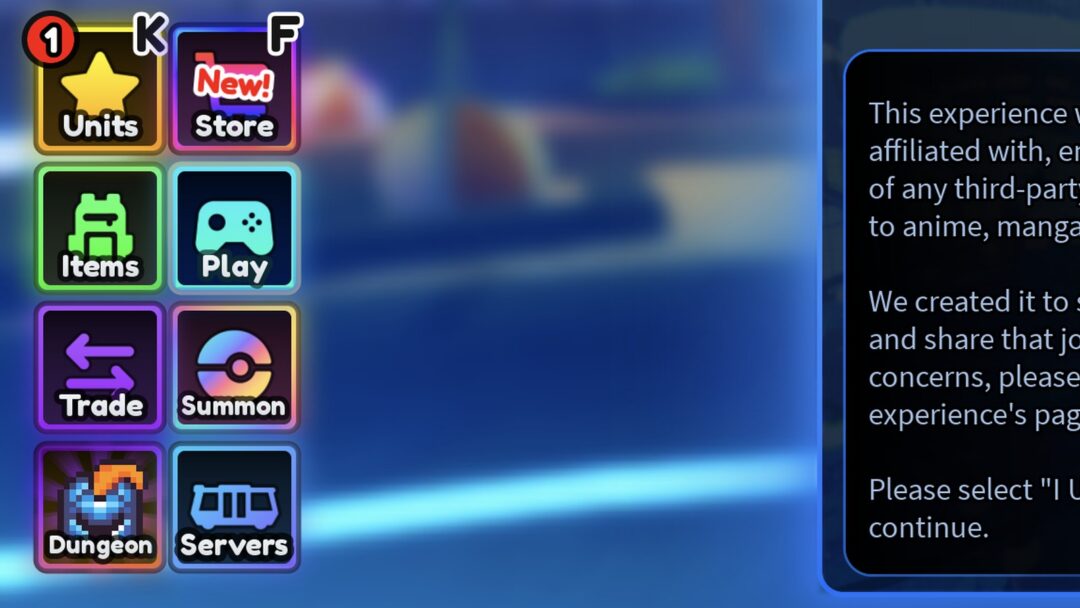
A successful redemption updates your Cash total or XP bar immediately in the Store menu, confirming the code went through.
Level requirements on locked codes
Three codes on the list only pay out once your character meets a minimum in-game level. SUPREMACY needs Level 10, while DOMINANCE and VICTORY both need Level 5. If you enter one of these before reaching the required level, hold onto it and try again after you level up, since the code itself does not expire just because you tried it too early.
Expired Warfare codes
The codes below no longer work in Warfare, so skip them if you spot them elsewhere.
blah— 200 CashDRONEWEEK— 250 CashSUMMER2026— 150 Cash, 40 XPlolcash— 250 CashREWORKS— 250 Cash2026— 250 CashCHRISTMAS— 250 Cash
Where to find new Warfare codes
New codes tend to go out around game updates, milestone celebrations, and seasonal events. The Eastern Studios Discord server and the Eastern Studios Roblox group are the developer’s own channels for announcing them first.
We checked for new codes on September 1, 2026, and added the three newest entries above. Bookmark this page and swing back whenever your Cash balance runs low, since expired codes get pulled from the working list as soon as they stop paying out.