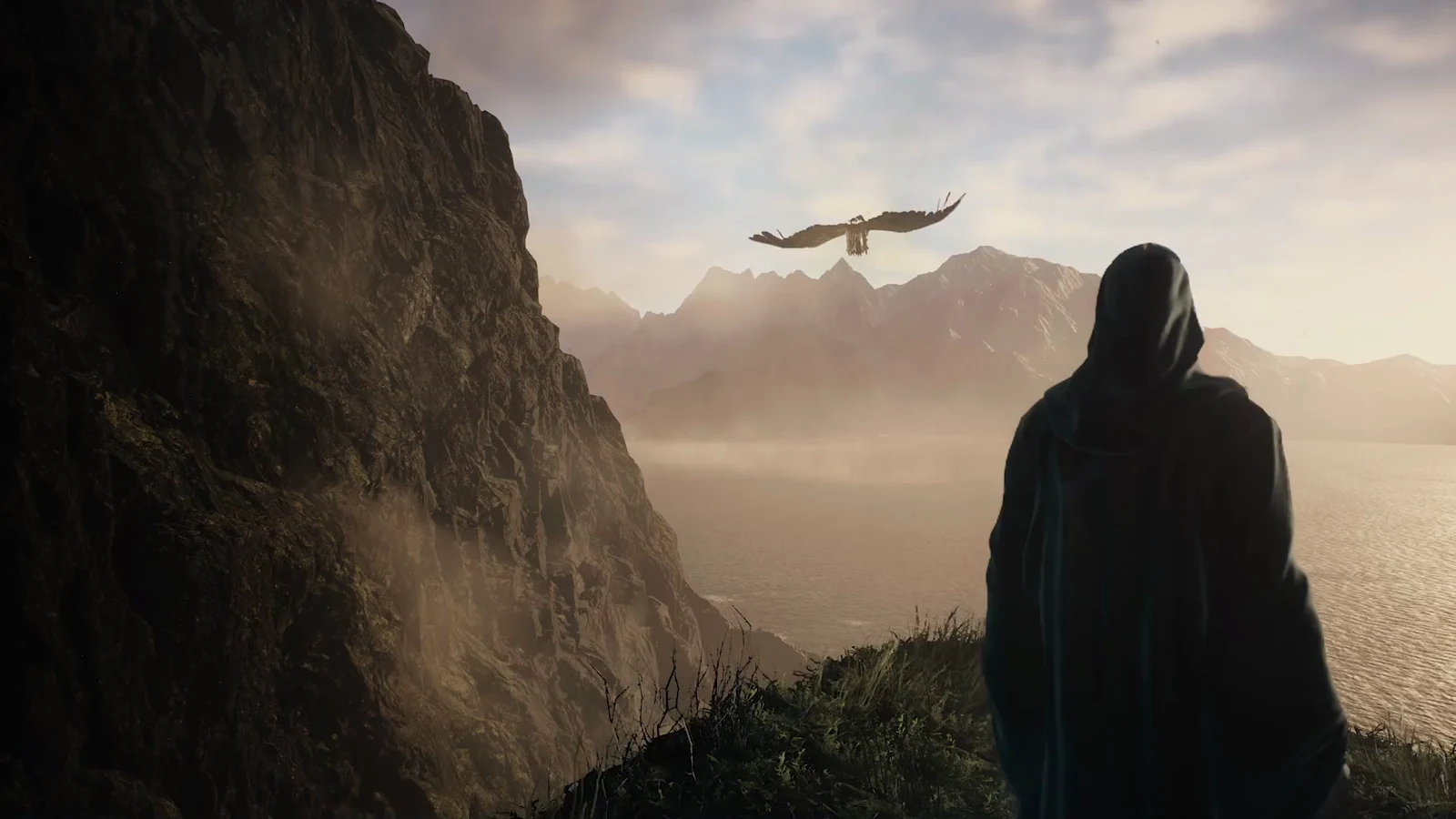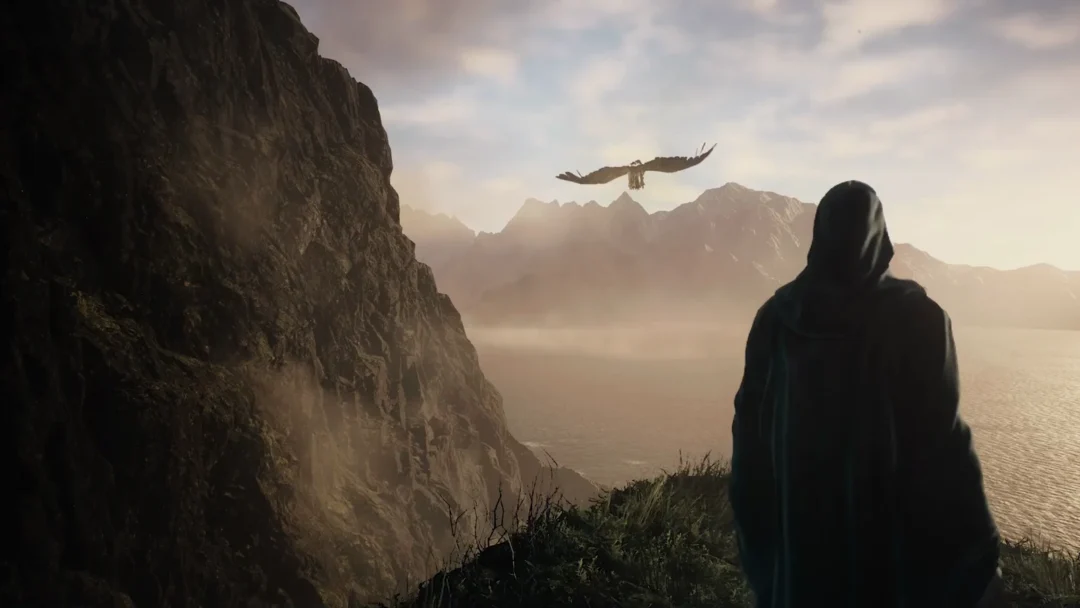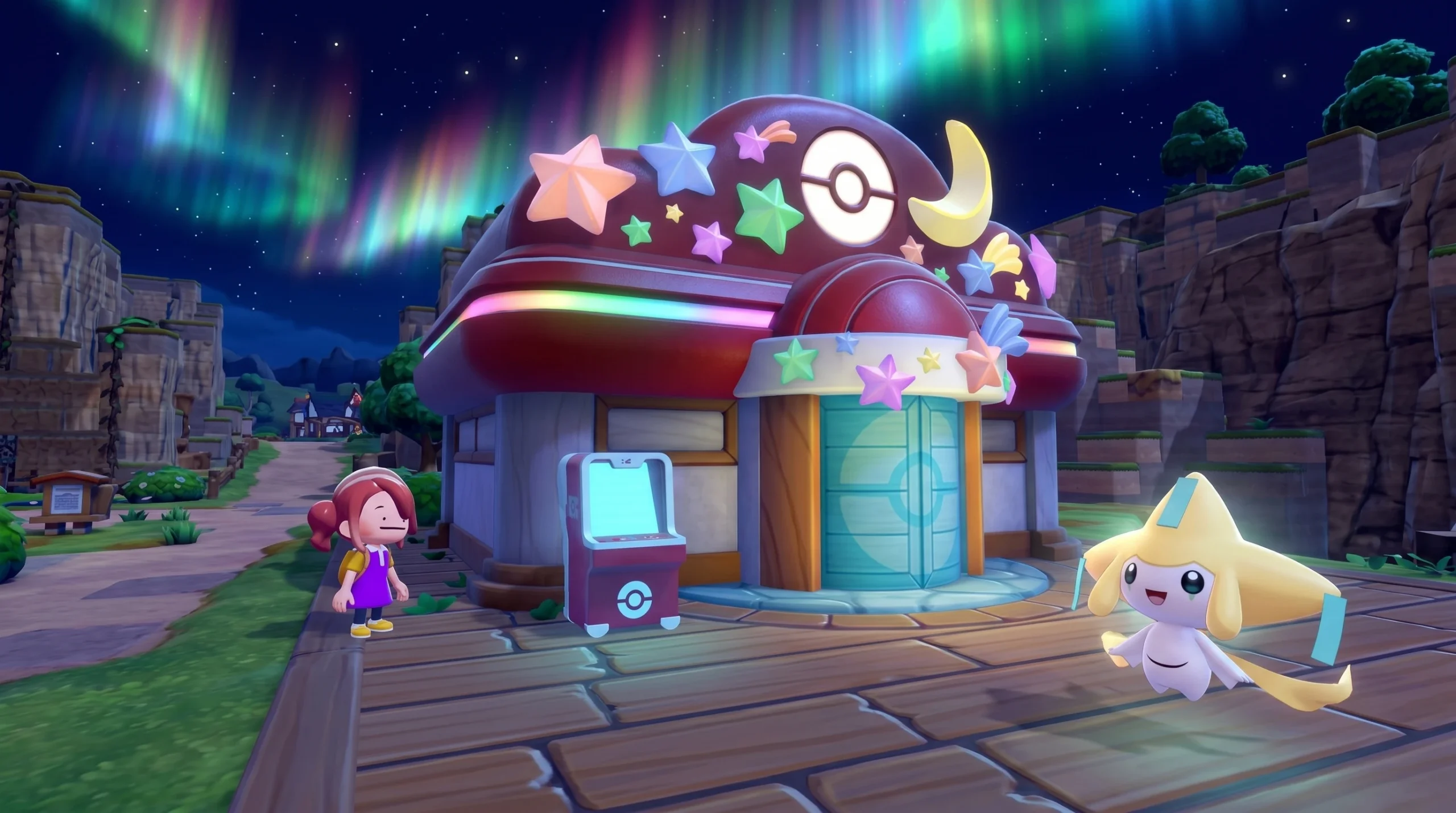
Jirachi, the Wish Pokémon, joins Pokémon Pokopia for a limited summer event called Wish Upon a Jirachi. It is the first event added to the game that wasn’t already baked into the launch data, so you’ll need an update installed to take part. Here is when it starts, how long it lasts, and what you need to do to befriend Jirachi.
Quick answer: Wish Upon a Jirachi begins on June 23 at 5:00 AM local time and ends on July 8 at 4:59 AM local time. The clock follows your console’s local time, so the start hour is the same wherever you are.
Wish Upon a Jirachi start time and end date
The event uses local time rather than a single global unlock moment. That means players in every region see it go live at 5:00 AM on June 23 on their own clock, and it closes at 4:59 AM on July 8. The full run is roughly two weeks, and the duration is identical for everyone regardless of time zone.
| Detail | Time |
|---|---|
| Start | June 23, 2026, 5:00 AM (local time) |
| End | July 8, 2026, 4:59 AM (local time) |
| Featured Pokémon | Jirachi |
| Length | About two weeks |
One important note for anyone who unlocked earlier events by adjusting the system clock. Events added after the Ver 1.1.0 update can’t be reached by time traveling into the future. Setting your Switch 2 ahead will not trigger Wish Upon a Jirachi. You can still travel back to past events as far as the Sableye event, but if you’re returning from a future date, move to an earlier date first before going forward to the one you want.
What you need before the event starts
Jirachi only appears in towns that have a fully rebuilt Pokémon Center. If none of your centers are repaired yet, you won’t be able to start the event or claim its rewards. Centers can take a while to finish, so it’s worth completing at least one construction project before June 23.
- At least one fully built Pokémon Center in a main area
- The latest game update installed
- A main town, since the event does not run on Cloud Islands
Cloud Islands, the separate multiplayer areas, are excluded from the event. Jirachi will not show up there, and the star-themed items won’t be available either.
How to start and complete the Jirachi event
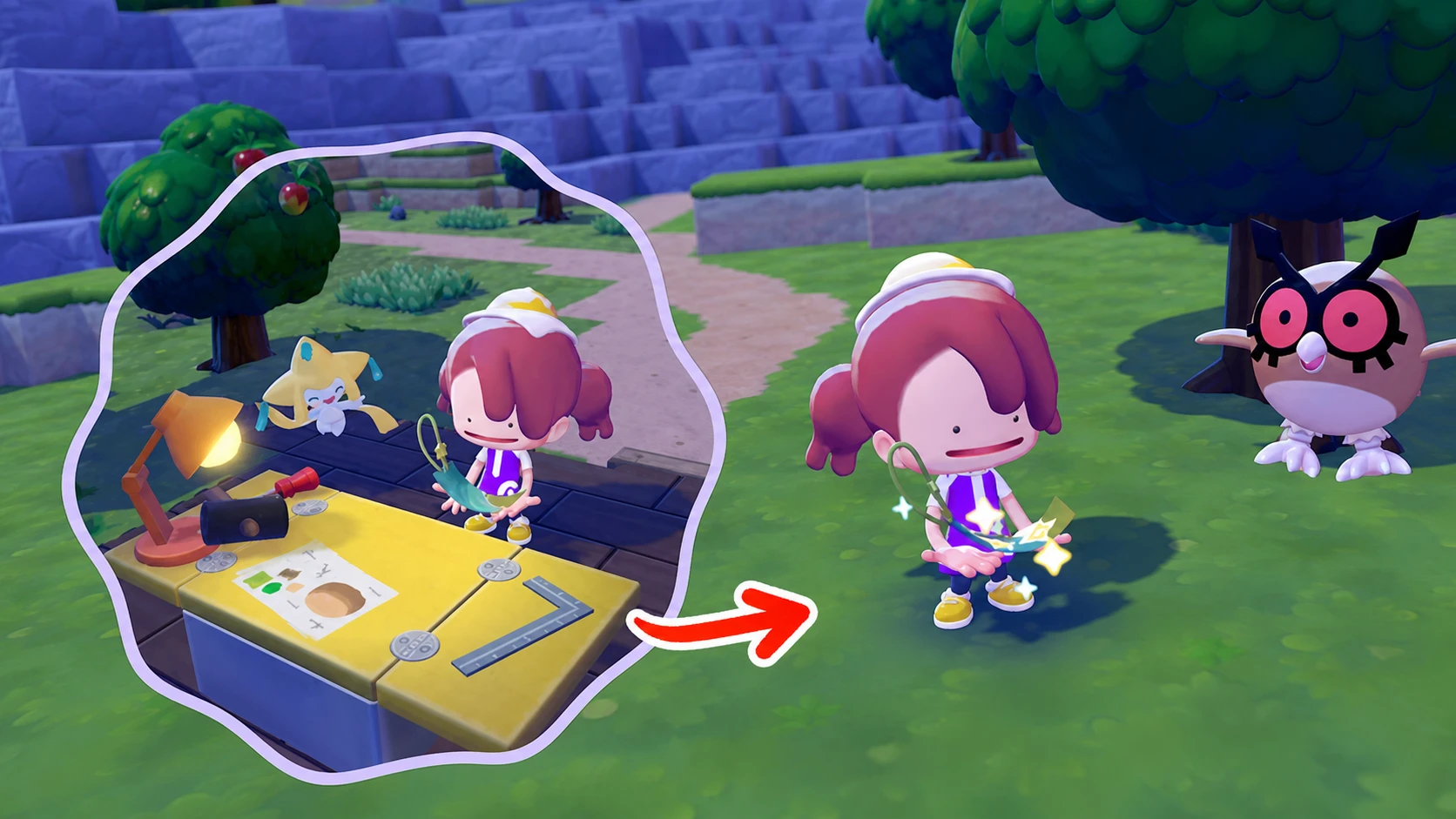
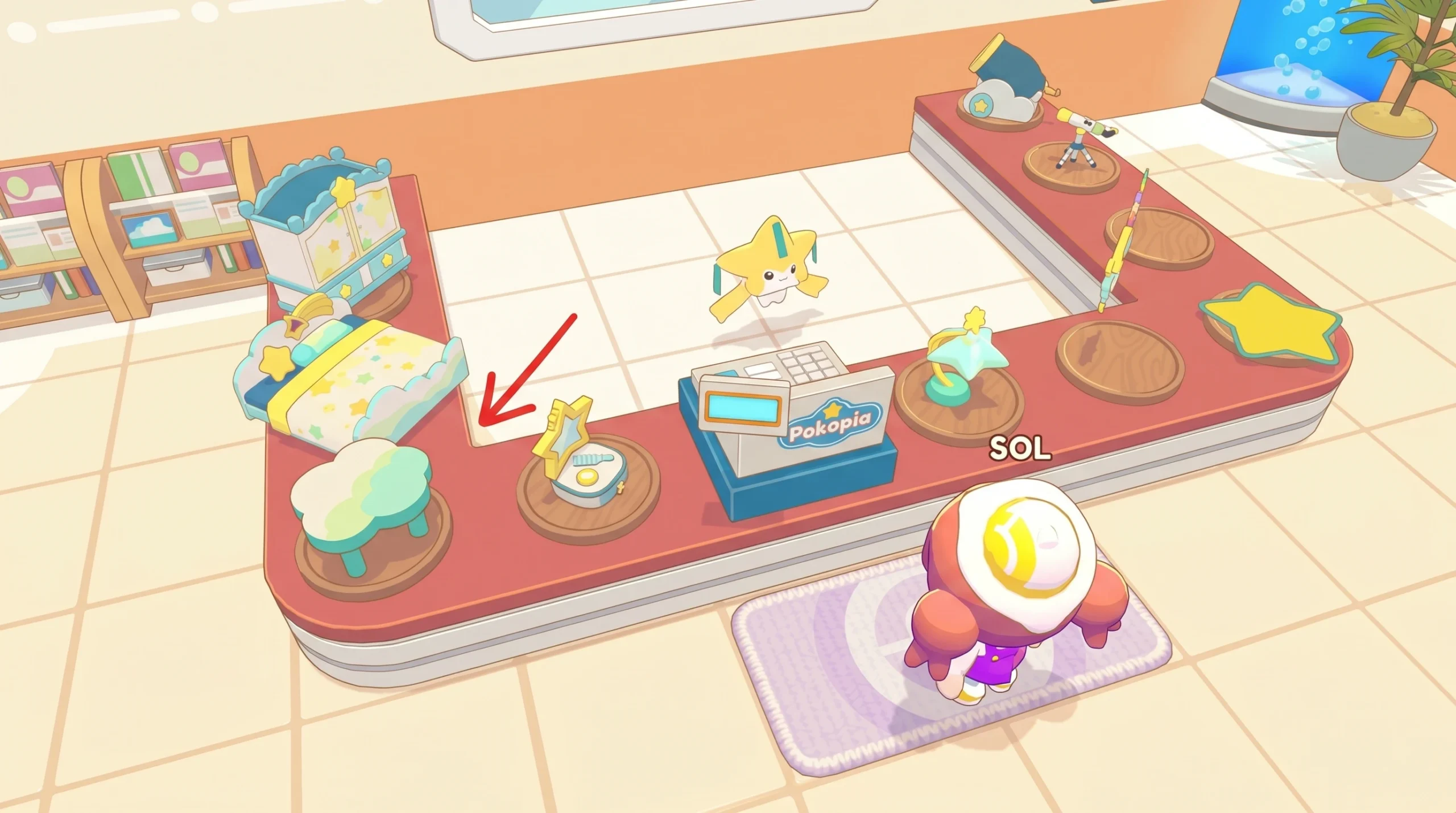
You’ll know the event is active once Jirachi is standing in your Pokémon Center and the recipe for Wish Notes appears in your crafting list. If Jirachi never shows up, the most common reasons are an unfinished Pokémon Center, a missing update, or trying to play on a Cloud Island. The official rundown is posted on the Pokémon site.
Jirachi can only be befriended during this window, so the two-week period is the chance to add the Wish Pokémon to your collection and stock up on the starry sky décor. Get a Pokémon Center finished, keep your game updated, and check back in once the clock hits 5:00 AM on June 23 in your region.