

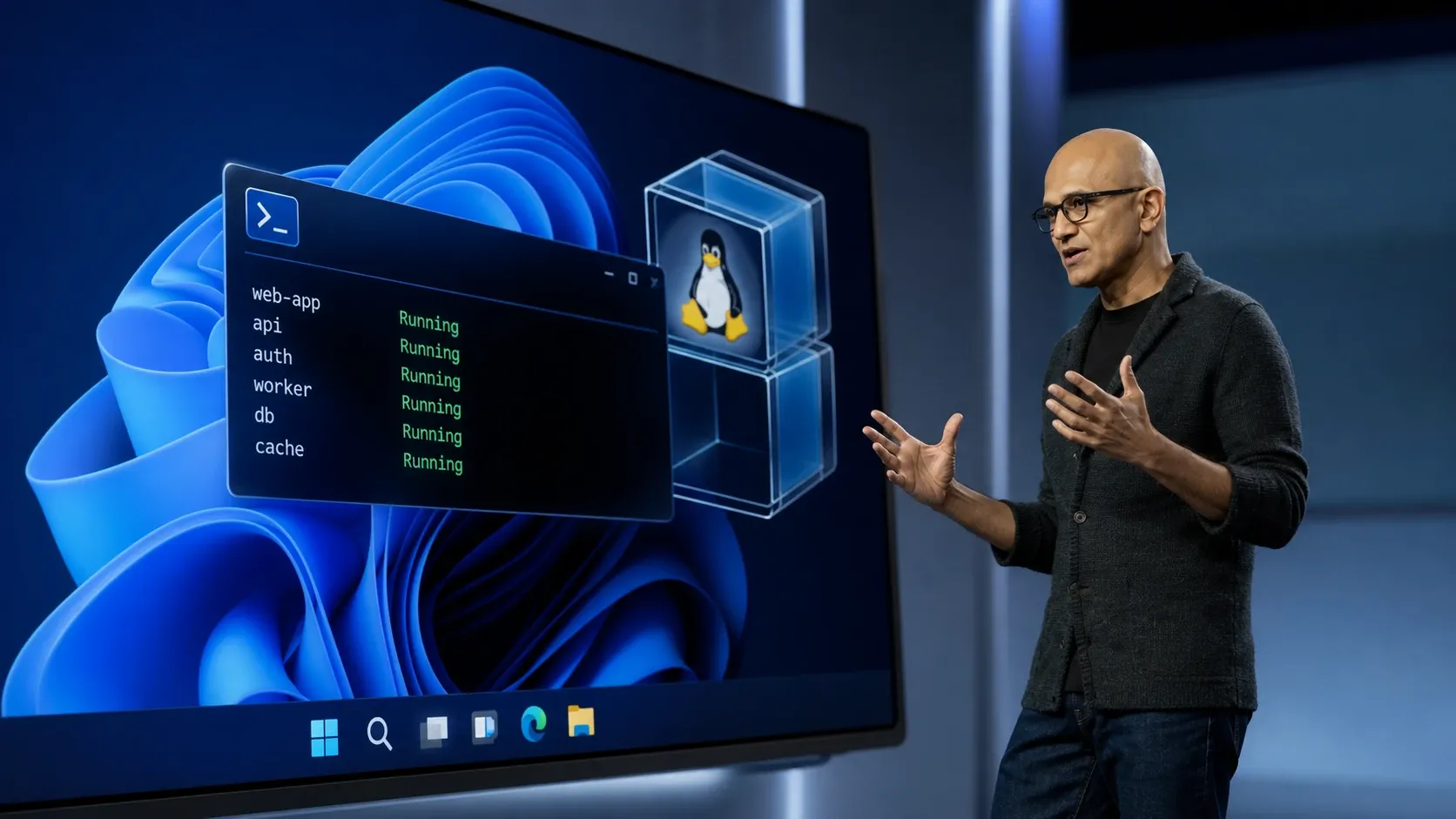
Microsoft is building Linux container support straight into Windows. WSL Containers, announced at Build 2026, gives developers a way to create, run, and manage Linux containers through Windows Subsystem for Linux without installing Docker Desktop or any other third-party runtime first. It arrives as a regular WSL update and ships with two pieces: a command-line tool called wslc.exe and an API that lets native Windows apps run Linux containers as part of their own logic.
What WSL Containers is and what the wslc CLI does
WSL Containers turns WSL into a built-in container platform rather than just a Linux environment. The goal is to make running Linux containers on Windows simpler by removing the setup that usually comes with separate tools, configuration files, and background services.
The wslc.exe command ships as part of the WSL update. It uses a familiar container interface, so the commands map closely to what developers already know from other engines. You can build images, run containers, expose services to localhost, and stop containers from the Windows command line.
# Run a container
wslc run --rm -it ubuntu:latest bash -c "echo Hello world from WSL container!"

# List available images
wslc image ls

# Run a web server and map it to a Windows port
wslc run -it --rm -d -p 8080:80 --name web nginx

# Reach the service from Windows
curl localhost:8080

# List running containers
wslc container ps

# Stop the container
wslc container stop web
Common wslc commands
During the Build demonstration, Microsoft showed creating a Debian container, building a custom image from a container file, exposing a web app over localhost, and accessing it from Windows. The full reference for the tool lives in the WSL container documentation.
The WSL Containers API for native Windows apps
The more significant part of the announcement is the API, delivered as a NuGet package. It lets a Windows application pull, run, and interact with Linux containers programmatically, covering interactions such as stdin and stdout, file mounts, networking, and GPU access. The practical effect is that a Windows app can use Linux software in the background while the user never deals with Linux, containers, or a virtual machine directly.
Microsoft demonstrated this with MoonRay, an open-source rendering engine used on films including The Wild Robot and The Bad Guys 2. MoonRay is a Linux application, but it ran from a standard Windows executable. The app launched a Linux container behind the scenes, finished the render, and shut the environment down automatically. Without debug output, there was no sign that Linux was involved at all.
How the isolation architecture works
WSL Containers does not put every container in one shared space. Each Windows application that uses the API gets its own lightweight virtual machine. All containers belonging to that app run inside that dedicated VM, with separate storage, networking, and resources, plus hypervisor-level isolation.
This design keeps a security boundary around each app’s container workload while still giving developers direct access to Linux. For organizations, it means container activity tied to one application stays contained from the rest of the system.
GPU acceleration for AI workloads
Containers can reach the host GPU, which matters for AI and machine learning tasks. In one demonstration, a Linux container fine-tuned a GPT-2 model inside a Jupyter Notebook using the Windows machine’s GPU. That removes a common reason developers move to a separate Linux box for model work that needs hardware acceleration.
How WSL Containers compares to Docker and Podman
Microsoft chose to build its own container tooling instead of relying on existing engines, saying it wanted to be opinionated about the approach. Existing tools are not being pushed out. Docker Desktop, Podman Desktop, and Rancher Desktop remain fully supported on Windows.
| Aspect | WSL Containers | Docker Desktop / Podman / Rancher |
|---|---|---|
| Installation | Ships with a regular WSL update; no extra software | Installed separately as third-party software |
| CLI | Built-in wslc.exe | Tool-specific CLI (for example, docker) |
| App integration | NuGet API to embed Linux containers in Windows apps | No native Windows-app embedding API of this kind |
| Isolation | Per-app lightweight VM with hypervisor-level isolation | Engine-managed; depends on the tool’s WSL integration |
| Support status | Microsoft’s first-party option | Remain fully supported alongside WSL Containers |
Enterprise management controls
Microsoft is adding controls for IT administrators. They will be able to define policies for where container images come from, monitor which Linux containers run on developer machines, and govern how containers interact with the Windows host. This gives organizations a way to allow Linux container work while keeping it auditable and managed.
Availability and how to follow progress
WSL Containers is still in development and will enter public preview by the end of June as part of a standard WSL update. Because WSL is open source, you can track the work in the microsoft/wsl repository on GitHub and follow release news on the Windows command line blog. The broader set of developer changes was laid out in the Build 2026 Windows developer announcement.
WSL began as a way to run Linux tools without leaving Windows. With WSL Containers, the line between the two systems gets thinner. The CLI makes container work easier to start, but the API is the part that could change how software ships, letting Windows apps quietly run Linux workloads that users never have to think about.



