
Category
Linux
Ubuntu, Linux servers, command-line tools.
-
Epic Games Store Is Getting a Native Linux Launcher, but Not in the Preview Build
Epic has confirmed a native Linux client for its storefront is on the way, though no release date exists and it won’t ship with…
-
GeForce NOW on Linux: Full App Exits Beta on Ubuntu 24.04
Nvidia’s native Linux client is now a stable release, with Flatpak install, Ubuntu 24.04 support, and RTX 5080-class streaming.
-
Xodus: The Project Bringing Xbox PC and Game Pass Games to Linux
An open-source effort from Heroic Games Launcher developers wants GDK-based Xbox titles running on Linux and Mac without Windows.
-
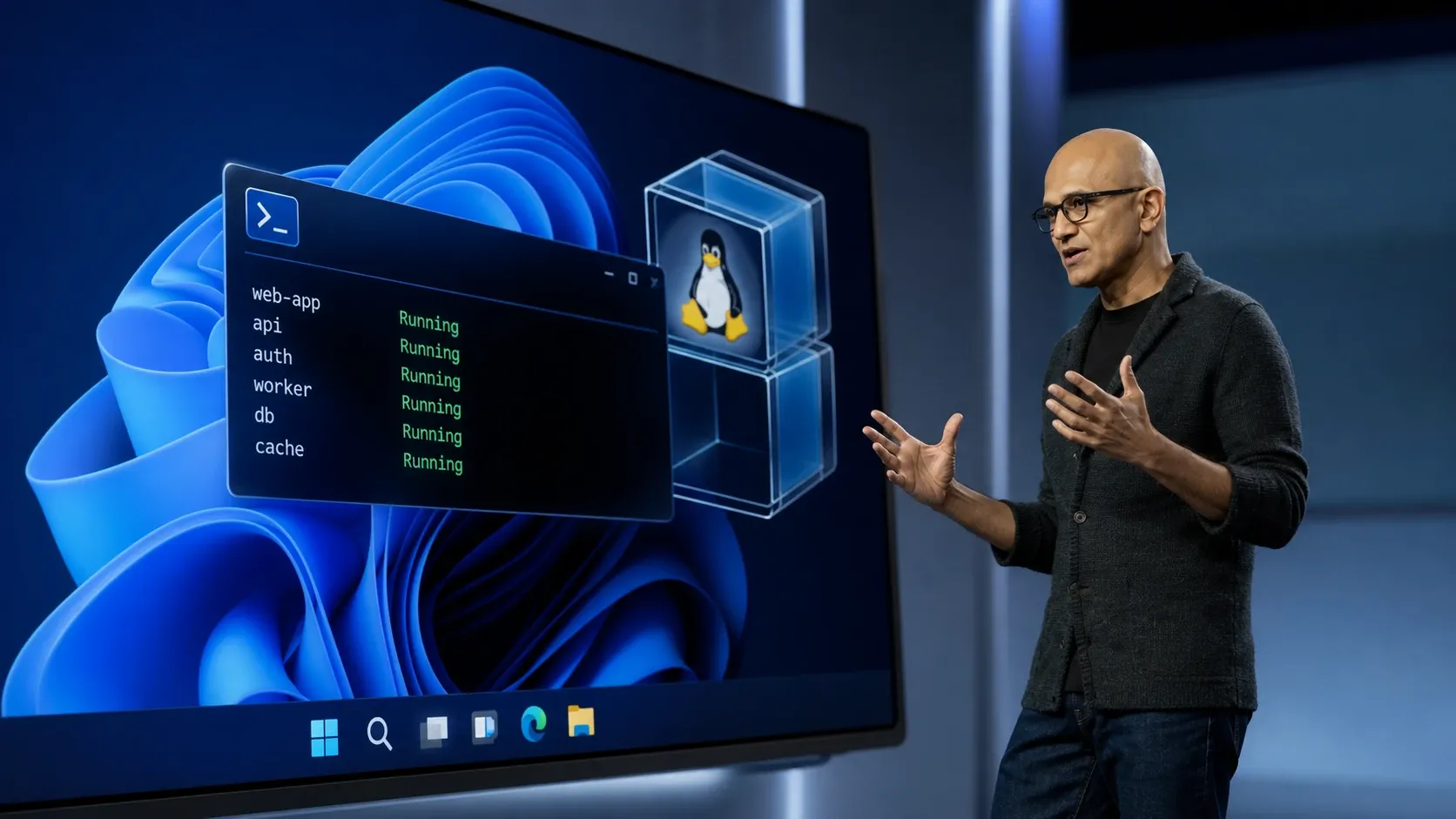
WSL Containers: How Windows Runs Linux Containers With wslc
Microsoft’s new wslc tool and NuGet API let Windows apps build and run Linux containers without separate software.
-

How to Install Docker on Ubuntu
Set up Docker Engine on Ubuntu using Docker’s apt repository, offline .deb packages, or the convenience script, then verify and configure non-root access.
-
Minimize Resource Usage with Ubuntu’s Minimal Install
Reduce memory and disk consumption on Ubuntu systems by selecting minimal installation options, lightweight environments, and targeted package management.
-
Set Up TPM-Based Full Disk Encryption in Ubuntu
Configure TPM-backed full disk encryption in Ubuntu to secure your data with hardware-based protection and streamline the boot process.
-
Fix “Unable to Locate Package” Errors After Upgrading to Ubuntu 24.04
Resolve package installation failures and restore apt functionality on Ubuntu 24.04 by addressing repository issues, cache updates, and package availability.
-
Troubleshoot Broken Packages in Ubuntu
Resolve package errors, dependency conflicts, and incomplete installations on Ubuntu systems using proven command-line and graphical methods.
-
Switch Between X11 and Wayland Display Servers in Ubuntu
Learn the most reliable ways to change your Ubuntu session between X11 (Xorg) and Wayland display servers for better application compatibility, performance, or troubleshooting.