The latest update to +1 Speed Keyboard Escape pushes its second galaxy, the Caramel and White Chocolate world, deeper than before. Galaxy 2 now runs past its earlier ceiling into Stage 17 and Stage 18, and the newer stretch leans on precise movement rather than raw speed. Alongside the stages, the update adds a Spooky Trail in the shop, a new Aura in Galaxy 1, and a dedicated Trading Hub.
Quick answer: The late Galaxy 2 stages fail wall jumps at high speed. They latch reliably only when Custom Speed is around 200 and Roblox’s Maximum Frame Rate is capped at 60 FPS.
What the Galaxy 2 update adds
The headline change is more obstacle course. Galaxy 2 gains new stages, including Stage 17 and Stage 18, that mix moving platforms, inverted-gravity tracks, and vertical wall-jump sections. The update also touches areas outside the new stages.
- New Galaxy 2 stages, extending the run to Stage 18.
- A new Spooky Trail cosmetic sold in Galaxy 2.
- A new Aura added to Galaxy 1.
- A Trading Hub for exchanging items with other players.
The Spooky Trail and Galaxy 2 cosmetics
Spooky Trail is the standout cosmetic in this drop. It adds +10K to your speed and costs 500,000,000 Wins, making it both more powerful and more expensive than the other trails. Equip trails through the Trails tab in your Inventory; each adds a fixed speed boost to your character.
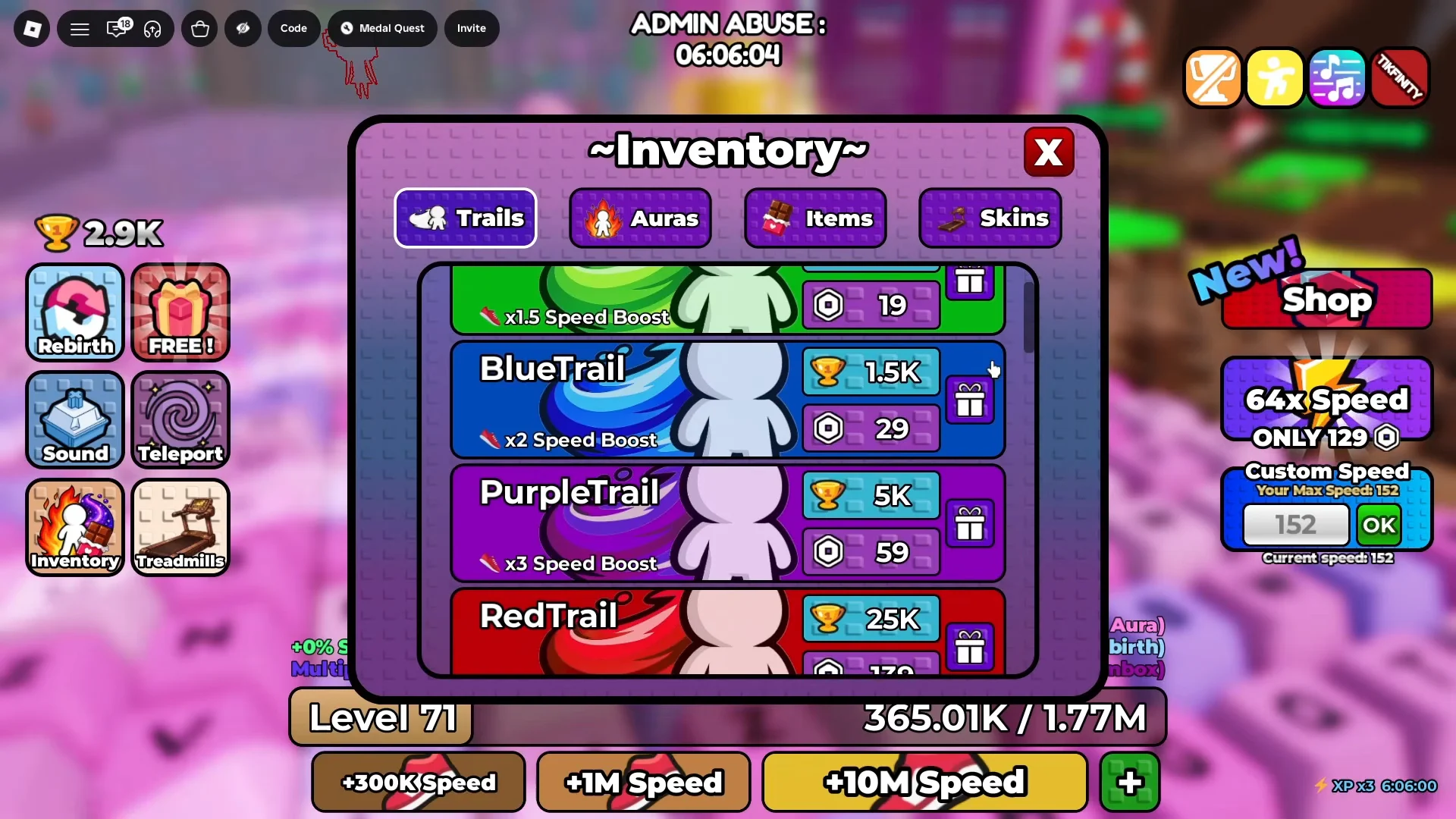
| Trail | Speed boost | Cost |
|---|---|---|
| Spooky Trail | +10K | 500M Wins |
| Cookie Dough Trail | +8K | 8M Wins |
| Fade Trail | +100 | — |
| White Chocolate Trail | +25 | — |
| Caramel Trail | +5 | — |
Galaxy 2 stage lineup and recommended levels
The entrance to every stage displays a suggested level. You can enter below it, but you may struggle to clear the long jumps. From Stage 7 onward, the middle section demands control instead of relying on momentum alone.
| Stage | Recommended level | Main mechanic |
|---|---|---|
| Stage 7 | 35 | Double loop-de-loop with a big speed boost |
| Stage 8 | 45 | Steep vertical drop, roller-coaster style |
| Stage 9 | 55 | Wall jumps over a void |
| Stage 10 | 70 | Upside-down gravity track |
| Stage 11 | 85 | Final jump into the end zone |
| Stage 15 | 125 | Falling bomb and nuke gauntlet |
| Stage 16 | — | Vertical wall-jump transitions |
| Stage 17 | 135 | Moving platforms, cookies, inverted track |
| Stage 18 | 145 | Massive vertical climb into a final drop |
Why wall jumps stop working late in Galaxy 2
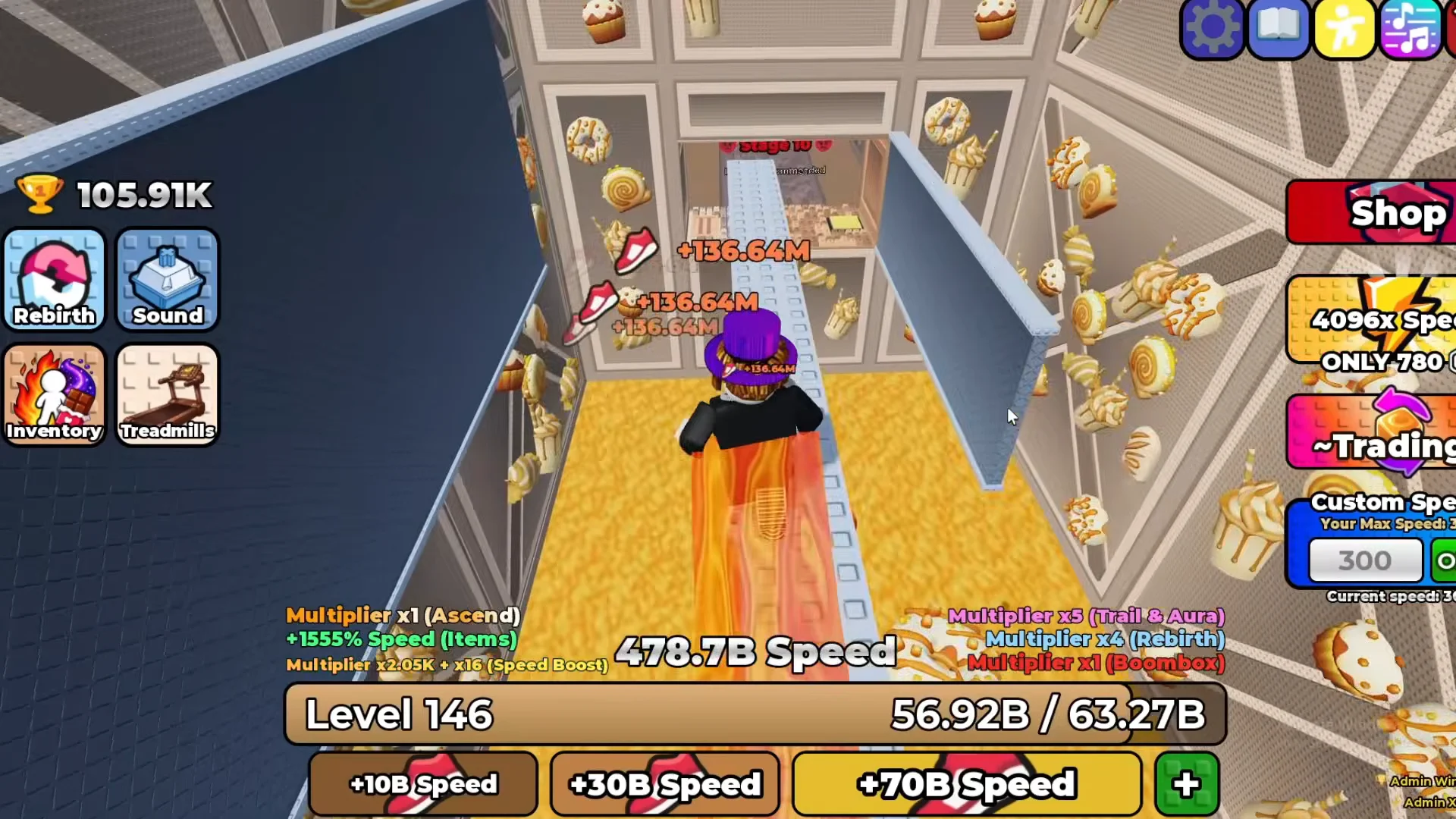
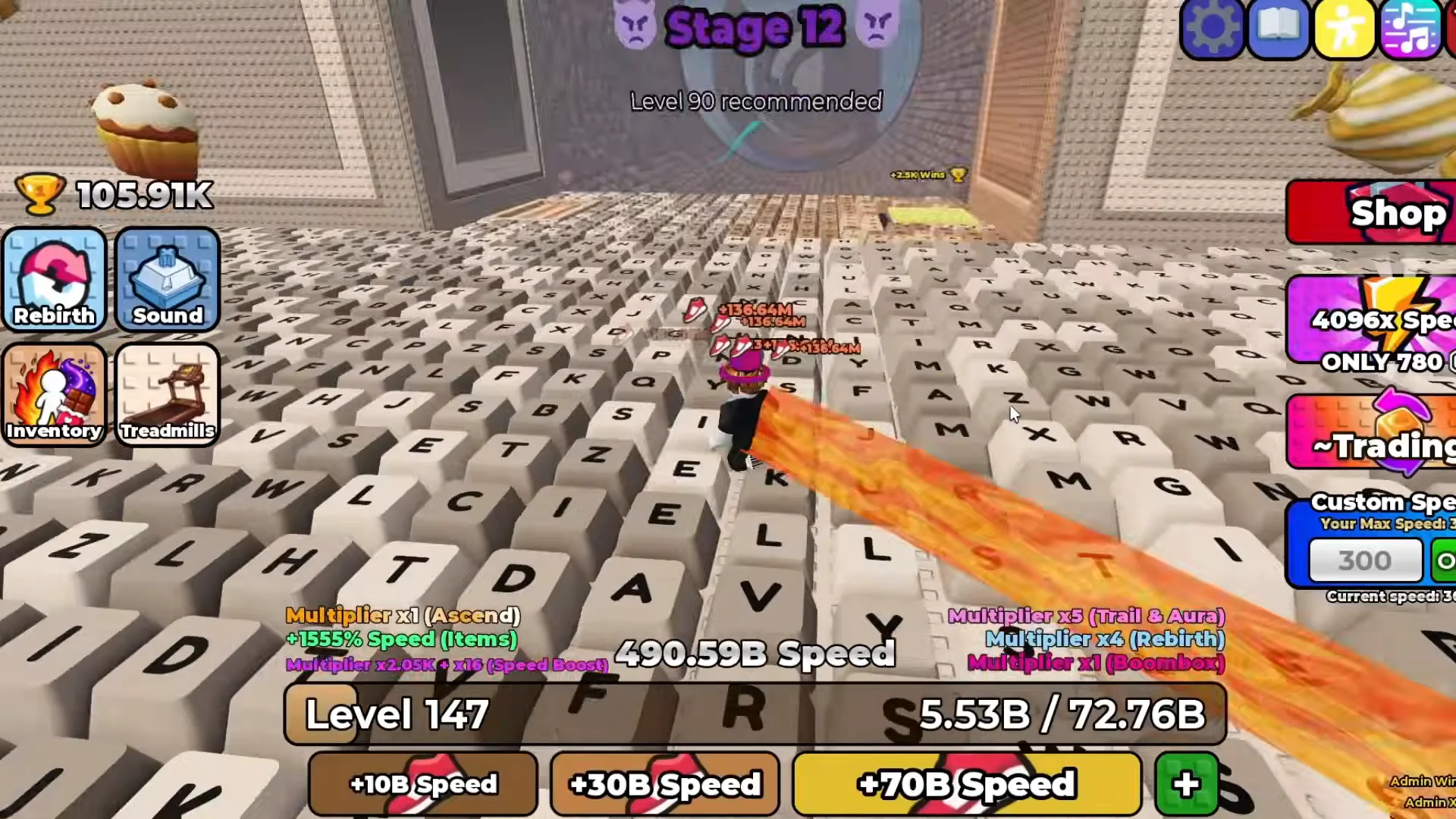
The single most useful control on the harder stages is Custom Speed, a value in the on-screen UI that caps how fast your character actually moves no matter how much total speed your account has stacked. A value of 300 overshoots almost every platform, and on vertical walls it is worse than that: the character slides past the wall before the jump registers, so the latch never connects. Dropping Custom Speed to around 200 keeps jumps landing where they aim and makes wall latching reliable.
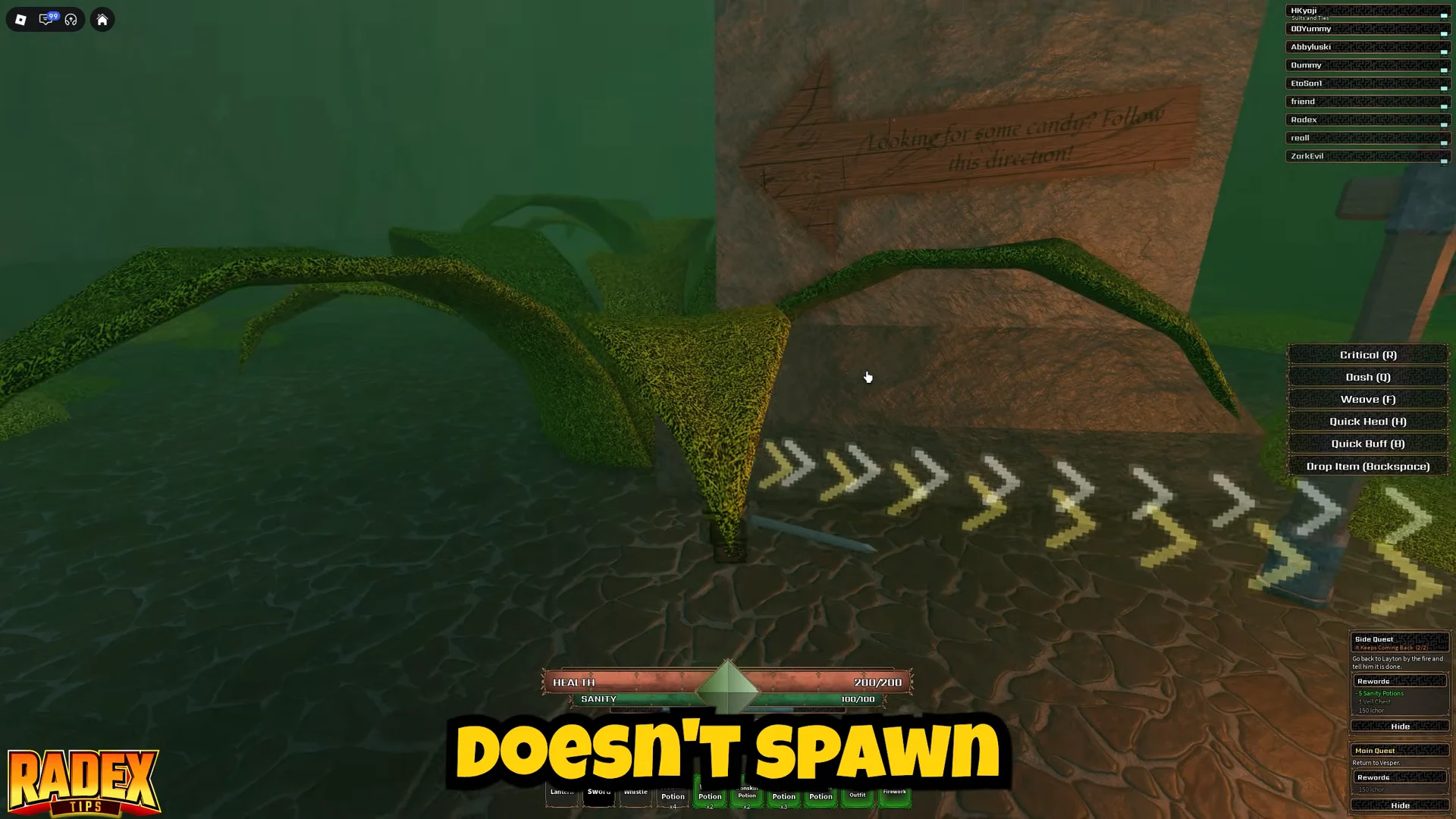
Frame rate is another, less apparent cause. At 144 FPS, Roblox may not register wall-jump physics on vertical keyboard walls. Set Maximum Frame Rate to 60 FPS in Roblox’s settings to restore the mechanic; this lets you clear the final wall jump in Stage 17 and reach Stage 18.
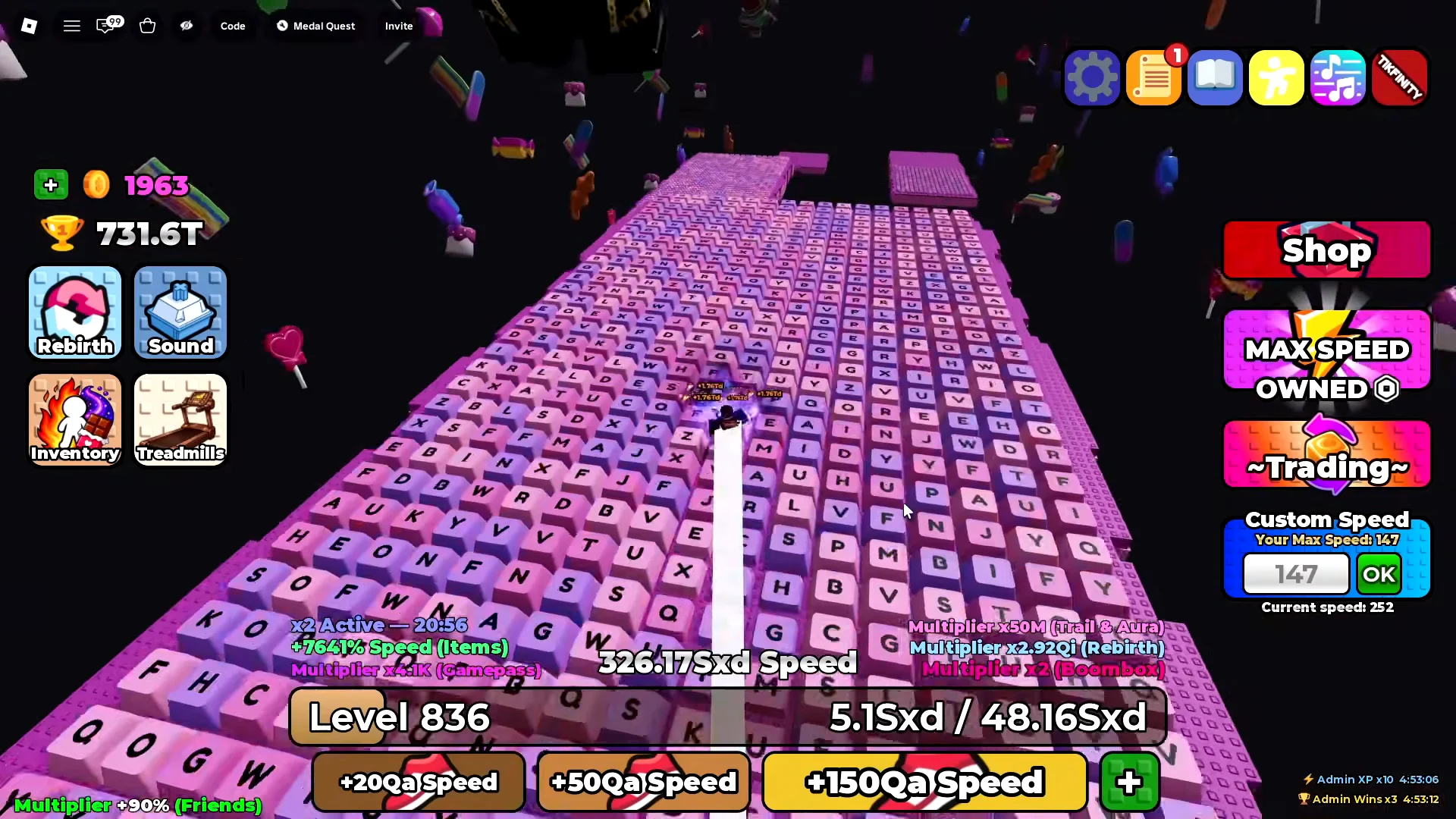
The best value varies by stage. High speed helps with Stage 7’s loops, but Stages 8 and 9, as well as the wall sections, punish it. Keeping one setting throughout the run is a common reason for repeated failures.
Reaching the recommended levels
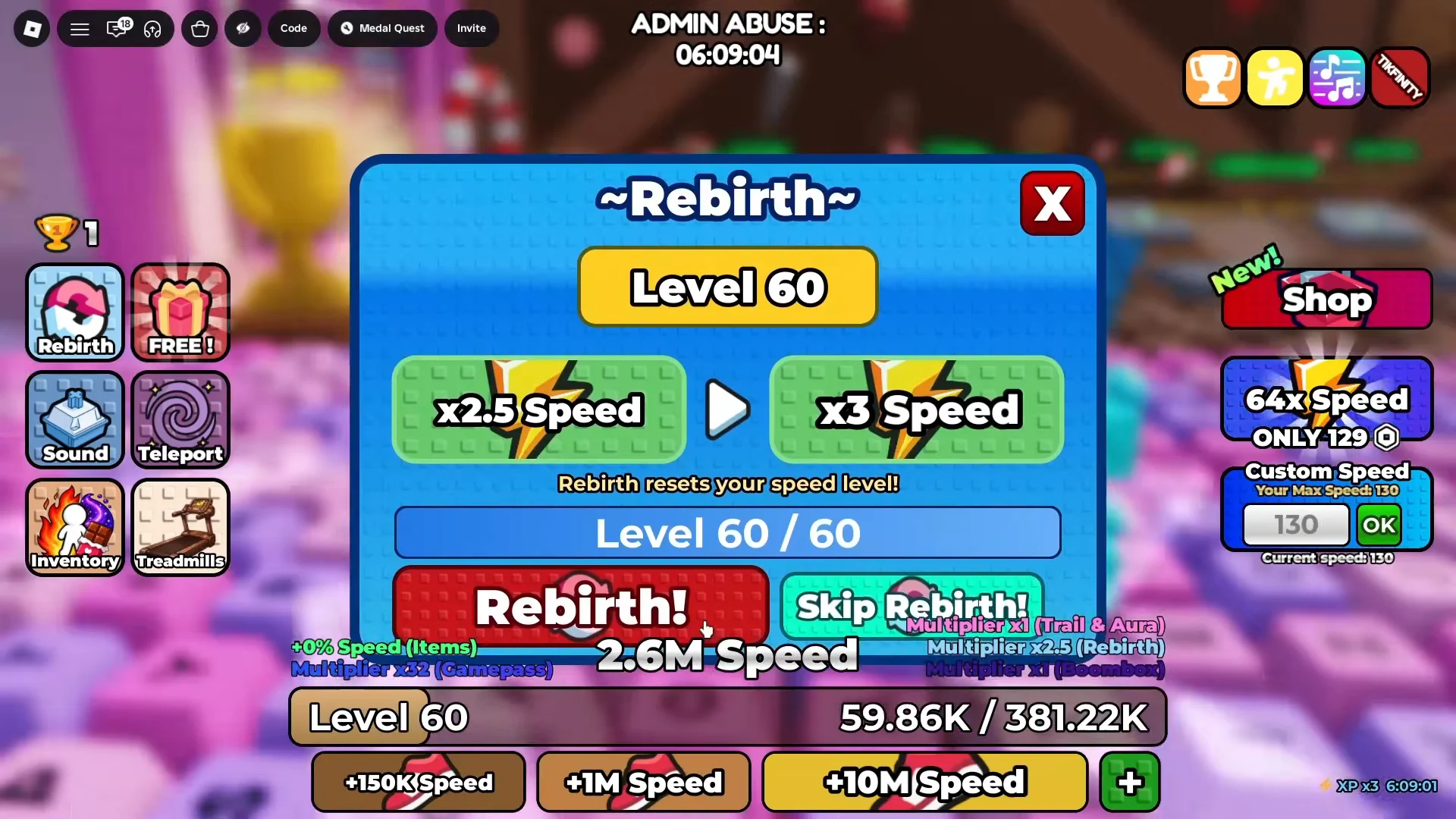
Because each stage lists a level, closing the gap before a run is the difference between clearing a long jump and falling short. Treadmill time is the fastest way to raise your level, and Rebirths add speed multipliers on top. At Level 60, for example, a Rebirth grants an x3 speed multiplier, and higher tiers stack from there.
Win rewards from the new stages
Your character must land in the end zone for the win counter to activate and confirm completion. Even if you survive the jump, no counter means you have not entered the finish area.
| Stage | Win reward |
|---|---|
| Stage 11 | +1K Wins |
| Stage 17 | +15M Wins |
| Stage 18 | +2.5M Wins |
Reviving instead of rerunning the galaxy
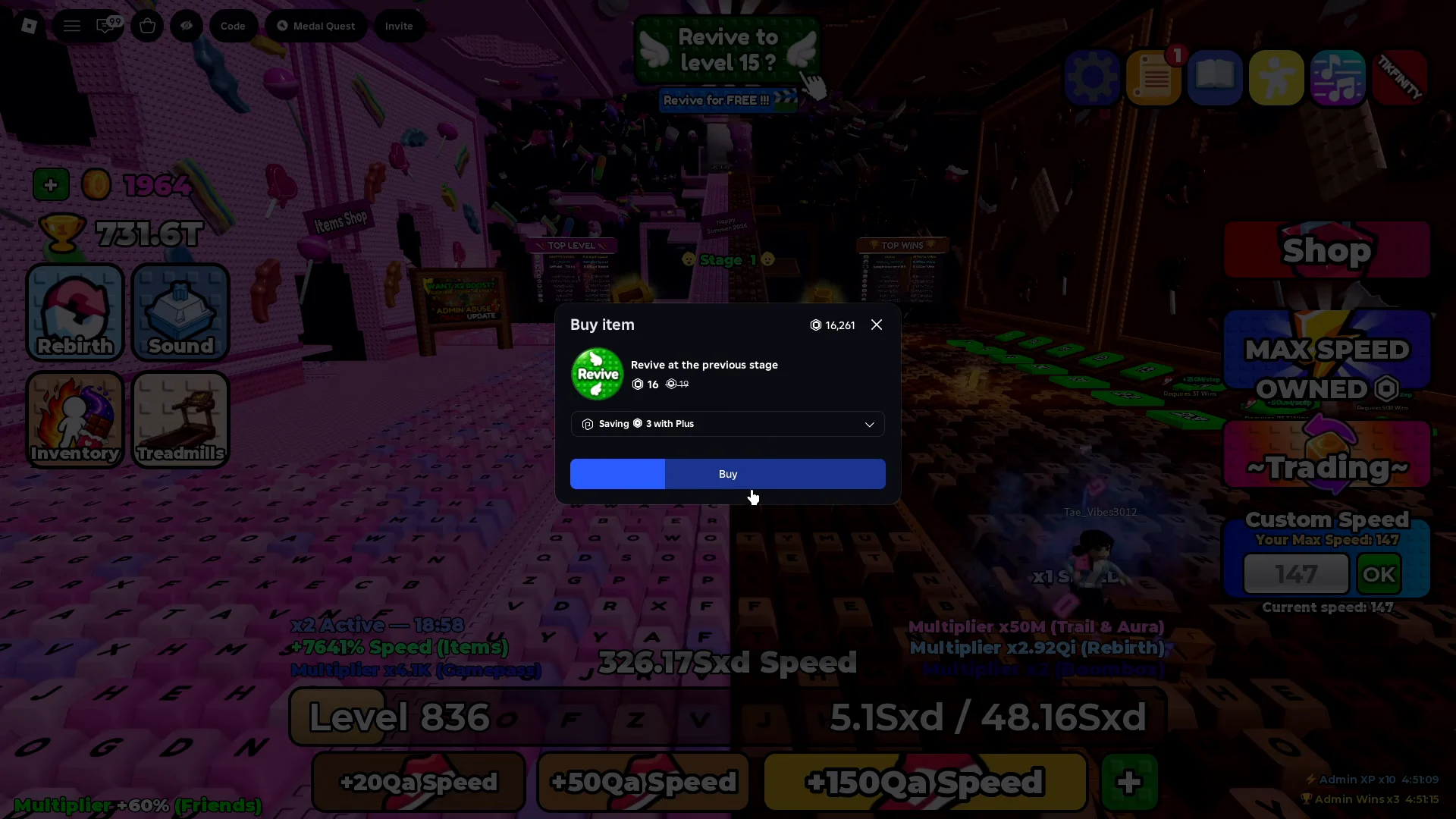
A fall doesn’t always cost you the whole stretch. After a death, the revive prompt shows which stage you’ll return to, so you can try the wall jump again without replaying the earlier stages. Some revives cost Robux, while watching a video ad can also bring back a checkpoint.
Other players may send gift pop-ups during a run; server-wide giveaways can include cosmetics such as the QA Fedora. Dismiss the window so it won’t block the track on your next attempt.
The CANDYHUNT giveaway and in-game events
The update window came with live events run through the developer’s server chat, including Glove Battle and Coin Battle rounds that reward exclusive admin items. During one of these, the code CANDYHUNT was posted in chat to hand free Golden Treadmills to the first 500 players who claimed it, so it functioned as a limited giveaway rather than a permanent reward. Codes are entered through the Code button after launching +1 Speed Keyboard Escape on Roblox.
Stage 18 is currently the highest point in Galaxy 2, though more stages are still to come. Precision matters more than pace in the back half: Custom Speed near 200 and a 60 FPS cap determine whether wall jumps register, making the difference between a clean finish and repeated respawns.