Gaming Guide

Sheer Fashion Dress To Impress: 2 Outfit Ideas (Black Fishnet Top With a Lace-Trim Skirt, Purple Lace Mini Dress)

Two free Sheer Fashion outfit ideas for Dress To Impress: a black fishnet top with a lace-trim tiered mini and stiletto boots, and a purple and black lace mini dress with white heels, with every piece, color and step shown.

Two free Sheer Fashion outfit ideas for Dress To Impress: a black fishnet top with a lace-trim tiered mini and stiletto boots, and a purple and black lace mini dress with white heels, with every piece,…

For a sheer fashion DTI look, layer translucent materials such as mesh, fishnet, and lace over opaque garments. Dress To Impress, the Roblox fashion game, doesn’t display item names, so each piece below is identified by its Dressing Room location, appearance, and color. Both looks go over the avatar’s black default shirt-and-shorts set. No item reveals the skin, and the default skin tone suits both outfits. More themes are in the Dress To Impress themes guide.

Quick answer: Wear a black fishnet long-sleeve top over a black top with a black tiered mini and heeled boots. You can also wear a fitted purple and black lace mini dress with white ankle-strap heels.


Sheer Fashion piece locations in Dress To Impress

Clothes and shoes are in the Dressing Room. To get there, open the Teleport pin at the top left and pick “Dressing Room”. Hair and faces are in Lana’s Salon.

PieceWhere it is
Fishnet long-sleeve topTops unit, wall across from the Halloween display
Corset puff dress (separate skirt)Party-dress unit, lower shelf, left mannequin
White fitted puff-sleeve miniParty-dress unit, lower shelf, right mannequin
ShoesShoe shelf, next to the party-dress unit
HairLana’s Salon, left arch (hair chairs)
FacesAt Lana’s Salon, use the arch on the right by the vanity seats, then select the Feminine tab.
RunwayTeleport pin, then “Freeplay Runway”

The fishnet top hangs beside a pale blue bustier and a black graphic tee, which makes it easy to spot. At the salon, sit in a hair chair or vanity seat and press E to open the menu.


How recoloring and the lace tile work

Click a piece to preview it. While it’s previewing, use the arrows to step through its parts. Pick a Palette color or a tile from the “Patterns” tab for each part, then hit Put On, the heart-and-tick button beside the panel. The panel counter shows which part you’re editing. For example, “1/3: Preview” means part one of three.

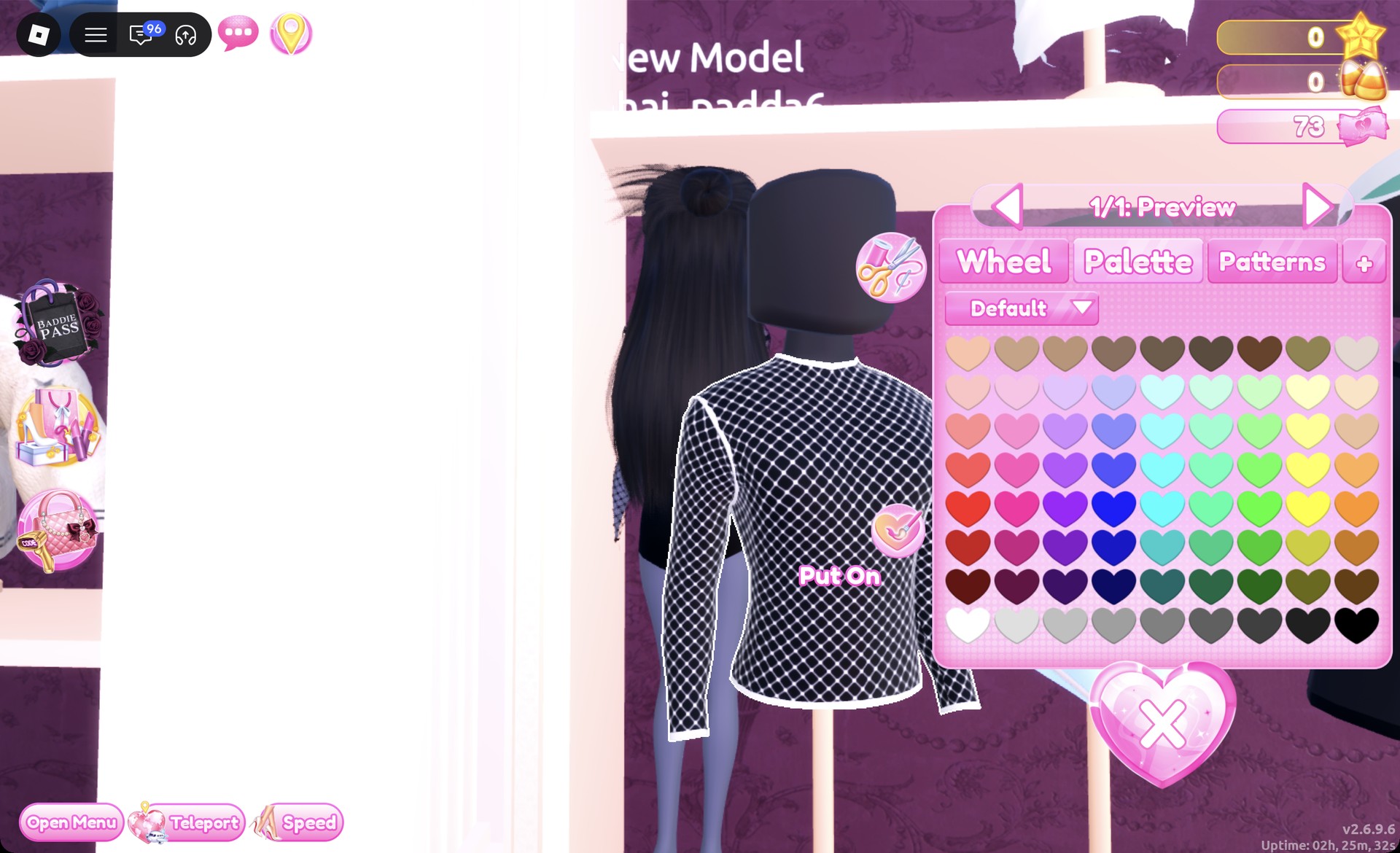
Palette colors here use the Default palette. Count columns from the left and rows from the top. Row 8 runs from white to black, so column 9, row 8 is black.

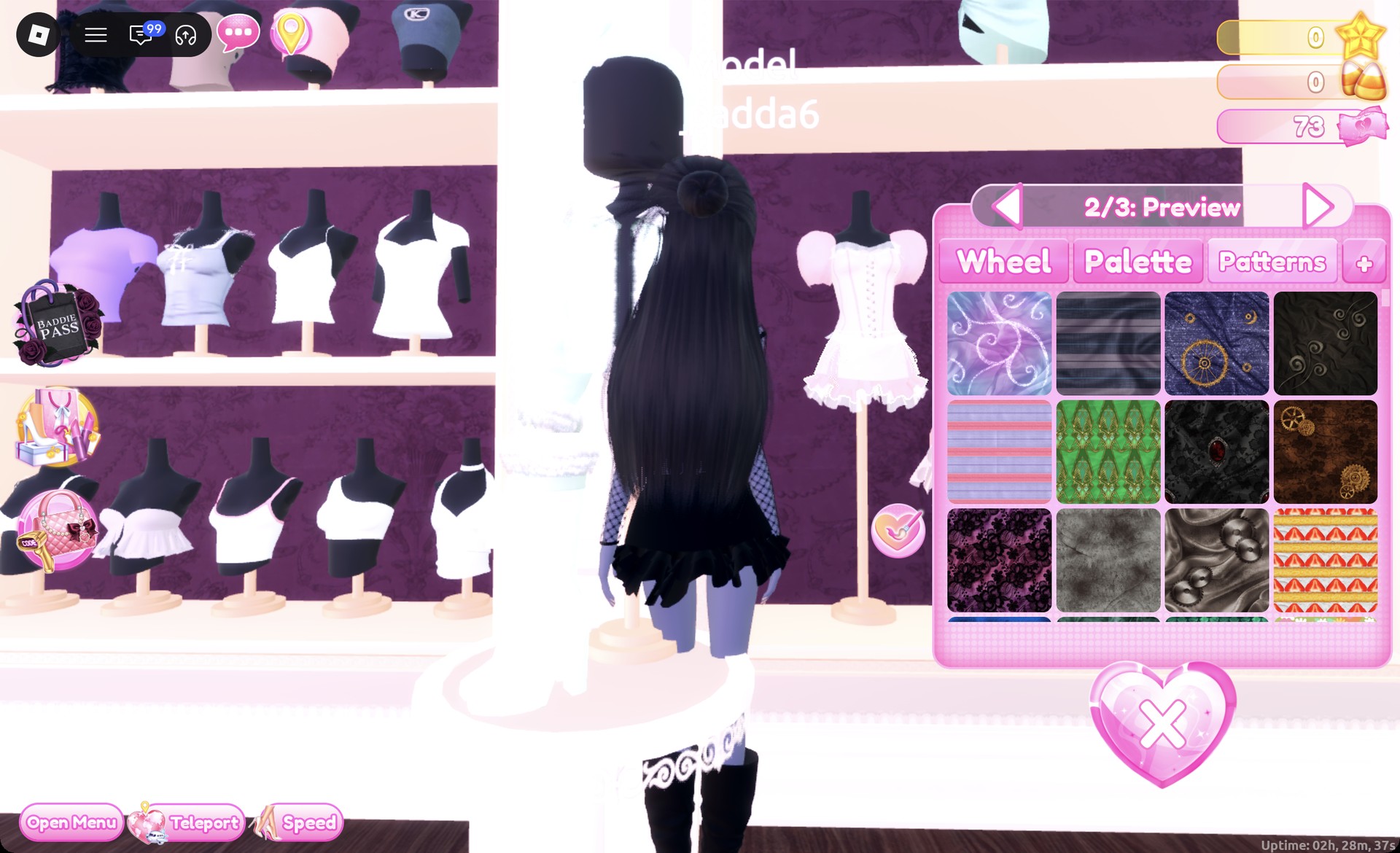
In the “Patterns” tab, choose the dark lace swatch at the first position of the third row. On a garment section, it renders as purple-and-black lace.

After the lace is on a part, picking a Palette color such as pink or white doesn’t change it, so set the lace last.


Look 1: Black fishnet top with a lace-trim skirt
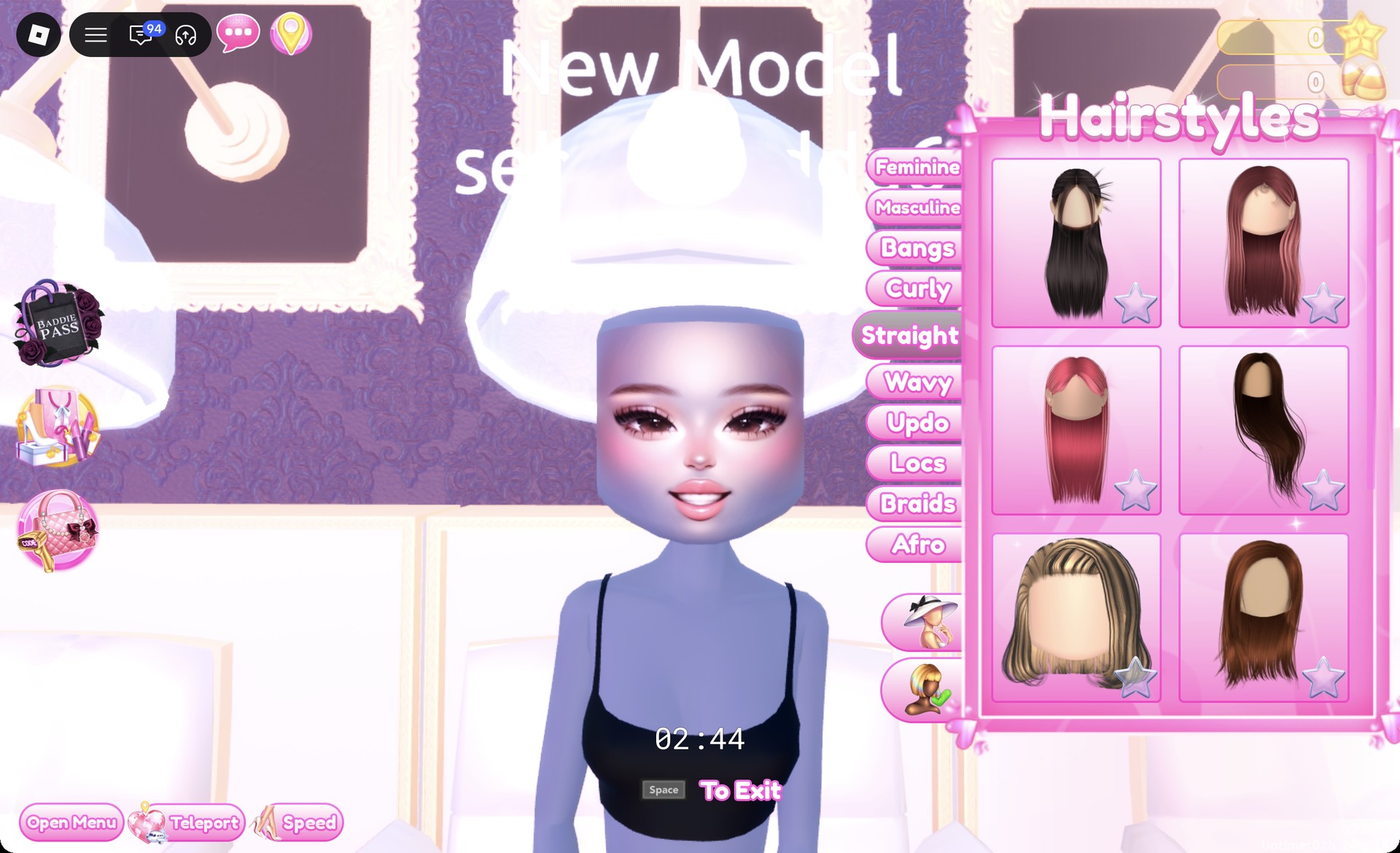
At a hair chair, switch to the Straight tab.
Straight hair tab at the hair chair in Dress To Impress
The Straight tab at the hair chair.

Select card one: long, sleek black hair parted down the middle. The preview reads “1/1: Preview” and starts in black.
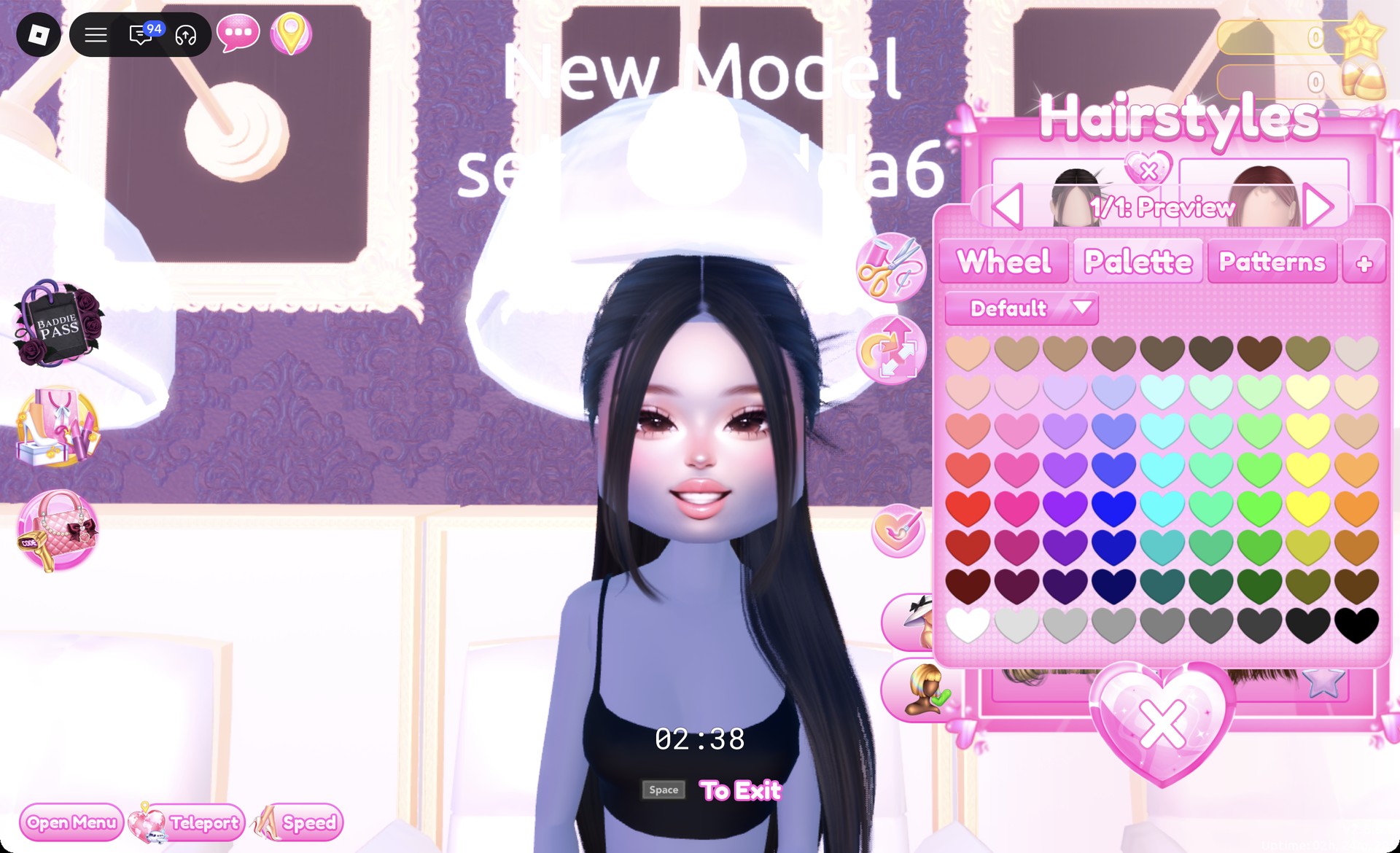
Long sleek black hair with a middle part in Dress To Impress
Card one of the Straight tab: long sleek black hair.
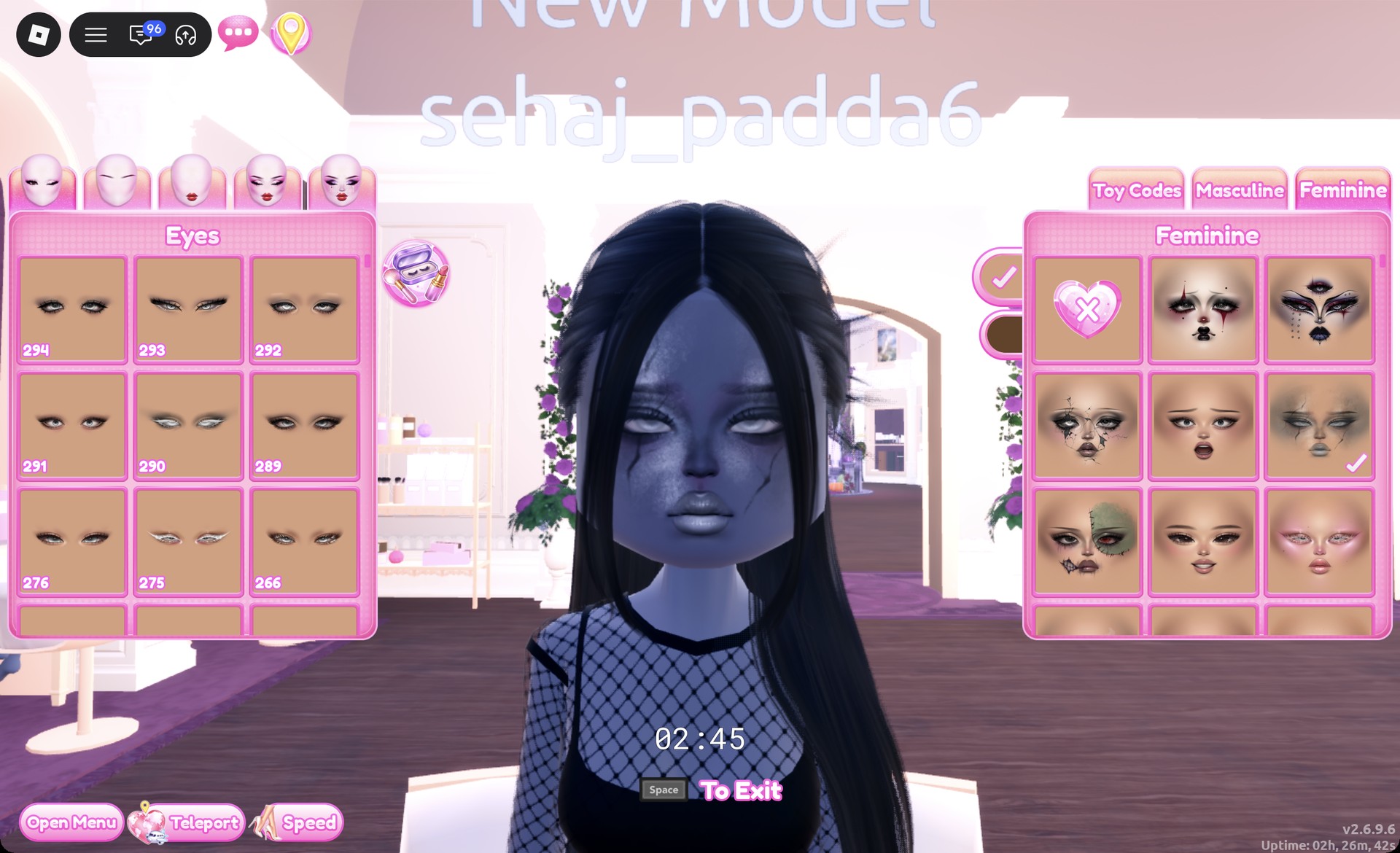
Sit at a vanity, open Feminine, and select the right-hand card in row two. It has smoky gray eyes, gray lips, and subtle crack marks.
Smoky gray face card on the vanity Feminine tab in Dress To Impress
Feminine tab, second row, right card.
In the Dressing Room, select the fishnet long-sleeve top, which starts out as white mesh.
White fishnet long-sleeve top preview panel 1/1 in Dress To Impress
The fishnet long-sleeve top, "1/1: Preview", in white.

When “1/1: Preview” appears, choose black (column 9, row 8) and press Put On.
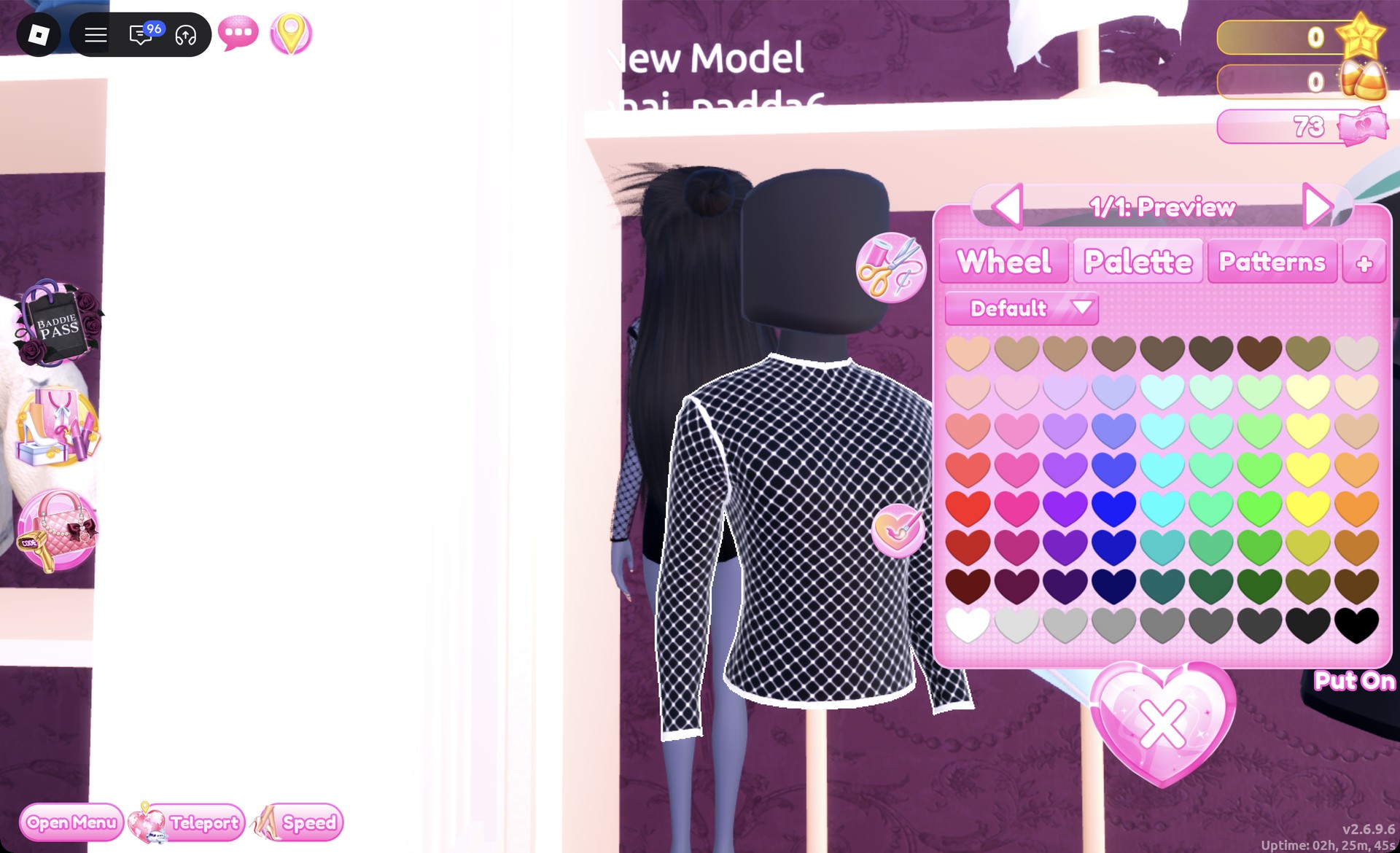
Fishnet top recolored black in Dress To Impress
The fishnet top set to black.

The black base top remains visible through its mesh.
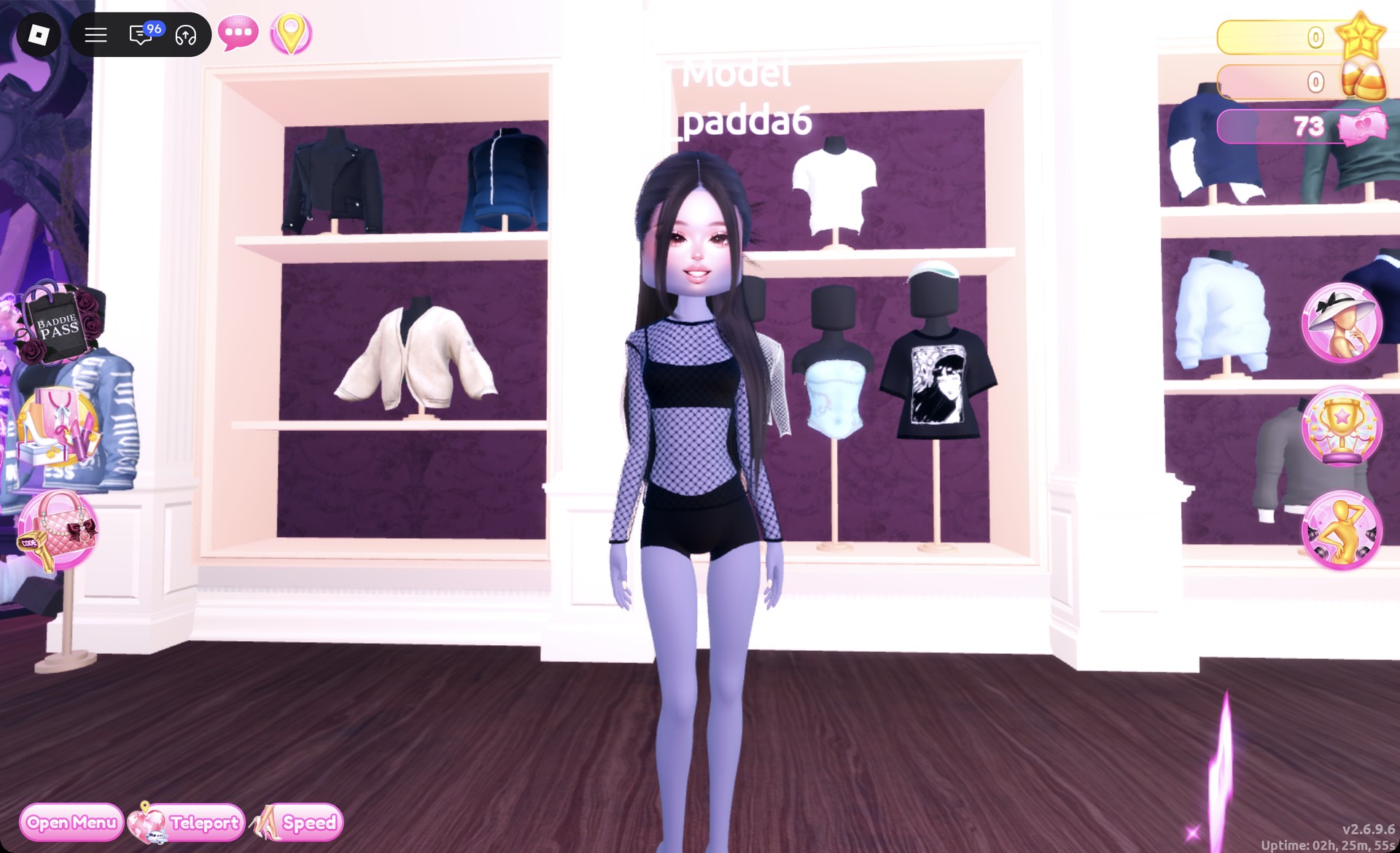
Black fishnet top worn over the black base top in Dress To Impress
The black fishnet top on, with the base top under the mesh.
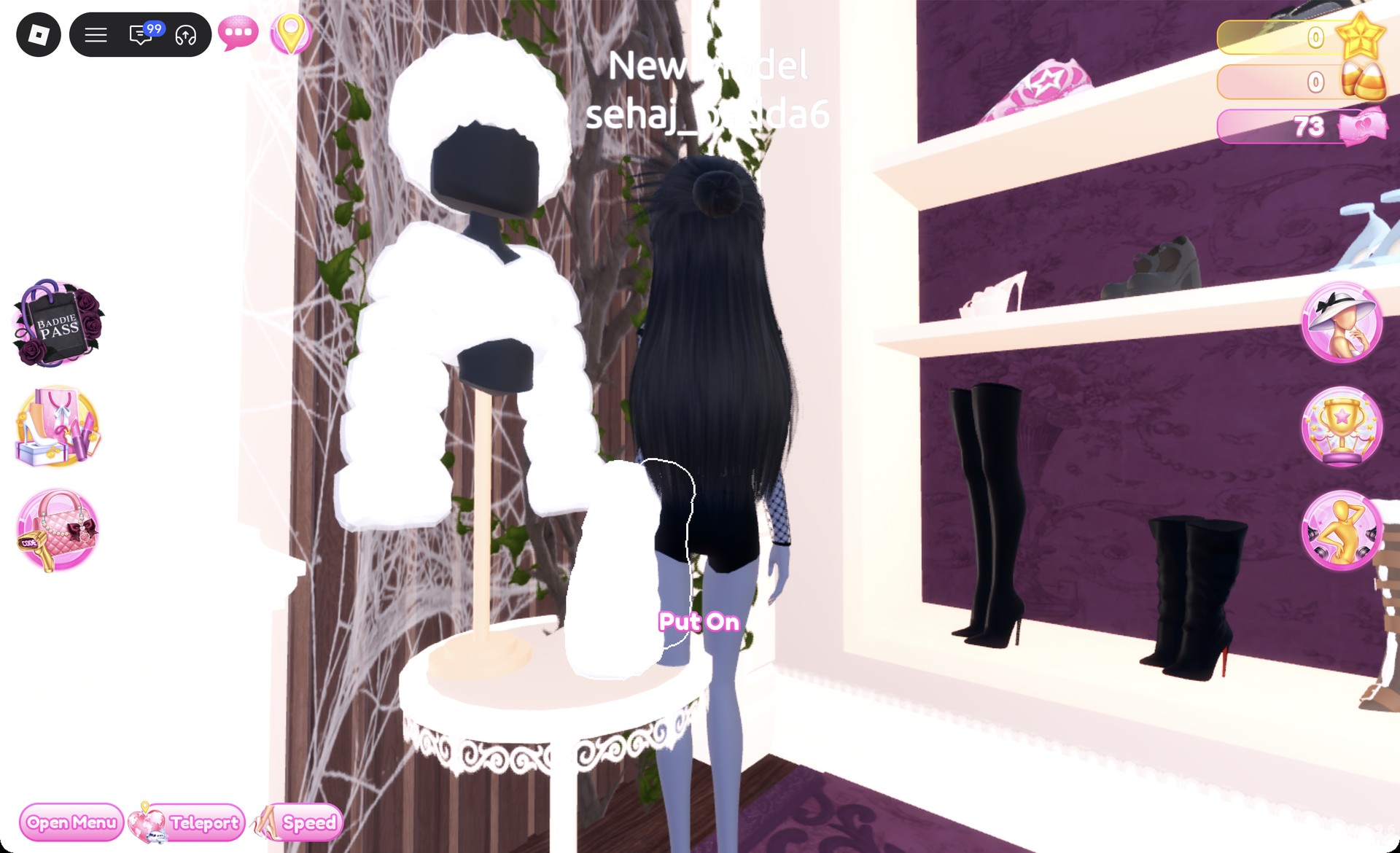
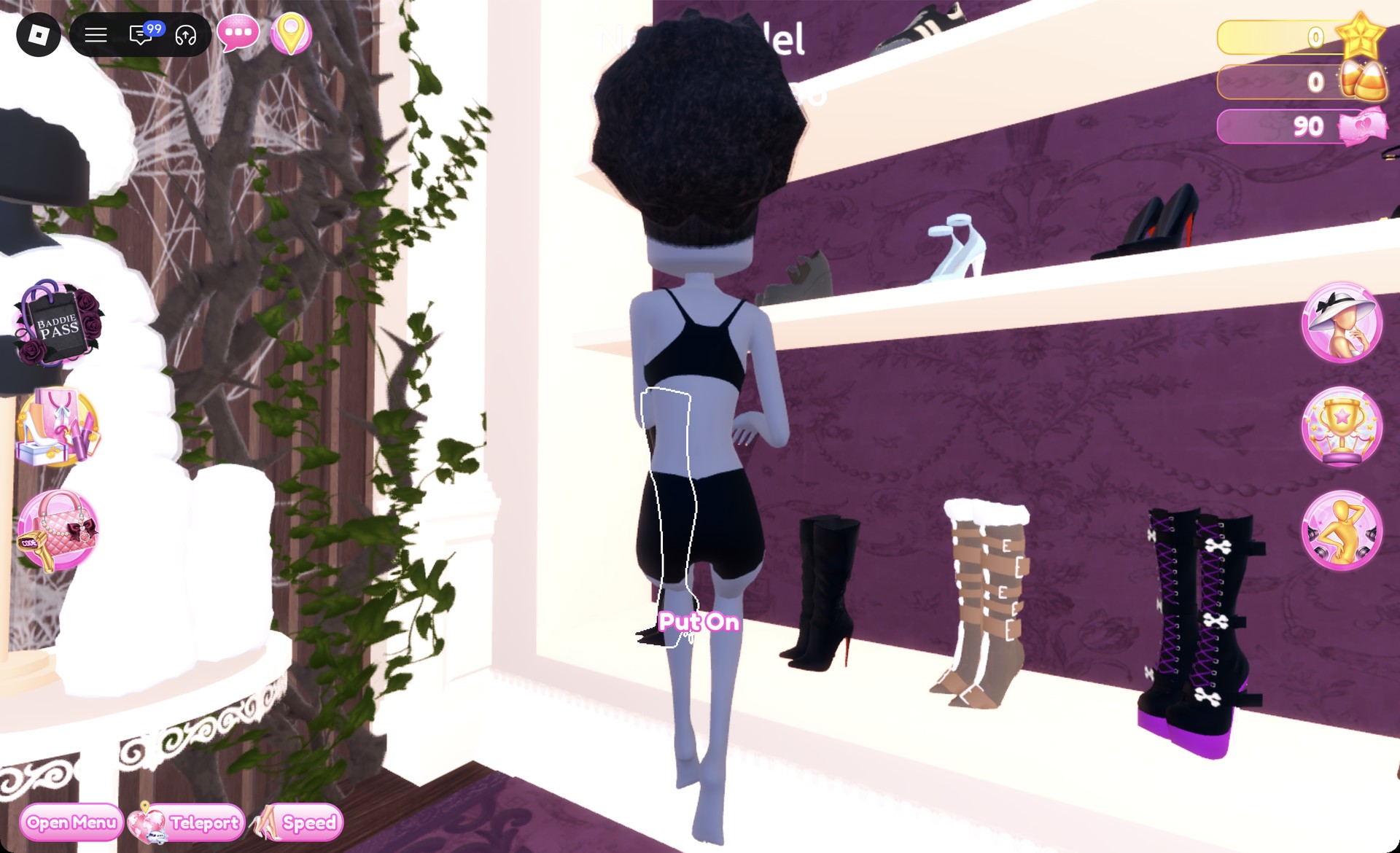
On the bottom row of the shoe shelf, pick the black slouchy boots with a stiletto heel.
Bottom row of the shoe shelf with black slouchy stiletto boots in Dress To Impress
The bottom row of the shoe shelf.

Leave them in their default black at “1/2: Preview” and press Put On.
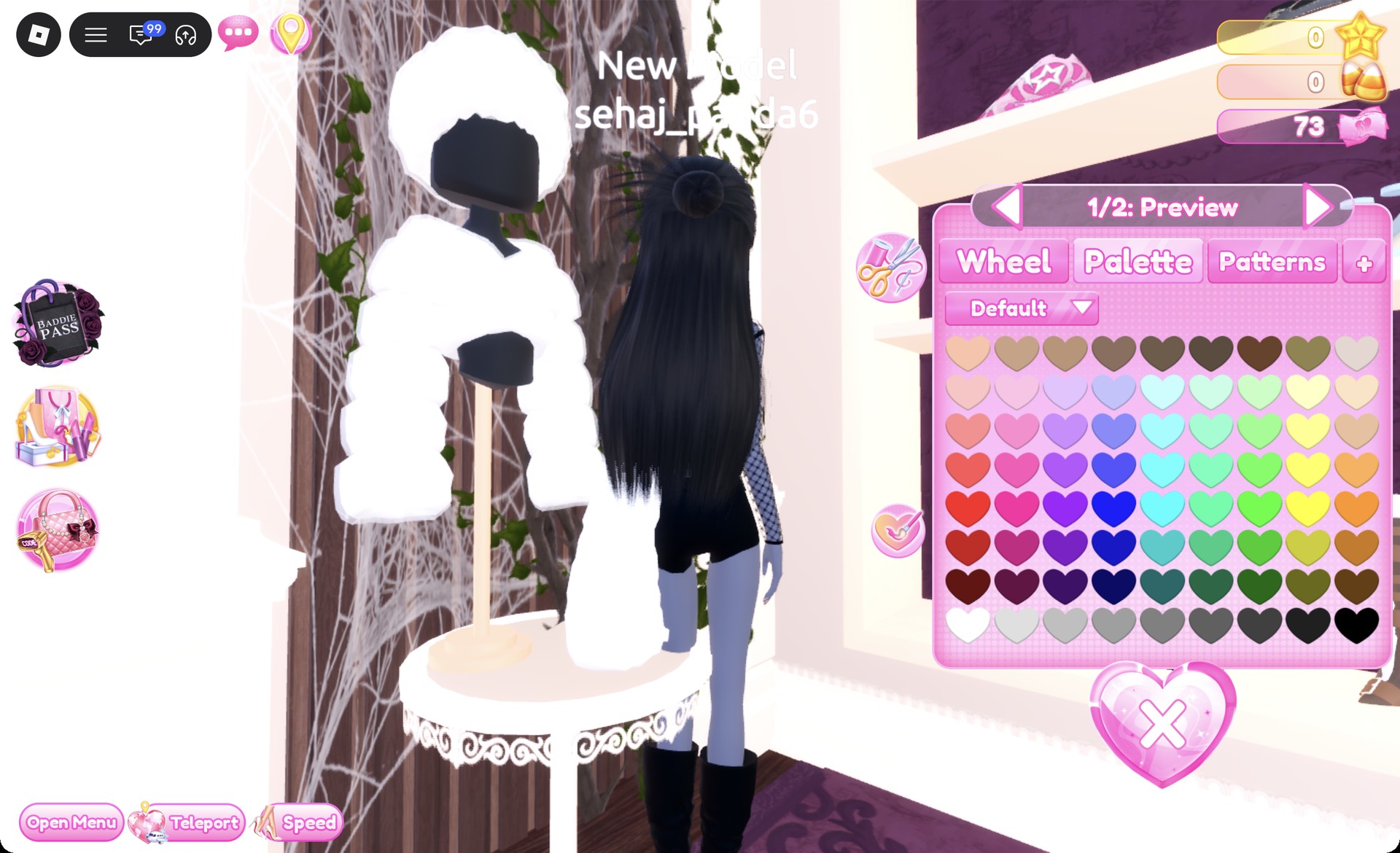
Black slouchy stiletto boots preview panel 1/2 in Dress To Impress
The black slouchy boots, "1/2: Preview".
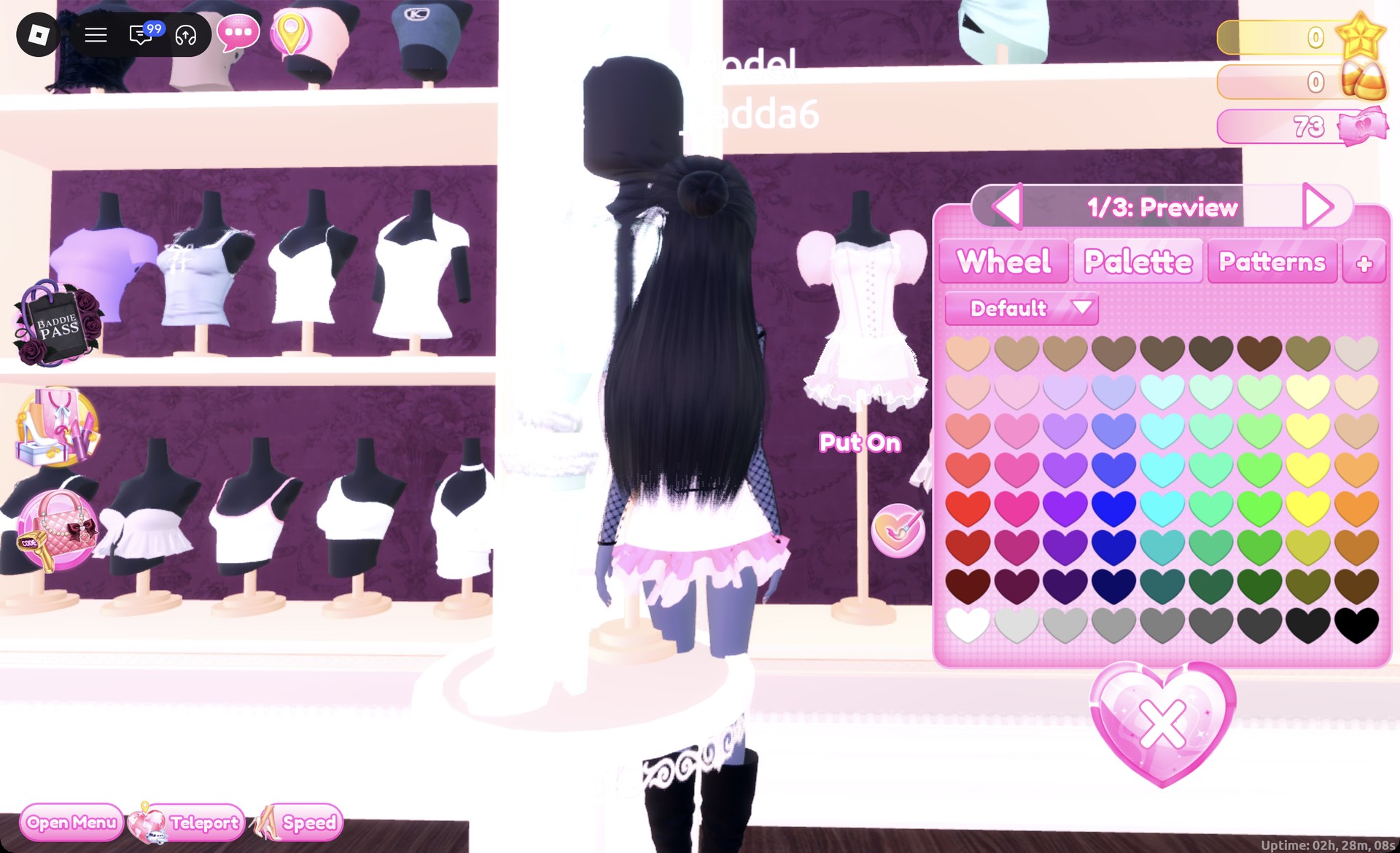
Select the skirt on the corset puff dress shown by the left mannequin on the lower party-dress shelf. Its preview begins at “1/3: Preview” in pink and white.
Corset puff dress skirt preview panel 1/3 in Dress To Impress
The skirt at "1/3: Preview" in its default pink and white.

Change each of the three sections to black with column 9, row 8.
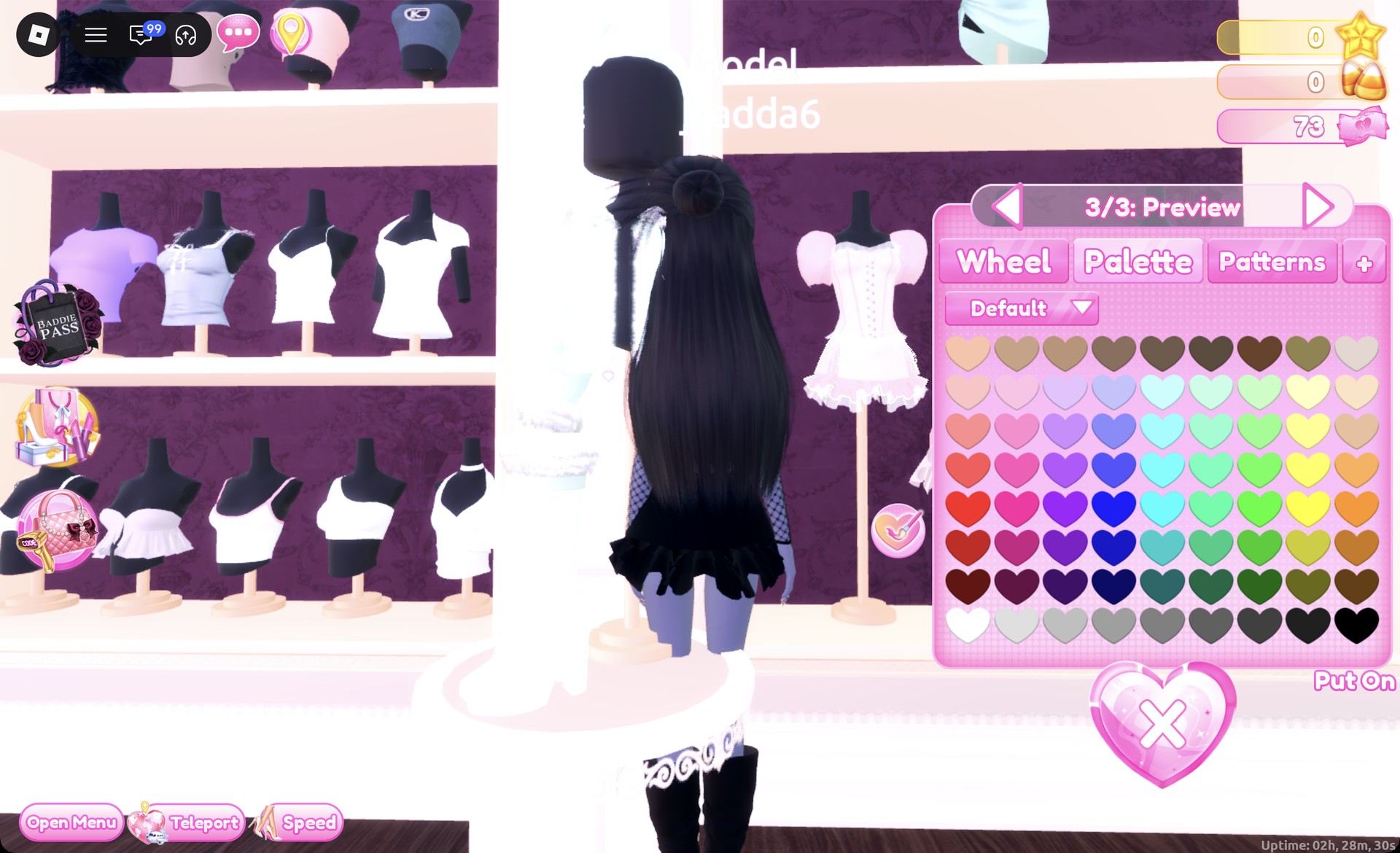
Corset dress skirt part 3/3 set to black in Dress To Impress
All three parts set to black.
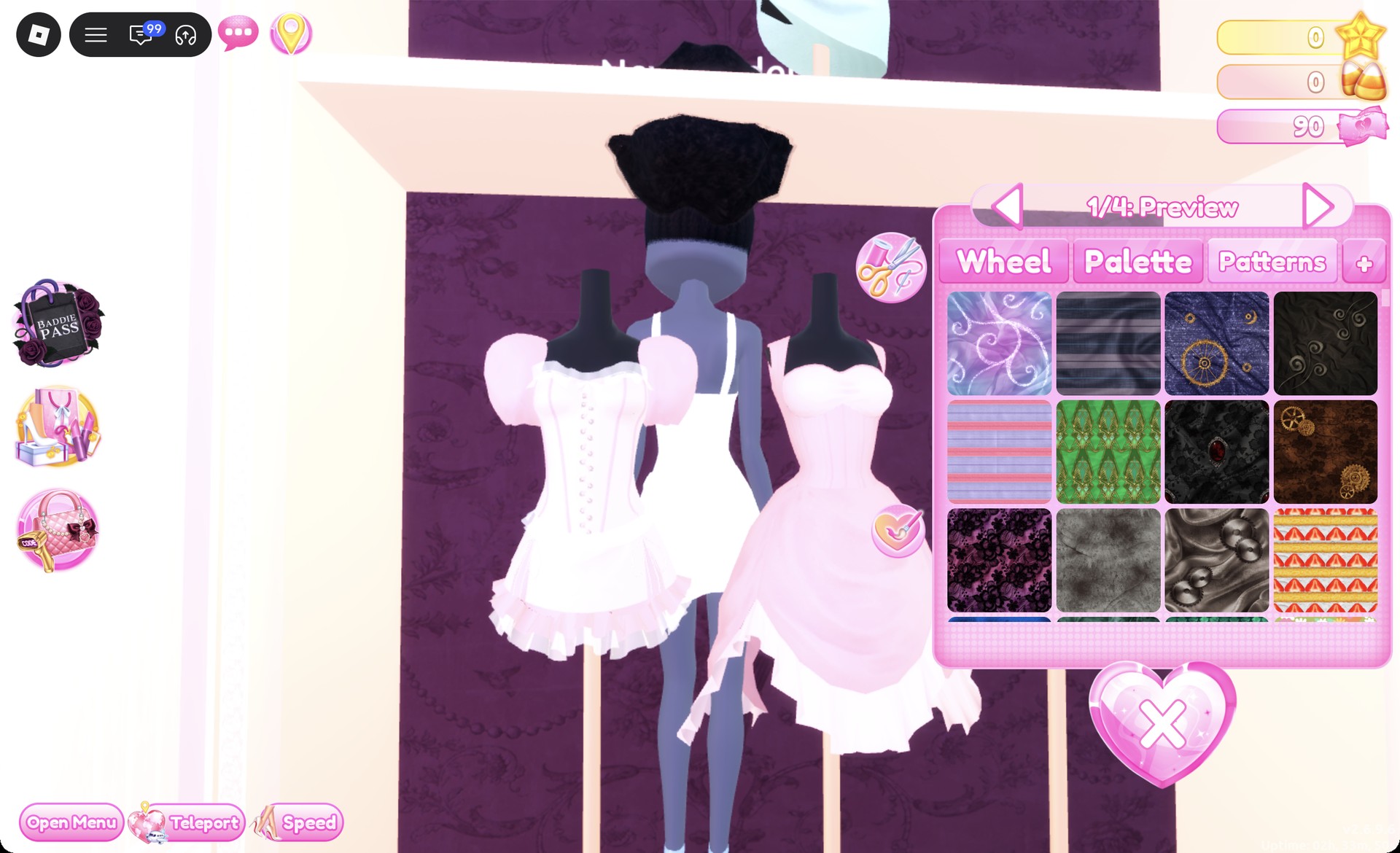
Step to part two, the middle ruffle layer, so the panel reads “2/3”, and open the “Patterns” tab.
Patterns tab on skirt part 2/3 in Dress To Impress
The Patterns tab on part "2/3": the lace tile is the first in the third row.

Choose the lace tile, and press Put On. That layer turns into purple and black lace between the black tiers.
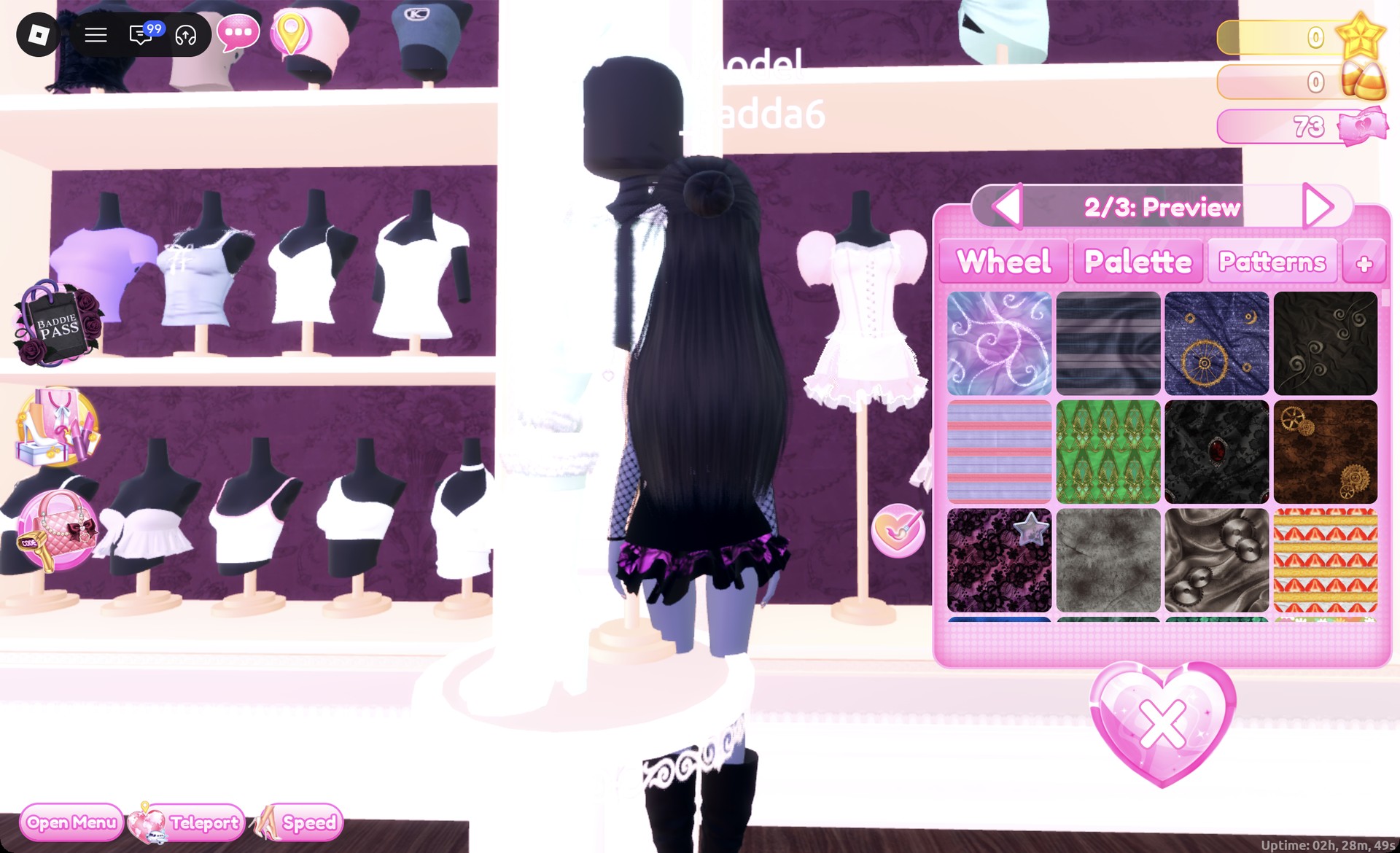
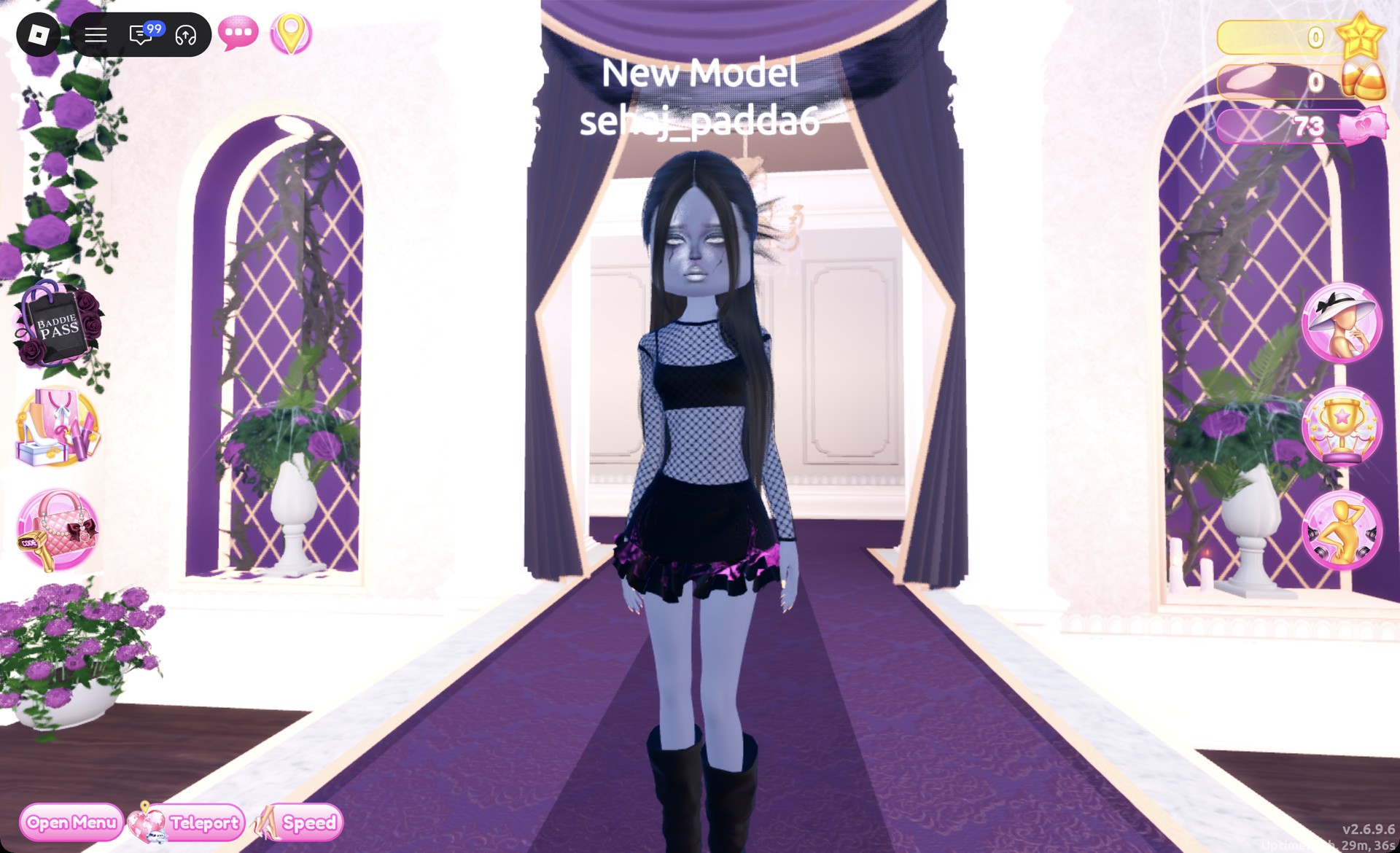
Purple and black lace on the middle skirt layer in Dress To Impress
The middle layer in purple and black lace.
Teleport to “Freeplay Runway” to check the look from the front.
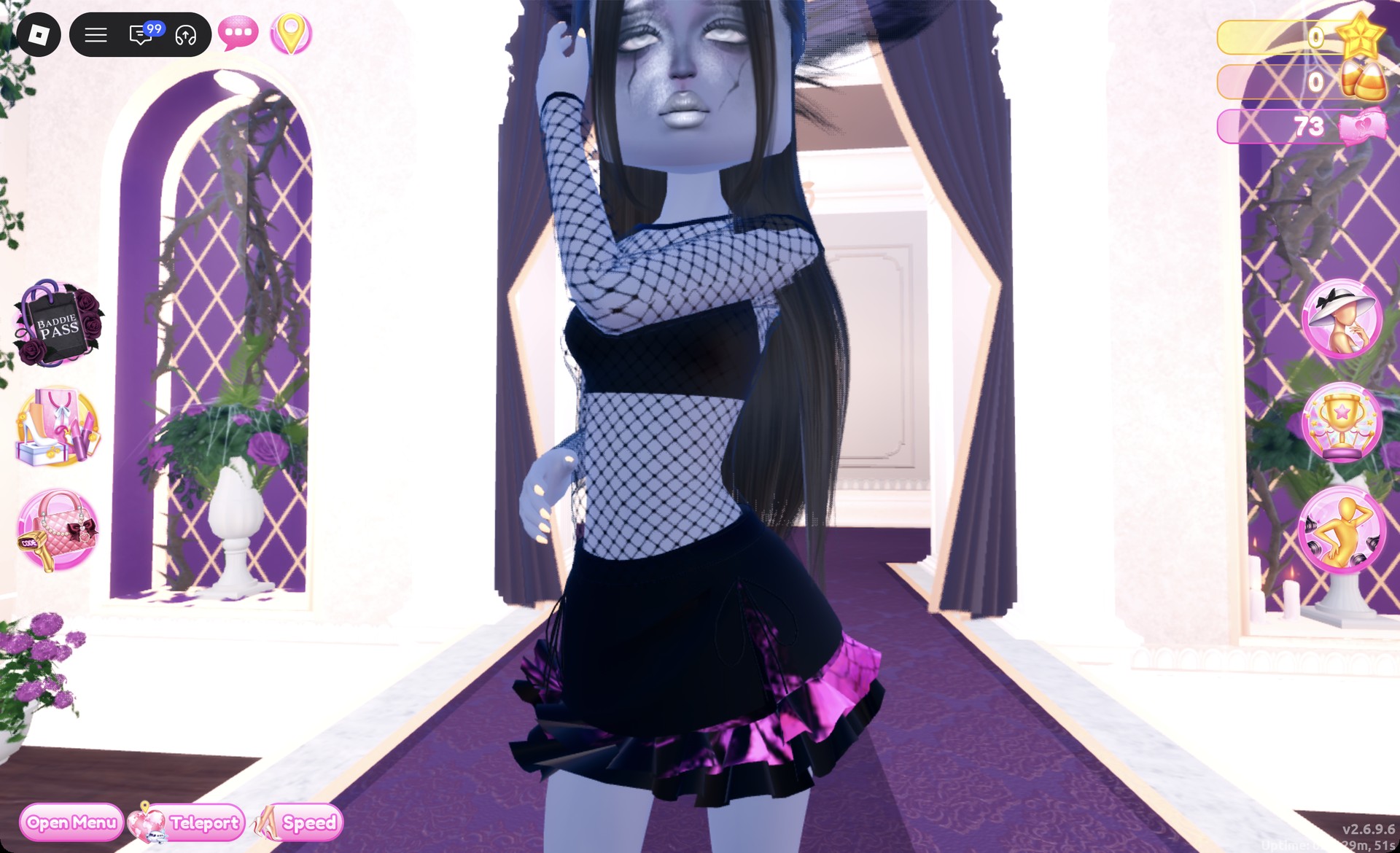
Black fishnet top and lace-trim skirt Sheer Fashion look on the Freeplay Runway in Dress To Impress
Look 1 on the Freeplay Runway.

From behind, the long black hair falls over the fishnet sleeves and the lace layer shows between the black tiers.
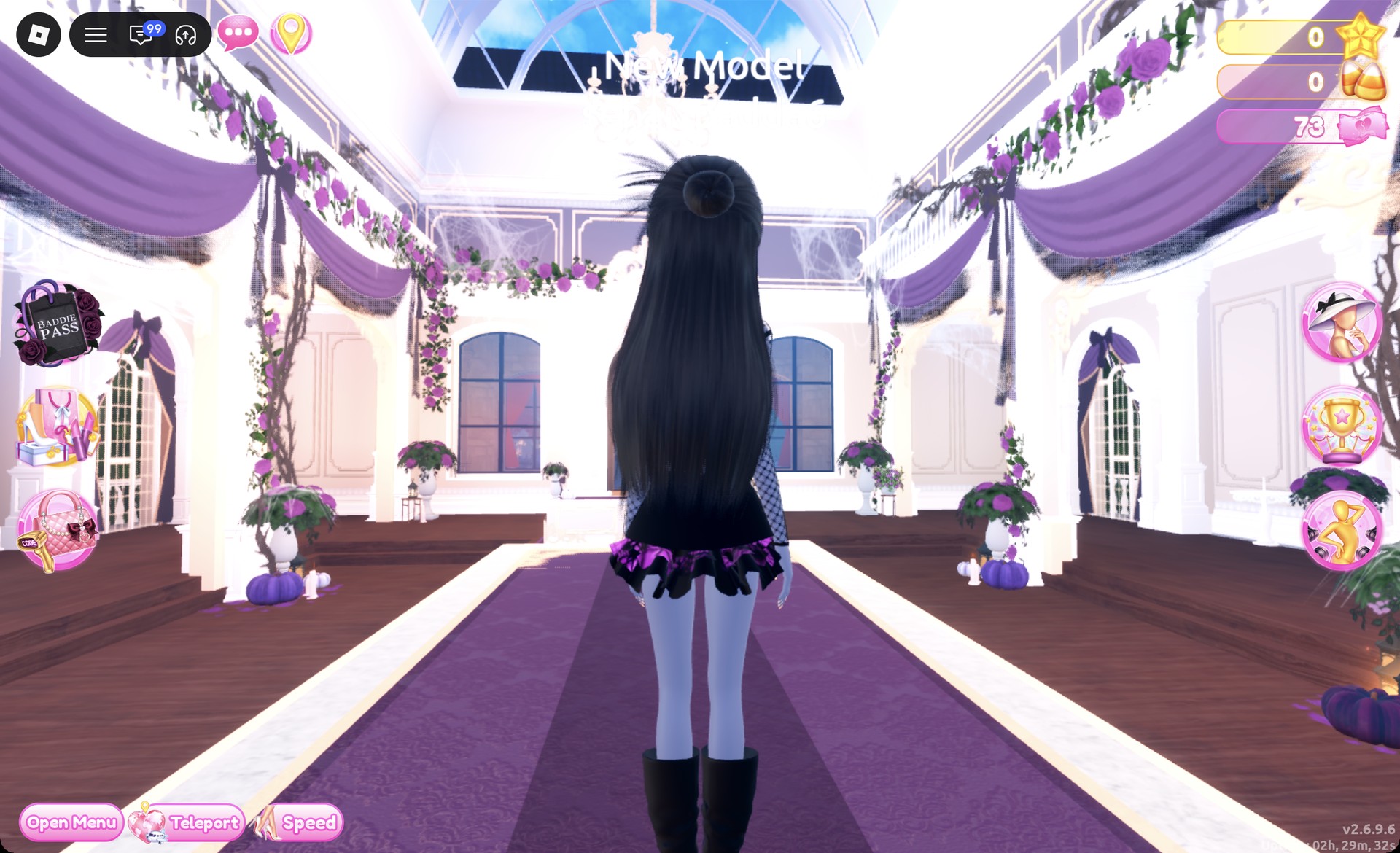
Back view of the black fishnet Sheer Fashion look in Dress To Impress
From behind: long black hair, fishnet sleeves and the lace layer.

The Satin pose suits it.

Sheer Fashion look 1 in the Satin pose in Dress To Impress
Look 1 in the Satin pose.

The Wearing panel should list the fishnet top, the boots, the skirt, and the hair.
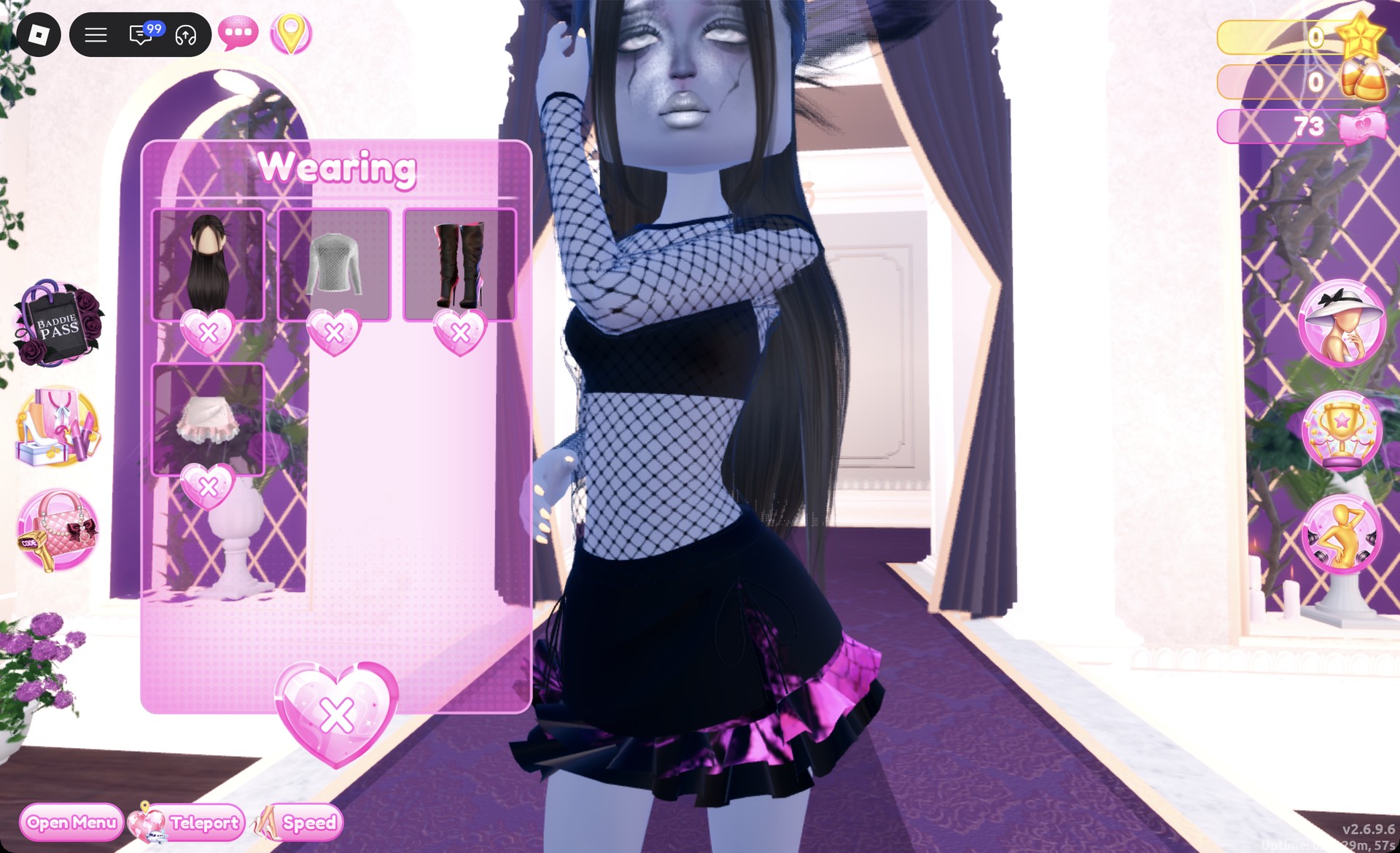
Wearing panel for the black fishnet Sheer Fashion look in Dress To Impress
The Wearing panel for look 1.

Look 2: Purple and black lace mini dress

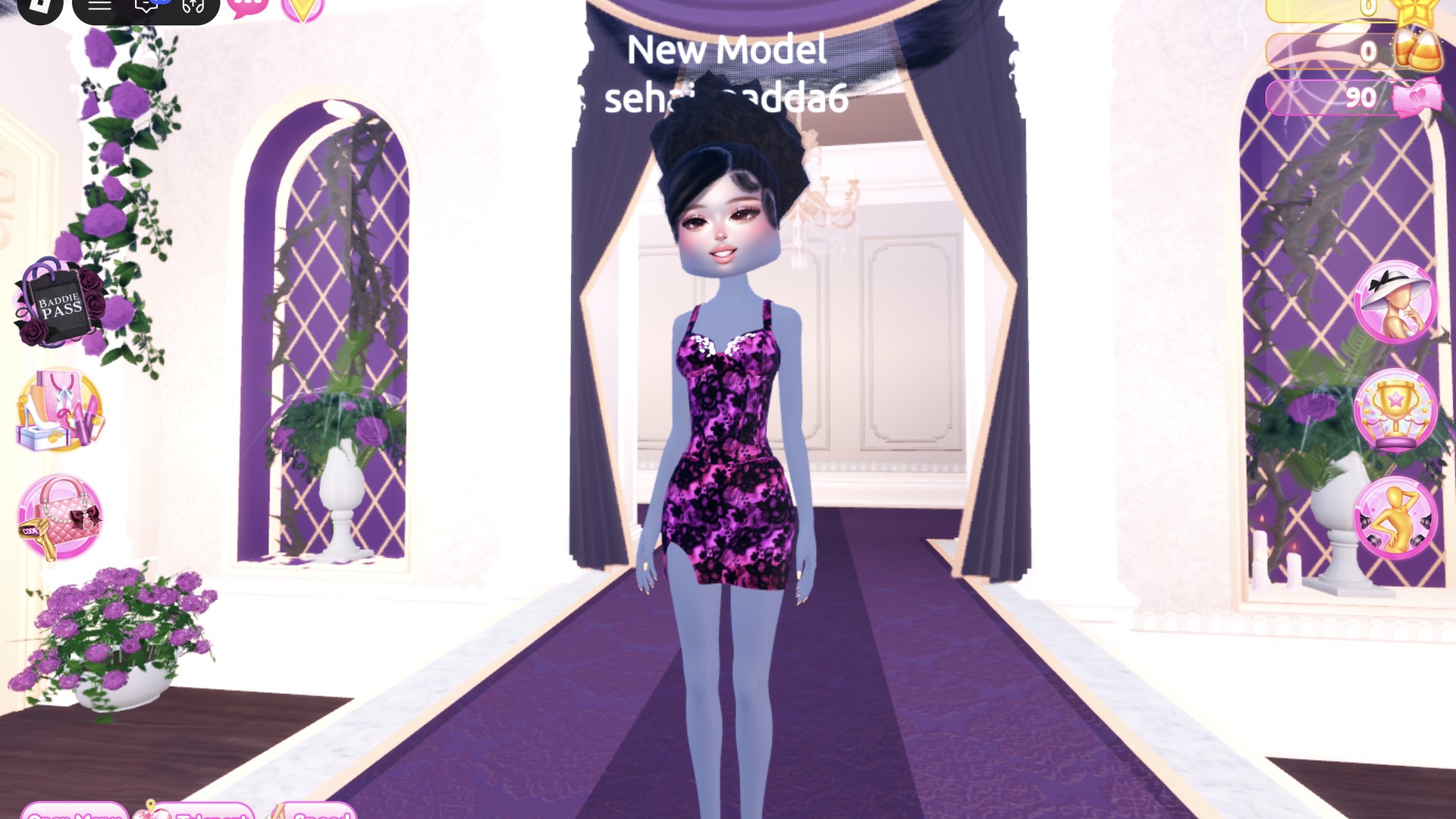
For this outfit, use a different base item: the white fitted mini dress displayed on the right mannequin of that same party-dress shelf.
Open the Wearing panel with the hanger button and remove the first look’s top, skirt, boots, and hair with the X under each picture.
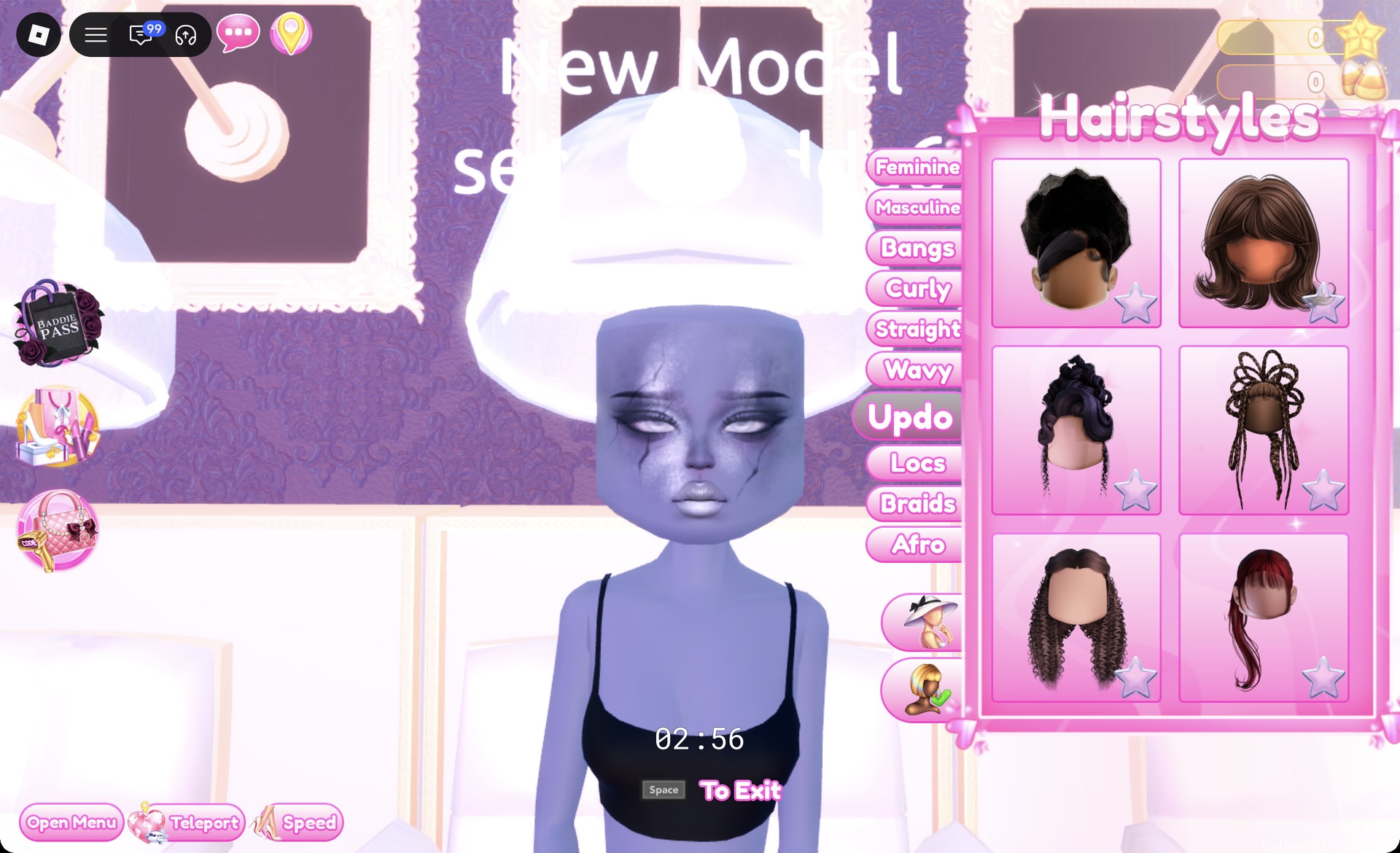
Sit in a hair chair and open the Updo tab.
Updo hair tab at the hair chair in Dress To Impress
The Updo tab at the hair chair.

Choose the first card. The black style is a high curly updo with bangs swept to the side, shown at “1/2: Preview”.
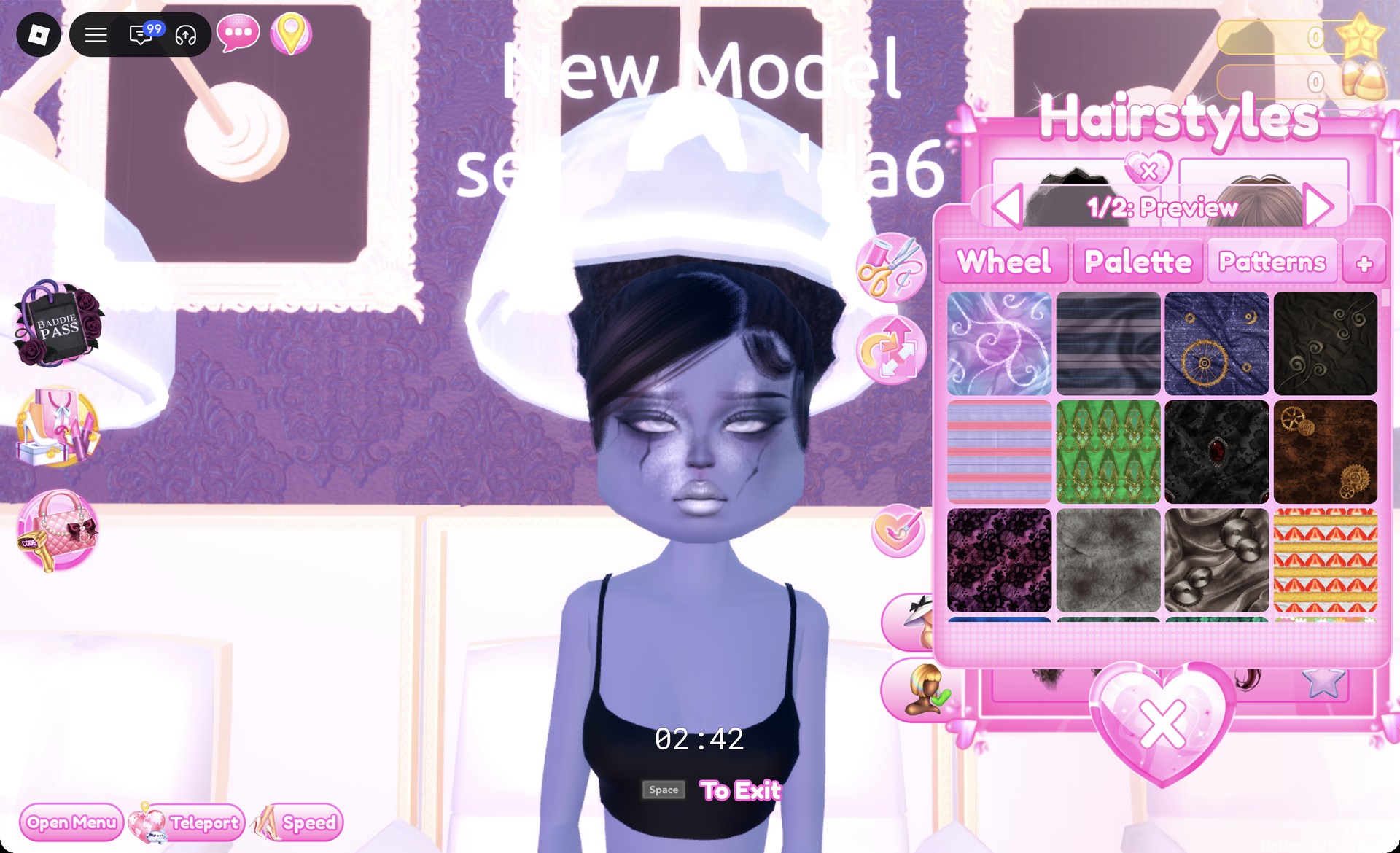
High curly updo with side-swept bangs in Dress To Impress
The high curly updo, "1/2: Preview".
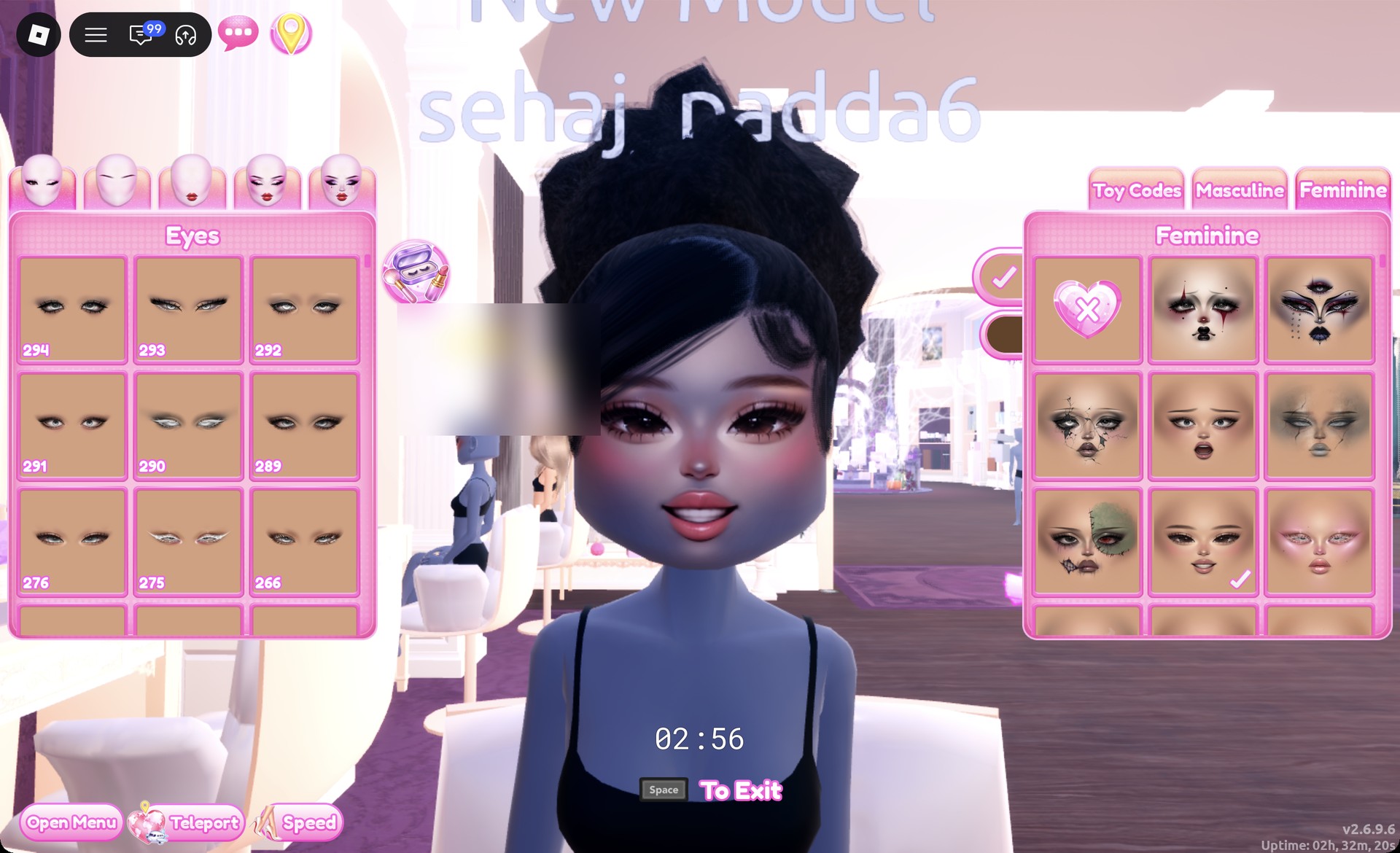
At the vanity, on the Feminine tab, pick the middle card in the third row. It’s a soft glam face with pink blush and glossy pink lips.
Soft glam face card on the vanity Feminine tab in Dress To Impress
The soft glam face: third row, middle card.
From the middle row of the shoe shelf, take the white ankle-strap heels.
Middle row of the shoe shelf with white ankle-strap heels in Dress To Impress
The white ankle-strap heels on the middle row.

Keep the default color at “1/2: Preview” and press Put On.
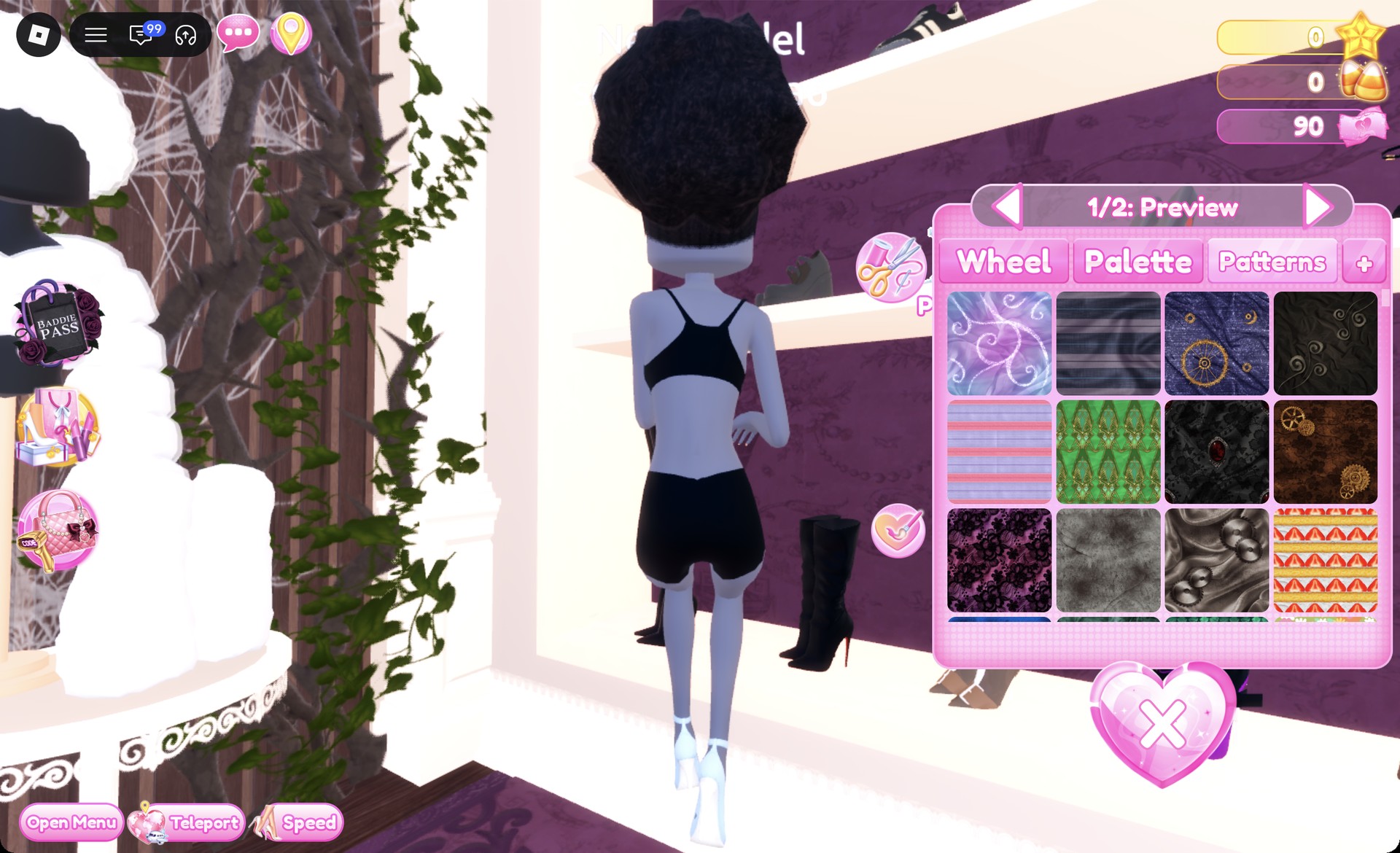
White ankle-strap heels preview panel 1/2 in Dress To Impress
The white heels, "1/2: Preview".
Click the white fitted mini. The panel opens at “1/4: Preview”.
White fitted mini dress preview panel 1/4 in Dress To Impress
The white fitted mini at "1/4: Preview".

Step through the four parts and apply the lace tile from the “Patterns” tab to each one.
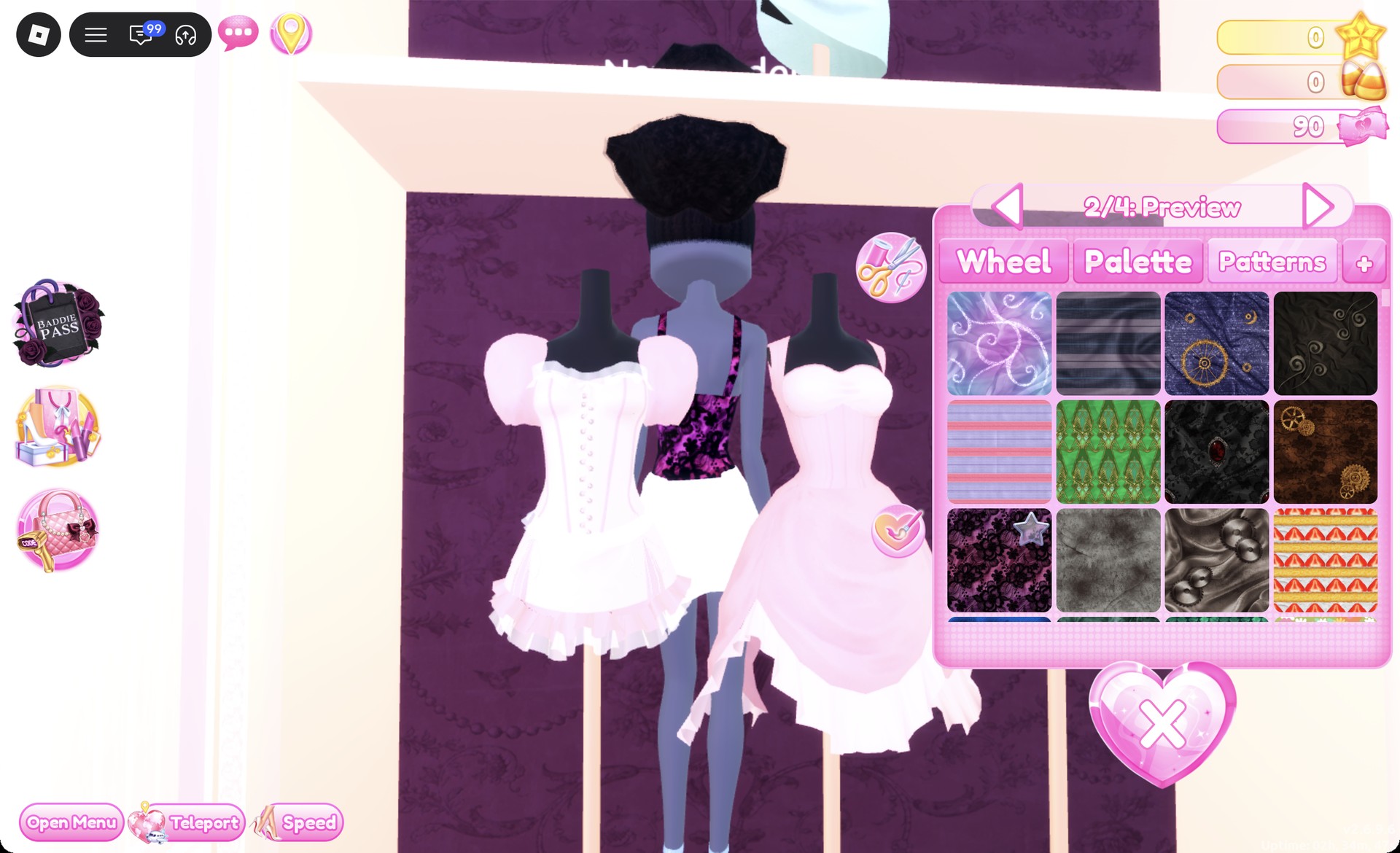
Lace tile applied to part 2/4 of the fitted mini in Dress To Impress
The lace tile on part "2/4".

With all four parts laced, press Put On.
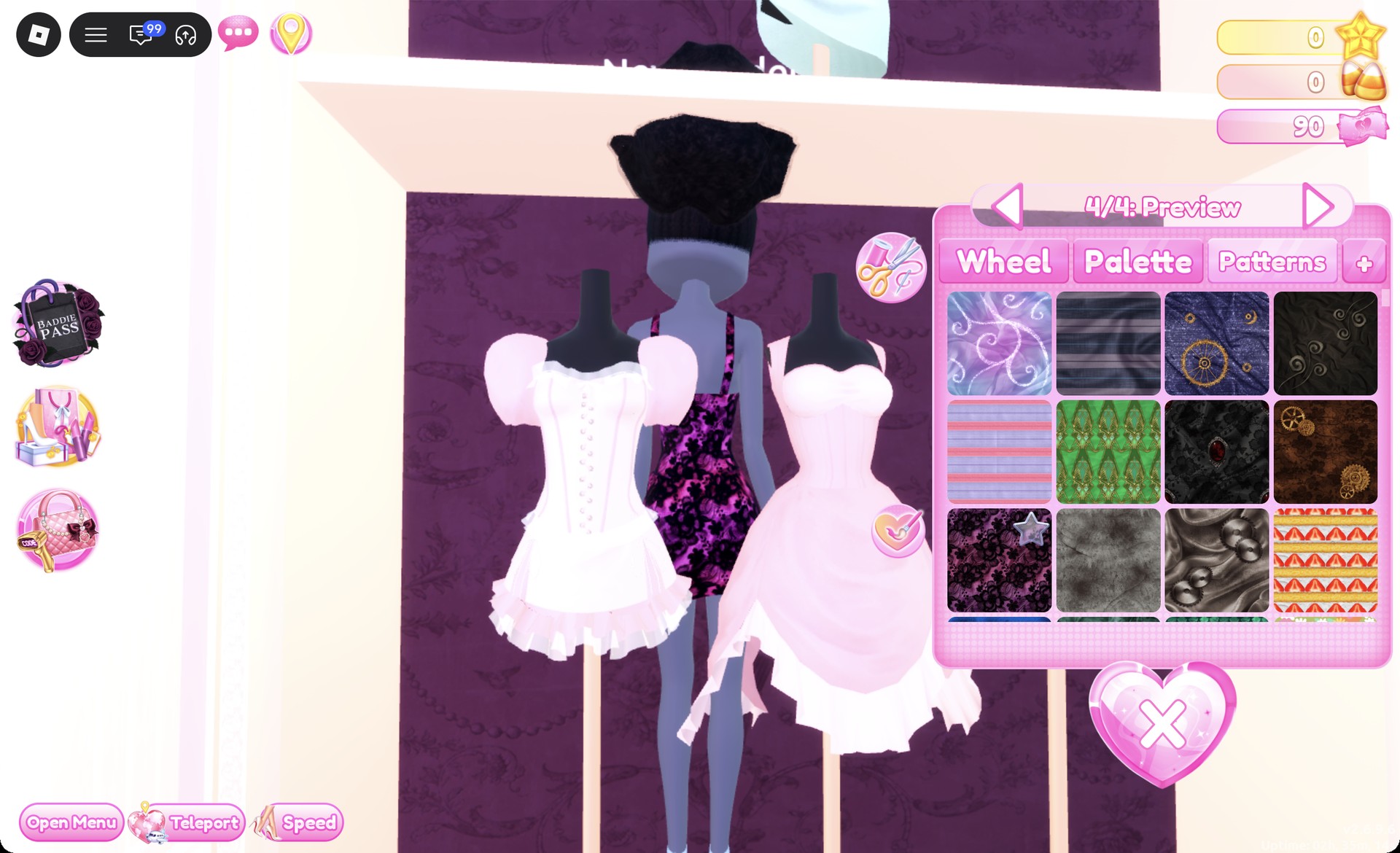
All four parts of the fitted mini in purple and black lace in Dress To Impress
Part "4/4" laced: the whole dress is purple and black lace.

Pink and white Palette colors don’t show over the lace on this dress. It stays purple and black whatever you pick after the pattern goes on.
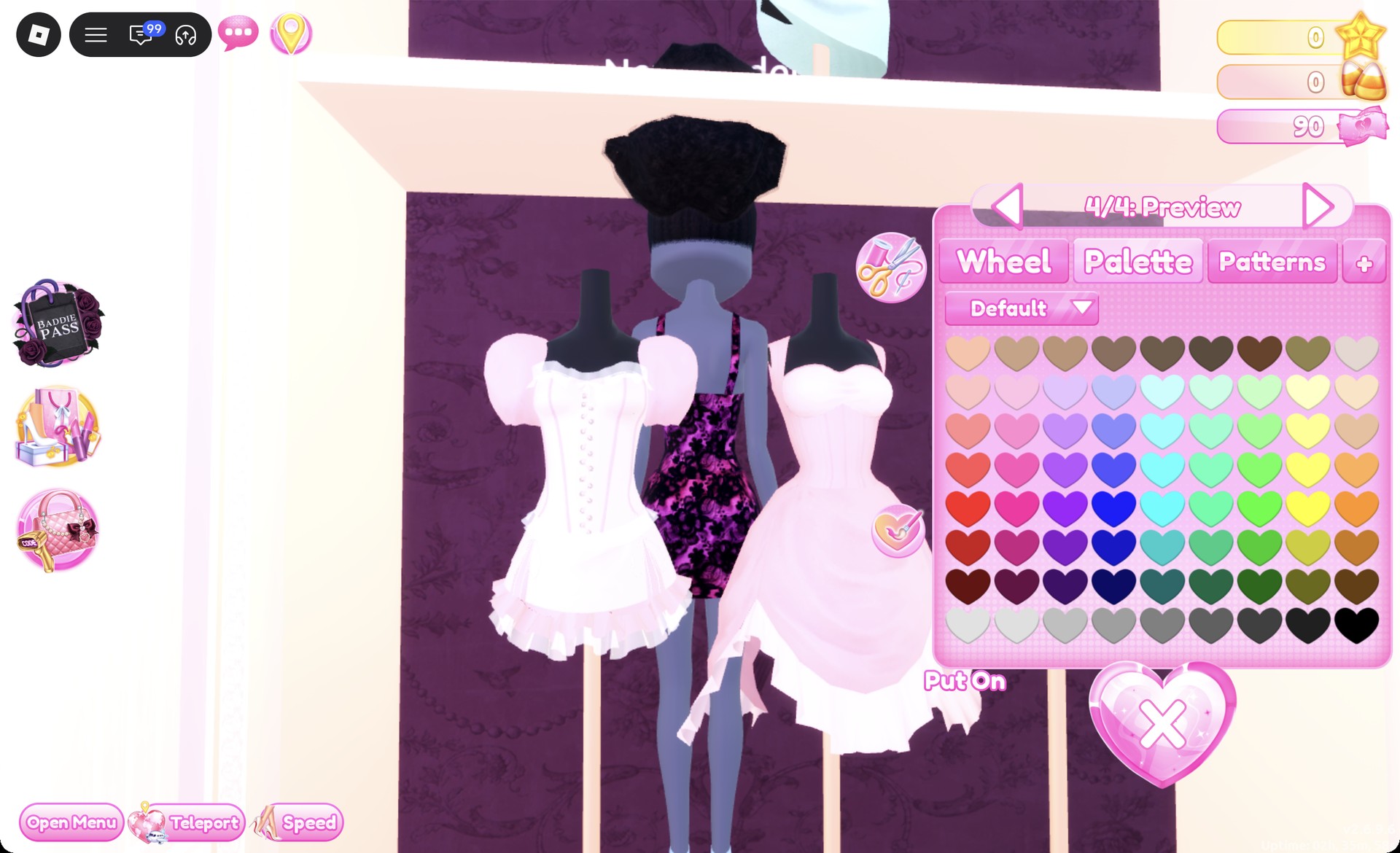
White Palette color picked over the lace mini in Dress To Impress
A white Palette pick after the lace: the dress stays purple and black.
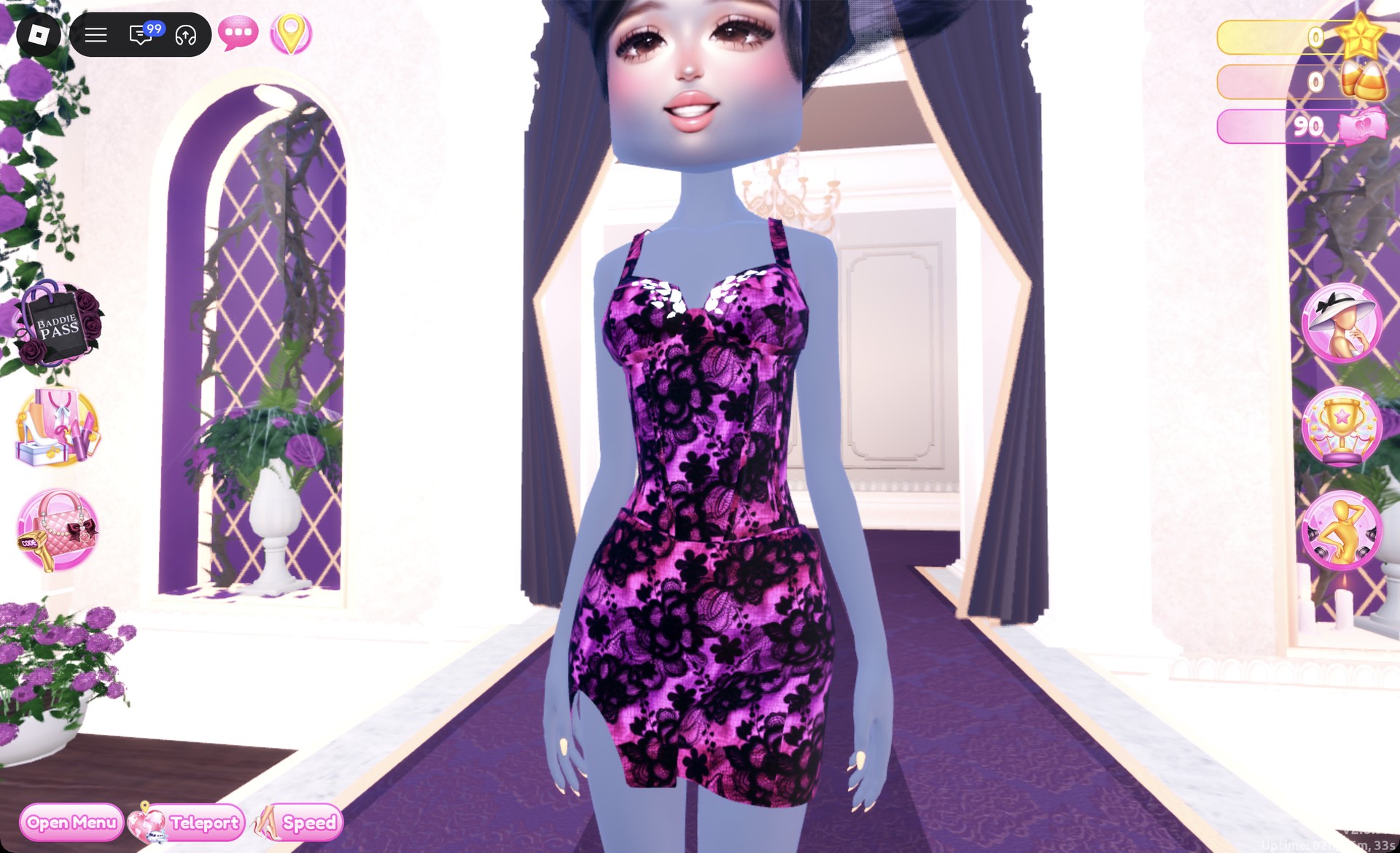
Use the teleport to reach “Freeplay Runway”. The dress should look like a strappy mini in purple and black lace with a fitted cut.
Purple and black lace mini dress Sheer Fashion look on the Freeplay Runway in Dress To Impress
Look 2 on the Freeplay Runway.

From behind, the lace covers the whole dress under the high curly updo.
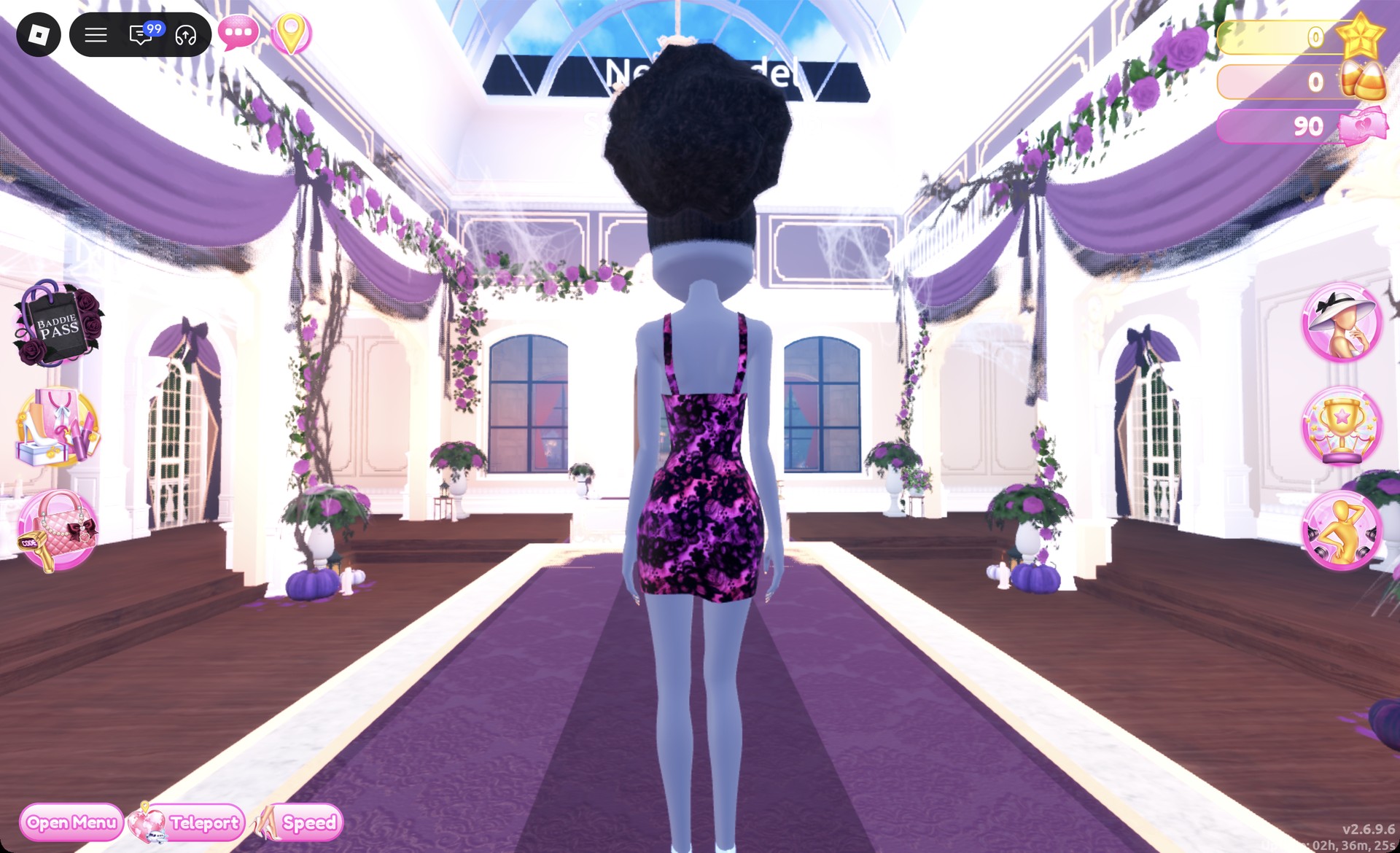
Back view of the purple and black lace mini dress in Dress To Impress
From behind: the laced dress and the updo.

The Sparkle pose works well with it.
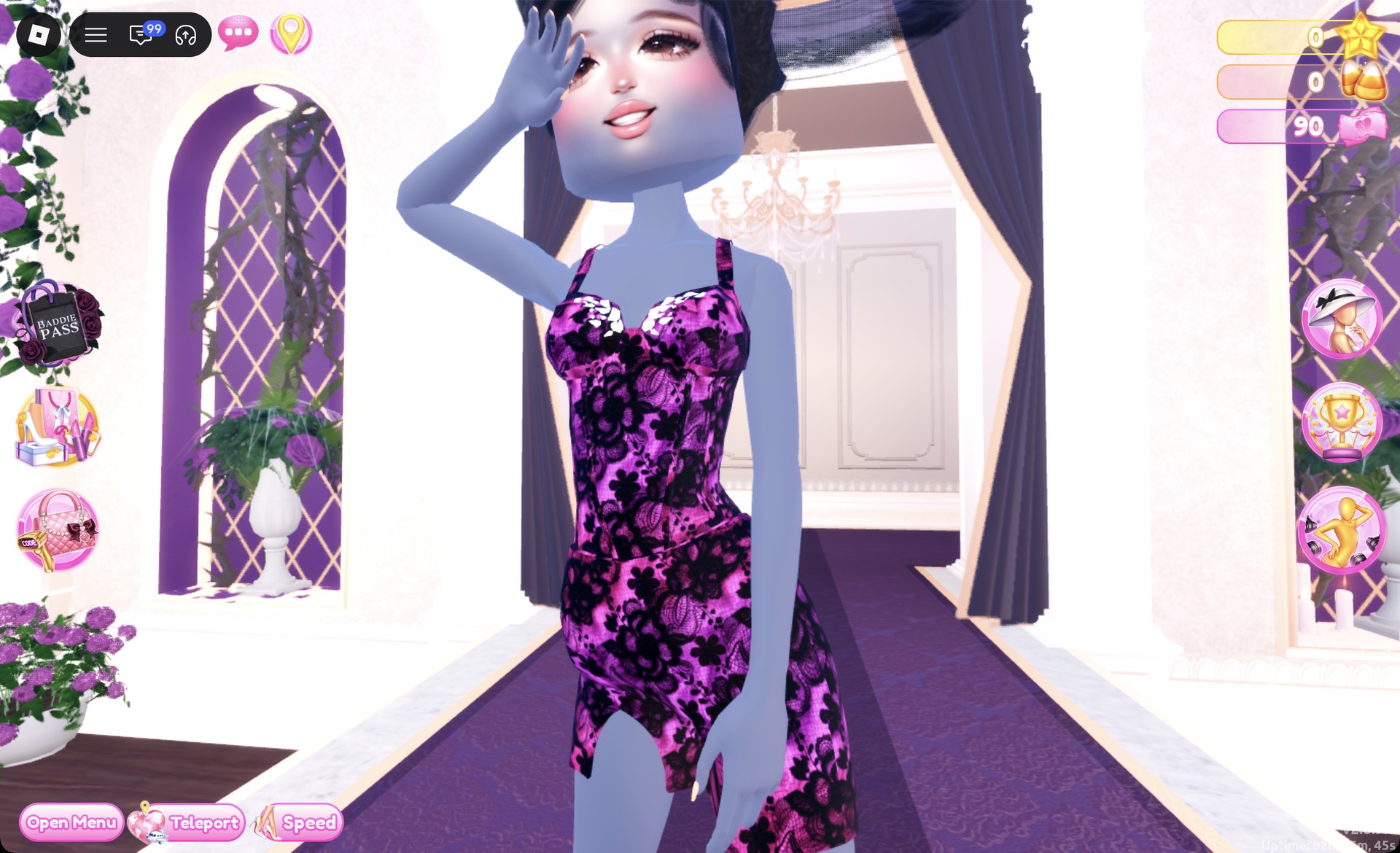
Sheer Fashion look 2 in the Sparkle pose in Dress To Impress
Look 2 in the Sparkle pose.

The Wearing panel should list the hair, heels, and dress.
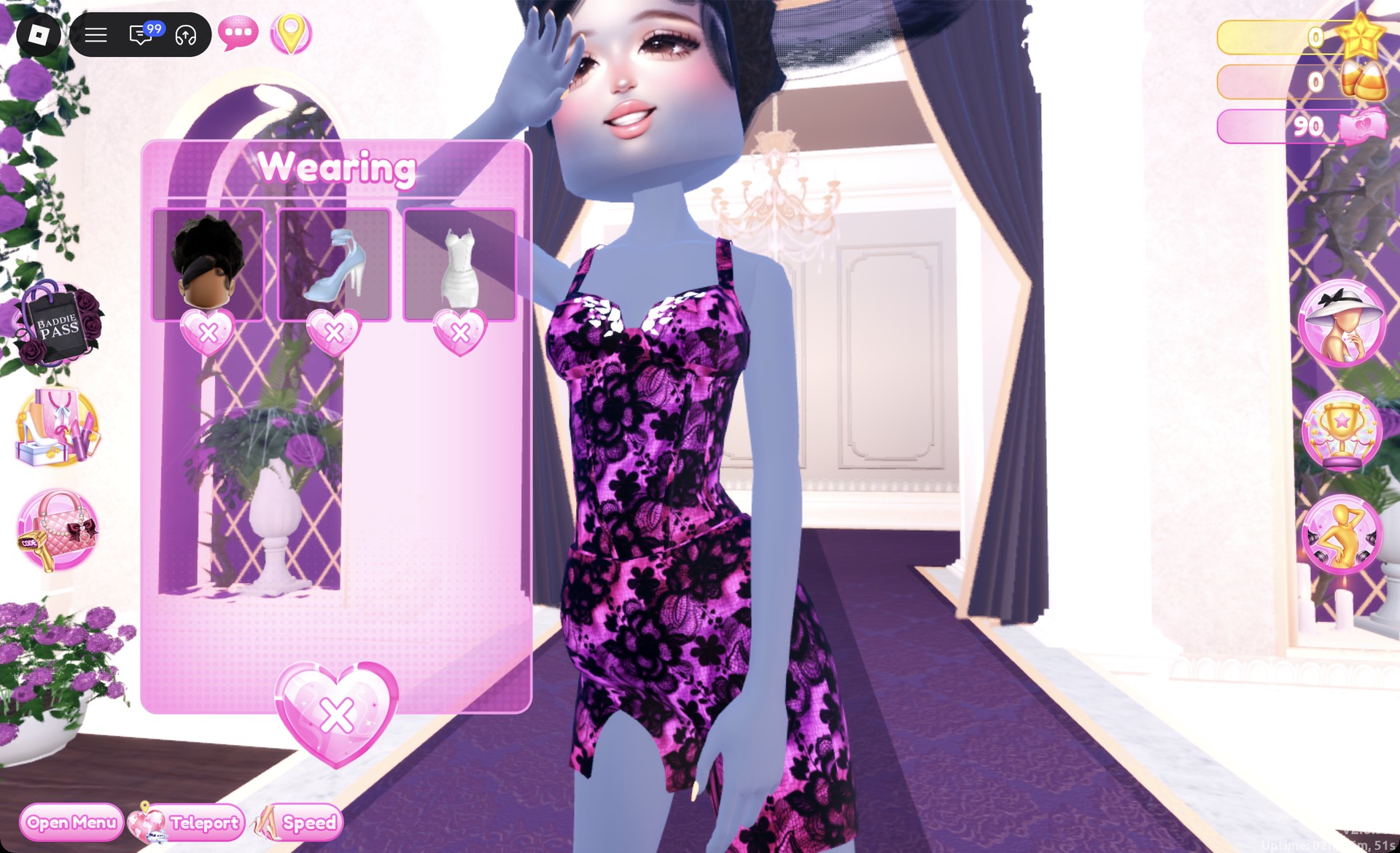
Wearing panel for the lace mini dress Sheer Fashion look in Dress To Impress
The Wearing panel for look 2.

More lace and dark glam theme ideas


Sheer Fashion DTI questions

What is Sheer Fashion in DTI?

Sheer Fashion is about see-through fabrics like mesh, fishnet and lace, layered over solid pieces so the outfit stays covered.

Can you do Sheer Fashion without VIP?

Yes. The fishnet long-sleeve top and the lace tile on the “Patterns” tab are both free, and both looks above cost no Robux.

Where is the fishnet top in DTI?

The tops unit is on the Dressing Room wall opposite the Halloween display. The fishnet top sits beside a black graphic tee and a pale blue bustier.

How do you get lace in DTI?

Preview a piece, go to the “Patterns” tab, and pick the first tile in the third row. It applies as purple and black lace to whichever part is selected, so you can lace a single layer or an entire dress.