Gaming Guide

Neopets Dress To Impress: 2 Outfit Ideas (Fluffy Yellow Pet Look, Blue Ball Dress With Red Braids)

Two free Neopets outfit ideas for Dress To Impress: a fluffy bright yellow pet look with a fur jacket, fur hat, leg warmers and loop braids, and a periwinkle ball dress with fuzzy pink shoes and red braids, with every step shown.

Two free Neopets outfit ideas for Dress To Impress: a fluffy bright yellow pet look with a fur jacket, fur hat, leg warmers and loop braids, and a periwinkle ball dress with fuzzy pink shoes and…

The Neopets theme in Dress To Impress is to dress like a cute pet in one bright color, with fluffy textures and playful hair. Here are two neopets dti looks that hit that brief. Both use only free pieces and colors, and each starts from a different base piece so they don’t look like copies of each other. More themes are in the Dress To Impress themes guide.

Quick answer: Go all bright yellow with a fluffy fur jacket, fur hat, leg warmers, and loop braids. Or wear a periwinkle blue ball dress with fuzzy pink shoes and red braids with a bow.


Where the Neopets pieces are in Dress To Impress

PieceWhere it is
Fluffy fur hatTop of the stand beside the shoe shelf
Fluffy cropped fur jacketSame stand beside the shoe shelf
Fluffy leg warmersSmall round table under the stand
Pale pink ball dressParty-dress unit, lower shelf, middle mannequin
ShoesThe shoe shelf
HairLana’s Salon, left arch, hair chairs
Face cardThe vanity

The party-dress unit sits next to the shoe shelf. At the hair chairs, press E to sit down and open the hair cards. When the outfit is done, take the Teleport pin again and choose “Freeplay Runway” to walk it.


How recoloring works

Both looks depend on recoloring, and colors here are listed by their spot on the Default palette in the Palette tab: column counted from the left, row counted from the top. Column 8 holds the yellows and column 4 holds the blues. White is row 8, column 1.

Click a piece. Its panel opens in preview, showing how many recolorable parts it has, such as “1/2: Preview”.
Pick a Palette color for the current part. Use the arrows to step to the next part and color that one too.
Use the heart-and-tick button labeled Put On next to the panel. This transfers the piece from preview to your avatar.

For both looks, use the soft glam face card at the vanity: select Feminine, then the middle card in the third row. It adds pink blush and glossy pink lips. Leave the default skin tone unchanged.


Look 1: Fluffy yellow pet look
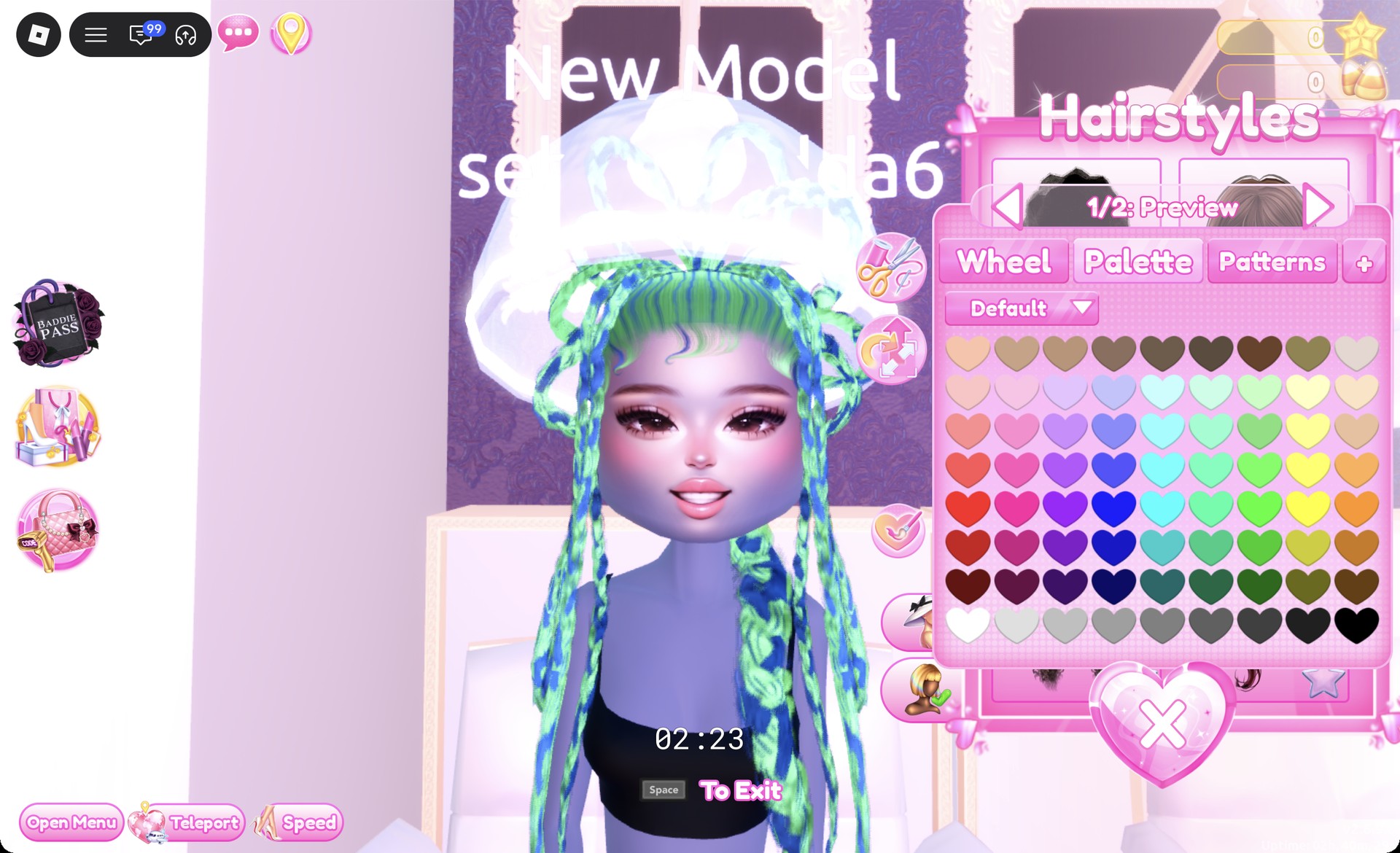
Sit in a hair chair, open the Updo tab, and pick the second row, right card. It’s long braids with big loops on top, and the panel reads “1/2: Preview”. It opens in blue and green.
Long loop braids in blue and green in the Updo hair tab in Dress To Impress
Updo tab, second row right card: loop braids, "1/2: Preview", in their default blue and green.

Set both parts to column 8, row 4 for bright yellow.
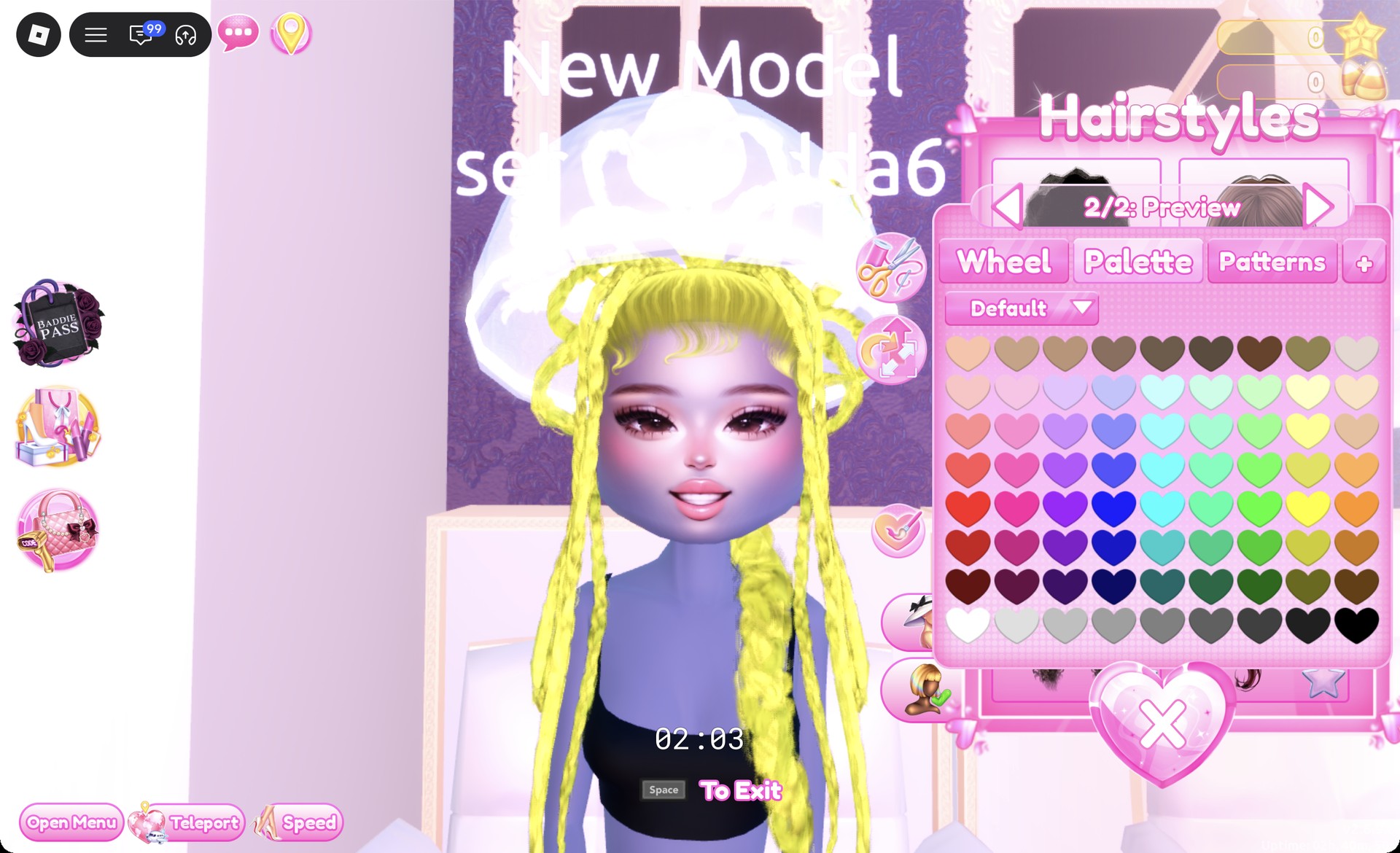
Loop braids recolored bright yellow in Dress To Impress
Both parts set to column 8, row 4.
Select the fluffy white cropped fur jacket at the stand near the shoe shelf.
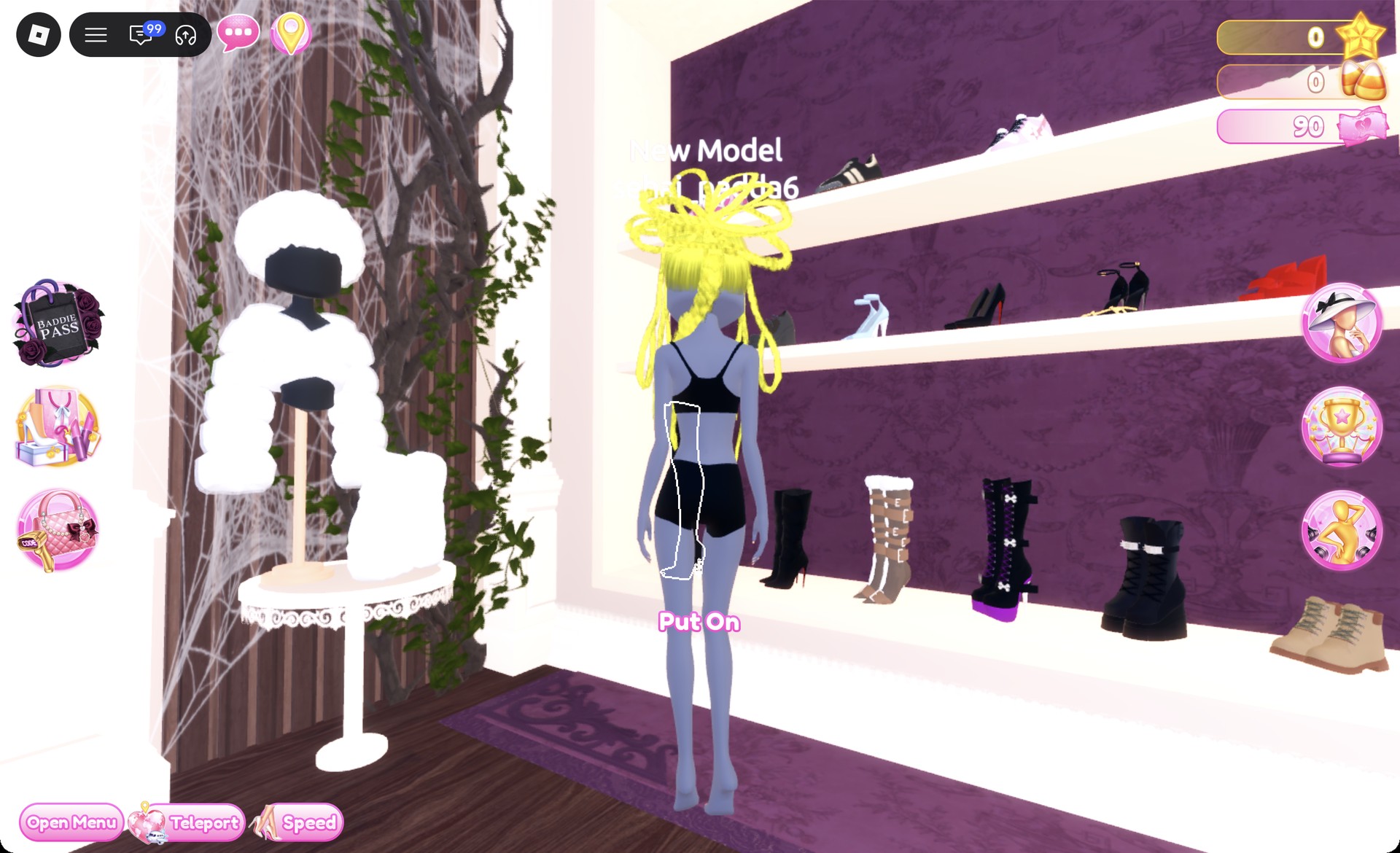
Stand with the fluffy fur hat and jacket beside the shoe shelf in Dress To Impress
The stand by the shoe shelf: fur hat on top, fluffy jacket below, leg warmers on the round table.

Its panel displays “1/1: Preview” in white.
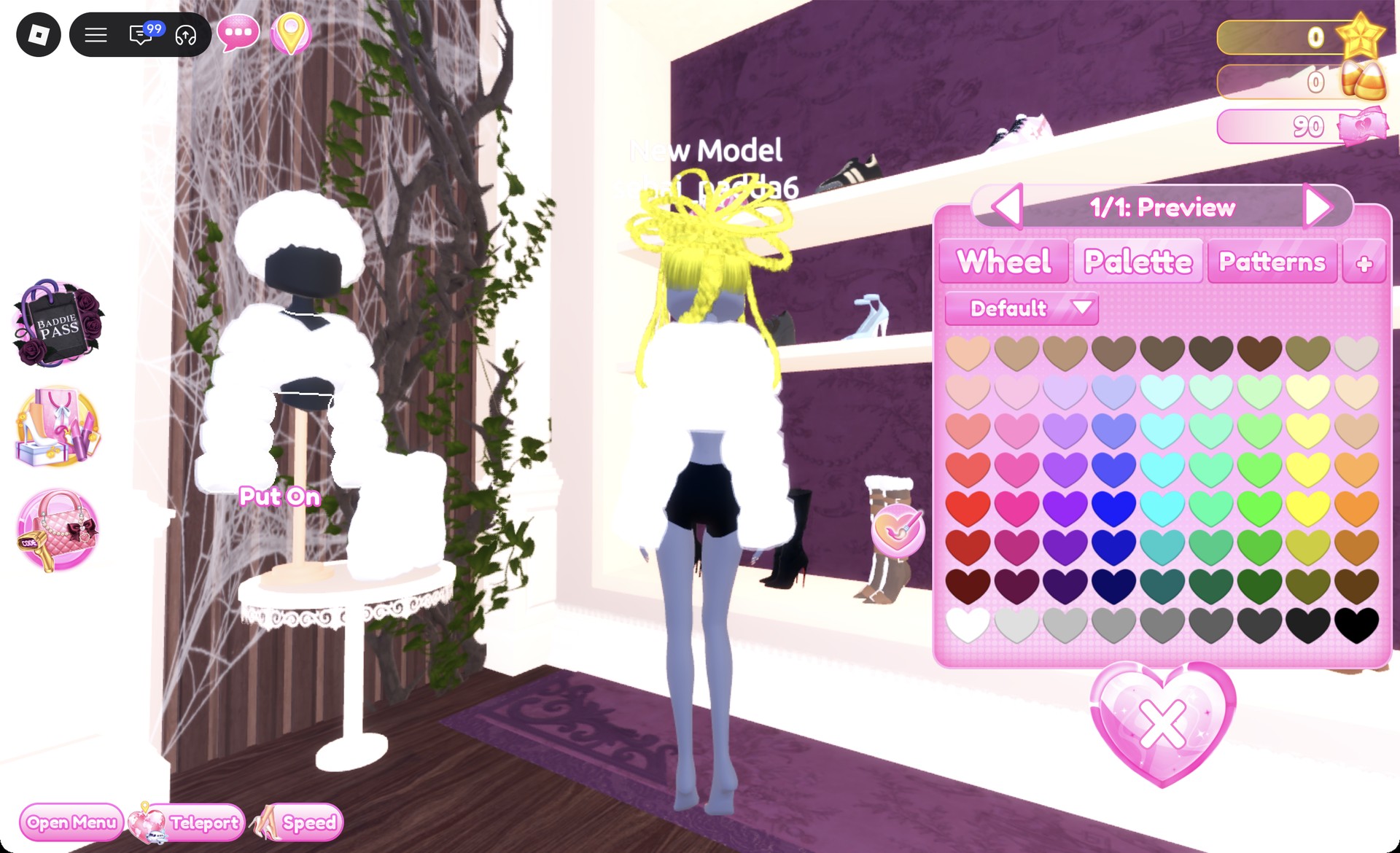
Fluffy cropped fur jacket preview panel 1/1 in Dress To Impress
The fluffy cropped jacket, "1/1: Preview", in white.

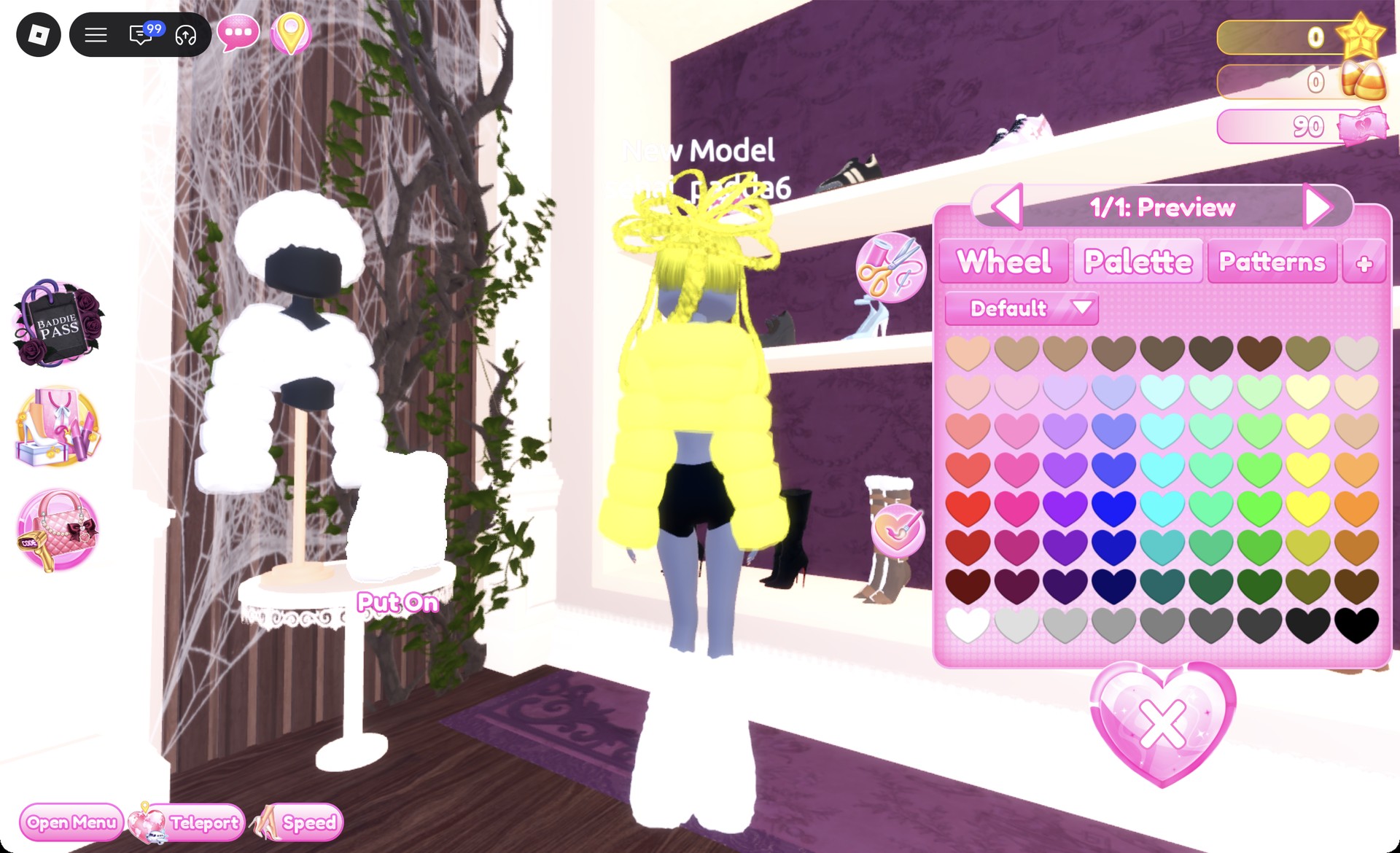
Give the jacket the same bright yellow, then press Put On.
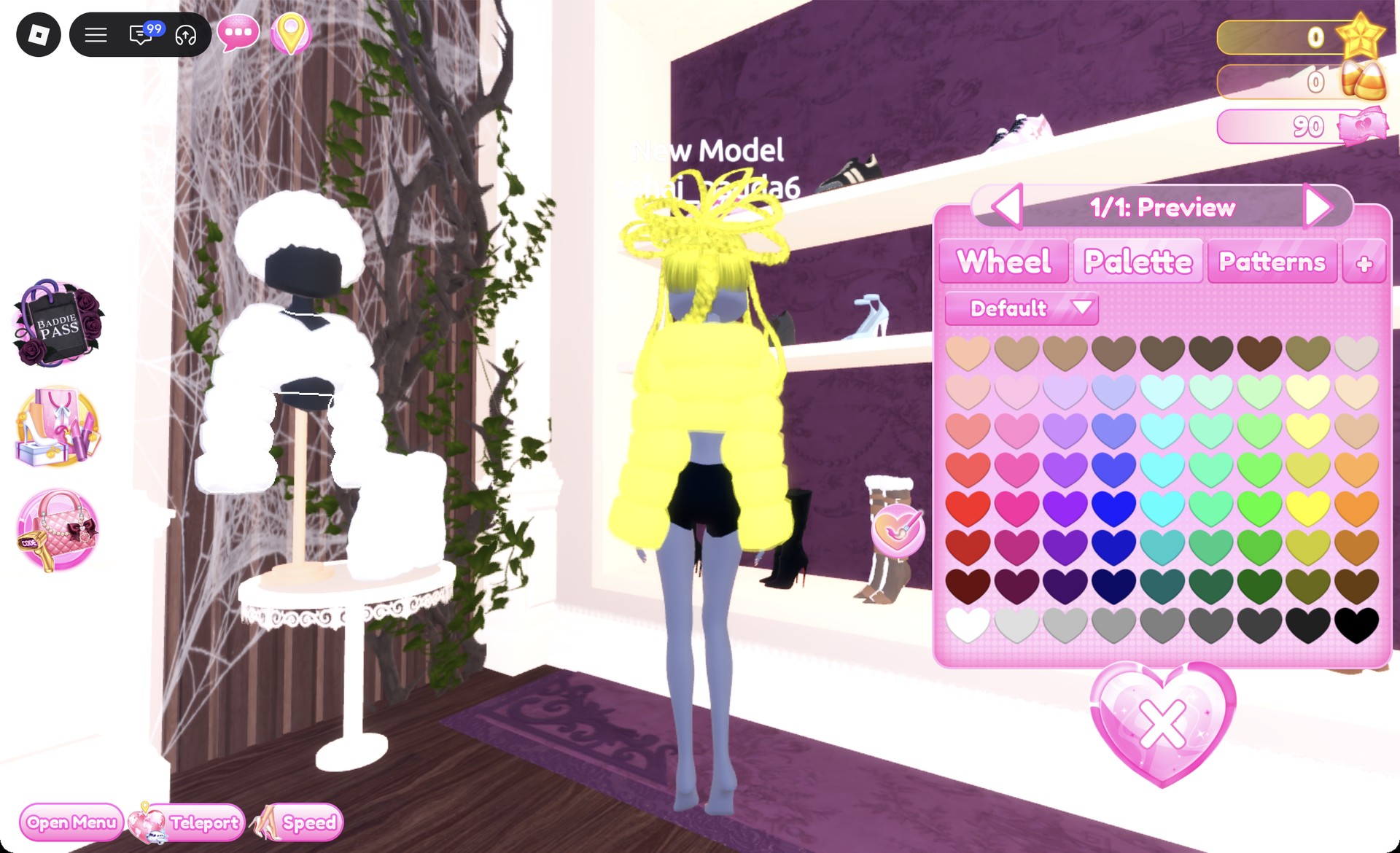
Fluffy jacket recolored bright yellow in Dress To Impress
The jacket in bright yellow.
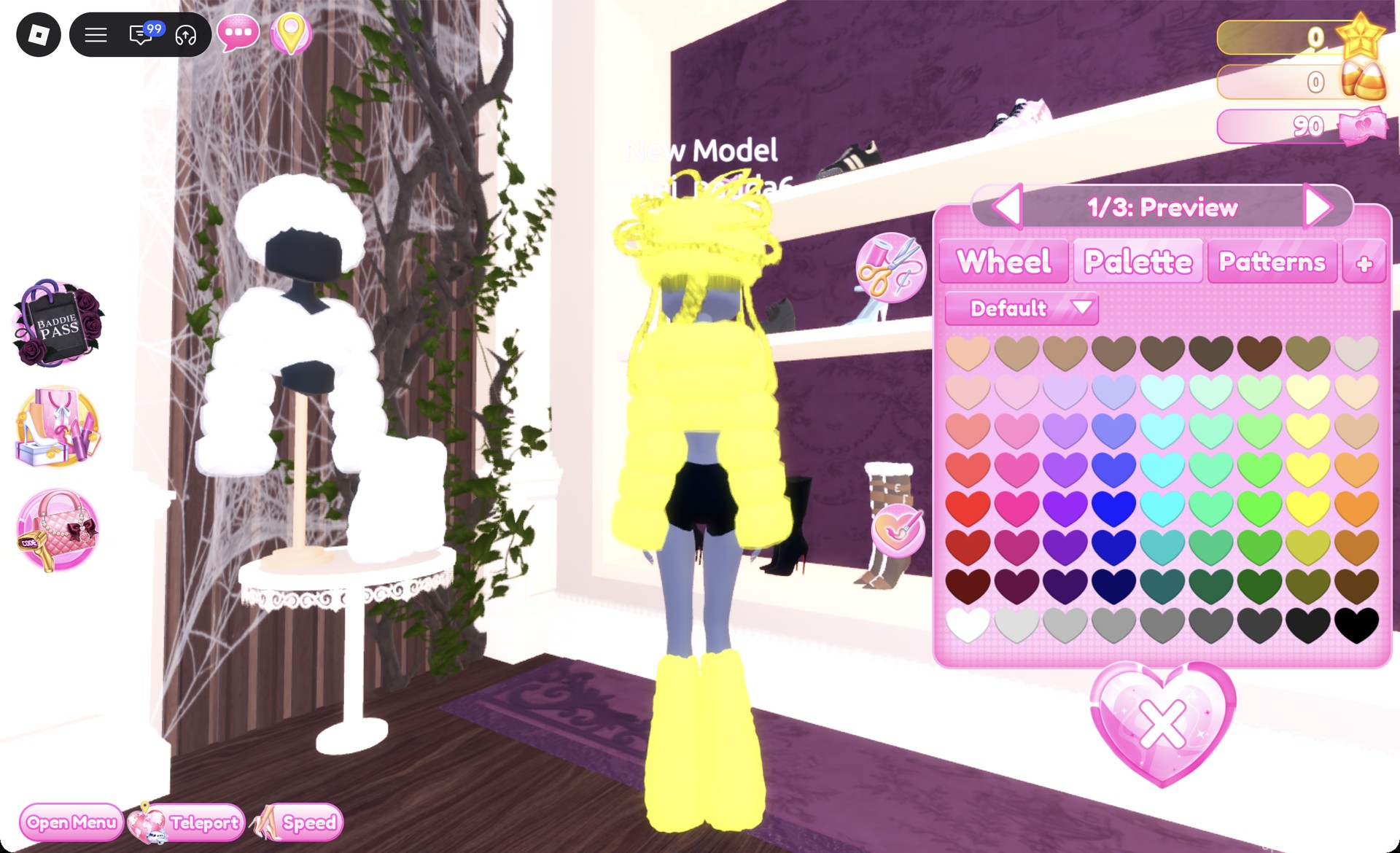
Choose the fluffy leg warmers from the round table. Their panel displays “1/1: Preview”.
Fluffy leg warmers preview panel 1/1 in Dress To Impress
The fluffy leg warmers, "1/1: Preview".

Color the leg warmers the same yellow and press Put On.
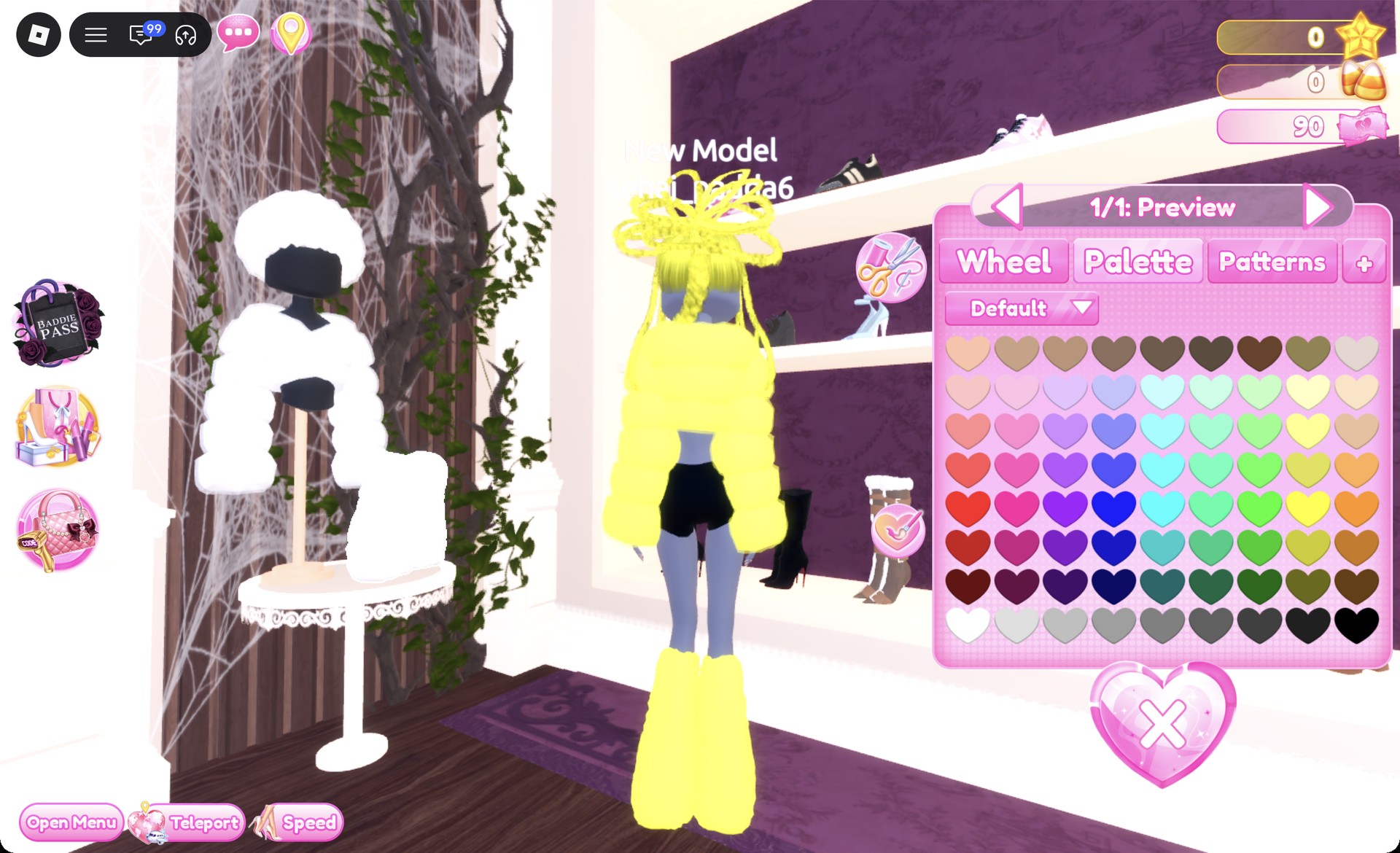
Fluffy leg warmers recolored bright yellow in Dress To Impress
The leg warmers in bright yellow.
Select the fluffy fur hat atop the stand. Its panel also displays “1/1: Preview”.
Fluffy fur hat preview panel 1/1 in Dress To Impress
The fluffy fur hat, "1/1: Preview".

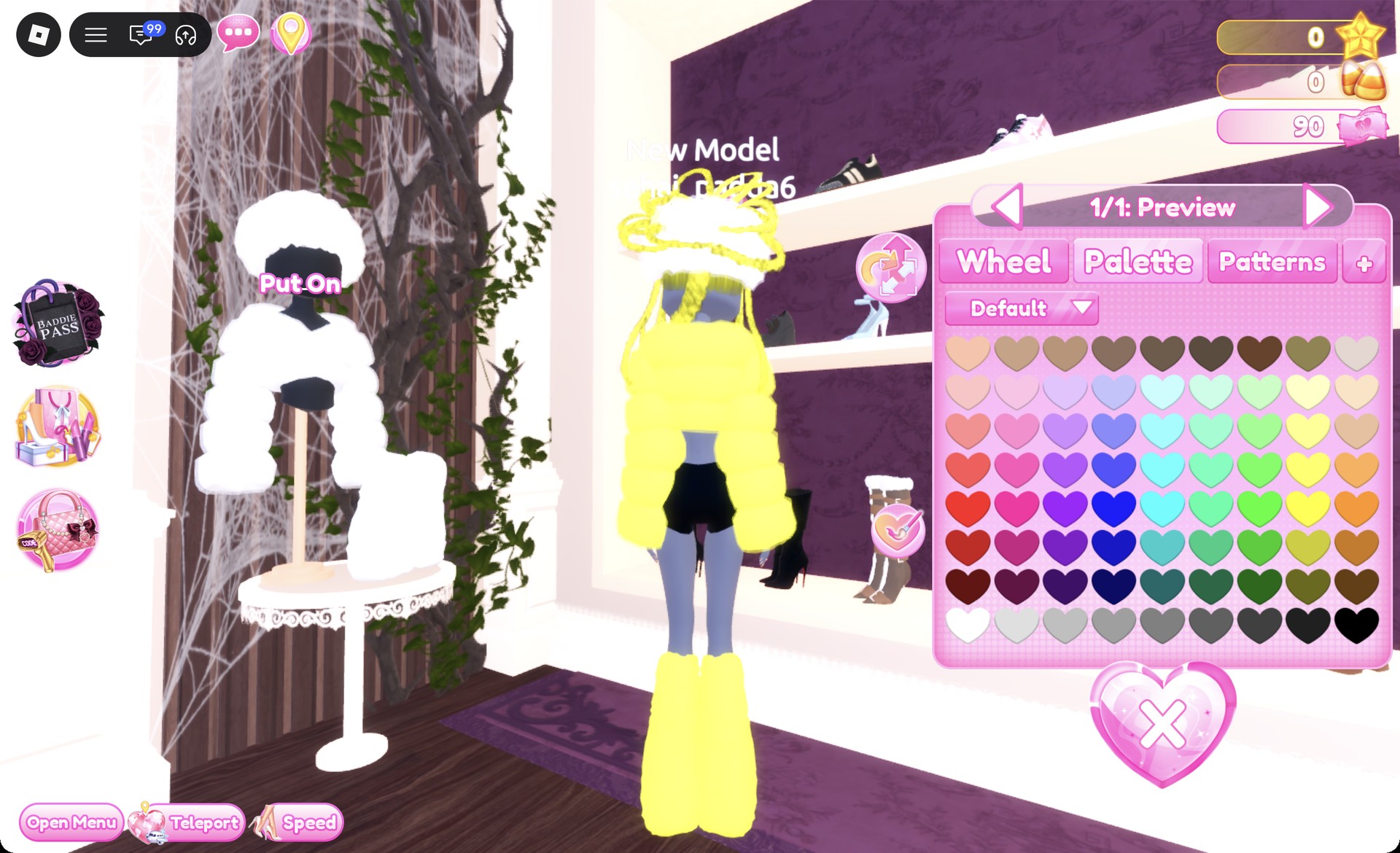
Make the hat the same yellow, then press Put On.
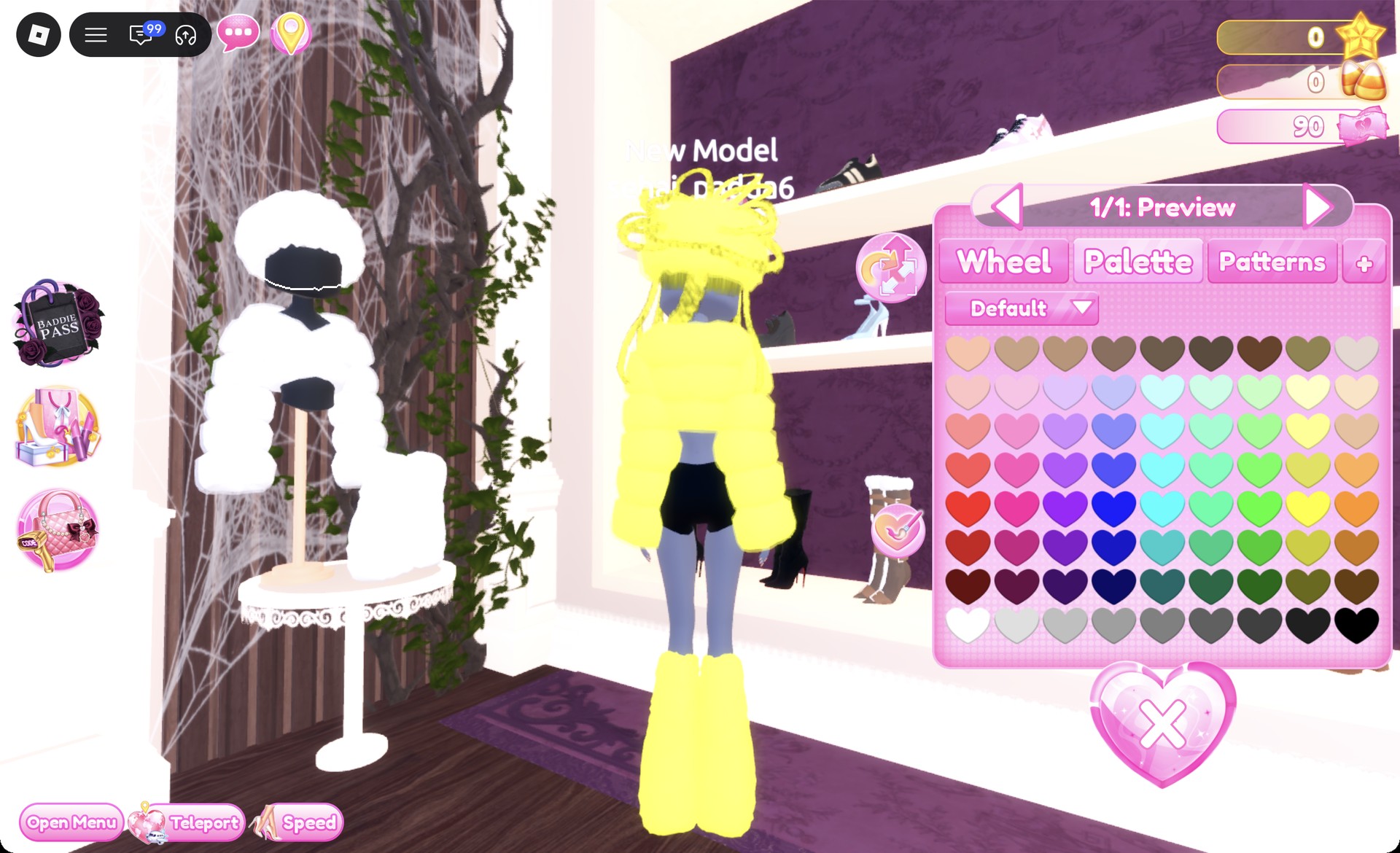
Fluffy fur hat recolored bright yellow in Dress To Impress
The hat in bright yellow.
At the shoe shelf, take the white sneakers from the top row. The panel reads “1/3: Preview”. Leave the default colors and press Put On, since the leg warmers hide most of them anyway.
White sneakers preview panel 1/3 in Dress To Impress
The white sneakers, "1/3: Preview".
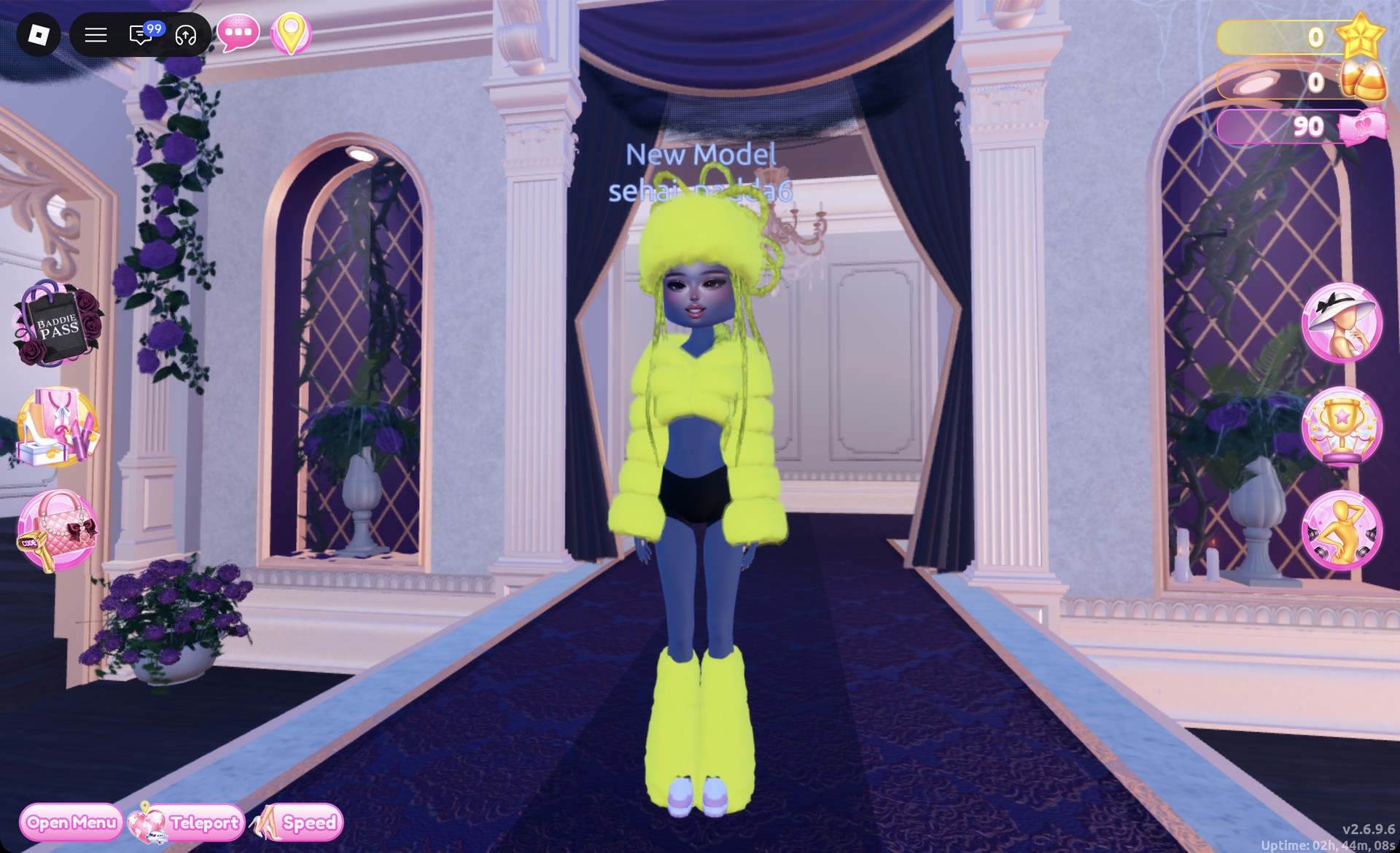
Teleport to “Freeplay Runway” and check the yellow look from the front.
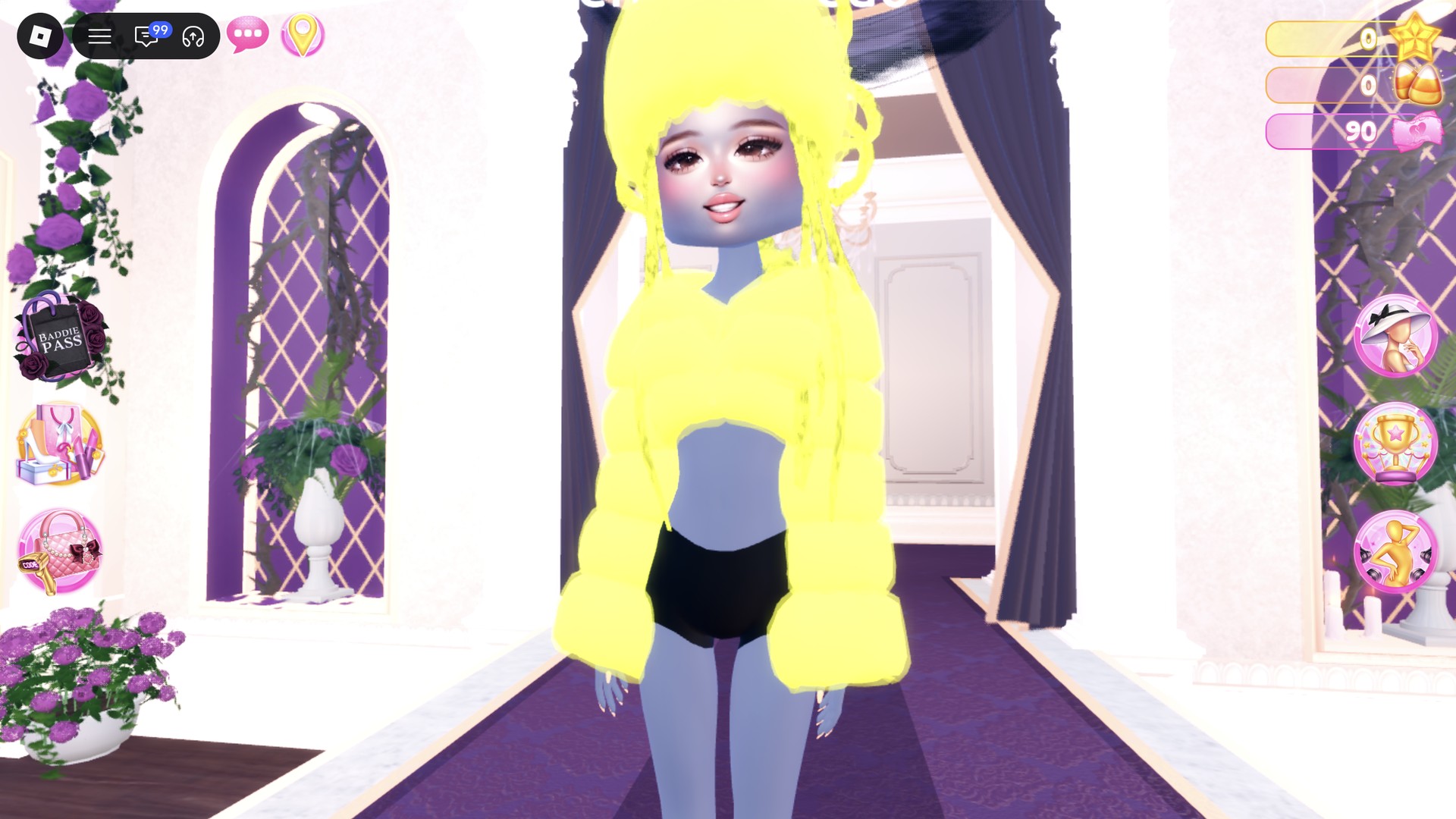
Fluffy yellow Neopets look on the Freeplay Runway in Dress To Impress
Look 1 on the Freeplay Runway.

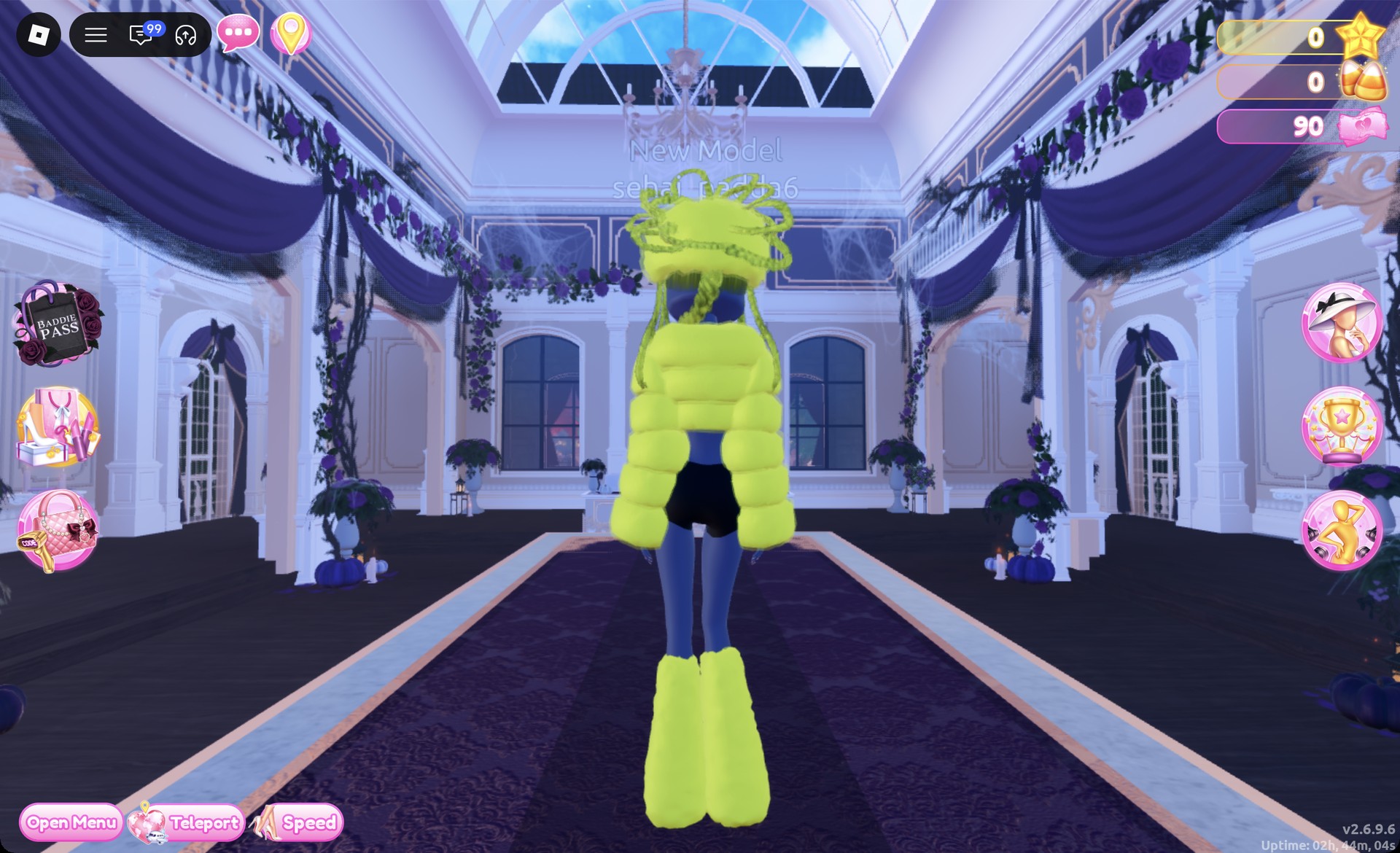
From behind, the yellow loop braids, fur hat, jacket and leg warmers read as one bright color.
Back view of the fluffy yellow Neopets look in Dress To Impress
From behind: all bright yellow.

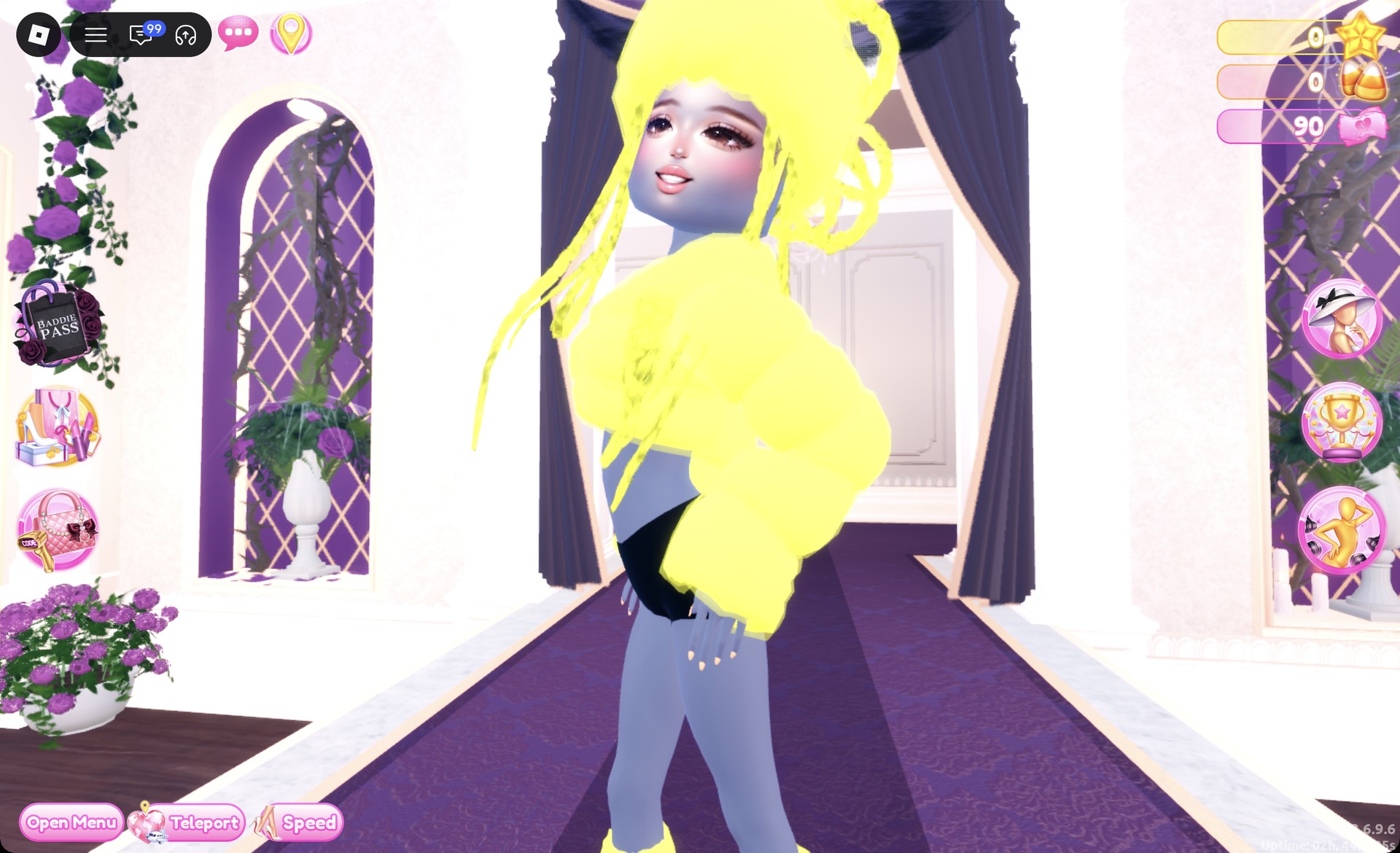
The Lilac pose fits this look.

Neopets look 1 in the Lilac pose in Dress To Impress
Look 1 in the Lilac pose.

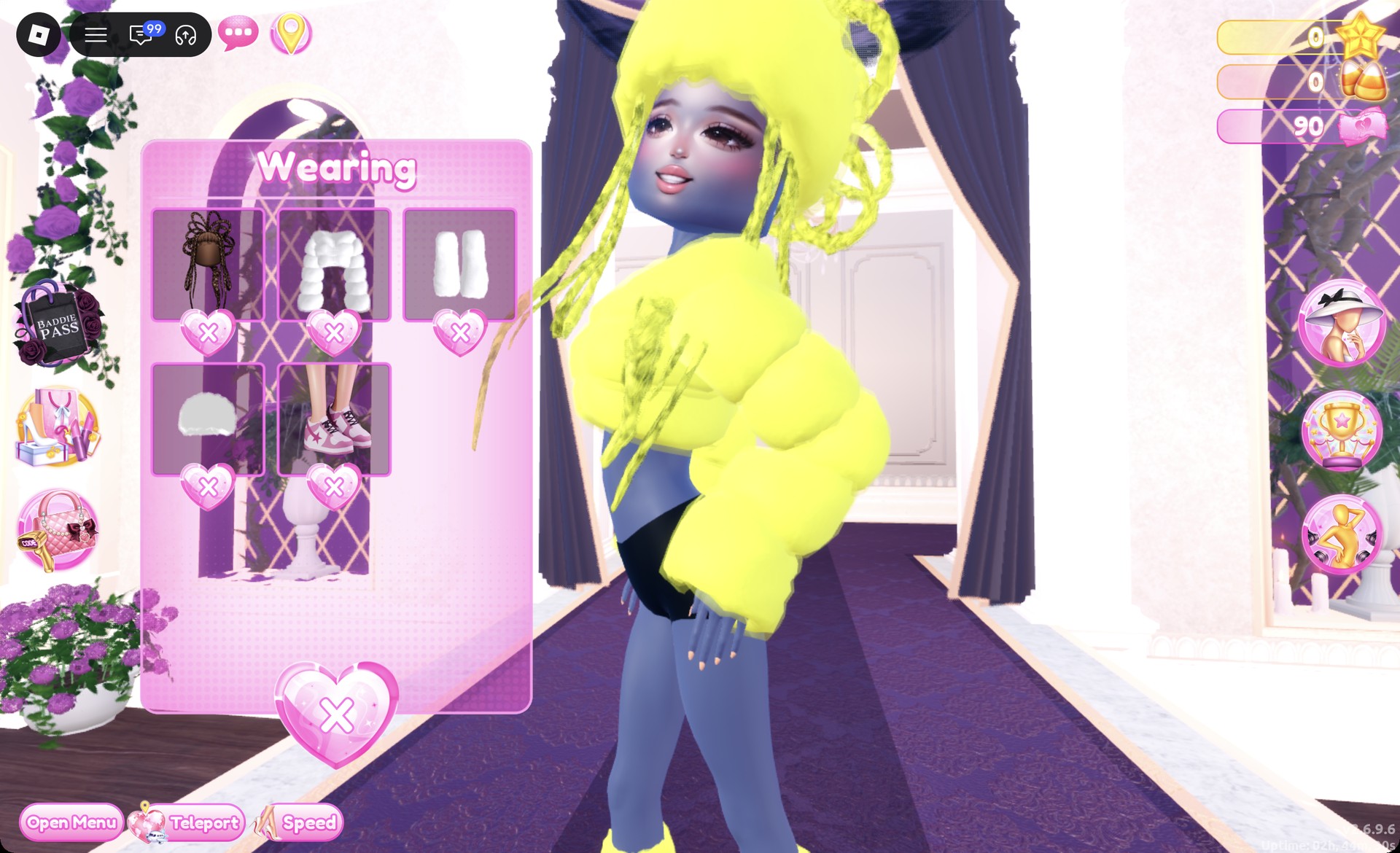
The Wearing panel should list hair, jacket, leg warmers, hat, and sneakers. If all five are there, the outfit is complete.
Wearing panel for the fluffy yellow Neopets look in Dress To Impress
The Wearing panel for look 1.

Look 2: Blue ball dress with red braids

The second look starts from the pale pink ball dress, a different base piece from the first, and colors part 1 periwinkle blue and part 2 white.
Open the Wearing panel with the hanger button and take off the jacket, leg warmers, hat, and sneakers with the X under each picture. Only the hair and face should stay on.
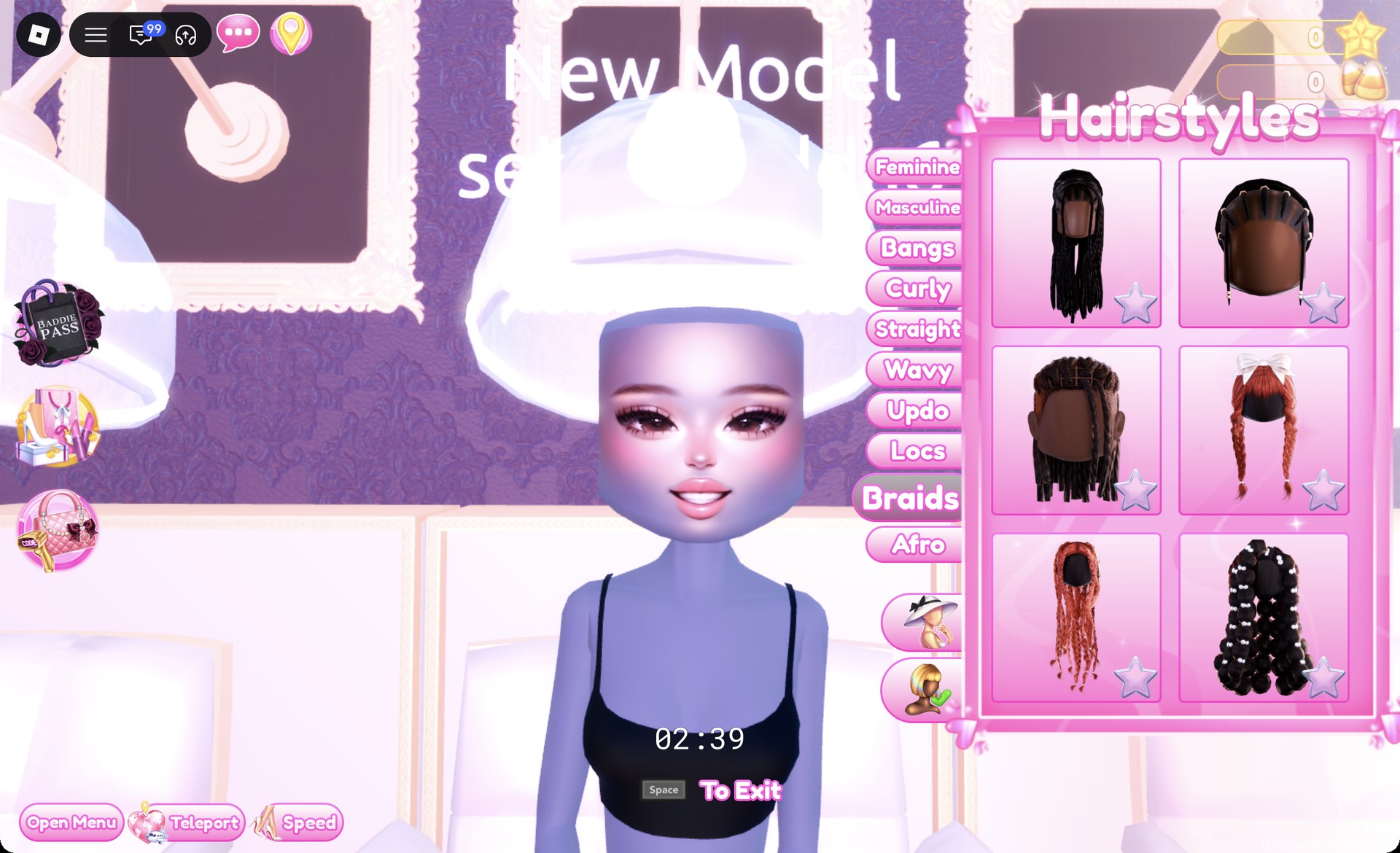
At the hair chair, remove the loop braids with the X on their card, then open the Braids tab.
Braids hair tab at the hair chair in Dress To Impress
The Braids tab at the hair chair.

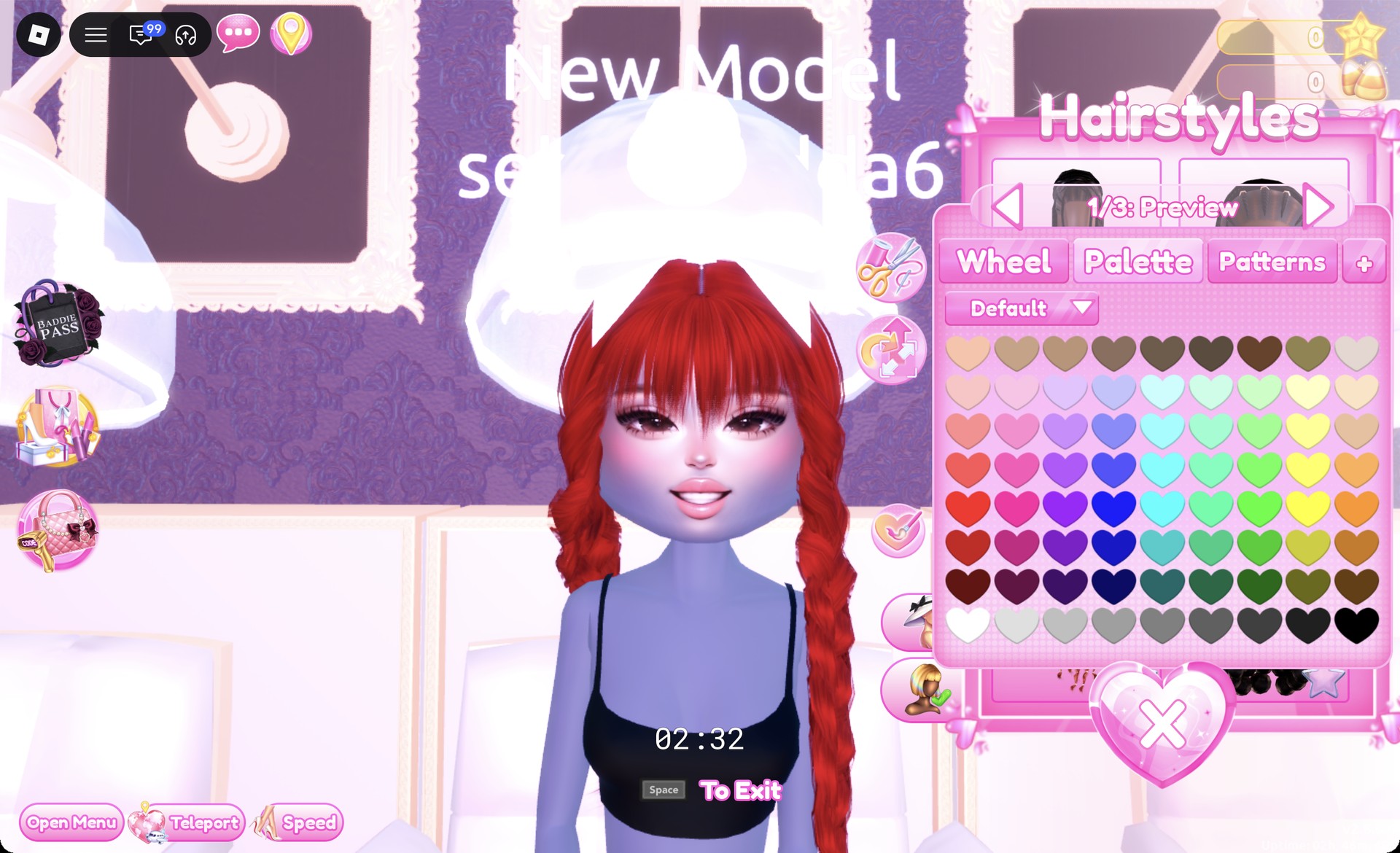
Pick the second row, right card, which is two long red braids with full bangs and a big white bow. The panel reads “1/3: Preview”, so keep the default colors.
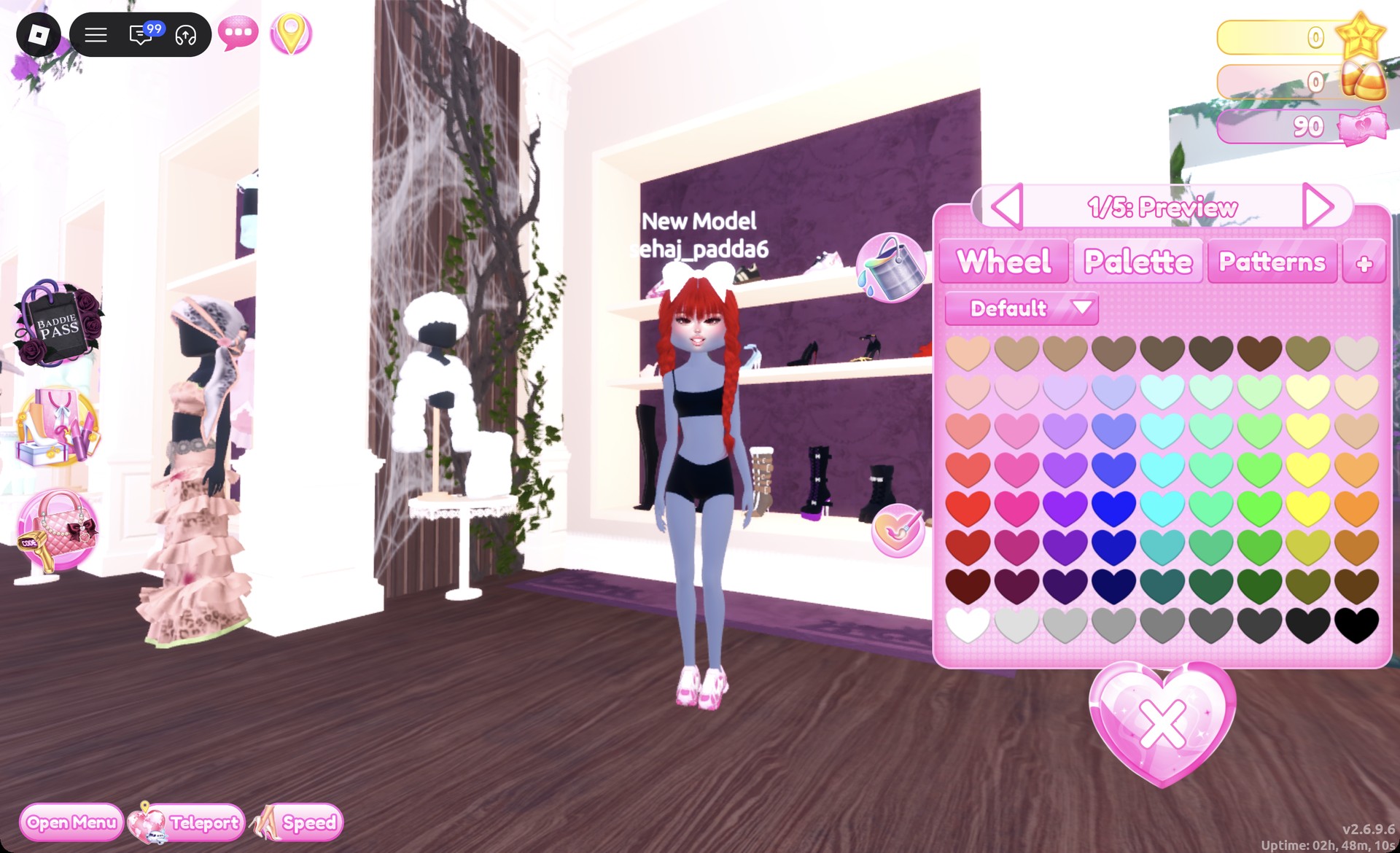
Two long red braids with bangs and a white bow in Dress To Impress
The red braids with a white bow, "1/3: Preview".
At the shoe shelf, take the fuzzy pink shoes from the far left of the top row. The panel shows “1/5: Preview”. Keep the defaults and press Put On.
Fuzzy pink shoes preview panel 1/5 on the shoe shelf in Dress To Impress
The fuzzy pink shoes, "1/5: Preview".
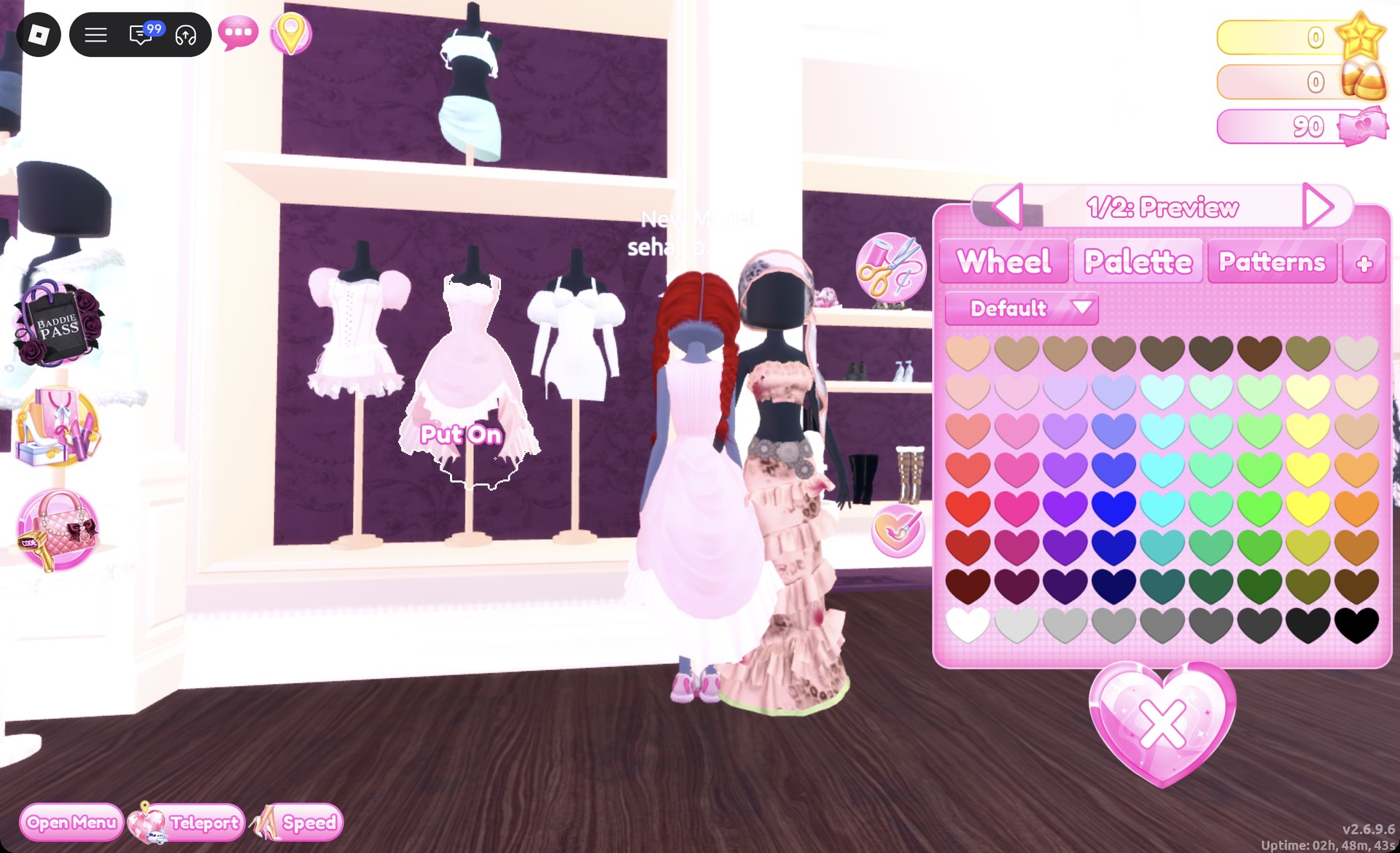
Select the pale pink ball dress from the middle mannequin on the lower party-dress shelf. Its panel reads “1/2: Preview”.
Pale pink ball dress preview panel 1/2 in Dress To Impress
The ball dress at "1/2: Preview".

Set part 1 to column 4, row 3 for periwinkle blue.
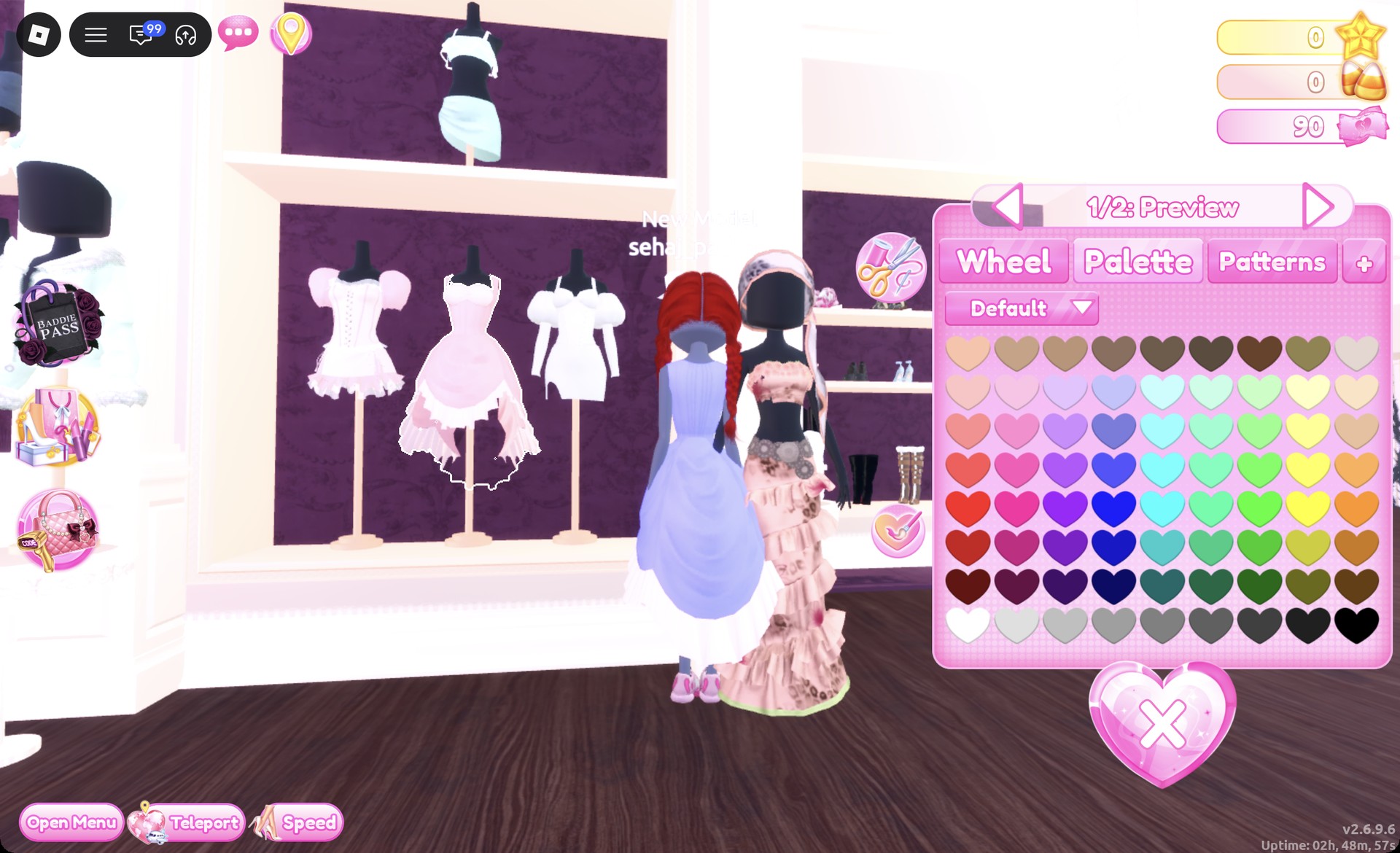
Ball dress part 1 recolored periwinkle blue in Dress To Impress
Part 1 set to column 4, row 3.

Step to part 2 and set it (the hem and underlayer) to white at row 8, column 1. Press Put On.
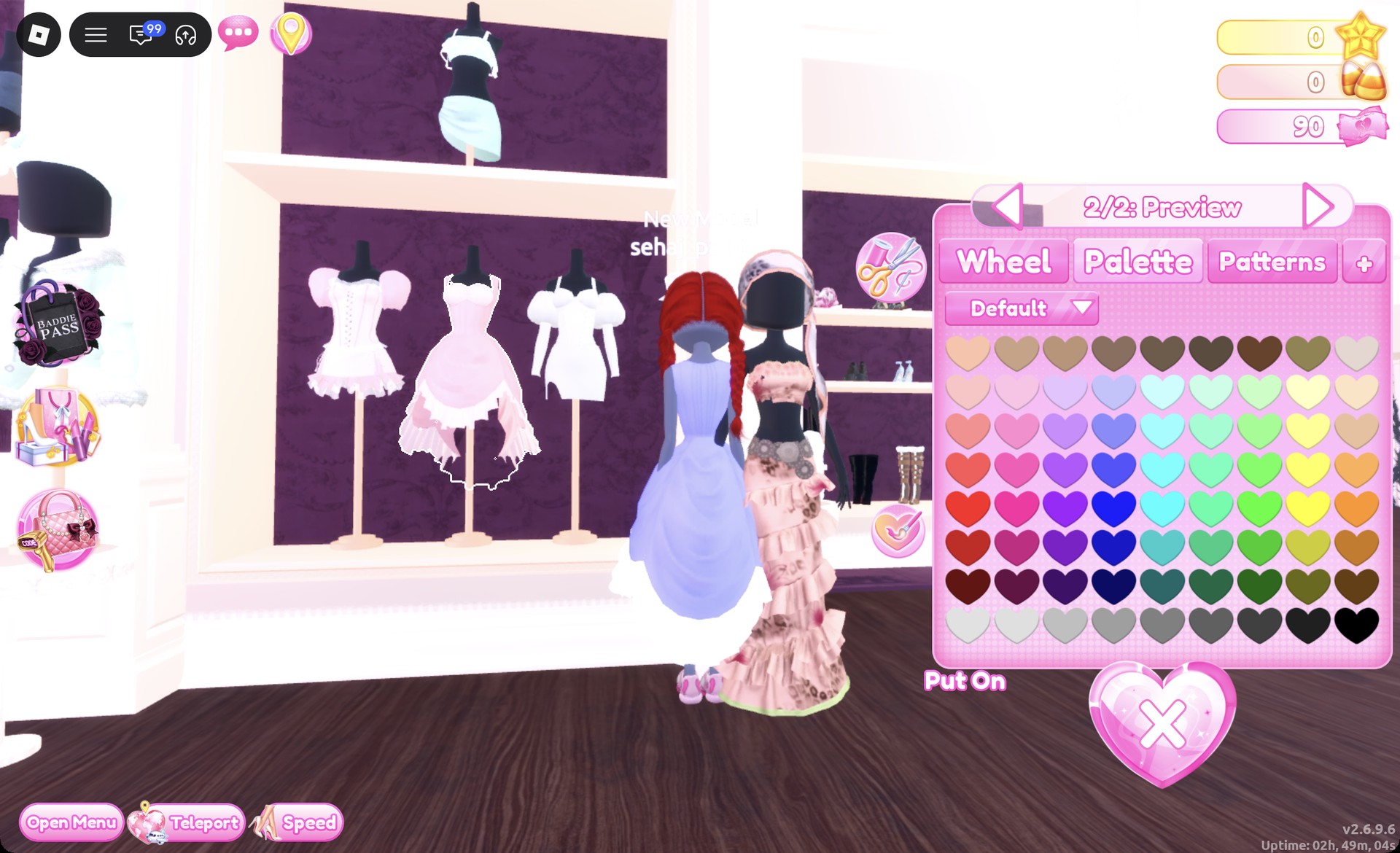
Ball dress part 2/2 set to white in Dress To Impress
Part "2/2" set to white.
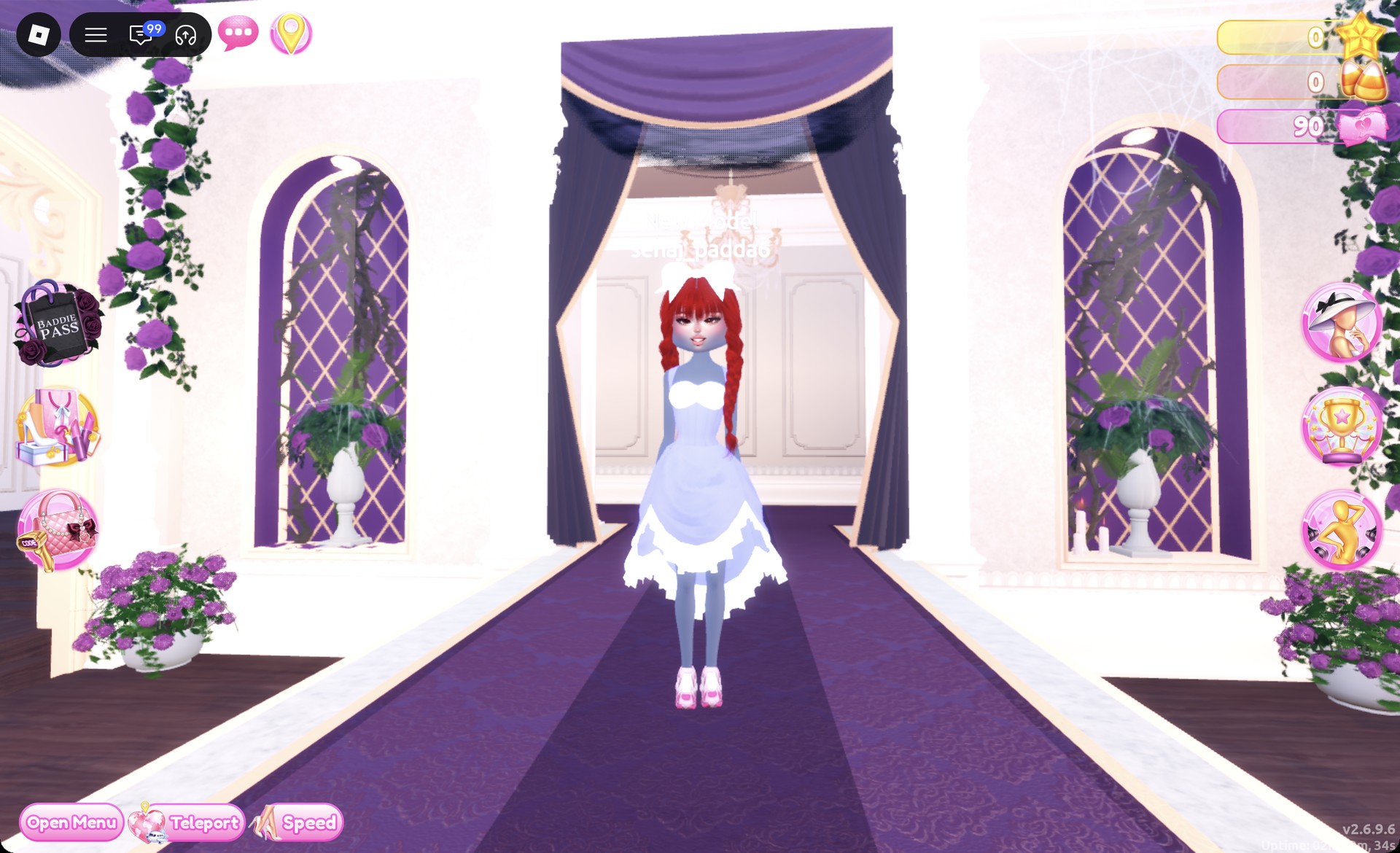
Teleport to “Freeplay Runway” and check the dress from the front.
Periwinkle ball dress with red braids Neopets look on the Freeplay Runway in Dress To Impress
Look 2 on the Freeplay Runway.

From behind, the red braids and the big white bow sit over the periwinkle skirt and white hem.
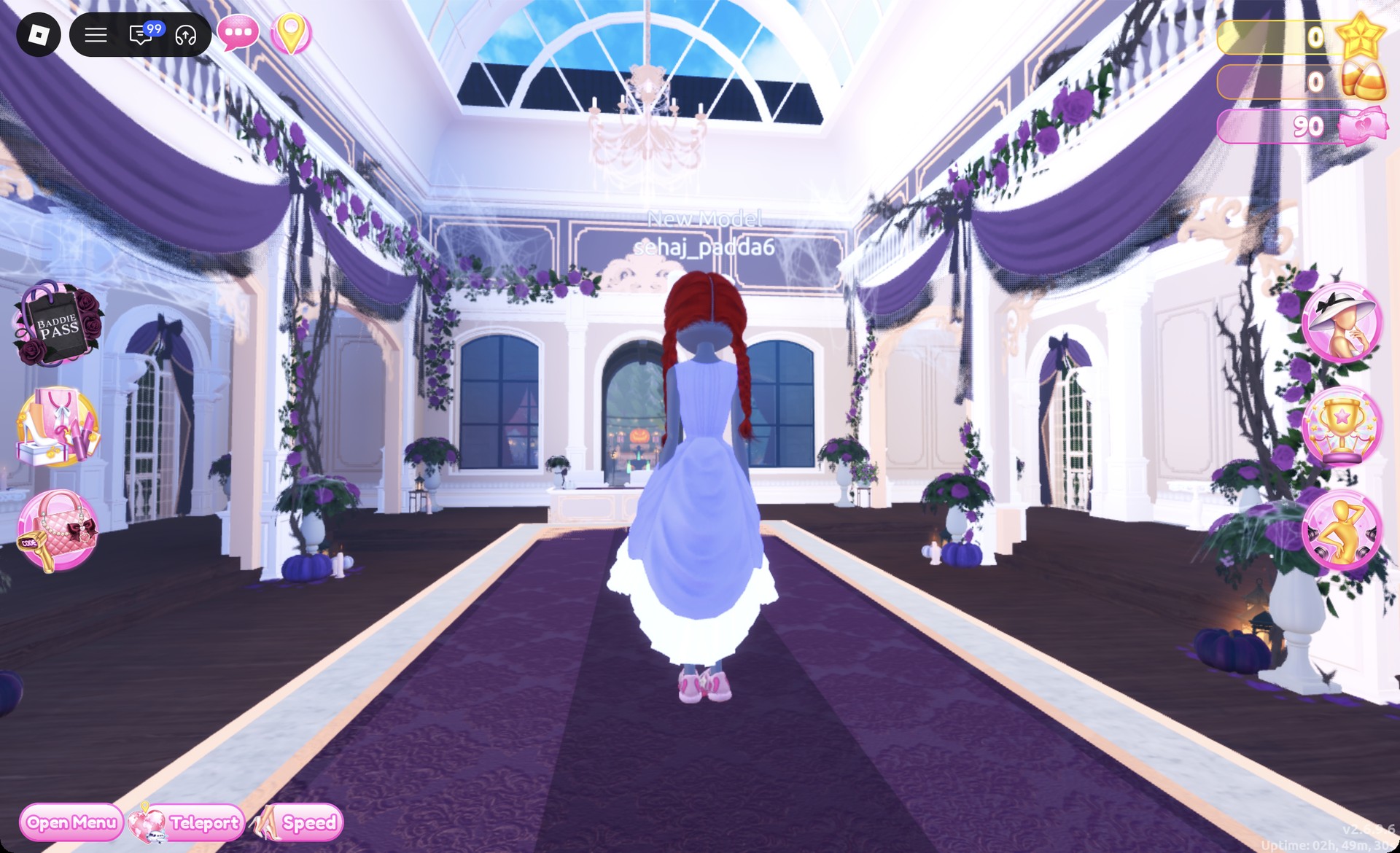
Back view of the periwinkle ball dress Neopets look in Dress To Impress
From behind: red braids, white bow, periwinkle skirt.

The Pearly pose works well for this look.
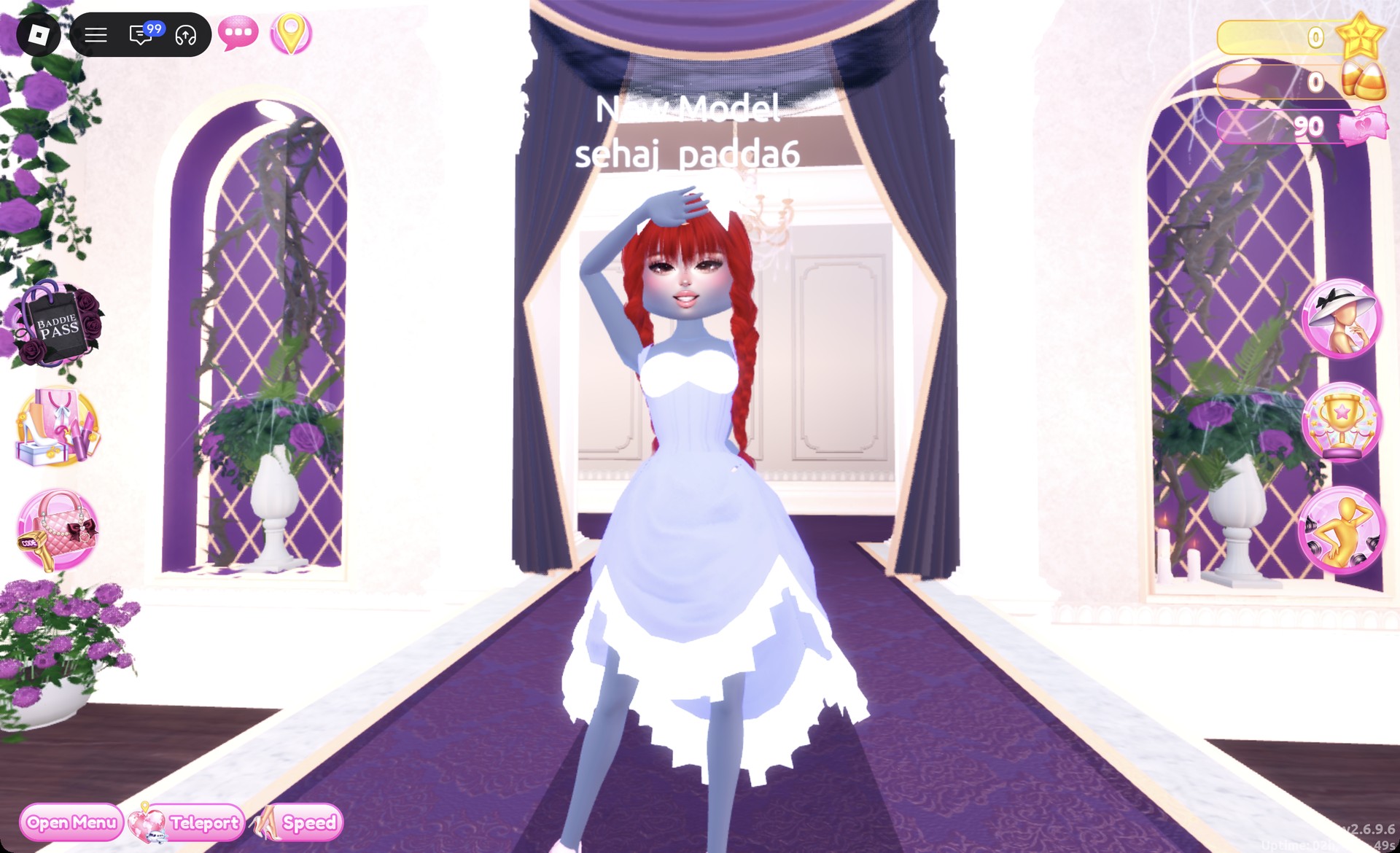
Neopets look 2 in the Pearly pose in Dress To Impress
Look 2 in the Pearly pose.

The Wearing panel should list hair, shoes, and dress.
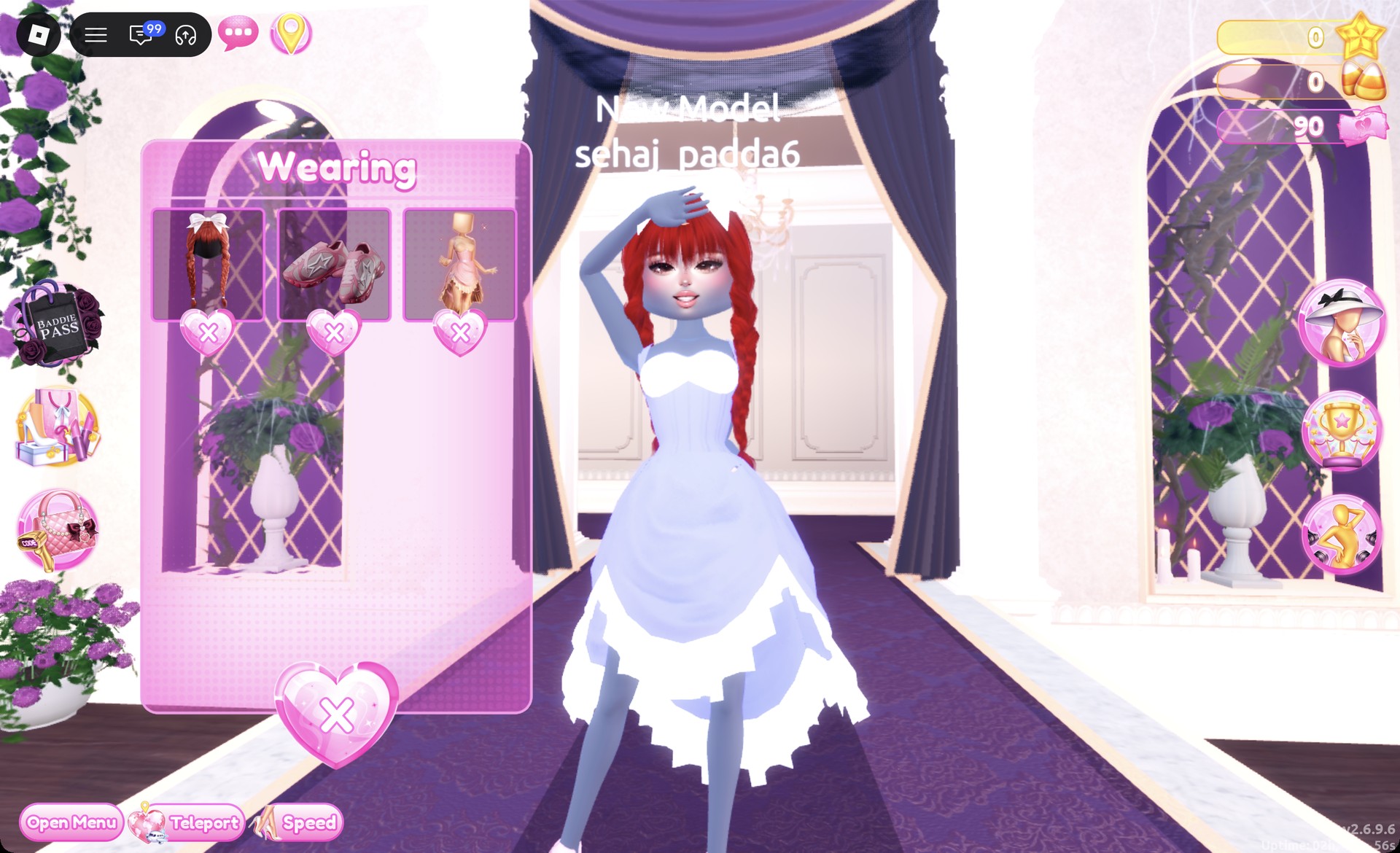
Wearing panel for the periwinkle ball dress Neopets look in Dress To Impress
The Wearing panel for look 2.

More cute and colorful theme ideas


Neopets DTI FAQ

What is the Neopets theme in DTI?

It means dressing like a cute virtual pet: one bright color from head to toe, fluffy textures and playful hair.

How do I do Neopets without VIP?

Both looks above work without it. Every piece and every color in them is free, and neither one needs Robux.

Where are the fluffy jacket, fur hat, and leg warmers in DTI?

In the Dressing Room, beside the shoe shelf, the stand holds the cropped fur jacket (fluffy) and the fur hat (fluffy). The small round table beneath it holds the leg warmers (fluffy).