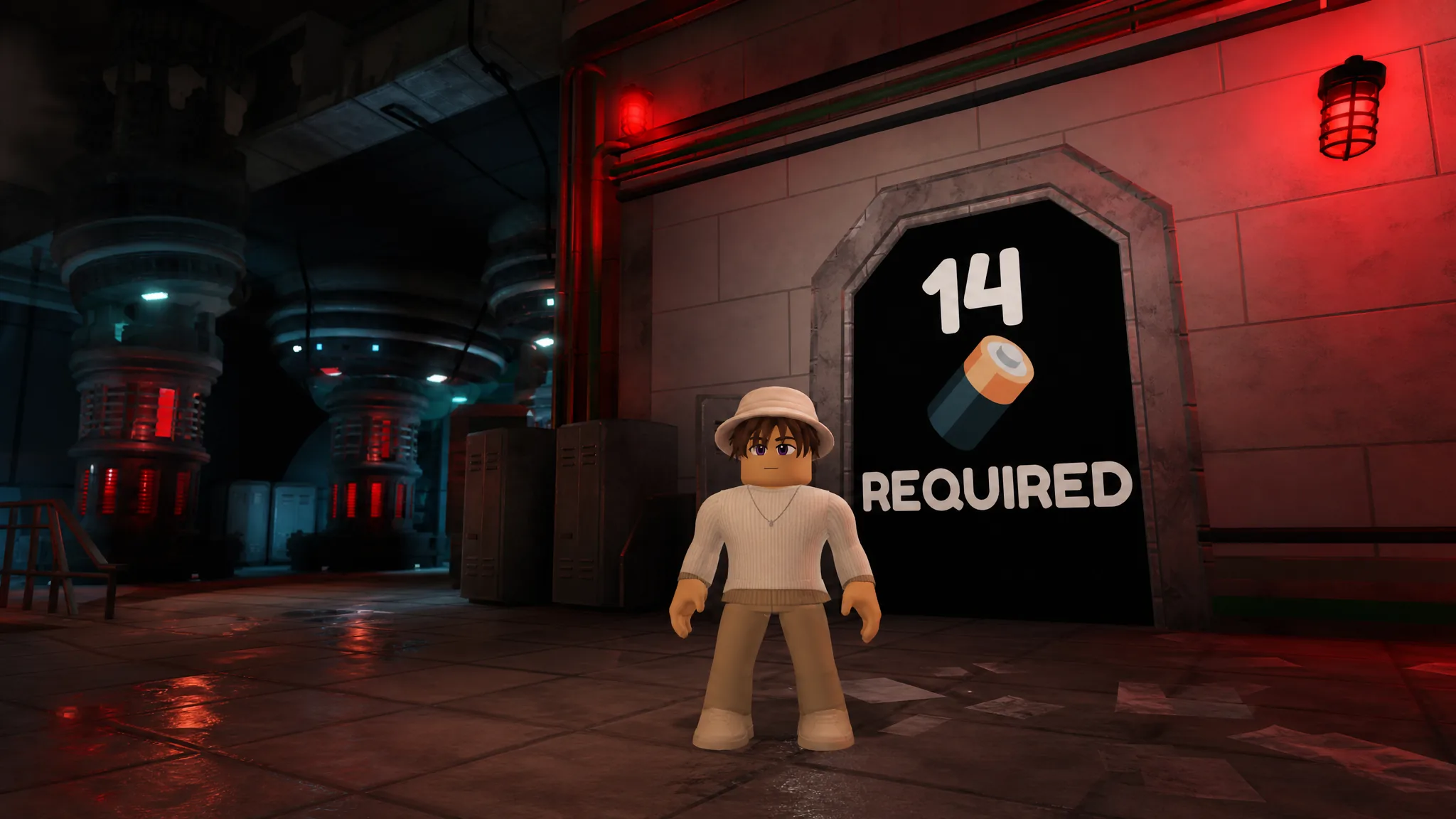
Lights Out drops you into a dark facility where a tall monster hunts you the moment you step out of the light. To finish Chapter 1 you need to collect all 14 batteries, gather five colored keys plus a keycard, and pick up three tools that open blocked paths. Doing that in the right order sends you straight to the first ending, and one extra detour unlocks the second.
Quick answer: Collect all 14 batteries and reach the keycard-locked security door, then interact with the computer inside the 14-battery room to trigger Ending 1 (Phase 2). For Ending 2, grab the code from the paper note in the green room, crawl the vents to the keypad door, enter the code (for example 1673), and walk into the 14-battery room to cause the battery failure.
Core rules: the light, the monster, and 14 batteries
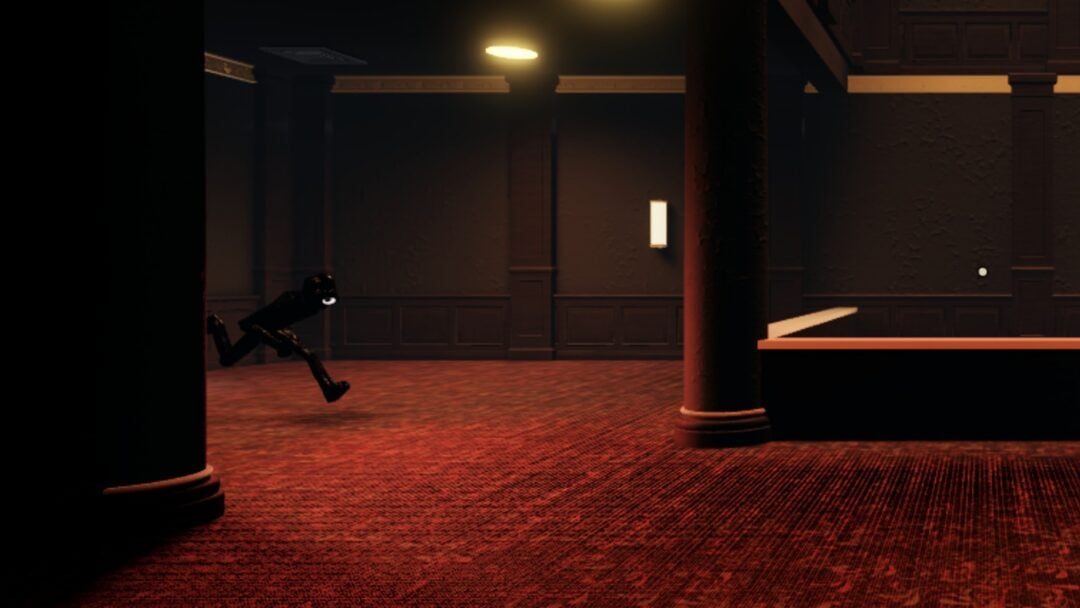
The monster patrols the hallways and only catches you in darkness. Standing inside any lit area keeps you safe, which the game reminds you with the prompt “Stand in a light, just like this one to be safe from the monster!” Move between lit spots when the creature is nearby, and use emotes only when you are already safe.
The battery counter at the top of the screen tracks your progress toward the required total. Every battery raises it by one, up to (14/14). The final door will not open until you have all 14, so treat batteries as the main objective and keys and tools as the means to reach them.
The power cuts out at set points during the run. When you see “The power has been turned off! Find the generator to reset it!”, head back through the nearby obby to the generator until you get “The power has been turned back on!” before continuing.
Keys, doors, and tools reference
Each colored key opens the matching door, and each tool clears one specific obstacle. Use this to keep the chain in order.
| Item | Where it comes from | What it does |
|---|---|---|
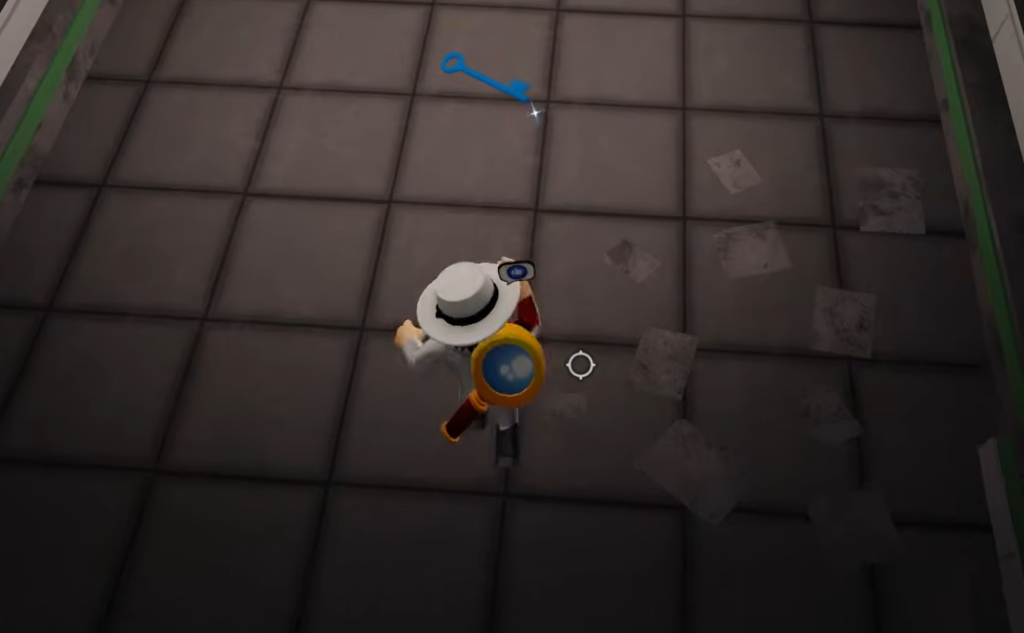
| Blue key | On the hallway floor | Opens the blue door (crowbar + battery inside) |
| Crowbar | Blue room | Pries open boarded window and wooden planks |
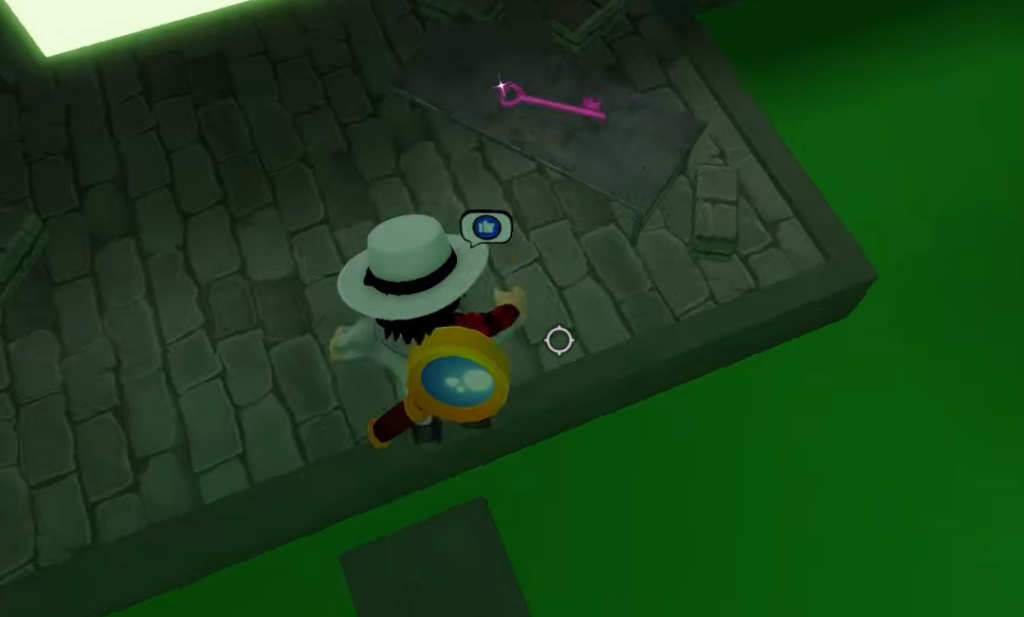
| Pink key | End of the green acid obby | Opens the pink door (screwdriver + battery) |
| Screwdriver | Pink room | Removes the hallway vent cover |
| Red key | Inside the vent | Opens the red door (lava obby beyond) |
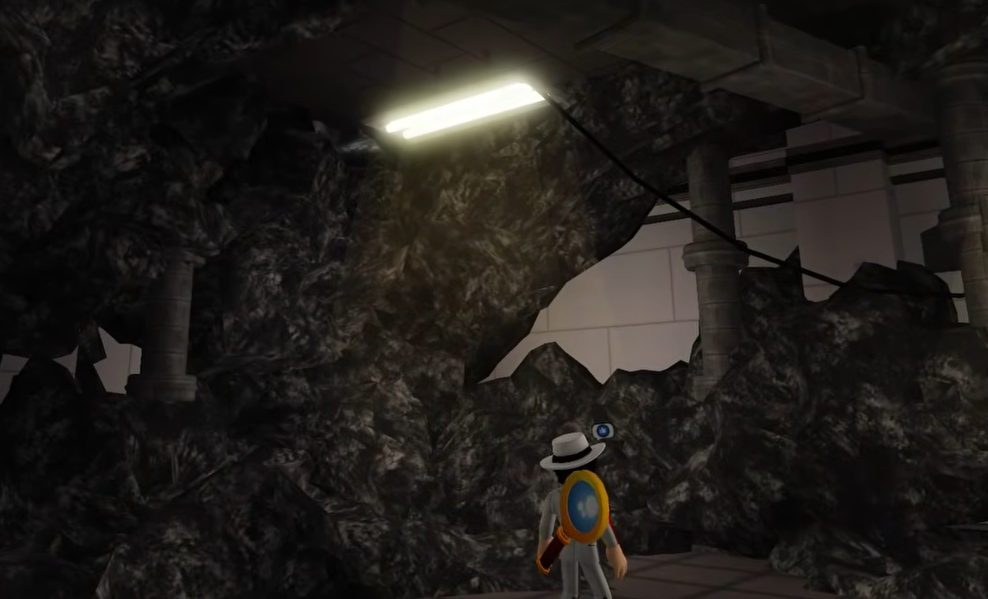
| Hammer | End of the lava obby | Shatters the glass window in the hallway |
| Orange key | Behind the broken glass | Opens the orange door (battery + yellow key) |
| Yellow key | Orange room | Opens the yellow door (green key inside) |
| Green key | Yellow room | Opens the green door in the lava room |
| Keycard | Green room, with final batteries | Opens the final security door |
Full walkthrough to Ending 1 (Phase 2)
(1/14) inside.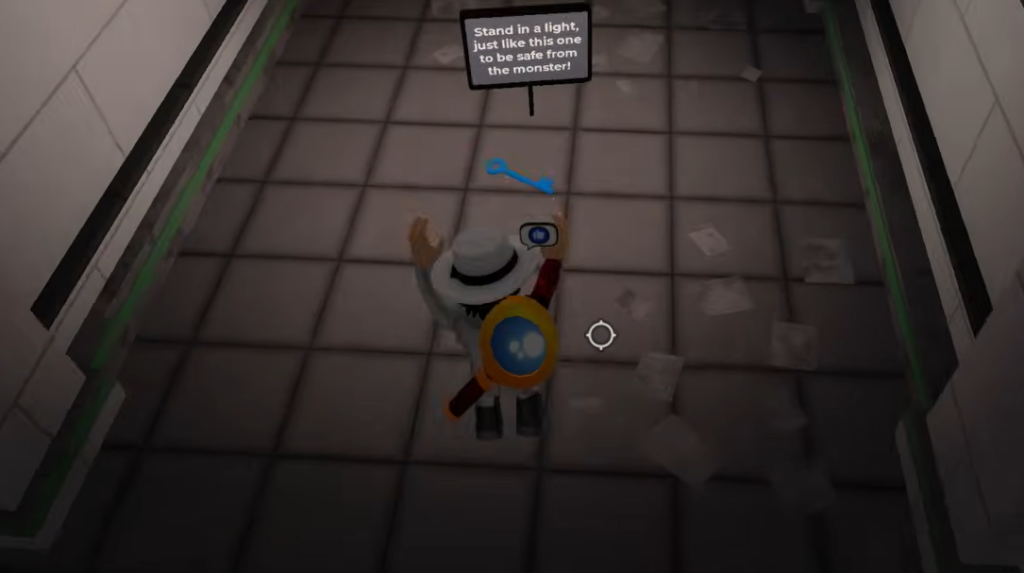
(4/14) while avoiding the monster.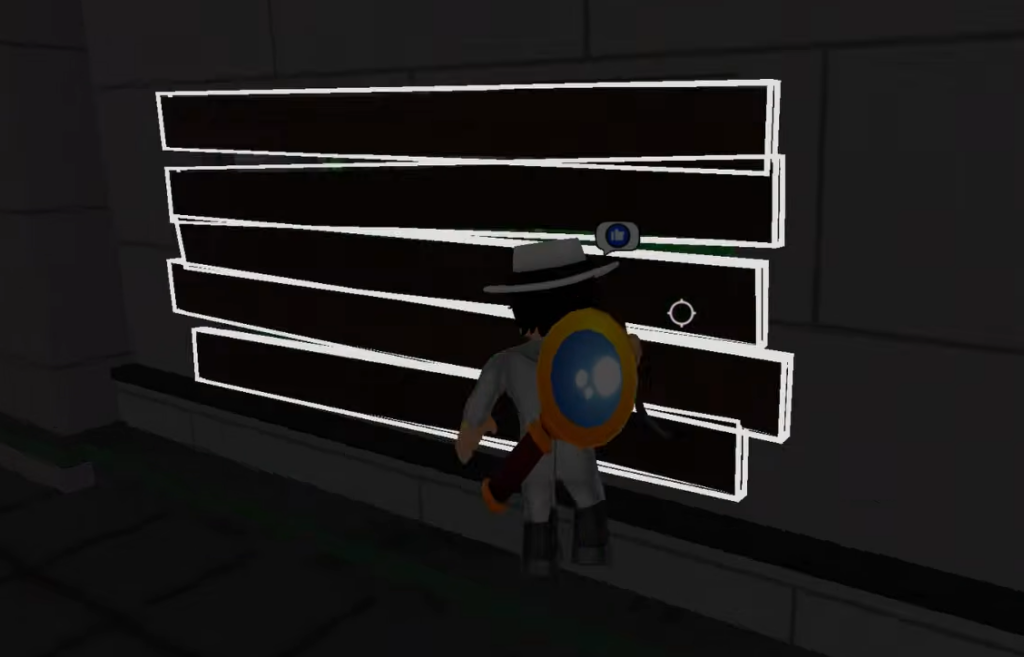
(8/14) along the way.(9/14). Use the screwdriver on the hallway vent cover and crawl through to find the red key.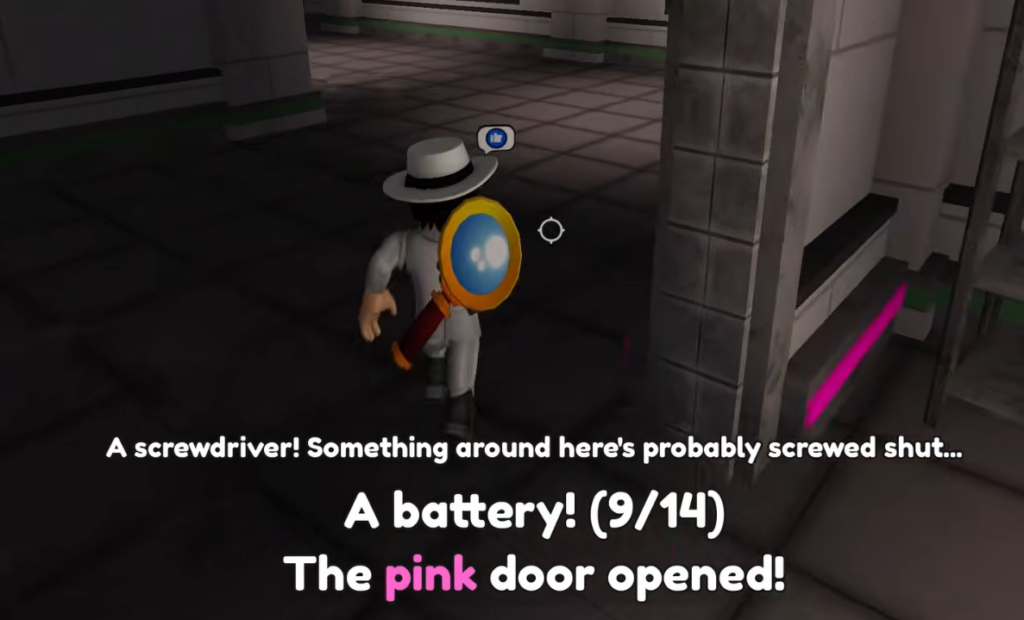
(10/14) and the orange key.(11/14) and the yellow key. If the power drops here, run back through the green obby to reset the generator before continuing.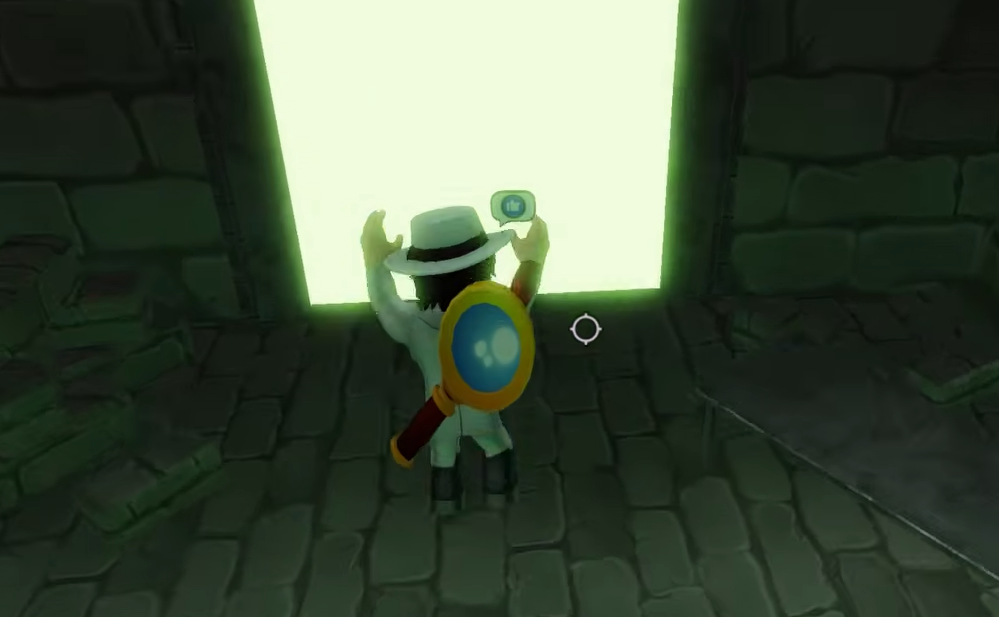
(14/14), plus the keycard.You have reached Ending 1 when the computer shows “Phase 2…?” followed by the overload and the “Chapter 2 coming soon…” message.
How to reach Ending 2 (keypad code)
The second ending branches off after you have all the batteries and the green door is open. Instead of finishing at the computer, you take a code from a hidden note and use a separate keypad door.
CODE 1673, though the number on the note can differ, so always check the slip in your own game.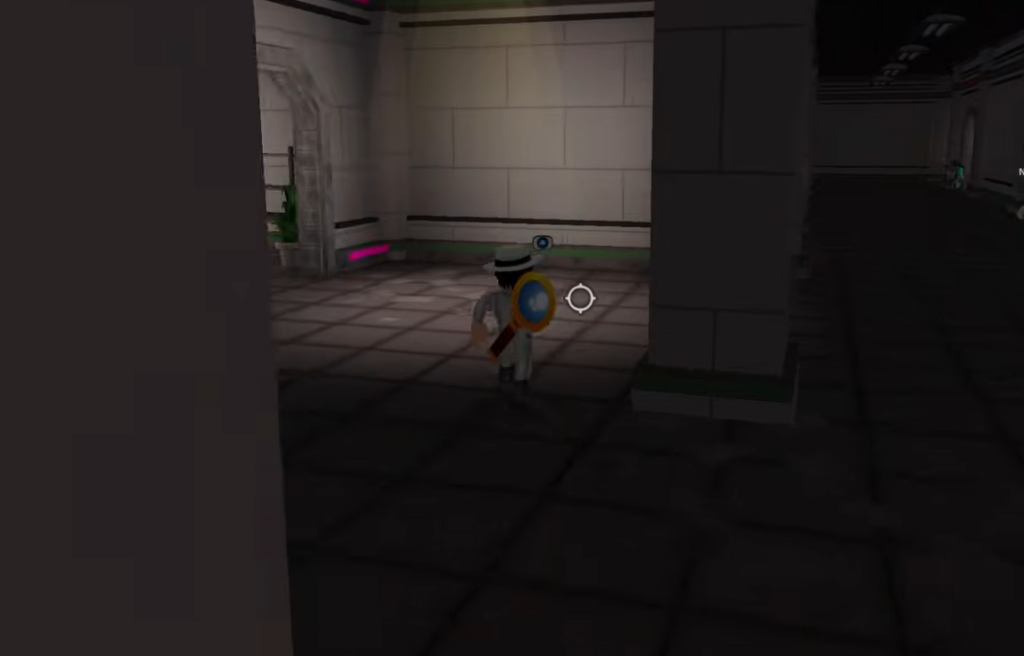
You have reached Ending 2 when the batteries fail, the lights cut out, and the monster captures you, shown by the lines “The batteries failed…” and “It has taken you to its world…”
Both endings need the same 14 batteries and the same key chain, so the fastest approach is to complete the full collection first and only then decide which finish you want. Save your progress point at the green room, view Ending 1 at the computer, then double back through the vents with the note code to see Ending 2 without redoing the entire facility.