The Version 3.6 preview broadcast for Wuthering Waves hands out three redemption codes worth 300 Astrite in total, alongside upgrade materials and Shell Credits. These codes are live for a short window only, so redeeming them quickly is the difference between free pulls toward Qingxiao or Jingran and an expired code error.
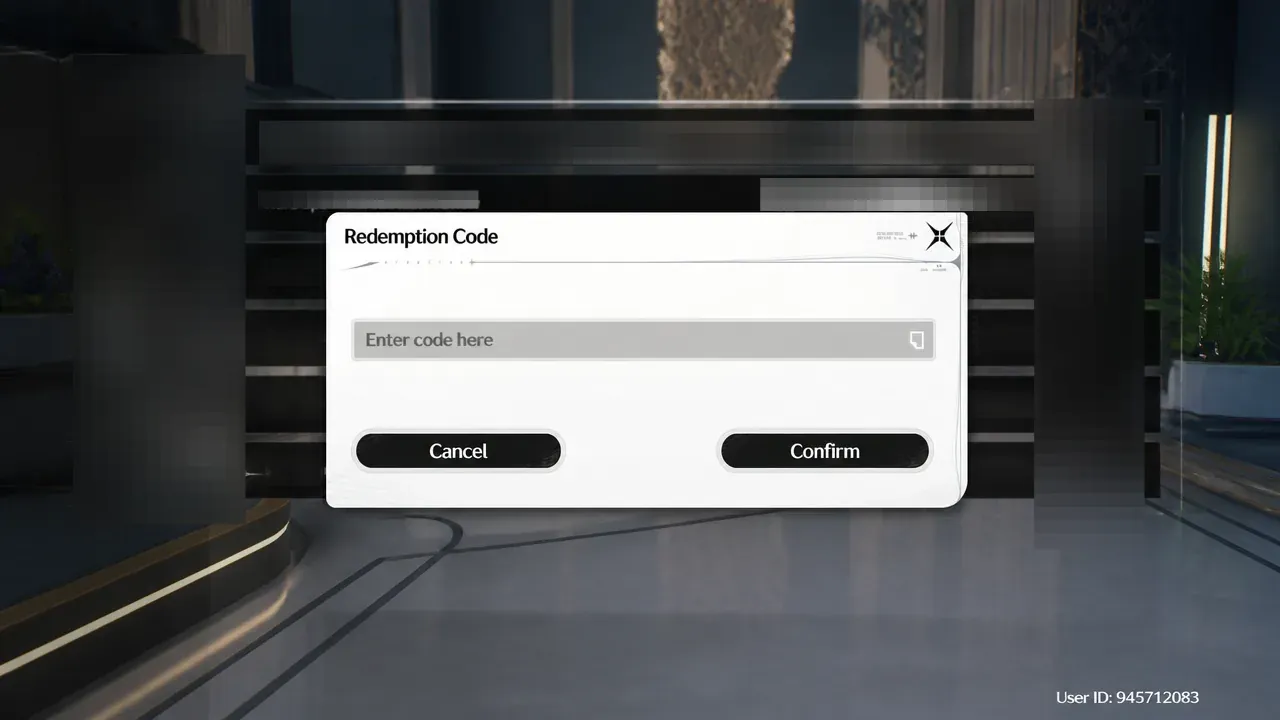
Quick answer: Open Wuthering Waves, go to Settings → Other Settings → Redemption Code, enter HEARTOFSWORD, ETERNALFLAME, and the third livestream code, tap Confirm on each, then claim the Astrite from your in-game Mailbox before the codes expire on August 9, 2026 at 9 AM PT.
Wuthering Waves 3.6 livestream codes and rewards
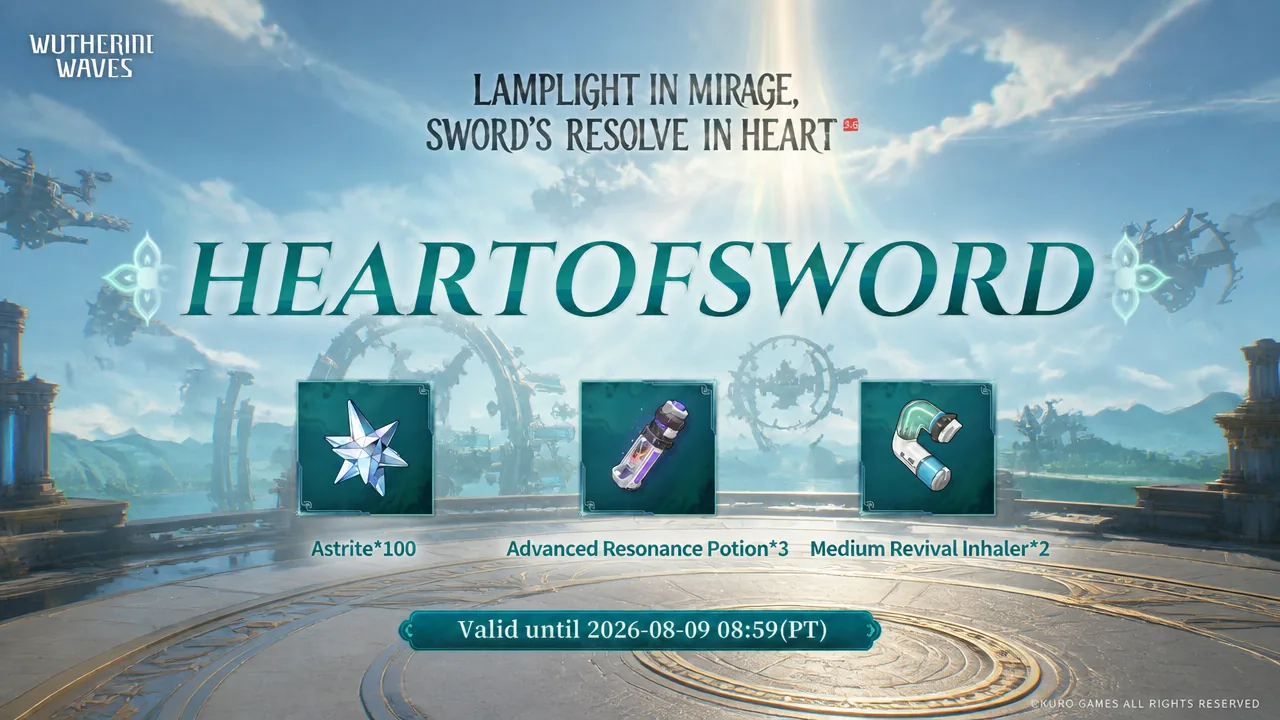
Each of the three codes grants 100 Astrite plus a small bundle of secondary items. Redeeming all three gives you the full 300 Astrite. Codes are case-sensitive and can only be used once per account.
| Code | Rewards |
|---|---|
| HEARTOFSWORD | 100 Astrite, 3x Advanced Resonance Potion, 2x Medium Revival Inhaler |
| ETERNALFLAME | 100 Astrite, 3x Advanced Energy Core, 2x Medium Nutrient Block |
| Third livestream code | 100 Astrite, 20x Premium Tuner, 5x Advanced Sealed Tube |
The third code carries the same 100 Astrite payout but swaps in 20 Premium Tuners and 5 Advanced Sealed Tubes, both useful for leveling Echoes. Enter it exactly as shown during the broadcast, matching capitalization.
These rewards are limited-time and stop working after August 9, 2026 at 9 AM PT. Once that window closes, the codes return an outdated error and cannot be claimed on any account.
How to redeem the codes in-game
Wuthering Waves has no external redemption website for the global client, so everything happens inside the game on PC or mobile. Before you start, make sure your mailbox is unlocked, which requires reaching Union Level 2 and finishing the early main quest that opens the Terminal.
How to confirm it worked and common errors
You know a redemption succeeded when the game shows a confirmation pop-up and the reward mail lands in your Mailbox. Claim that mail promptly, since code reward messages are automatically deleted after two weeks.
If a code fails, the reason is almost always one of the following:
- An “invalid” message means the capitalization is off. Codes are case-sensitive, so match the exact letters.
- An “outdated” or expired error means the redemption window has already closed.
- A code will not work a second time. Each is one-time-use per account, though you can use the same code on a separate account.
- If the Redemption Code option is missing, you have not yet unlocked the mail system through the early progression requirements.
Once all three codes are redeemed, the 300 Astrite can go toward the Version 3.6 banners for the new limited five-star Resonators Qingxiao and Jingran, or be saved for a later update. There is no penalty for banking them.