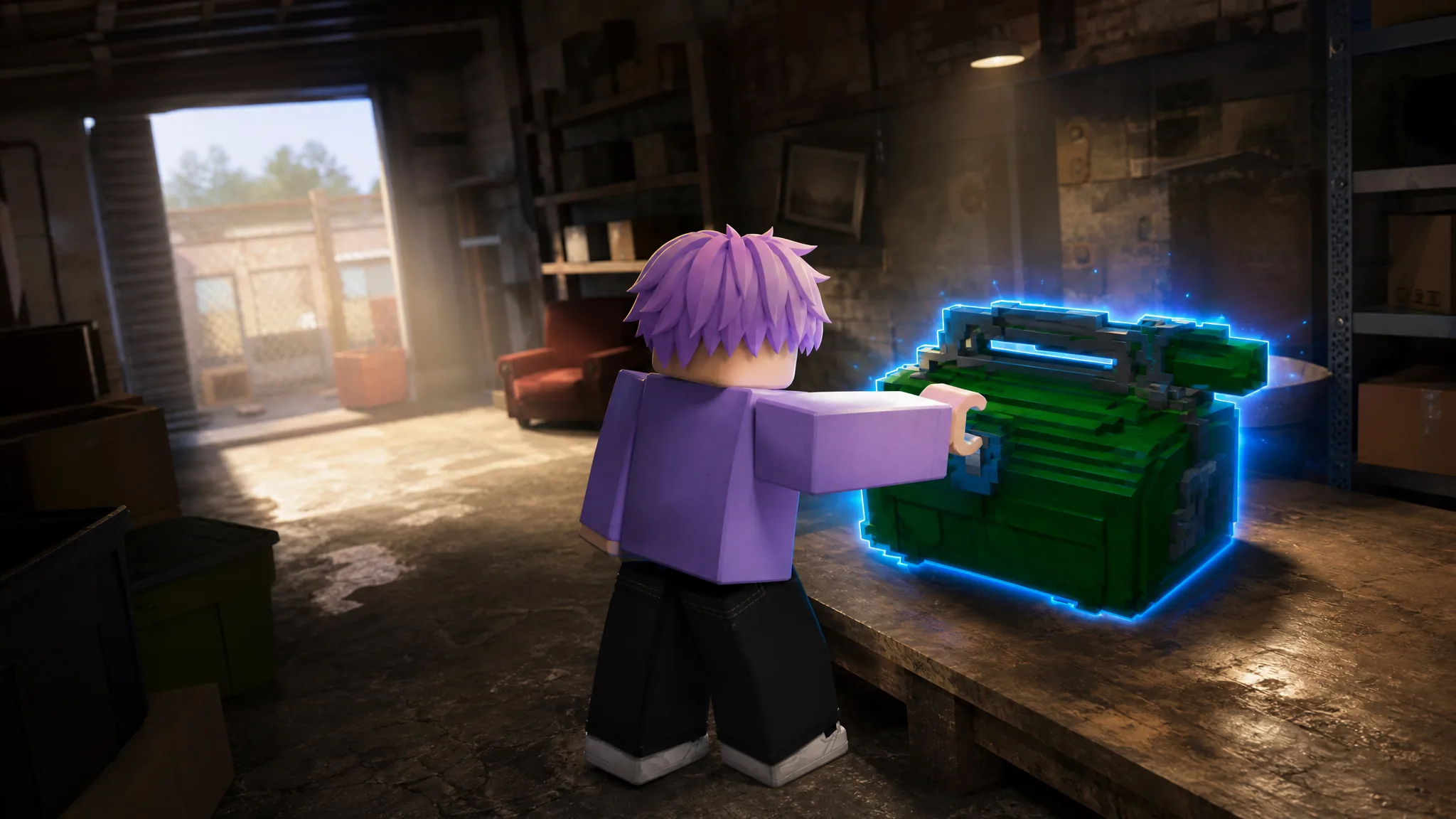
The Mechanic’s Box is a Rare-rarity item in Storage Hunters Open World that appears inside storage containers you win at auction. It is not a quest reward or a shop purchase. You get it by opening containers and letting the game’s luck system roll it into your haul.
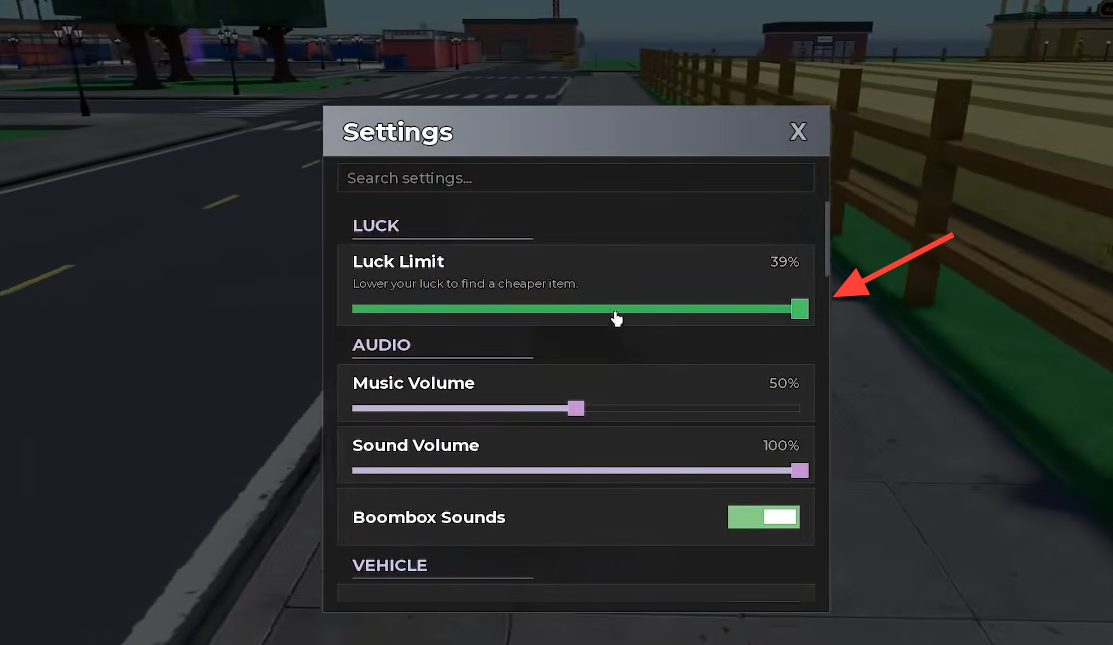
Quick answer: Open the settings menu, lower the “Luck Limit” slider (for example, to 39%), then keep opening storage containers until a Mechanic’s Box appears with an “Add to Vehicle” prompt.
What the Mechanic’s Box is
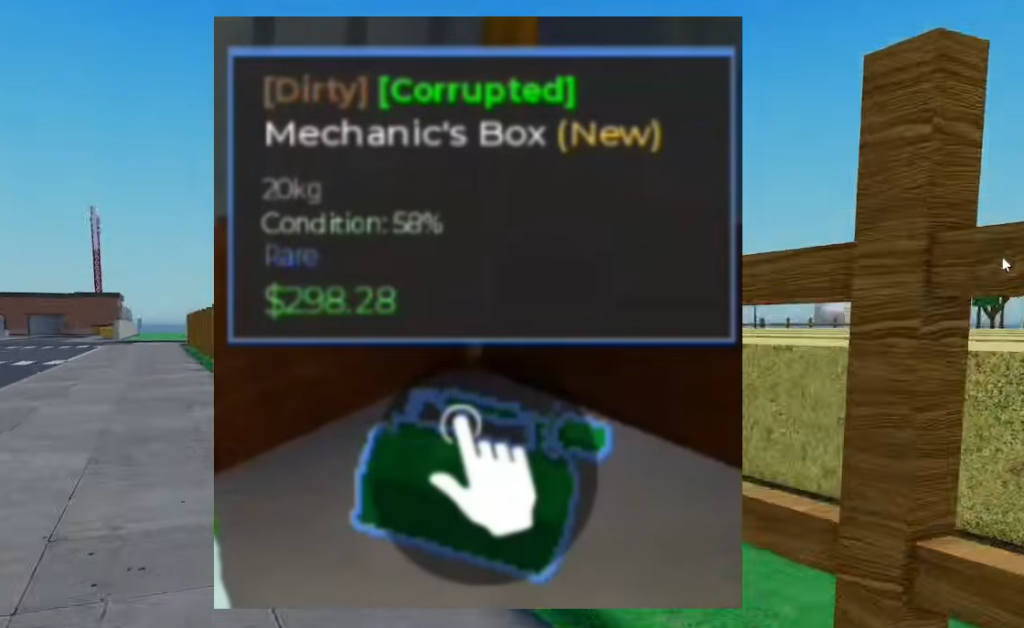
The Mechanic’s Box is a container item, not a rare drop tied to a specific event or location. It carries the Rare rarity tag and sells for a modest amount at base value. When it turns up inside a unit you have won, you load it into your vehicle like any other find and take it back to your shop.
| Detail | Value |
|---|---|
| Rarity | Rare |
| Weight | 20kg |
| Condition (as found) | 50% |
| Base value | $298.28 |
| Source | Storage containers won at auction |
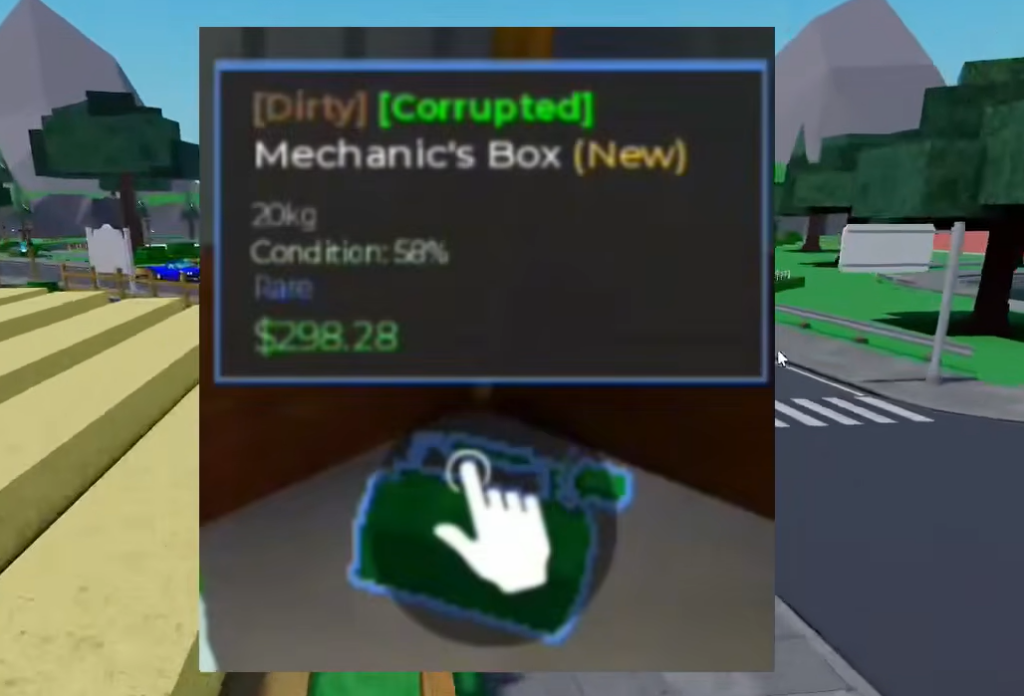
You may see it labeled with extra tags such as “Dirty” or “Corrupted.” Those are mutations attached to the base item. A Dirty box can be taken to the Cleaning Service to remove that effect, which changes its sale value.
Why the Luck Limit setting matters
Because the Mechanic’s Box is only a Rare item, high luck can work against you. Once your luck is stacked high, containers tend to fill with higher-rarity items and the lower-rarity finds show up less often. The Luck Limit setting caps how much luck is applied, which pushes the odds back toward lower-rarity items like this one.
If your default luck is already high and the box refuses to appear, pulling the Luck Limit down is the single most effective change you can make.
How to get the Mechanic’s Box
How to know it worked
When a Mechanic’s Box is inside a container, its info box shows the item name, the Rare tag, its weight and condition, and its value, along with an “Add to Vehicle” button. Once you press that button, the box moves into your vehicle’s cargo and counts toward its weight limit. That transfer is your confirmation that you have secured it.
If it is not showing up at all, the usual cause is luck sitting too high. Lower the Luck Limit further and continue opening containers. Rare finds still rely on chance, so several container openings may pass before one appears.