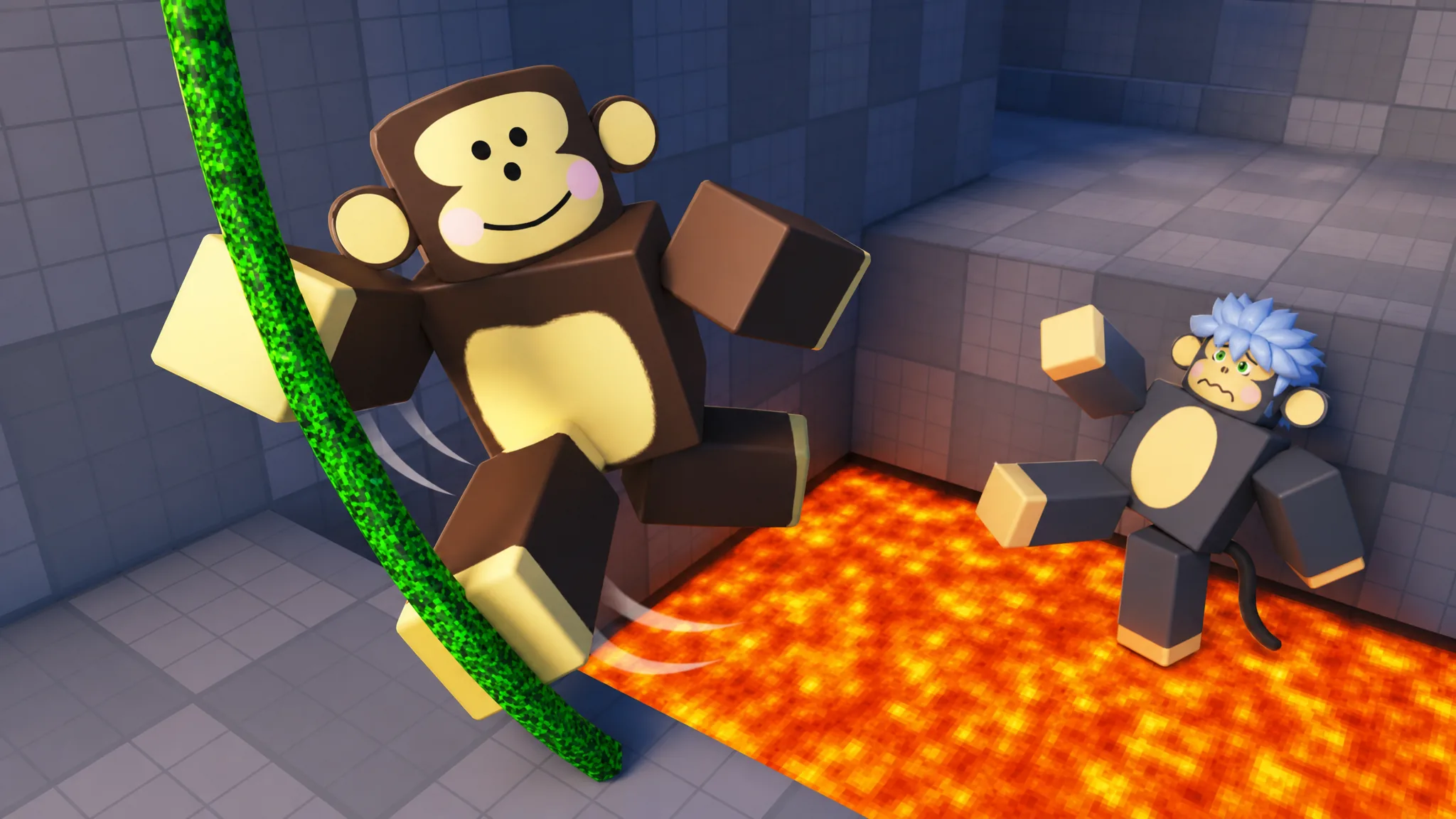
The Community Rewards code in +1 Speed Monkey Escape is not a public code you type from a list. It is a unique claim code that the game’s Discord server generates just for your account, and each one unlocks the same bundle of perks once you redeem it inside the game.
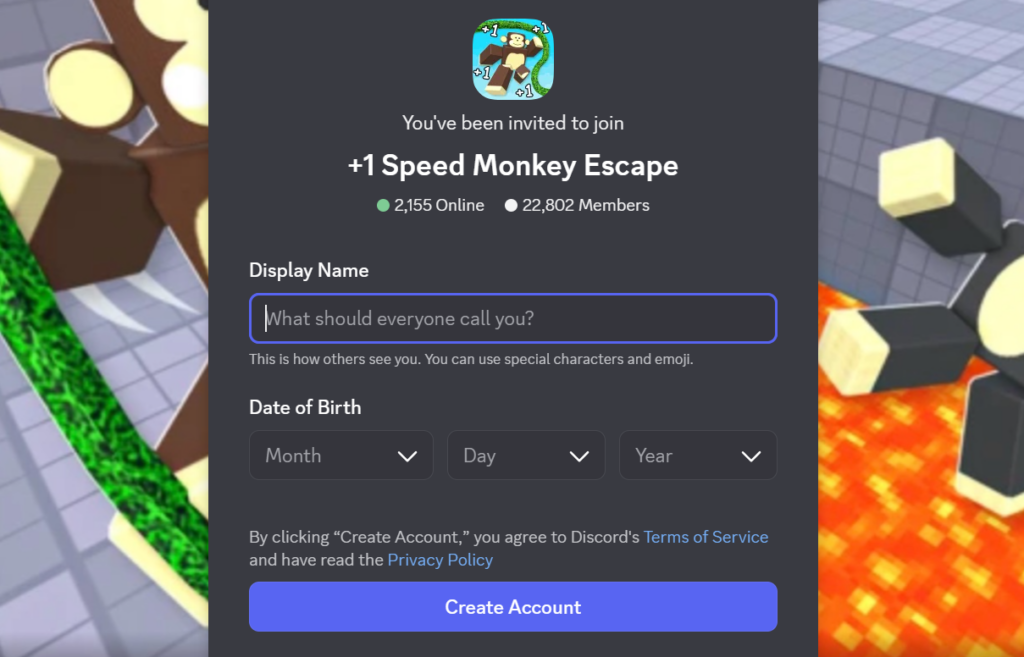
Quick answer: Join the official Discord from the game page, run /getcode in the #reward-code channel, then paste that code into the Community Rewards menu in-game and click Redeem.
What the Community Rewards code unlocks
Redeeming the code grants three rewards at once. These are tied to joining the community rather than to a milestone, so they stay available as long as the Discord server is issuing codes.
| Reward | Effect |
|---|---|
| “Member” tag | Cosmetic tag shown on your character |
| x1.5 Treadmill | 1.5x treadmill training multiplier |
| x2 Wins potion | Doubles wins for 1 hour |
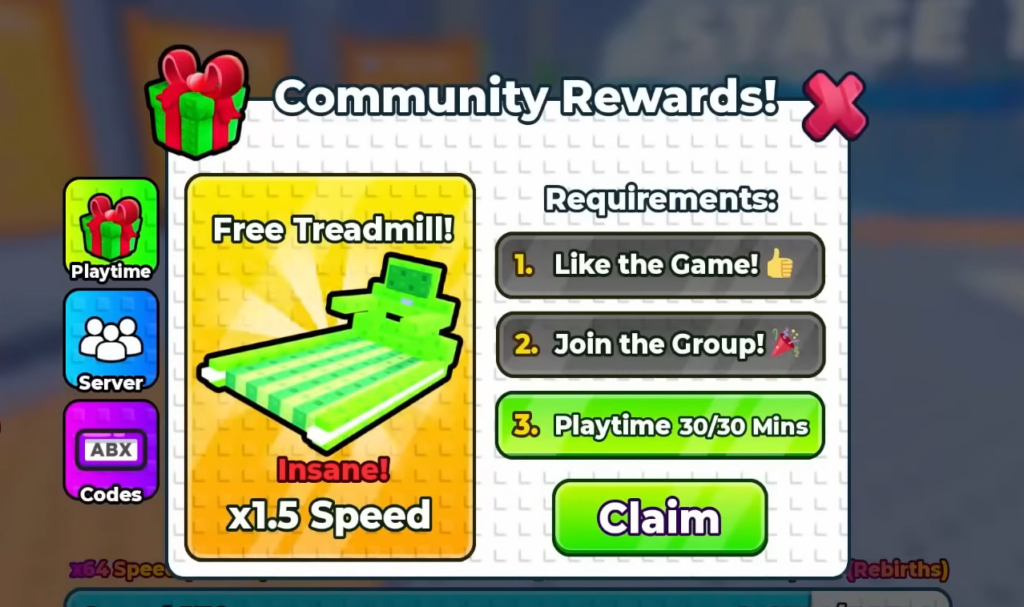
How to get and redeem the Community Rewards code
#reward-code channel and type /getcode. The bot returns a unique claim code that looks like 0h02-mhsD-UWHZ-FisC.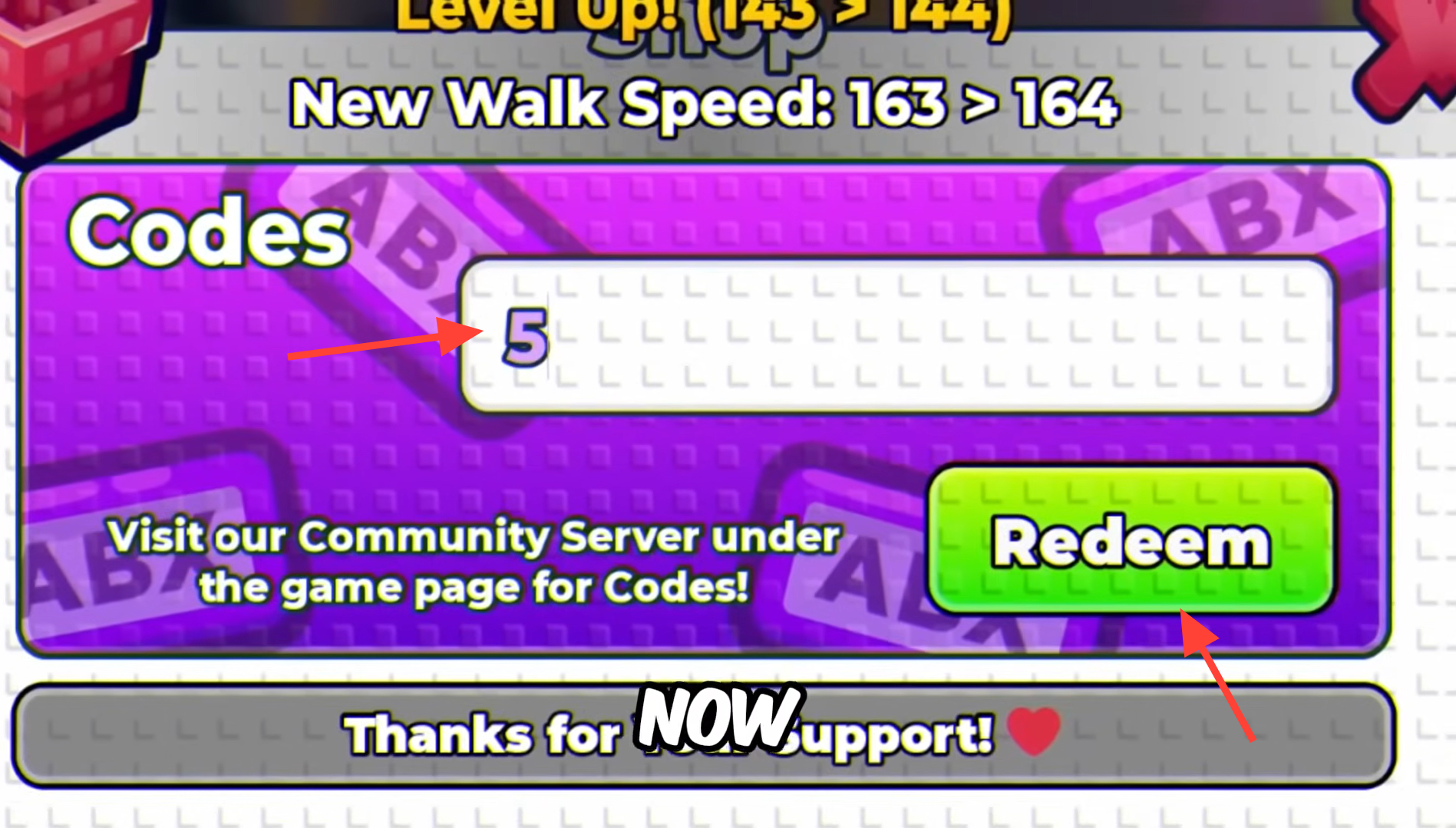
How to confirm the code worked
A successful redemption shows two confirmations in-game. You will see the message “Redeemed! You’re now a Member!” along with “Claimed Free Treadmill!”, and the Redeem button changes to “Claimed”. At that point, the Member tag, the 1.5x treadmill boost, and the one-hour x2 Wins potion are all active on your account.
Note: Each code is generated for a single account, so a code pulled from /getcode is meant only for the account requesting it. If the button already reads “Claimed”, the reward has been applied and does not need to be entered again.