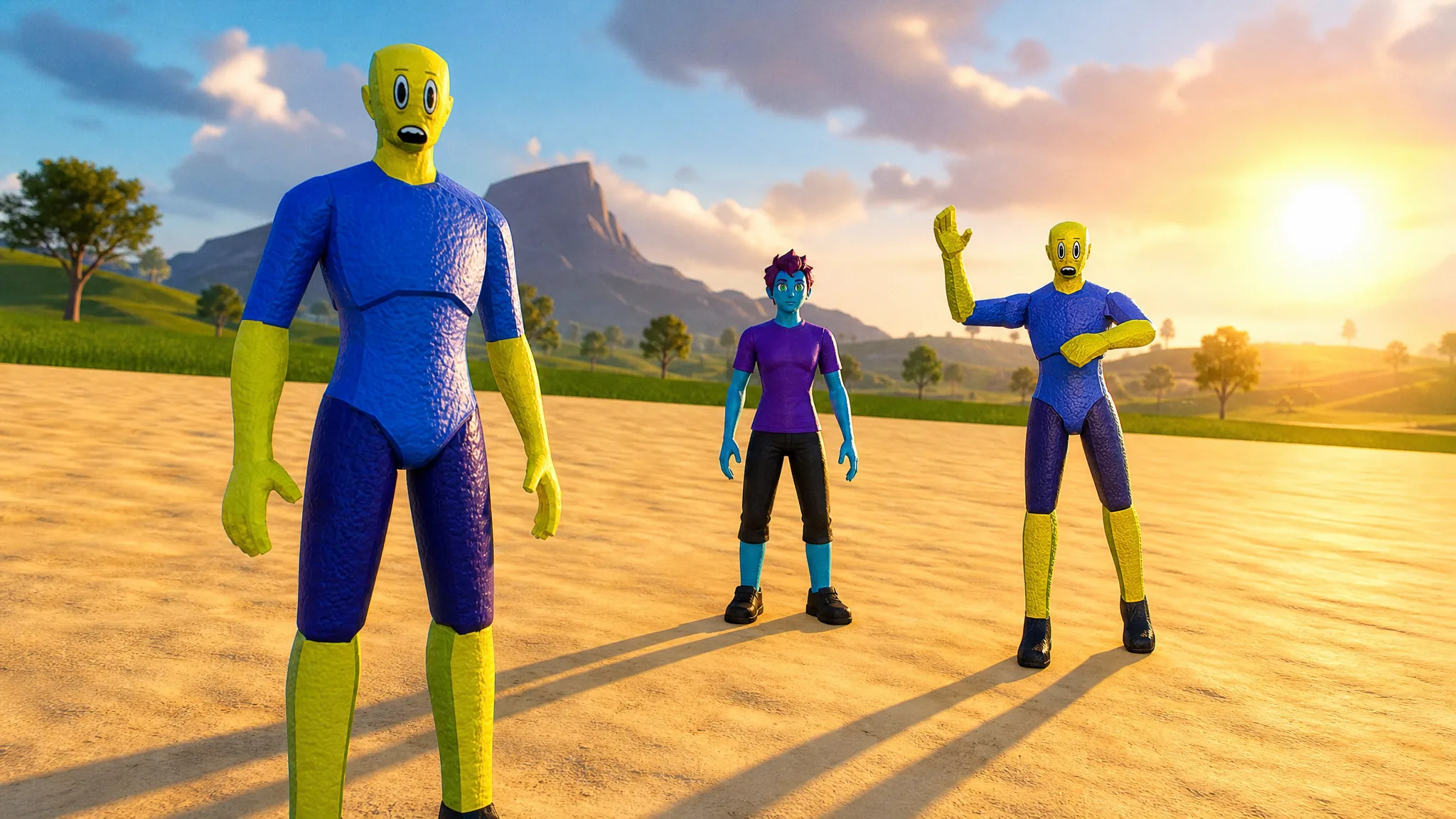
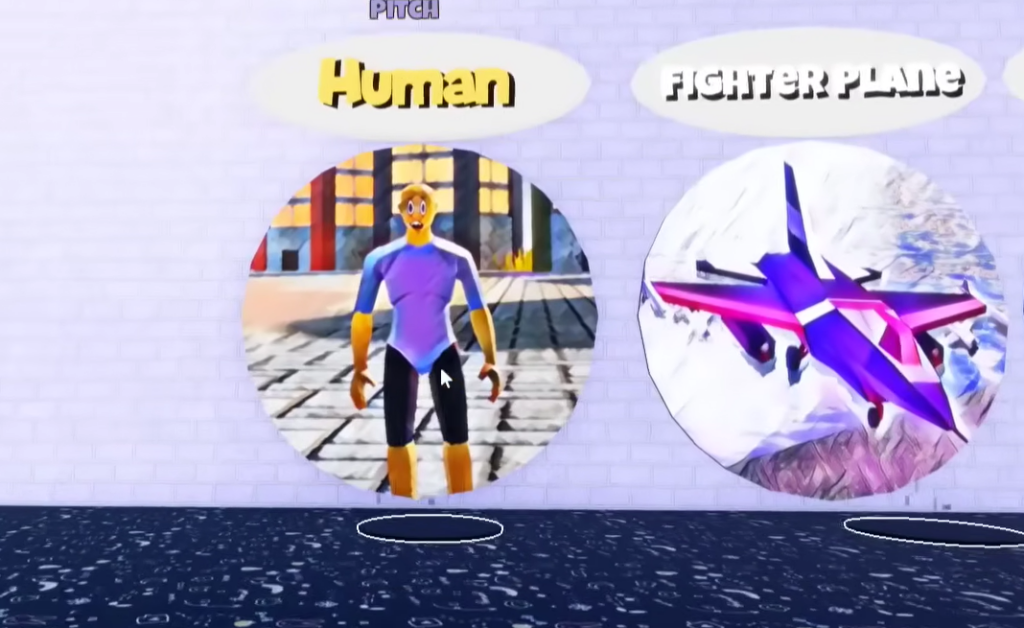
The Human morph is a free unlock in Tiny Universe Roleplay, the giant-monster sandbox on Roblox. It sits inside the badge room and turns your character into a tiny yellow-skinned figure in a blue shirt and purple pants. There is no boss fight, no quest chain, and no code involved. You walk to the display, step on the pad, and the badge is yours.
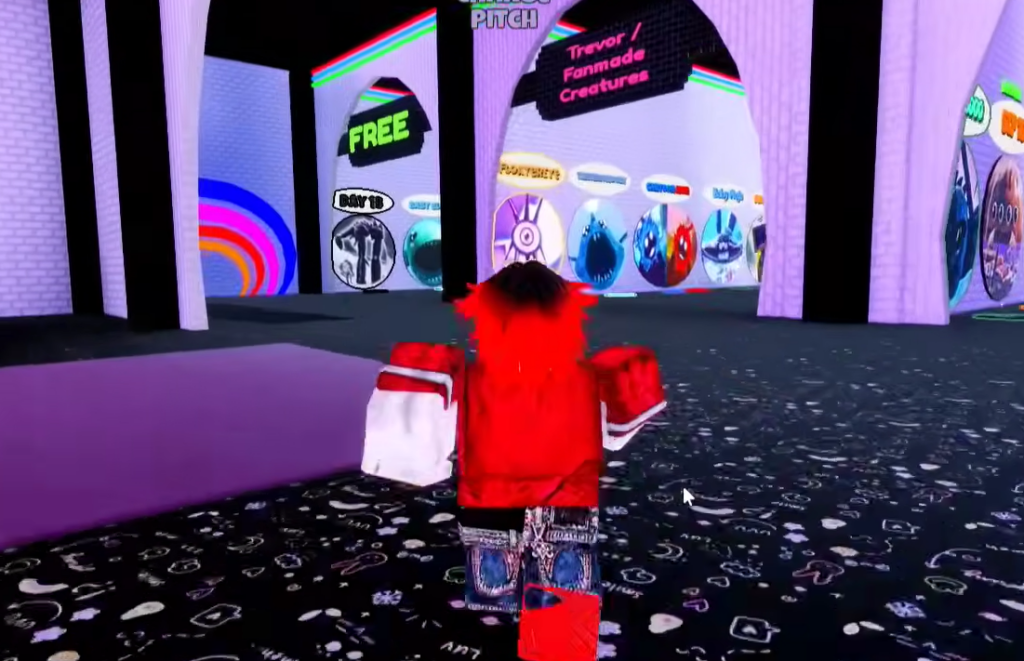
Quick answer: Spawn in the lobby, head down the “FLOOR 1” hallway to the badge room, find the “Human” display next to “Fighter Plane,” and stand on the circular pad in front of it to award the badge and equip the morph.
What you need before you start
Nothing beyond loading into the game. The Human morph carries no unlock requirements, so you do not need to complete objectives, capture a creature, or wait for an event. Open Tiny Universe Roleplay on Roblox and you can grab it on your first spawn.
Claim the Human Badge Morph on Floor 1
How to know it worked
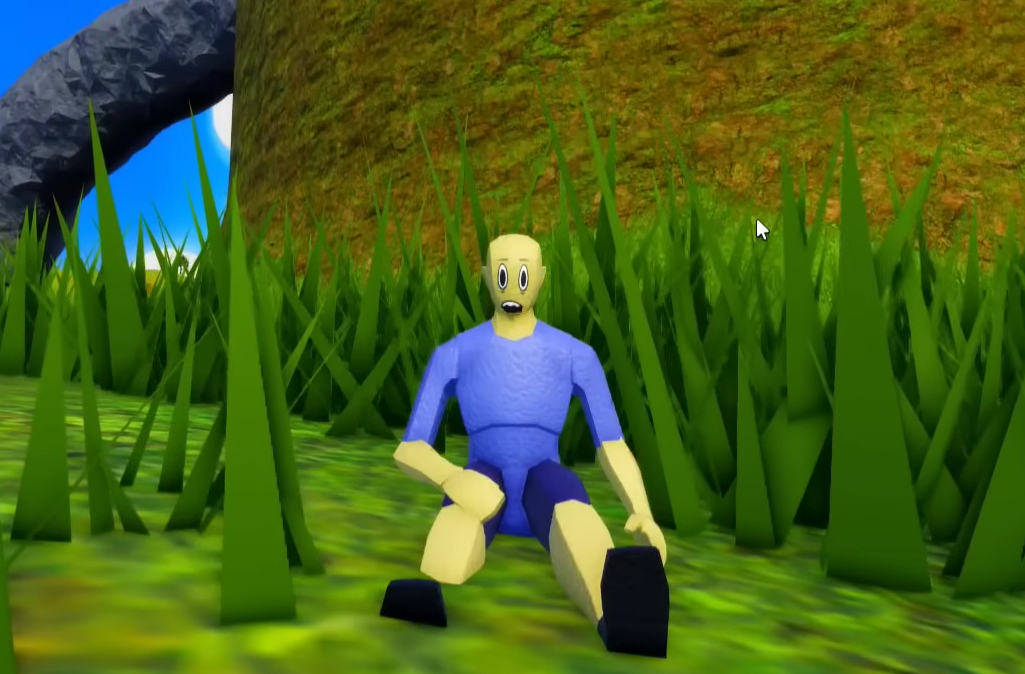
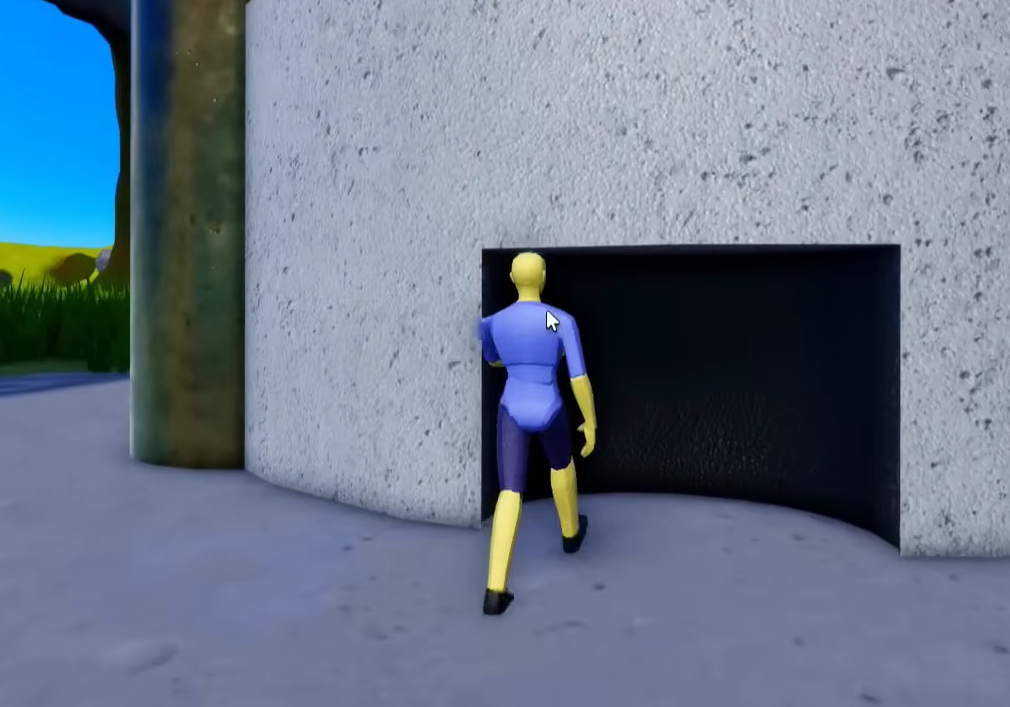
The change is immediate. Your avatar becomes the small yellow-skinned Human character and you drop into a grassy field where the blades tower over you because the morph is scaled tiny relative to the world. You will also see the five custom action buttons appear on screen, which confirms the morph is equipped and controllable.
If nothing happens, you are probably not standing fully on the pad. Reposition so your character is centered on the circle in front of the correct display, and make sure you picked the “Human” panel rather than the neighboring “Fighter Plane” one.
Human morph emotes and features
Once equipped, the morph gives you five action buttons for roleplay and movement. It also handles like the game’s other tiny characters, with running and sprinting across the grass and into the open desert area beyond it.
| Button | Action |
|---|---|
| Dance 1 | First dance animation |
| Dance 2 | Second dance animation |
| Wave | Waving gesture |
| Rest | Character lies down to rest |
| Human Laugh | Laughing emote |
Because the badge is free and permanent, you keep it on your account once claimed. That means you can re-select the Human morph from your collection later without repeating the trip to the badge room, and you are free to explore the map or join a match while wearing it.