The EF6 tornado is a hidden storm strength in the Roblox game Just Tornadoes that sits above the game’s normal EF0 through EF5 scale. You can only bring it into the world through an admin command, and only inside a private server. Once it appears, it behaves like a supercharged funnel that can throw vehicles into the air at speeds past 700 MPH.
Quick answer: Join a private server, open chat, type .spawn EF6 with EF6 in capital letters, and press enter. Then open the radar and drive toward the pink hazard box.
What you need before the command works
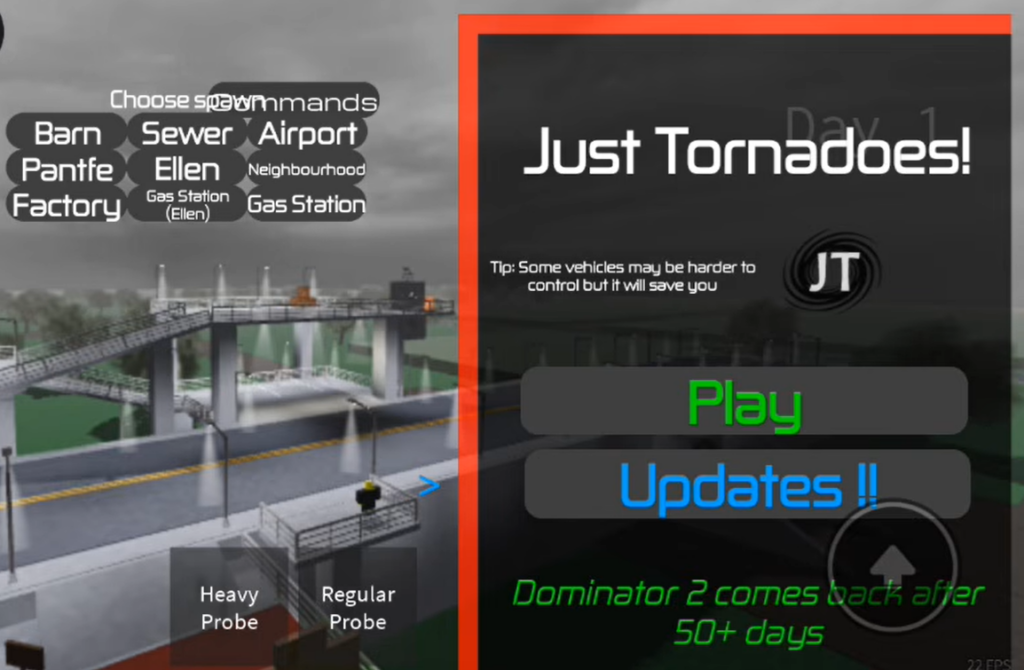
The spawn command only fires for players with private-server admin privileges. In a normal public server, the chat command does nothing, so the first requirement is a private server you control. The public EF scale caps at EF5 (200+ MPH), and EF6 never appears on its own. It exists purely as a command-spawned storm.
- A private server in Just Tornadoes (or Just Tornadoes 2).
- Access to the in-game chat window.
- The radar map to locate the storm after it spawns.
Spawn the EF6 tornado
.remove tornadoes to clear any active funnels before you spawn the new one..spawn EF6 exactly, keeping EF6 in capital letters, then press enter. A tornado siren usually starts to wail once the storm forms.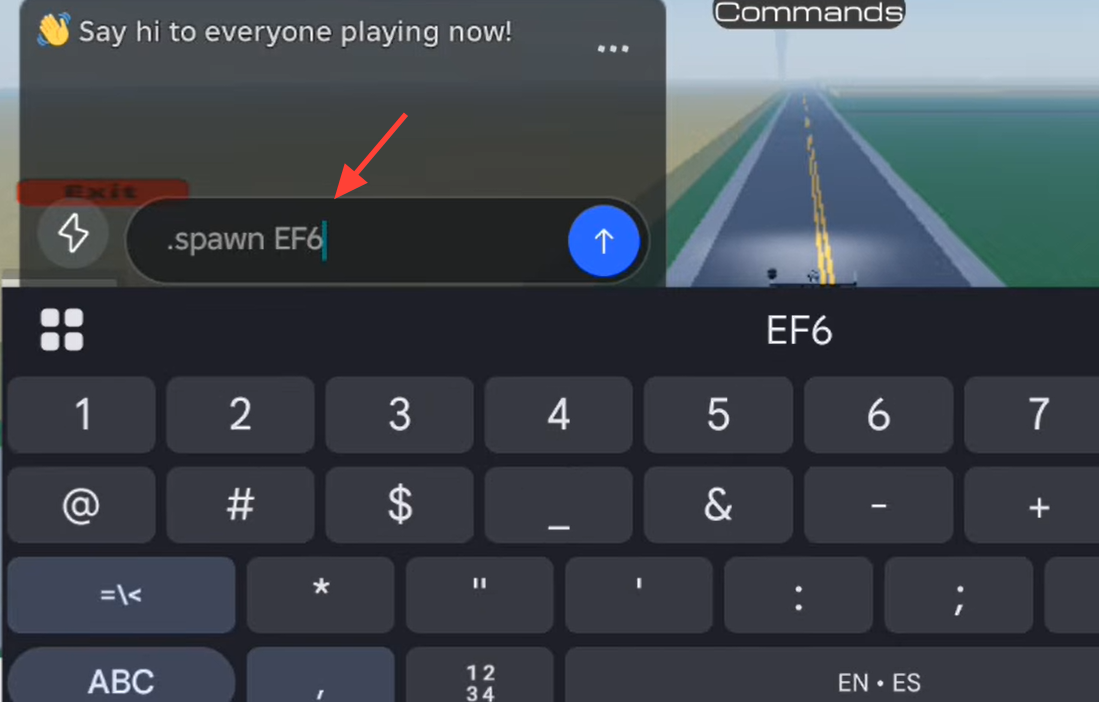
.fly me, and the massive funnel will become visible in the sky.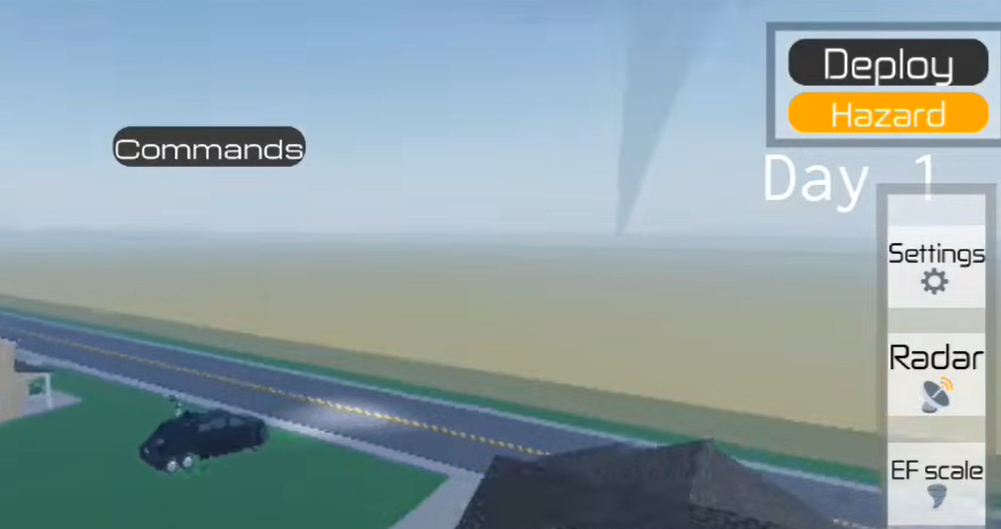
The EF6 funnel keeps its default dark grey color. Color-change commands do not appear to affect it, so the pink marker on the radar is your reliable way to identify it, not the funnel’s appearance.
Useful private-server commands
The same admin menu that spawns tornadoes gives you control over time, speed, and player movement. These commands help you set up a clean interception run.
| Command | Effect |
|---|---|
.spawn ef# | Spawns a tornado of the chosen strength (use EF6 for the hidden tier). |
.remove tornadoes | Clears all active tornadoes from the map. |
speed # | Sets a movement or storm speed value. |
.stop time | Freezes the in-game day/night cycle. |
.resume time | Resumes the time cycle. |
fly "user" or "me" | Enables flight for you or another player. |
to "user" | Teleports to a named player. |
kick "user" | Removes a player from the server. |
Where EF6 sits on the EF scale
The game’s standard wind scale stops at EF5, which covers any storm above 200 MPH. EF6 is not part of this list and only exists as a command-spawned storm, which is why it does not show up in the normal EF menu.
| Rating | Wind speed |
|---|---|
| EF0 | 30 – 65 MPH |
| EF1 | 65 – 110 MPH |
| EF2 | 110 – 135 MPH |
| EF3 | 135 – 165 MPH |
| EF4 | 165 – 200 MPH |
| EF5 | 200+ MPH |
| EF6 | Command-only, above the standard scale |
Intercepting the EF6 with a vehicle
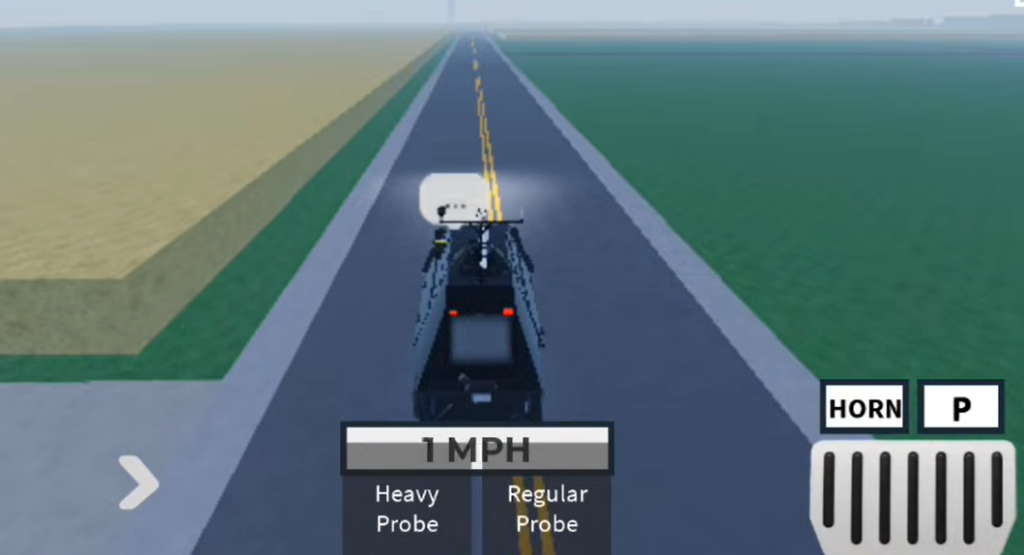
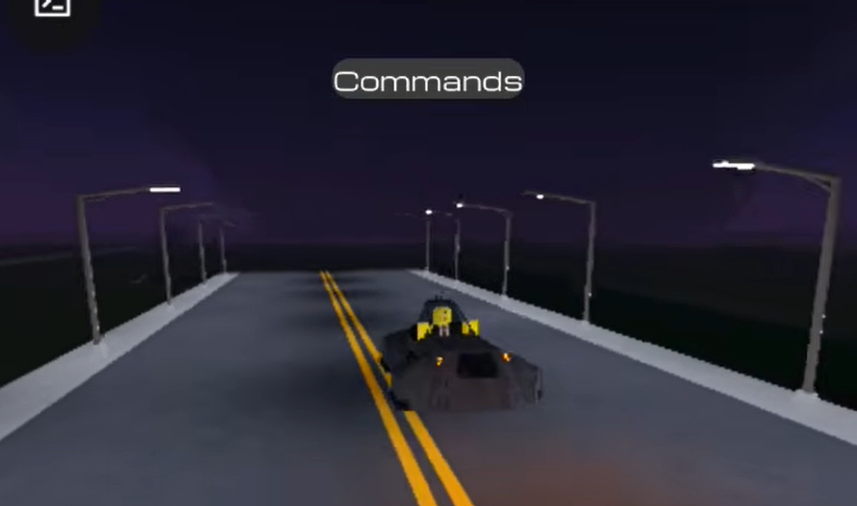
To reach the storm’s core, spawn a storm-chasing vehicle from the vehicle spawner and drive it straight toward the pink radar signal. Interceptors like the Dominator 3 (JT2) are built for this kind of run.
Expect the vehicle to be picked up rather than protected. Driving into the EF6 core launches the vehicle into the air and spins it at over 700 MPH before it drops off the map. That extreme throw is the storm’s defining behavior and the clearest sign you found the EF6 and not a weaker funnel.
How to confirm it worked and common misfires
You know the spawn succeeded when the tornado siren sounds, a pink box appears on the radar, and a large dark grey funnel is visible in the sky. If none of that happens, the command did not register.
- You are in a public server instead of a private one, so admin commands are ignored.
- EF6 was typed in the wrong case; use capital letters.
- You checked the funnel’s color instead of the radar; EF6 stays grey and is identified by the pink map marker.
With a private server, the correct capitalization, and the radar open, the EF6 command turns a normal chase into a fight against the strongest funnel the game can produce. Clear the sky first, spawn it, then commit to the interception knowing the core will send anything it touches flying.