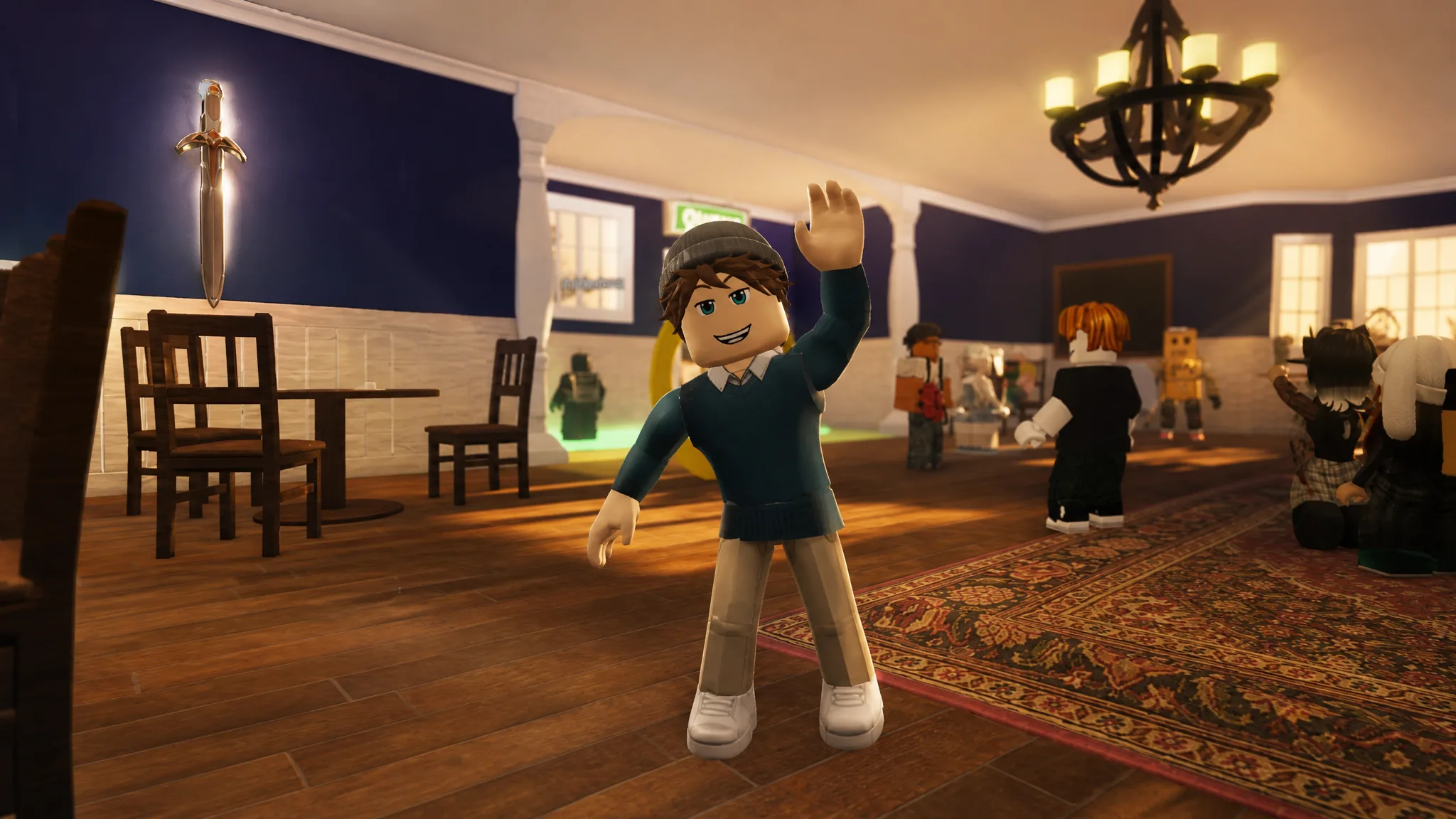
The Sword piece in the Roblox game Monopoly is locked behind a hidden badge that only a tiny fraction of players have earned. Getting it means chaining together three separate steps in the lobby, from a radio broadcast to a color-coded bookshelf, and finishing on a secret island. Once the badge lands, the Sword becomes a permanent, equippable game piece.
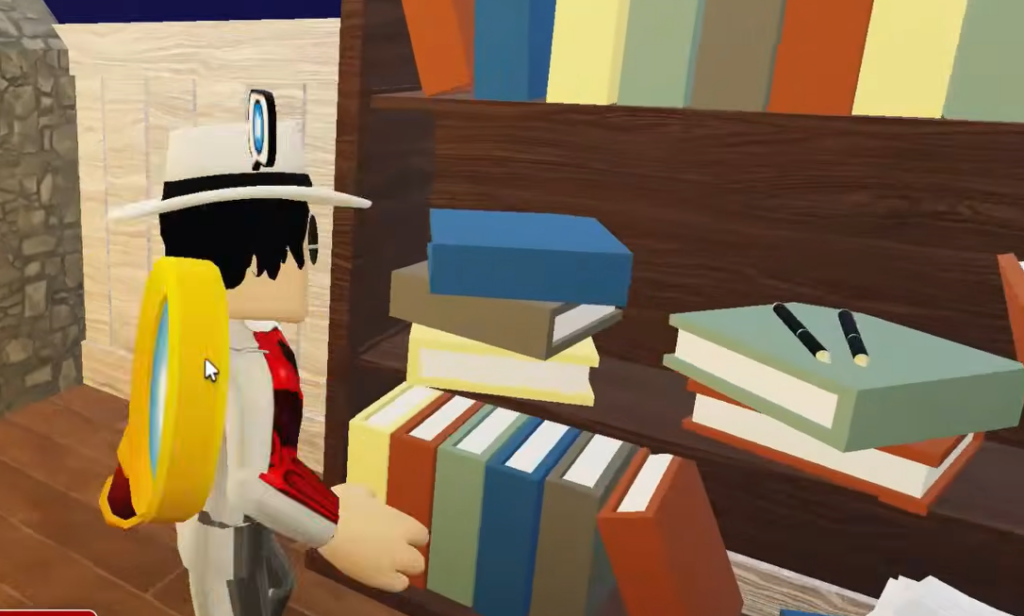
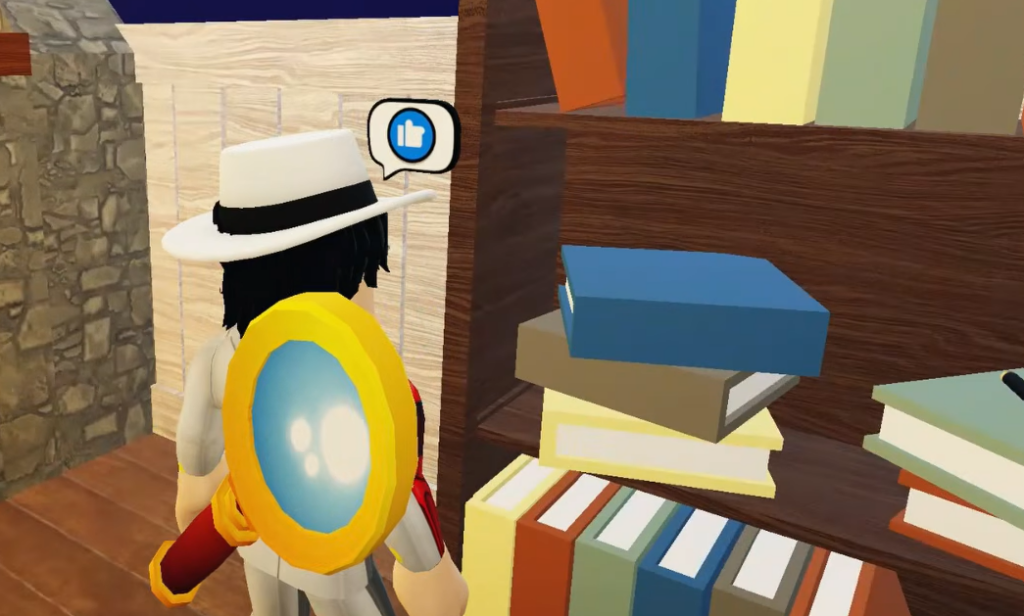
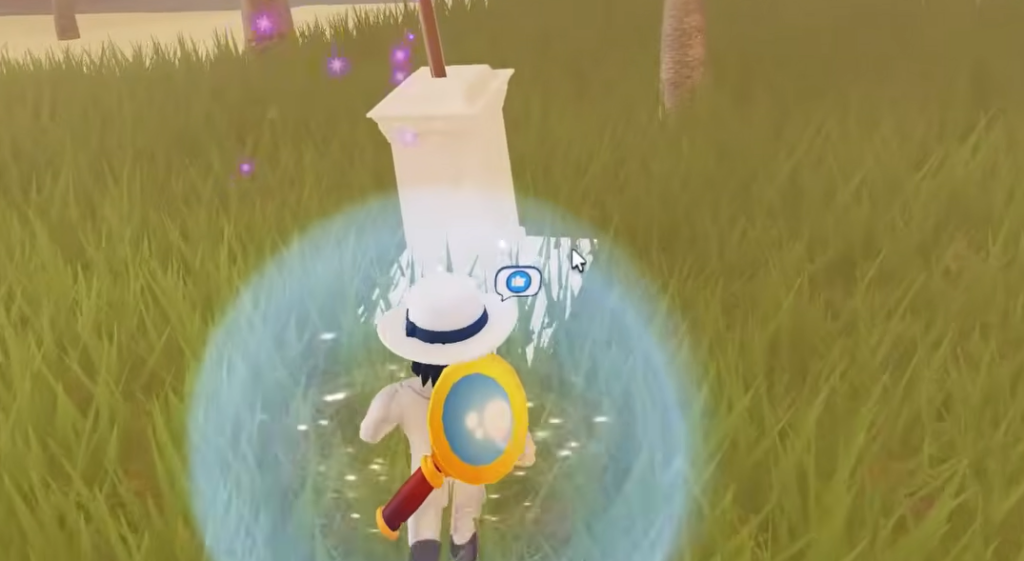
Quick answer: In the lobby, listen to the radio’s Morse code, then click the bookshelf books in the order Red, Green, Blue, Yellow to teleport to the Island map, and interact with the sword on the stone pedestal to claim the Secret Badge and unlock the Sword piece.
What the Secret Sword Badge unlocks
The badge appears in Monopoly as the “Secret Badge,” and earning it grants the playable Sword piece. It is one of the rarest awards in the game, marked at 0.1% rarity, so almost no one stumbles into it by accident. The Sword then shows up alongside the other pieces like Eagle, Bomb, Bean, Batman, Thimble, Snake, and Shoe in your inventory.
| Detail | Value |
|---|---|
| Badge name (in game) | Secret Badge |
| Reward | Sword game piece |
| Rarity | 0.1% (Impossible) |
| Where it starts | Main lobby |
| Where it completes | Island map |
Unlock the Secret Sword Badge in Monopoly

How to confirm it worked
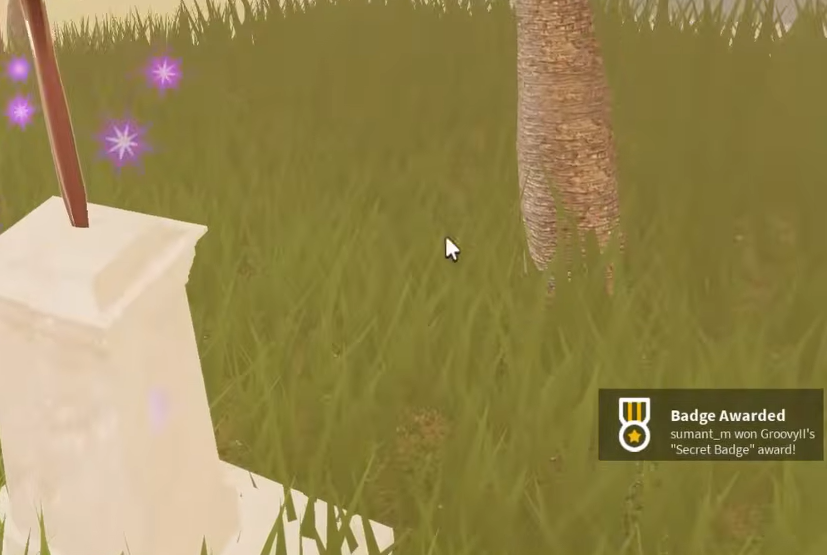
When you touch the sword, a “Badge Awarded” notification appears on screen for the Secret Sword Badge. That pop-up is your confirmation that the unlock registered.
To use the reward, go back to the lobby and open your Inventory under the Pieces section in Customize. The Sword will now be listed with the other pieces, and you can equip it from there.
Why the badge might not trigger
The most common reason the teleport fails is clicking the books out of order. The sequence must be exactly Red, Green, Blue, Yellow, so if you miss a color or press them in the wrong order, you will not be sent to the Island. If nothing happens, restart the bookshelf sequence from the first color and make sure each book registers a click before moving to the next.
The final award only fires when you actually interact with the sword on the pedestal, not just by arriving on the island. Once the notification shows and the Sword appears in your Pieces list, the badge is yours to keep across sessions.