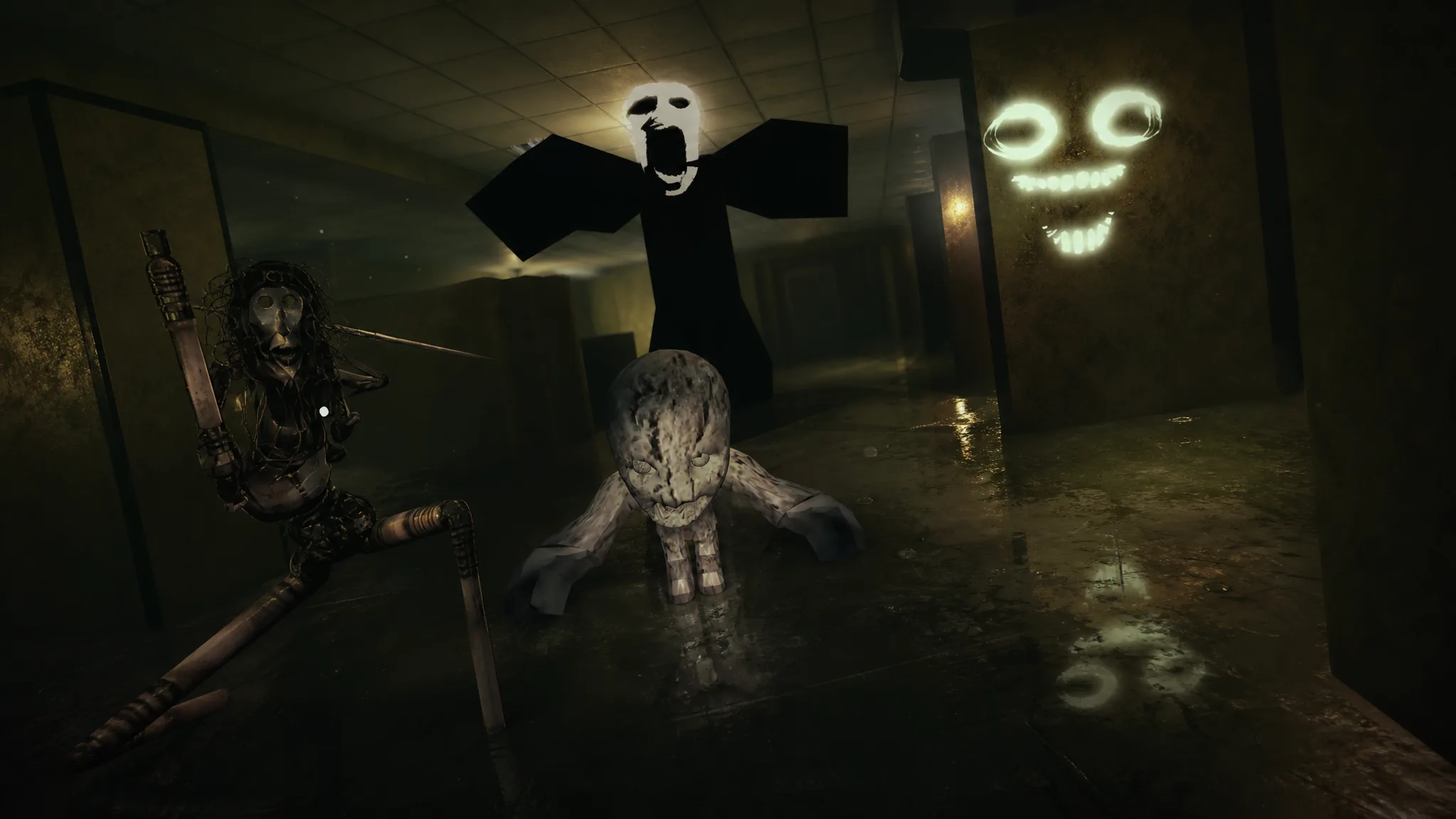
DON’T LOOK BACK stacks ten different monsters across dark roads, forests, rooftops, and yellow-walled maze corridors, and each one kills in its own way. Some charge you the moment you turn a corner. Others only move when your camera drifts off them. Knowing which threat you are facing, and the exact cue it gives before it strikes, is the difference between clearing a run and staring at a death screen.
Quick answer: Watch for the on-screen LOOK AWAY prompt. When it appears, turn your camera away from the entity and keep it off for the full duration. The Hunter and the Hidebehind both use this mechanic, and staring too long triggers an instant kill.
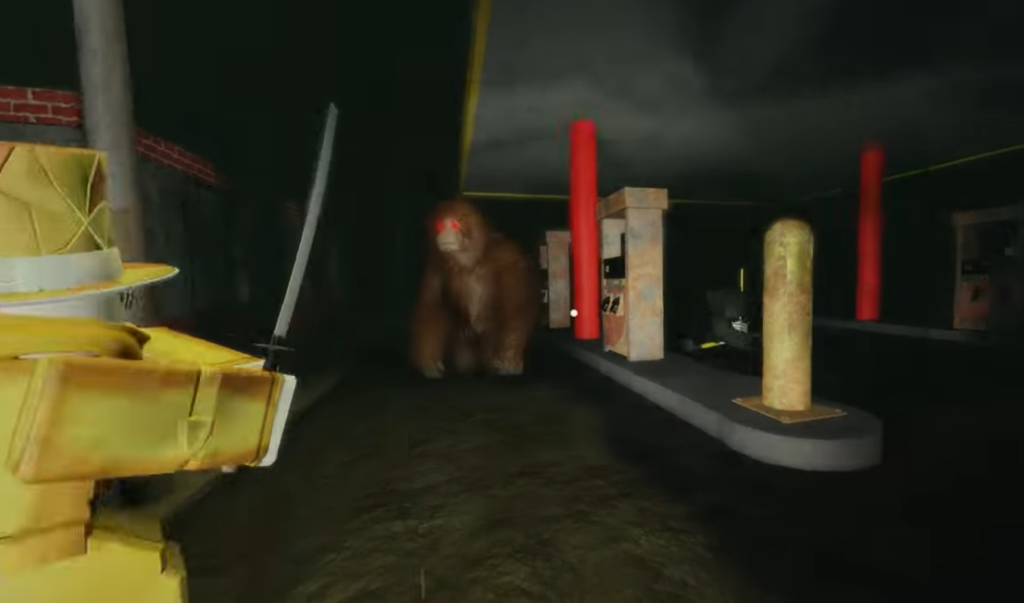
Every entity, its environment, and its death message
The ten hostile creatures appear in distinct settings, and most announce themselves with a short line of flavor text right before or during the attack. Use the table below to recognize where each one shows up and how the game labels your death.
| Entity | Where it appears | On-screen line |
|---|---|---|
| Mimic | Dark, red-tinted interior | “It wants another face” |
| Big Foot | Wooded area with trees | “Something huge moved between the trees.” |
| Siren Head | Ladder on a brick building | “Don’t go outside” |
| Cultist | Dark road | “The forest keeps what it takes” |
| Shrieker | Yellow-walled maze | “it hears, it locates, it strikes” |
| Wendigo | Dark road | (skeletal figure, fast attack) |
| Hunter | Open path, deer-headed | “When you hear the bolt… move” |
| Hidebehind | Yellow maze | “Whatever you do, do not look at it for too long.” |
| The Locust | Dark forest | “You can hear it tearing the doors apart.” |
| Effigy | Dark road | “If you look away, it moves.” |
How the LOOK AWAY mechanic works
Two entities force a camera-control test. When the LOOK AWAY prompt flashes, the game is telling you to point your view somewhere other than the creature. Hold that away angle until the prompt clears.
The prompt cycles through values on screen, moving from LOOK AWAY 1.0 toward lower numbers such as 1.1 and 0.7, and an I SEE YOU message appears if the entity catches your gaze. The Hunter pairs this with an audio tell, so when you hear the crossbow bolt, move and break line of sight. The Hidebehind, a smiling-face creature in the yellow maze, kills you outright if you hold your view on it for too long.
The Effigy flips the logic. Its warning, “If you look away, it moves,” means the pale crawling creature advances while your camera is turned. Balance your glances so it cannot close the gap without you noticing.
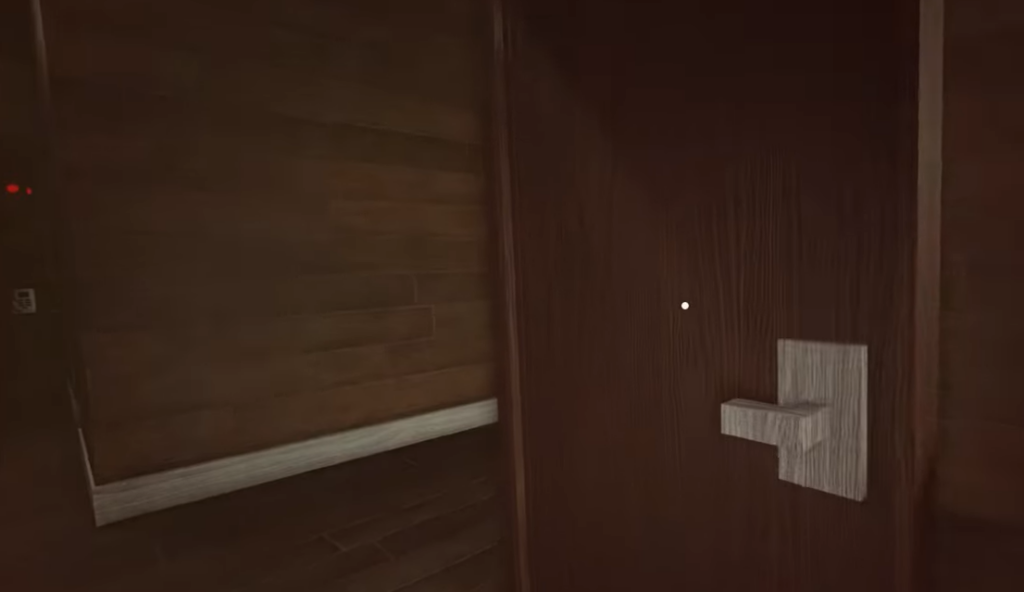
Reading each threat before it attacks
Most encounters give a sensory cue first. Sound and setting tell you which creature is active so you can react before the jumpscare lands.
- Mimic: A smiling dark figure in a red-lit interior. It ambushes at close range.
- Big Foot: A large ape-like creature with glowing red eyes. You can shoot at it, but it closes in fast if it reaches you.
- Siren Head: Appears while you climb the brick building’s ladder and grabs you from above.
- Cultist: A deer-skulled figure on the dark road. It can respawn, shown by the CULTIST HAS RESPAWNED notice.
- Shrieker: Hunts by sound in the yellow maze. It hears you, locates you, then chases down the hallway.
- Wendigo: A skeletal figure on the road that lunges and kills quickly, leaving little reaction time.
- The Locust: A spindly, multi-limbed creature in the dark forest. You can hear it tearing at doors before it reaches you.
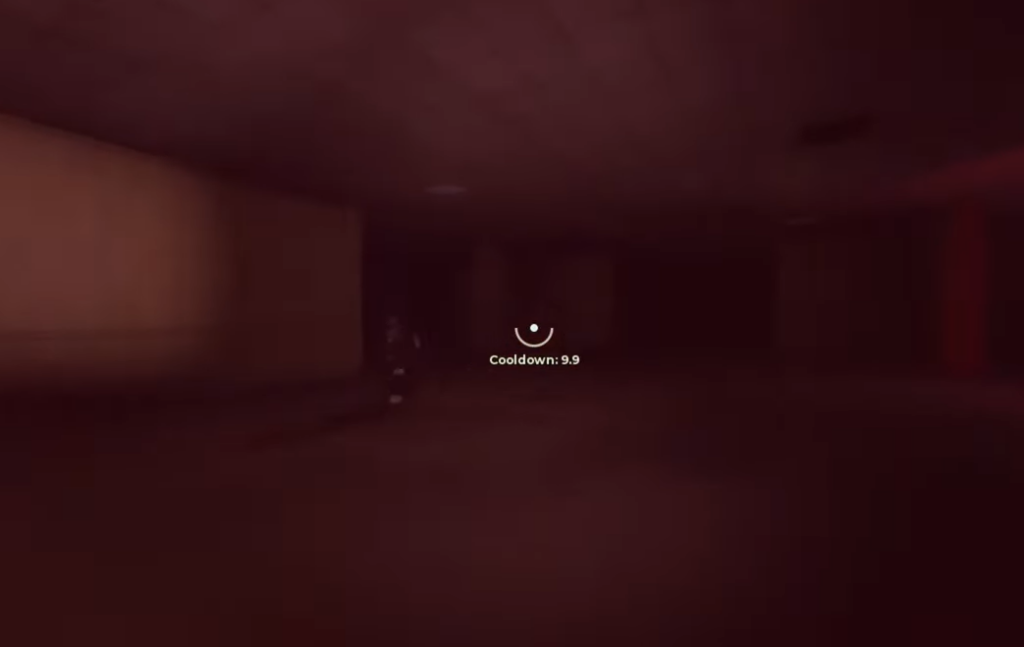
Controls and tools you will need
Two survival tools carry across encounters. Firearms let you shoot at creatures like Big Foot, and a flashlight helps you navigate the darker sections. Keep these inputs ready so you are not fumbling controls during a chase.
| Input | Action |
|---|---|
| Press [F] | Flashlight |
| Press [Z] | Unlock mouse |
| Open objectives | Track your current goal |
The core rule holds across every creature in DON’T LOOK BACK. Treat sound as your early warning, respect the LOOK AWAY prompt whenever it appears, and remember that a few entities punish both looking and not looking. Learn each cue, and the ten threats become a pattern you can read rather than a series of surprises.