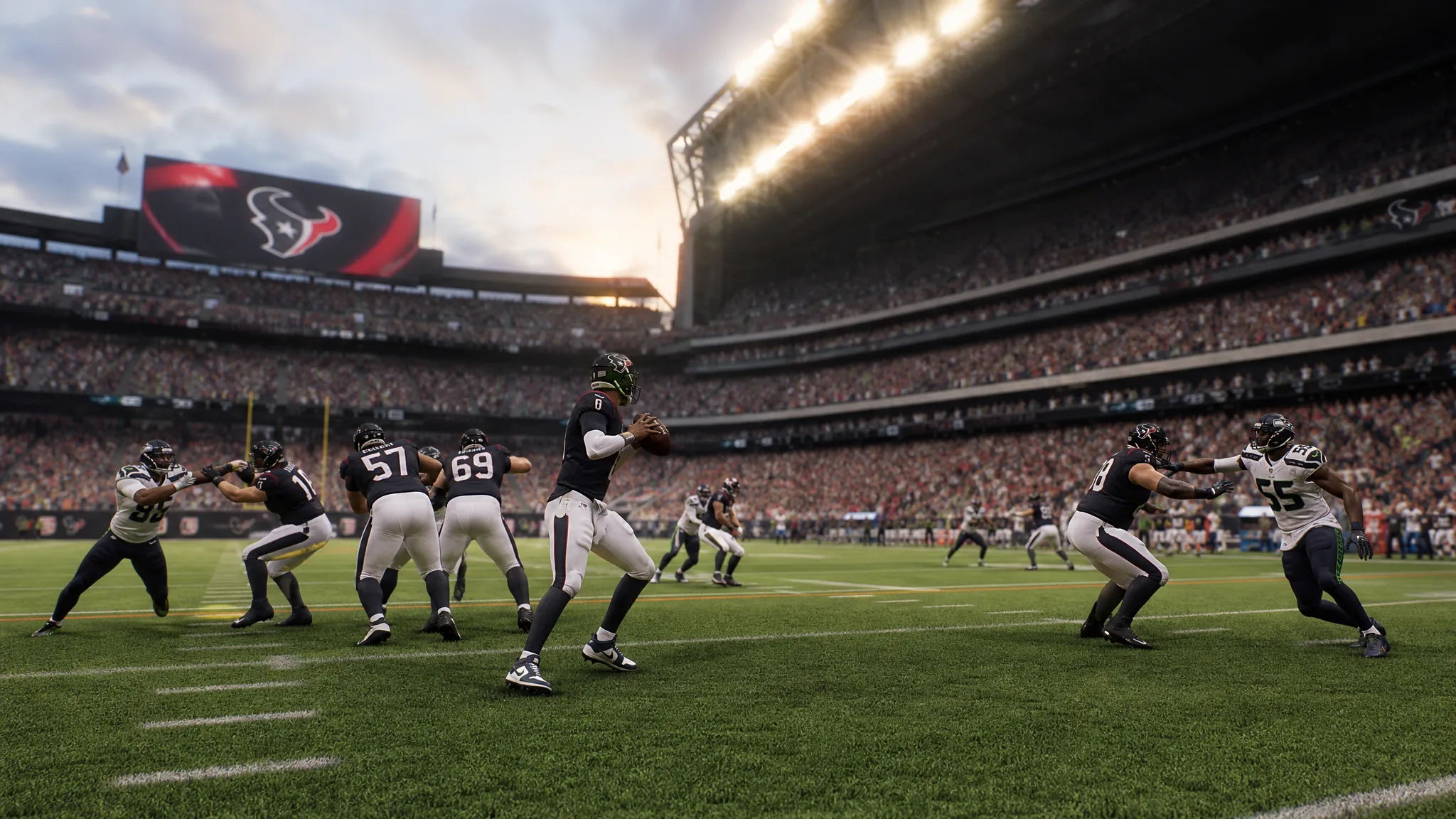
Timing-Based Catching is the new catch mechanic in Madden NFL 27 that puts a meter over your receiver and rewards you for releasing the catch button in the green zone. If you would rather have receiver and defender ratings decide who comes down with the ball, you can switch it off completely, or restrict it to one side of the field.
Quick answer: Open the gear icon on the main menu, go to Edit Settings, open the Game Options tab, scroll to the Catching header, and set both Timing-Based Catching Min Throw Distance For Offense and Timing-Based Catching Min Throw Distance For Defense to Off. The catch meter stops appearing once both read Off.
Turn off Timing-Based Catching for every mode
This method disables the mechanic globally, so it stays off in Play Now, online games, and any mode you load into afterward.
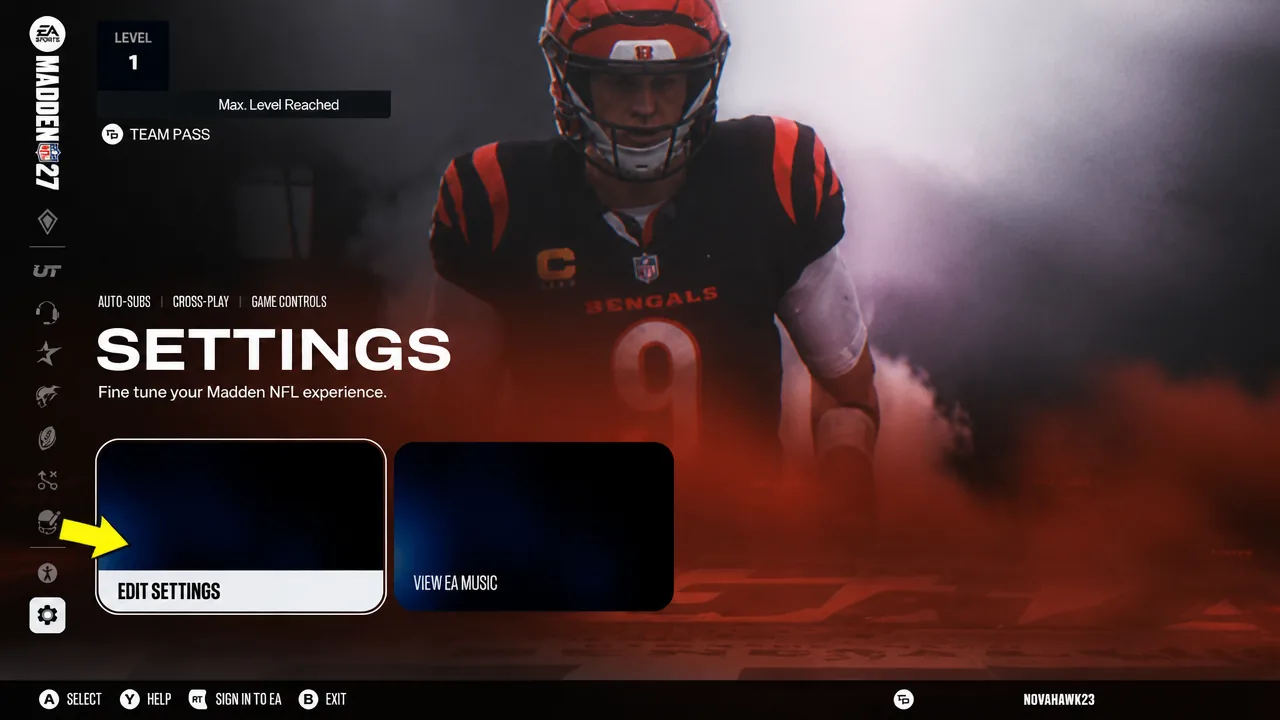
- Timing-Based Catching Min Throw Distance For Offense
- Timing-Based Catching Min Throw Distance For Defense
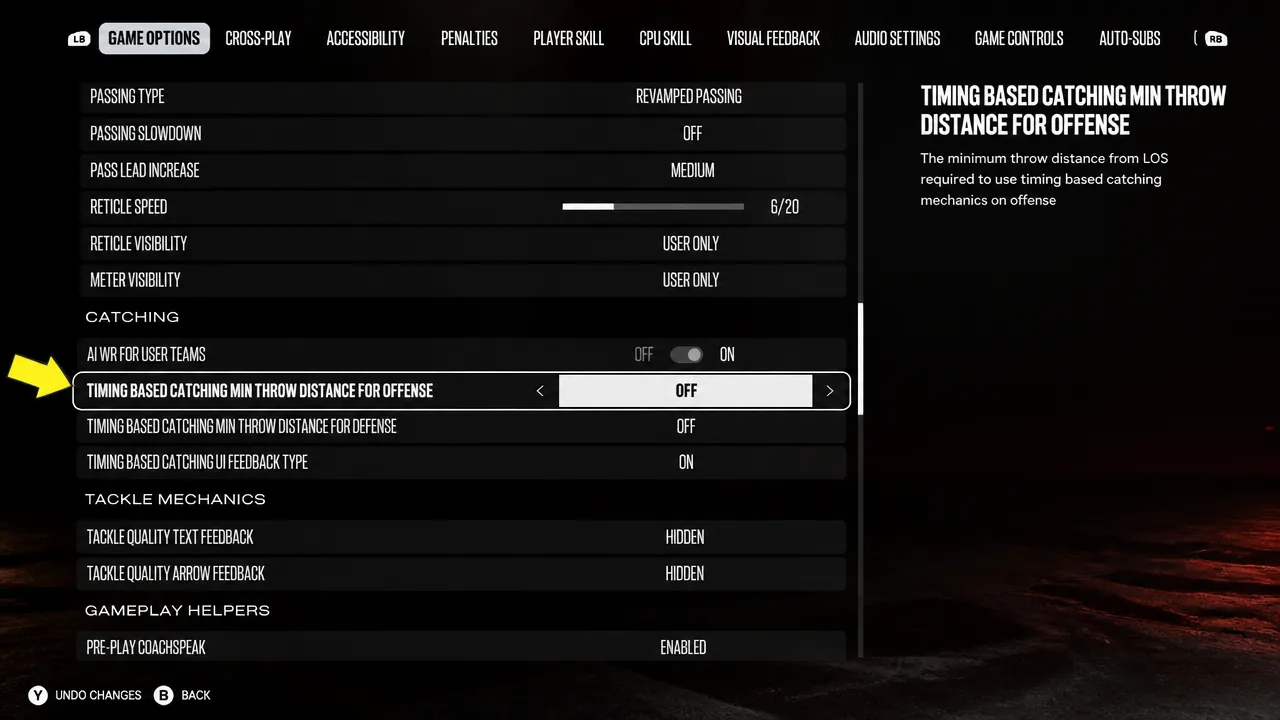
You know it worked when both distance settings read Off and the timing meter no longer pops up above a receiver on passing plays. Anything below the set distance already uses the older ratings-based catch, so pushing both to Off removes the meter across all throw lengths.
If your only complaint is the CPU picking off passes, you can leave the offense value active and turn off Timing-Based Catching for defense alone. That keeps the meter available on your own catches while removing it from interception attempts.
Turn it off in Franchise only
Franchise carries its own game options, so you can disable the mechanic there without changing your global settings.
What Timing-Based Catching changes
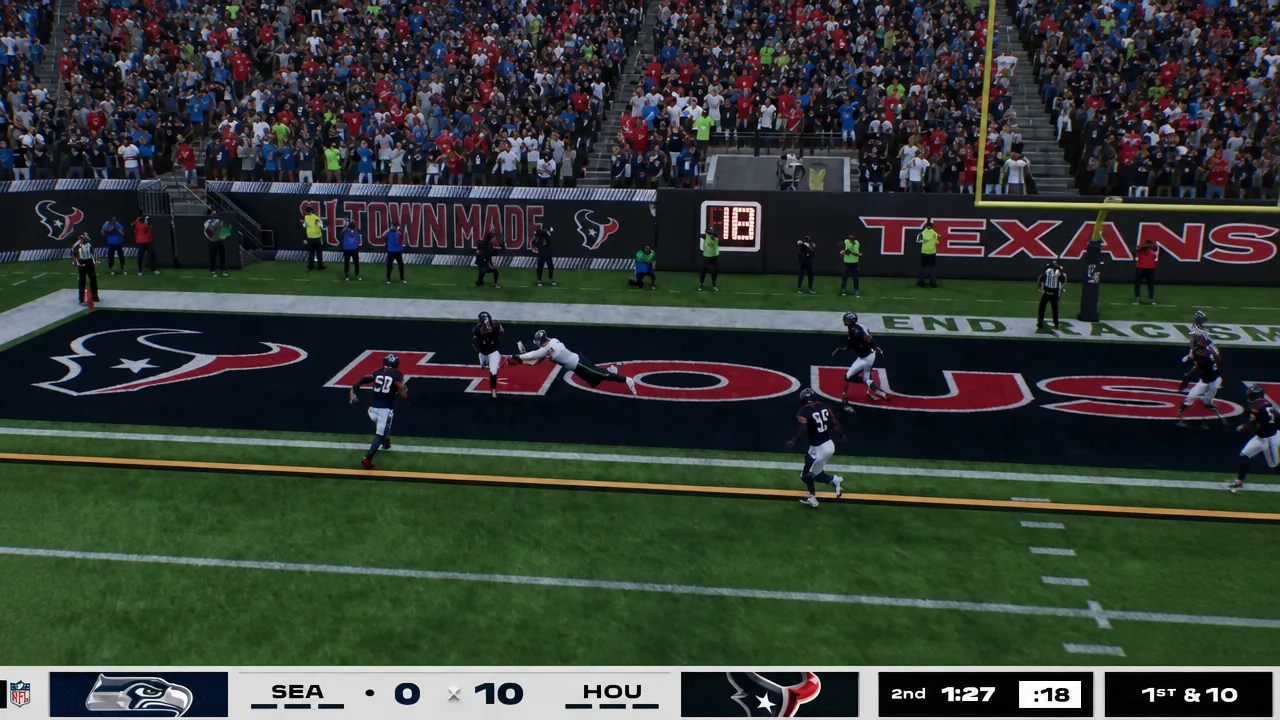
The mechanic does not make the CPU stronger or weaker on its own. Instead, it shifts control toward player input. When it is on, holding Triangle or Y as the ball nears your receiver brings up a meter, and releasing the button in the green zone almost always results in a completed catch. The window is short and takes practice to hit consistently, which is why some players find it harder to secure passes that used to be automatic.
The trade-off is straightforward. With the meter active, your skill matters more than the receiver’s rating, so a lower-rated player can still make the catch if you green it. Turn the setting off and ratings take over again, meaning throw accuracy and catch ratings on both sides decide outcomes without a timing input.
| Setting state | What decides the catch |
|---|---|
| Timing-Based Catching On | Your button timing (green, yellow, or red result) |
| Timing-Based Catching Off | QB accuracy and receiver/defender catch ratings |
Fix CPU interceptions with gameplay sliders
Turning off the catch meter improves your side’s chances of holding onto the ball, but it does not stop the CPU from forcing picks. To calm that down, adjust the gameplay sliders on the same settings screen.
Tune these to taste. If the CPU still forces too many incompletions or picks, drop the Interceptions value further; if defense feels too soft, nudge it back up. Between disabling Timing-Based Catching and trimming those sliders, catches on both sides fall back in line with player ratings rather than a timing input.