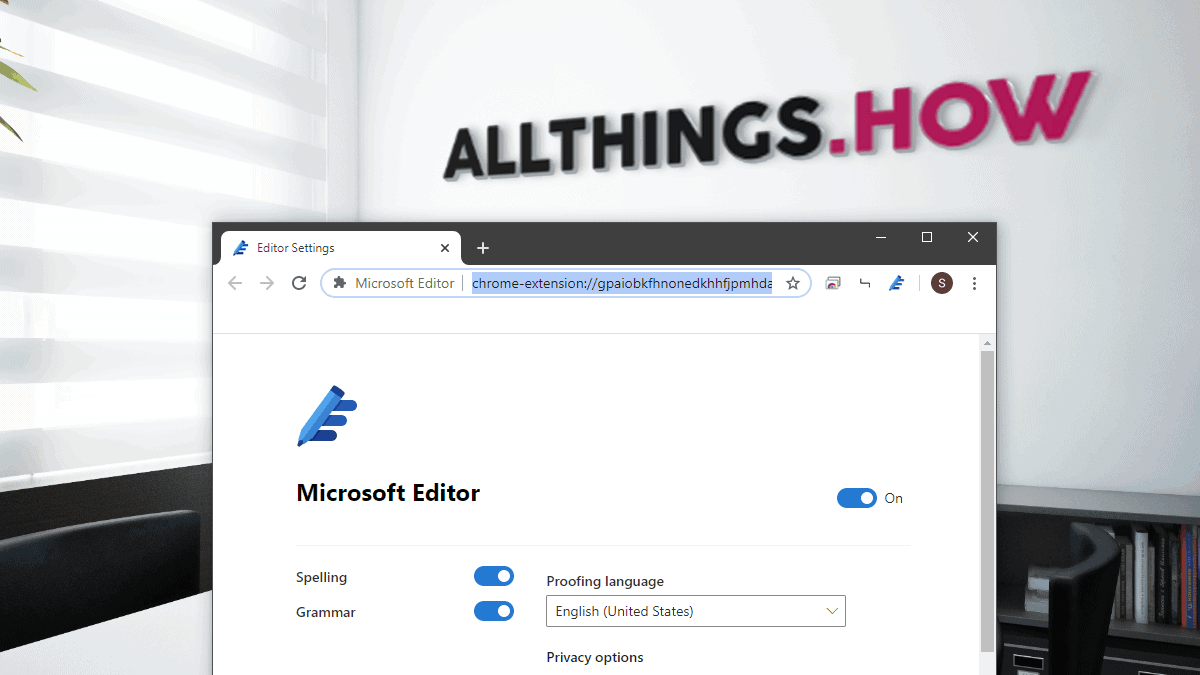
Microsoft Editor is an AI-powered assistant designed to enhance your writing by providing real-time suggestions for spelling, grammar, and style across various web platforms. Whether you’re composing emails, drafting blog posts, or writing documents, Microsoft Editor helps ensure your text is clear and error-free. This extension is available for both Google Chrome and the new Microsoft Edge browsers, integrating seamlessly into your web experience.
Installing Microsoft Editor Extension for Chrome
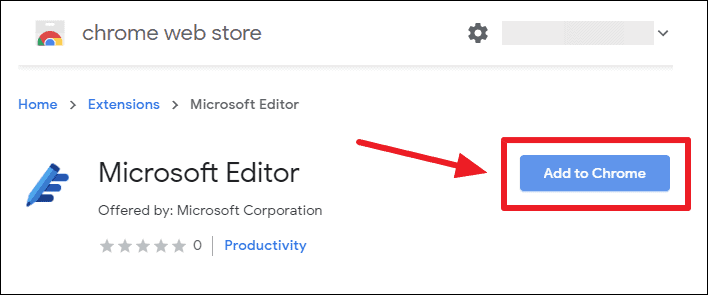
To enhance your writing experience on Chrome, you can install the Microsoft Editor extension directly from the Chrome Web Store.
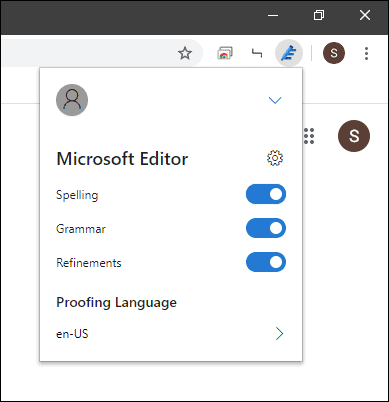
If you’re experiencing issues signing in, try using a different Chrome profile. This solution has worked for some users.
Installing Microsoft Editor Extension for Edge
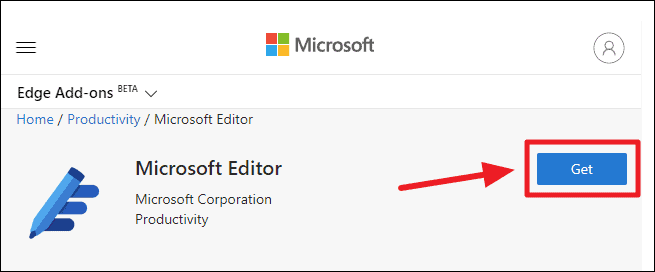
For users of the new Chromium-based Microsoft Edge browser, Microsoft Editor can be installed from the Microsoft Edge Add-ons store.
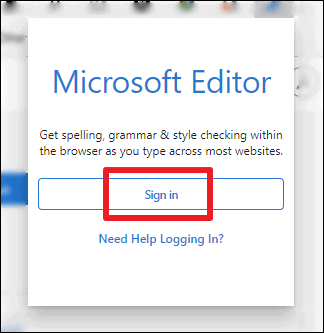
If you face difficulties signing in, consider switching to a different profile in Edge.
Keep in mind that Microsoft Editor is continually being developed. If you’re unable to sign in or utilize the extension immediately—even after trying different browser profiles—it may be best to wait until it’s fully available. Microsoft has announced wider availability from April 21, 2020.