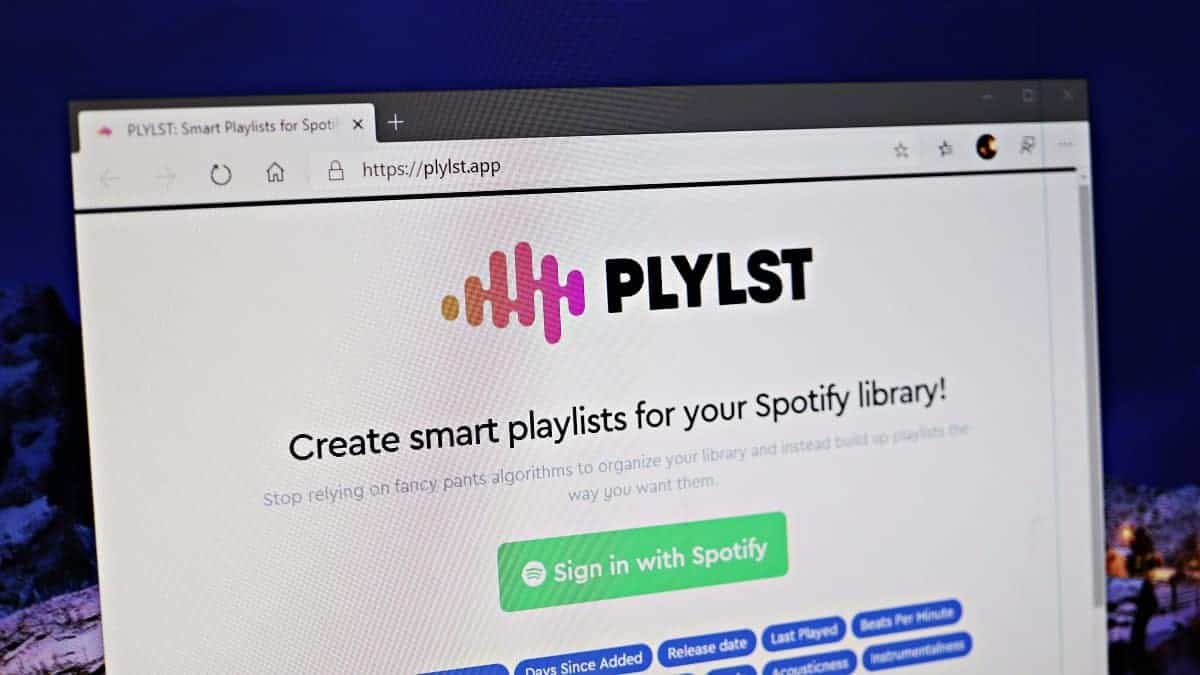
If you’re a Spotify user looking for a more personalized music experience beyond the app’s default playlists, there’s a way to create custom playlists that precisely match your unique taste. By using the web service PLYLST, you can generate Spotify playlists based on specific rules and parameters that reflect your musical preferences.
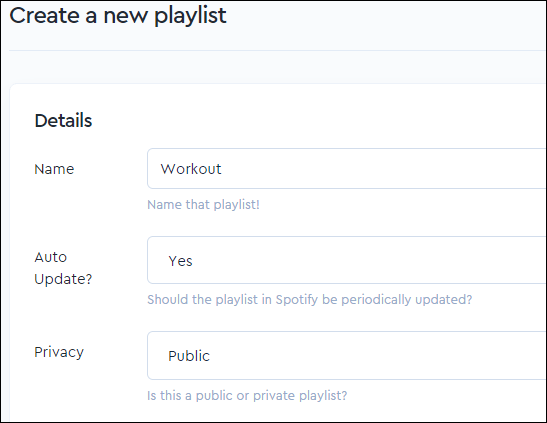
To get started with PLYLST, you’ll need to log in to your Spotify account through the PLYLST website and grant it access to your account. This access allows PLYLST to curate playlists tailored to your listening habits.

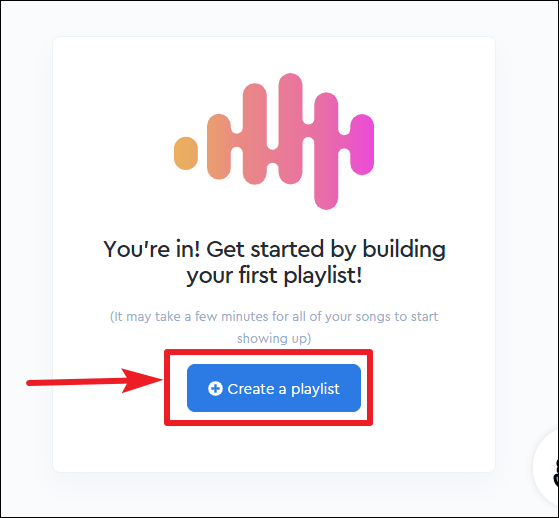
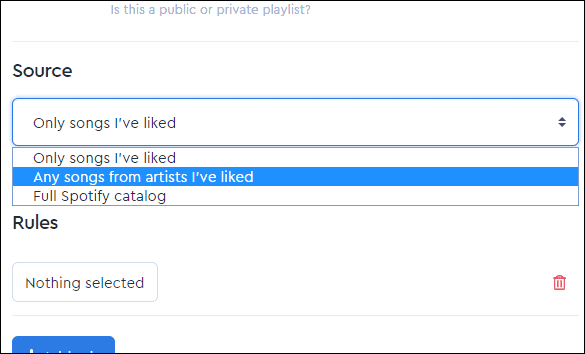
- Only songs I’ve liked.
- Any songs from artists I’ve liked.
- Full Spotify catalog.
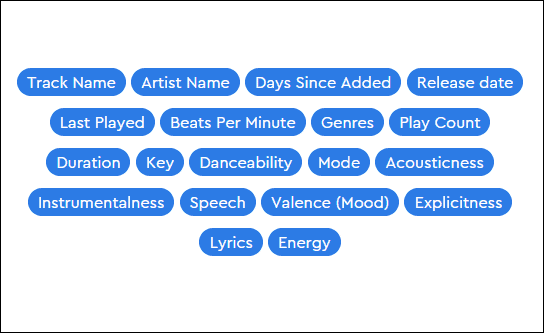
- Acousticness.
- Artist Name.
- BPM (Beats Per Minute).
- Danceability.
- Energy.
- Genres.
- Instrumentalness.
- Release Date.
- …and many more.
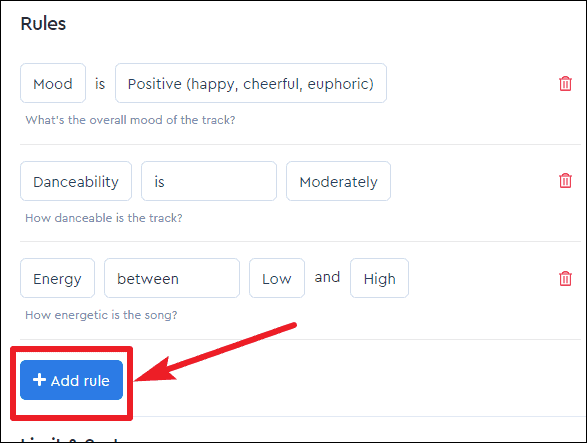
You can add multiple rules to specify exactly what kind of songs you want in your playlist. Click on the “Add Rule” button to include a new parameter. If you need to remove a rule, simply click on the trash icon next to it.
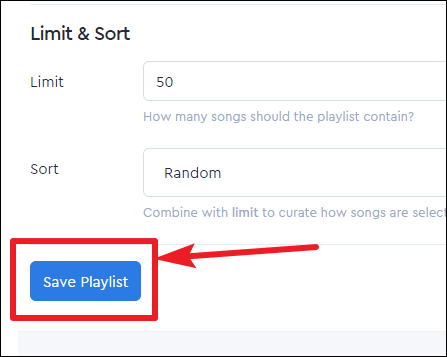
Your new custom playlist will now be available in Spotify, ready to provide you with a listening experience tailored specifically to your musical tastes.
By utilizing PLYLST’s powerful customization features, you can enjoy playlists that truly resonate with your personal preferences, enhancing your overall listening experience on Spotify.