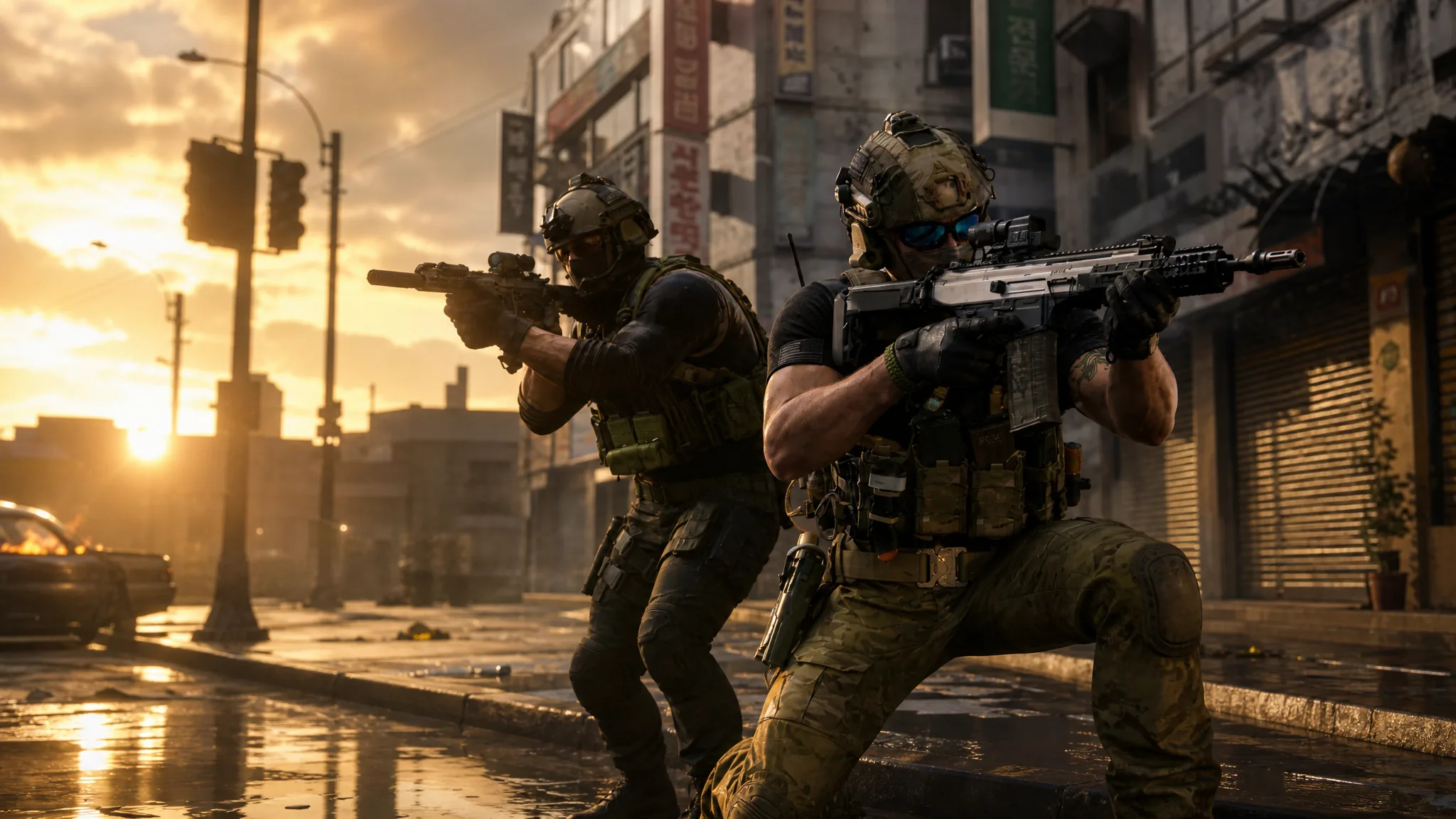
Activision has published the PC specs for the Call of Duty: Modern Warfare 4 Beta, and the headline number is the one that will trip people up: 12GB of RAM at minimum, on an SSD, with no mechanical hard drive option at all. There are also two security settings your PC needs turned on before it will let you into an online match.
Quick answer: To launch the Beta you need Windows 10 64-bit, a Ryzen 5 1600 or Core i5-8400, 12GB of RAM, a GTX 970/1060, RX 470 or Arc A580 with 3GB of video memory, and an SSD. TPM 2.0 and Secure Boot must be enabled, or you will be blocked from online play.
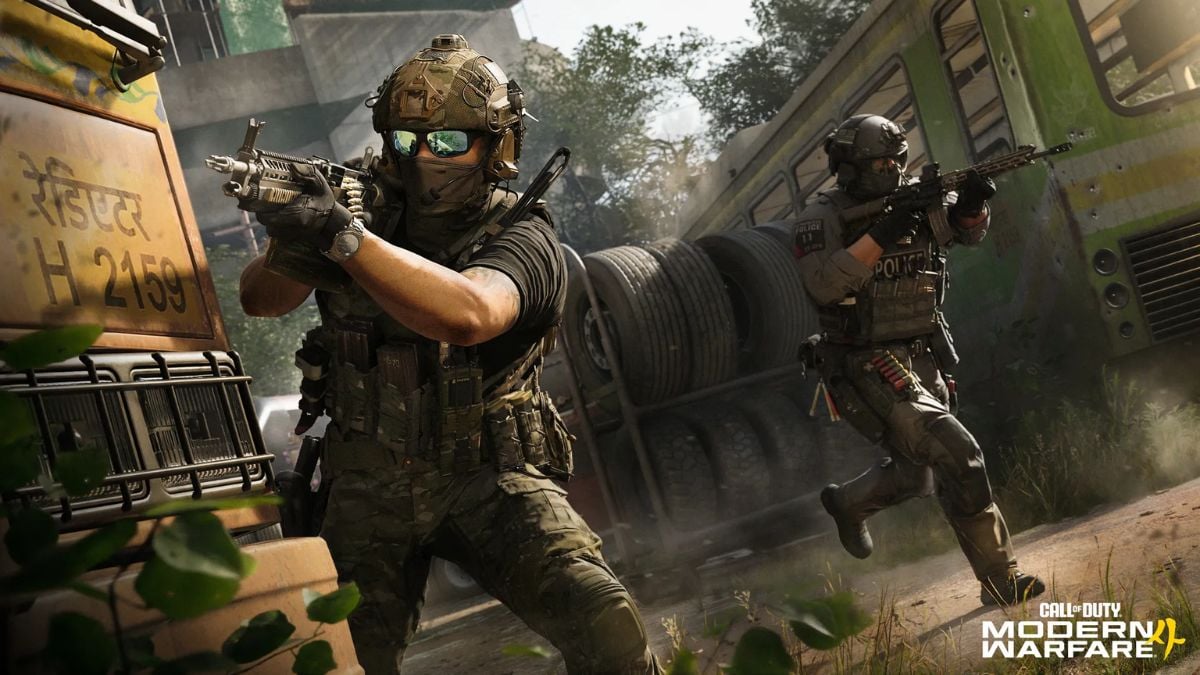
Modern Warfare 4 Beta PC specs: Minimum and recommended
The minimum column is the floor for getting the Beta to launch and run at playable frame rates. The recommended column is aimed at smoother performance with higher visual settings. Note the operating system difference between the two, since the recommended tier moves up to Windows 11.
| Component | Minimum | Recommended |
|---|---|---|
| OS | Windows 10 64-bit (latest update) | Windows 11 64-bit (latest update) |
| CPU | AMD Ryzen 5 1600 or Intel Core i5-8400 | AMD Ryzen 5 3600 or Intel Core i7-8700 |
| RAM | 12GB | 16GB |
| GPU (AMD) | Radeon RX 470 | Radeon RX 6700 XT |
| GPU (NVIDIA) | GeForce GTX 970 / 1060 | GeForce RTX 3060 Ti |
| GPU (Intel) | Arc A580 | Arc B580 |
| Video memory | 3GB | 8GB |
| Storage | SSD required | SSD required |
| Network | Broadband connection | Broadband connection |
Both tiers also require a DirectX 12 compatible system and a DirectX compatible sound card. Activision has flagged that these numbers apply to the Beta specifically and may not match the specs published for the full game at launch.
TPM 2.0 and Secure Boot are required for online play
This is the requirement most likely to stop an otherwise capable PC. Both Windows security features underpin RICOCHET Anti-Cheat, and if either one is off, you will not be able to play the Beta online. Nothing about your CPU or GPU changes that.
You can confirm your machine passes before the Beta opens by running the Call of Duty Secure Attestation Wizard, and Activision’s Trusted Platform Module and Secure Boot support page covers how to switch both settings on. If the wizard reports a pass, you are clear; if it flags either item, the fix happens in your motherboard’s UEFI settings rather than in Windows.
Recommended graphics driver versions
Update your GPU driver before the download finishes rather than after you hit a crash. These are the builds Activision points to for the Beta.
| Vendor | Driver version |
|---|---|
| NVIDIA | 610.47 |
| AMD | 26.7.1 |
| Intel | 32.0.101.8861 |
Why the SSD requirement matters, and what shader preloading does
An SSD is mandatory at both spec tiers, so a mechanical drive is not a workaround for the Beta. Leave headroom on that drive beyond the install size, because updates and shader files need somewhere to go.
Shaders are the small programs that tell your GPU how to render lighting, shadows, surfaces and effects, and on PC they have to be prepared for your exact hardware before they can do that job. Infinity Ward and Beenox have added shader preloading to the Beta so that work happens ahead of time instead of while you wait at the main menu. You may see a Windows system tray notification mentioning that shader preloading will start after you install or update — that is expected, and you can keep using your PC while it runs.
How it behaves depends on where you installed the Beta. On Battle.net, preloading is enabled from the moment you first install. On Steam, a one-time shader compile still happens on first boot, so Weekend One players see the benefit from the Weekend Two update onward. The feature can be disabled in settings, and interrupting the background process by right-clicking it does no harm, since preloading resumes once you are in game.
Let preloading finish before you queue for a match. That is the point at which stutters and performance hitches are least likely.
The Beta is a separate install this year
Unlike previous years, the Modern Warfare 4 Beta sits outside the main Call of Duty install and launches directly from your platform. It will not arrive automatically with a routine Call of Duty update, so you have to find and start the download yourself on Steam, Battle.net or Xbox on PC.
Preloading opens August 20. Call of Duty: NEXT streams at 9AM PT on Friday, August 21, and the Beta goes live immediately afterward at 11AM PT for players with Early Access. The Open Beta follows on August 28.
If your PC only clears the minimum specs
Scaling settings down before your first match is easier than diagnosing frame drops mid-game. Texture quality, shadow quality, particle effects and ambient occlusion are the usual first cuts, and dropping the resolution or enabling an upscaler buys back more frames again. Closing background apps that eat CPU, RAM or GPU time helps too.
Performance will still shift depending on your resolution, settings, drivers and any optimization work that lands between Beta weekends. The full game arrives on October 23, and its launch specs may not be identical to the ones published for the Beta.