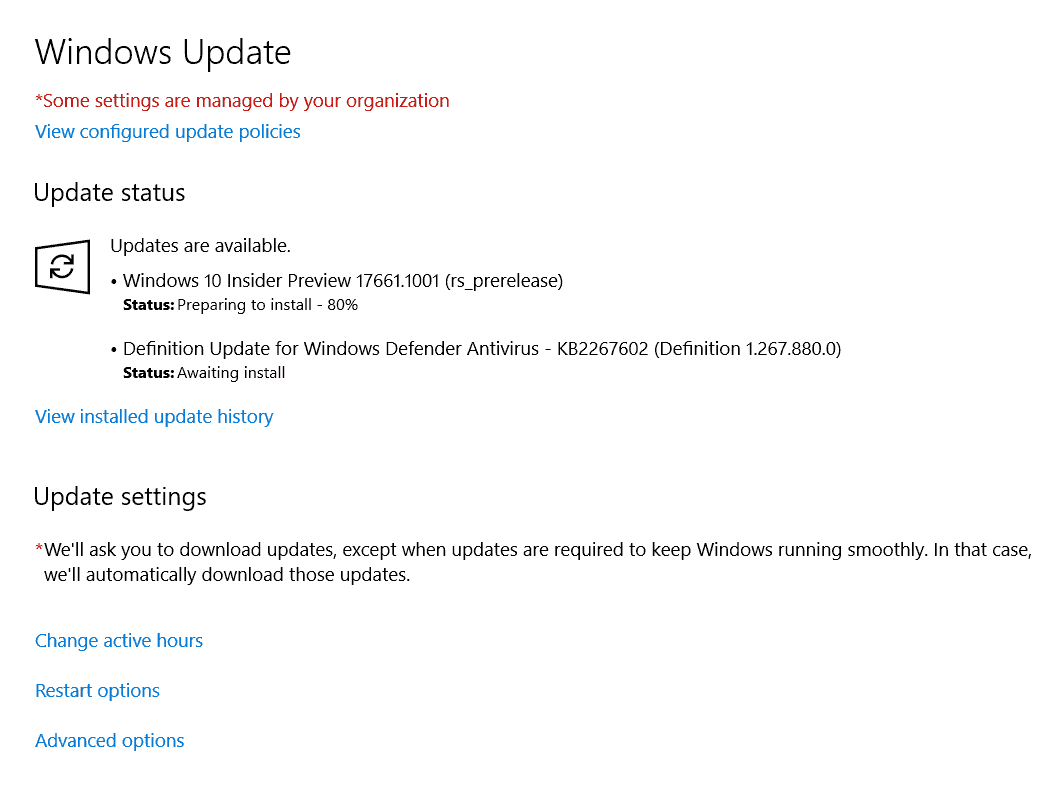
Encountering a stalled Windows 10 update at the “Preparing to install…” stage can be quite frustrating. This issue often occurs after the update has been downloaded and seems to freeze between 80% and 100% completion. Fortunately, there are steps you can take to resolve this problem.
After these steps, you should receive a prompt to restart your computer, indicating that the update has successfully installed.
Ensure your computer is connected to a stable internet connection and is plugged into a power source during updates to prevent interruptions that could cause the process to stall.
By exercising patience and allowing Windows the time it needs to process updates, you can often resolve installation issues without the need for advanced troubleshooting.