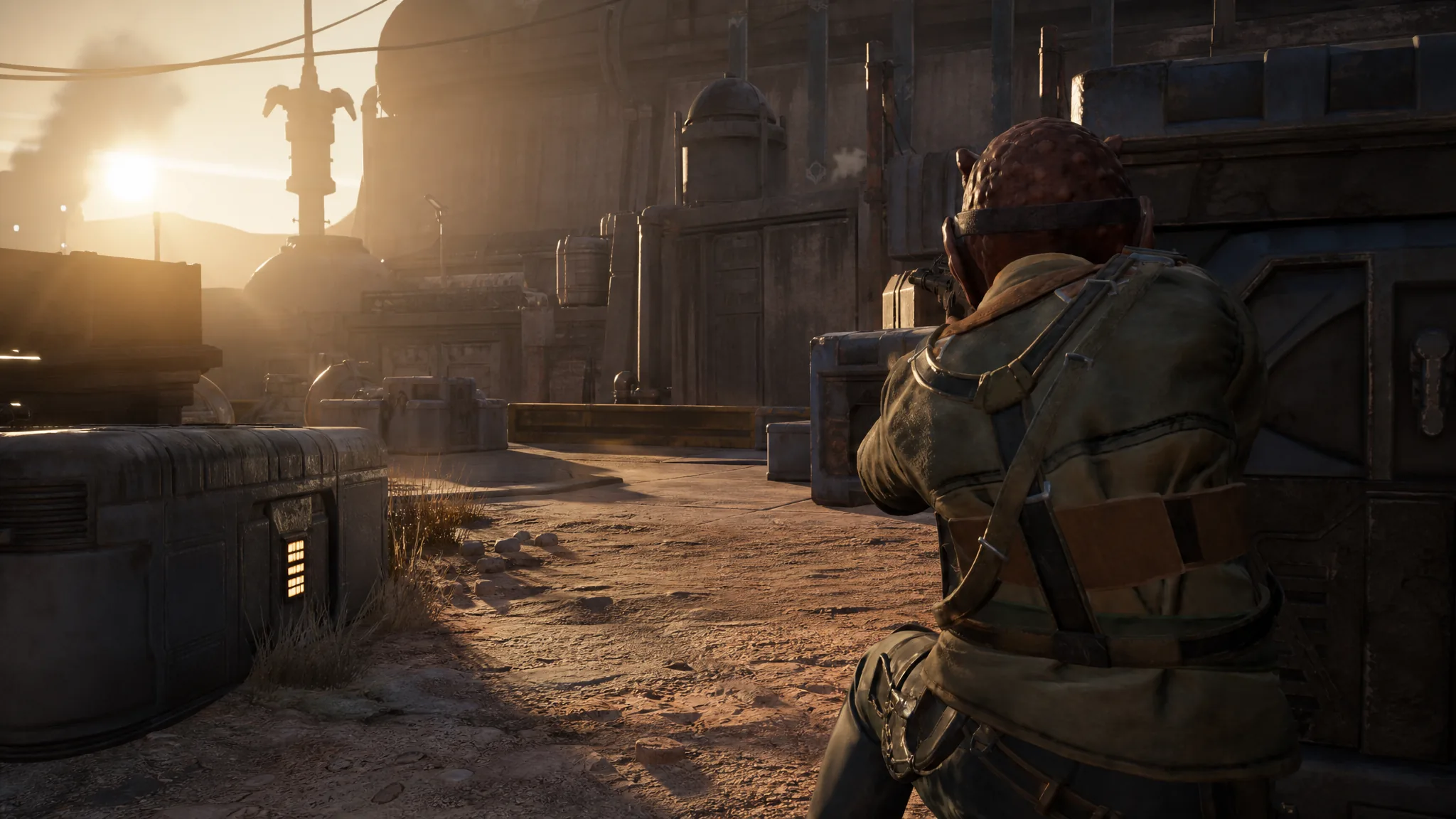
Brutal Strike is Aurelio’s close-quarters melee attack in Star Wars Zero Company. It lets him close the gap on an enemy and hit them directly instead of trading blaster fire from cover. Because it is cheap on Action Points and can trigger a critical hit, it works well for finishing off a wounded target during turn-based combat.
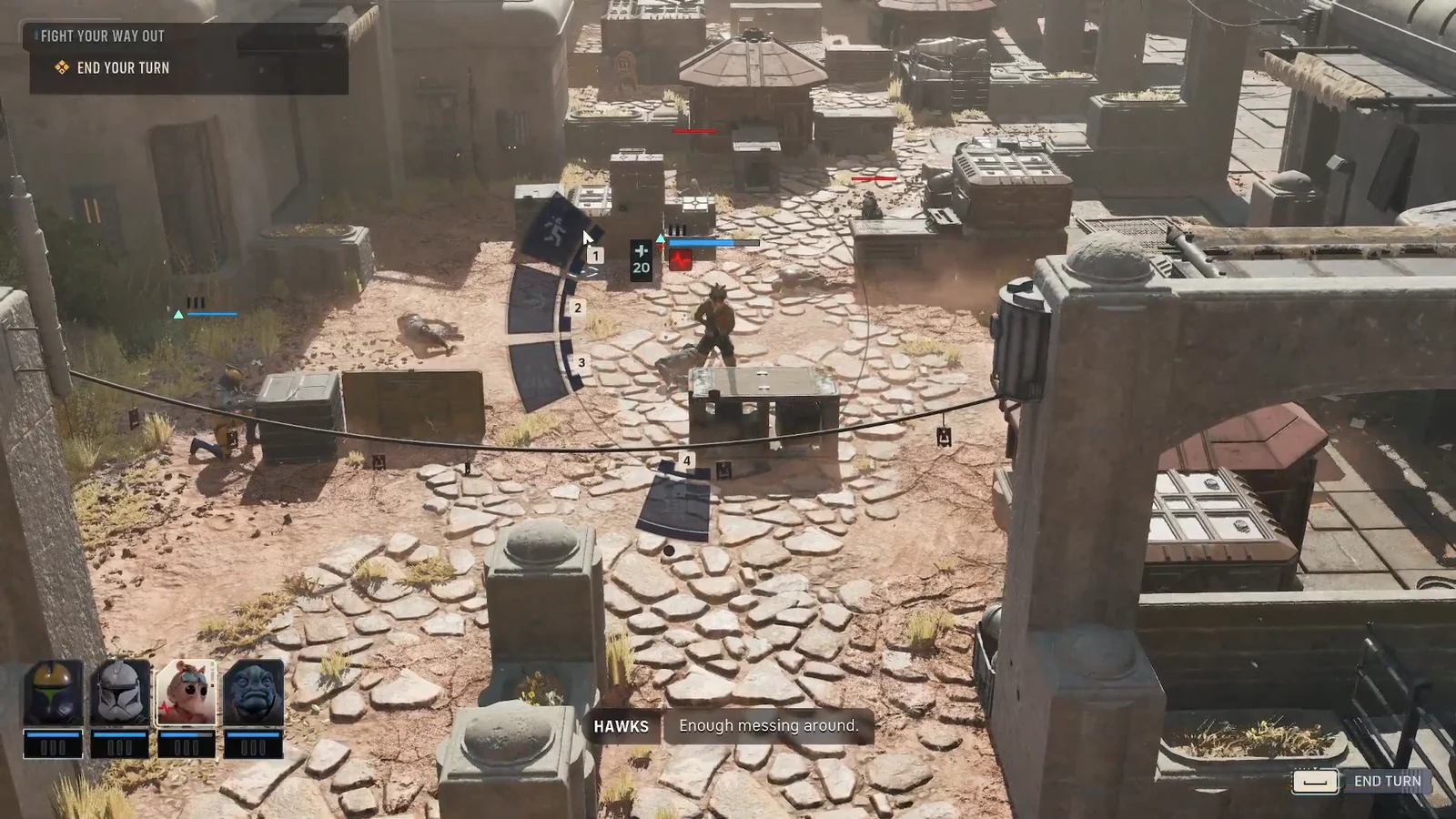
Quick answer: Open Aurelio’s radial menu, select Brutal Strike (1 AP), choose an enemy target, then pick the position around that enemy to strike from. Confirm, and Aurelio moves in to deal the hit.
Brutal Strike cost and damage
Brutal Strike is a melee action, so it only works against enemies Aurelio can physically reach. Combat runs in turns, with your whole squad acting before the enemy, and each operator has three Action Points to spend per turn. Brutal Strike uses one of those points, which leaves room for a move or a second action on the same turn.
| Detail | Value |
|---|---|
| Action type | Melee attack |
| Action Point cost | 1 AP |
| Base damage | 10 |
| Critical hit example | 16 damage |
The base hit deals 10 damage. When the attack lands as a critical, that number climbs. In a clean strike against a Separatist Enforcer, Aurelio landed 16 critical damage, so the position you choose and the target’s exposure matter for the final number.
Perform Aurelio’s Brutal Strike
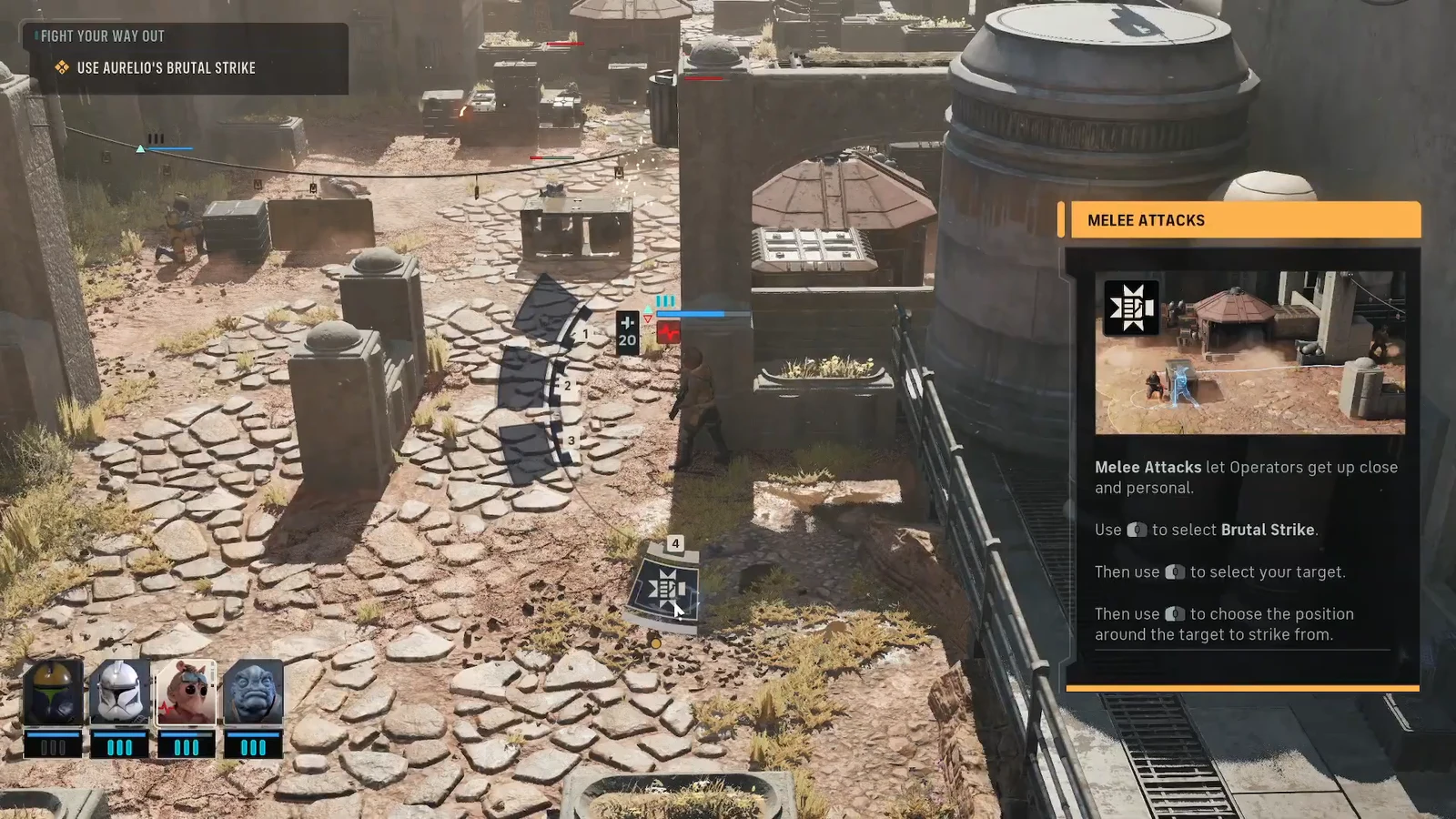
You know it worked when Aurelio walks into melee range, the strike animation plays, and the damage total appears on the enemy. A critical hit shows a higher number than the 10-damage base.
If Aurelio gets downed after the strike
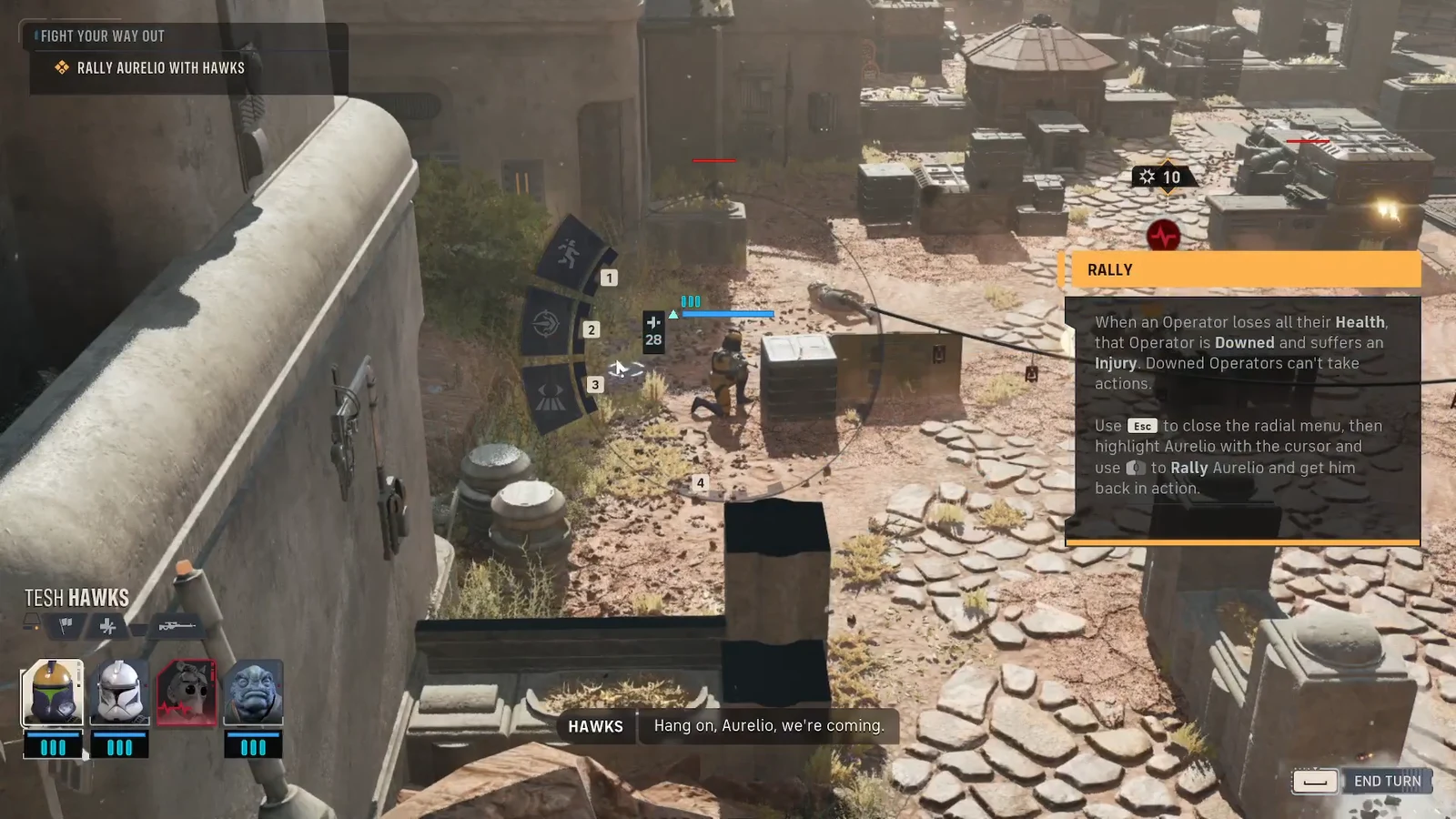
Melee puts Aurelio right next to enemies, which leaves him exposed on the following enemy turn. If a foe reduces his health to zero, he is Downed. A downed operator cannot take actions, but he is not gone. An ally can bring him back into the fight.
To revive him, select a nearby operator, for example Hawks, and open that operator’s radial menu. Choose the Rally command, then highlight downed Aurelio to bring him back into action so he can take turns again.
Note: keep a second operator within reach whenever Aurelio charges in with Brutal Strike, so you always have someone able to Rally him before the enemy can finish him off.