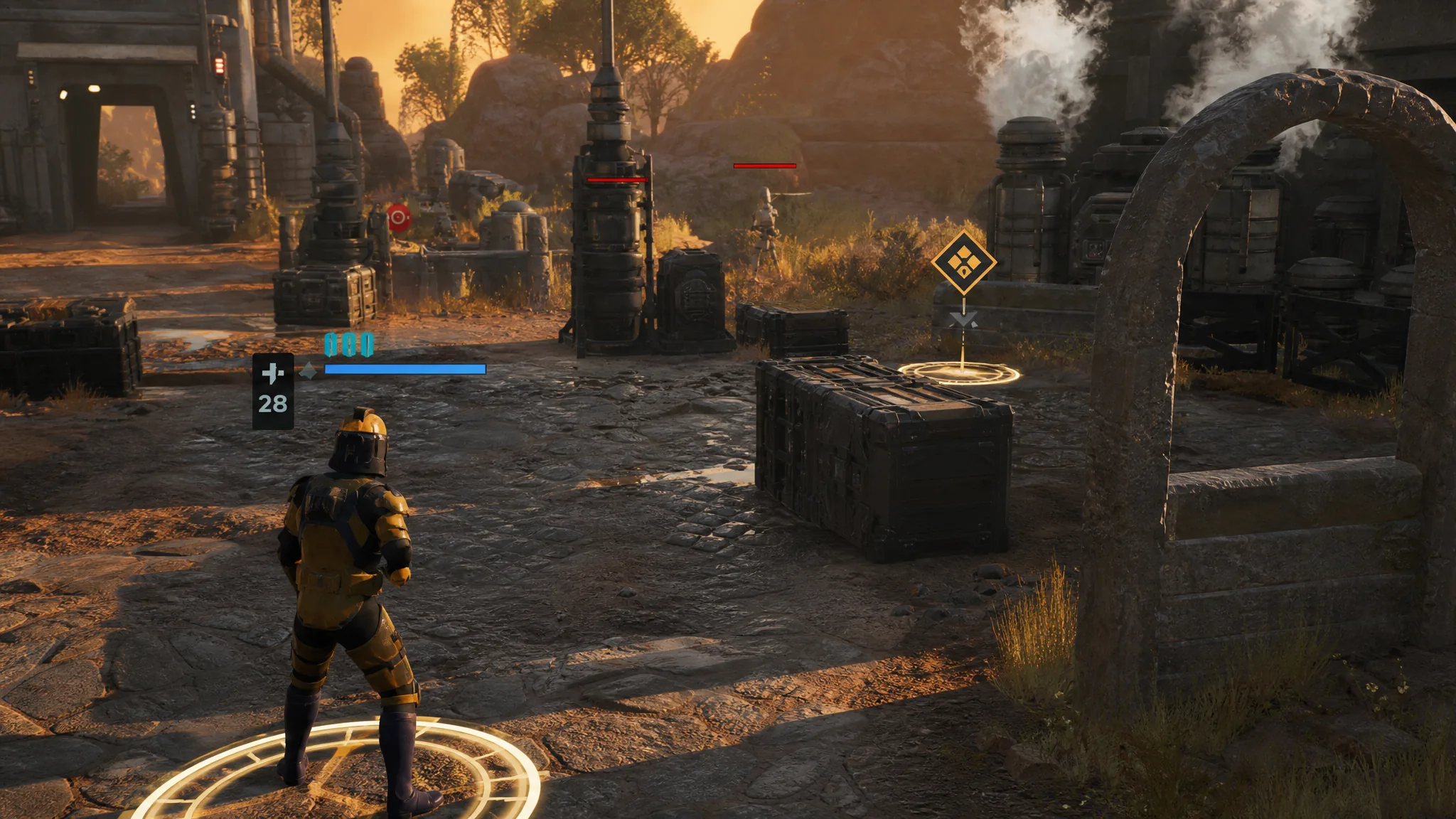
Ending a turn in Star Wars Zero Company hands control over to the enemy, so it is one of the first controls you will use in the Clone Wars tactics campaign from Bit Reactor. The action is deliberately simple, and you can trigger it whenever you want during your turn.
Quick answer: Hold the Space bar to end your turn. This works after every operator has acted or while they still have Action Points remaining.
Hold Space to end your turn
The turn does not end on a single tap. You press and hold the key so the command cannot fire by accident in the middle of a combat sequence.
Space bar. An on-screen prompt confirms the input with the instruction to hold Space when you are ready to end the turn.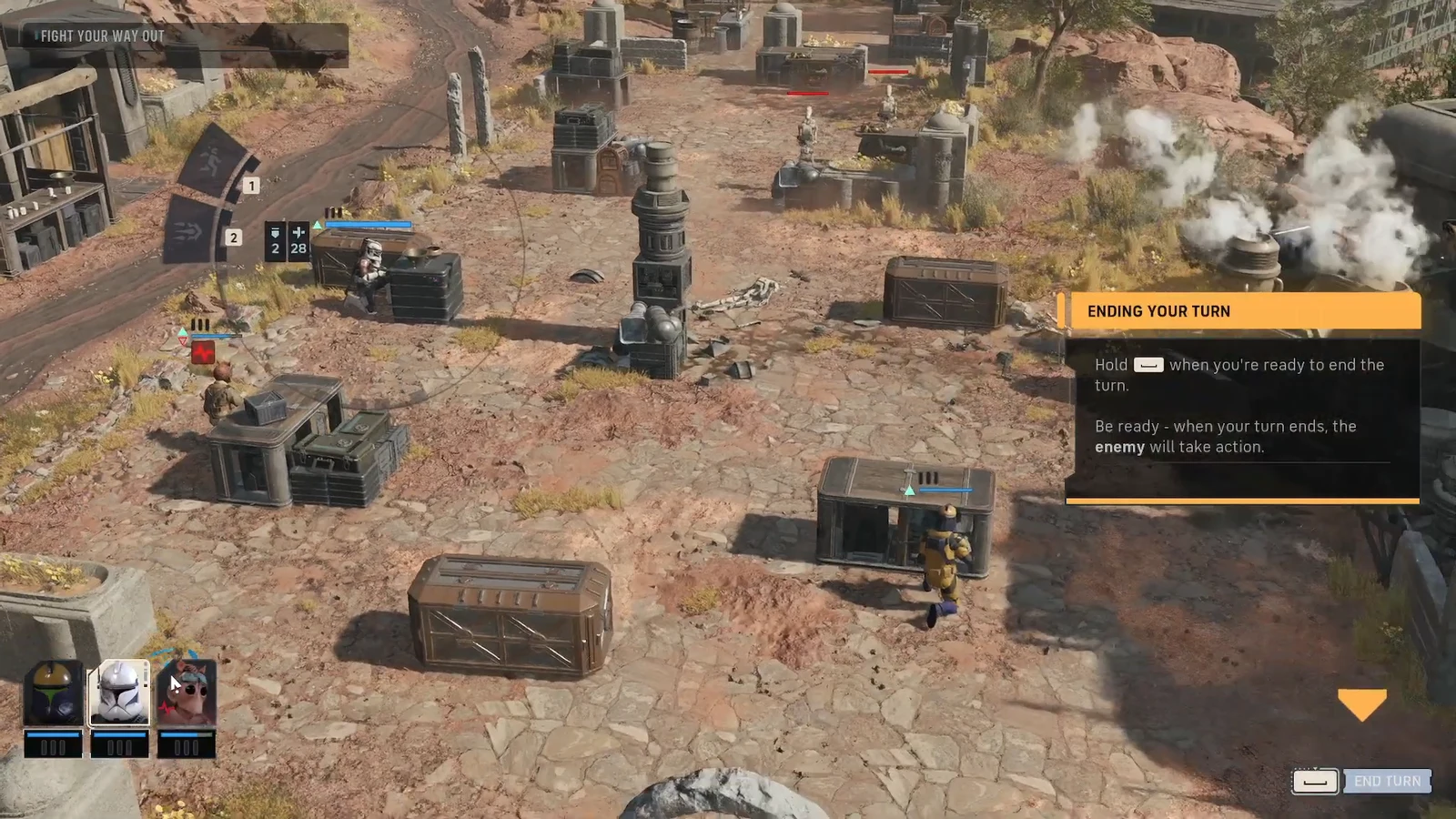
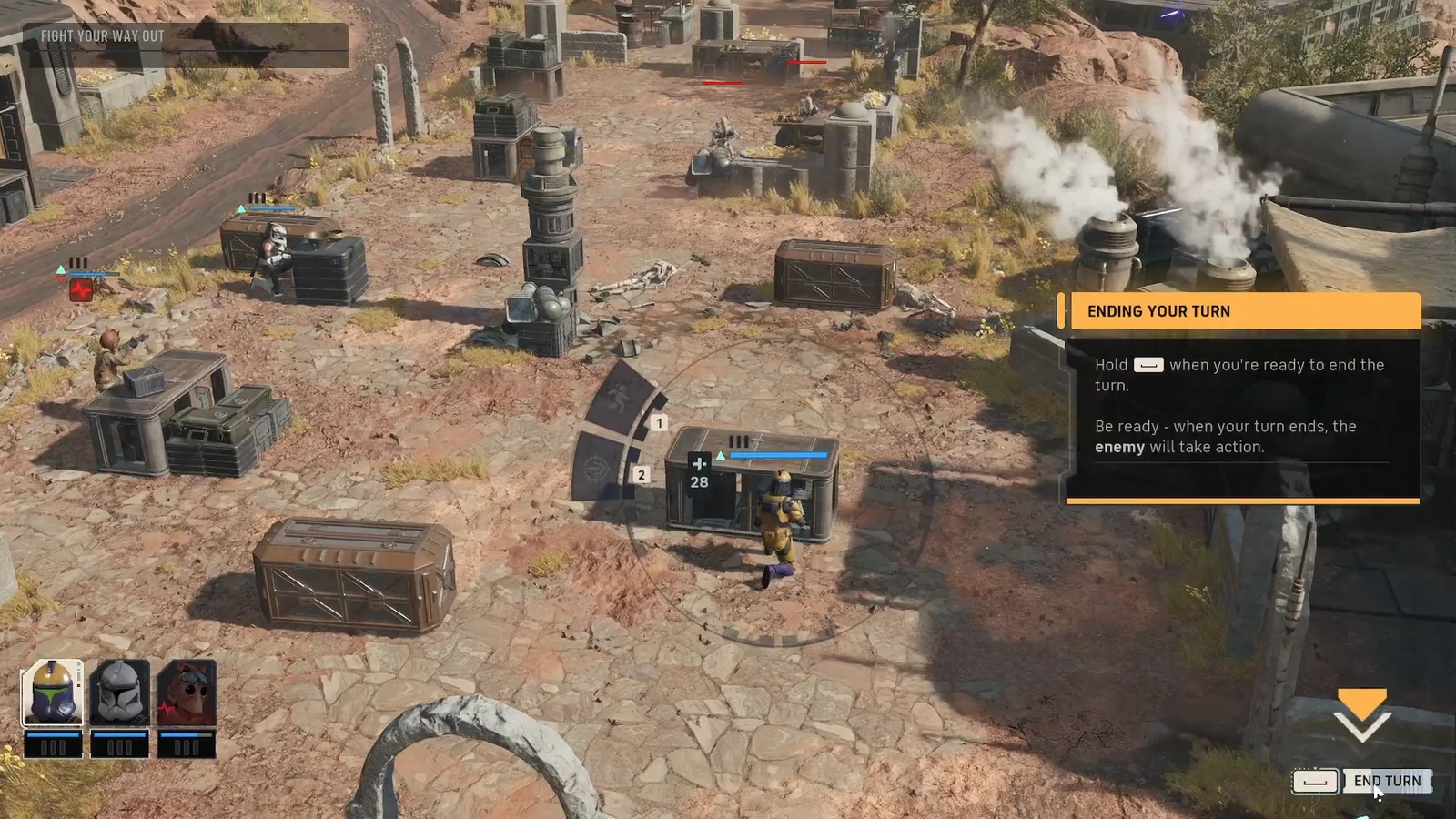
Ending a turn with Action Points still available
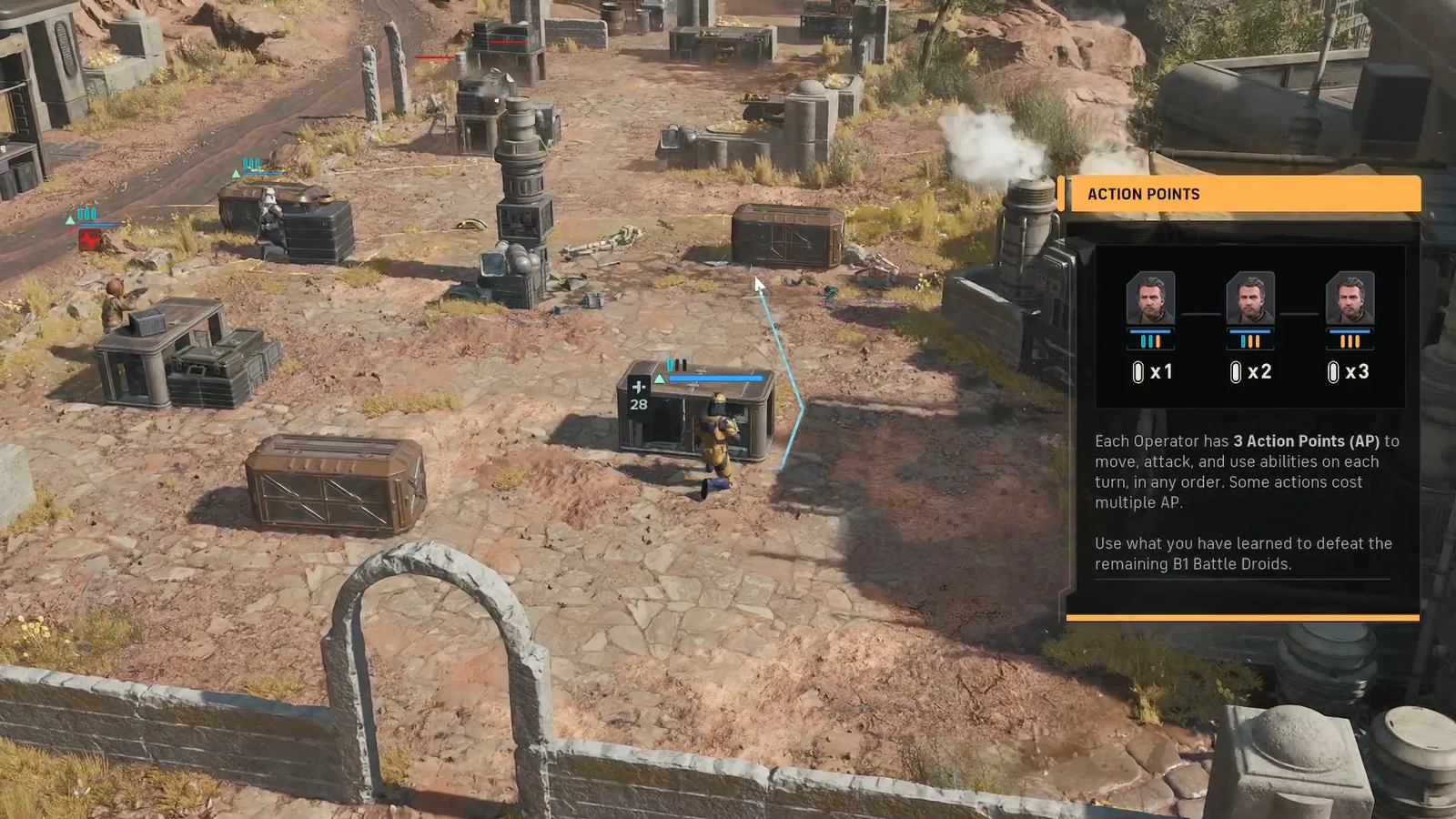
You are never forced to spend everything before passing. Each operator starts the turn with three Action Points (AP) to move, attack, and use abilities in any order, and some actions cost more than one point. If you want to hold a position or bait the enemy into moving first, you can end the turn with unused AP still on the board.
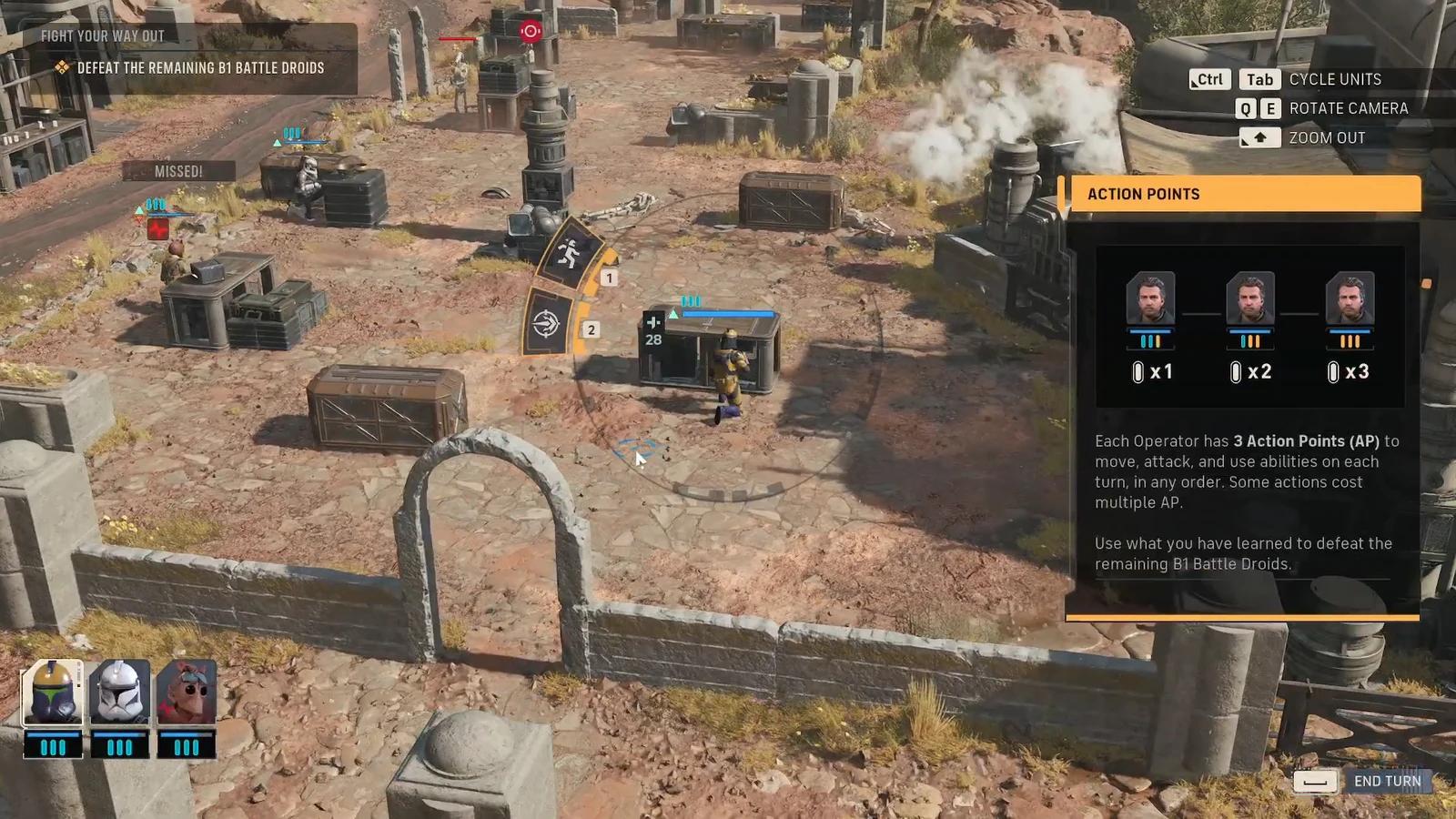
Moving costs AP as well, so the same three points cover both how far an operator travels and how many actions it can take. Plan the full turn before you commit, then hold Space once you are satisfied with your positions.
How to confirm the turn ended
You know the command worked when the enemy takes over. As soon as your turn ends, hostile units such as B1 Battle Droids begin their moves and attacks. Because the handoff is instant, treat every end-turn decision as a commitment and make sure your operators are in cover or in a position you are happy to defend before you press the key.
| Detail | What to know |
|---|---|
| Control | Hold the Space bar |
| AP per operator | 3, used to move, attack, and use abilities in any order |
| End early? | Yes, even with AP remaining |
| What happens next | The enemy immediately takes its actions |
That is the whole process. Once you are comfortable holding Space to pass, you can focus on the parts that decide each fight, spending your Action Points wisely and choosing the right moment to give the enemy their opening.