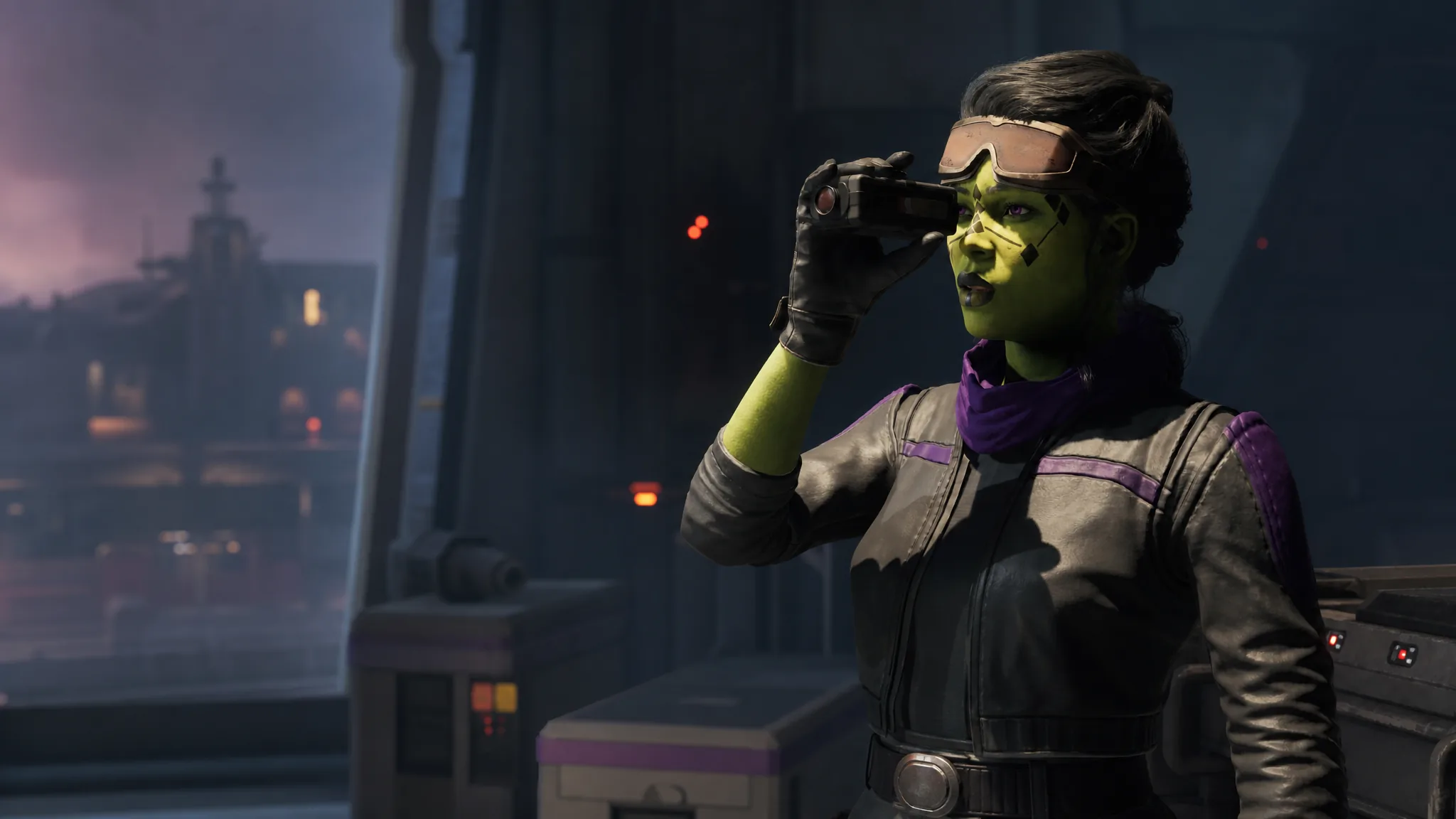
In Star Wars Zero Company, most of the mercenaries you lead can be reshaped at any point between missions, from their species and voice down to the clothes they wear into battle. The main character, Hawks, and the operators you recruit yourself can be altered completely, while the game’s authored companions can be tweaked within limits.
Quick answer: Progress through the prologue until you reach The Den, walk to the Holo-Table, and turn right to the small control console next to the merchant Neesh. Interact with it to open the customization menu, pick an operator, then edit their Profile, Appearance, or Outfits.
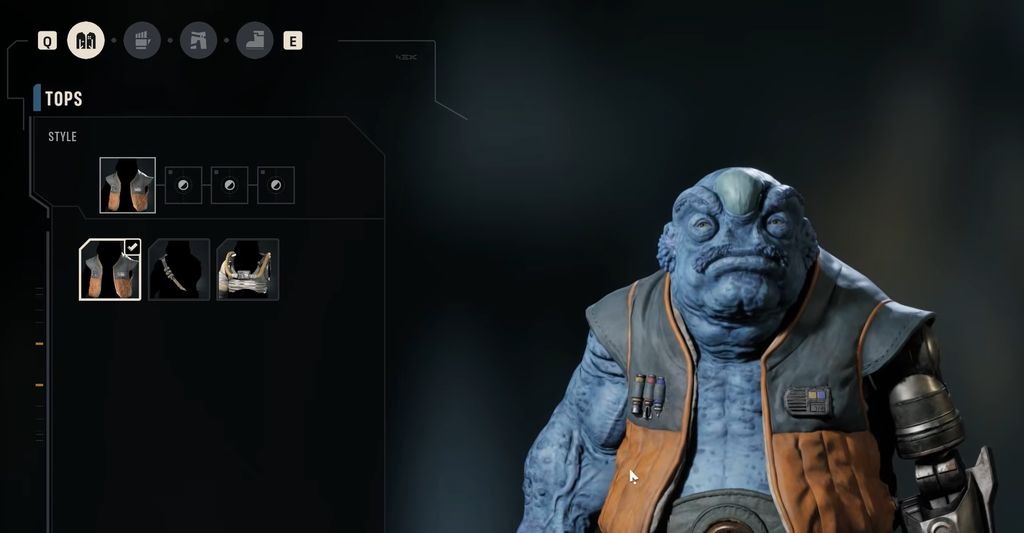
When appearance editing unlocks
You cannot change appearances during the opening of the campaign. The option becomes available once you finish the prologue and gain free movement around The Den, your home base between missions. The Den is also where you recruit operators, buy items on the black market, and spread your influence across the galaxy, so you will return to it often.
Once you can walk around The Den, the console is easy to spot. Head to the Holo-Table and turn to the right. A clothing icon hovers over a small control terminal next to Neesh, and that terminal handles both the player character and most of the operators you bring into Zero Company.
How to change an operator’s appearance
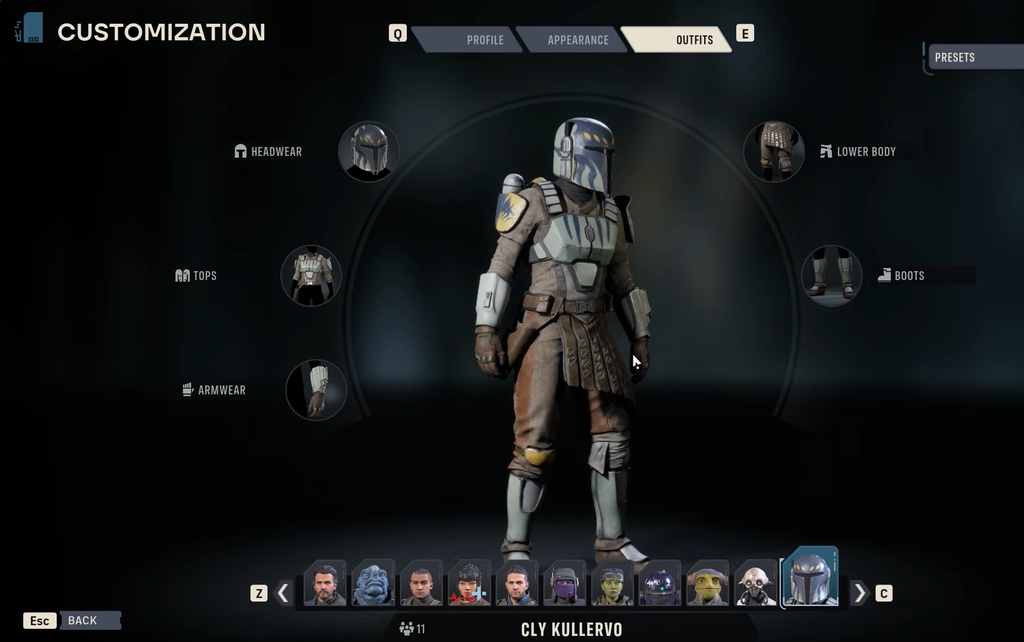
What each tab changes
| Tab | What you can adjust |
|---|---|
| Profile | Species, voice, mugshot, name, and background. Recruited operators can be renamed and have their species swapped freely. |
| Appearance | Physical traits from a set of pre-made faces, hairstyles, and species-specific features such as horns or lekku. You choose from presets rather than sculpting a face. |
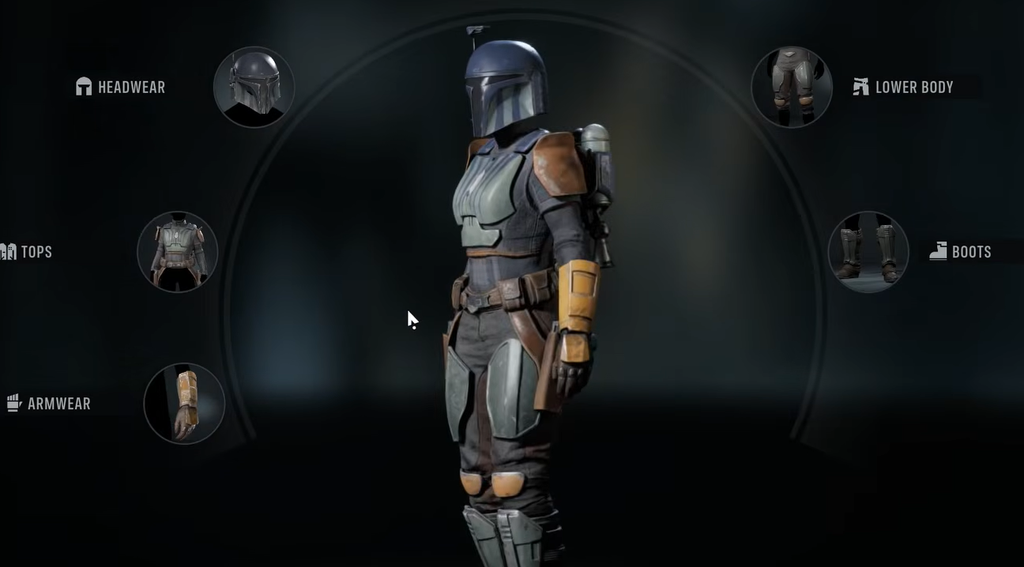
| Outfits | Battle clothing across headwear, upper body, armwear, lower body, and footwear. Some multi-slot pieces lock connected parts, so equipping certain clone pants also fixes the matching boots. |
Custom operators get more choice than the player character in a couple of places. On the Profile tab they can be set to extra species, including Ovissian, Rodian, Weequay, and Neimoidian, and there are far more voice options to listen through when building a recruit. Droids can be customized too, though their options are narrower and depend on the chassis.
Which characters can be fully changed
The player character and any operator you hire directly through the recruitment console can be altered completely. The authored members of Zero Company are more restricted. Characters such as Trick and Jae cannot have their physical appearance edited, which means their faces stay locked, but their clothing is mostly open to swap. A few story companions have tighter limits than others, yet you can still dress the majority of them in different outfits.
Hawks sits in the middle of these rules. You can change Hawks’ species, first name, gender, voice, appearance, clothing, and specialization, and that species choice is not permanent since you can return to the console later and pick something else.
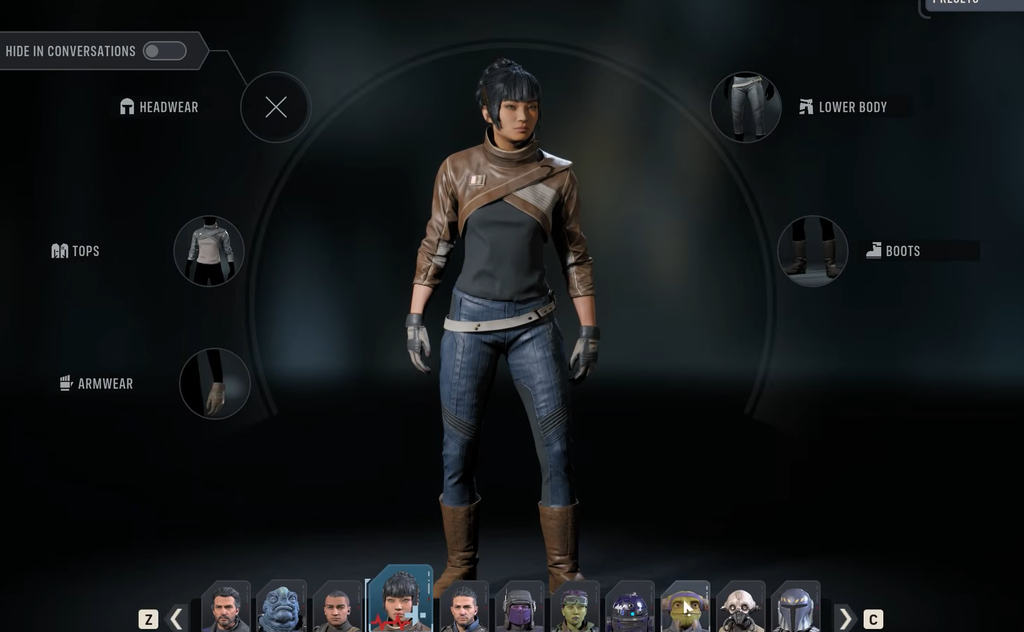
Species you can pick
Species is cosmetic only. There are no species-based or faction-based weapon proficiencies, so no look is mechanically better than another. Hawks draws from six species, while custom operators can use those plus several more, and clones become selectable once the story unlocks them.
| Available to | Species |
|---|---|
| Hawks | Devaronian, Human, Mirialan, Togruta, Twi’lek, Zabrak |
| Custom operators (adds) | Neimoidian, Ovissian, Rodian, Weequay |
| Unlocked through the story | Clone (selectable as its own type), Astromech droids |
Each species brings its own head shapes and features, such as Devaronian and Ovissian horn variants, Togruta and Twi’lek lekku styles, and Rodian antenna and hairstyle options. Shared settings across all of them include heights, body types, eye colors, scars, freckles, vitiligo, hair and facial hair, plus tattoos and makeup options.
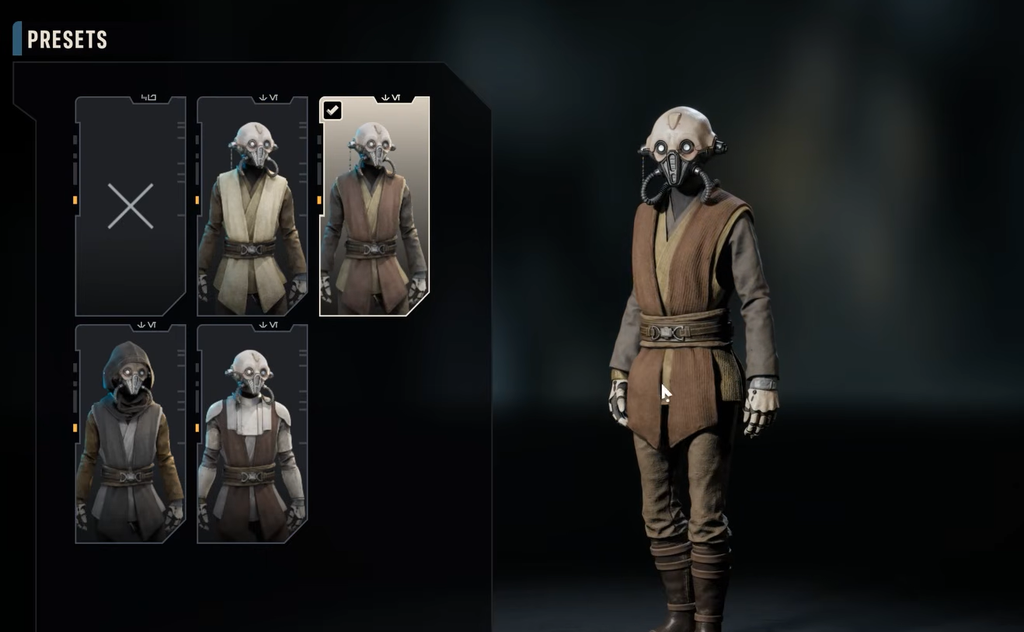
Outfits, clone armor, and gameplay effects
Clothing is purely for looks. No outfit piece grants a bonus or penalty in combat, so an operator in a plain shirt takes the same damage as one in full clone armor. Dress your squad however you like and handle survivability through specializations and equipment instead.
Clone armor cosmetics are available to every operator from the start, with a wide range of paint jobs and battalion patterns such as the 501st, 41st, and 212th. Wearing a clone helmet applies the voice filter. One important limit is that aliens cannot wear the clone helmets, because features like a Twi’lek’s lekku or a Weequay’s head shape rule them out, so those operators wear the set without its helmet.
Squadmate clothing is also wearable piece by piece. That means you can put a recruit in Hawks’ jacket and Jae’s boots, or mix parts from Kabb, Tel-Rea, and Trick. You earn more outfits by playing, since some missions reward new clothing, so it is worth revisiting the console after completing operations.
Finding Deluxe and pre-order cosmetics
If you own the Deluxe Edition, the Cosmetic Pack appears when you first customize Hawks. Uniforms, helmets, and armor sets sit under the Outfits screen and equip to the Style slot, while bonus tattoos are found under Appearance in the Body Art section. Painted weapon themes from the Cosmetic Weapon Set become available after the tutorial, through the Armory under Customize Appearance and then Paint Color.
The Crystalline Astromech pre-order pack is not usable right away. To unlock it, complete the Smugglers’ Manifest Operation in Cycle 5, finish any available Holotable mission, then talk to the M-3VO droid at The Den. After that, you can create and customize astromechs, including the translucent crystalline heads found under the Head option in the Character Databank’s Astromech tab.
If any bonus cosmetic does not appear, confirm you own the correct edition, that you are signed in to the EA account used for purchase, and that the game is fully updated before checking again. With the console unlocked at The Den, you can keep reshaping Hawks and your hired operators between every mission without affecting how they perform in a fight.