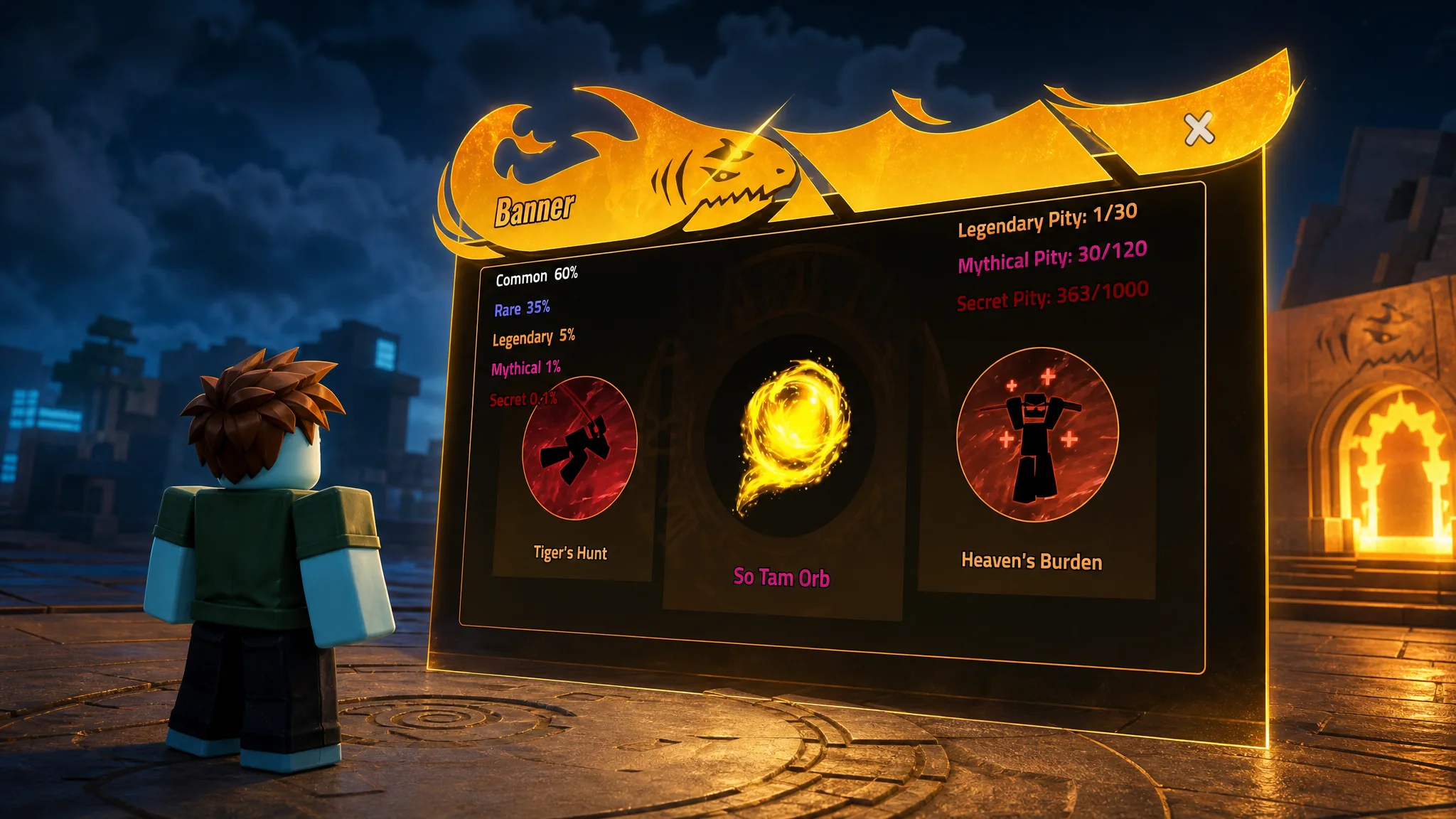
Orbs are passive items in Heavyweight Fishing that raise your damage, cut cooldowns, boost cash gains, and improve drop chance. There are six of them, and each one only takes effect when it is matched with the skill family it belongs to. Equip the wrong Orb for a skill set and you get nothing extra.
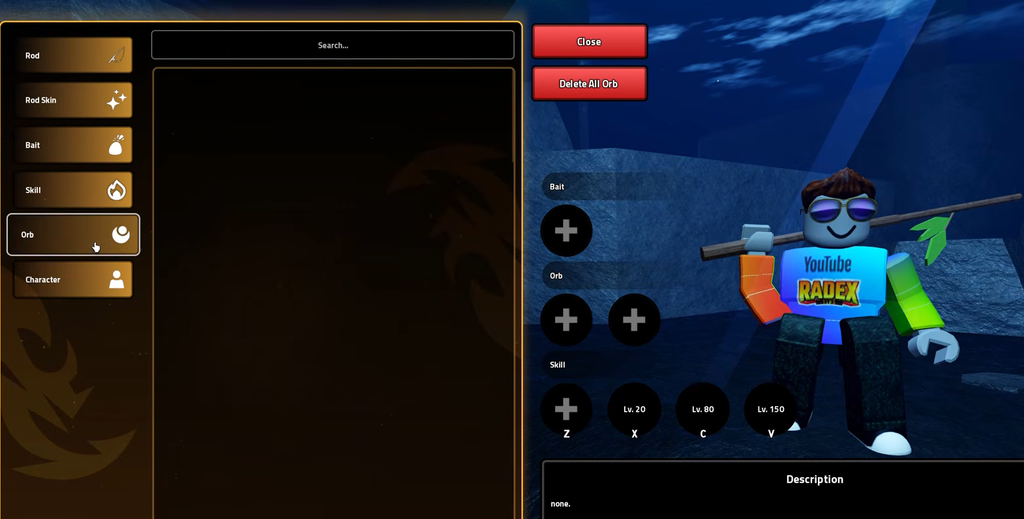
Quick answer: Unlock Orbs by finishing NPC questlines, exploring newly added areas, or summoning them from the banner using Crystals. Then open your inventory, go to the “Orbs” tab, and equip the Orb that matches your active skill category.
The six Orbs and their stat ranges
Every Orb has a rolling range for each stat, so two copies of the same Orb can perform differently. The second column shows the exact skill family each Orb powers. If your build does not use that skill family, the Orb stays inactive.
| Orb | Works with | Effects |
|---|---|---|
| Execution Orb | Five Execution Skills | +5–150% damage, +10–40% cash, +5–25% cooldown reduction |
| Sage Yijiu Orb | Sage Yijiu Skills | +50–200% damage, +5–25% cash |
| Maoshan Orb | Maoshan Skills | +25–200% damage, +5–10% cooldown reduction, +1–50% drop chance |
| Cloud Ascension Orb | Cloud Ascension Skills | +10–120% damage, +1–25% cooldown reduction, +5–15% drop chance |
| Taoist Orb | Apex Eagle Hunt Skills | +25–200% damage, +5–25% cash, +5–10% cooldown reduction, +1–50% drop chance |
| Qian Gate Orb | Qian Gate Dao Skills | +20–100% damage, +5–10% cooldown reduction, +1–100% drop chance |
The Taoist Orb covers the widest spread of buffs, hitting damage, cash, cooldown reduction, and drop chance all at once, which makes it the strongest all-round pick when you are running Apex Eagle Hunt Skills.
How to equip an Orb
How to unlock Orbs
There are three main routes to getting an Orb. Some come from NPC questlines, some are tied to new areas and mechanics added in updates, and others drop from the banner summon system. Before you go hunting, open the Orb menu and check which entries you are still missing so you know exactly what to chase.
Quests and area unlocks
Banner summons
Some Orbs are only available through the banner, found on the left side of your screen under the “summon” button. The banner works like a gacha, so rarer items, including Orbs, carry smaller pull rates. You will need Crystals, the currency for summons, and the reliable ways to stock up are completing quests, claiming daily login rewards, and redeeming active codes in Heavyweight Fishing.
If an Orb does not appear
You know an unlock worked when the Orb shows up under the “Orbs” tab in your inventory. If it is still missing after the final interaction, rejoin the server. A fresh server can refresh delayed NPC dialogue, interaction prompts, and updated content that failed to load. The game has been buggy at times, occasionally to the point where talking to NPCs stops working, so rejoining is the fastest fix before you retrace your steps.