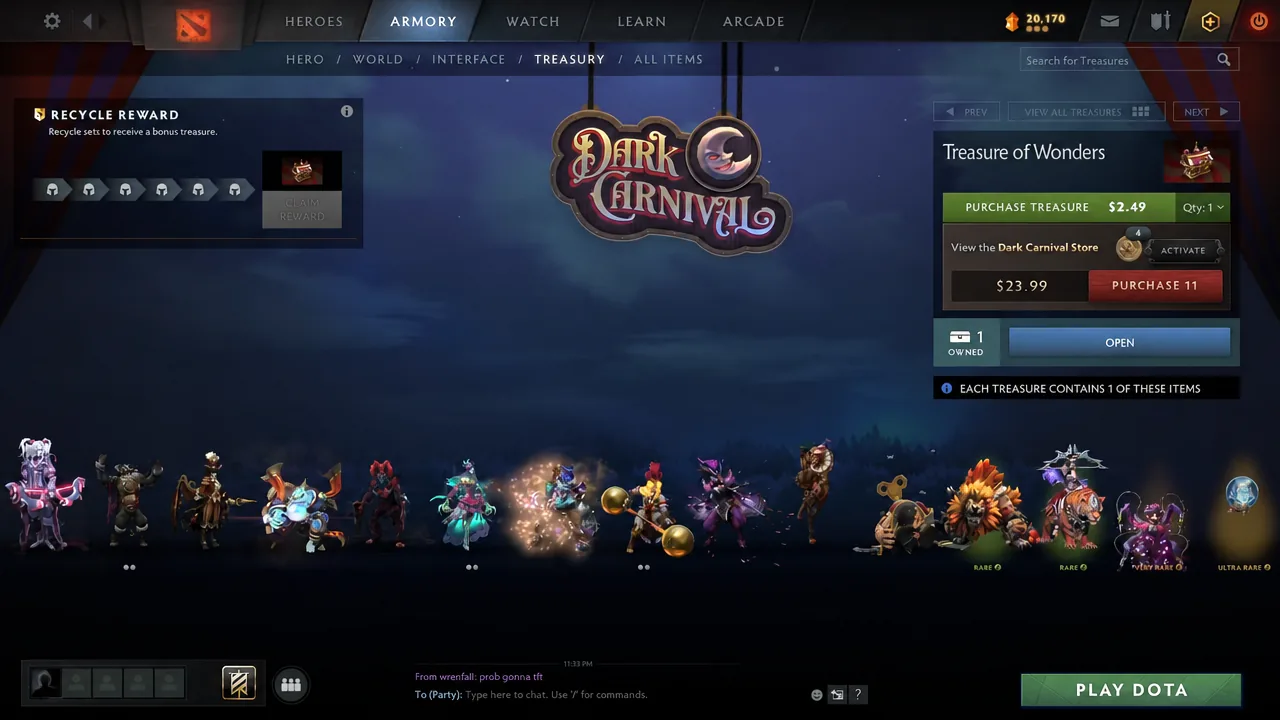
Treasures in Dota 2 are purchasable boxes that hold cosmetic items, and once you own one, opening it takes only a moment inside the game client. Every treasure opens once to grant one or more random items from its listed contents, revealed through a short spin animation.
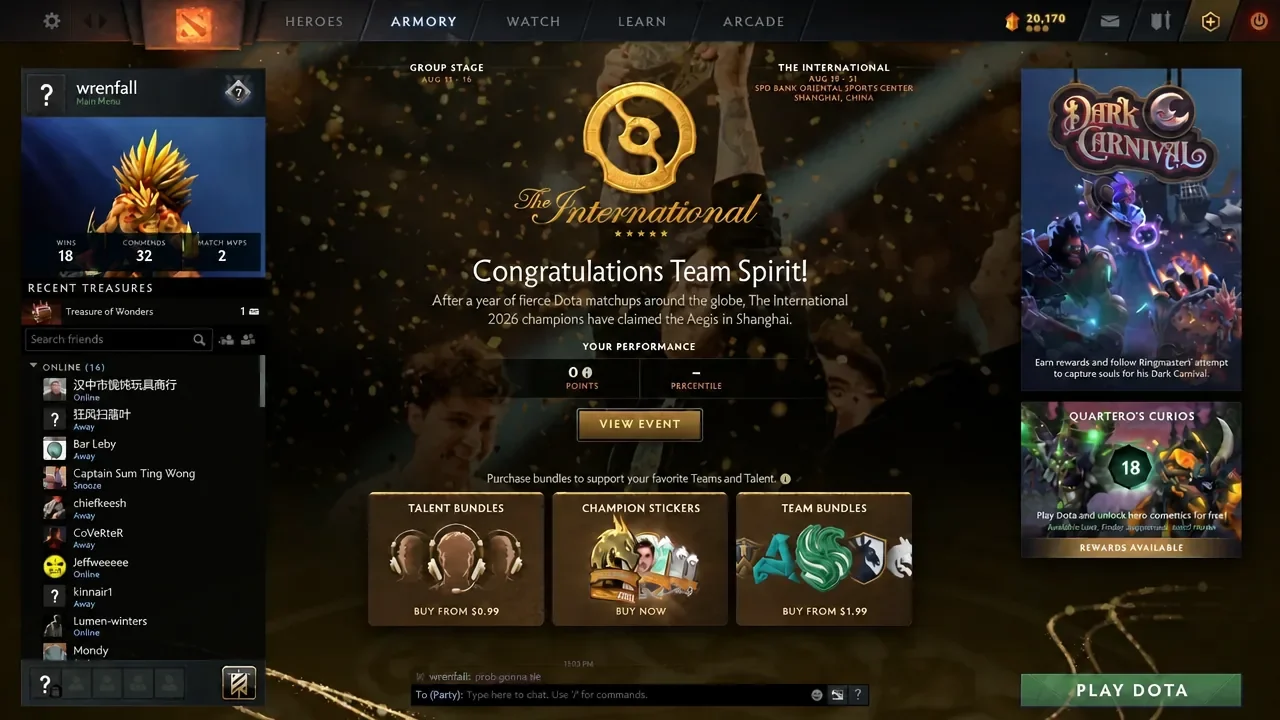
Quick answer: Open the Armory tab, select the Treasury sub-tab, choose an owned treasure, click Open, then click Start to spin and claim your reward.
What you need before opening a treasure
You need to own the treasure itself, and it must already sit in your Armory. Treasures reach your account through the in-game Store, charms, or the item drop system that hands them out as you play Matchmaking.
Some treasures require a key to unlock. When that is the case, the unlock screen offers a purchase option, often priced at $2.49, or you can sell the treasure on the Community Market instead of opening it. Treasures that drop from play, like seasonal event chests, typically use this key model.
Open a treasure from the Armory
How to confirm the treasure opened
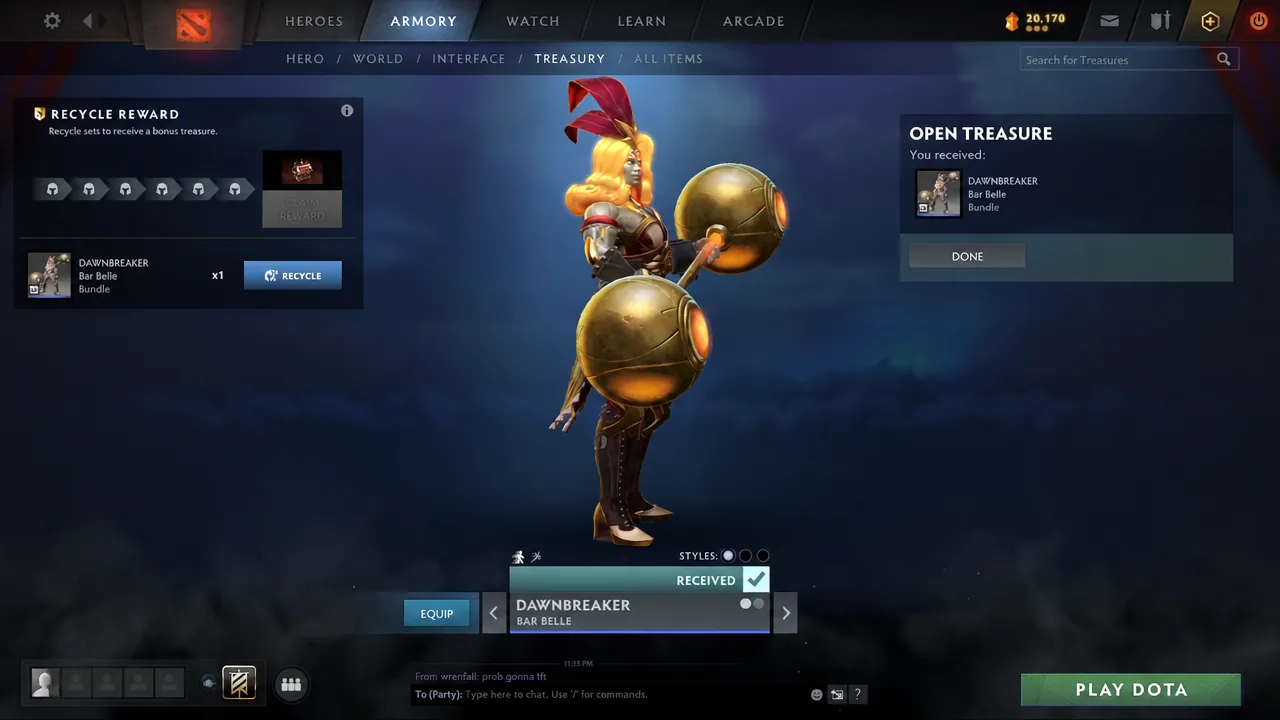
The reveal screen shows the exact item you received and presents a Done button to close it. Once you confirm, the reward appears in your Armory and the opened treasure is removed from your Treasury, since each box opens only once.
How drop rarity and odds work
Every treasure comes with a drop list sorted into rarity tiers. Items in higher tiers appear less often, and an item’s own listed rarity does not change its drop chance. Some treasures can also grant Unusual quality couriers at roughly a 1 to 2 percent chance.
Newer treasures use escalating drop chances, meaning the odds of pulling rarer items climb the more treasures you open. You can view these live odds directly in the Treasury panel before you commit to opening.
How duplicates are handled
When you open a treasure, the item you received is grayed out so a later opening of the same treasure will not hand you that exact item again. This tracking looks only at what you have already unboxed, not at your full inventory.
Because of that, trading for a treasure item you never personally unboxed still leaves you able to roll it later. Once you have unboxed every standard item in a treasure, the grayed-out list resets and each item becomes available to receive again.
Note: Items obtained from treasures often carry trade restrictions for a period after unboxing, so a freshly opened reward may not be immediately tradable or marketable.
Opening treasures is entirely handled inside the Armory, so once a box lands in your Treasury the whole flow, from selection to reward, stays a few clicks away. If you would rather not open one, selling it on the Community Market remains an option, especially for locked chests that would otherwise need a paid key.