Roll a Gnome is a tycoon simulator on Roblox built around a single production loop. You pull a lever to roll for rarer gnomes, place those gnomes in your garden to grow crops, then harvest and sell the produce for money. That money funds better gnomes, pets, upgrades, and items, and the cycle repeats. Crops keep growing even while you are offline.
Quick answer: Roll a gnome at the lever, place it on an open garden plot, let the crop grow, then take the harvest to the red Sell barn for cash. Spend that cash on the slowest part of the loop, then roll again.
The core loop: roll, place, grow, sell
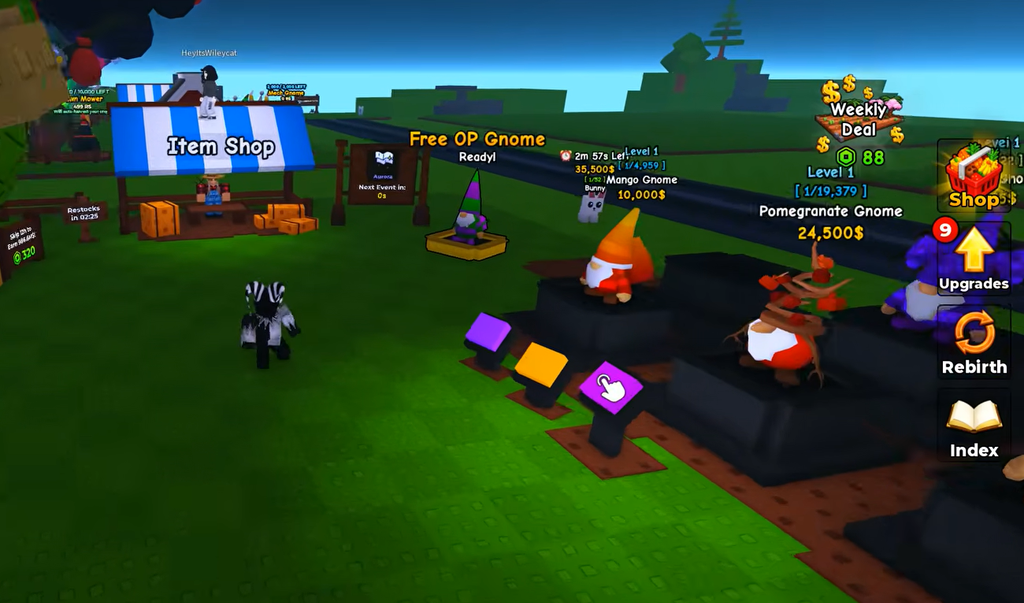
Everything in the game connects through one repeating sequence. Rolling supplies gnomes, placed gnomes plant crops, harvested crops turn into money, and money buys stronger production and more space. Treat each step as a link in a chain rather than a set of separate buttons.
Gnomes and pets
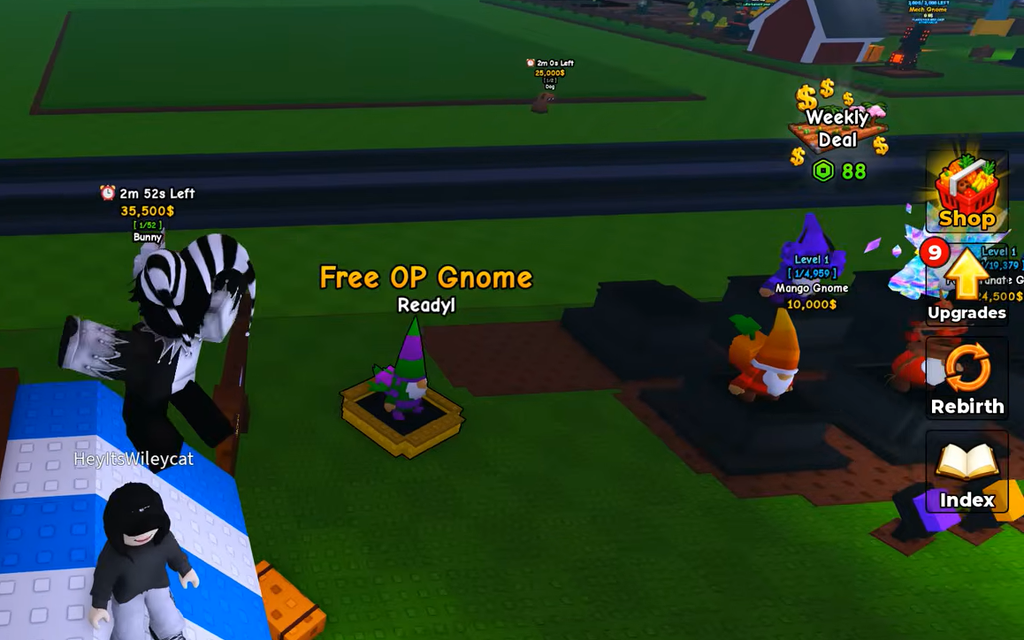
Gnomes are the main money-making units. They plant the crops you later harvest, so rarer and more profitable gnomes directly increase your crop output. Keep your garden full. Every empty slot is lost income, so place as many rare gnomes as your space allows.
Pets are a separate support layer. Cats, dogs, and other pets spawn spontaneously across the map. Buy them and place them at your base to apply buffs that speed up your garden and help you progress faster.
Upgrades that improve long-term earnings
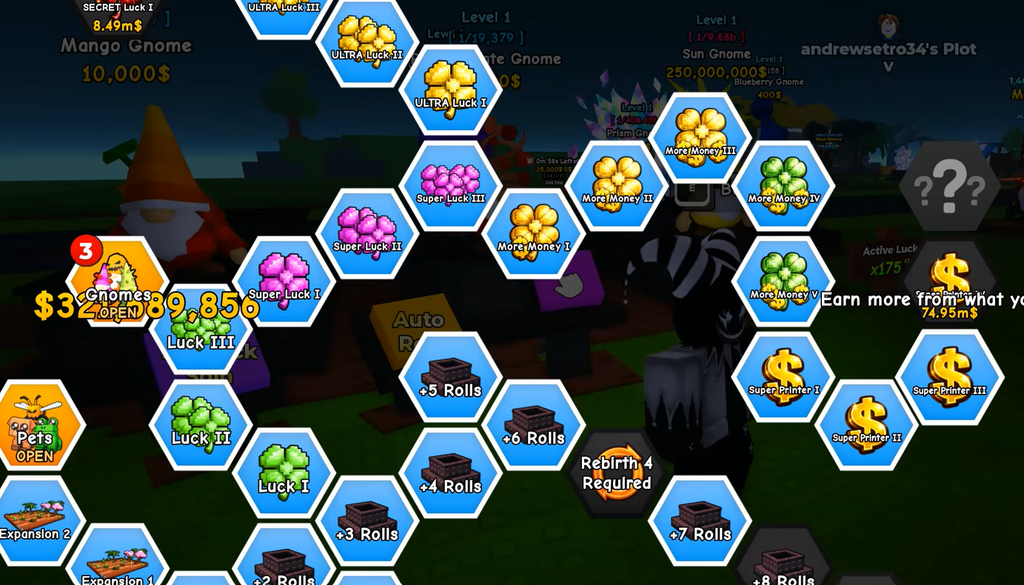
Open the Upgrades menu using the icon on the right side of the screen. Upgrades come in gnome, player, plant, and garden categories. Pouring every coin into gnomes alone is a mistake. Upgrading your garden and plants raises your sustained income, so balance new gnomes against upgrades that make the whole loop faster.
Items shop: sprinklers, cans, and boosters
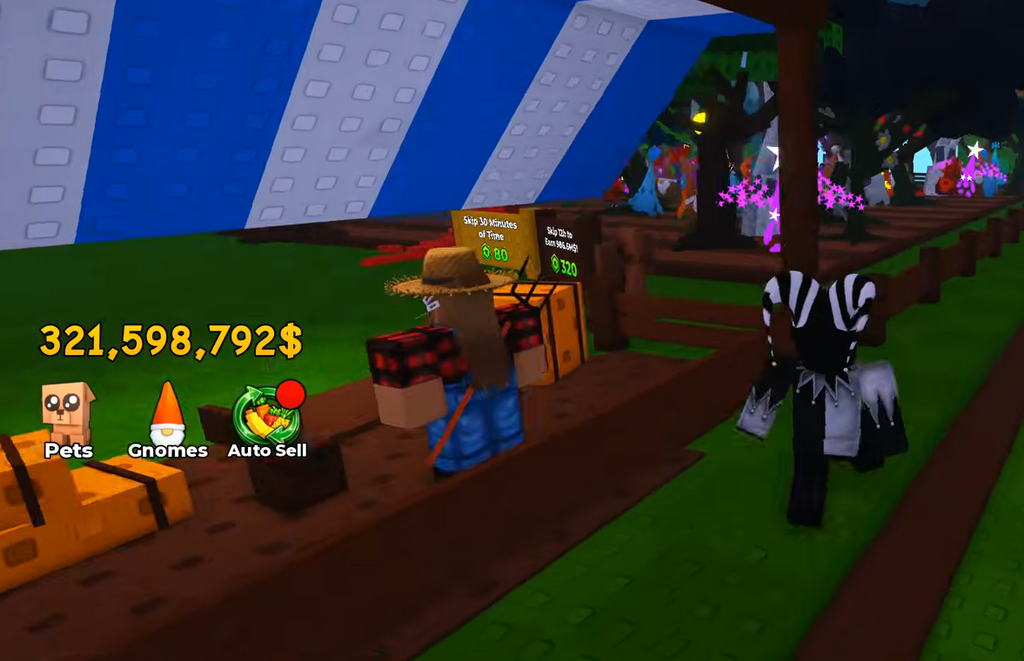
The Items shop sits near your garden and sells consumable gears that boost growth speed, fruit size, planting speed, and mutation odds. Several are timed, so use them when your garden is full and actively producing to get the most value.
| Item | Rarity | Effect |
|---|---|---|
| Basic Sprinkler | Rare | Crop Growth Speed 1.25x |
| Golden Sprinkler | Rare | Crop Growth Speed 1.75x for three minutes |
| Basic Watering Can | Rare | Reduces growth time by 10% |
| Gold Watering Can | Legendary | Reduces growth time by 25% |
| Fertilizer | Epic | Increases fruit size up to 100% for three minutes |
| Good Fertilizer | Epic | Increases fruit size up to 300% for three minutes |
| Gnome Coffee | Legendary | Increases gnomes’ planting speed by 50% for three minutes |
| Mutation Mister | Legendary | Increases Mutation Odds up to 300% for five minutes |
Rebirth rewards and requirements
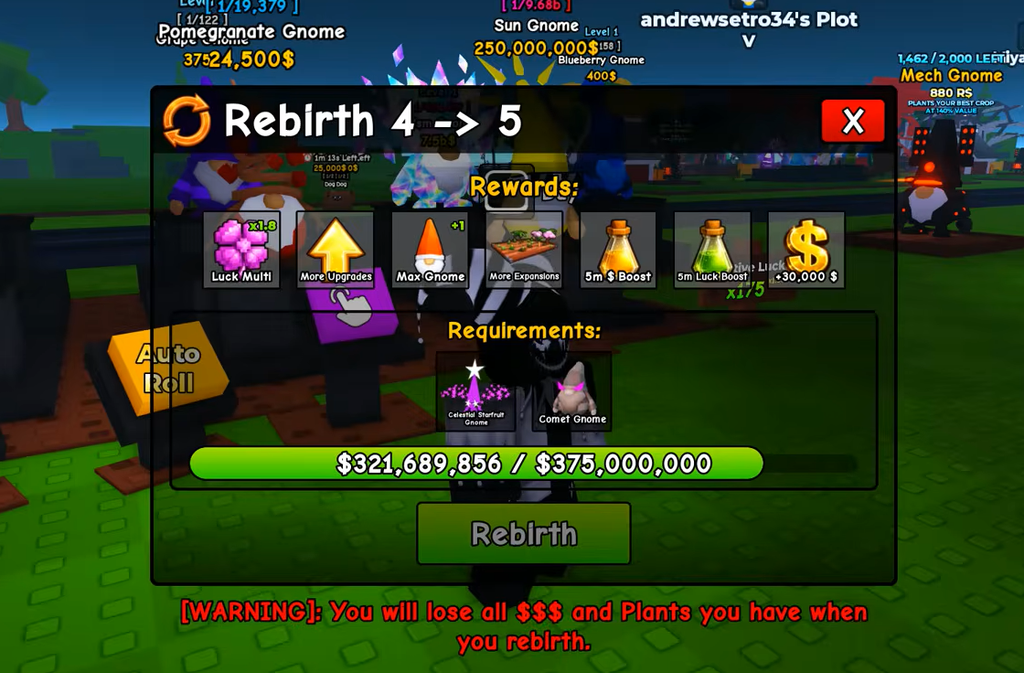
The Rebirth icon on the right side of the screen lets you reset for permanent gains once you meet its money and gnome requirements. Each rebirth grants a luck multiplier, a bigger base, money, and more gnome space. The extra space and luck compound with everything else, so rebirthing when you qualify usually beats hoarding cash.
Gamepasses and the group luck bonus
Joining the game’s group grants a +100% luck bonus, which improves your roll outcomes at no cost. Optional gamepasses can automate or speed up parts of the loop, including VIP, Lucky Rolls, Auto Sell, and Auto Roll. You can launch the experience and check current controls and prices on the official Roll A Gnome Roblox page.
Prices, timers, rarities, and drop odds can change between updates. When a value is about to influence a large spend, confirm the current label in the live interface before you commit. The loop itself stays the same even when the numbers shift, so lead with what your own garden is doing and spend on the bottleneck you can see.