How to Redeem ARC Raiders codes (Steam, Arc Games, Embark)
Clear steps for NVIDIA bundle keys, Arc Games codes, and Embark account gifts and drops.
Clear steps for NVIDIA bundle keys, Arc Games codes, and Embark account gifts and drops.
by Pallav Pathak
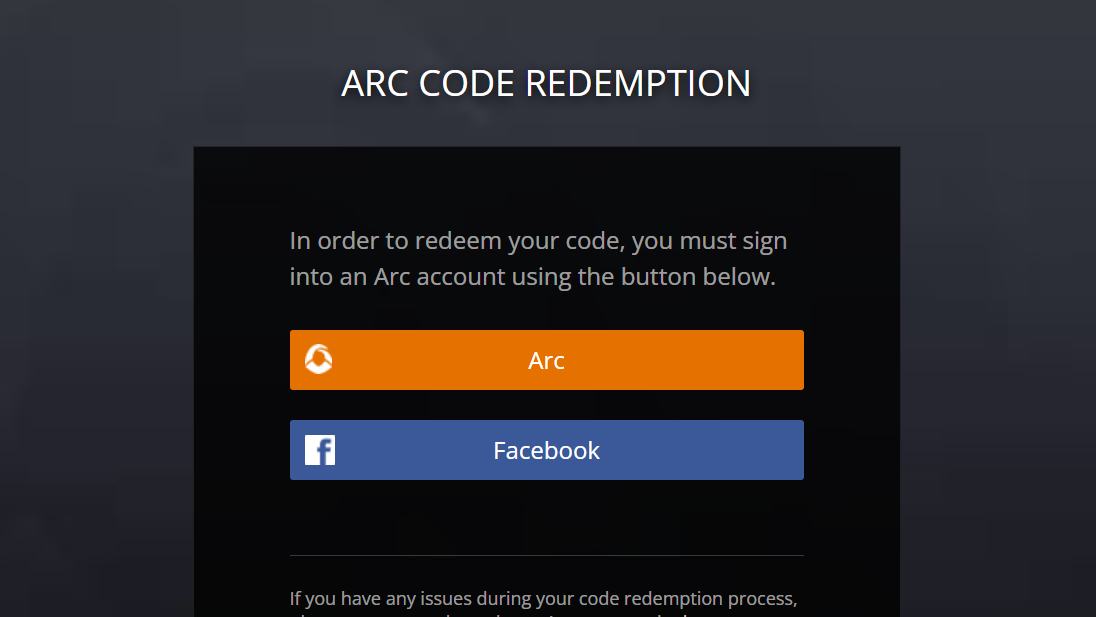
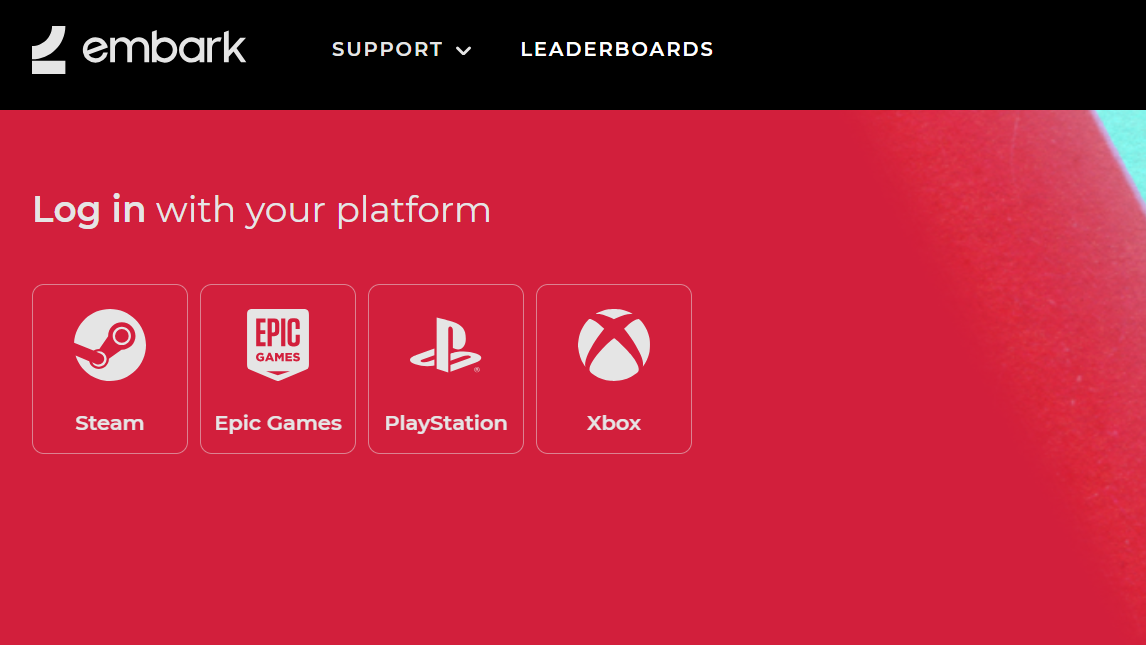
Redeeming an ARC Raiders code depends on where the code came from. Use the correct flow below to apply NVIDIA bundle keys to Steam, claim Arc Games codes to your Arc account, or link and redeem through Embark for Twitch Drops and gift codes.
Redeem NVIDIA GeForce RTX 50 Series bundle (Steam)
Use this path for ARC Raiders Deluxe Edition keys included with eligible GeForce RTX 50 Series purchases. The game is granted to the Steam account you sign in with during redemption.
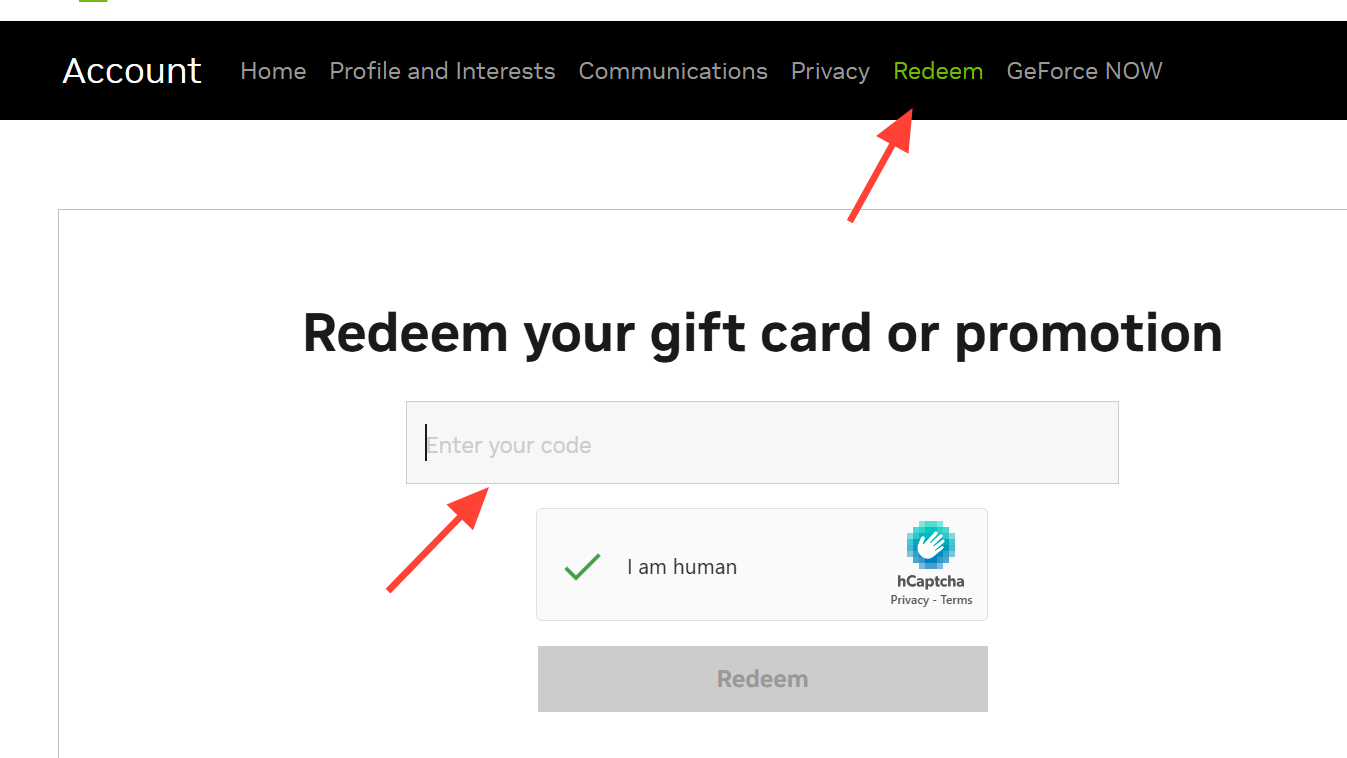
Open the NVIDIA ARC Raiders bundle redemption page and choose the Redeem option to start the official flow. This ensures the code is validated against the qualifying promotion.
Link Twitch and Discord from the Connected Platforms page if you plan to earn and claim drops or quest rewards. Linking allows automatic delivery to your account.
Confirm you’re on the right redemption path and account. Use the NVIDIA bundle page for GPU promos, the Arc Games portal for Arc codes, and your Embark account for drops or gift codes; verify you’re signed into the intended Steam or Arc account before redeeming.
Switch to a different browser (for example, Chrome or Edge) and turn off pop‑up/ad‑blocking extensions. This prevents login windows from being blocked during Steam or platform sign‑in.
Close the app or browser, reopen the official redemption page, and repeat the sign‑in step if a login window appears and disappears quickly. This reloads the session and resolves stale authentication states.
Use the flow that matches your code type and double‑check the destination account before confirming. If something goes sideways, the steps above will usually get the claim through quickly.