The Delta Force 2nd Anniversary Twitch Drops are live, and every reward is free as long as you watch eligible streams before the campaign closes. Four items unlock at set viewing milestones, while a fifth skin is reserved for anyone who subscribes to a participating channel during the event.
Quick answer: Link your Delta Force account to Twitch, then watch any Delta Force stream showing the Drops Enabled tag. You hit the first reward at 15 minutes, and progress keeps building until all four watch-time drops are unlocked. Claim each one at twitch.tv/drops/inventory before the campaign ends on September 7, 2026.
All five Anniversary Twitch Drop rewards and watch times
Four rewards are tied to how long you watch the Delta Force 2nd Anniversary Season Dev Stream. Watch time is cumulative, so you do not need to sit through a single unbroken session. The fifth item, the MP5 – Relentless Assault skin, only drops if you subscribe to a participating streamer while the event runs.
| Reward | Type | Requirement |
|---|---|---|
| HOL’ UP | Spray Paint | Watch 15 minutes |
| Moments of Joy | Calling Card | Watch 20 minutes |
| Holiday | Avatar | Watch 30 minutes |
| Vector Submachine Gun – Playtime | Weapon skin | Watch 45 minutes |
| MP5 – Relentless Assault | Weapon skin | Subscribe to a participating channel |
Total watch time for the four milestone rewards comes to 45 minutes, since progress carries over from one tier to the next. Reaching the 45-minute mark means every watch-based drop is already available to claim.
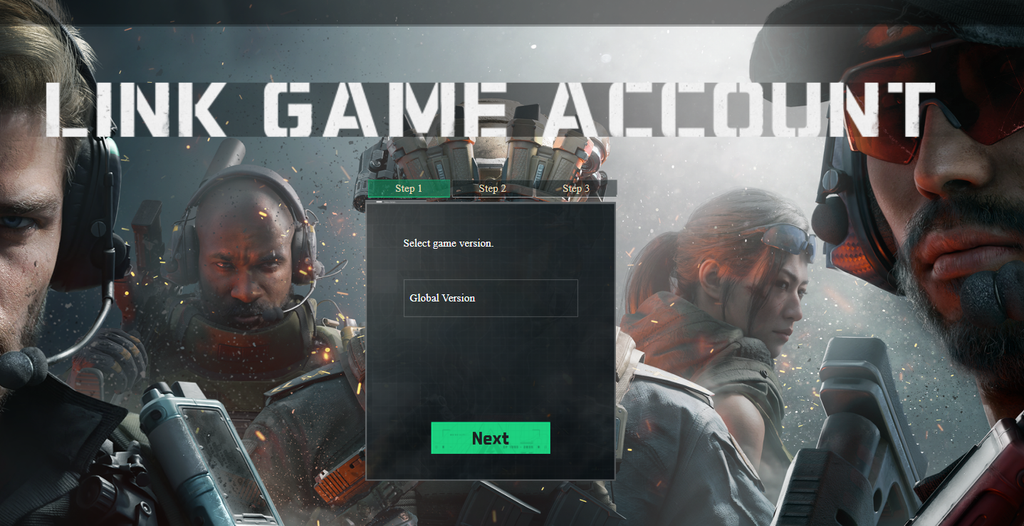
Link your Delta Force account to Twitch first
Rewards can only reach your game inventory if your Twitch account is connected to your Delta Force account before you start watching. This is a one-time setup.
How to claim the drops once you hit each milestone
When a progress bar fills, a claim notification appears in the Twitch chat. Click it, or open your Drops and Rewards inventory to grab the item manually. If a reward does not show up right away, keep the stream running for a few more minutes and it should appear.
After claiming on Twitch, launch Delta Force and check your in-game inventory to confirm the item arrived. Rewards usually land within a few minutes, so restart the game if they are missing.
Unclaimed drops do not stay in your Twitch inventory forever. You have roughly 24 hours to claim each one before it expires, and any drops left unclaimed disappear once the campaign ends.
Campaign deadline and common reasons drops fail
The Anniversary campaign runs until September 7, 2026. Everything must be watched and claimed before that date, since progress and unclaimed items are lost when the event closes.
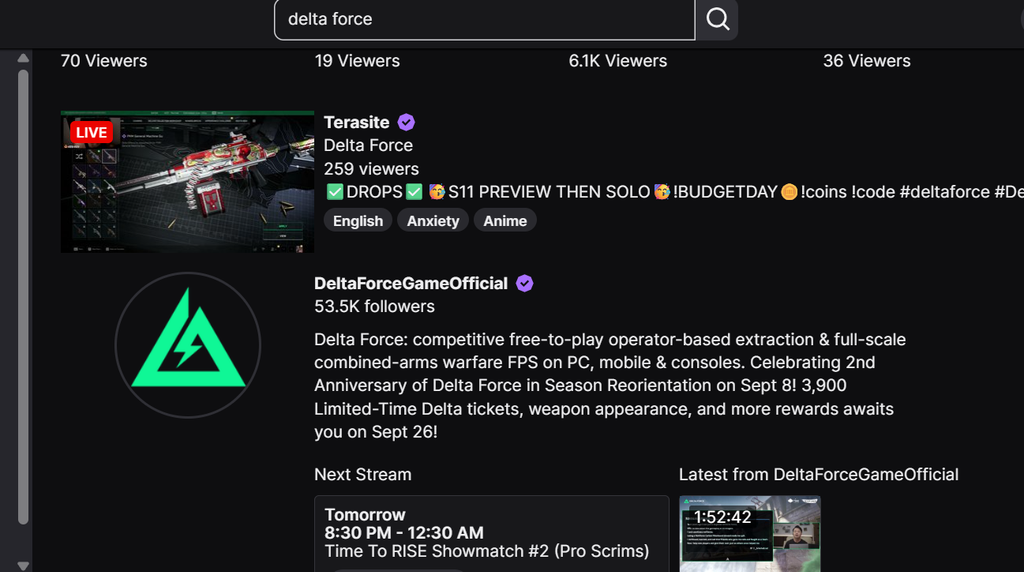
If a reward never registers, the cause is almost always one of a few things. Confirm your Twitch and Delta Force accounts are linked, that you are logged into Twitch while watching, and that the channel actually carries the Drops Enabled tag. Watching a stream without that tag earns no progress, no matter how long you stay.
The MP5 – Relentless Assault skin sits outside the watch-time track entirely. It only unlocks through an active subscription to a participating channel during the event, so viewing time alone will not grant it. Once you have collected the drops you want, verifying them in your Delta Force mailbox or inventory is the surest sign the whole process worked.