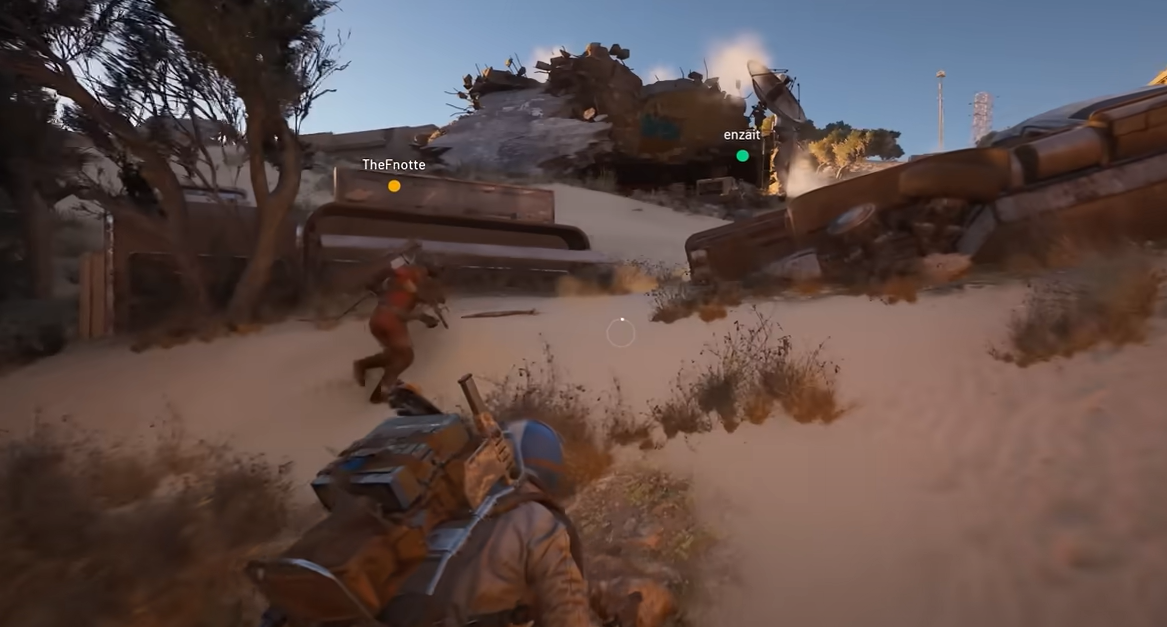
Press Left Alt to dodge roll on PC. The roll is a quick burst of movement that spends stamina and helps you break aim lines or create space.
ARC Raiders dodge roll controls (PC and controllers)
The inputs below cover keyboard on PC and common controllers plugged into PC.
| Input | How to dodge roll | Notes |
|---|---|---|
| PC (keyboard) | Left Alt (default). |
Separate from crouch; can be rebound in Controls. |
| Xbox controller | Double-tap B. |
Quick double press. |
| PlayStation controller | Double-tap Circle (O). |
Quick double press. |
Reminder: in-game remapping is available for keyboard binds; controller buttons are fixed.
Method 1: Perform a dodge roll on PC (keyboard)
Check your stamina bar. Dodge rolls spend a noticeable chunk, so leave enough to sprint or slide afterward.
Move as needed, then tap
Left Alt once to trigger the roll. Use it to break line-of-sight, evade shots, or reposition through a doorway or corner.Resume sprinting immediately after the roll to widen the gap. If you’ve unlocked the Mobility skill that grants free sprinting after a sprint dodge roll, you’ll get a short stamina reprieve on a cooldown.

Method 2: Rebind dodge roll to a mouse side button (PC)
Find the Dodge Roll entry and select it to rebind. Press your preferred mouse side button (commonly
Mouse 4 or Mouse 5).Apply/Save, then test in a safe area. Putting roll on your thumb shortens reaction time during gunfights.
Method 3: Use a controller on PC
Trigger a roll by double-tapping the crouch button:
B on Xbox, Circle (O) on PlayStation. The double press needs to be quick.Keep in mind controller inputs can’t be remapped in-game; practice the timing so the double-tap becomes consistent under pressure.
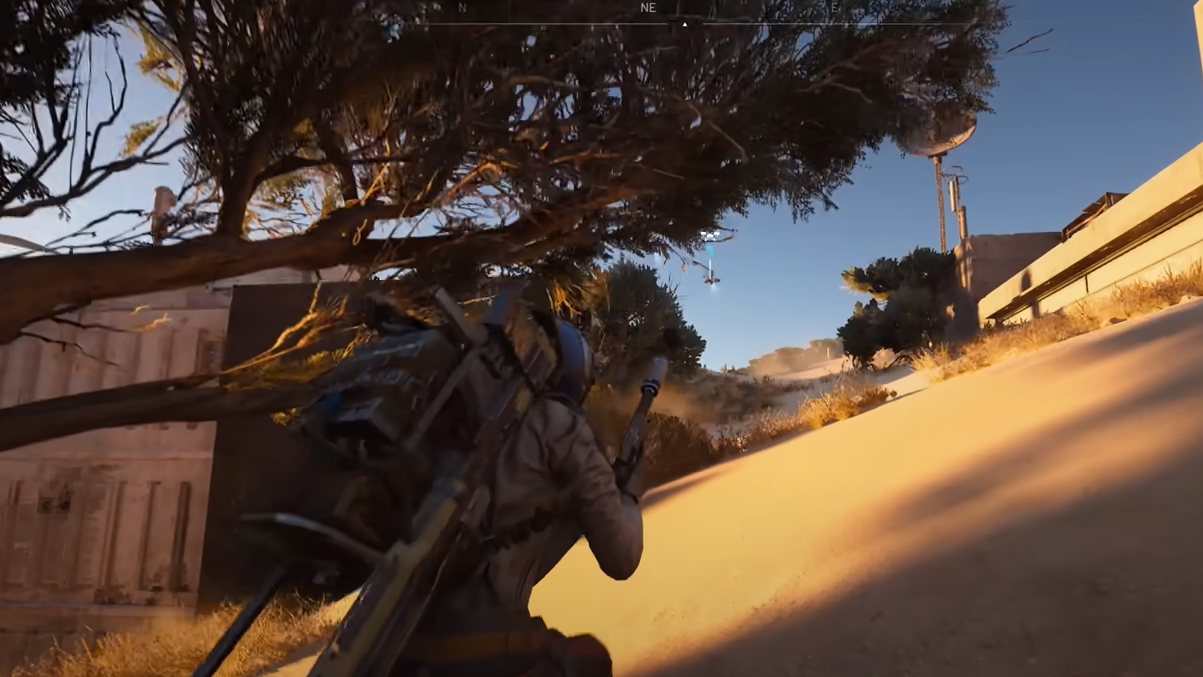
Method 4: Reduce fall damage with a timed roll
When dropping from a moderate height, watch the ground and count the final half-second before landing.
Just before you touch down, press your roll key (
Left Alt on keyboard, double-tap on controllers) or hold your crouch/roll input to time the animation.Done correctly, the timing mitigates or negates fall damage from certain heights. There’s a limit—very high drops will still down you.
Roll behavior and practical notes
- Dodge rolls consume stamina. Investing in Mobility skills like reduced roll cost makes consecutive rolls more manageable.
- Rolling during a reload pauses the reload animation; sprinting does not stop reloading, so plan your evasive move accordingly.
- Rolling right at a ledge can give extra horizontal distance, helping you clear gaps or reach safer landing spots.
Bind the roll where your fingers naturally rest, practice the double-press timing if you’re on a controller, and use the landing roll to turn risky drops into quick escapes.