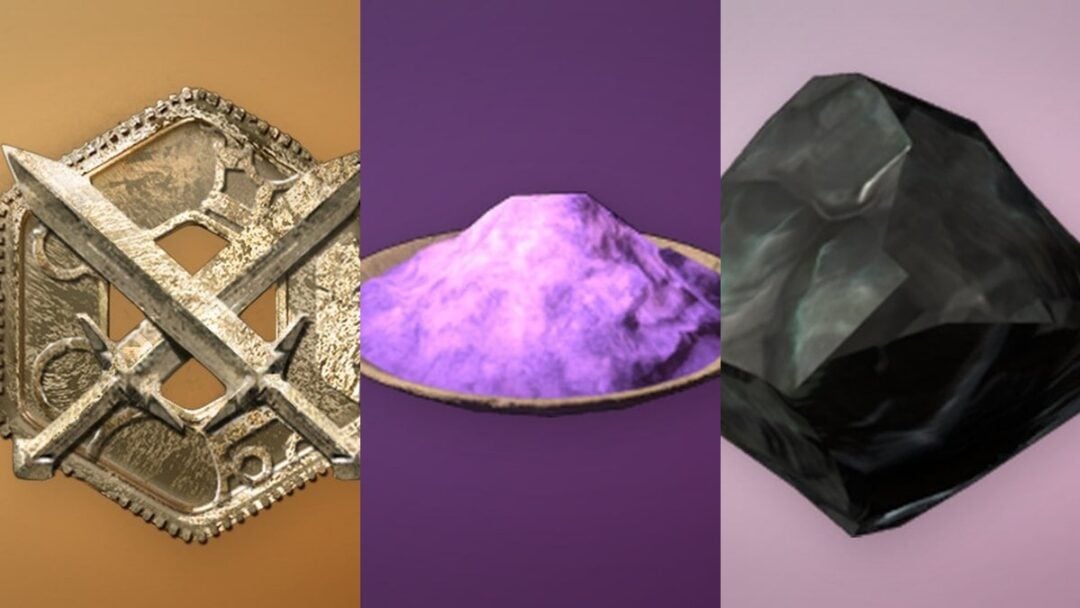
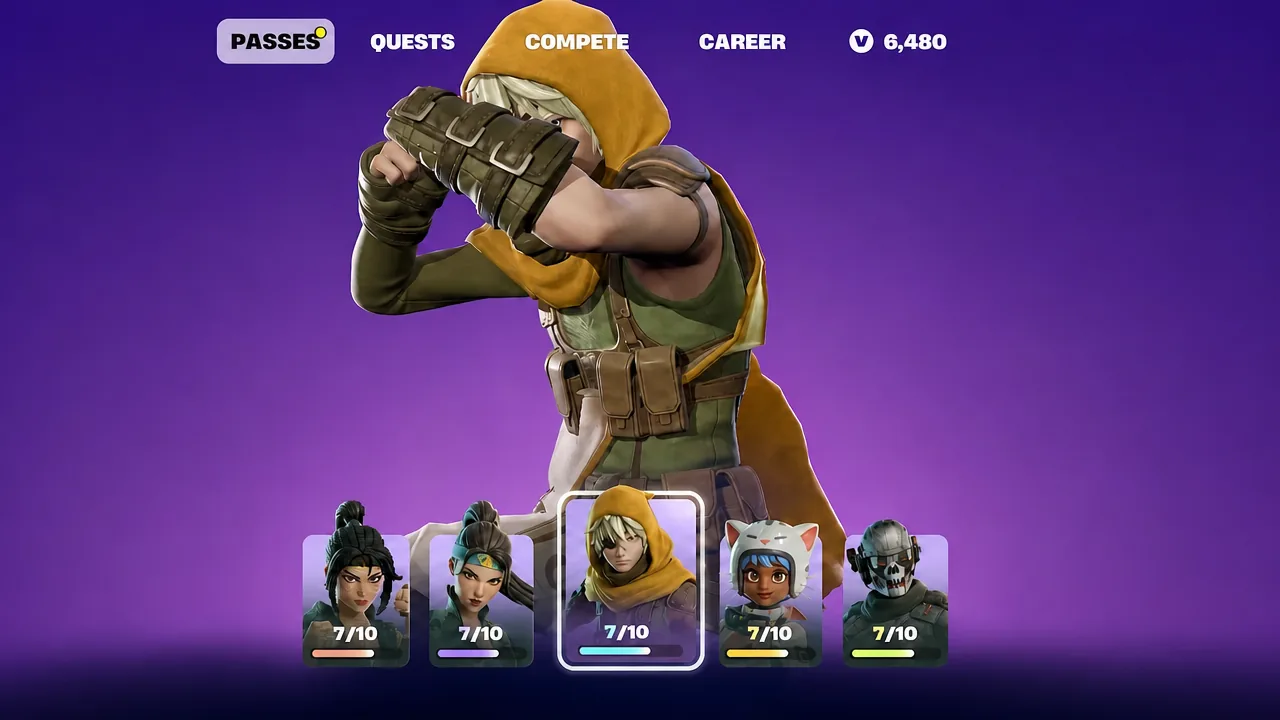
Fortnite does not sell a back bling shaped like the XP icon, but you can build one yourself. The Holo-Back back bling has a selectable style slot that displays an emoticon you own, and one of the Battle Pass bonus rewards happens to be a wooden XP symbol. Put the two together and your character walks around with an XP badge strapped to its back.
Quick answer: Unlock the wooden XP emoticon from Bastian’s bonus rewards in the Battle Pass, then open the Locker, search for “holo-back”, choose Edit Style, and select the wooden XP emoticon.
What you need before you start
Two items have to be on your account. Neither is purchasable on its own, and the back bling will not display the XP icon if either piece is missing.
| Item | Where it comes from |
|---|---|
| Holo-Back back bling | Owned cosmetic in your Locker with a selectable emoticon style |
| Wooden XP emoticon | Bastian’s bonus rewards track in the Battle Pass |
Note: the emoticon has to be claimed, not merely visible on the reward track. Unclaimed bonus rewards do not appear in the Holo-Back style list.
How to equip the XP back bling
holo-back into the search bar. Select the Holo-Back back bling.How to confirm it worked
The Locker preview updates immediately. Your character model should show the XP panel on its back, and the Holo-Back entry in the Back Bling slot displays the selected emoticon rather than its default art.
In a match it carries over exactly as previewed, including while running, building, and shooting. If the panel still shows a different icon in-game, you either did not save the style or you saved it to a Locker preset that is not the one you queued with.
Swapping the XP icon for other emoticons
Holo-Back is not locked to a single design. The same Edit Style menu lets you switch the panel to any other compatible emoticon on your account, so the XP look can be changed back at any time without affecting the rest of your loadout.
The obvious next step would be a cosmetic that shows your live season level instead of a static icon, in the way the Crowning Achievement emote surfaces your Victory Royale count. Nothing like that exists yet, so a wooden XP plaque bolted to your back is the closest thing available.