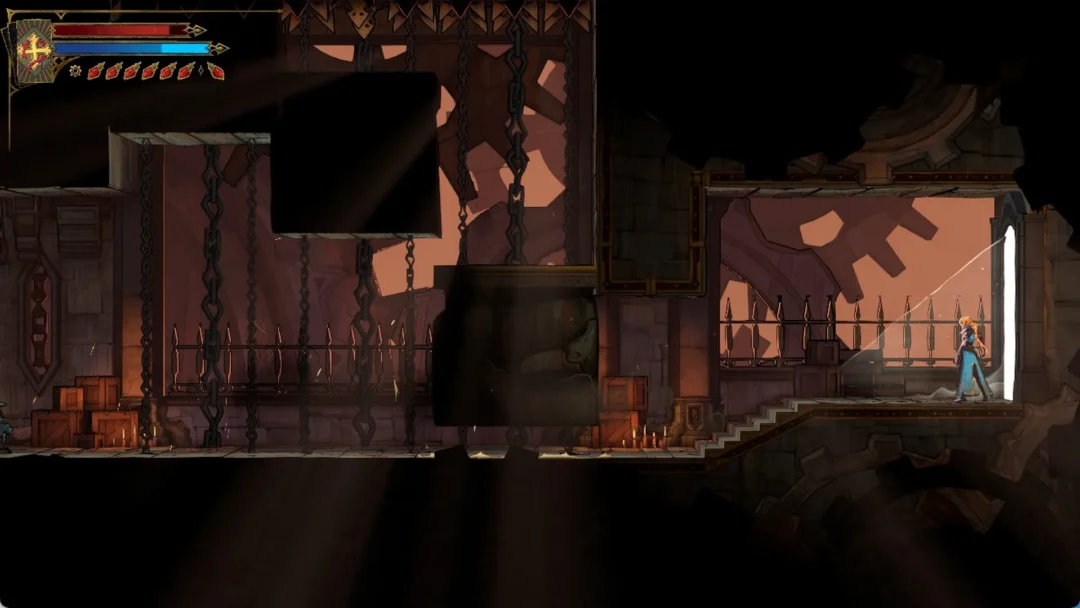
Ultima King is the first outfit in the Season X OG Pass, and it is a redesigned take on the classic Ultima Knight. The armor keeps the same silhouette, but the customization goes much further than the original ever did, with swappable helmets and separate color channels that also carry over to the matching back bling and pickaxe.
Quick answer: Ultima King unlocks at tier one of the Season X OG Pass. Once it is in your Locker, open the outfit’s style menu to pick one of five helmets and set the Primary, Secondary, Trim, and Crystal colors.
How to unlock Ultima King in the Season X OG Pass
The outfit sits at the very first tier of the pass, so it is the earliest reward available rather than a grind at the end. That is a reversal from the original Ultima Knight, which was the Tier 100 reward of the Season X Battle Pass back in 2019 and needed extra challenges to unlock its Origin, Silver, and Red styles.
Ultima King belongs to the Fort Knights set, the same long-running collection that holds Black Knight, Red Knight, Royale Knight, and Ultima Knight. Nothing else in the set is required to use it.
Ultima King helmet styles and color channels
Five helmets change the shape of the head silhouette, from a fully enclosed visor to an open crystal crown. The color work is handled separately through four channels, and a few of those channels support animated textures instead of flat colors.
| Option | Choices |
|---|---|
| Helmet styles | Vented, Ultima King, Sharpened, Crystalline, Sleek |
| Color channels | Primary Color, Secondary Color, Trim Color, Crystal Color |
| Animated textures | Chroma, Galaxy, Ice |
Chroma cycles through shifting hues, Galaxy applies a starfield pattern, and Ice reads as a pale frozen finish. Because the channels are independent, you can leave the armor plating in a solid color and reserve the animated option for the trim or the crystals alone.
Matching Ultima King cosmetics
The outfit ships alongside a full spread of themed items. The two that matter most for a coordinated look are the back bling and the pickaxe, since both expose the same color channels as the armor and can be dialed in to match exactly.
| Item | Type | Color options |
|---|---|---|
| Ultima Crest | Back Bling | Same channels as the outfit |
| Ultima Sword | Pickaxe | Same channels as the outfit |
| Ultima Chariot | Glider | None |
| King’s Stride | Traversal Emote | Not applicable |
| Red Crystal | Wrap | Not applicable |
| King’s Cross | Loading Screen | Not applicable |
Note: the Ultima Chariot is the one gap in the set. The horse-drawn chariot design looks the part, but it has no color customization, so it will not follow a Chroma or Galaxy scheme you set on the armor.
King’s Stride is a traversal emote rather than a dance. It moves the character forward at a slow walk while the equipped pickaxe drags along the ground behind them, which pairs neatly with the Ultima Sword.
How the outfit reads in a match
Spawn island is the quickest place to check your color setup before committing to it. The cape has its own physics and swings behind the armor as you move, and the pickaxe swing animations show off the Ultima Sword’s blade at close range.
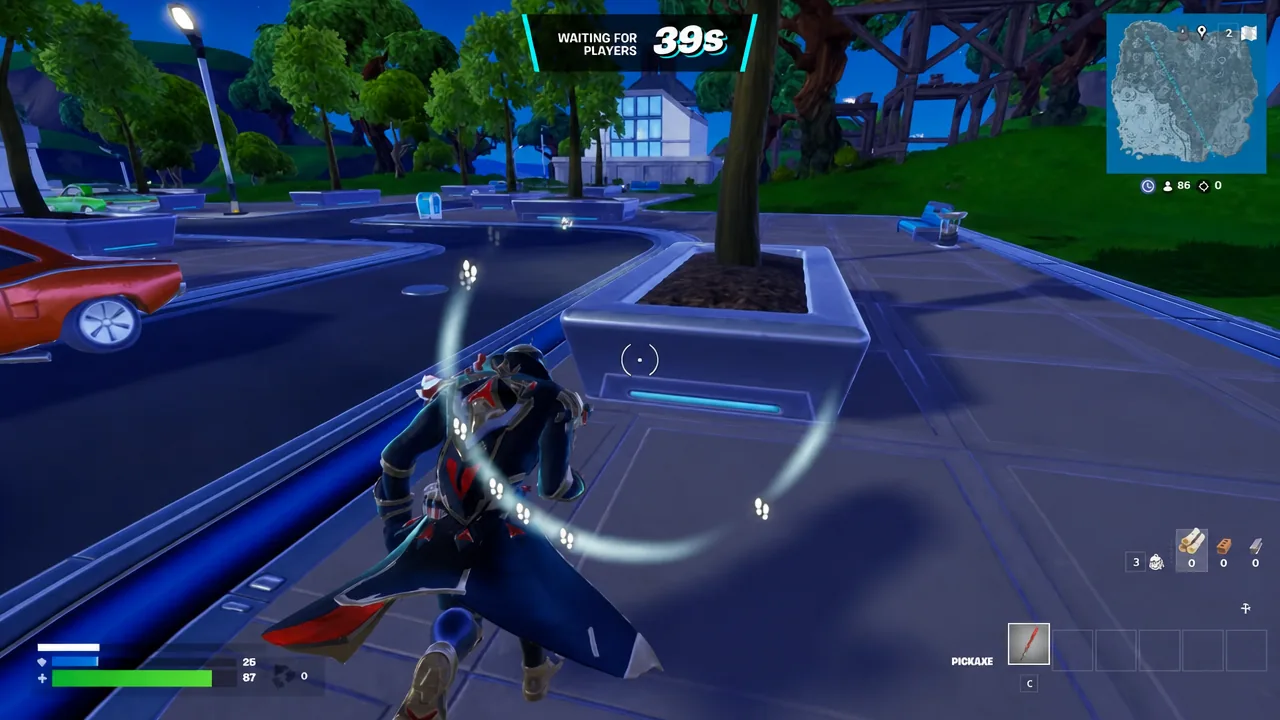
On the snow side of the OG map, the lighter armor finishes wash out against Polar Peak and Frosty Flights, while darker Primary and Trim colors keep the outline readable. That matters when you are shooting from a castle window across open ground.
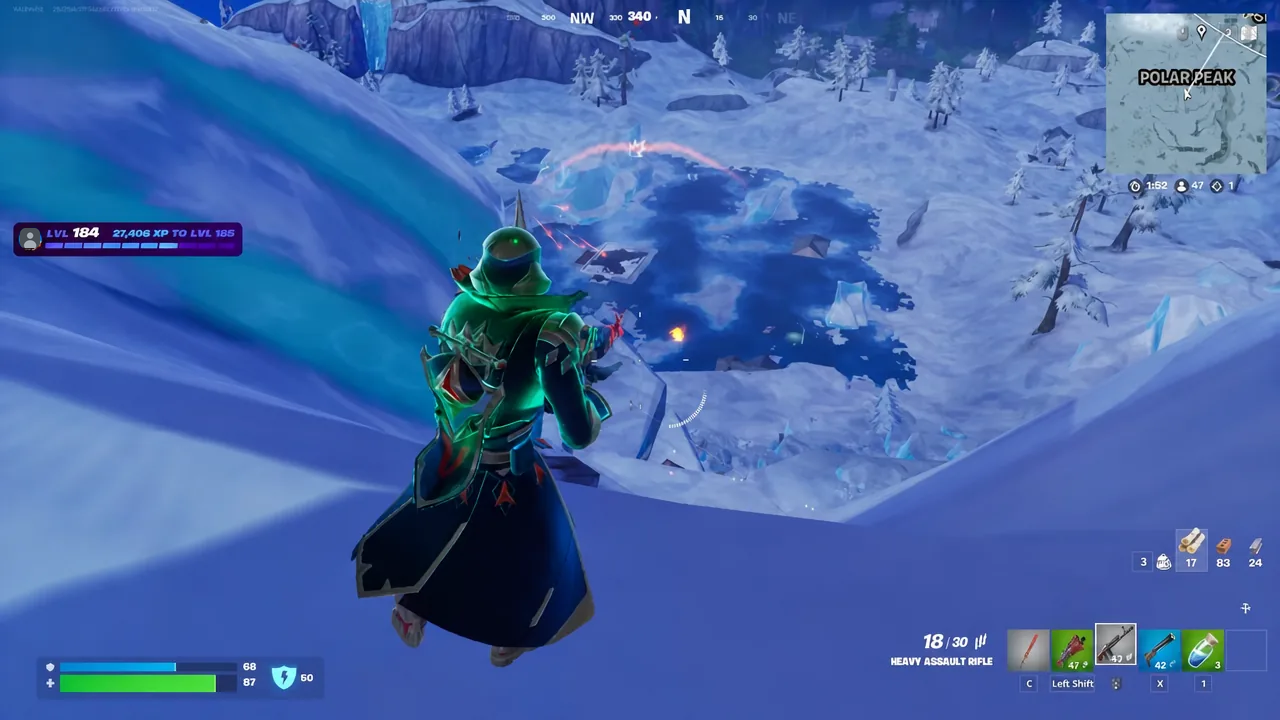
Running with the pickaxe out is the clearest look at the Ultima Sword in motion, since the blade sits high in the frame and picks up whatever Crystal Color you assigned.
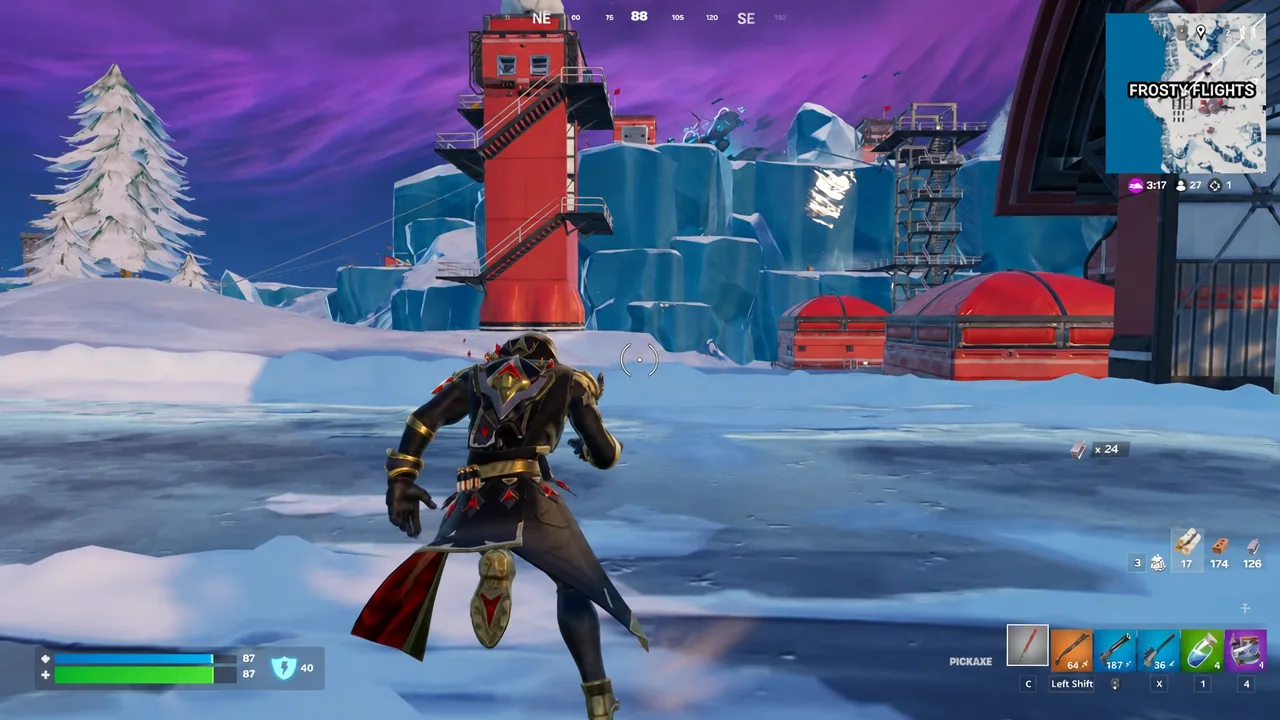
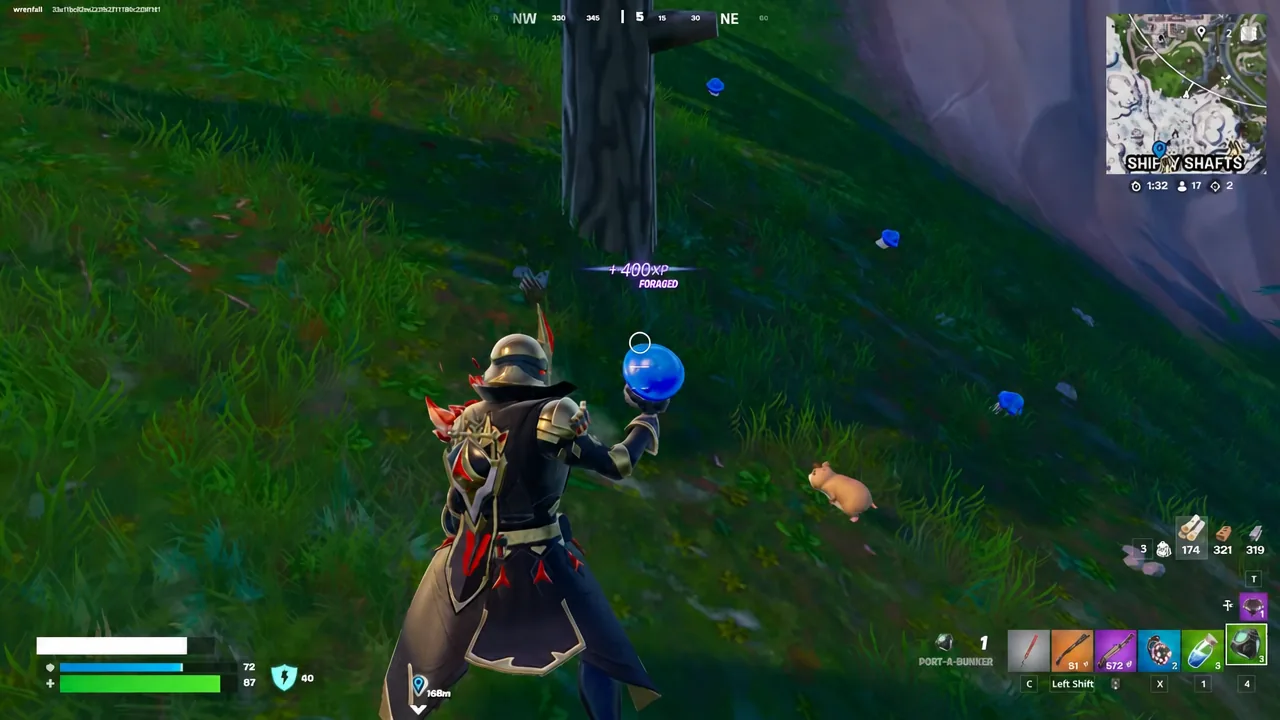
Away from the snow, the armor sits against grass and neon lighting very differently. Around the outskirts of Neo Tilted, a darker scheme blends into hillsides and treelines far better than a bright or animated finish.
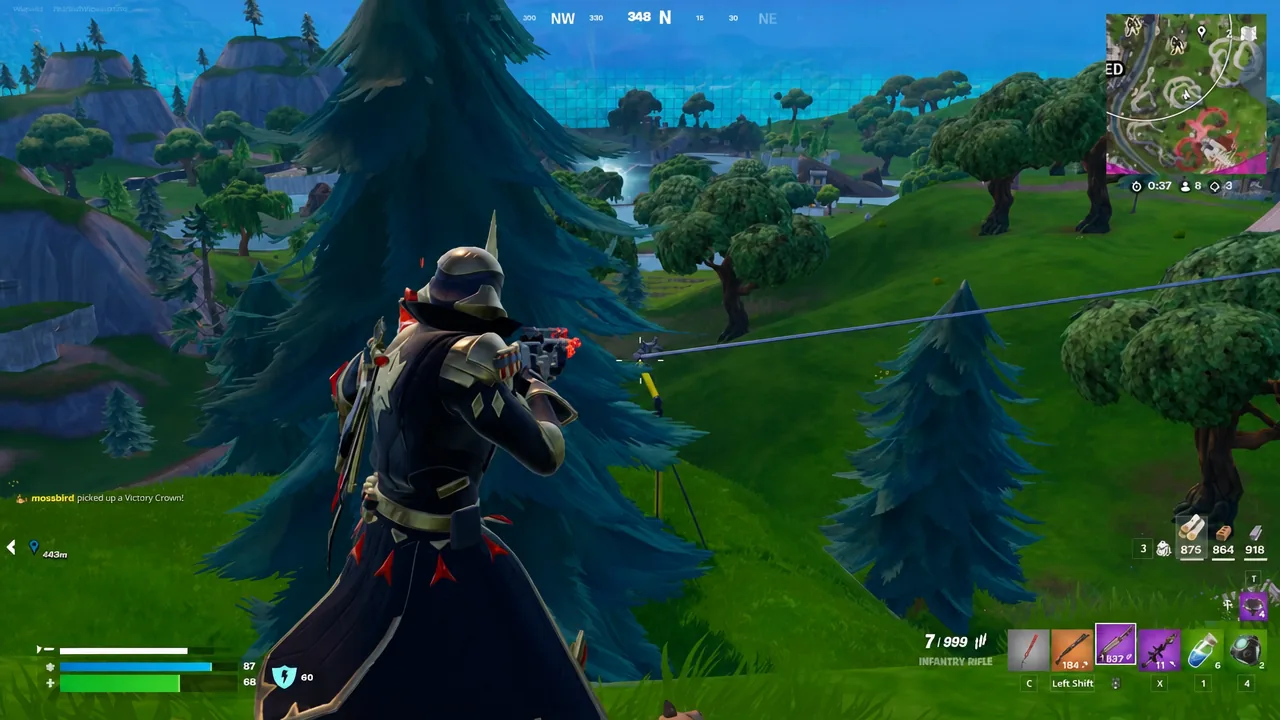
Late in a round, when engagements stretch out to rifle range and B.R.U.T.E. mechs are trading fire in the distance, the cape is the part of the outfit most likely to give away a position from cover.
Checking that your style selection applied
Because the color channels are stored per item, a single scheme takes three passes rather than one. It is worth doing that once and leaving it, since the pickaxe and back bling are on screen for most of a match while the glider only appears at the drop.