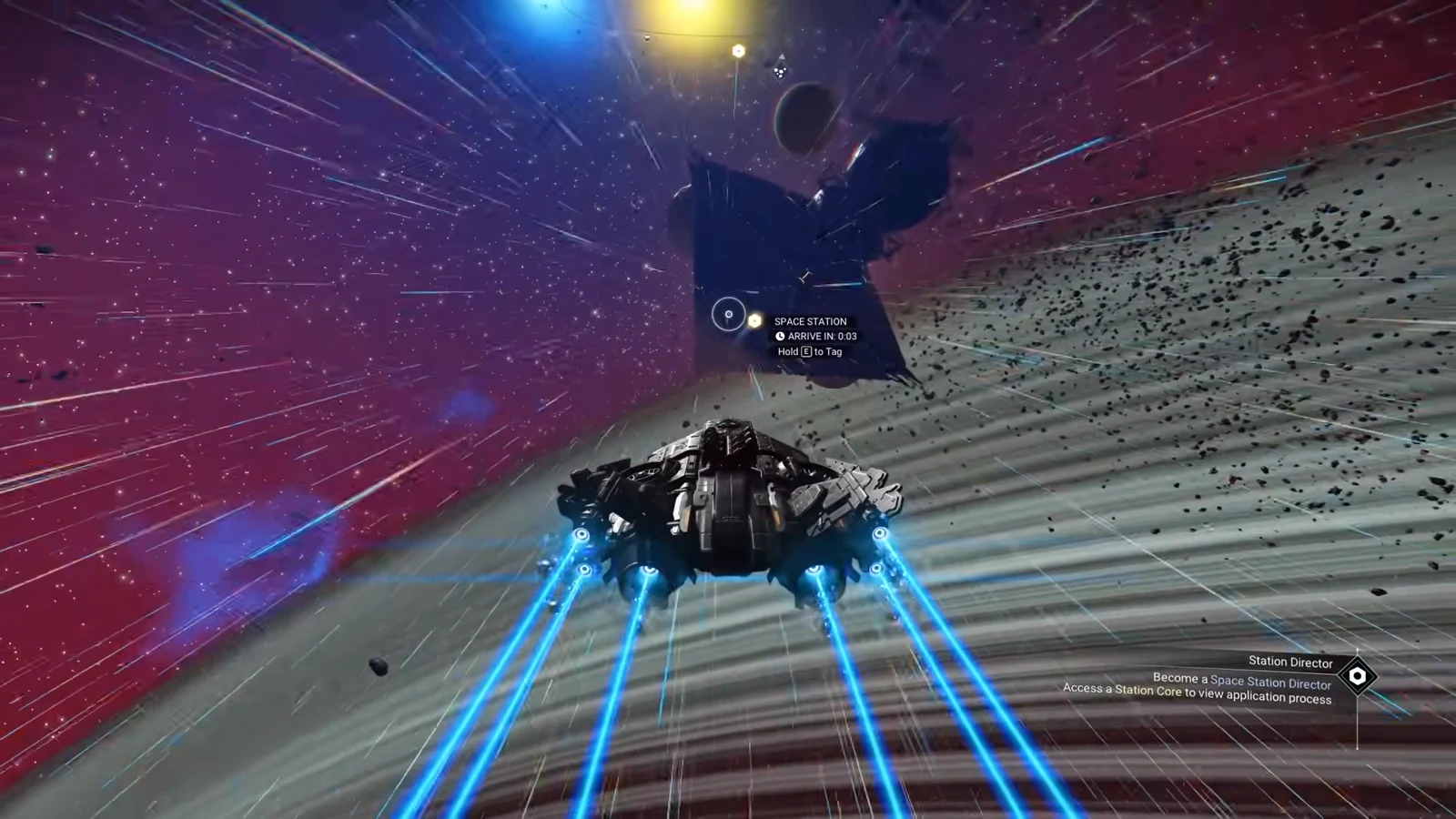
Space station directorship is the headline feature of the Cosmos update, and it is not something you stumble into. Every unowned station in the game has a Station Core terminal that lists three conditions you have to clear before the game hands you the keys. Once you do, that station becomes yours to redecorate inside and out, and it becomes the launchpad for founding a galactic alliance.
Quick answer: Interact with the Station Core inside an unowned space station, then raise your local race standing to 30, your local guild standing to 15, and complete 5 salvage contracts. Return to the Station Core and claim the station.
Space station directorship requirements
The Station Core sits in the main hangar area of the station. Talking to it opens a panel with three progress bars. All three have to be filled for the same system before the claim option unlocks.
| Requirement | Target | How to raise it |
|---|---|---|
| Local race standing (Vy’keen, Gek or Korvax) | 30 | Salvage contracts, or gift faction relics to station NPCs |
| Local guild standing (for example Merchants Guild) | 15 | Salvage contracts, or donate items to the Guild Envoy on the station |
| Salvage contracts completed | 5 | Deep-space outposts in the same system |
Note: the exact figures shown on the terminal can differ from station to station, so read the panel on the station you actually want before you start grinding. Stations that already have a director cannot be claimed at all, no matter how high your standing is.
Gear you need before you start salvaging
Salvage contracts ask for physical debris, not inventory resources, so two pieces of kit do the heavy lifting. Neither is optional if you want the contract route.
| Tool | Where to get it | What it does |
|---|---|---|
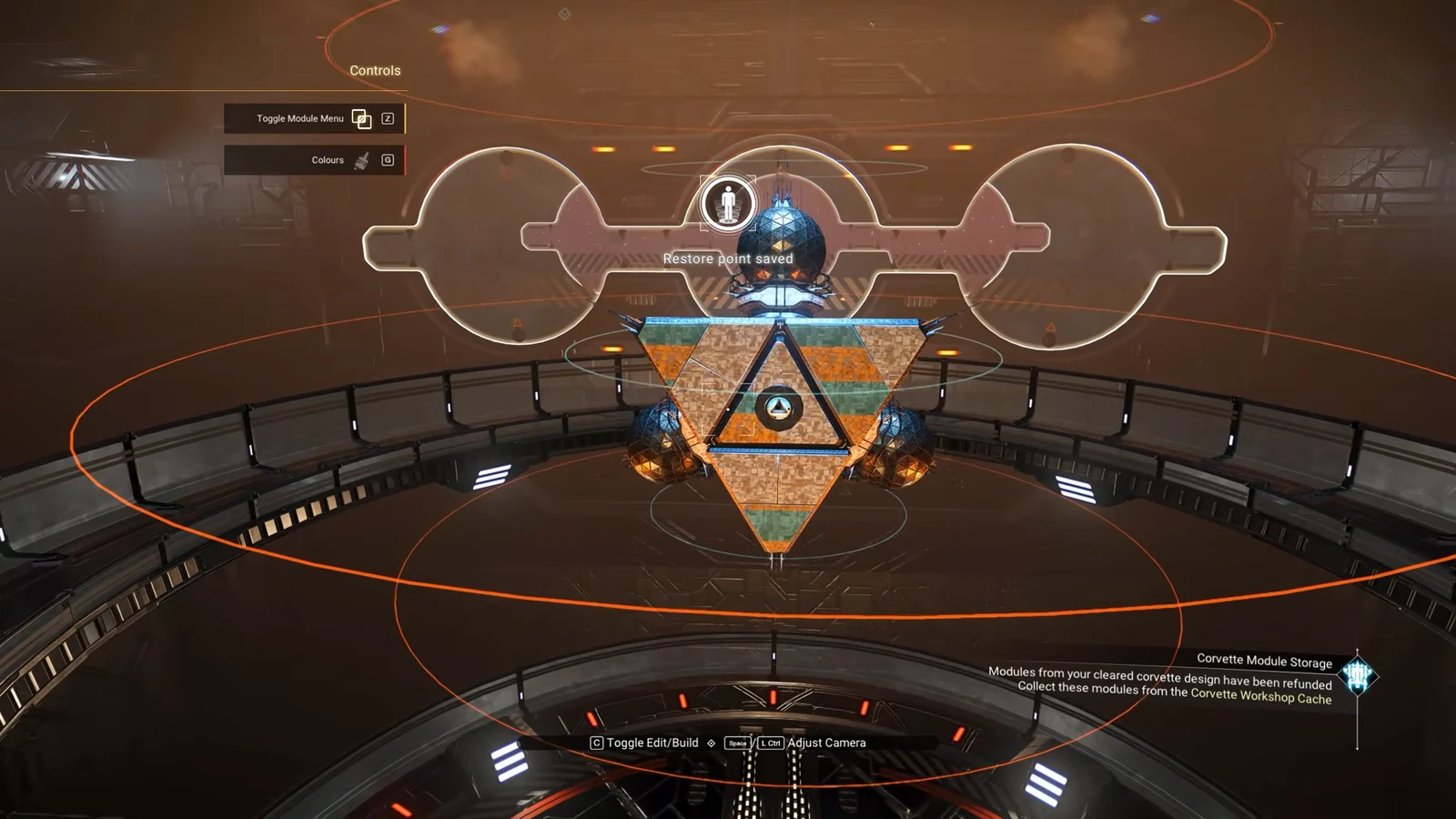
| Tractor Beam | Corvette Workshop terminal on any space station, 350,000 units | Hull attachment that pulls in and refines physical salvage into the Corvette hold |
| Gravitino Coil | Blueprint from Iteration Eos at the Space Anomaly | Multi-Tool upgrade that grabs and throws debris, including into the Tractor Beam |
How to complete salvage contracts at deep-space outposts
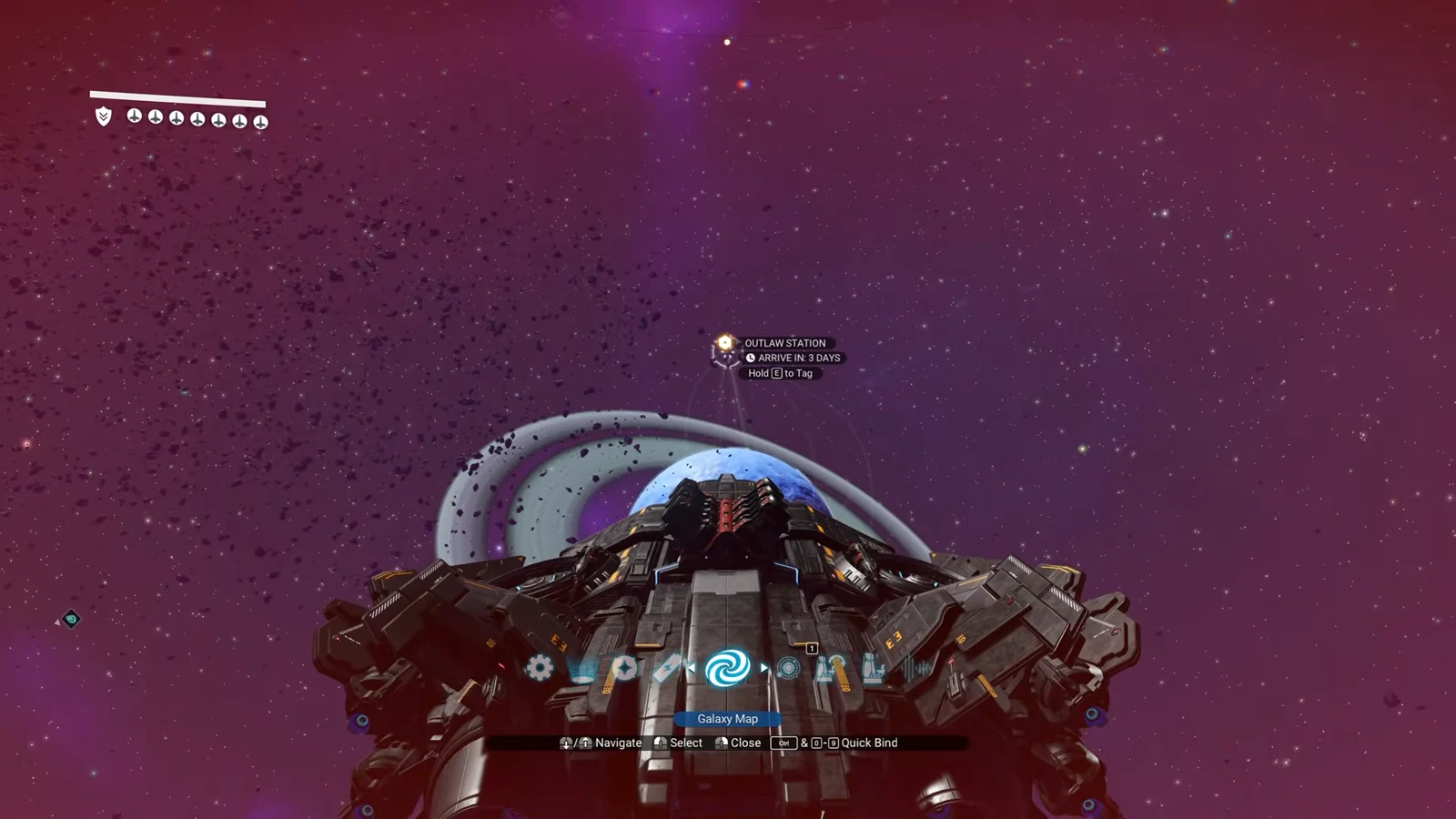
Contracts come from deep-space outposts, the new alien-run buildings that now spawn in inhabited systems. Each completed contract counts toward the salvage tally and pushes both your race and guild standing up at the same time, which is why it is the fastest single route to directorship.
Careful with hulks. They are unstable, and disturbing the wrong part starts a meltdown that ends in an explosion. Grab the most valuable pieces first and leave before hull integrity fails.
Faster ways to raise standing without contracts
If your standing bars are lagging behind your contract count, you can top them up on the station itself. Gifting faction relics to NPCs in the station lobby raises race standing directly, so Gek Relics work in Gek systems and Vy’keen Daggers work in Vy’keen ones. Guild standing responds to donations handed to the Guild Envoy, and something as ordinary as a stack of Repair Kits will move the needle.
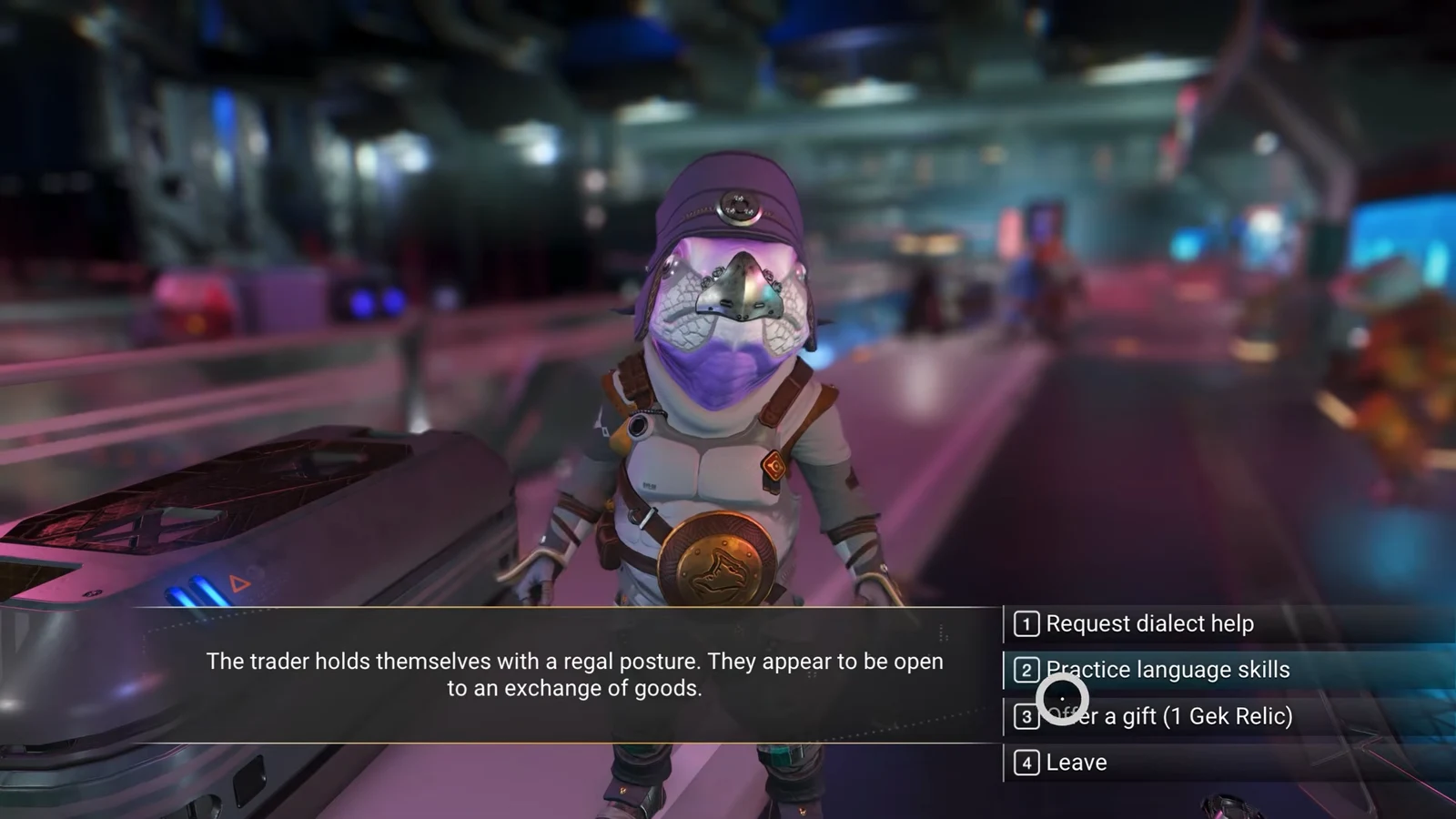
Both methods only affect the local system, so bank your relics for the system you actually want to run.
Claiming the station and confirming it worked
Go back to the Station Core once all three bars are full. The terminal swaps its requirements panel for a claim option, and taking it makes you director of that station on the spot. The clearest confirmation is the terminal itself, which now offers exterior decoration, interior renovation and alliance options instead of the checklist.
If the claim option is missing, there are only a few reasons. The station already has a director, one of the three bars is short, or you raised standing in a different system than the one you are standing in.
Building and decorating a station you own
Directorship unlocks three separate build layers, and they use different part sets. The exterior modules are the showy ones, and they are the reason all that salvage keeps its value even after your contracts are done.
| Build layer | What you can do | Where parts come from |
|---|---|---|
| Exterior | Place colossal decoration modules around the station, and remove or adjust existing ones | Construction Research Station on the Space Anomaly; rare pieces from deep-space anomalies |
| Interior lobby | Re-arrange existing furnishings and add new parts to the central hub | The full existing base part catalogue |
| Ancillary rooms | Add room-sized pieces to the main hangar for custom layouts | Dedicated station construction area |
Unlock the monumental exterior modules at the Construction Research Station aboard the Space Anomaly first, then fly back and place them around the station’s flightpath. Processed salvage from outposts can be spent on this construction rather than sold on the Galactic Trade Network, so it is worth deciding early which way your haul goes.
One thing to be aware of before you get precious about the decor. Everything on your station stays open to visiting Travellers, including the NPCs and terminals, so you cannot lock other players out of a station you direct.
What directorship unlocks beyond the station
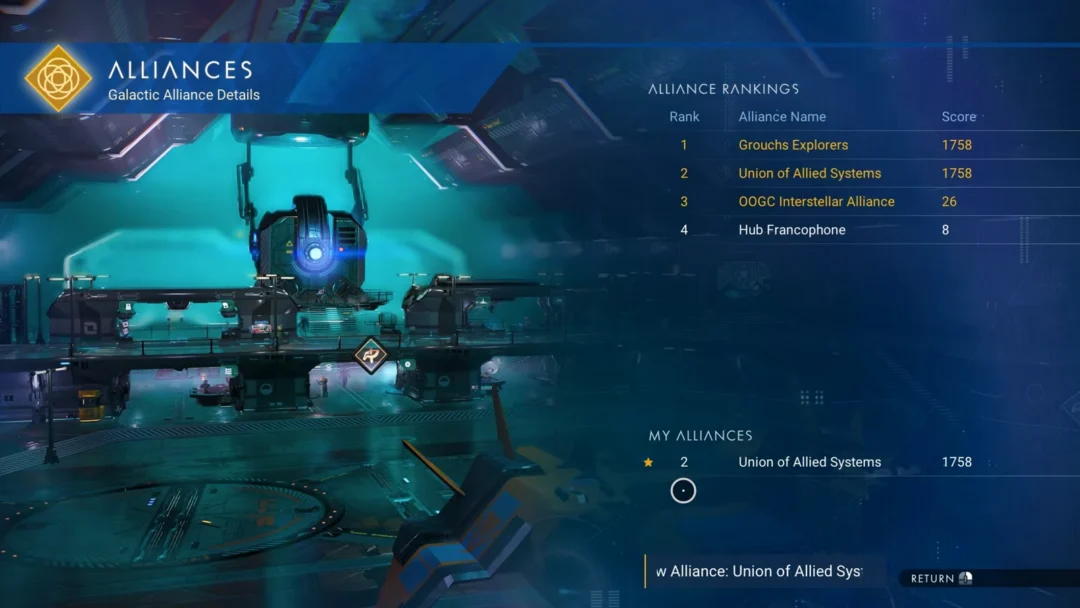
Only station directors can found a galactic alliance, complete with a custom name and banner that propagates across the universe. Anyone can join an existing alliance by visiting one of its owned stations, and players can hold membership in up to three at once. Alliances are ranked by member activity, and the largest and most active ones appear on a leaderboard accessible from the Station Core.
Claiming a station is not required to see the rest of the Cosmos update, and none of the other new space content is gated behind it. But it is the only path to running an alliance, and it turns the salvage loop into something with a permanent result instead of a pile of units.