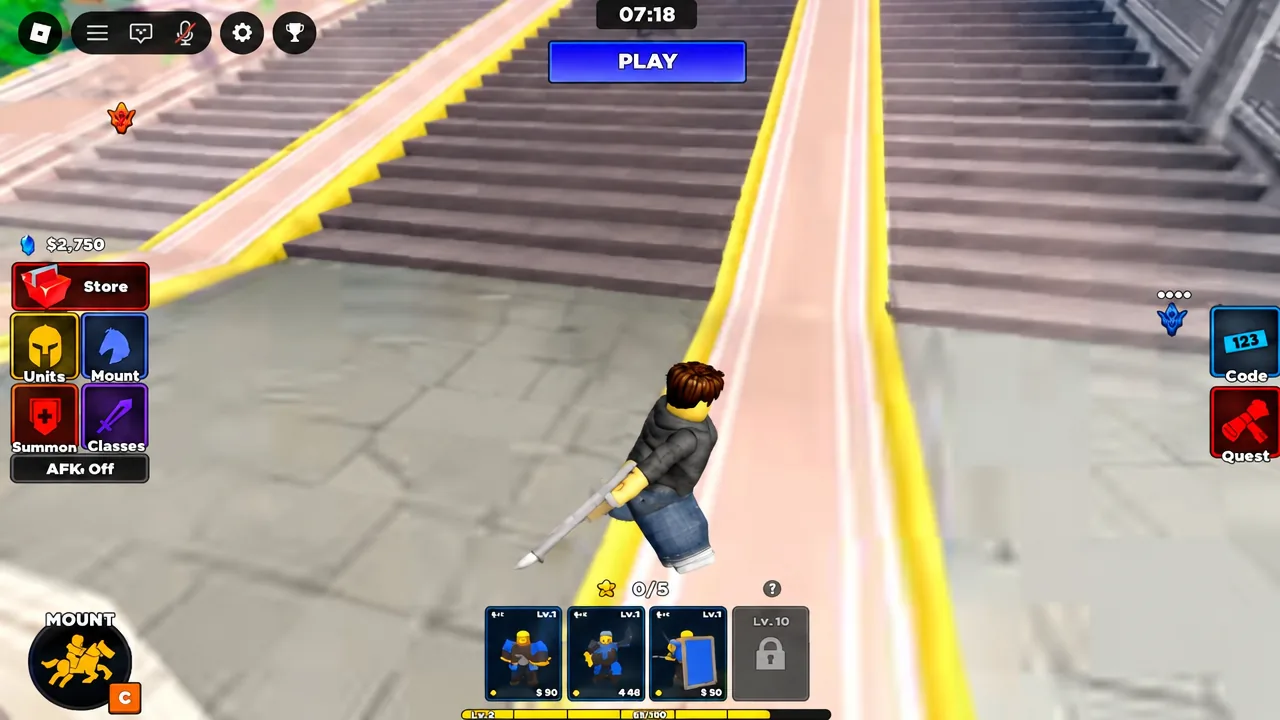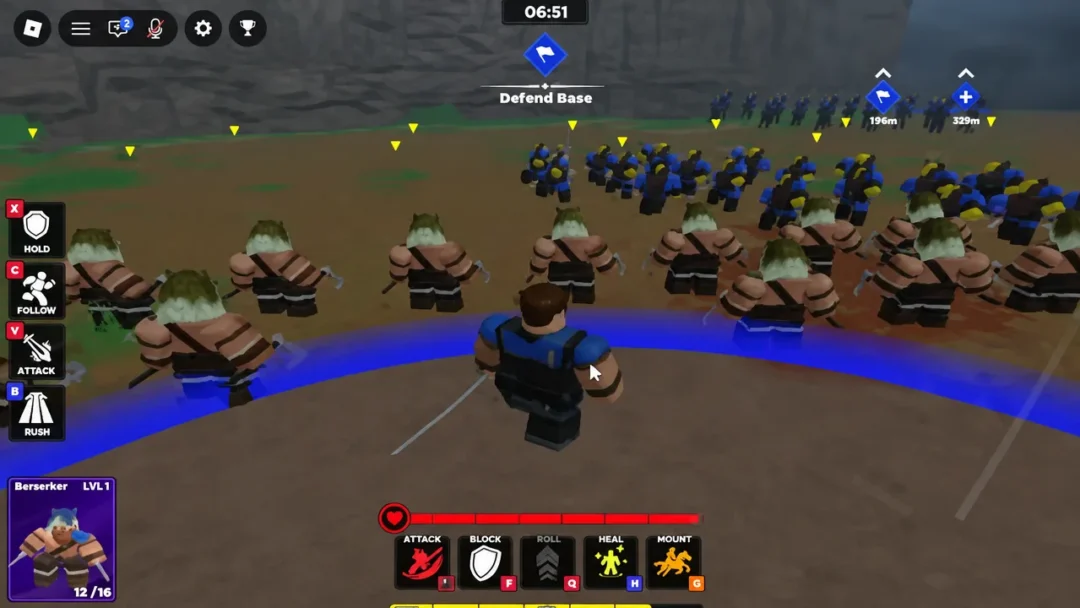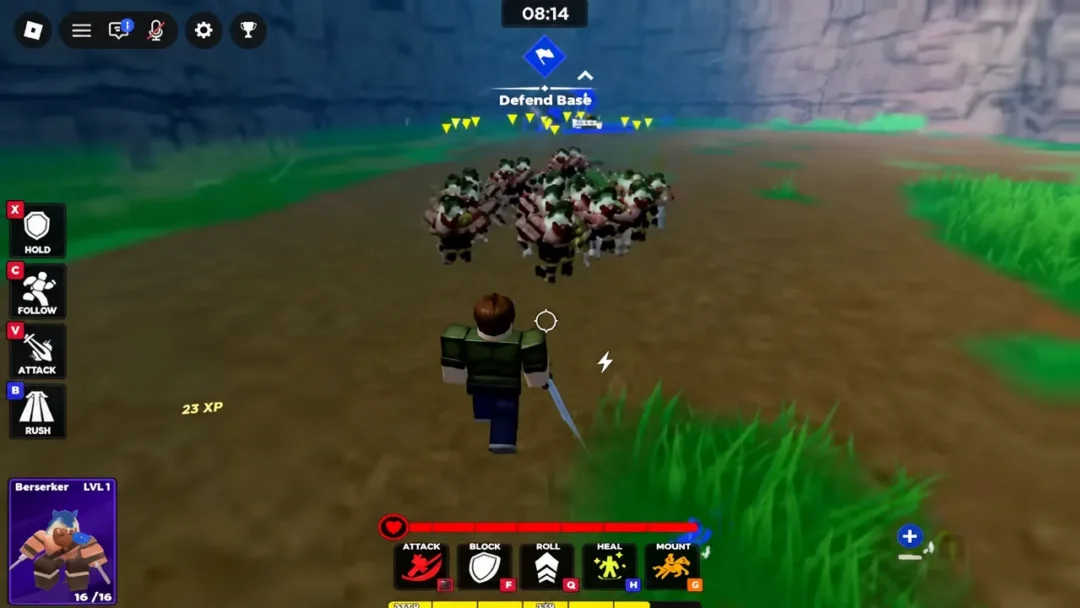
Gems are the currency that decides how fast your army grows in Command An Army. They pay for summons, they unlock commander classes, and they run out quickly once you start pulling for better units. Redeeming the developer’s promo codes is the quickest way to build a usable balance without grinding matches.
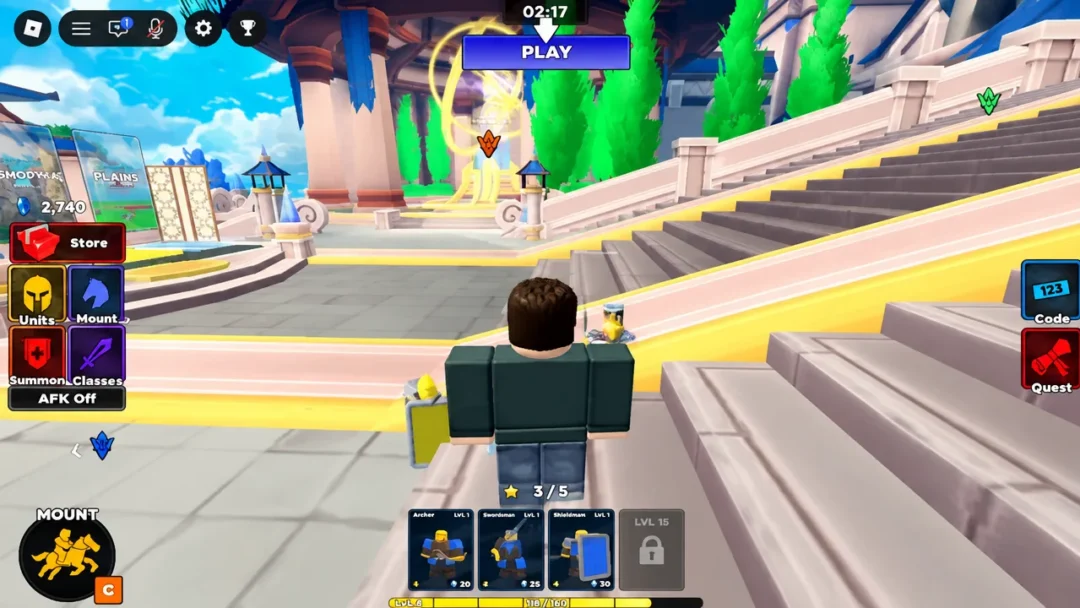
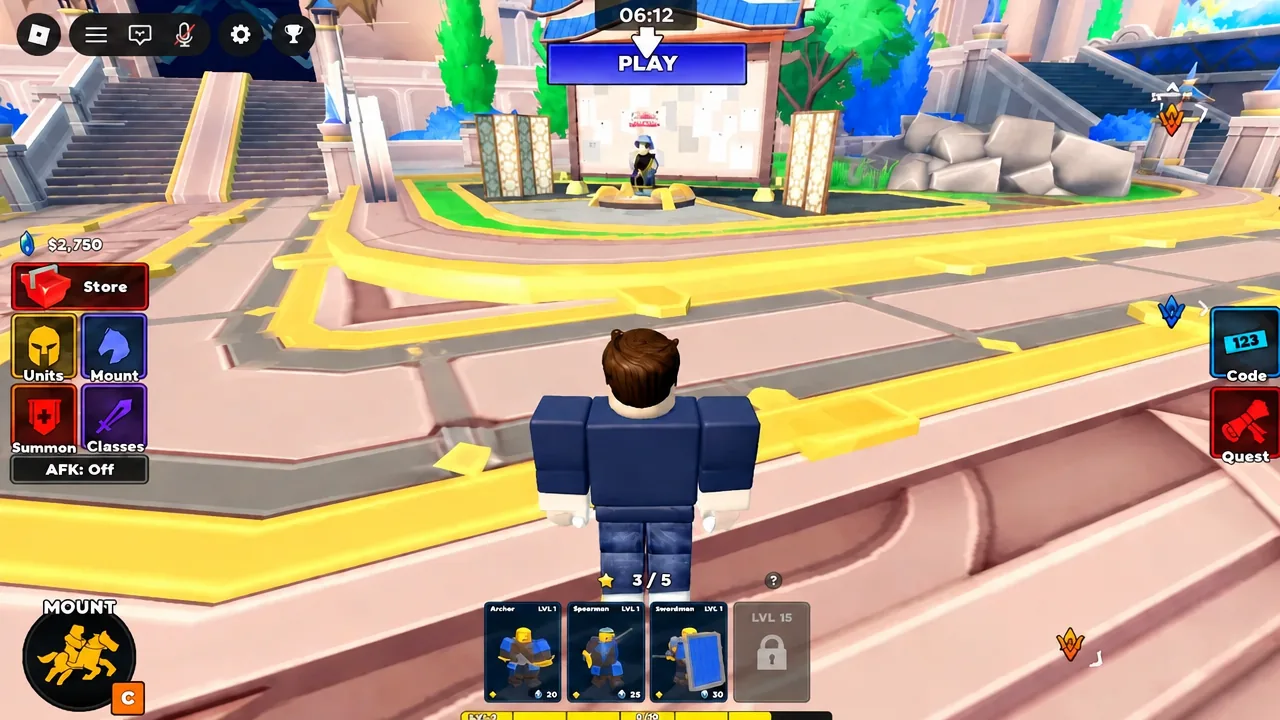
Quick answer: Launch the game, finish the tutorial, click the Code button on the right side of the screen, paste one code into the Input code here field, and press CLAIM. Repeating that for the full list of seven active codes adds up to 1,850 Gems.
Working Command An Army gem codes
Seven codes are live as of September 10, 2026. OPTIMIZE is the largest single payout at 700 Gems, and the three 500-Gem codes cover most of the rest. Every code is case-sensitive, so type or paste them exactly as written.
| Code | Reward |
|---|---|
| OPTIMIZE | 700 Gems |
| D0ggy103 | 500 Gems |
| WAR | 500 Gems |
| RELEASE | 500 Gems |
| CONQUEST | 250 Gems |
| BUGFIX | 250 Gems |
| LEBALANCE | 150 Gems |
No codes have expired yet, but they are time-limited by design. Claim the whole list in one sitting rather than saving a few for later.
How to redeem a code and get the Gems
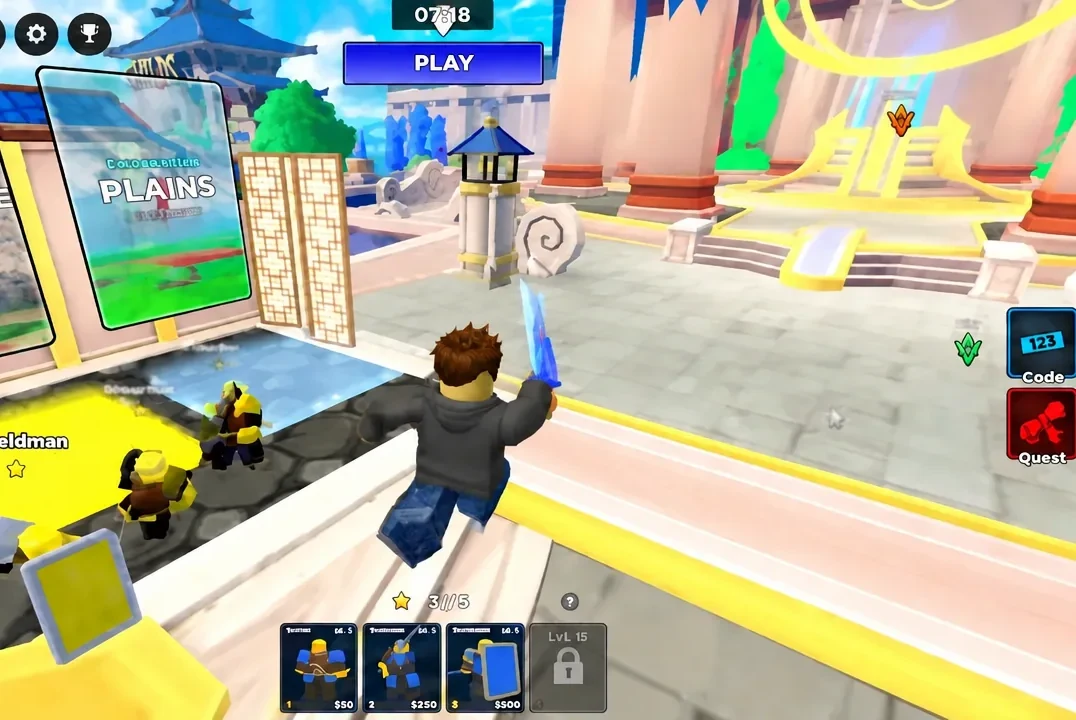
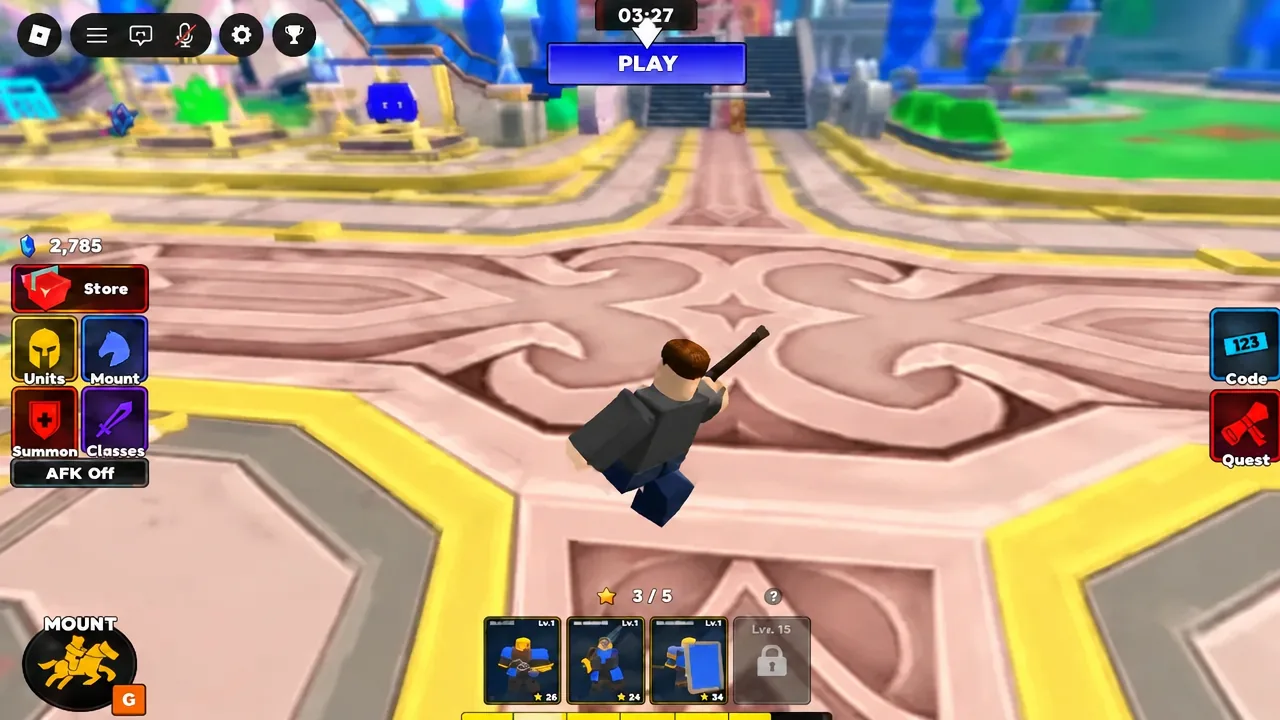
Working through the full list takes a couple of minutes and is enough to take a starting balance of a few hundred Gems into the thousands.
Why a code fails to claim
There are only a few real reasons the Gem counter does not move.
- A typo, a missing character, or a stray space picked up when copying. Capitalisation matters, including the zero in
D0ggy103. - You already redeemed that code on the same account. Each code works once per player.
- The code has expired. Older rewards get retired when new ones go live.
- The tutorial is still unfinished, so the code window is not available yet.
What Gems buy: Summon and class costs
Knowing the prices before you redeem helps you decide whether to spend immediately or bank everything for a ten-pull. Gems are used in three places: the Summon banners, the Classes menu, and mount skin rolls.
| Purchase | Cost |
|---|---|
| Summon x1 (Standard Banner) | 50 Gems |
| Summon x10 (Standard Banner) | 3,300 Gems |
| Sword & Shield class | 150 Gems |
| Assassin class | 3,300 Gems |
| Hammer class | 3,300 Gems |
The full code list gets you to 1,850 Gems, which covers 37 single summons or the Sword & Shield class with plenty left over. It does not reach the 3,300 needed for a ten-pull or either of the expensive classes, so those require match rewards on top.
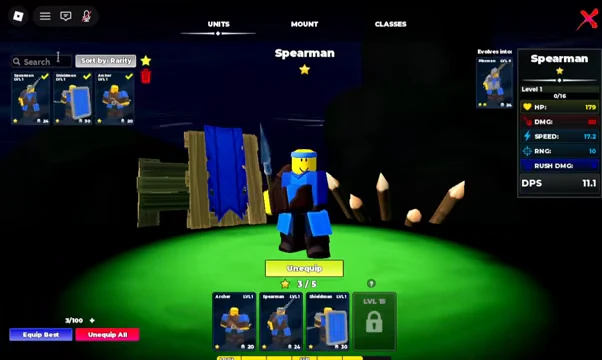
Summons on the Standard Banner pull from a roster that includes Berserker, Spartan and Samurai, sitting above the starting troops like Spearman, Archer and Shieldman.
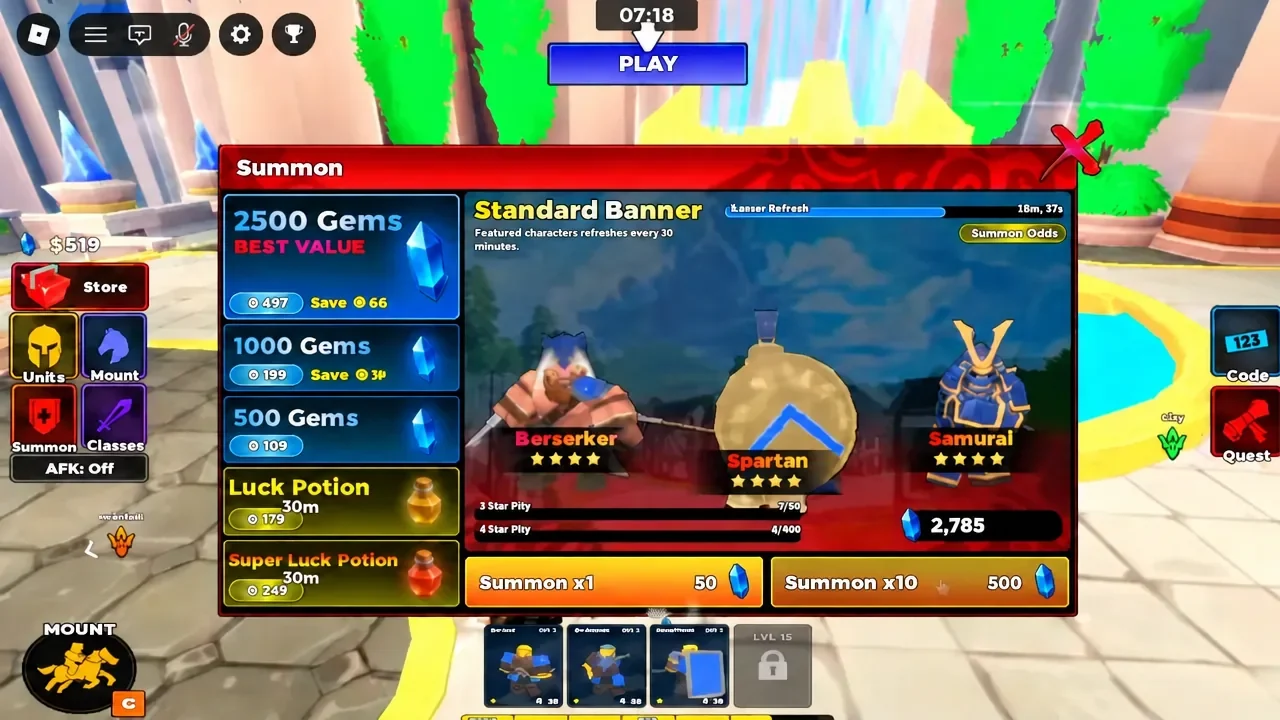
Anything you pull shows up in the Units menu, where you can check a unit’s stats and swap it in or out of your squad with the Unequip button.
The Mount menu works differently. Instead of a fixed price list, it uses a Roll Skin button to reroll horse skins, so treat it as an extra rather than a priority for your first batch of Gems.
Where new gem codes show up
New codes from Fight, Fight, Fight! tend to arrive alongside updates, balance passes, bug fixes and player milestones. The developer’s Discord server carries update logs and code drops, and the studio’s Roblox community group posts announcements as well. Codes are not confined to a dedicated channel there, so check announcements and general chat around any patch.
Redeem everything before you queue up. A stocked Gem balance means you can replace losses and reinforce your line between rounds instead of fighting a capture point with the units you started with.