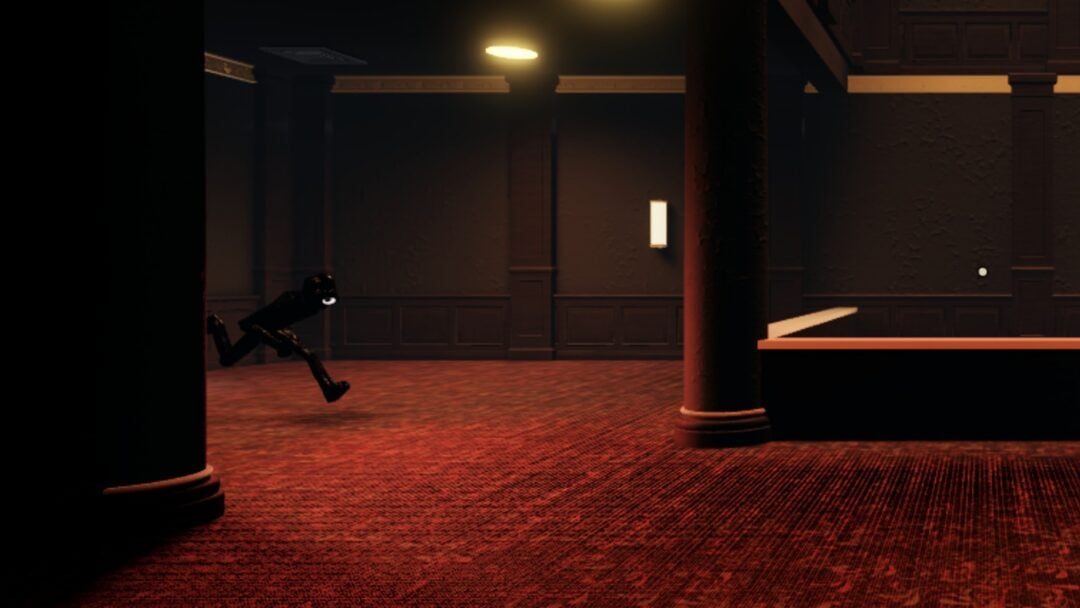
Speed is the gate on everything in Steal An Egg. It decides which biome you can walk into, how heavy an egg you can carry home, and whether the guardian chasing you actually lands a hit. The treadmill in front of your base generates that stat passively, which makes it the one thing worth leaving running while you sleep — as long as Roblox doesn’t kick you first.
Quick answer: Park your avatar on the treadmill, then run an auto-clicker or a looping TinyTask macro that sends at least one input every 20 minutes. That single input resets Roblox’s idle timer, and the speed counter keeps climbing while you’re away.
Unlock the treadmill and confirm speed is ticking up
The treadmill unlocks the moment you buy your first garden upgrade for $1,000 in-game cash, and it always spawns directly in front of your base. Standing on it generates speed points every second — no input required beyond staying on the surface.
Before you commit to a long session, walk onto it and watch the speed stat in the bottom-left corner (the shoe icon) for two or three minutes. If the number is rising, your setup is sound. If it isn’t, your character has drifted off the belt, which is the most common reason an overnight session produces nothing.
One hard limit: the game has to stay open. Closing Roblox pauses training entirely, so this only works when you can leave the client running in the background.
The 20-minute idle timer is what breaks AFK runs
Roblox disconnects players who send no input for 20 minutes. That’s platform-wide, not something the game controls, and it’s why a character standing perfectly still on the treadmill gets booted long before morning. Every method below exists purely to defeat that timer with the smallest possible input.
You don’t need constant activity. One click or one small camera nudge inside the window is enough to reset the counter, so a slow, low-impact loop is better than a rapid one.
AFK method 1: OP Auto Clicker on PC
AFK method 2: TinyTask camera loop
TinyTask records and replays your actual mouse movement, which some players prefer because a tiny camera rotation reads as more natural activity than a fixed-position click.
AFK farming speed on mobile
The logic is identical on Android and iOS — you just need something to tap the screen for you. Apps named Auto Clicker and Automatic Tap both handle it: set a repeating tap on a harmless part of the screen, position your avatar on the treadmill first, and start the loop.
Keep the tap point away from the jump button, the shop prompts, and the pet menu. A tap that opens an interface mid-session can pull your character off the treadmill or leave a menu covering the screen for hours.
Long mobile sessions also mean a phone running a 3D game all night, so heat and battery are the real constraint rather than the game itself.
Multiply what each treadmill tick is worth
Hours on the treadmill matter far less than what each second of training is multiplied by. Before starting a long session, stack whatever you can afford.
Treadmill levels are the base. Each upgrade raises speed gained per second, there’s no hard cap, and the cost simply scales — so reinvest pet income into treadmill levels before anything cosmetic. Your pets keep generating cash every second in the garden, including while you’re offline, which is what funds the next level.

Trails from the Trail Shop, located on the right side of the safe zone, apply a flat multiplier to your speed. They are the single biggest non-Robux lever in the game.
| Trail | Multiplier | Cost |
|---|---|---|
| Red | x4 | — |
| Galaxy | x5 | — |
| Secret | x7 | $500B |
| Eternal | x10 | — |
| Divine | x14 | 300 trillion cash |
Don’t buy every tier on the way up. Save and jump straight to the highest one you can reach, since the lower multipliers get replaced almost immediately.
Three other boosts are worth claiming before you go AFK. The free chest near the Trail Shop hands out 10,000 speed for liking the game, favoriting it, and joining the group — a one-time claim that clears the Desert threshold outright. The Speed Shop sells Double Your Speed for 299 Robux, which doubles the treadmill multiplier permanently. And The Hungry Monster hands out a 2x Treadmill Speed buff through its chest rewards, which is best spent at the start of a long session rather than a short one.
What the treadmill AFK farm will not do
An auto-clicker trains speed and nothing else. It can’t steal for you — egg quality is random, the return trip needs real camera control and a held run input, and night cuts the route short anyway. Treat the clicker as a timer defeater, not an autofarm.
Events also pass you by. Rift spawns and secret egg announcements pop up in the safe zone while your character jogs in place, and there’s no way to catch them without being at the keyboard.

Egg hatching stays manual too. Eggs sit at your base on individual timers and have to be opened by hand, so a full inventory won’t process itself overnight. The same goes for the Fuse Machine, which needs three matching pets fed in by you to produce a higher-tier version.

Speed targets by biome
Use these numbers to decide when a farming session is done. The listed figure is the entry minimum, not a safe margin — carrying a heavy egg slows you down, so train past the threshold before attempting a nest.
| Biome | Speed required | Guardian |
|---|---|---|
| Forest | None | Chicken |
| Lake | 900 | Swan |
| Desert | 10K | Scorpion |
| Jungle | 40K | Tiger |
| Snow | 170K | Yeti |
| Volcano | 700K | Hellhound |
| Abyss Ocean | 2.5M | Moby |
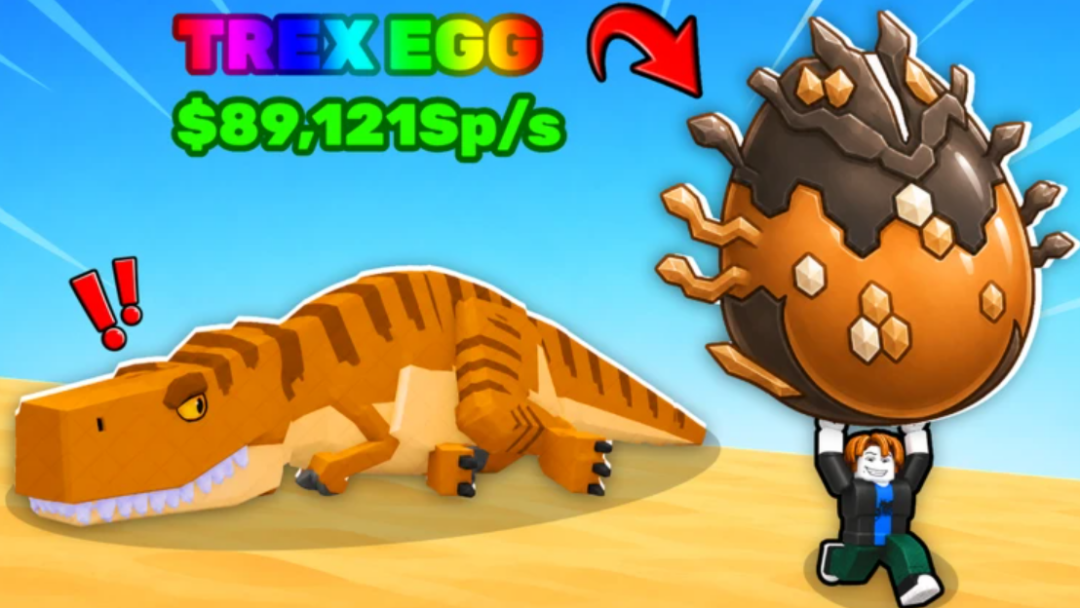
| Prehistoric | 18M | T-Rex |
| Cosmic | 700M | Dragon |
| Cherry Blossom | 2.5B | Nine-tailed fox |
| Titan Temple | 7B | Gorilla King |

The jump from Prehistoric at 18M to Cosmic at 700M is the largest on the map, and it’s the point where overnight sessions stop being optional. Titan Temple’s 7B requirement is ten times Cosmic’s.
Why an AFK session ends early
- The avatar drifted off the treadmill surface, usually from a recorded macro with too much movement in it.
- The Roblox window lost focus, so clicks landed on another app instead of the game.
- The click interval was set longer than 20 minutes, so the idle timer fired between inputs.
- Continuous Playback was never enabled in TinyTask, so the macro ran once and stopped.
- The game was closed or the device slept, which pauses training completely.
Note: these tools sit outside the game and only simulate a mouse click or a screen tap. Third-party executor scripts that automate stealing or grant god mode are a different category entirely and violate Roblox’s rules.
The most reliable routine is short and boring. Claim the free 10,000 speed, buy the best trail you can afford, push treadmill levels with pet income, then test the clicker for five minutes and confirm the speed stat is moving before you walk away. Come back to reinvest the cash your pets banked, and repeat until the number in the corner clears whichever biome you’re chasing next.