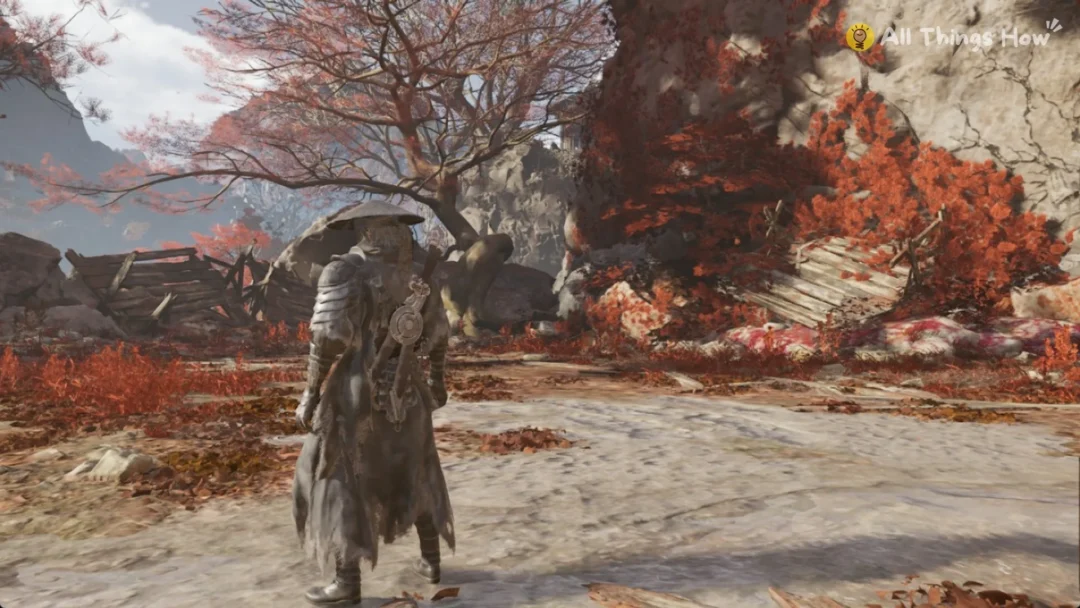
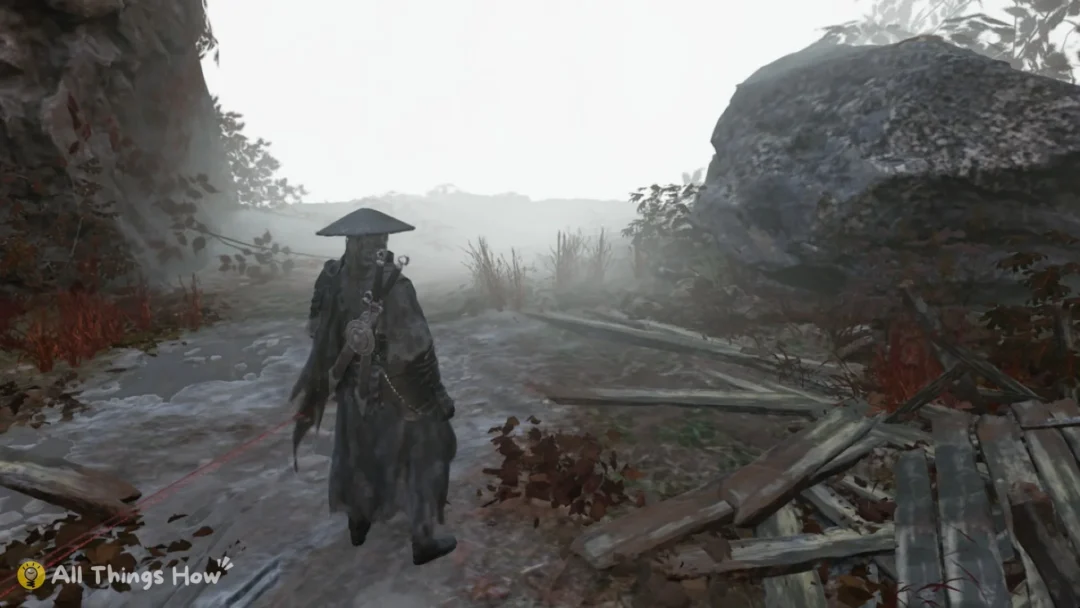
Bug Fixes drops you into a foggy cherry-blossom field with a katana, no tutorial, and a stranger already walking toward you. The Roblox samurai game from captainwoodlegs settles fights with directional cuts instead of an ability bar, which means the first thing standing between you and a clean duel is knowing what eight keys actually do.
Quick answer: Press X to draw your katana, attack with E, Q, and F for directional cuts, tap R to change stance, and press G to break a blocking opponent’s guard. Aim your camera up to strike the head and down to strike the legs.
Bug Fixes controls and keybinds on PC
This is a keyboard game first. Full mobile and console layouts are not finished, and the developer has said those platforms are currently meant for players with a keyboard attachment. Movement is standard Roblox WASD with mouse look. Slot 1 is your fist, slot 2 is the katana.
| Key | What it does |
|---|---|
| X | Draw or sheathe the katana, bow, or throw a fast leg sweep |
| E, Q, F | Directional cuts — your entire offense |
| R | Change sword stance |
| G | Displacement, which breaks a guard |
| B | Pray |
| = | Take your hat off |
| Q (out of combat) | Pull out the skateboard |
Type kurosawa in chat | Cinematic camera mode |
You can grab the experience on the official Bug Fixes Roblox page, place ID 100971017807798, on 50-player servers.
Your camera aims the sword
This is the mechanic most new players miss for their entire first session. The vertical angle of your camera decides where a cut lands. Look upward and E, Q, or F go toward the head and upper body. Tilt the camera down and the same keys sweep toward the legs.
That gives you a second axis of mixup on top of the three directions. An opponent guarding high eats a low cut, and someone crouched into a low defense gets hit over the top. Practice tilting the camera between swings until it stops feeling like a separate action from attacking.
Stance switching with R
R cycles your sword stance, and a stance change alters how your next cut reads to the other player. Used well, it stops your attacks from arriving on the same rhythm and from the same angle every exchange. Used badly, it becomes a panic button.
Tap R between exchanges, not in the middle of one. Mashing it mid-swing is how beginners whiff and hand over a free counter. Watch what the opponent is doing, change stance once, then commit to a cut.

Break blocks with displacement (G)
Against a player who simply holds a guard, normal cuts go nowhere. G is the answer. Displacement breaks the guard of a blocking opponent and carries almost no end lag, so you recover fast enough to follow up immediately with a cut.
Treat it as a short step into a new angle rather than a sprint. It is for leaving a bad position or opening a turtling opponent, not for crossing the lantern field.
The X leg sweep is your fastest option
X does double duty. Out of a fight it sheathes or draws the katana and serves as your bow. In close quarters it fires a quick leg sweep that comes out faster than a standard sword attack.
That speed makes it the interrupt tool. When someone crowds you and starts winding up a cut, the sweep can land first. The tradeoff is the shared bind, so pressing X at the wrong moment in a duel can sheathe your weapon and leave you eating steel. Get the timing down somewhere quiet before you rely on it.

Stop being predictable
Bug Fixes punishes patterns harder than it punishes slow reflexes. If you throw E, E, E every time, a decent opponent reads it in two exchanges and counters on reaction. Rotate through the three directional cuts, mix in blocks, change the camera height, and sprinkle in a sweep or a displacement.
Tip: vary your spacing as well as your buttons. Stepping in and out with movement changes when your cut arrives, which is its own form of mixup even if the key you press stays the same.

Read animations to time blocks and counters
Every attack in the game has a visible windup, and that windup tells you which direction the cut is coming from. Blocking works on reaction, so the skill is watching the other player’s body rather than watching your own swing.
Spend a duel or two purely defending. Do not attack at all, just block what comes in and note the shoulder movement before each cut. Once the animations start looking distinct, counters begin landing on their own.

A practice order that works
Learn the mechanics one at a time before stitching them together. Trying to sweep, displace, and stance-switch in your first fight produces nothing but misinputs.
When a key does nothing
The most common “broken bind” report is not a bug at all. If F types a letter into the chat box instead of cutting, chat has keyboard focus. Close the chat box and the key works again.
Two other things to rule out before you blame the game. Cinematic mode changes how the camera behaves, so turn it off if you enabled it by typing kurosawa. And confirm you are in the correct experience rather than a similarly named copy. If the binds still do nothing, rejoining the server clears most of it.
B is the odd one out in this list. It makes your character pray, and repeated praying is how players work toward kabuto helmets and red samurai plates over long sessions. It has no place in an active duel, so save it for the quiet stretches between fights, and take the hat off with = if you want a cleaner silhouette while you do it.