The Roblox Innovation Awards hands out four free UGC accessories during its live ceremony, and none of them come from a code, a purchase, or a redemption page. They are earned inside one experience, in real time, while the show is running. Miss the broadcast and there is no second attempt.
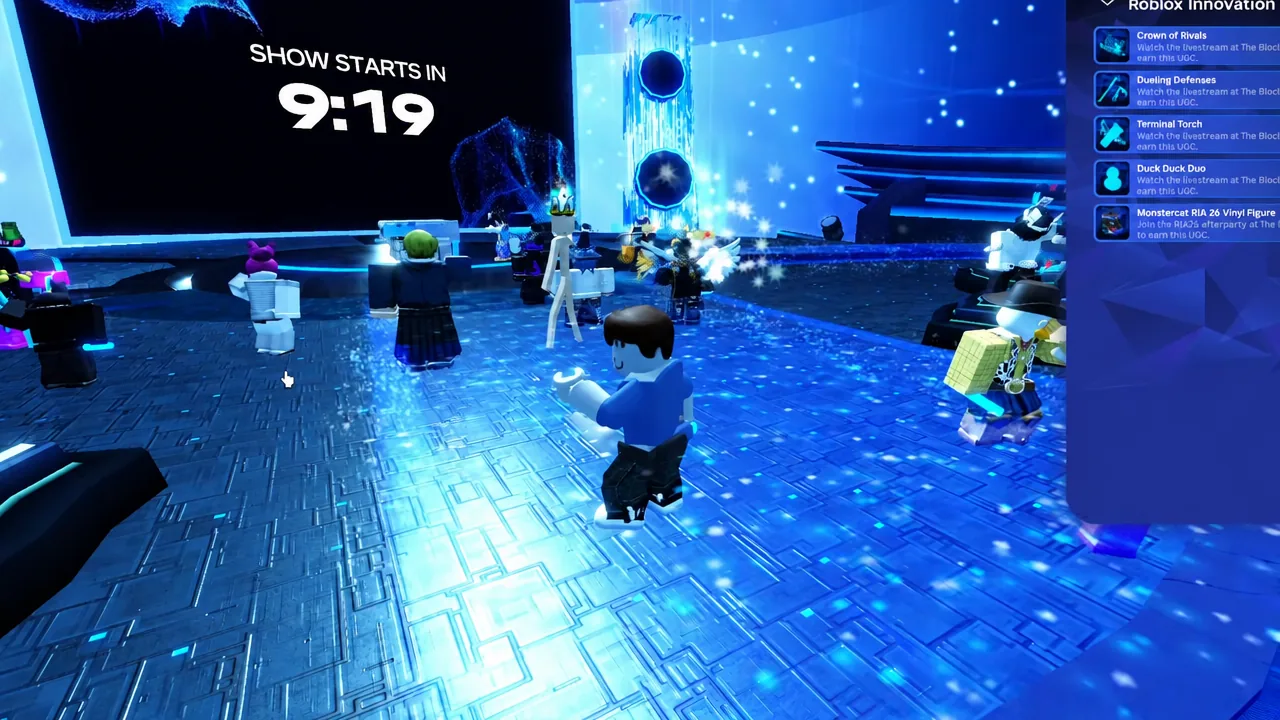
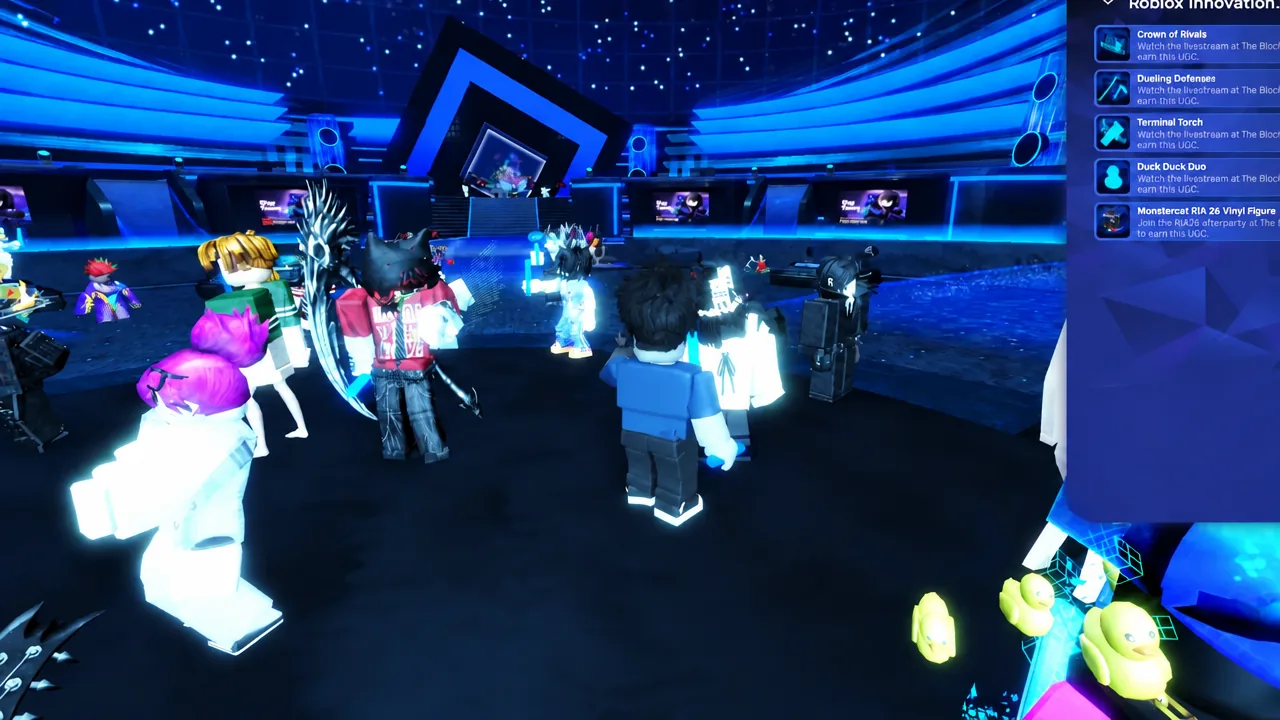
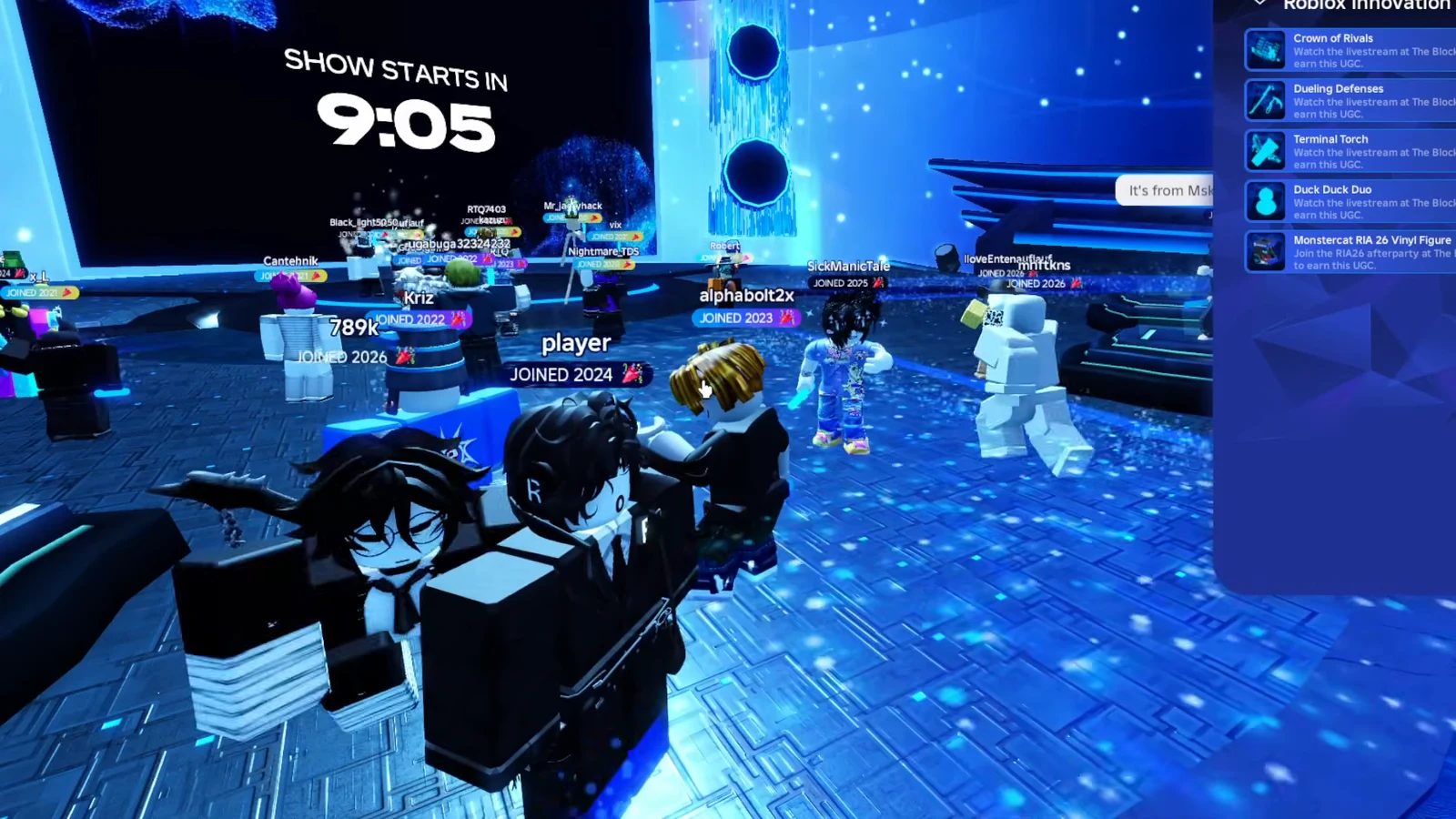
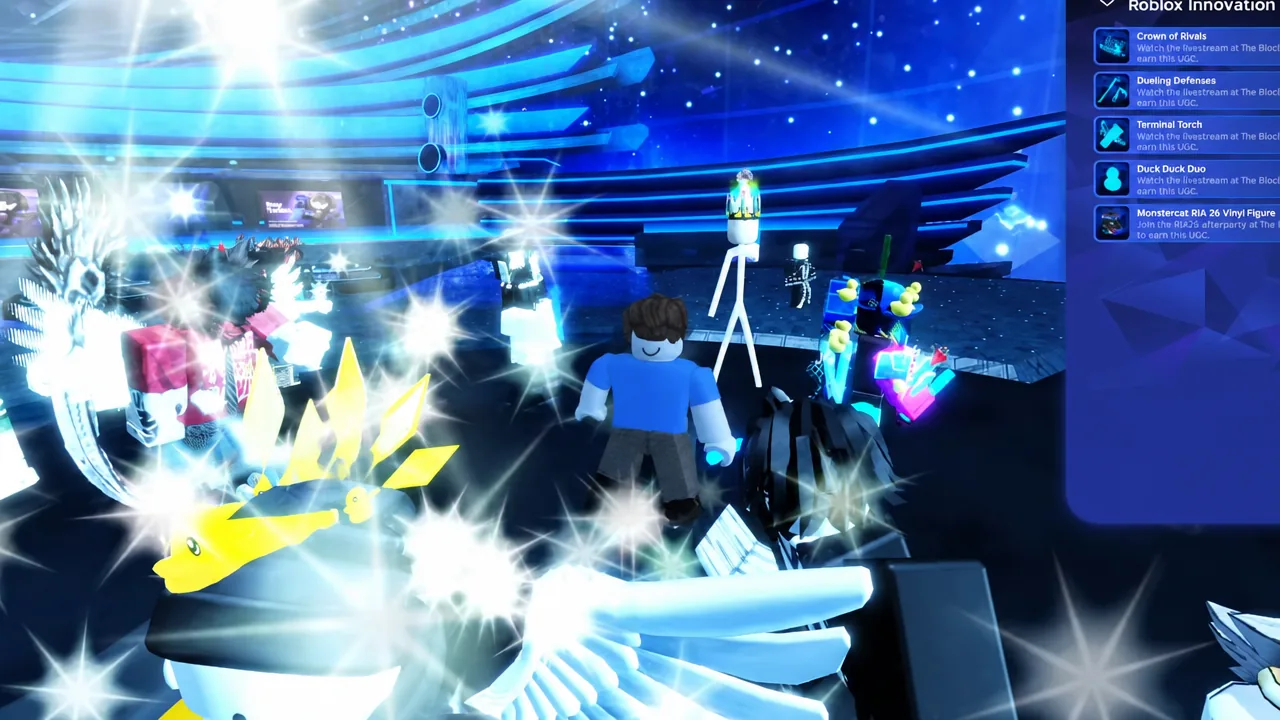
Quick answer: Join [RIA26] The Block by Music on Roblox before the ceremony livestream starts, stay in the server for the whole show, and earn Cred by taking part on the dance floor. Cred is what unlocks the Crown of Rivals, Dueling Defenses, Terminal Torch, and Duck Duck Duo.
The four RIA26 items and their tiers
Each accessory is tied to a nominated game and exists in three versions on the Marketplace. Only the base version is obtainable by watching the ceremony. The Silver and Golden variants are award tiers.
| Item | What it is | How the base version is earned |
|---|---|---|
| Crown of Rivals | Blue domino crown | Attend the livestream and earn points on the dance floor over roughly 25 minutes |
| Dueling Defenses | Katana pack | Stay in the server through its segment of the ceremony |
| Terminal Torch | Flashlight | Stay in the server through its segment of the ceremony |
| Duck Duck Duo | Pair of ducks | Stay in the server through its segment of the ceremony |
Silver and Golden versions of all four accessories exist as separate Marketplace entries, including the Silver Rivals Domino Crown and Golden Rivals Domino Crown. Those are competition and leaderboard rewards rather than attendance rewards, and regular viewers should plan on the standard blue and base-tier versions only.
Where the items unlock: [RIA26] The Block
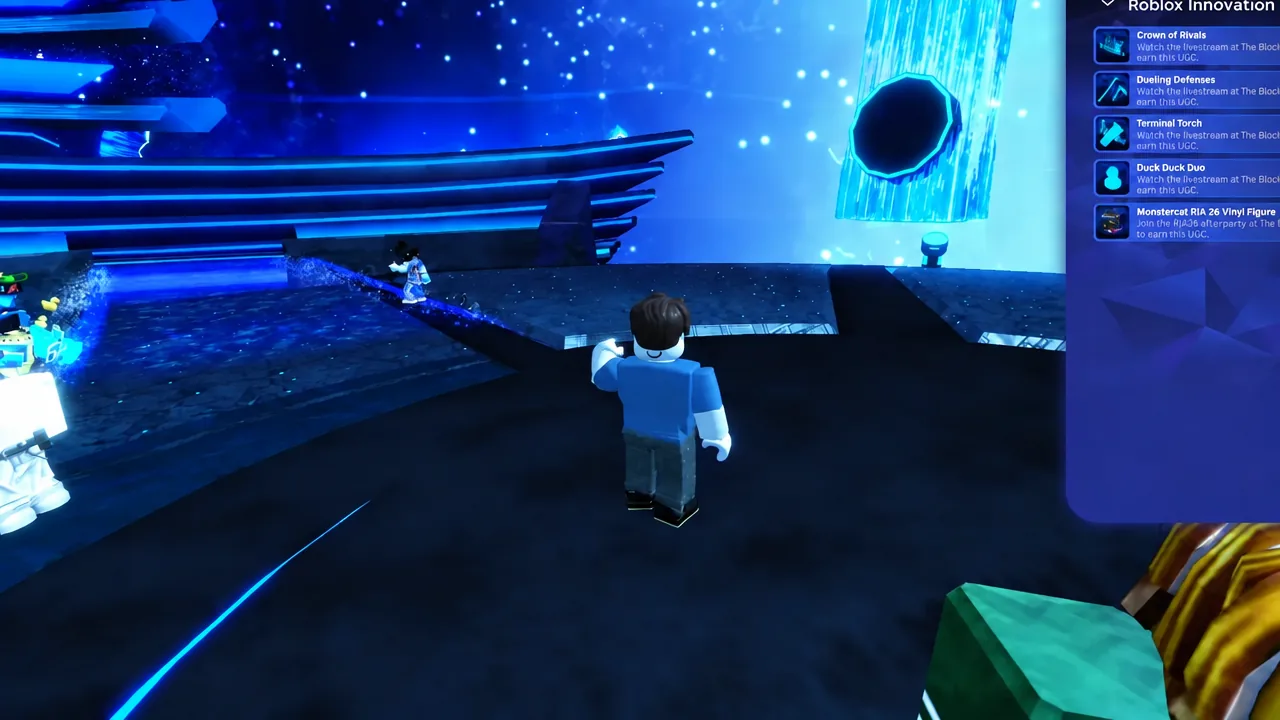
Everything happens in one venue. Search Roblox for “The Block” and pick the experience listed as [RIA26] The Block by Music on Roblox. The event page for it carries the RIA Livestream details, including the scheduled start of the ceremony and an in-game countdown once you are inside.
There is no separate claim site and no external form. The four accessories are granted through the experience itself, so joining any other hub or copy of the venue will not register progress.
How to earn all four items during the ceremony
How to confirm an item unlocked
An unlocked accessory shows up in your Roblox inventory and can be equipped in the avatar editor like any other UGC item. The Event Prizes menu is the faster in-the-moment check, since a completed requirement stops appearing as outstanding once the reward is granted.
Note: newly granted items occasionally sit behind a review notice in the avatar editor before they can be worn. The item is still yours in that state.
Why the items fail to unlock
- Joining after a segment has already aired. Each item is tied to its own part of the show and does not backfill.
- Sitting idle instead of earning Cred. Attendance alone does not clear the point requirement for the Crown of Rivals.
- Disconnecting or hopping servers mid-broadcast, which interrupts the watch time being tracked.
- Expecting a Silver or Golden variant. Those are awarded to competition placings and are not obtainable by watching.
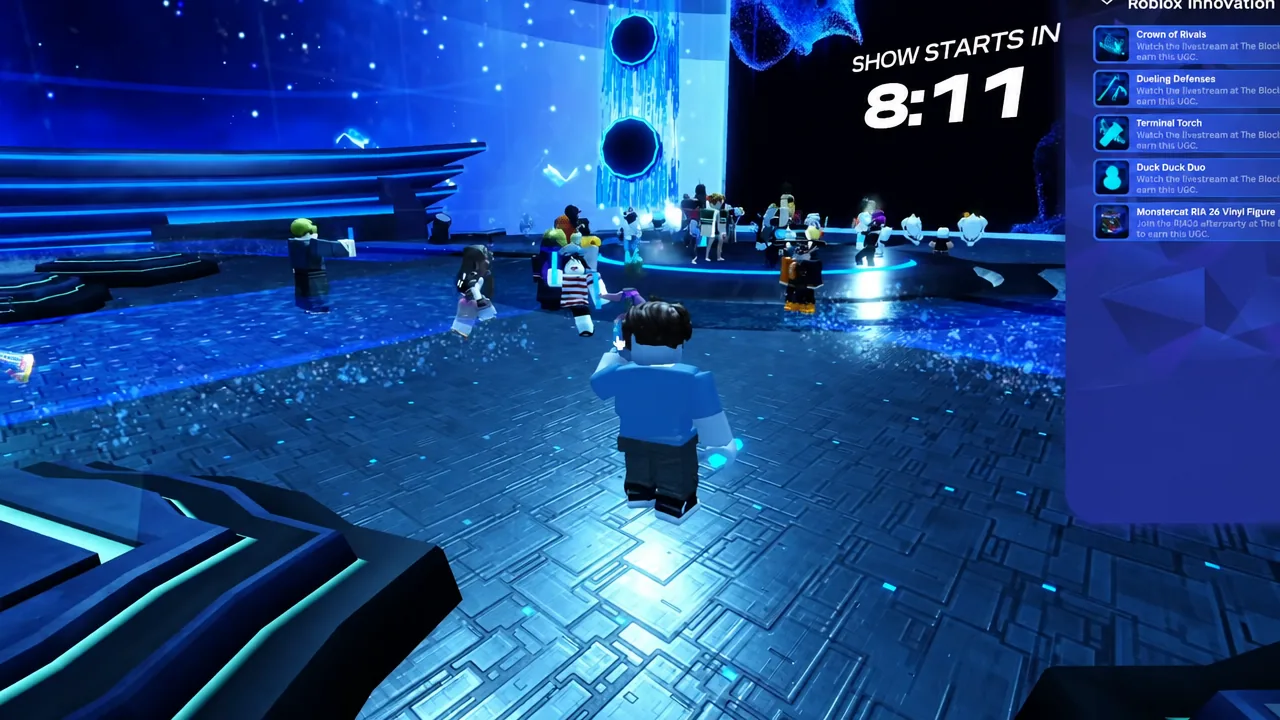
The practical takeaway is simple. Load into The Block with time to spare, keep the client open and your avatar active on the dance floor for the full ceremony, and check the Event Prizes menu before you leave. That covers all four accessories in a single sitting, which is the only sitting you get.