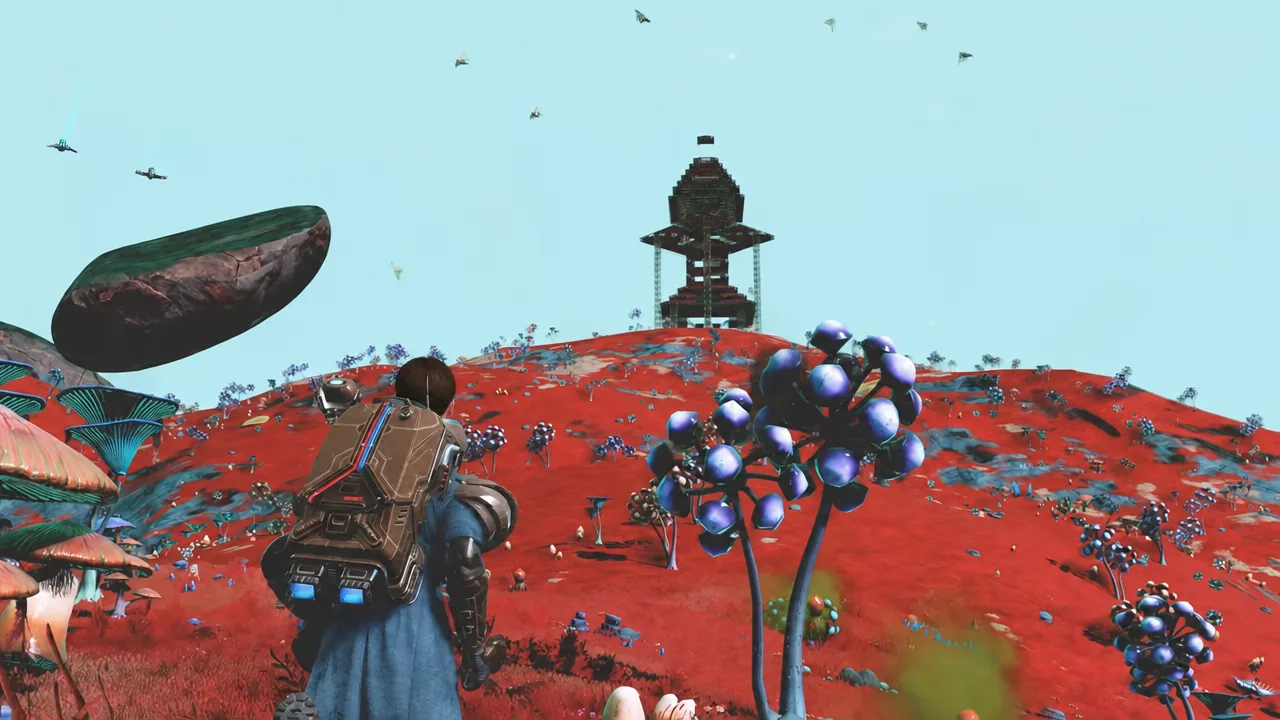
Cosmos rebuilt the space layer of No Man’s Sky, and most of the frustration players run into now comes from a handful of hard rules that the game never spells out. How many bases you can upload, which way is down inside a floating structure, how much salvage survives a warp, how many stations you can own, and what actually feeds an alliance score are all fixed numbers or fixed behaviors. Learn them once and you stop losing hours of work.
Quick answer: One uploaded space base per star system per account, 20 owned stations per save (300 across 15 saves, none unclaimable), three alliances with one set as primary, and warping empties any salvage in your hold.
Cosmos caps and fixed rules
| System | Rule or limit |
|---|---|
| Uploaded space bases | One per star system, per account |
| Space base gravity | Set by the floor panel you stand on |
| Salvage held in a ship | Emptied when you warp |
| Owned space stations | 20 per save, 300 across 15 saves |
| Unclaiming a station | Not currently possible |
| Alliance memberships | Three, one of which is primary |
Space bases: One upload per star system
Orbital construction lets you drop a deep-space base computer and claim a volume almost anywhere in open space, including on the natural rock platforms drifting between planets. Building is the easy part. Sharing is where the ceiling appears.
You can only upload one space base per star system, per account. That limit is not per save, so a second orbital build in the same system on a different save will not get its own slot. Decide early which structure in a system is the one you want visible to other Travellers, and treat the rest as private builds.
Gravity follows the floor panel you stand on
Inside a space base there is no planetary “down”. Gravity is decided by the orientation of the floor piece under your feet. Stand on a panel that has been rotated 90 degrees and your own gravity rotates with it.
That single rule is what makes Escher-style builds possible. Place a stone or timber floor panel on a wall plane, step onto it, and the surface you just walked off becomes a wall. Corridors can loop back on themselves, rooms can stack sideways, and a stairwell can end with you standing on what looked like the ceiling.
Keep the raw materials for panels stocked before you start a run of angled floors, since a blocked placement stops the whole chain mid-build.
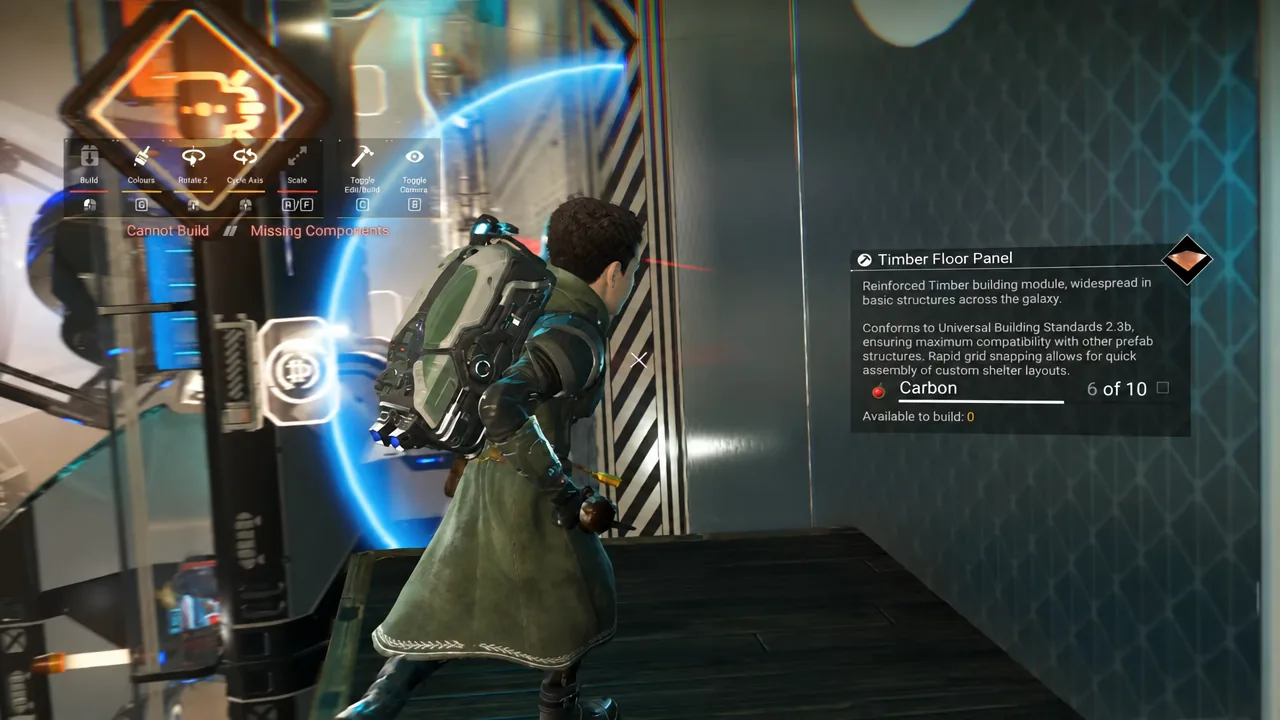
Test the gravity flip with a single cheap panel before committing to a full rotated wing. You will know it worked the moment your character snaps to the new surface and the camera reorients.
Building a Corvette for salvage runs
The Tractor Beam is a Corvette hull attachment sold alongside other Corvette parts at the Corvette Workshop in space stations. It pulls in physical salvage and minerals, refines oversized objects down to storable form, and comes with an automated venting system that dumps the entire hold in seconds. Where you bolt it onto the ship decides how painful your delivery runs are.
Deep-space outpost layout is always the same
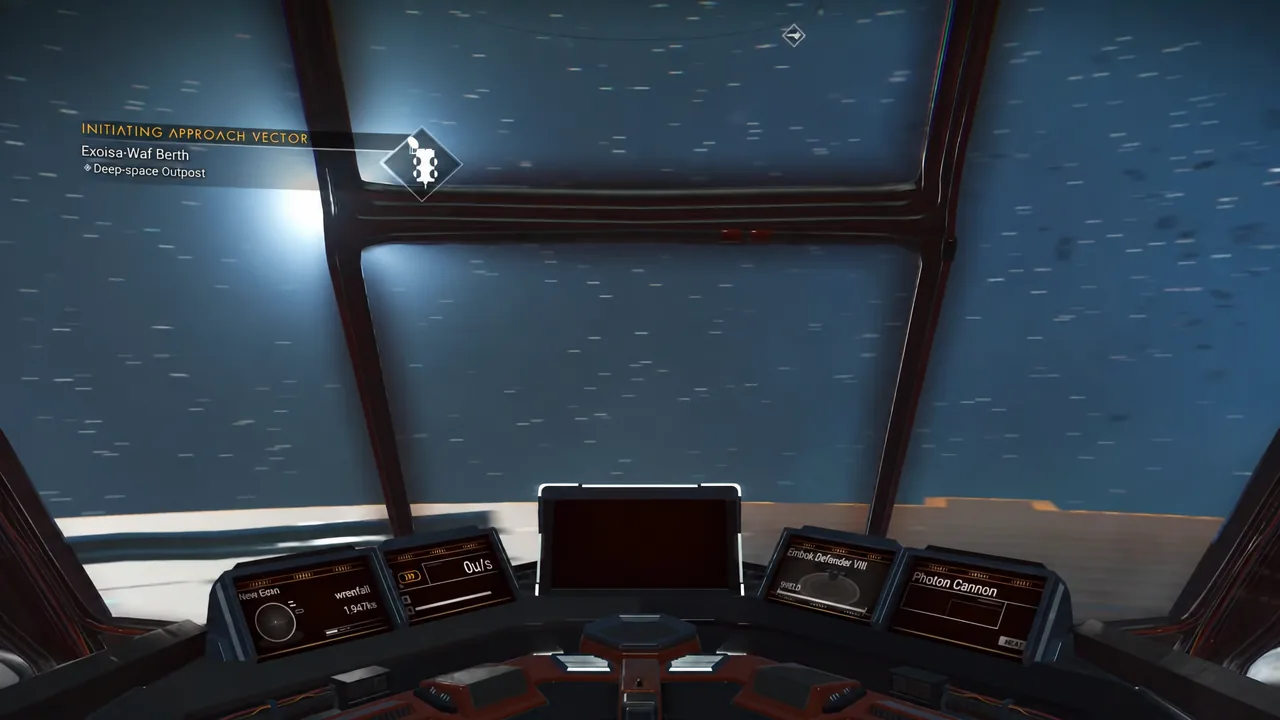
Outposts do not shuffle their geometry. When you set down on the pad, the rear of your ship faces the room holding the quartermaster. The salvage collector sits to the left of the landing pad and the mission board sits to the right, every single time.
Put the Tractor Beam on the right, toward the back
Because the layout is fixed, so is the best mounting point. Fit the Tractor Beam to the right side of the Corvette, toward the rear. Vent from there and the cargo lands directly in front of the salvage collector instead of scattering across the pad or behind the ship, which turns a delivery into a few seconds of work rather than a chase with the Gravitino Coil.
Mount it on the opposite flank and every drop-off ends with you nudging crates around the far side of the hull. It is the kind of decision you only get to make once per build, so make it early.
Warping empties your salvage hold
Salvage does not survive interstellar travel. If you jump to another system with cargo still in the Corvette, the hold arrives empty. Everything you pulled off a hulk or an infested outpost is gone.
The workflow that avoids this is simple. Fill the hold, fly to an outpost or station in the same system, vent it in front of the collector, and only then plot a warp. Treat a full hold as a reason not to touch the hyperdrive.
Space station ownership caps and why you cannot undo a claim
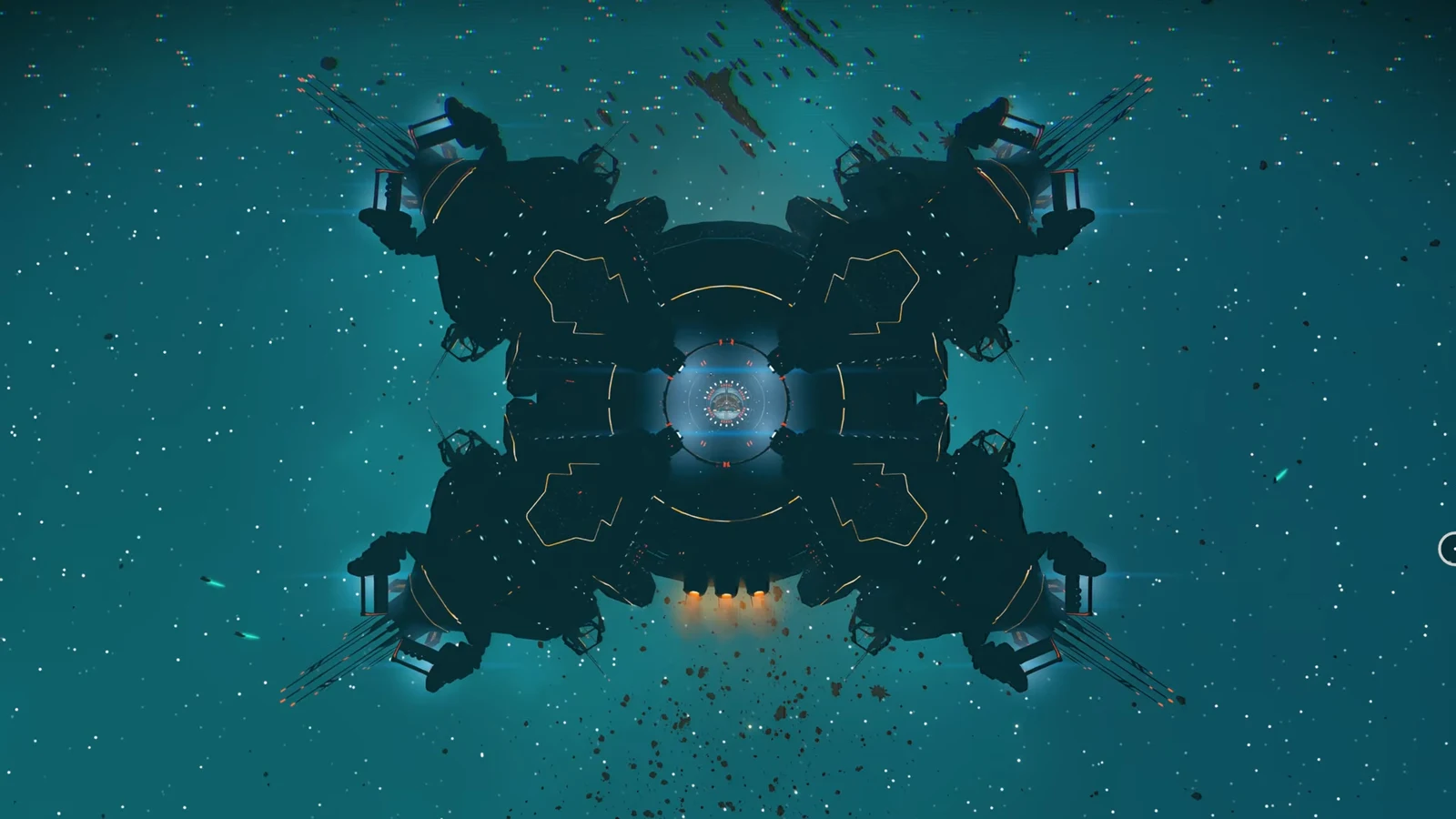
Prove yourself to the local authorities and you become director of a station, with rights over its exterior decoration, its central lobby, and any extra rooms you attach. The ceiling on how many you can hold is firm.
- A maximum of 20 space stations per save file.
- Up to 300 stations per account, spread across 15 saves.
- Stations cannot currently be unclaimed once they are yours.
Since there is no way to give a station back, every claim permanently consumes one of your 20 slots on that save. Claim the systems you actually want to decorate and revisit, not the first 20 you happen to fly through.
What the Alliance Stations teleporter tab really lists
This one catches almost everyone. The Alliance Stations tab on a teleporter is not a directory of every station your alliance owns. It only surfaces the alliance-affiliated stations that are already in your personal teleporter list, meaning places you have visited and registered yourself.
An empty or short tab is not a sign that your alliance is small. It means you have not travelled to those systems yet. Visit a station once, and from then on it shows up as a one-click destination in the alliance view.
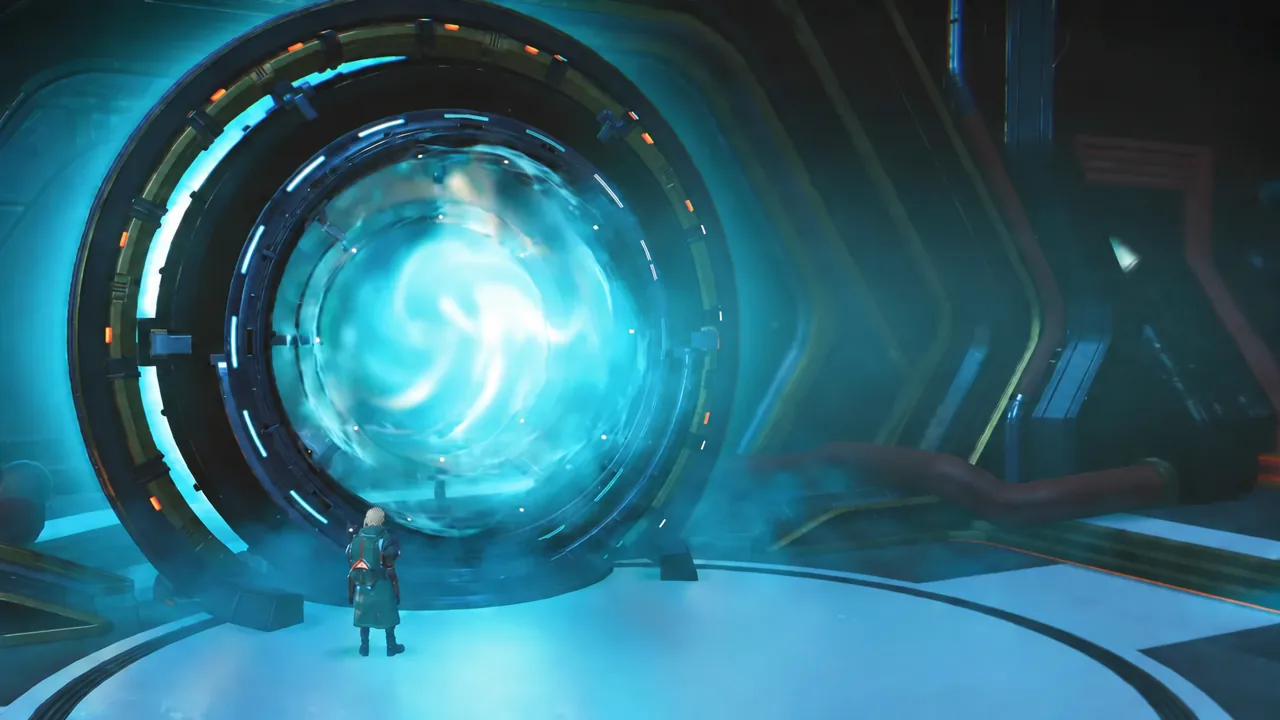
How alliance scores rise on the leaderboard
You join an alliance by visiting any station it owns, and station directors can found their own. Membership is capped at three alliances at a time, but only one of them collects your contributions.
Set that one as your primary alliance. Everything you do afterwards feeds its ranking, and the leaderboard itself is read from the space station core. The activities that move the number are the ordinary ones you are already doing:
- Claiming space stations.
- Scanning planets.
- Scanning minerals.
- Scanning creatures.
Rankings reward the largest and most active groups, so a handful of members scanning consistently does more than one player claiming a single station. If your points are not landing anywhere, check that the alliance you intended to support is flagged as primary rather than simply joined.
None of these systems warn you before you hit their edges. The salvage vanishing on a warp, the station claim you cannot reverse, and the second base that never uploads are all quiet failures, so it is worth checking the number before you commit rather than after.