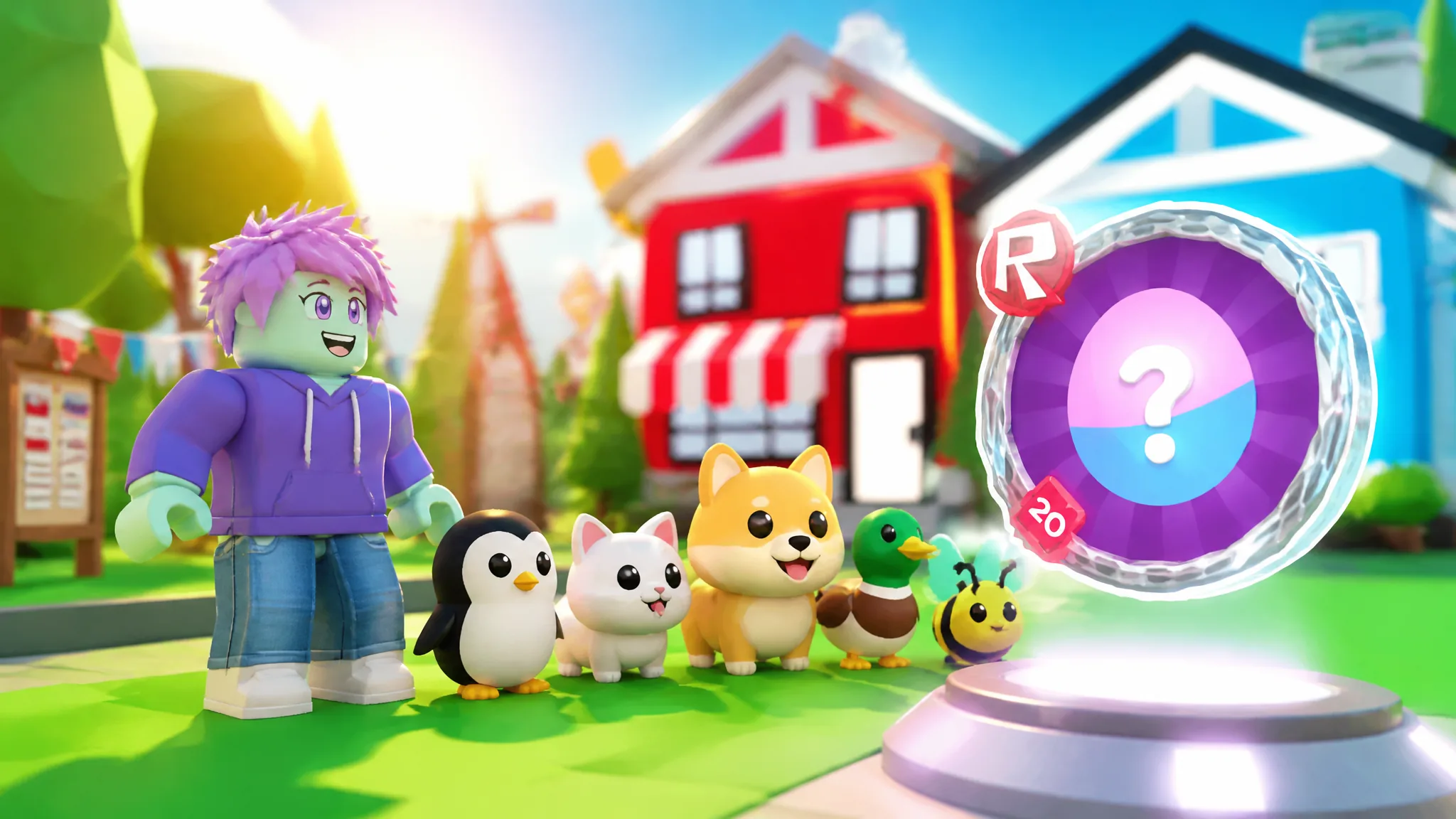
Adopt Me is one of the 20 experiences tied into The Hunt: Roblox 20, the platform-wide 20th anniversary event that hands out a badge and a limited-time UGC item for every game you clear. Adopt Me’s entry is one of the gentlest on the list, with no combat, no timers, and no map-wide scavenger hunt. You buy a single egg, look after it until it hatches, and collect the badge.
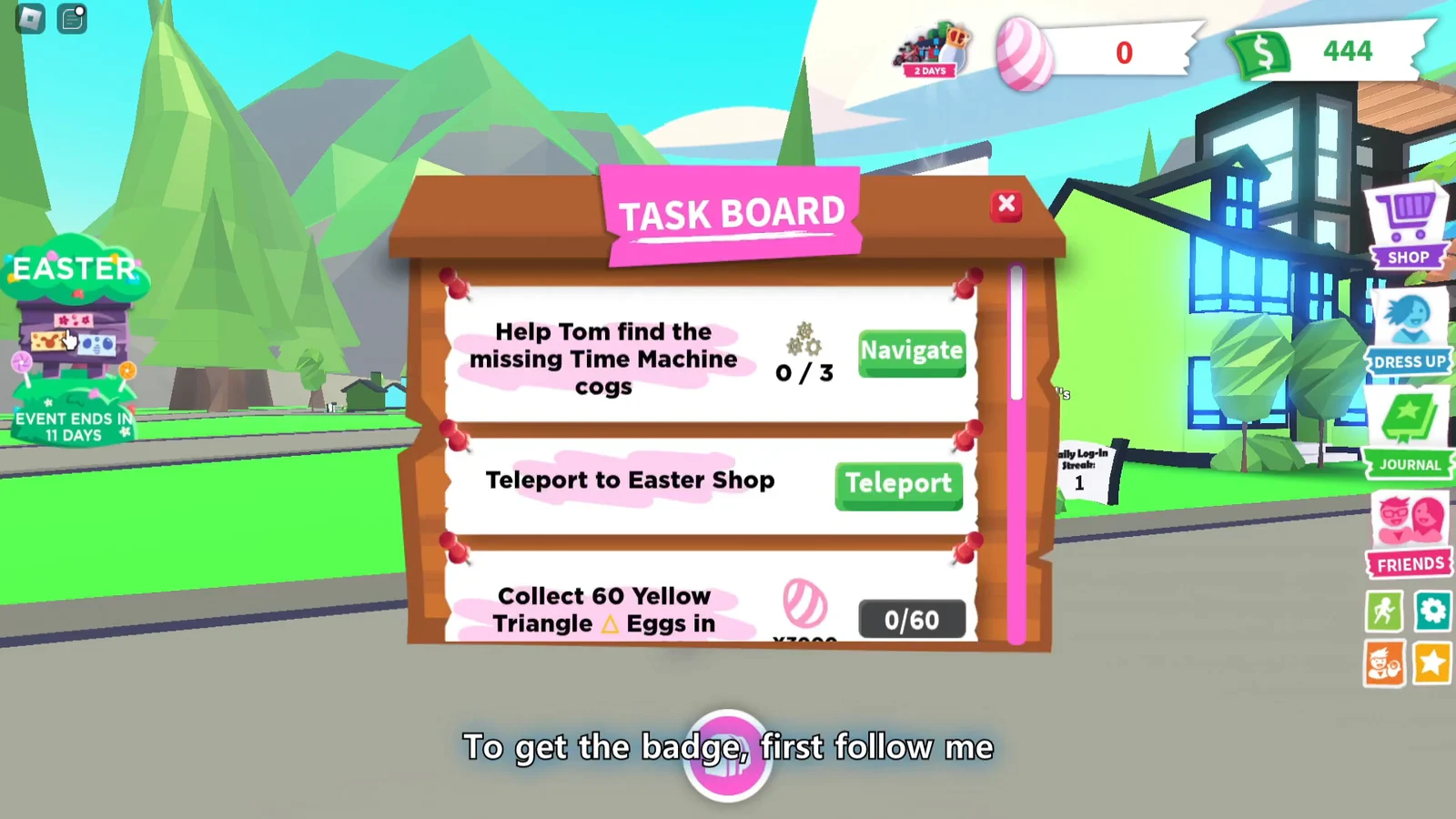
Quick answer: Buy the Throwback Egg for 400 Bucks near the Eggburt NPC outside the Nursery, complete pet needs until it hatches, then open the Task Board and claim the reward.
What the Roblox 20 Throwback Quest badge requires
Uplift Games grants this badge, which the game identifies as recognition for hatching a Throwback Egg as part of Roblox’s 20th anniversary event. It has no rarity condition, playtime minimum, or requirement to already have a pet. Currency is the sole practical obstacle.
- 400 Bucks in your account before you start, so you can buy the egg immediately.
- Access to the Adopt Me map’s basic locations, including a house or bath, the school, and the Pizza Parlor.
- The Throwback Egg equipped and carried with you while you work through its needs.
- A visit to the Task Board at the end to actually claim the badge.
You can reach Adopt Me through the anniversary hub or by joining the experience directly. If you want the hub route and the event’s stage-by-stage tracking, start from The Hunt: Roblox 20 and pick Adopt Me from the lineup.
Where to find Eggburt and the Throwback Egg
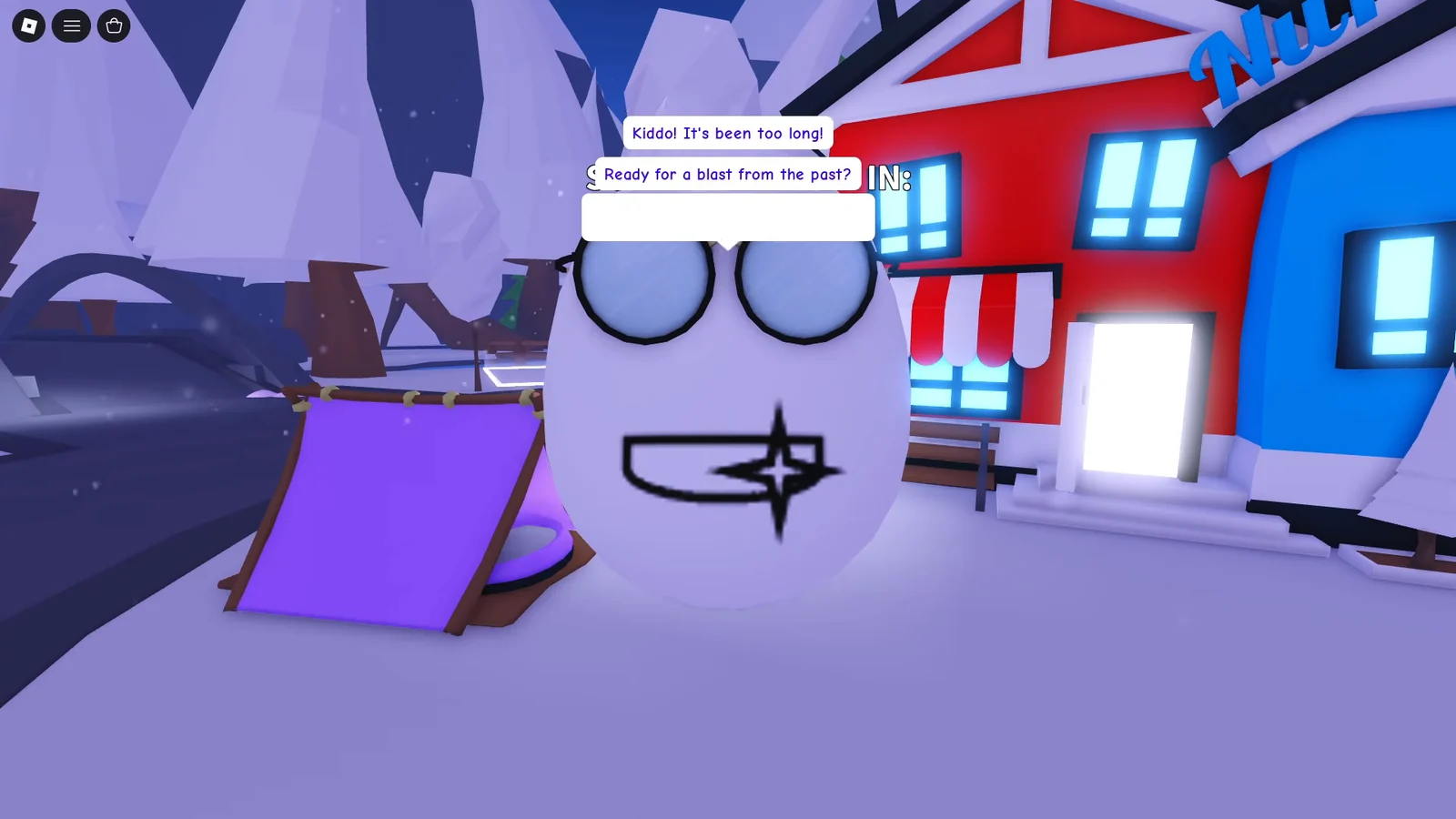
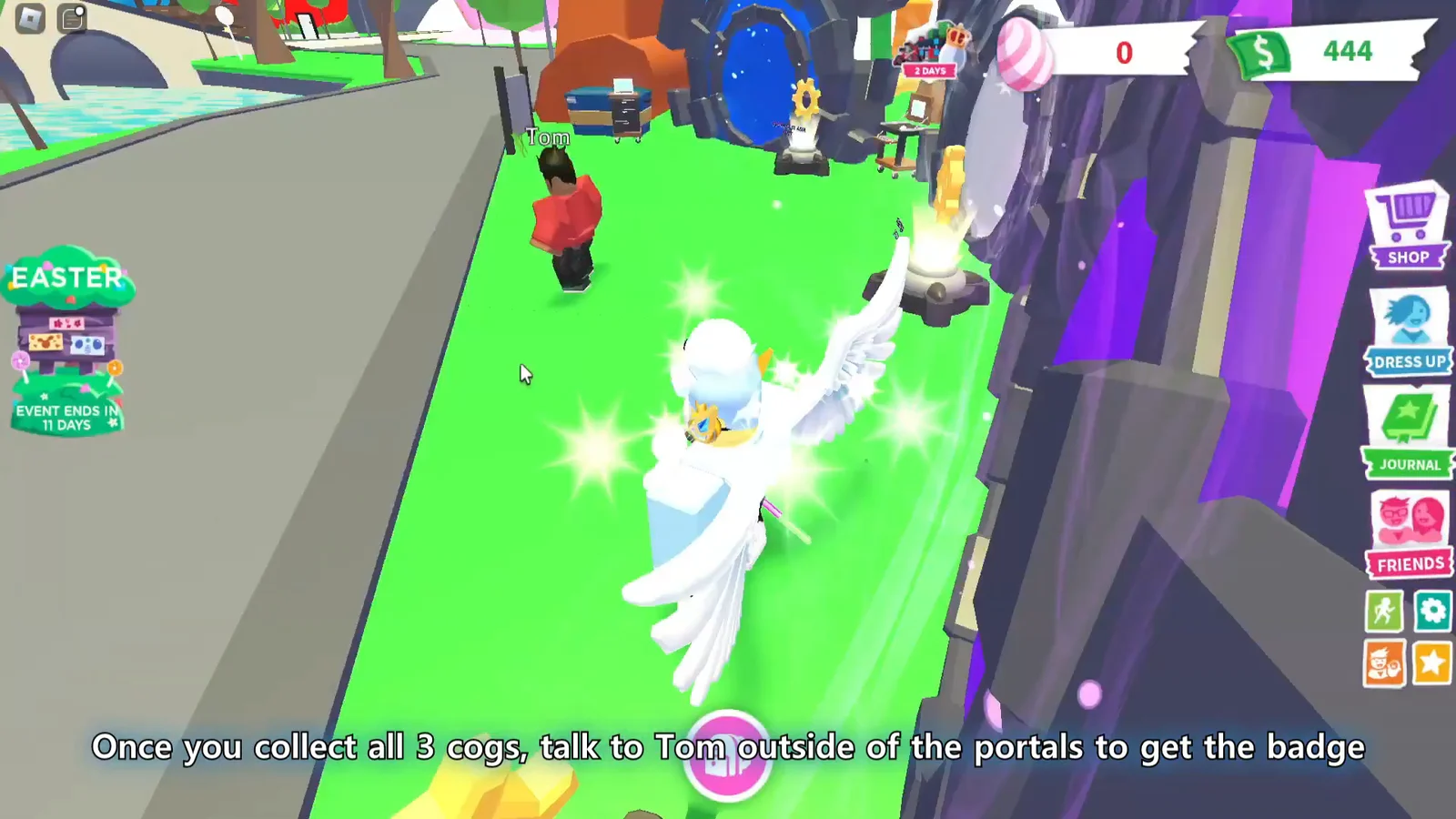
Eggburt is a large NPC standing just outside the Nursery, close to where you spawn in. Talking to him kicks off the quest and tells you to grab a Throwback Egg. The egg itself sits on a pedestal nearby with a “Buy Throwback Egg ($400)” prompt attached, so you do not need to hunt around the map for it.
Buying the egg triggers a “New Pet Discovered!” screen and a journal update for “Roblox 20th Event 2026”, along with a completion counter that ticks up as you progress. On the Task Board, the quest shows up as Vintage, Aged Egg!
How to hatch the Throwback Egg in Adopt Me
Carrying the egg instead of leaving it parked means the needs you get sent on line up with wherever you already are, which cuts down on backtracking across the map.
Throwback Egg needs and where to complete them
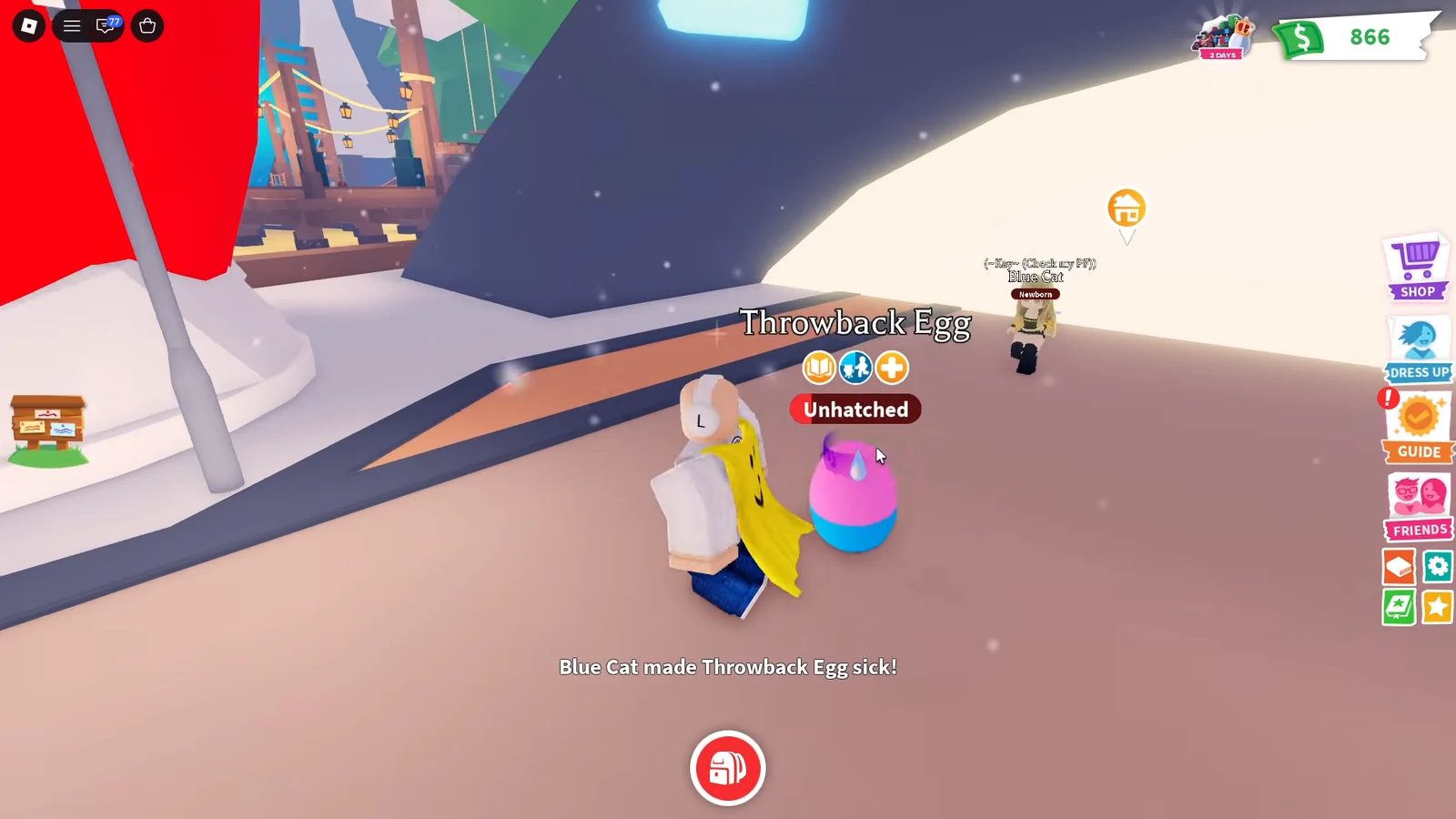
The needs that come up are the standard Adopt Me pet care tasks, and the exact mix varies from run to run. These are the ones you are most likely to see.
| Need | Where to go | Payout |
|---|---|---|
| Sleepy | Any pet bed, such as the school | +10 Bucks |
| Hungry / thirsty | Feed a drink, food, or potion | +12 Bucks |
| Dirty | Bathtub or shower in a house | +15 Bucks |
| Pizza Party | Pizza Parlor, grab a plate and feed | +20 Bucks |
| Potty | Fire hydrant or toilet | +12 Bucks |
| Sick | Hospital, speak to Doctor Heart | +16 Bucks |
| School | ABC school classroom | +20 Bucks |
| Walk | Walk or carry the egg outdoors | Pet XP |
Each completed need produces a green confirmation line, such as “Throwback Egg is clean!” or “Throwback Egg had fun at the Pizza Party!” If you get a “You can’t interact with this Throwback Egg right now” message, the egg is mid-task and will free up on its own once the current animation finishes.
Which pet you get from the Throwback Egg
The Throwback Egg has a 50/50 split between a Blue Cat and a Pink Dog. Neither outcome affects the badge, so there is no reason to reroll or hold off on hatching. Whichever one appears, the quest counts as complete.
How to claim the badge and confirm it worked
The hatch itself is not enough to add the badge to your profile. Once the pet appears, use Task Board to locate and claim the Vintage, Aged Egg! entry. A completion notice then confirms that the Roblox 20th Event is complete and a badge was earned, with one Cool! button.
Pressing it fires a “Badge Awarded” notification naming the Uplift Games “Roblox 20 Throwback Quest” award. That notification is your confirmation. You can double-check by looking at the badges list on your Roblox profile, where the badge appears with its description about hatching a Throwback Egg during the anniversary event.
The badge is also what unlocks Adopt Me’s limited-time UGC reward on The Hunt side, and it counts as one of the 20 badges the main event tracks toward its free item milestones.
With the badge banked, the newly hatched pet stays yours to keep and can carry on earning XP through the game’s regular tasks, like the 5,000 pet XP goal or the Needier objective for Ultra-Rare pets. Those have nothing to do with the anniversary quest, though, so once the Cool! button is pressed, Adopt Me’s part of the event is done.