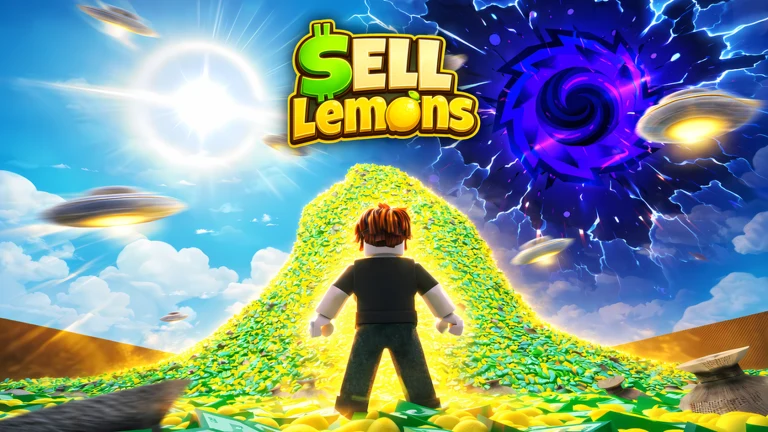
World 2 is the biggest structural change Sell Lemons has shipped so far. Instead of adding another building to your lemon empire, it hands you a second planet, wipes your income sources, and asks you to rebuild the whole tycoon around selling air. The v1.5.0 “World 2” update was dated September 18, 2026, following v1.4.0 “Stargate Opens” on September 5.
Quick answer: Finish World 1, open the Teleport menu and pick Stargate, run through Installation Stargate to the Select World portal, then enter World 2. You land on Mars with a fresh tycoon that sells oxygen.
How to unlock World 2 in Sell Lemons
There is one gate and no shortcut around it. World 2 only opens for players who have already worked through World 1, and the doorway is the Stargate installation that was built out in the previous update.
You know it worked when the currency your stands sell changes from lemons to air, and the stalls in front of you are advertising flavored oxygen instead of lemonade. If you want to check the live version before you start, the game page is on Roblox.
What resets in World 2 and what carries over
World 2 is a full fresh start. Your cash, your buildings, and your income sources all begin at zero, and the first thing you do on Mars is manually click a pump to earn your first few dollars. Investors do not come with you either — they are replaced by Alien Researchers.
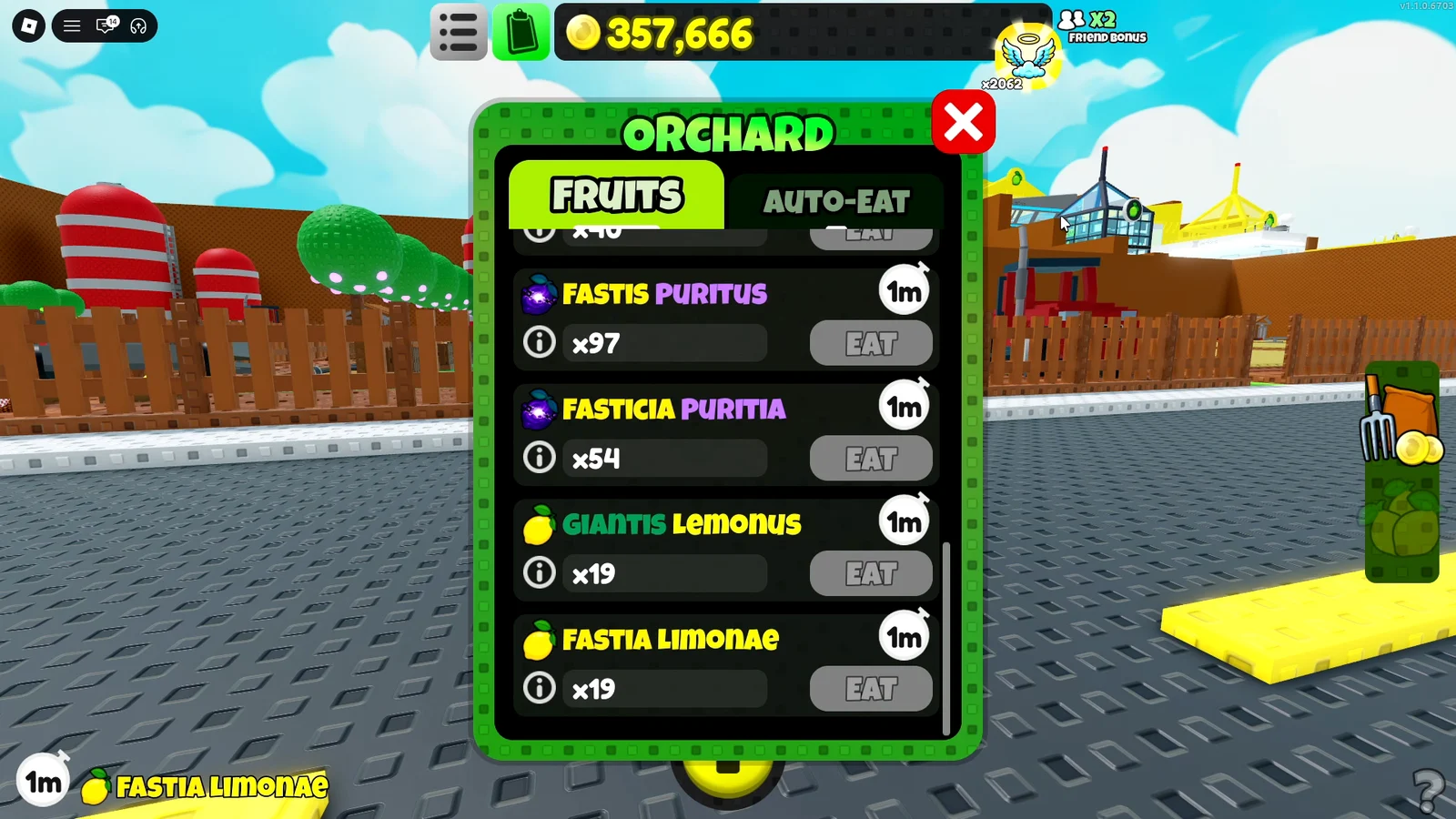
Two benefits persist across worlds. Added in v1.4.0, the World Reactor awards Energy that contributes to a Global Multiplier of up to x10 shared by every world, meaning Energy stored in World 1 still counts. The Orchard is permanent as well and ignores reset layers, leaving your trees, plots, and Tokens intact when you teleport back.
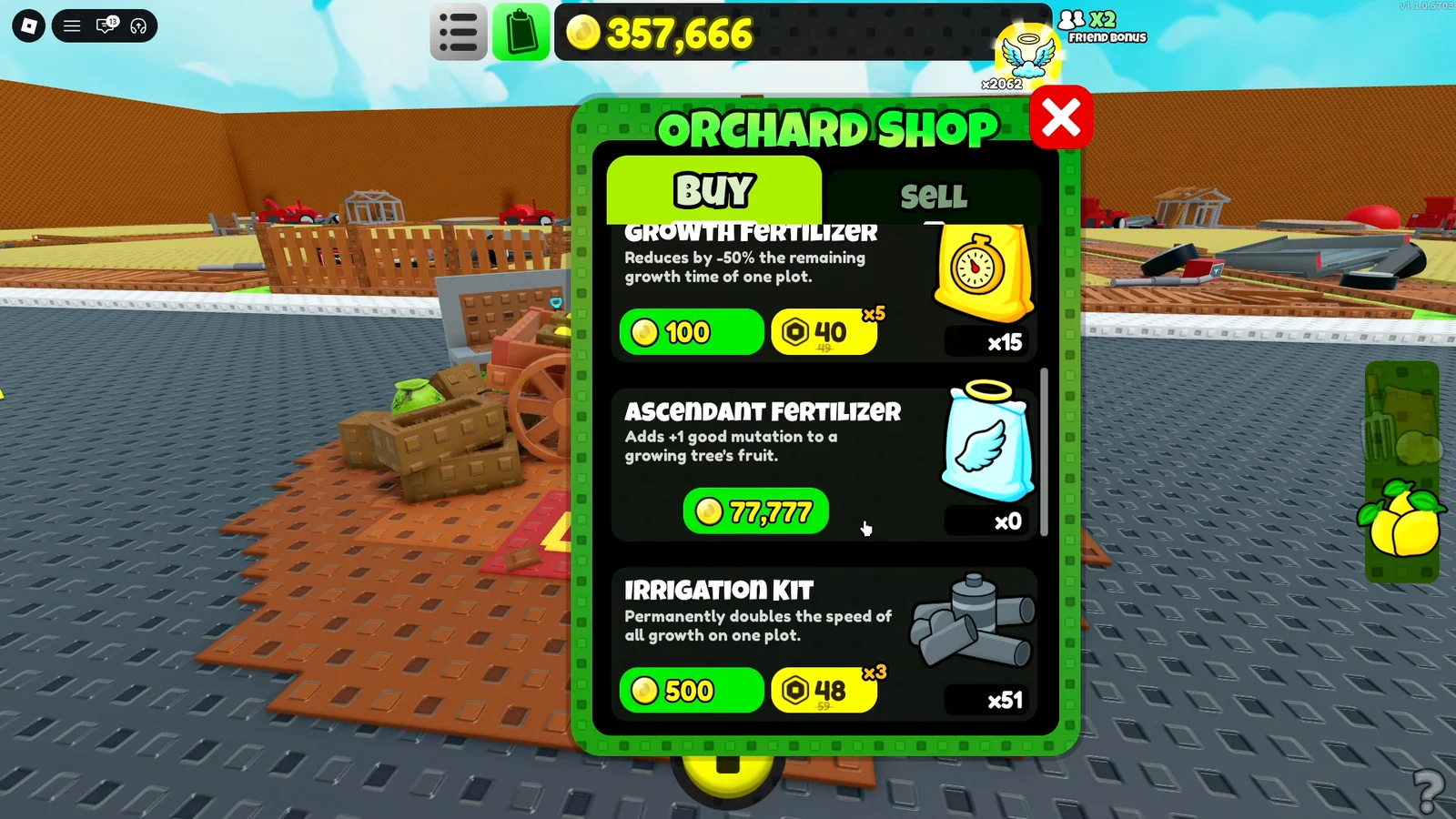
That matters for anyone mid-way through an Orchard run. Fruit buffs, mutations, and stored harvests are untouched by the move to Mars, so you can still pop a cash multiplier and empty your inventory at the shop cart whenever you return.
Oxygen income buildings and upgrade order
The Martian tycoon follows the same escalating shape as World 1, with each new station earning far more than the last. Build pads unlock in sequence, and every structure gets its own upgrade line in the Manage tab.
| Station | Role |
|---|---|
| Oxygen Pump | First income source, clicked manually to start |
| Fast Oxygen (Fast O2) | Diner-style storefront with counter, walls, and booths |
| Oxygen Warehouse | Mid-tier bulk earner |
| Oxygen Center | Main factory with conveyors and automation |
| Oxygen Garden | Tree plots under a dome, plus automation pads |
| Oxygen Resort | High-end late station |
| Oxygen Bars | Endgame station, gated at 470 septillion |
The priority is simple and does not change across the run. Pour cash into the newest station you have unlocked, because each tier out-earns everything behind it, and keep the older lines topped up only when the new one stalls. Product Display upgrades, kiosk windows, tips, and automated stands are the cheap early multipliers that get you off the pump.
Inside the storefront there is a second layer worth buying. The Loyalty Program and Welcome Mat in the diner area both push cash flow, and the Oxygen Garden has a Community Councilman automation pad that handles harvesting for you once the plots are laid out.
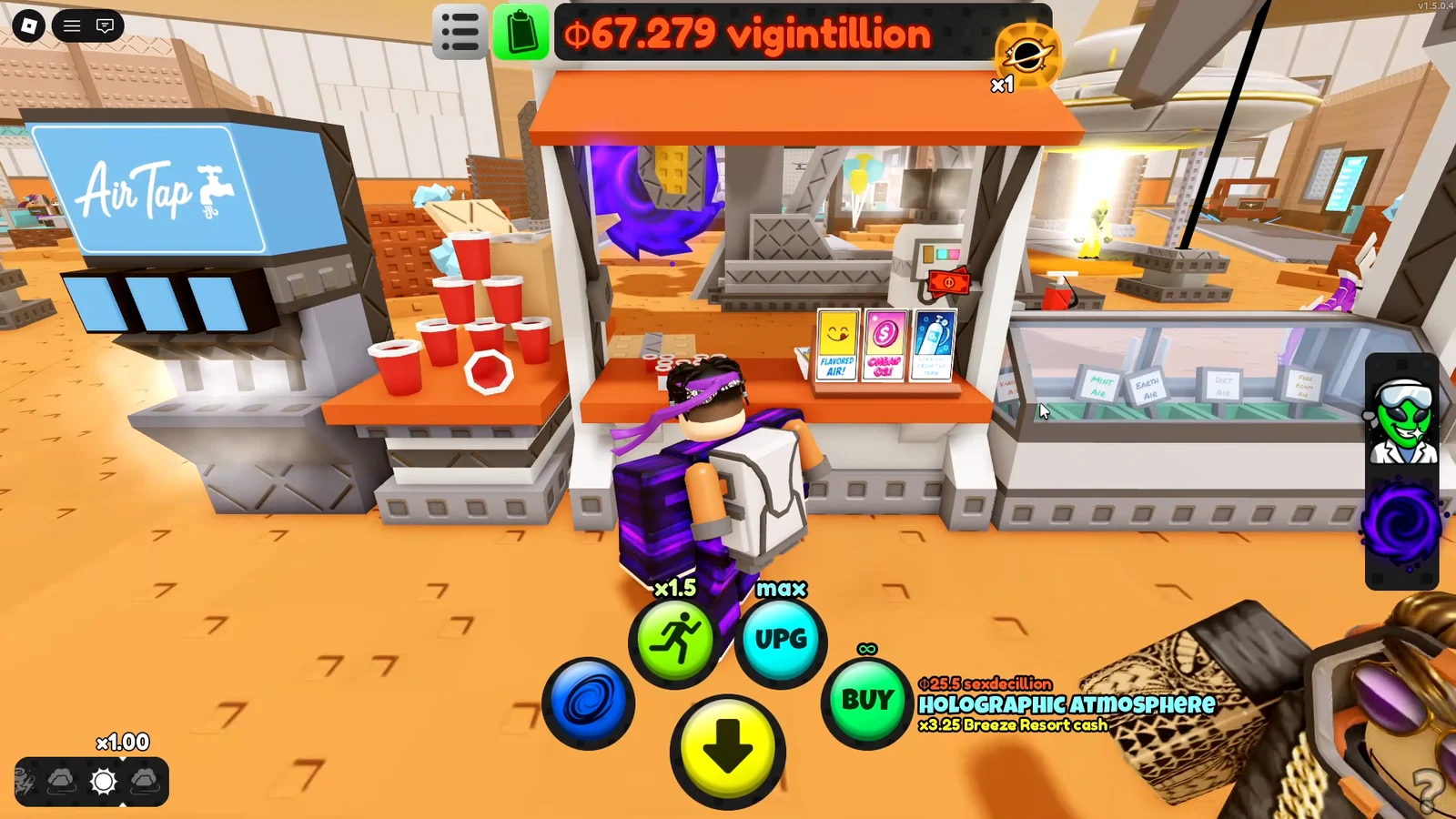
The market stalls themselves sell flavored air, which is where the update’s sense of humor lives. The display cases rotate through Vanilla Air, Mint Air, Earth Air, Diet Air, and Free Roam Air, and the Fast O2 interior has digital self-service menu boards you can read once the building is finished.
Alien Researchers and when to rebirth
Alien Researchers are World 2’s version of investors. Each one adds a +1% cash bonus, and you collect them by rebirthing at the Alien Researchers UFO, which sits out on the map near the Fast O2 area. A rebirth wipes your buildings and cash, hands you the new Researcher count as a permanent multiplier, and drops you back at the pump.
Timing is handled for you by a color system on the Rebirth confirmation prompt. Red means the rebirth is inefficient and you are cashing out too early. Green means the payout is worth the reset. Waiting for green is the entire strategy, and the numbers escalate fast once you are cycling properly — early runs hand over tens of thousands of Researchers, later ones land in the billions and trillions.
Claim your offline earnings before you rebirth. If you reconnect after a server restart, the accumulated cash counts toward the run you are about to cash in.
Remote Buy and rebuilding after a rebirth
Rebuilding the same base over and over is the cost of the rebirth loop, and Remote Buy is the fix. With it active, a button purchases the next available pad from anywhere on the map, so you never have to run the route between the pump, the warehouse, and the garden again. Clicking it repeatedly blasts through entire tiers in seconds once your multiplier is large.
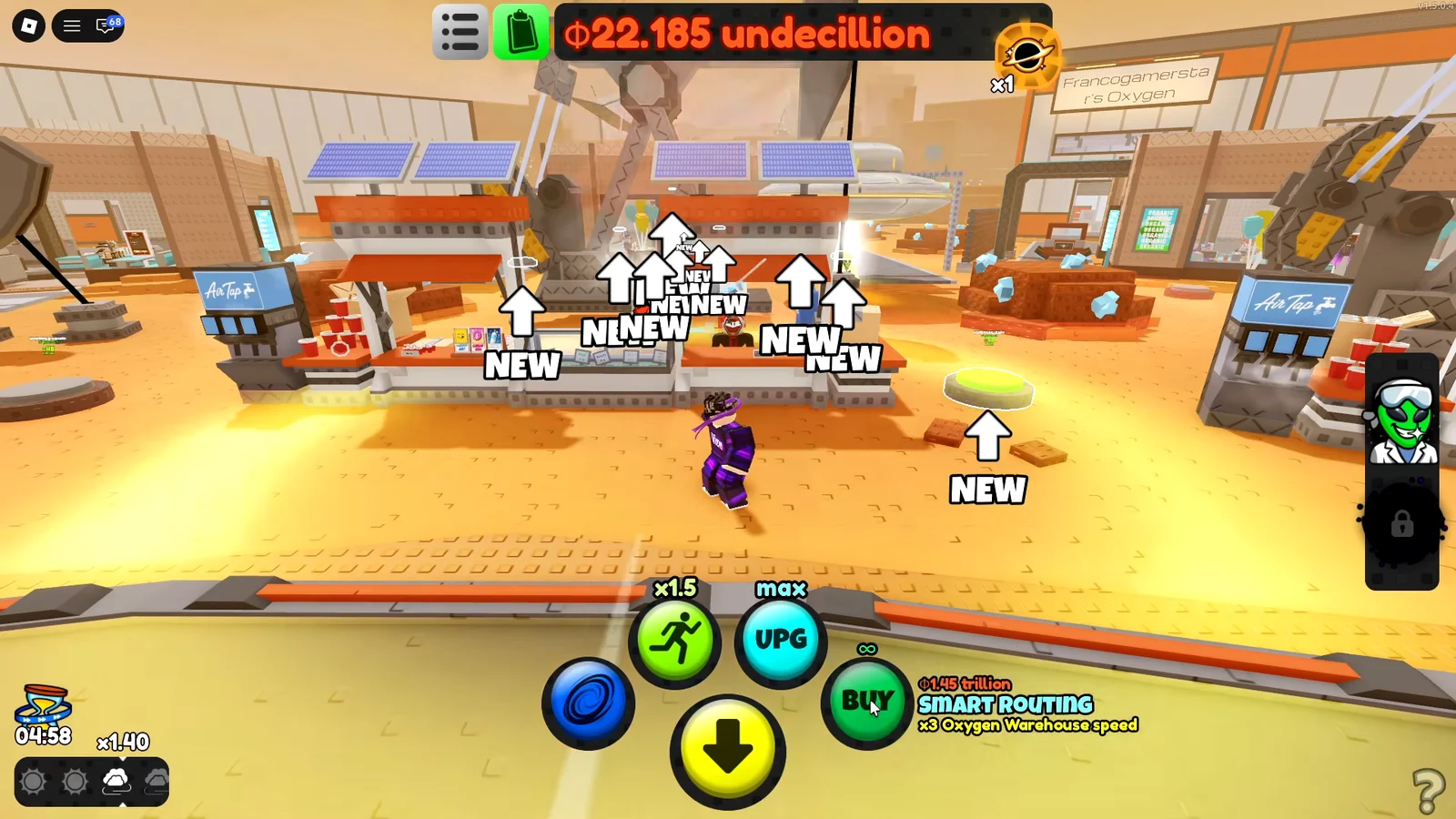
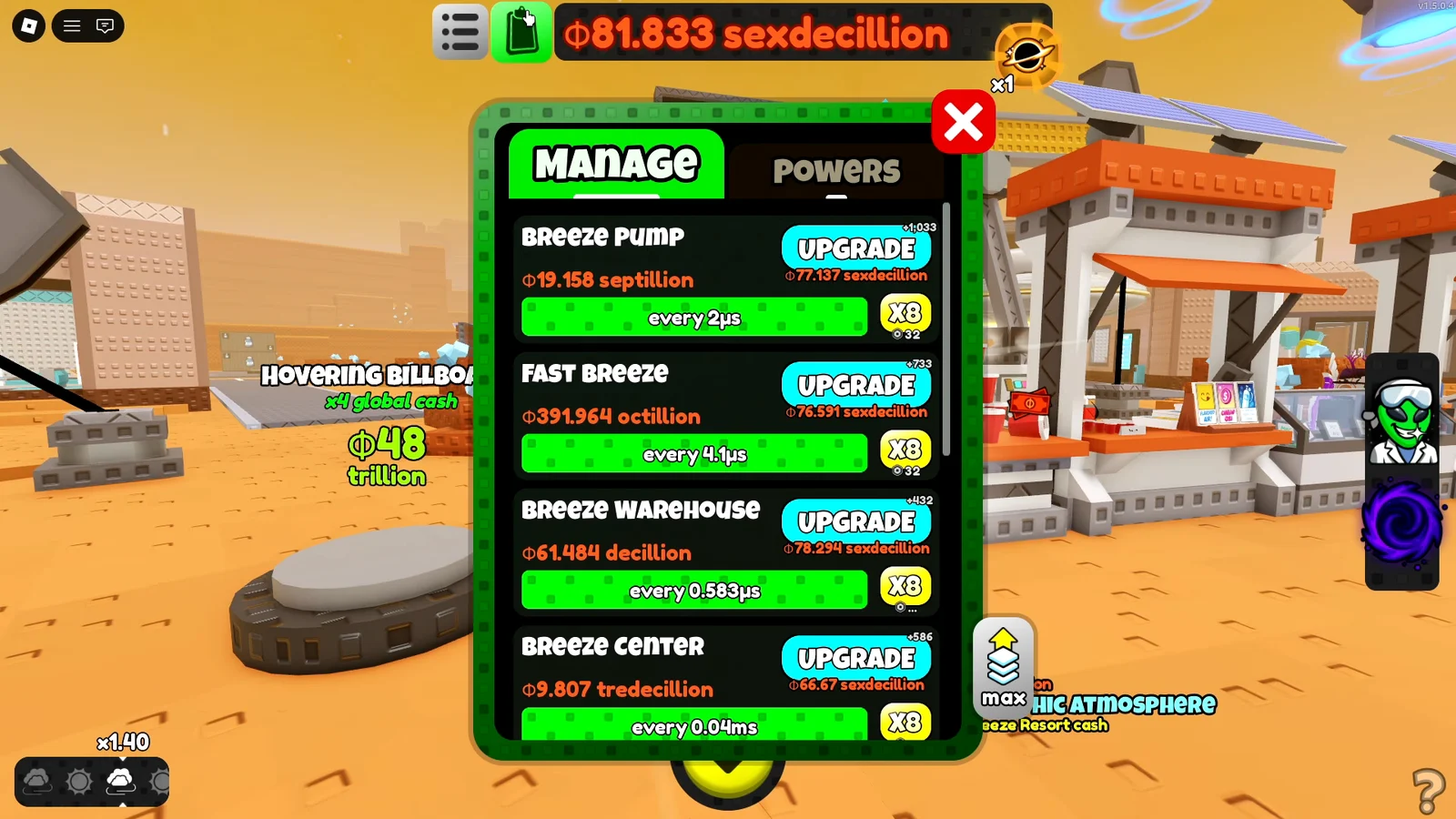
The rebuilt Manage menu centralizes the upgrade paths for all stations. Keep the left mouse button held over an upgrade button, and levels continue being purchased automatically rather than requiring separate clicks.
Powers menu and Robux boosts in World 2
Powers are bought and levelled from their own tab, and a few of them change how the whole run feels. Jetpack in particular is worth maxing, because flying over the domes and rooftops turns a long walk between stations into a few seconds.
| Power | Effect | Noted cost |
|---|---|---|
| Run Faster | Movement speed across the map | 80 Robux (permanent) |
| Jetpack | Flight over domes and rooftops | In-game unlock |
| Remote Buy | Buys the next pad from anywhere | Pass |
| Speed Up Time | Doubles income speed, 30 minutes | 40 Robux |
| Stack Upgrade | Upgrade stacking | In-game unlock |
| Expert Picker | Harvesting power | In-game unlock |
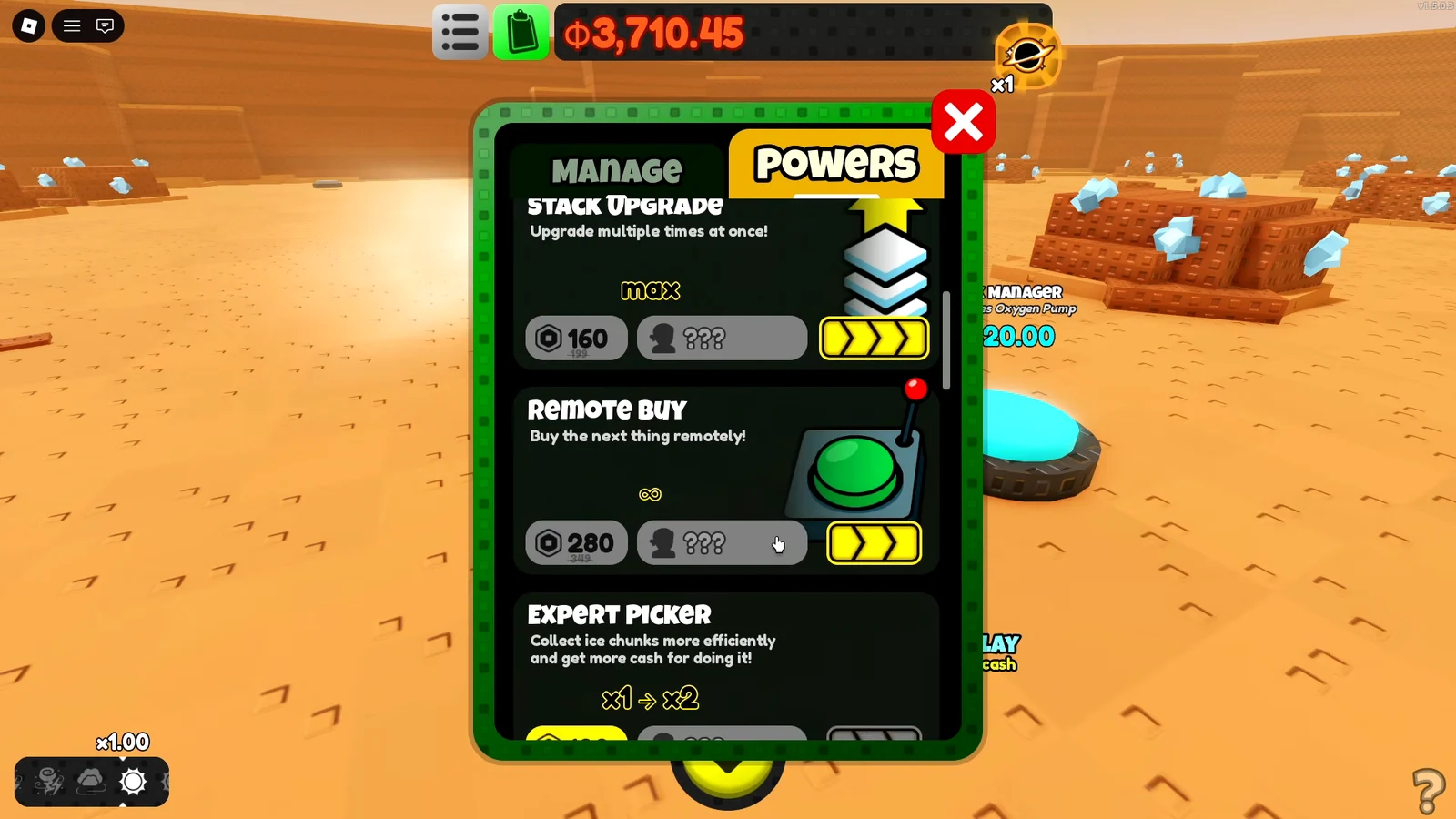
Speed Up Time is a timed boost rather than a permanent one, so it is best stacked on a session where you are actively rebirthing rather than left running while you are idle. Ice chunks are also scattered across the Martian terrain and can be picked up as you move between stations.
Forever Purchase in World 2: save it for a global multiplier
World 2 gives you a single Forever Purchase, and once it is spent, that is the end of it. The recommended play is to hold it until you can put it behind a powerful global multiplier rather than burning it on a convenience upgrade or an early station that a couple of rebirths would have paid for anyway.
There is no second Forever Purchase later in the world, so treat the decision as permanent.
Primordial Void portal and the Breeze evolution
The evolution layer in World 2 is the Primordial Void, and it announces itself before it arrives. A black swirl appears with the message “You sense an ancient force watching you…”, and a later pop-up warns that “The primordial void nears your world”. Those are your cue to keep pushing rebirths rather than idling.
Activation opens a purple-and-black vortex before the Fast O2 shop, drawing you inside. In the purple void, leap between floating asteroids until you reach the glowing altar; making contact with the Void Altar finishes the evolution.
The change is clear from the counter: Oxygen (Evolution 0) becomes Breeze (Evolution 1), while you receive a x31.998 income speed bonus. The game sends you back to Mars, where the Breeze pump is available and the economy uses its name.
From there the rebuild repeats with Breeze Pump, Fast Breeze, Breeze Warehouse, Breeze Center, and Breeze Garden. The Manage menu handles the same upgrade priorities as before, only with far larger multipliers attached, so the climb back through the tiers is much faster than the first pass.
If the evolution cutscene gets in your way during repeat runs, the Skip Cutscenes toggle in Settings removes it entirely. Open the menu from the top-left corner and scroll down to find it.
Beyond the loop itself, the map rewards a bit of wandering. Giant glass bio-domes hold the orchard and water garden displays, and an alien silhouette pad somewhere on the surface responds with “We like what you are doing. Keep it up.” The core rhythm never changes, though: build the newest station, upgrade it through Manage, rebirth on green, and let Remote Buy do the rebuilding while you wait for the void to show up.