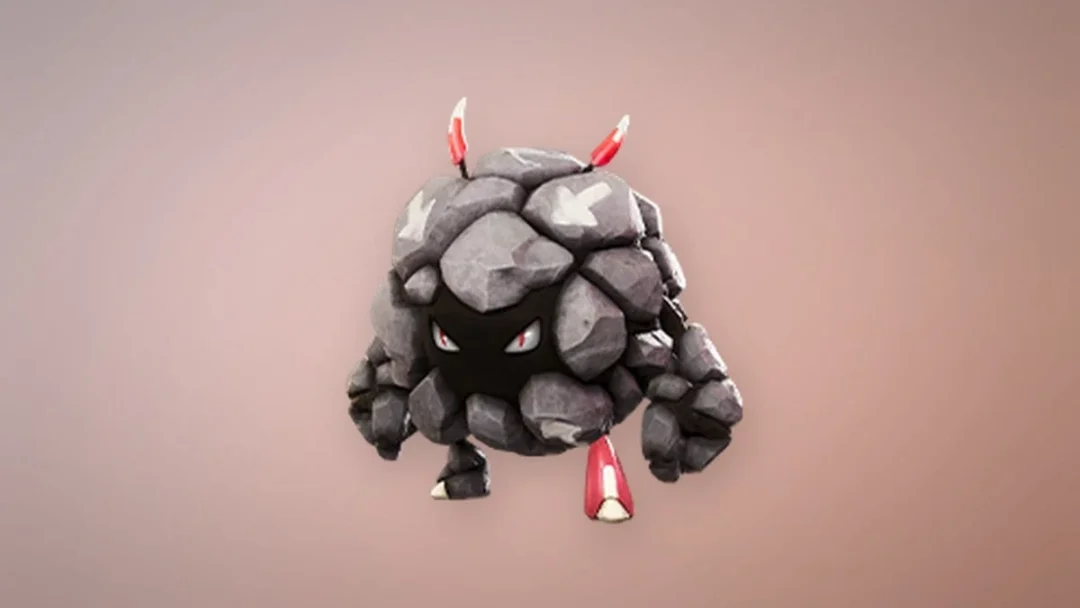
Aniimo hides its social features for the first hour or so, which throws off a lot of new Pathfinders who go looking for a Friends menu right after character creation. The catching, exploring, and Twining all work solo, but co-op only turns on once you have pushed far enough into the opening story. After that, teaming up is a two-step routine: add someone, then drop them into a party.
Quick answer: Reach character Level 14 to unlock the Friends and Party icons, add a player using their 12-digit UID, then open Party, pick a challenge target, and invite up to three friends on the same server.
Requirements to unlock Friends and Party
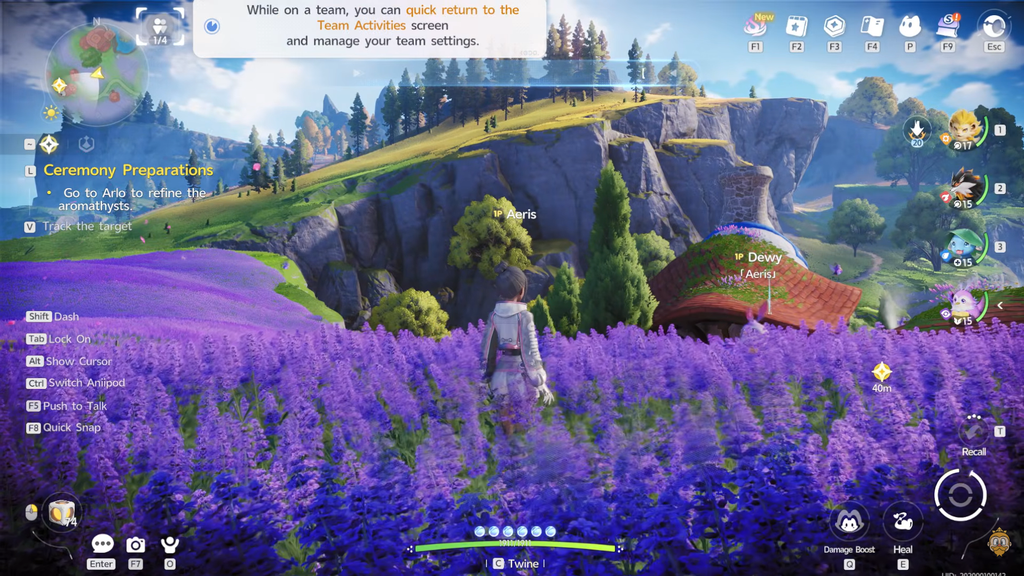
Multiplayer becomes available after the early tutorial progression: finish the opening quests covering catching and Twining, then attain character Level 14. Reaching that level adds the Friends and Party icons to the menu. If they are still absent, continue the main objective instead of restarting the game.
- Both players must be on the same server region — an America character cannot join a Europe world.
- Crossplay works across PC, console, and mobile as long as everyone shares that region.
- A stable connection matters most for whoever hosts, since their world runs the session.
Crossplay lets different platforms play together, but regional server mismatches prevent friend searches and party invitations, even when the UID is correct. If a server change is necessary, one player must migrate to the server both players share.
Add a friend using their UID
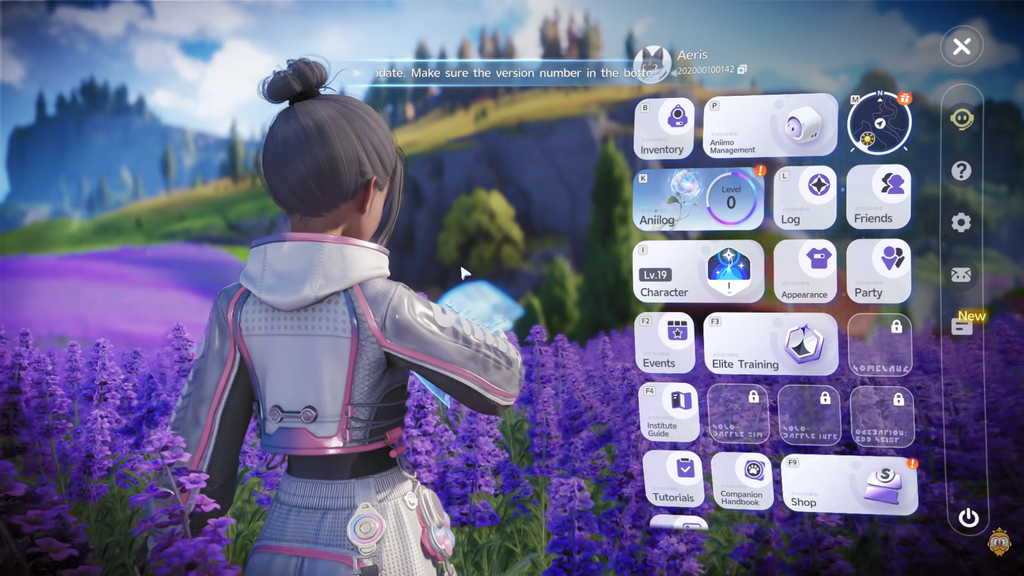
The UID is the reliable way to add a specific person, since nicknames are not unique. You only set the friendship up once, after which the player stays in your list for faster invites later.
Leaving the search bar empty shows a list of recommended players near your level, and you can also add people you run into at shared hubs like Outposts.

Start a co-op party
Once a friend is on your list, the Party menu is where you group up for challenges. A party holds four players total, meaning the host plus up to three guests.
Some challenges do not support four-player parties. Check the player count listed below the specific challenge on the target selection screen before you fill every slot, and aim to bring players of similar level. There is also an Auto-approve queued applications option that fills open slots without manual approval.
Companion Mode vs Team Up
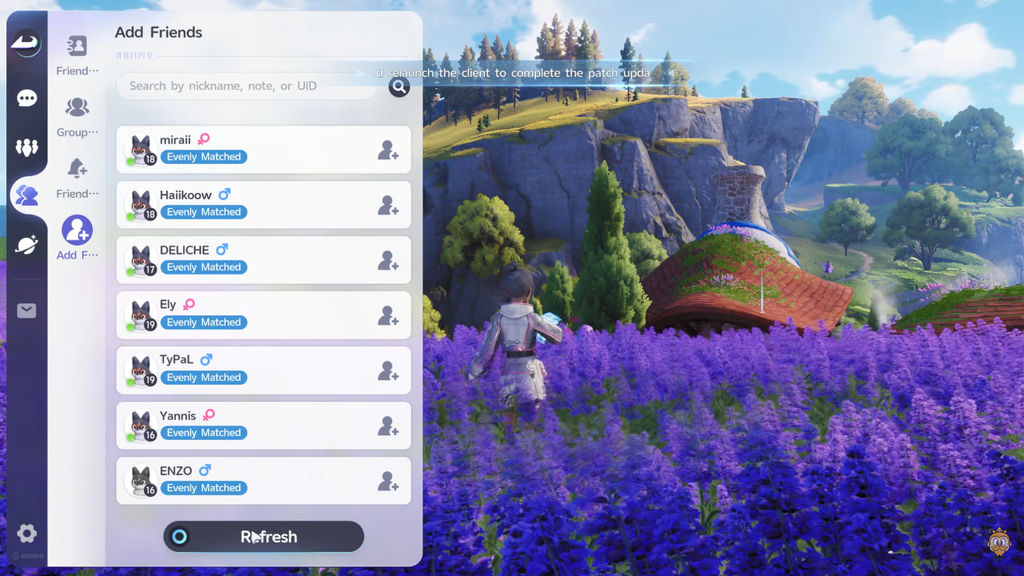
The Friends list gives you two different ways to connect, and they do different things. From a friend’s tab, the right button sends a Companion invite, dropping them into your world to explore. Once you are Companions, a link shows the distance between you, and either player can leave at any time. If you are standing face to face in the same world, you can trigger the same options from the bottom of their profile.
The left button sends a Team Up invite, which is the route for tackling Sanctums together. You can also start a team from the Party tab by inviting a friend into an empty slot. Whoever invites first becomes the host and Team Leader, and only the leader decides which co-op mode the group takes on.
Who keeps progress in co-op
This is the single most important rule before you invite anyone. The host’s world is the only one that saves world progress. Completed quests, activated points, opened chests, and other world changes stay with the host and do not carry back to a guest’s own world.
Guests are not left empty-handed, though. Personal gains follow each account:
- Wild Aniimo you catch stay on your own roster.
- When the encounter involves a Boss or Alpha, both players may fight the creature and try to catch it.
- Items you pick up remain yours.
- Only the host’s world consumes chests and one-time pickups.
That makes the least-progressed player host the sensible choice in most cases, letting everyone work in the world that still needs progress. Co-op cannot complete main story quests because they are single-player only, so choose whose world to advance before starting the session.
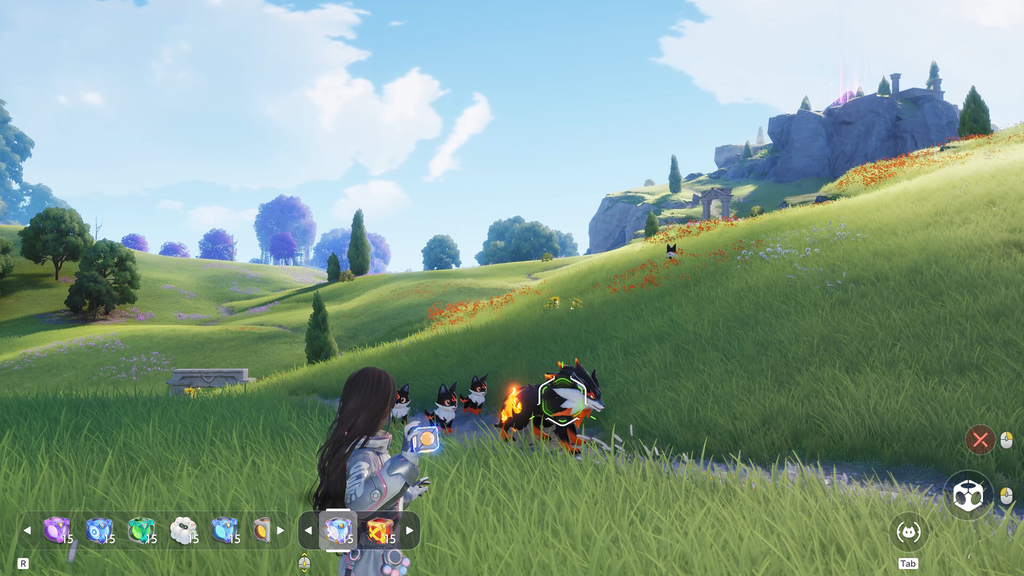
What you can do with friends
Co-op is more than extra bodies in a fight. A handful of systems are built around having another player around, and two Aniimo genuinely require it.
Fulmintis and Dazmand
The two Aniimo Fulmintis and Dazmand are catchable only in someone else’s world. If no one can host you, trading provides the alternative method of adding them to your roster.

Two-player Sanctums
Three Sanctums require a two-player attempt. Their entrances fill teams automatically, so you do not necessarily need to organize a permanent duo beforehand.
| Sanctum | Location | Chests |
|---|---|---|
| Chasing Stormwinds | Berylline Causeway | 4 |
| Flaming Wings | Sea of Flowers | 5 |
| Courageous Wit | Zephyrus Landbridge | 5 |
Homeland visits and trading
Players can trade through the friend feature, and raising Affinity Level gradually broadens the Aniimo pool until Alpha and Sparkling variants become available. A friend who visits your Homeland can work the soil and interact with Hatchinator eggs to reduce their incubation time. The decrease per visit is small, but multiple visits add up when several eggs are incubating at once. Duels are possible in shared social hubs, including Astra city, Outposts, campfires, and RV parks.
You will not bump into random players while free-roaming the open world of Idyll. Other players only appear if you invite them or if you are in a shared hub.
Egg Heist: late-game PvPvE
For competitive play, Aniimo has Egg Heist, a PvPvE mode set on the Lost Isles. Teams gather materials, push into a restricted area, and try to escape with the giant Darkler Egg while fighting wild creatures and rival players at the same time. It is not something you can jump into early: Egg Heist is a Level 50 activity that requires Veteran Pathfinder rank, so it opens well after standard co-op. If you want the tension of a loot run where other squads are chasing the same prize, this is the mode to aim for once you have leveled up.