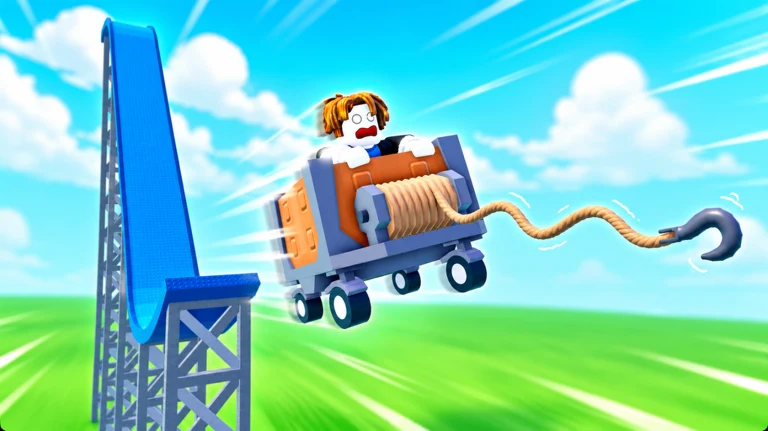
The starter cart in [1 & 2 PLAYER] Grapple Cart Obby is a plain wooden one, and it fights you on every curve. A faster motor, real brakes, or an extra life makes the difference between clearing a stage and tumbling into the void. There are three ways to trade up, and only one of them costs nothing but a few clicks.
Quick answer: Get a better cart three ways — claim the Free Cart pad (like the game, join the rng dev group), pick one free game pass with Roblox Plus, or buy a cart with Robux.
What upgraded carts change on the track
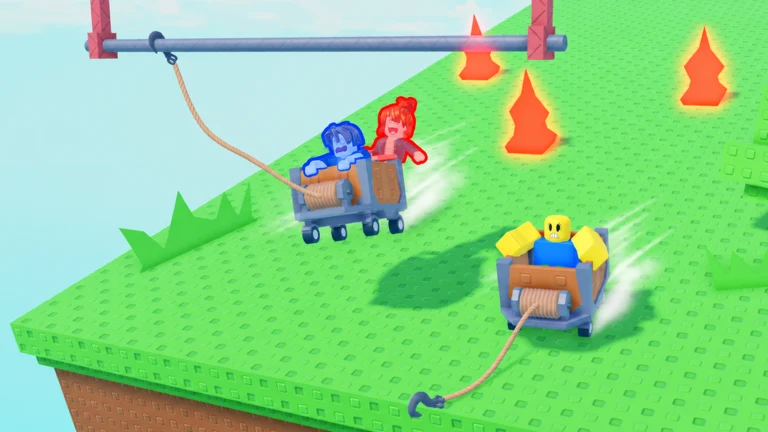
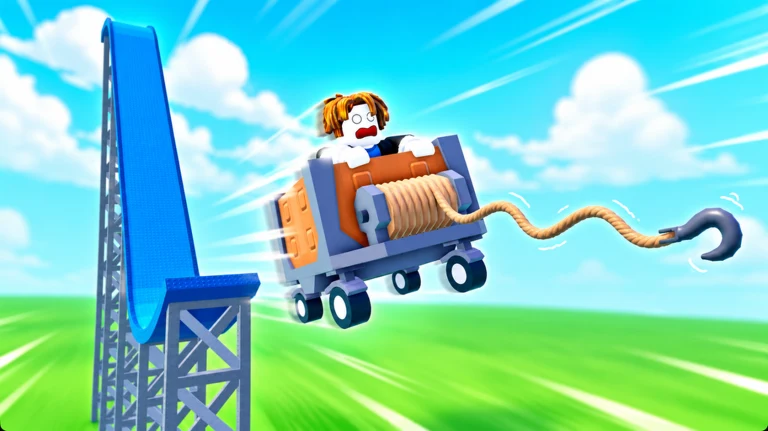
The obby is physics-based, so the cart’s speed and grip decide whether you hold the rail or slide off it. Upgraded carts either move faster with stronger brakes or hand you a safety net when you fall. The winding rails, elevator lifts, and floating islands punish a slow, brakeless cart, which is why most falls happen on tight curves and the edges of platforms.
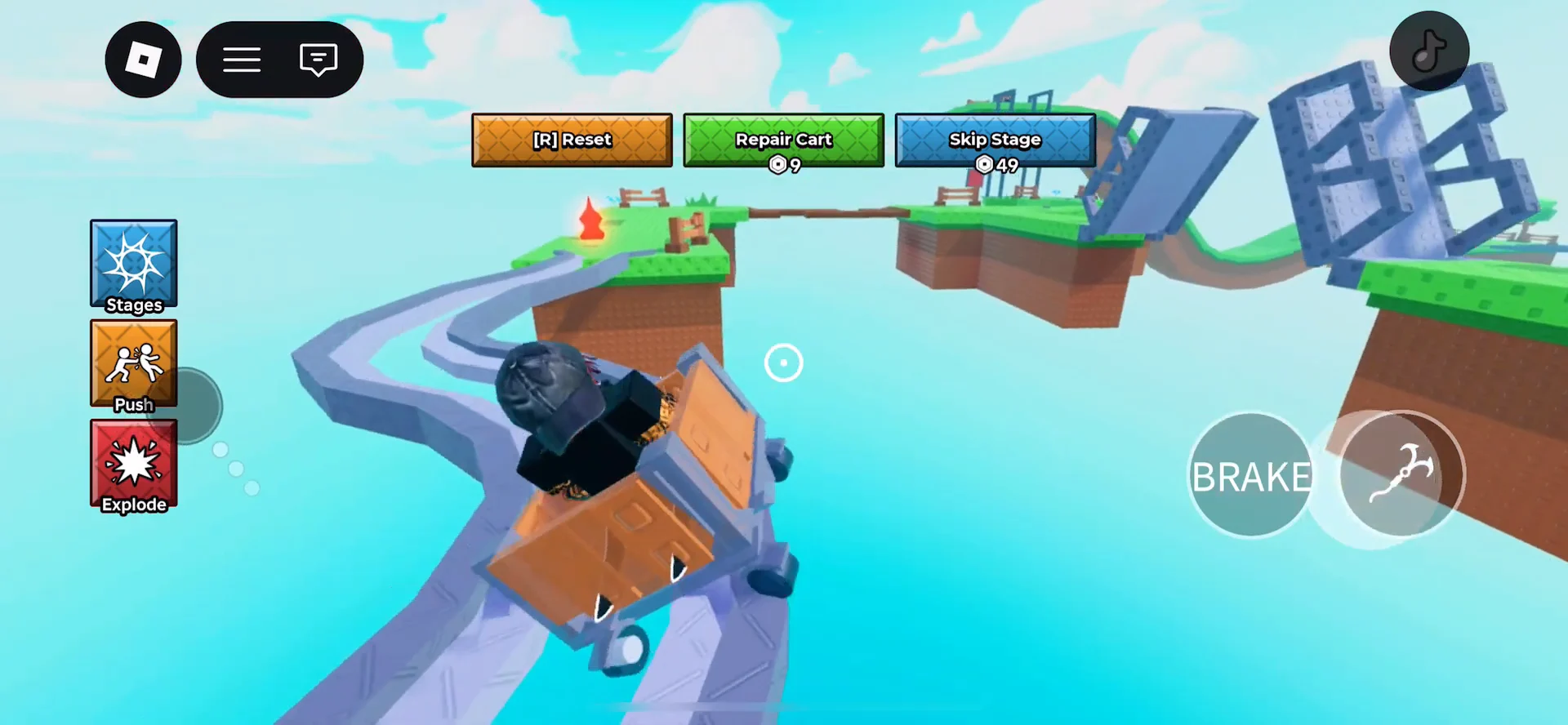
A cart that holds the line across the metal rails and grass platforms lets you focus on the grapple sections instead of fighting the wheels. That is the practical payoff of every upgrade below.
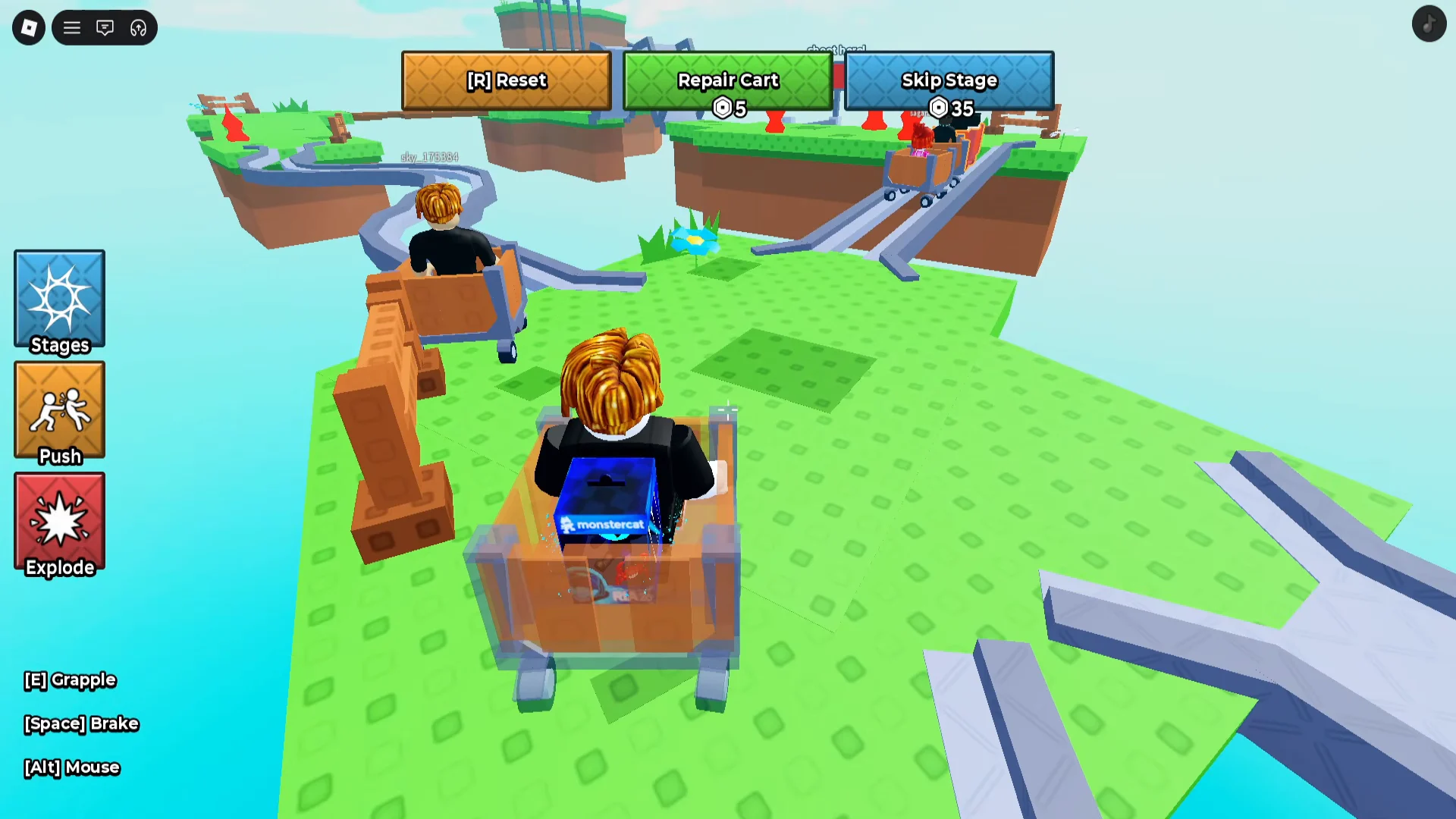
Every cart and what it does
Four carts sit in the Shop under the Skins tab. Prices and perks are fixed, so pick based on what you need — raw speed and brakes, an extra life, or just a look.
| Cart | What it does | Robux |
|---|---|---|
| Fast Cart | Faster motor and top speed | 49 |
| Kitty Cart | Saves you from one fall per cart (two lives) | 99 |
| Super Cart | Fastest cart, super brakes, fire; 2.5x speed | 199 |
| Spike Cart | Spiky look, style only | 399 |
The Super Cart is the strongest all-round pick because it combines the top speed with the best brakes. The Kitty Cart is the value option if you keep dying to a single bad fall, since it revives you once per cart. The Spike Cart is cosmetic only, despite being the most expensive.
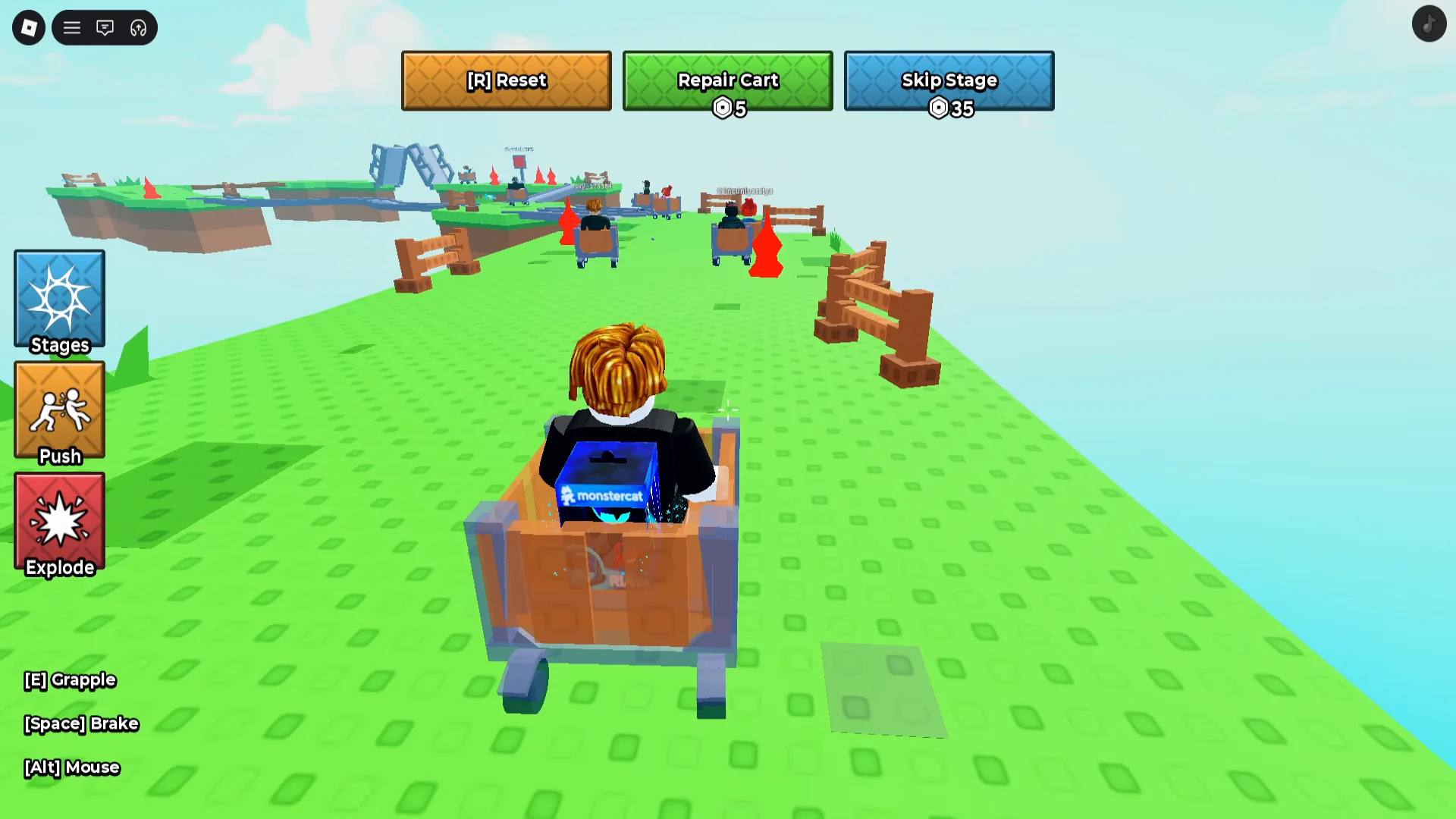
Claim the Free Cart in the lobby
The cheapest upgrade is the Free Cart, unlocked from a blue circular pad in the lobby. It costs no Robux — you only have to like the game and join the developer’s group.
If you can’t join because Roblox says you’ve reached the community limit, you’re already in the maximum number of Roblox groups. Leave one group, then join rng dev before claiming.
Pick a free game pass with Roblox Plus
If you subscribe to Roblox Plus, you can claim one premium cart game pass for free instead of paying Robux for it. This is the fastest route to a strong cart like the Super Cart without spending in the Shop.
Once picked, the cart shows as “FREE WITH Plus” and is added to your account, so it is ready the next time you spawn a cart.
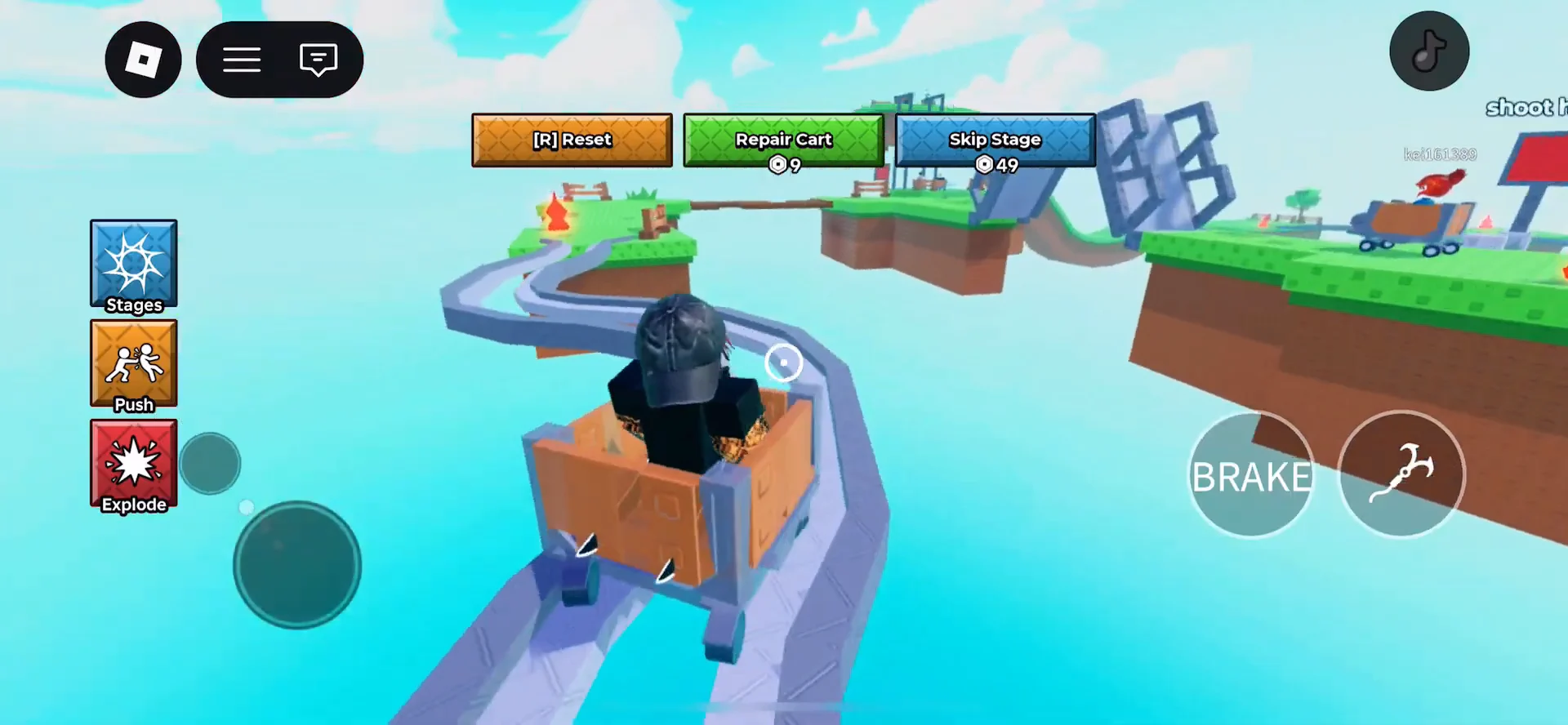
Buy a cart with Robux
If you are not on Roblox Plus, you can buy any cart outright with Robux from the Shop.
Using your cart in solo and two-player mode
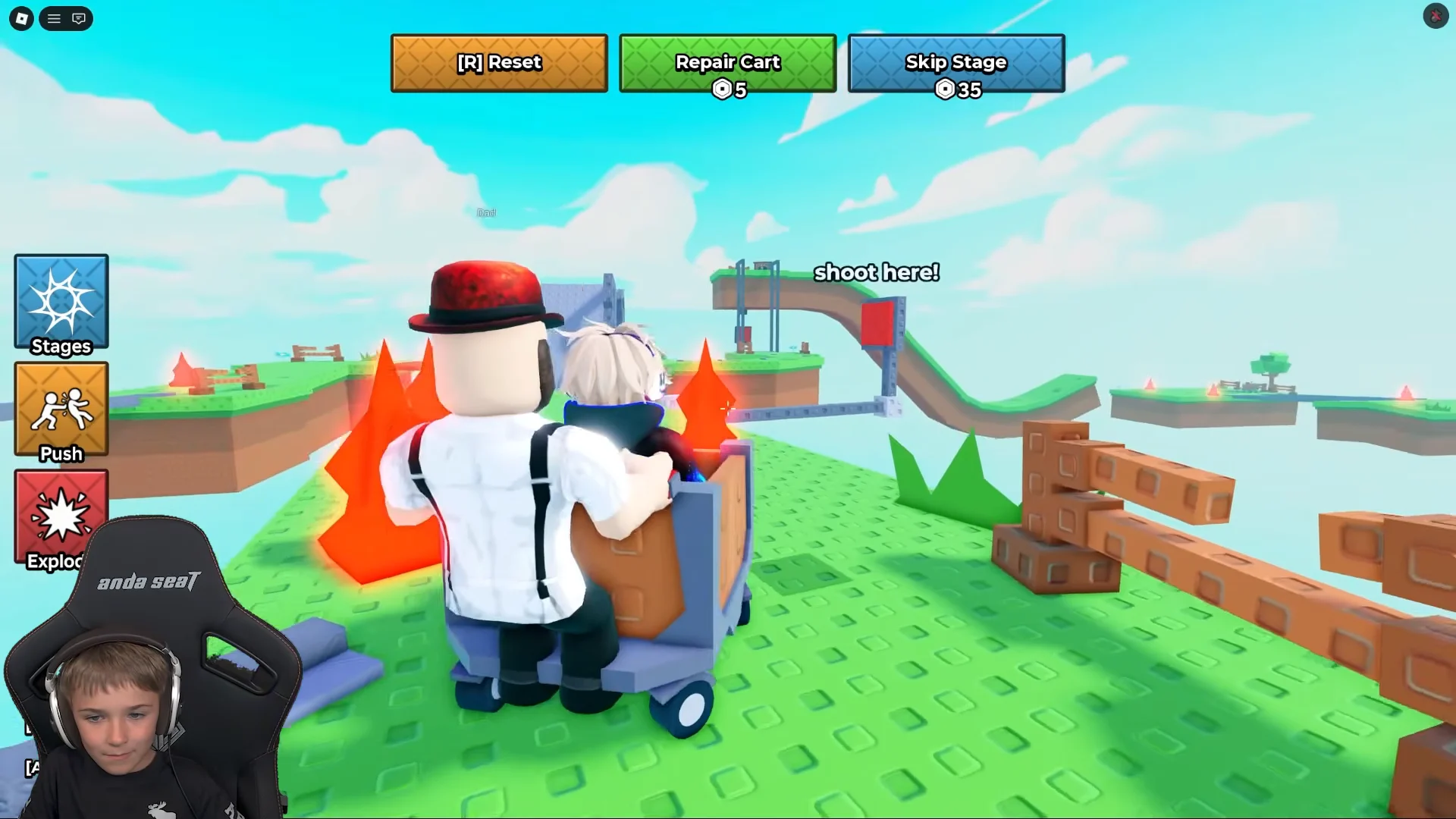
Carts spawn from the launch pads in the lobby. Step on the “1 PLAYER” pad for a solo cart, or the “2 PLAYER” pad to share one with a friend. In two-player runs, one person steers while the other fires the grappling hook at the red “shoot here!” targets to lower bridges across gaps.
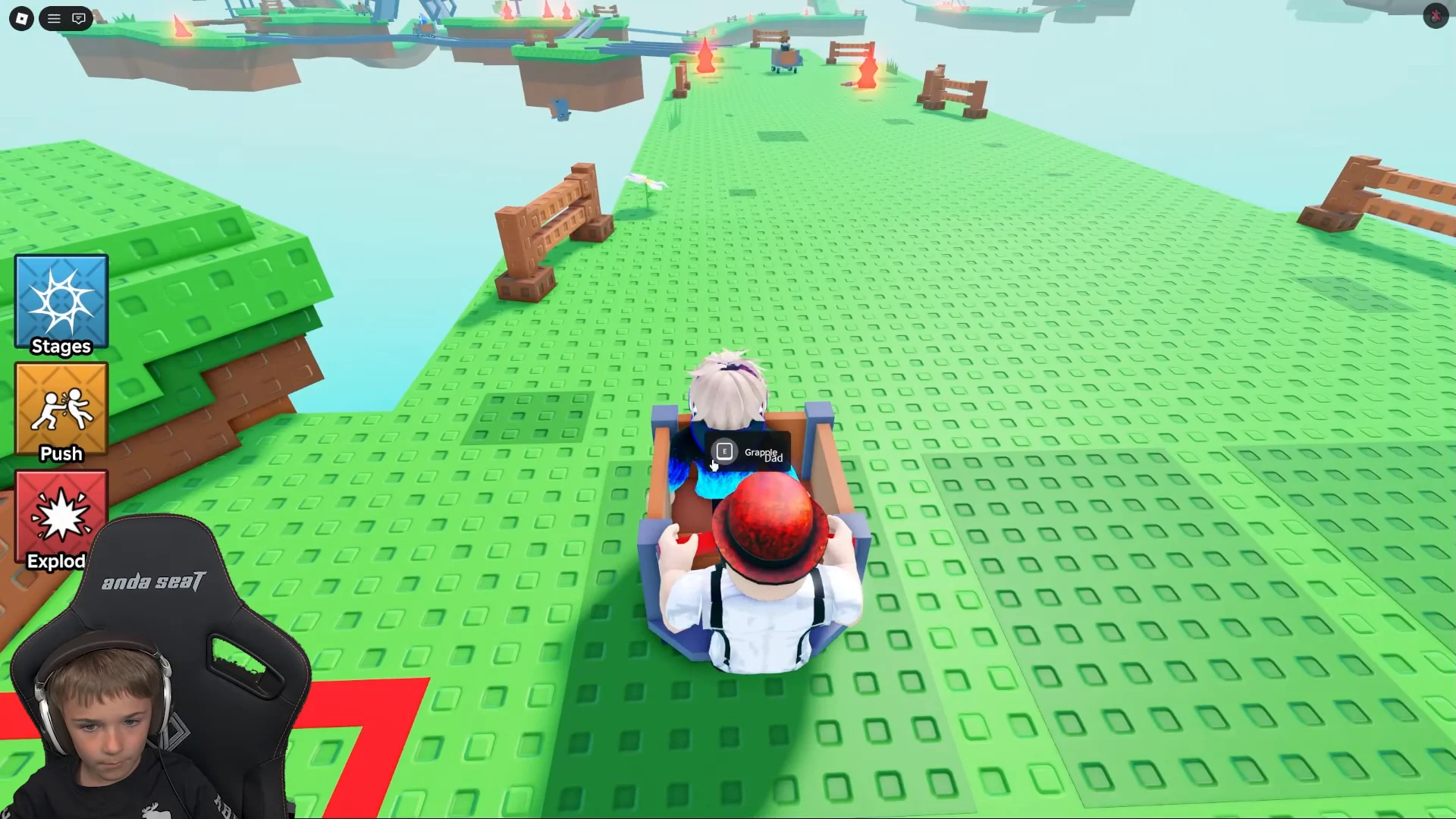
Aim for the target markers before you reach the gap, since a missed shot leaves the cart running off the end of the track. A faster cart with better brakes gives you more time to line up each grapple shot.
Whichever route you take, the Free Cart is the no-cost starting point, and the Super Cart — free with Roblox Plus or 199 Robux in the Shop — is the one that carries you through the toughest curves and lifts.